Art Monitors
-
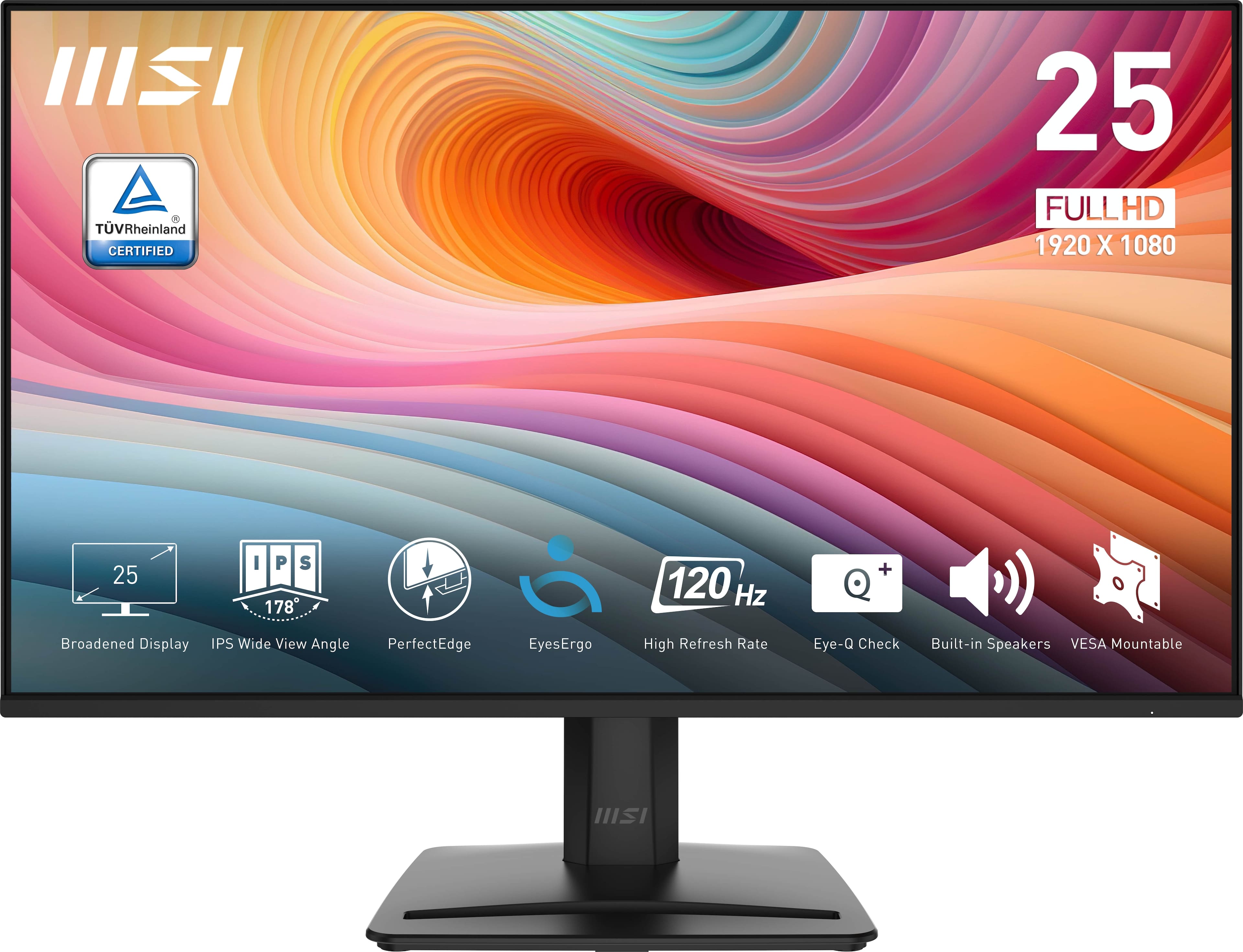
MSI - PRO MP251 E2 24" IPS LCD FHD 120Hz 1ms Adaptive Sync Monitor with HDR ready,Built-in Speakers (DisplayPort, HDMI ) - Matte Black
SKU: J3P7TXSVWVSee all All MonitorsProduct Description
A matte black IPS monitor with 120Hz refresh rate, 1ms response, HDR, Adaptive Sync, and built-in speakers.Your price for this item is $91.99Save $27The previous price was $119.63 -
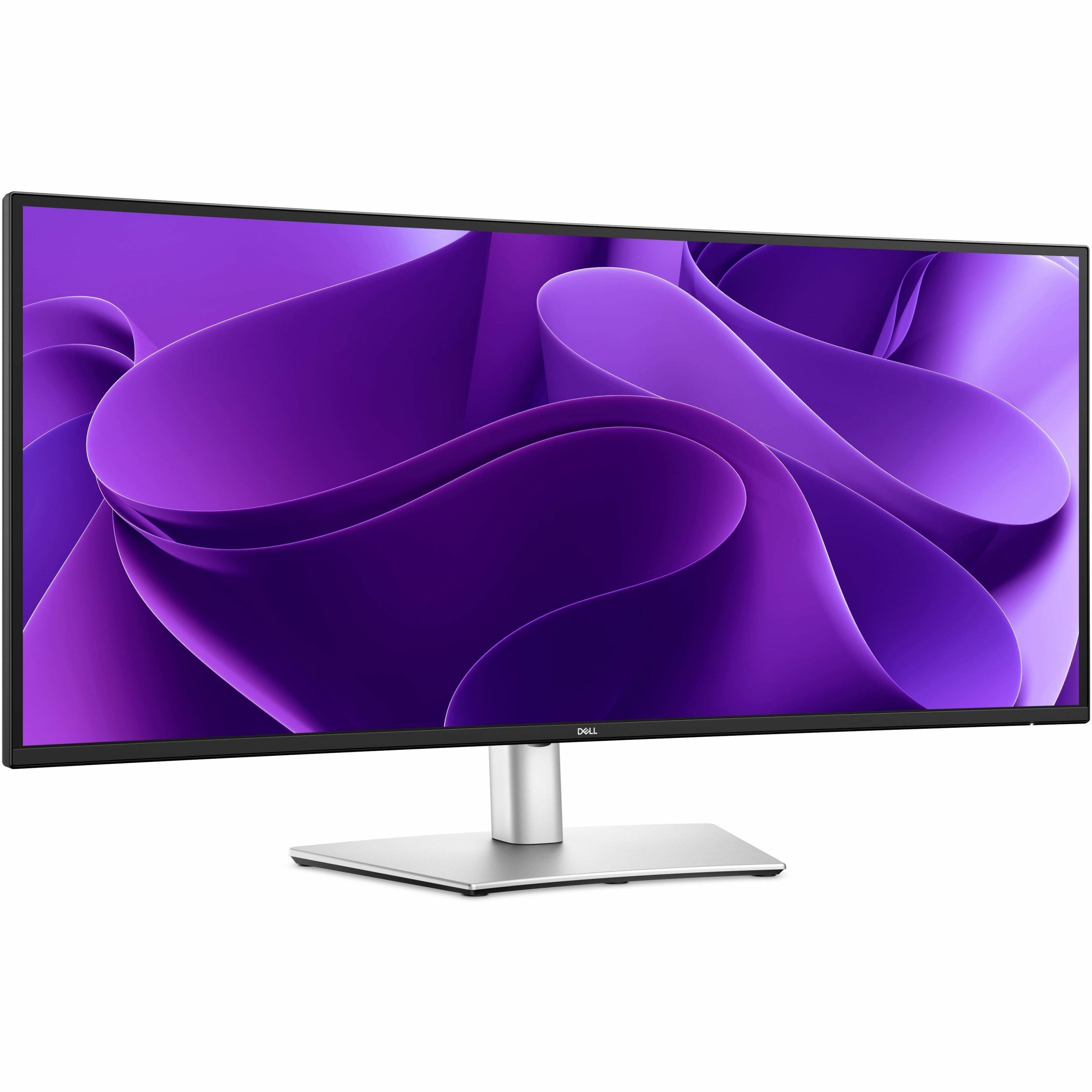
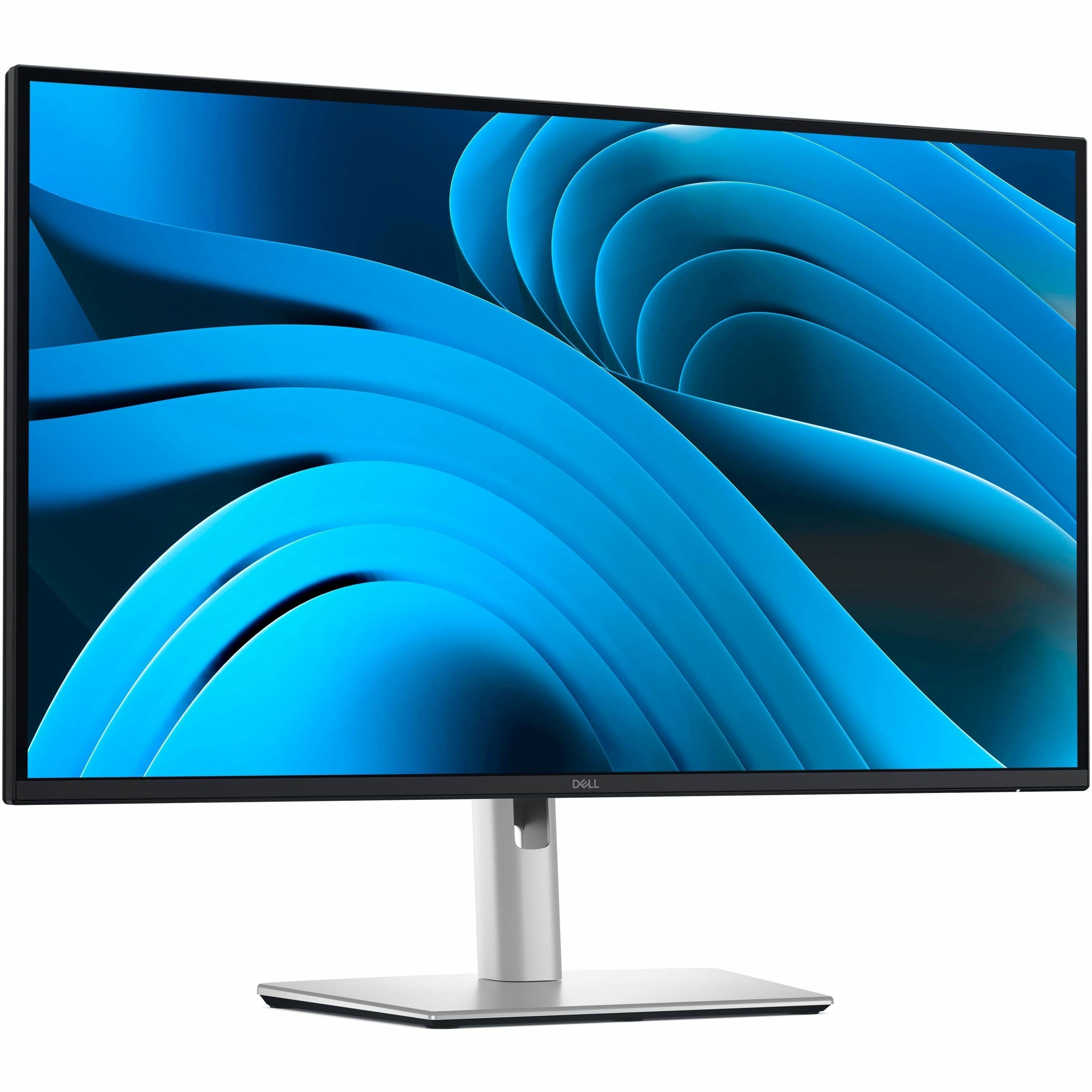
Dell - Pro Plus 34.1" IPS LED 100Hz Monitor (USB, HDMI) - Black, Silver, Dual Color
SKU: J3K4L633JFSee all All MonitorsProduct Description
A dual-color ultrawide IPS LED monitor with 100Hz refresh rate, high resolution, and versatile connectivity options.Your price for this item is $689.99 -
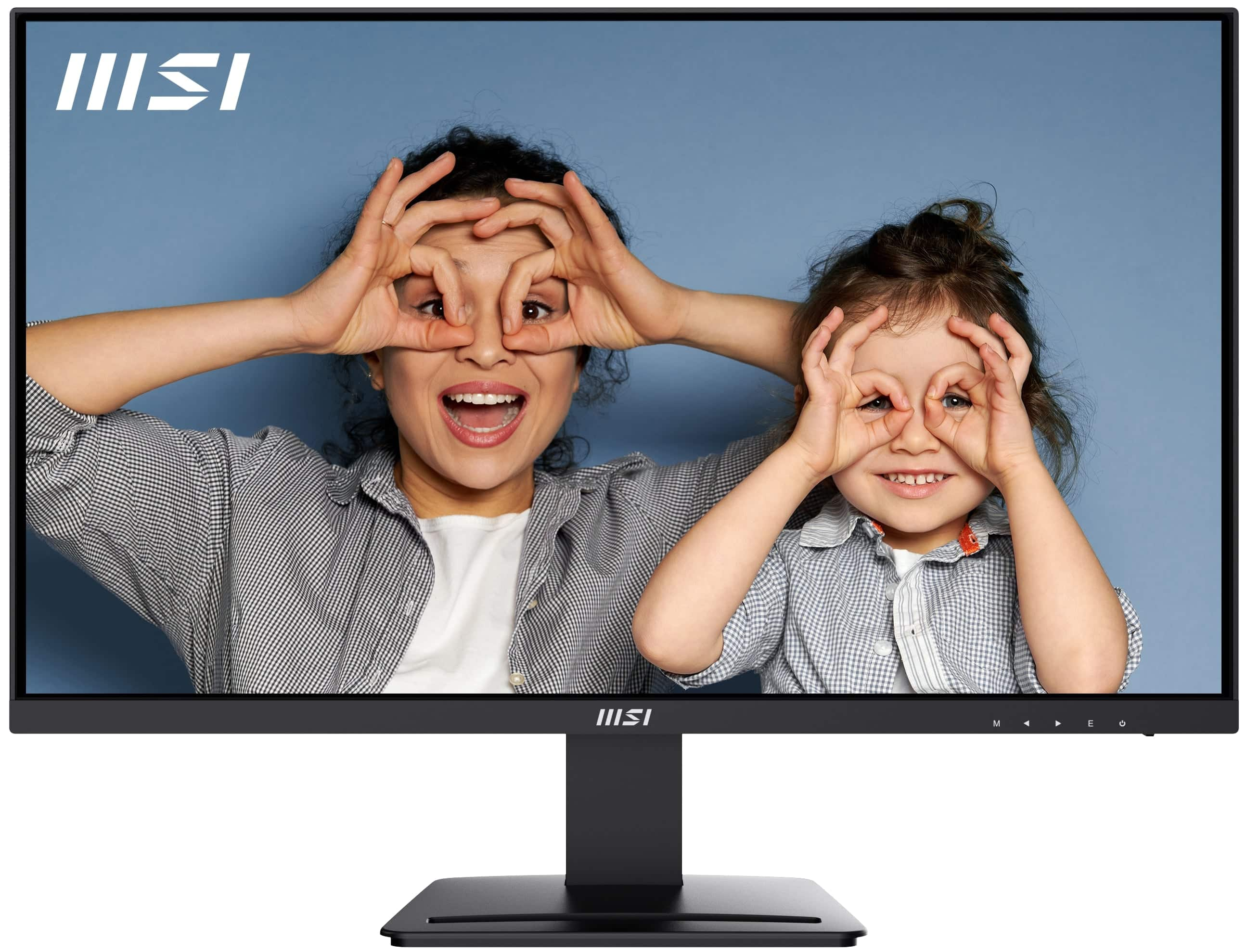
MSI - PRO MP271A E2 27" FHD 120Hz 1ms Adaptive Sync Monitor with HDR ready ,Built-in Speakers (DisplayPort, HDMI ) - Matte Black
SKU: J3P7TXS5Q4See all All MonitorsProduct Description
A matte black IPS monitor with 120Hz refresh rate, 1ms response, HDR, Adaptive Sync, and built-in speakers.Your price for this item is $129.99 -
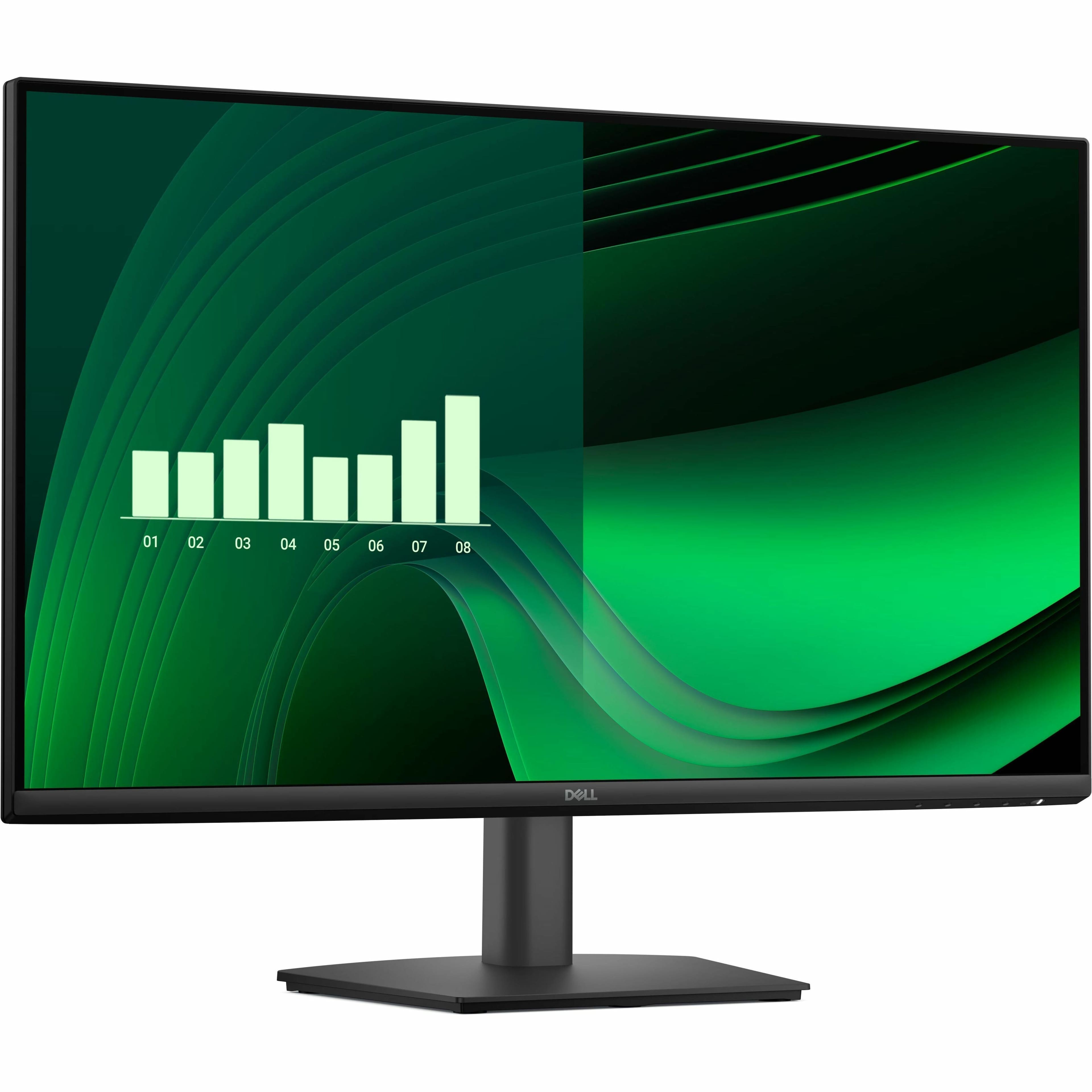
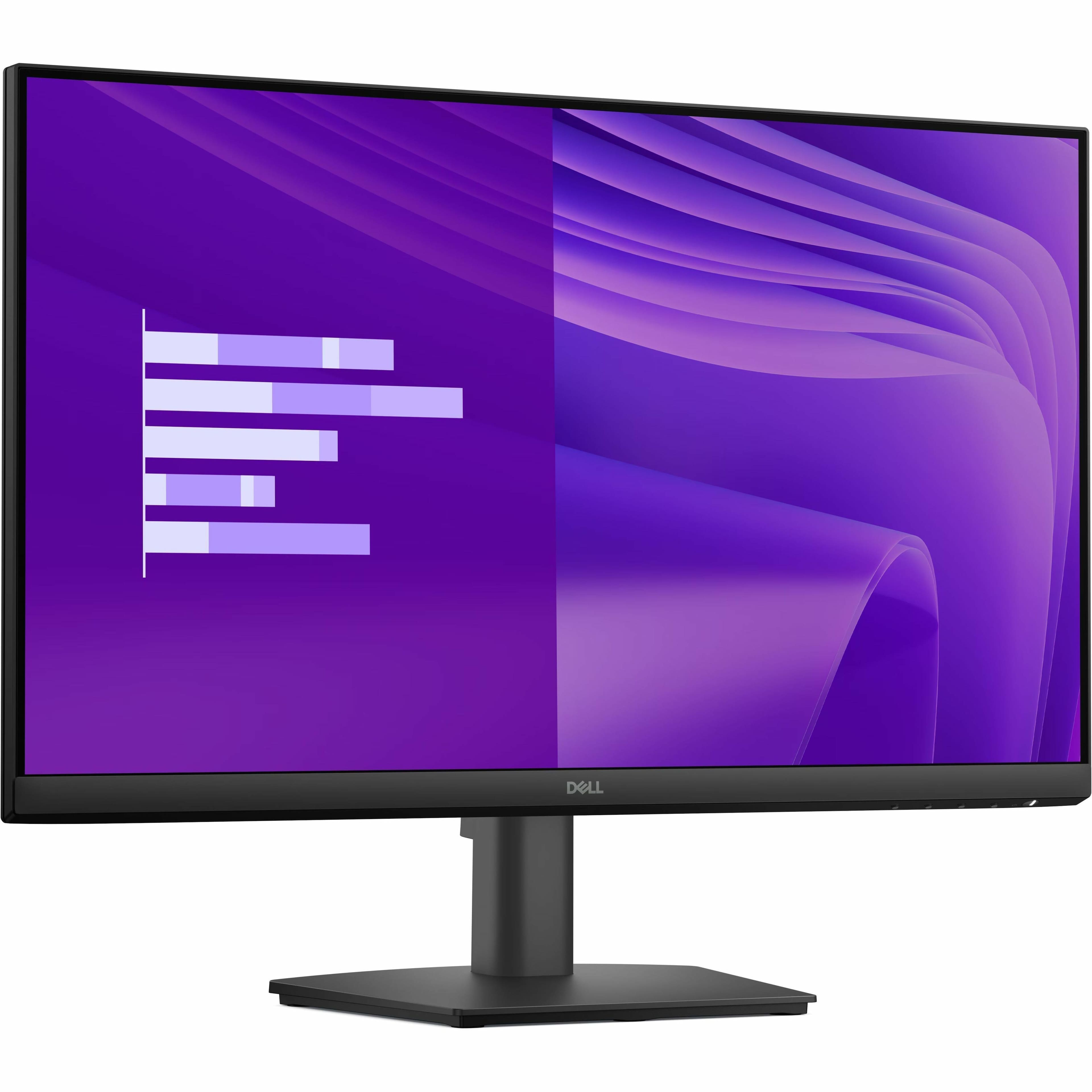
Dell - Pro 27" IPS LED FHD 100Hz Monitor (VGA, HDMI) - Black
SKU: J3K4L63XFZSee all All MonitorsProduct Description
A black IPS LED monitor with 100Hz refresh rate, ultra-thin bezel, and wide 178° viewing angles.Your price for this item is $139.99 -
MSI - PRO MP273U 27" UHD 60Hz 4ms Adaptive Sync Monitor with HDR ready ,Built-in Speakers (DisplayPort, HDMI ) - Matte Black
SKU: J3P7TXPW8KSee all All MonitorsProduct Description
A matte black 27-inch 4K UHD IPS monitor with HDR, Adaptive Sync, built-in speakers, and ergonomic design.Your price for this item is $178.99Save $41The previous price was $219.99 -
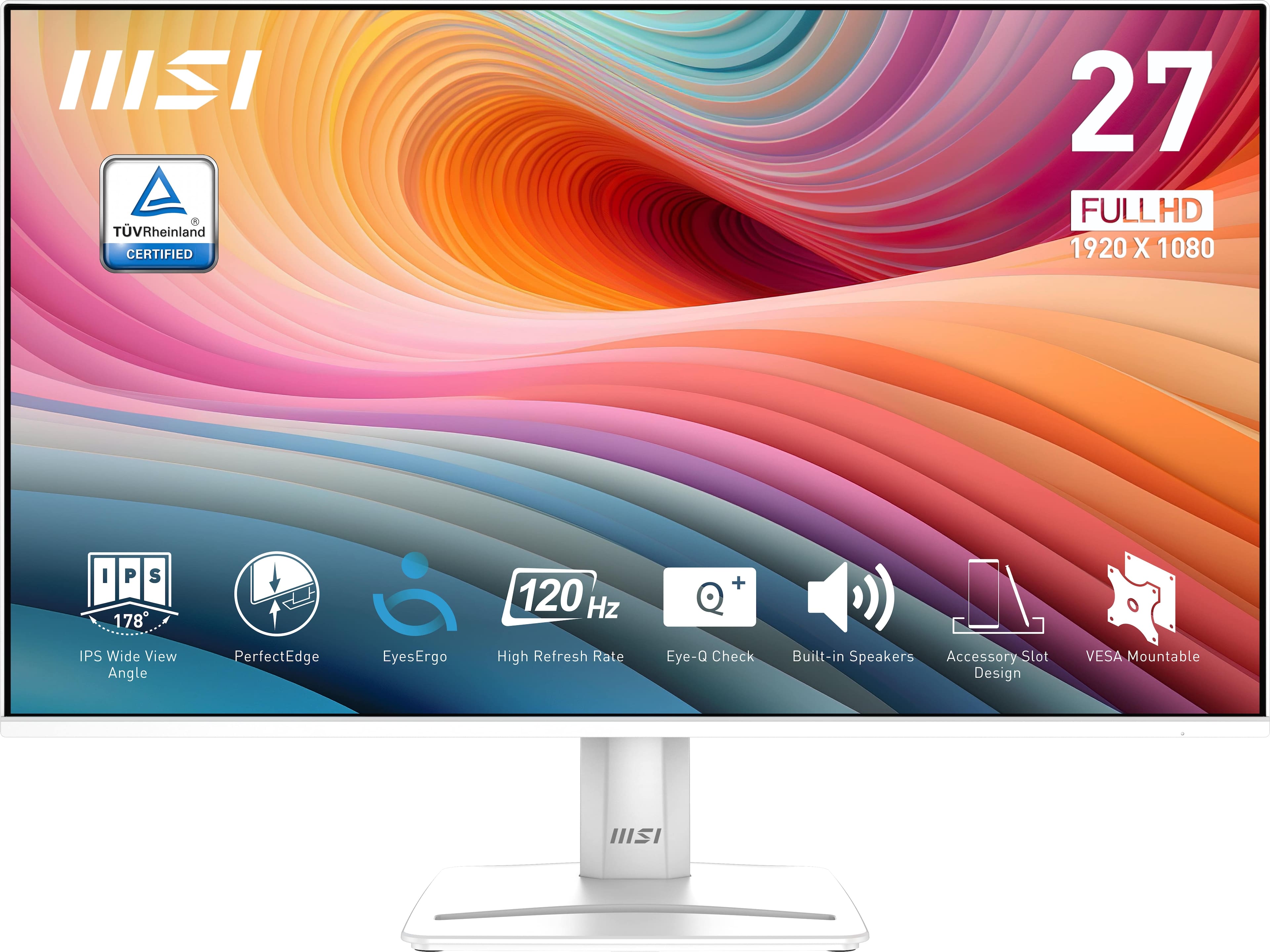
MSI - PRO MP275W E2 27" FHD 120Hz 1ms Adaptive Sync Monitor with HDR ready ,Built-in Speakers (DisplayPort, HDMI ) - Matte White
SKU: J3P7TXSV6CSee all All MonitorsProduct Description
A matte white IPS monitor with 120Hz refresh rate, 1ms response, HDR, and built-in speakers.Your price for this item is $139.99 -
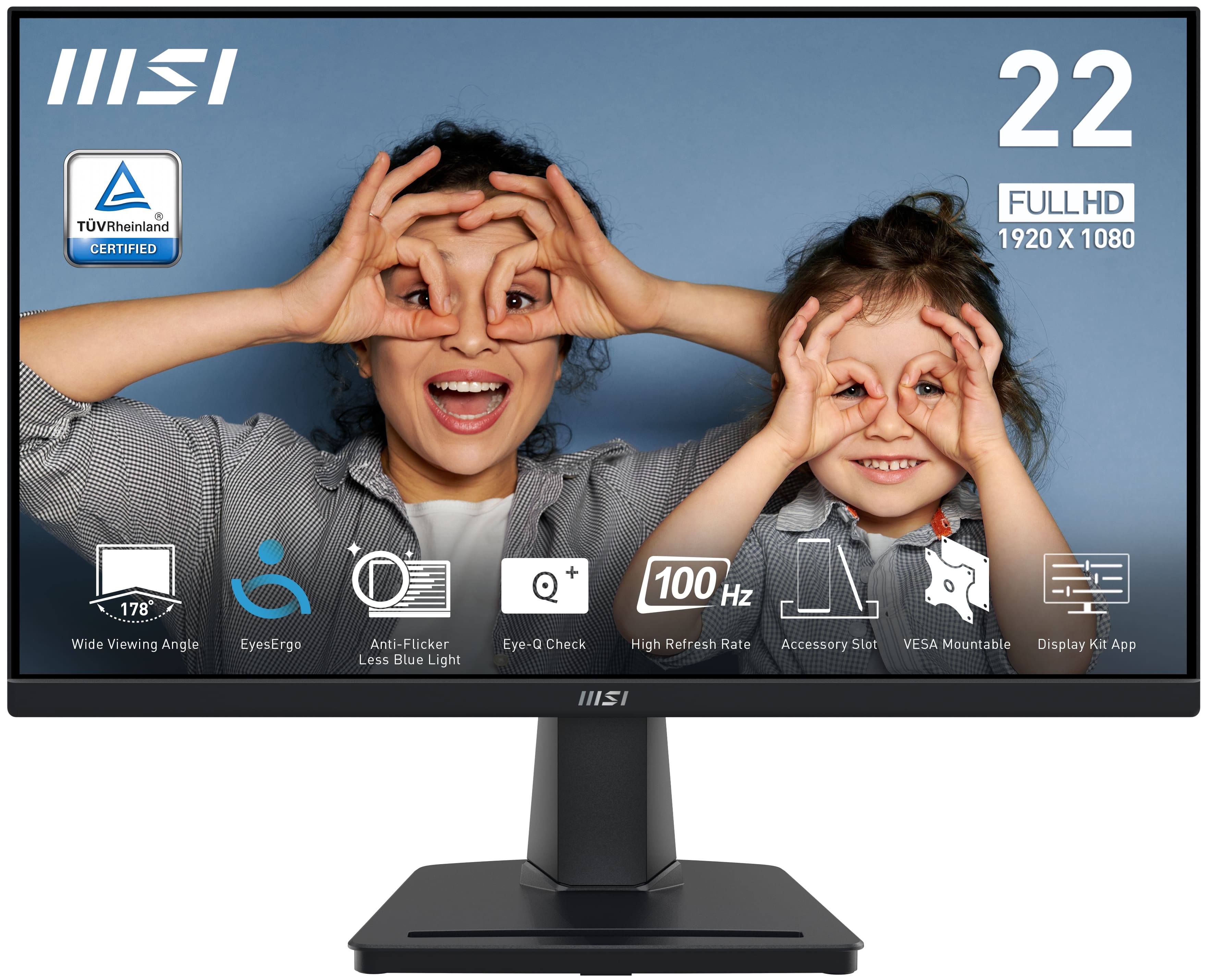
MSI - PRO MP225V 22" VA LCD FHD 100Hz 1ms FreeSync Monitor (HDMI,VGA port) - Black
SKU: J3P7TX9958See all All MonitorsProduct Description
A black VA LCD monitor featuring FHD resolution, 100Hz refresh rate, 1ms response, and FreeSync support.Your price for this item is $90.88 -
Dell - Pro 23.8" IPS LED FHD 100Hz Monitor (VGA, HDMI) - Black
SKU: J3K4L63X5VSee all All MonitorsProduct Description
A black IPS LED monitor offering Full HD resolution, 100Hz refresh rate, and wide 178° viewing angles.Your price for this item is $112.50Save $7The previous price was $119.99 -
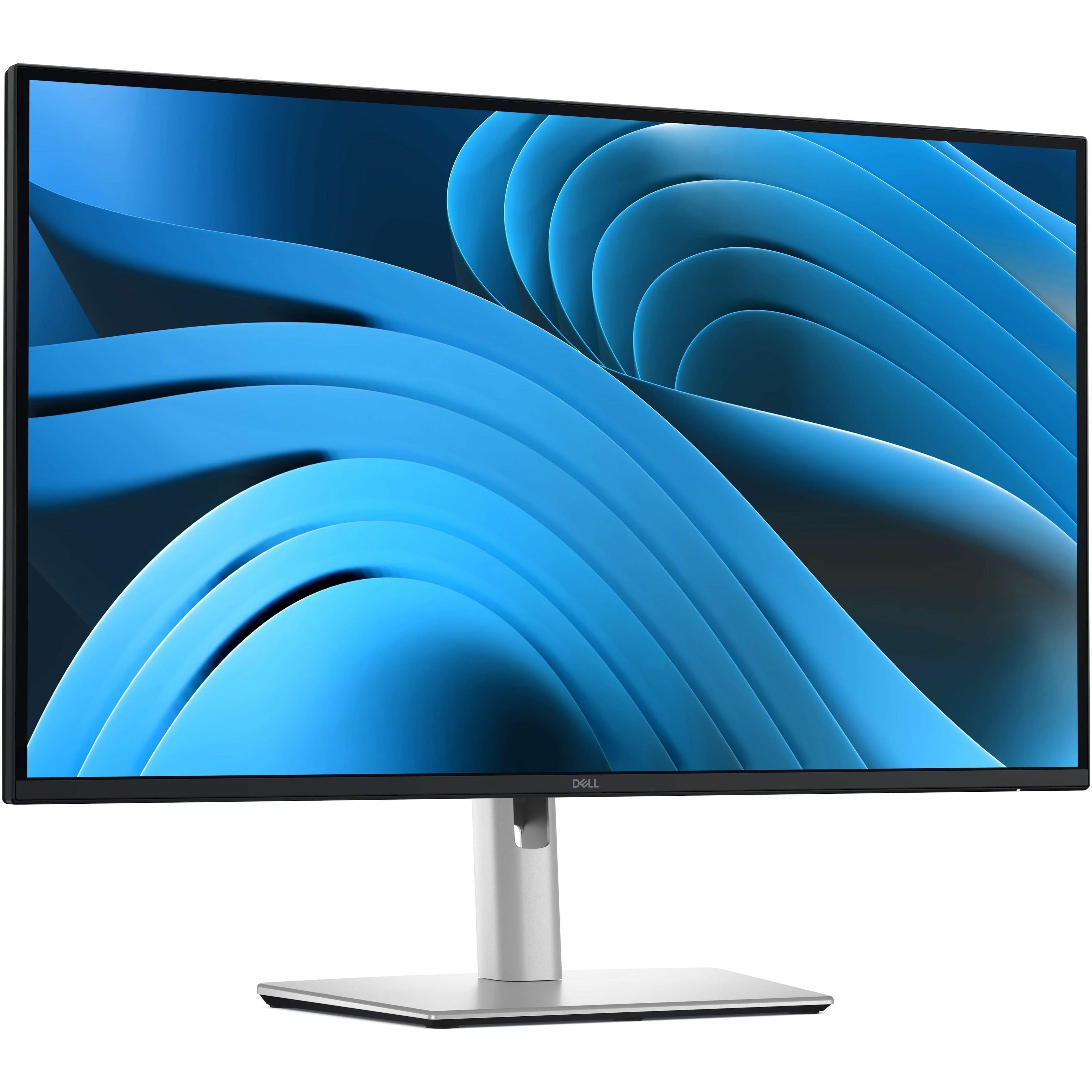
Dell - Pro Plus 27" IPS LED 100Hz Monitor (USB, HDMI) - Black, Silver, Dual Color
SKU: J3K4L63377See all All MonitorsProduct Description
A dual-color IPS LED monitor with 100Hz refresh rate, QHD resolution, and advanced eye comfort features.Your price for this item is $349.99 -
Dell - Pro Plus 27" IPS LED 100Hz Monitor (USB, HDMI) - Black, Silver, Dual Color
SKU: J3K4L6337TSee all All MonitorsProduct Description
A dual-color IPS LED monitor with 100Hz refresh rate, QHD resolution, and enhanced eye comfort features.Your price for this item is $459.99

Best Sellers





Related Pages

FAQ
When choosing an art monitor, consider features such as high color accuracy, wide color gamut coverage (like Adobe RGB or DCI-P3), high resolution, and adjustable stands for ergonomic comfort. These features help ensure your digital artwork looks its best.
Most art monitors are compatible with popular drawing tablets and styluses, as they connect via standard ports like HDMI, DisplayPort, or USB-C. Always check your device’s connectivity options to ensure compatibility.
Many professional art monitors support hardware calibration, allowing you to fine-tune color settings for optimal accuracy. This is especially important for artists who require precise color reproduction in their work.
IPS (In-Plane Switching) panels are generally preferred for art monitors because they offer superior color accuracy and wide viewing angles, making them ideal for creative and design work.
Yes, most art monitors are compatible with both Mac and Windows systems. Just make sure your computer has the appropriate ports to connect to the monitor, and install any necessary drivers if required.