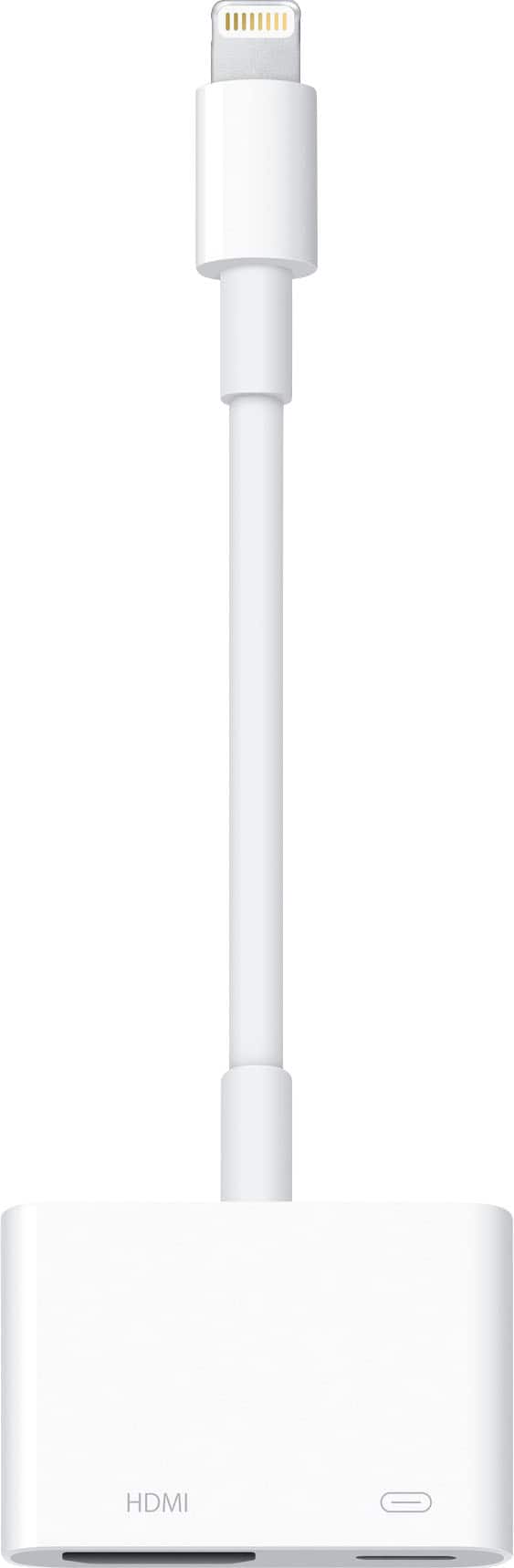
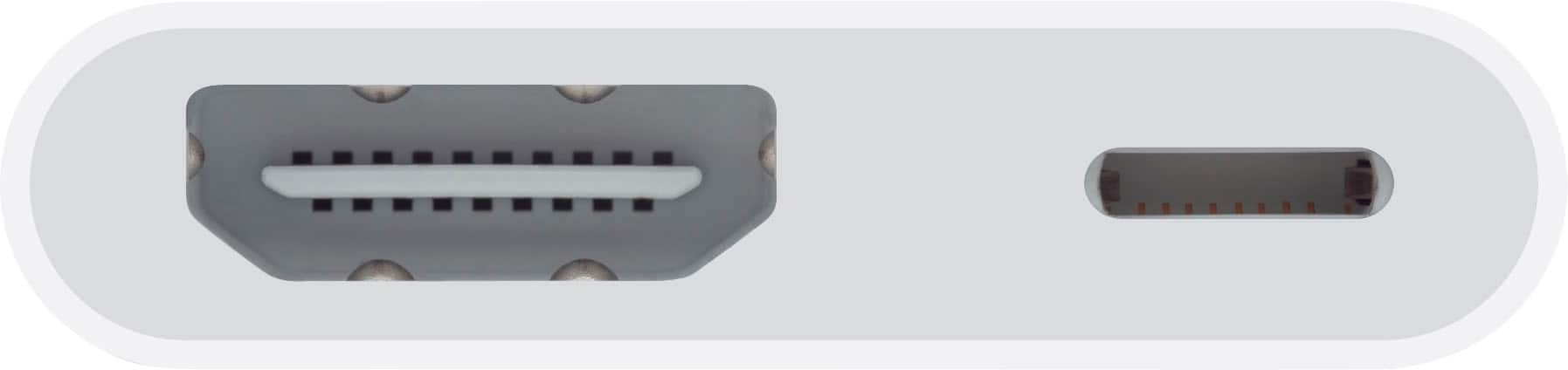
A:AnswerThe iOS version on your iPhone / iPad doesn't matter. In fact, I just tested this before writing this answer to your question, and I am running iOS version 12.0.1 and viewed it on a HD computer monitor via a HDMI cable. It also does not matter what you are doing (gaming, watching videos [online or offline], viewing your camera, taking a video with your iPhone, etc.) there is no noticeable latency from the iPhone to the monitor. I have attached a photo of this test as I composed this answer. Also, keep in mind that you are able to keep power (for charging iPhone / iPad battery) connected while doing all this via the lightning connector next to the HDMI port.
A:AnswerIf your printer has WiFi, you should be able to download the Canon app for your phone and the print things through the app. The app will Bluetooth link to the canon printer.
A:AnswerThis adapter that you’re looking at right now will not help it’s for newer made items . Another adapter will do but this one will not . Now Best Buy has other adapters that will fit your needs
A:AnswerThis device has a lightning output and an hdmi. We connected it to a television with hdmi and plugged the charger into the lightning port. This charged the phone while connected to tv. I don't think headphones will work with the hdmi port
A:AnswerDirections will be on the adapter box . I’m
Not for certain this adapter is for what you’re looking for . You should contact Best Buy for further questions before you make a purchase .
A:AnswerAll of the media (audio and video) are sent thru the HDMI port. You would have to run an aux cable out from the projector to your speaker. That's how I do mine and it works great.