Bluetooth Keyboard Cases
-
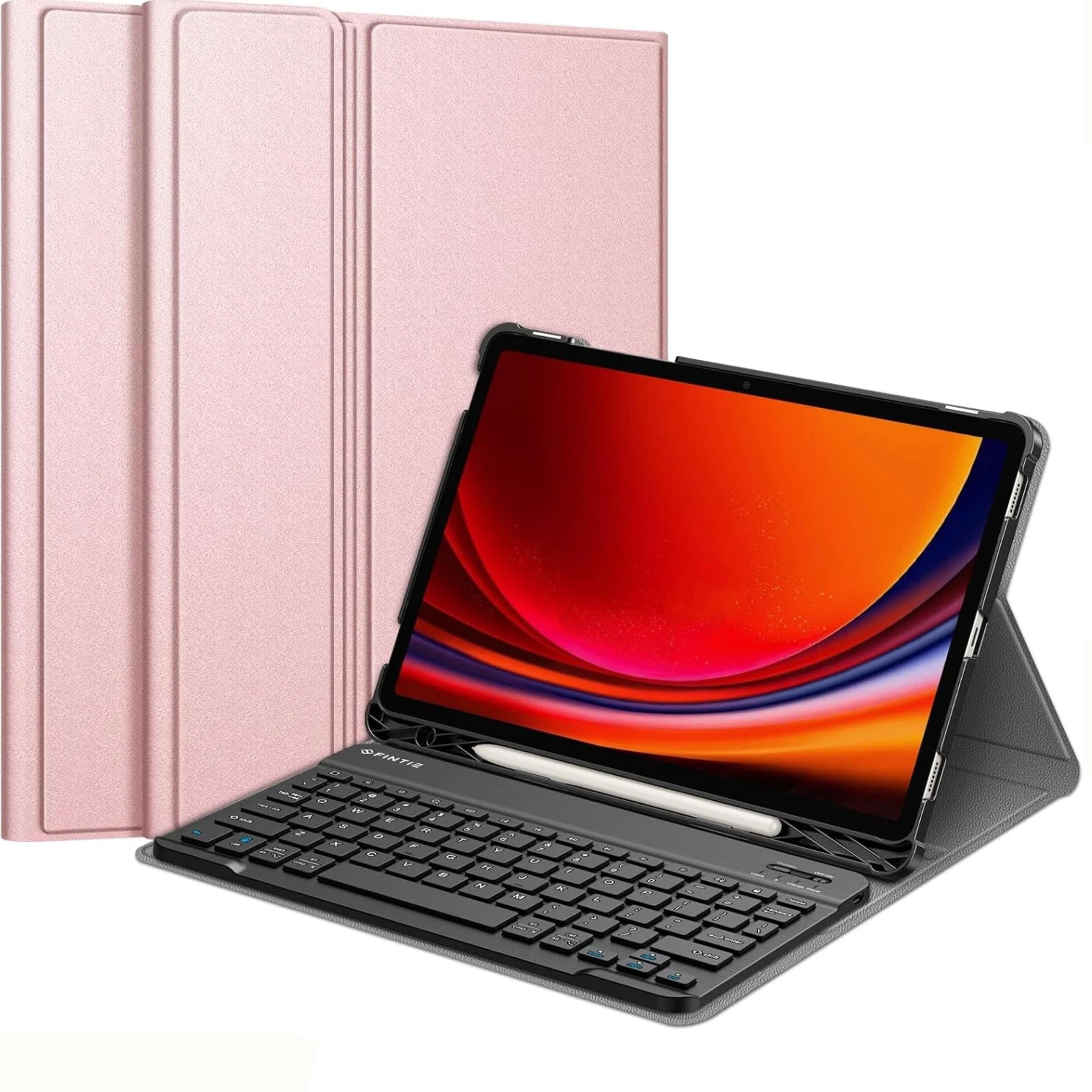
Kitcheniva - Bluetooth Keyboard Case for Samsung Galaxy Tab S9 11" - Rose Gold
SKU: J5X83GXS3CSee all Tablet Cases, Covers & Keyboard FoliosProduct Description
A rose gold PU leather case with detachable Bluetooth keyboard, ergonomic keys, adjustable stand, and S Pen holder.Your price for this item is $35.99 -
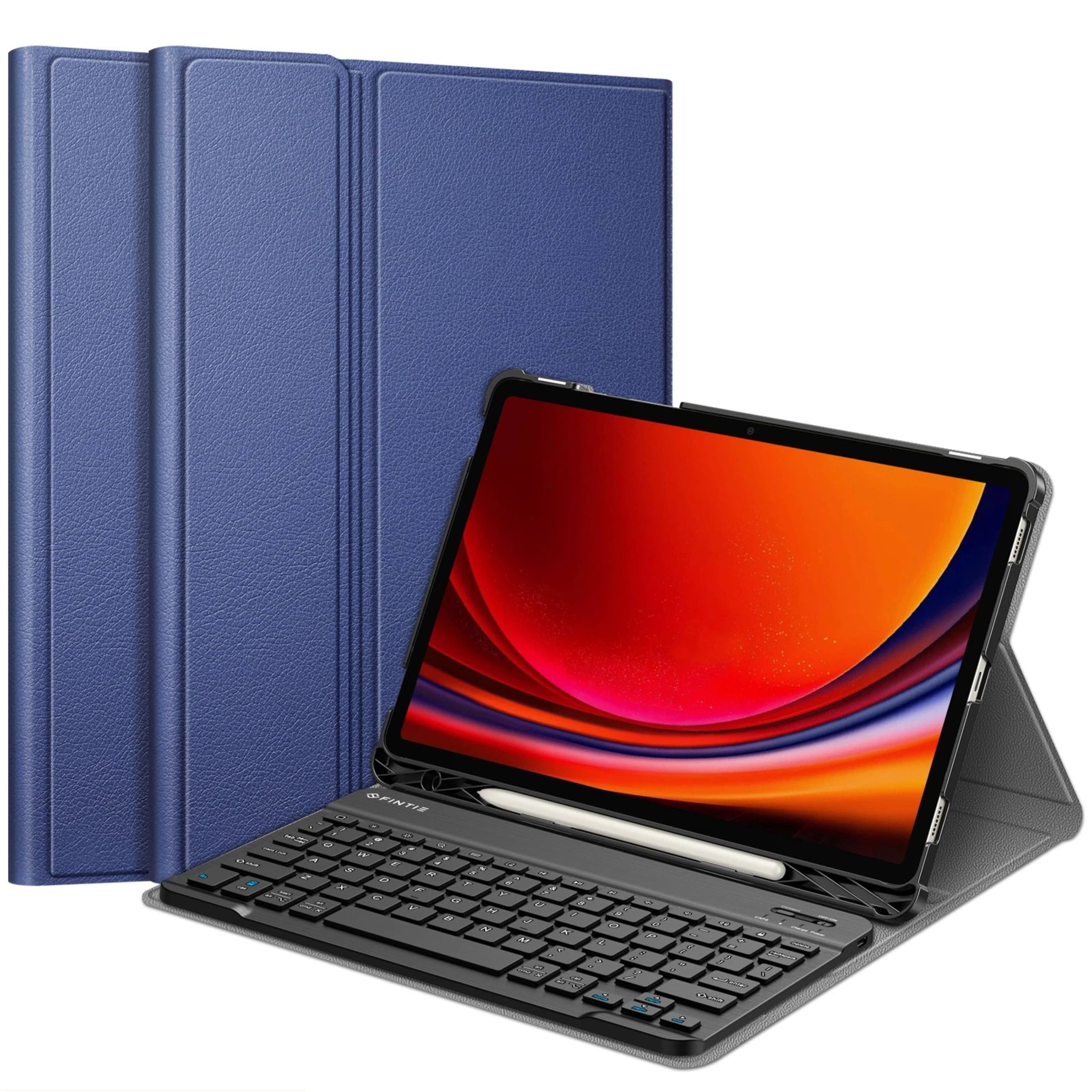
Kitcheniva - Bluetooth Keyboard Case for Samsung Galaxy Tab S9 11" Navy - Blue
SKU: J5X83G24K5See all Tablet Cases, Covers & Keyboard FoliosProduct Description
A blue PU leather case with detachable Bluetooth keyboard, ergonomic keys, adjustable stand, and S Pen holder.Your price for this item is $35.99 -
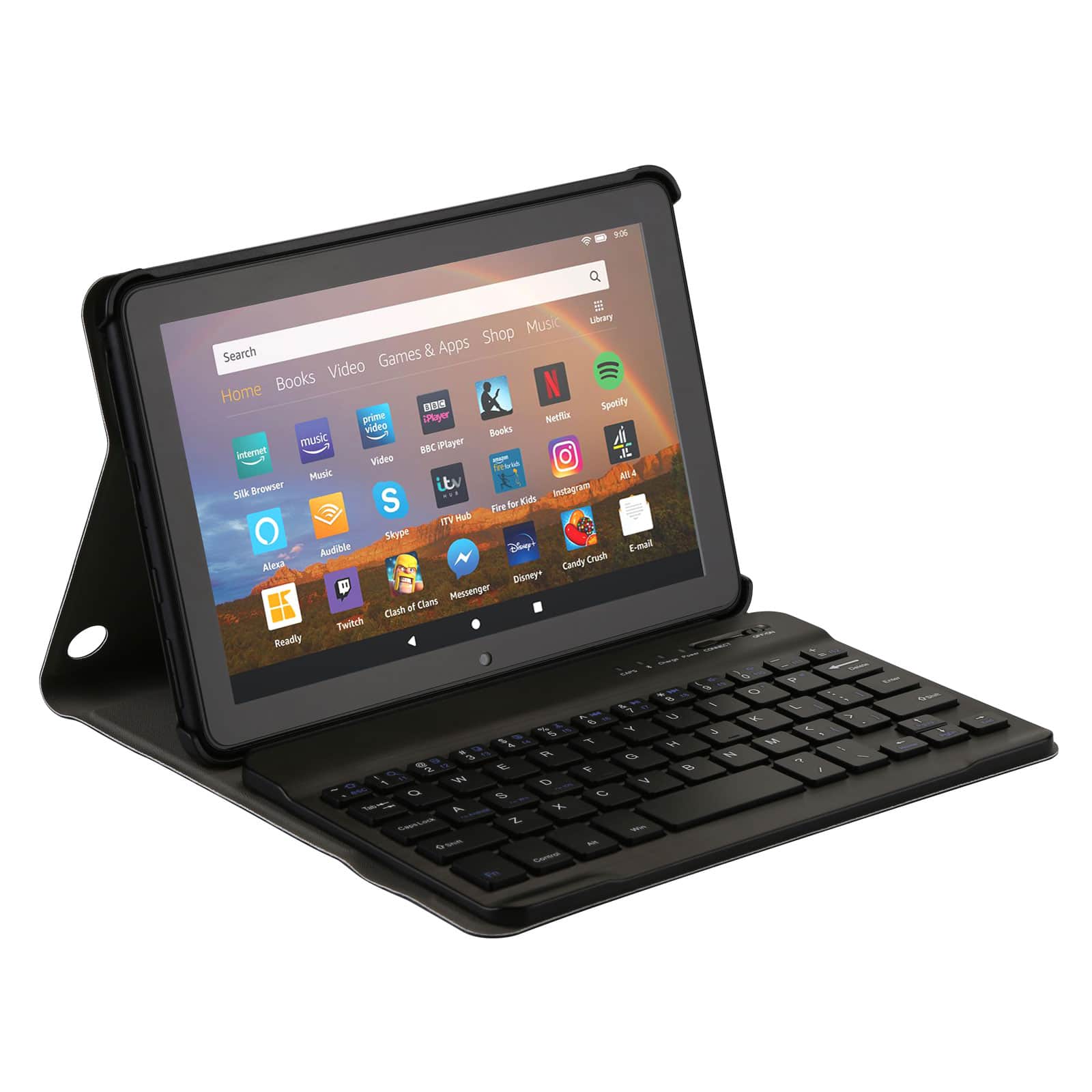
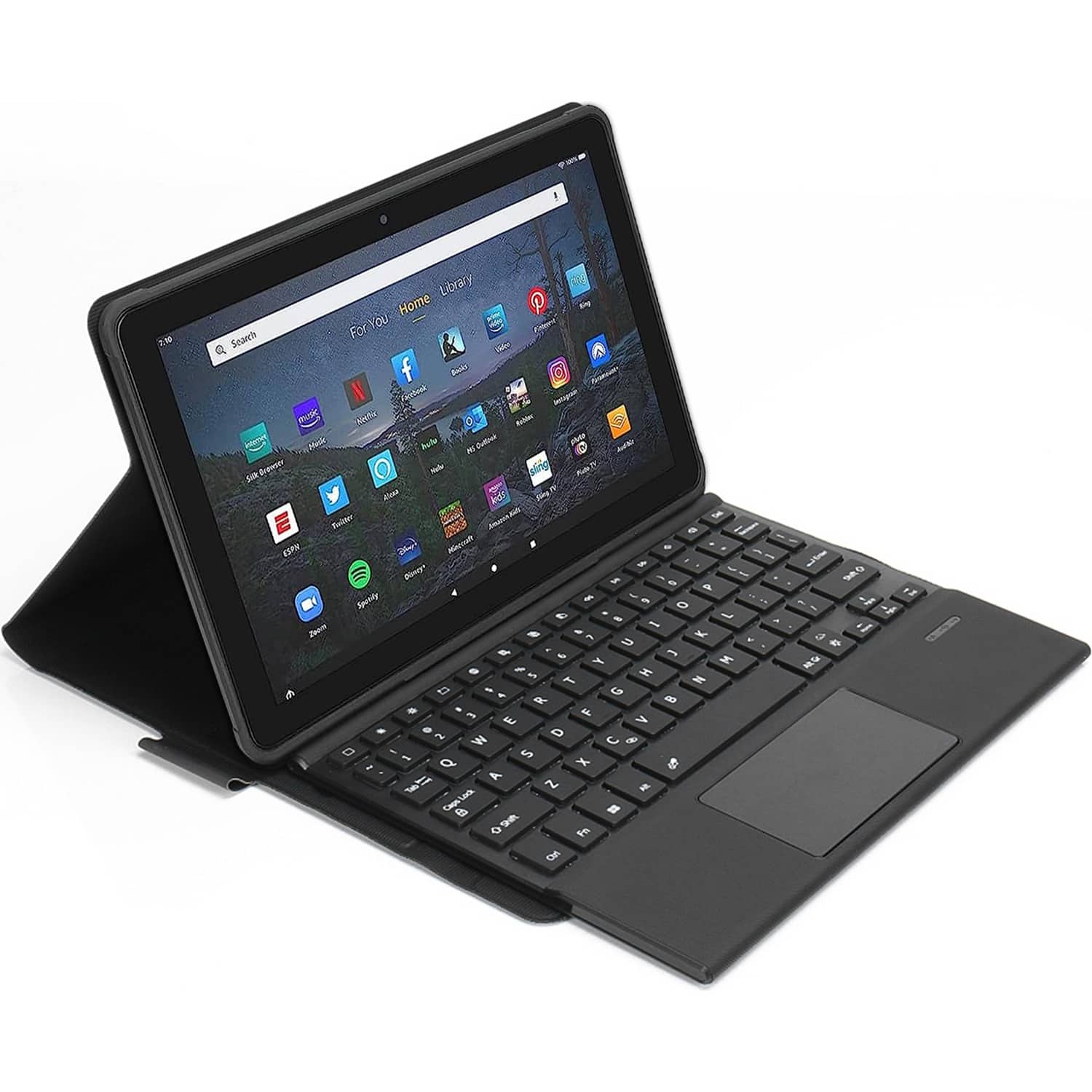
AGPtek - Keyboard Case for All-New Amazon Fire HD 8/8 Plus with Detachable Wireless Bluetooth Keyboard - Black
SKU: JXXVL5SSPWSee all Tablet Cases, Covers & Keyboard FoliosProduct Description
A black PU leather case with detachable Bluetooth keyboard, auto wake/sleep, and built-in stand.Your price for this item is $21.99Save $3The previous price was $24.99 -
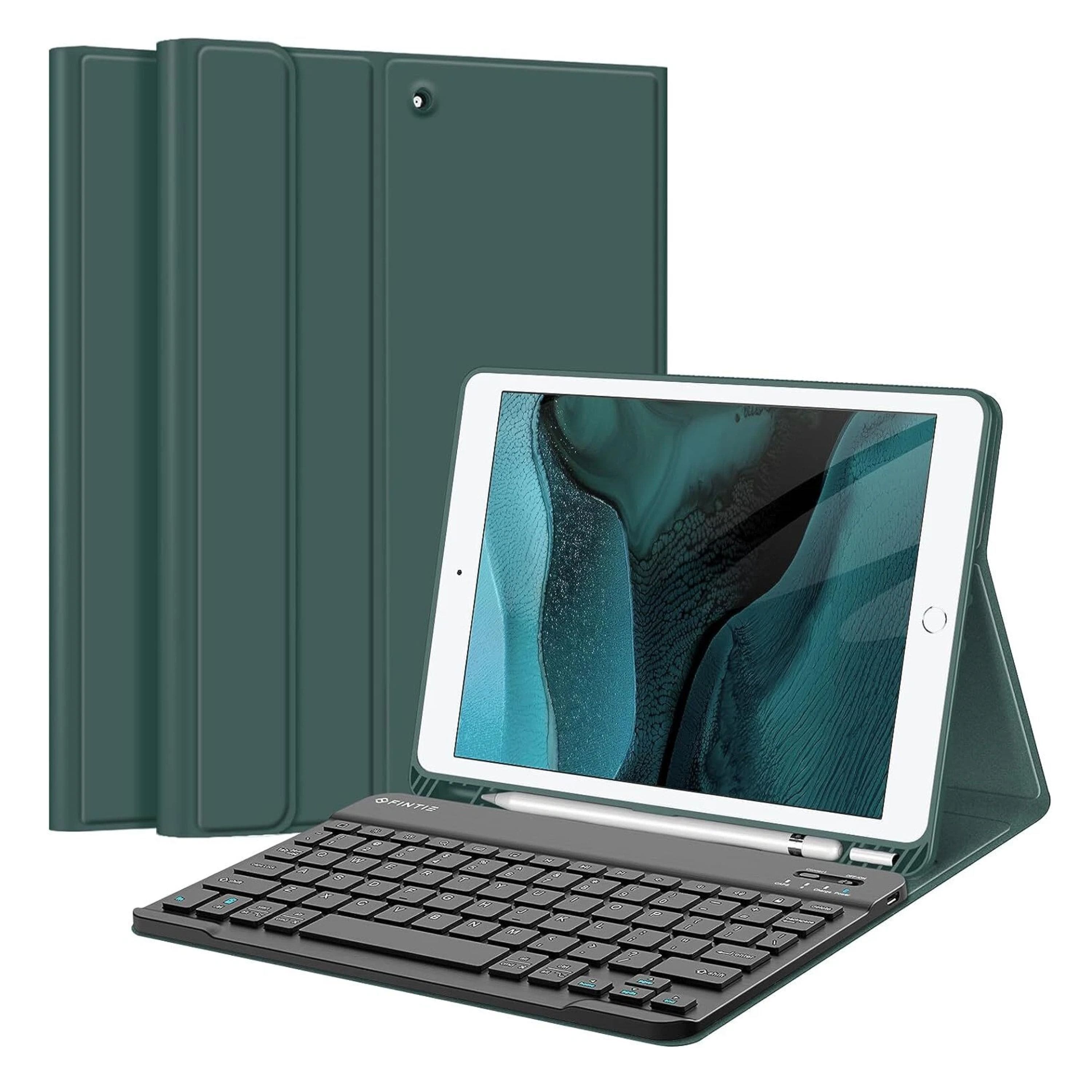
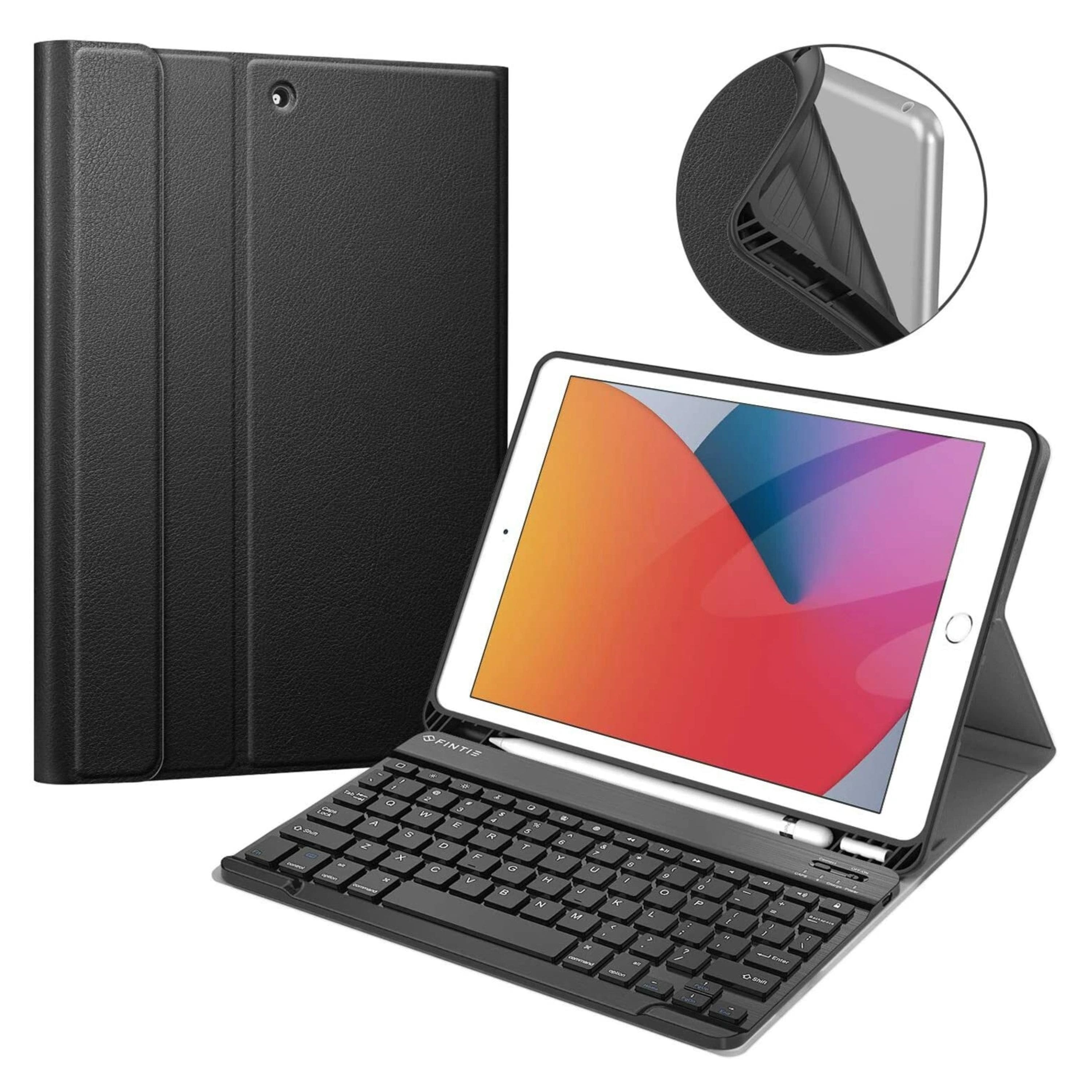
Kitcheniva - Folio Stand Case With Bluetooth Keyboard For iPad 9th Gen (2021) 10.2 Inch - Midnight Green
SKU: JF3YFLCR88See all Tablet Cases, Covers & Keyboard FoliosProduct Description
A midnight green folio case with detachable Bluetooth keyboard, PU leather exterior, and built-in Apple Pencil holder.Your price for this item is $47.99 -
Kitcheniva - Folio Stand Case With Bluetooth Keyboard For iPad 9th Gen (2021) 10.2 Inch - Black
SKU: JF3YFLCR3VSee all Tablet Cases, Covers & Keyboard FoliosProduct Description
A black folio case with detachable Bluetooth keyboard, PU leather exterior, and built-in Apple Pencil holder.Your price for this item is $45.99 -
SaharaCase - Keyboard Case for Lenovo Tab P11 (Gen 2) - Black
SKU: J3GWC5PR6KSee all Tablet Cases, Covers & Keyboard FoliosProduct Description
A black PU leather and microfiber keyboard case with Bluetooth, backlight, touchpad, and triple-hardened protection.Your price for this item is $104.49 -
SaharaCase - Keyboard Case for Amazon Fire Max 11 (2023) - Black
SKU: J3GWC5PRLVSee all Tablet Cases, Covers & Keyboard FoliosProduct Description
A black PU leather and microfiber keyboard case with Bluetooth, backlit keys, touchpad, and screen protection.Your price for this item is $109.38 -
SaharaCase - Keyboard Case for Google Pixel Tablet - Black
SKU: J3GWC5PRS7See all Tablet Cases, Covers & Keyboard FoliosProduct Description
A black PU leather and microfiber keyboard case with Bluetooth, backlit keys, touchpad, and screen protection.Your price for this item is $100.49 -
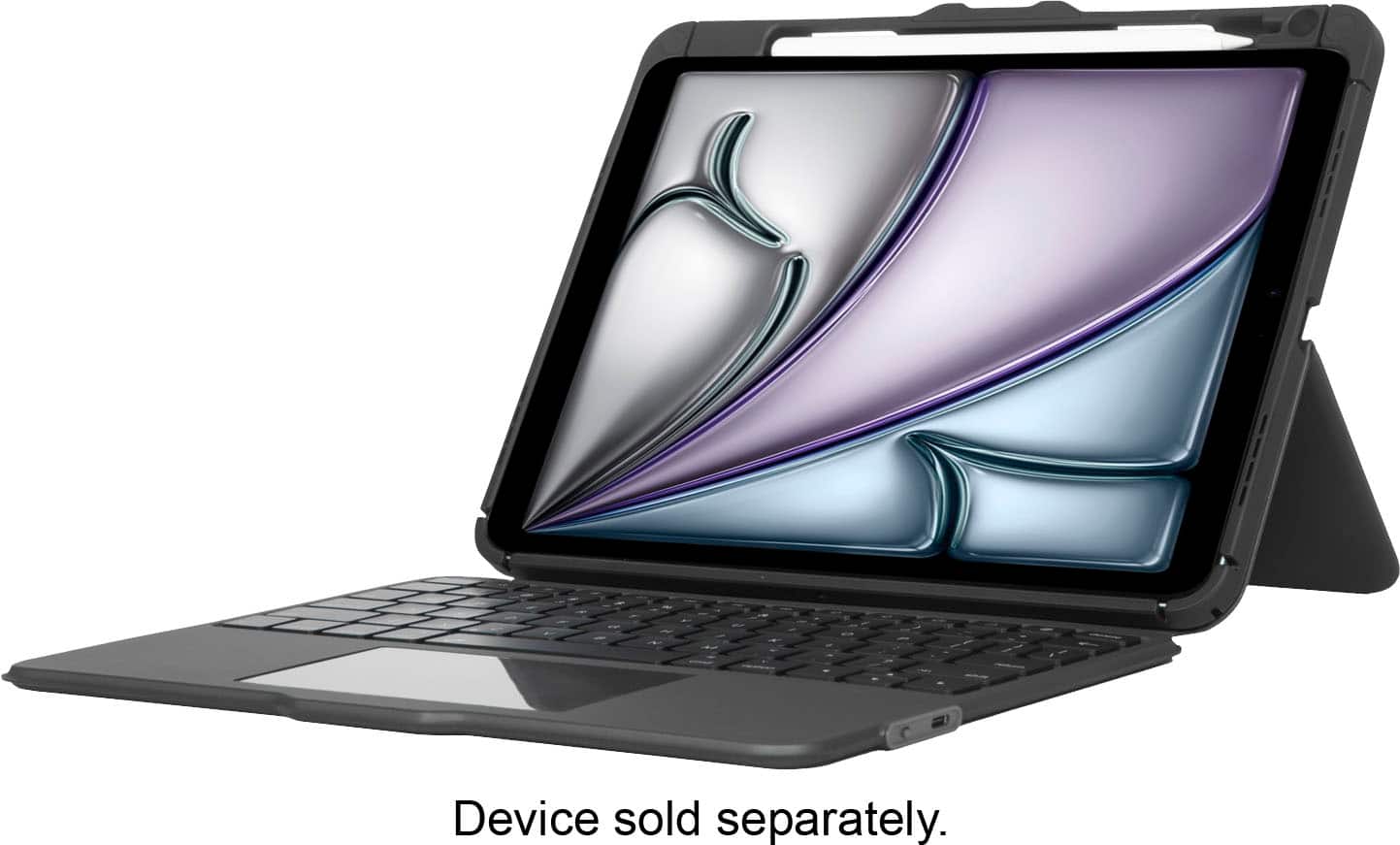
Targus - VersaVu BT Keyboard Case for iPad 11"(A16),iPad Air 11"(M3/M2),iPad 10.9"(10),iPad Air 10.9"(5/4),iPad Pro 11"(4/3/2/1) - Black
SKU: J7QXPVC6K2Best Keyboard case ever!!!!Easy, love the multi-functions and adaptability to any surface!!!...TARGUS is BEST BUY @ BEST BUY! TARGUS is BEST BUY @ BEST BUY!...TARGUS is Best Buy @ BEST BUY!
See all Tablet Cases, Covers & Keyboard FoliosProduct Description
A black Bluetooth keyboard case with 360° rotation, impact resistance, and integrated stand for multiple iPad models.Your price for this item is $109.99 -
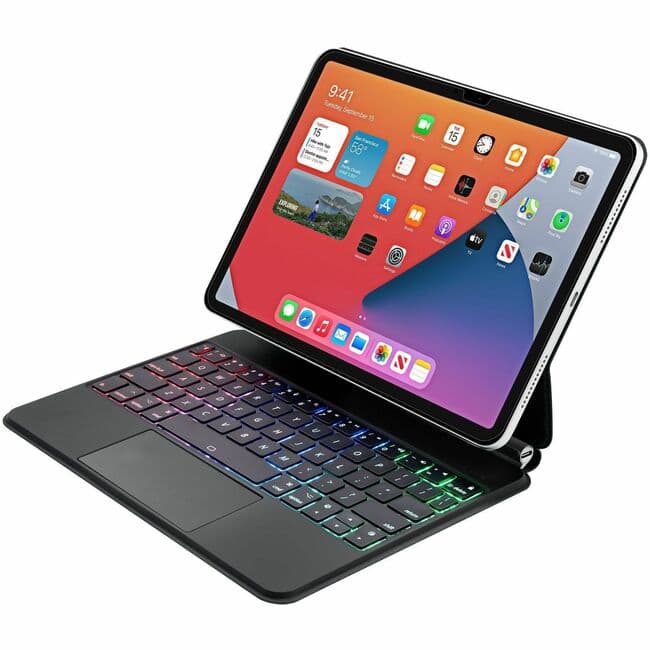
Adesso - Bluetooth Keyboard for iPad Pro 11 inch, 1st, 2nd, 3rd, 4th Generation, iPad Air 10.9 inche, 4th, 5th, 6th (M2) - Silver
SKU: J32P8775KWSee all Wireless & Bluetooth KeyboardsProduct Description
A compact silver Bluetooth keyboard and cover offering wireless convenience for select 10.9"-11" iPad models.Your price for this item is $132.75


Best Sellers
Related Pages

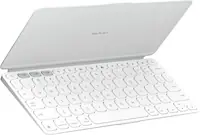
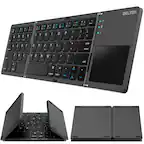


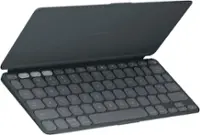
FAQ
A Bluetooth keyboard case combines the protection of a case with the convenience of a wireless keyboard, making it easier to type on your tablet or device while on the go. It also frees up your device’s screen for better visibility and can enhance productivity for work, school, or entertainment.
Many Bluetooth keyboard cases are designed specifically for tablets, but some are compatible with both tablets and smartphones. It’s important to check the product specifications to ensure compatibility with your particular device and operating system.
To connect a Bluetooth keyboard case, turn on the keyboard and enable Bluetooth pairing mode. On your device, go to Bluetooth settings, select the keyboard from the list of available devices, and follow any on-screen prompts to complete the pairing process.
Some Bluetooth keyboard cases support multi-device pairing, allowing you to switch between devices like tablets, smartphones, or even laptops. Check the product details to see if the keyboard case offers this feature.
Yes, Bluetooth keyboard cases typically have a built-in rechargeable battery. The battery life varies by model, but most can last several days or weeks on a single charge. Charging is usually done via a USB cable included with the case.