Charge Laptop Batteries
-
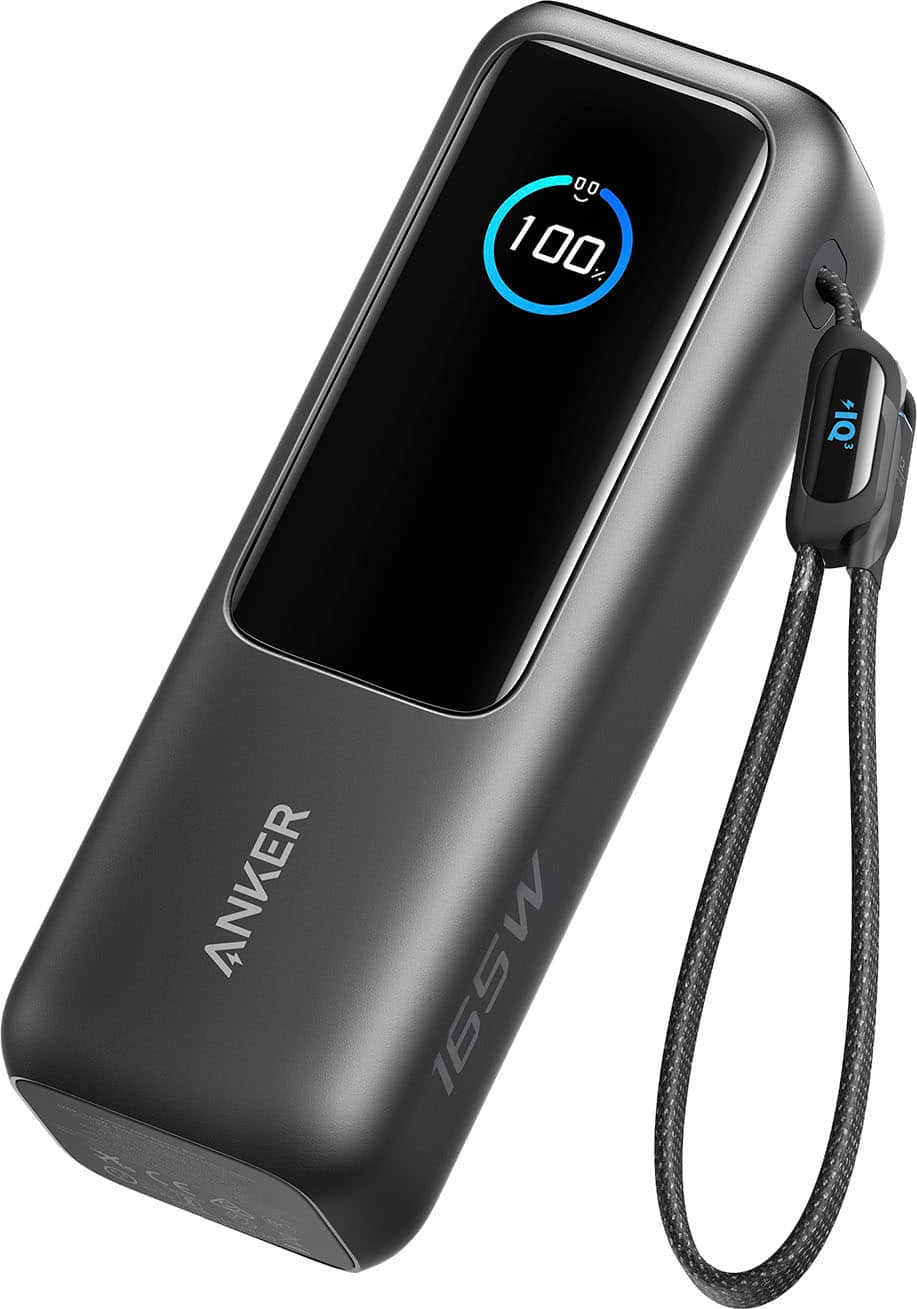
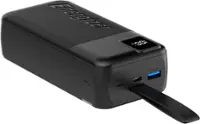
Anker - Laptop Power Bank (25K, 165W, Built-In and Retractable Cables) - Black
SKU: JJ858RXPXJBest battery portable charger...Love its Built tough nice job thank you. Great lcd screen...love this battery best purchase fast charger………….z
See all Laptop Chargers & AdaptersProduct Description
A portable black power bank with 25,000mAh capacity, triple USB-C ports, and built-in retractable cables.Your price for this item is $119.99 -
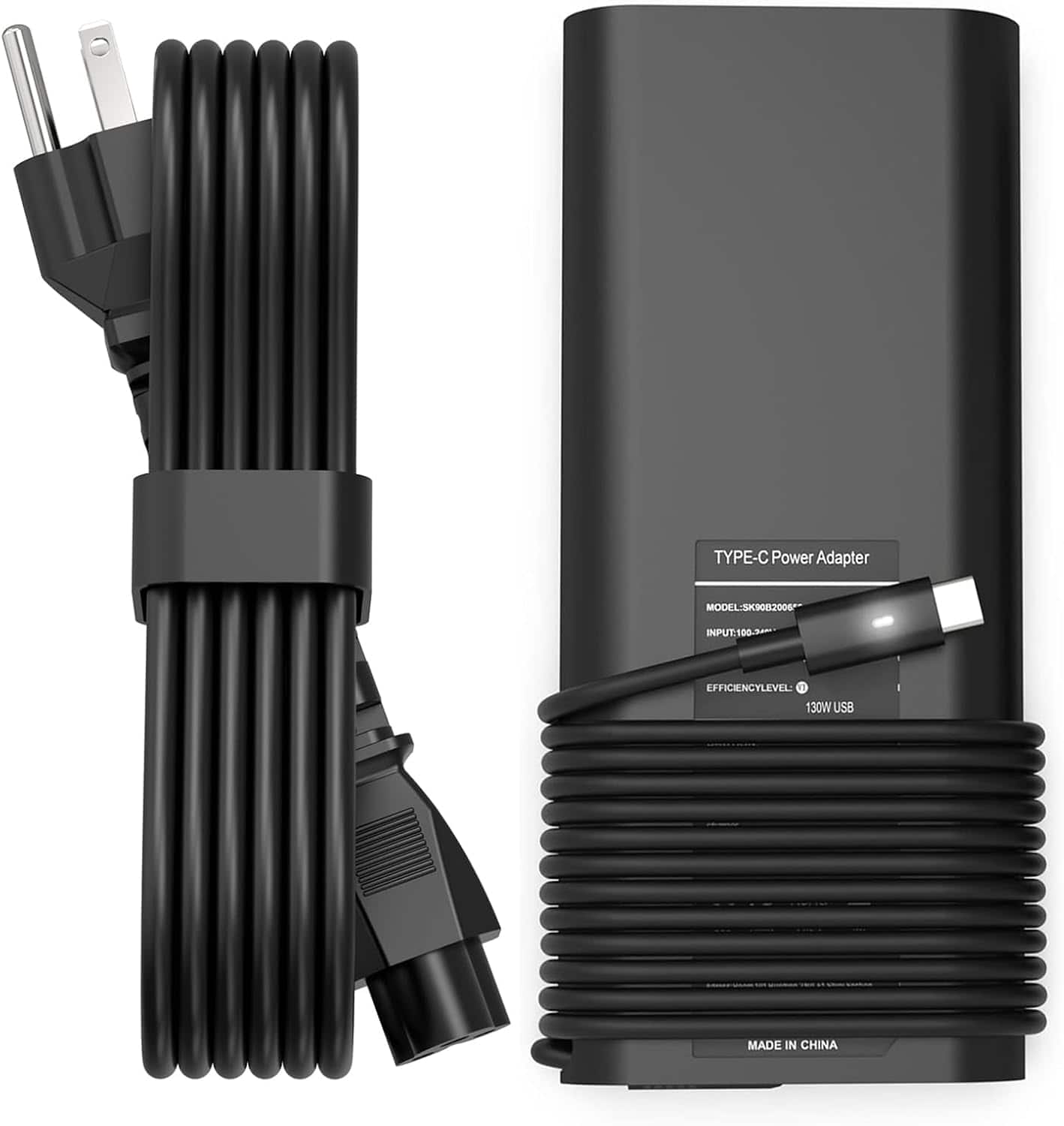
Core Tech - 130W USB-C Laptop Charger for Select Dell XPS, Precision & Latitude Laptops - Black
SKU: JXPPW2ZGW6See all Laptop Chargers & AdaptersProduct Description
A fast-charging black USB-C laptop charger with advanced safety features for select Dell laptops.Your price for this item is $56.88Save $20The previous price was $76.88 -
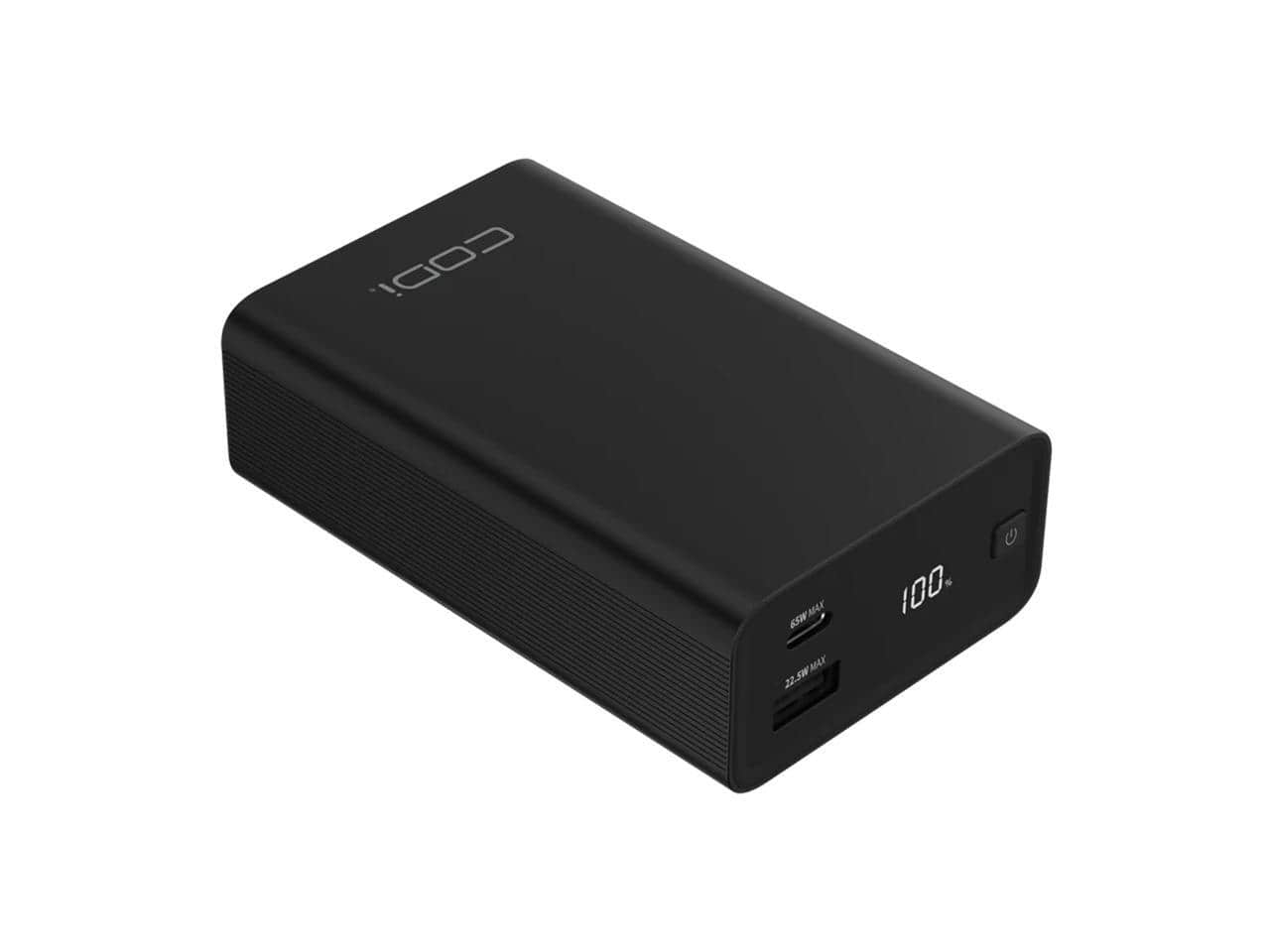
CODi - 65W 20000mAh Power Bank - USB-C PD, USB-A, LCD, Fast Charge for Laptop & Devices
SKU: JX24YF3CLWSee all USB-C Portable Chargers & Power BanksProduct Description
A portable 20,000mAh charger with USB-C, USB-A, and digital display for fast device charging.Your price for this item is $86.74 -
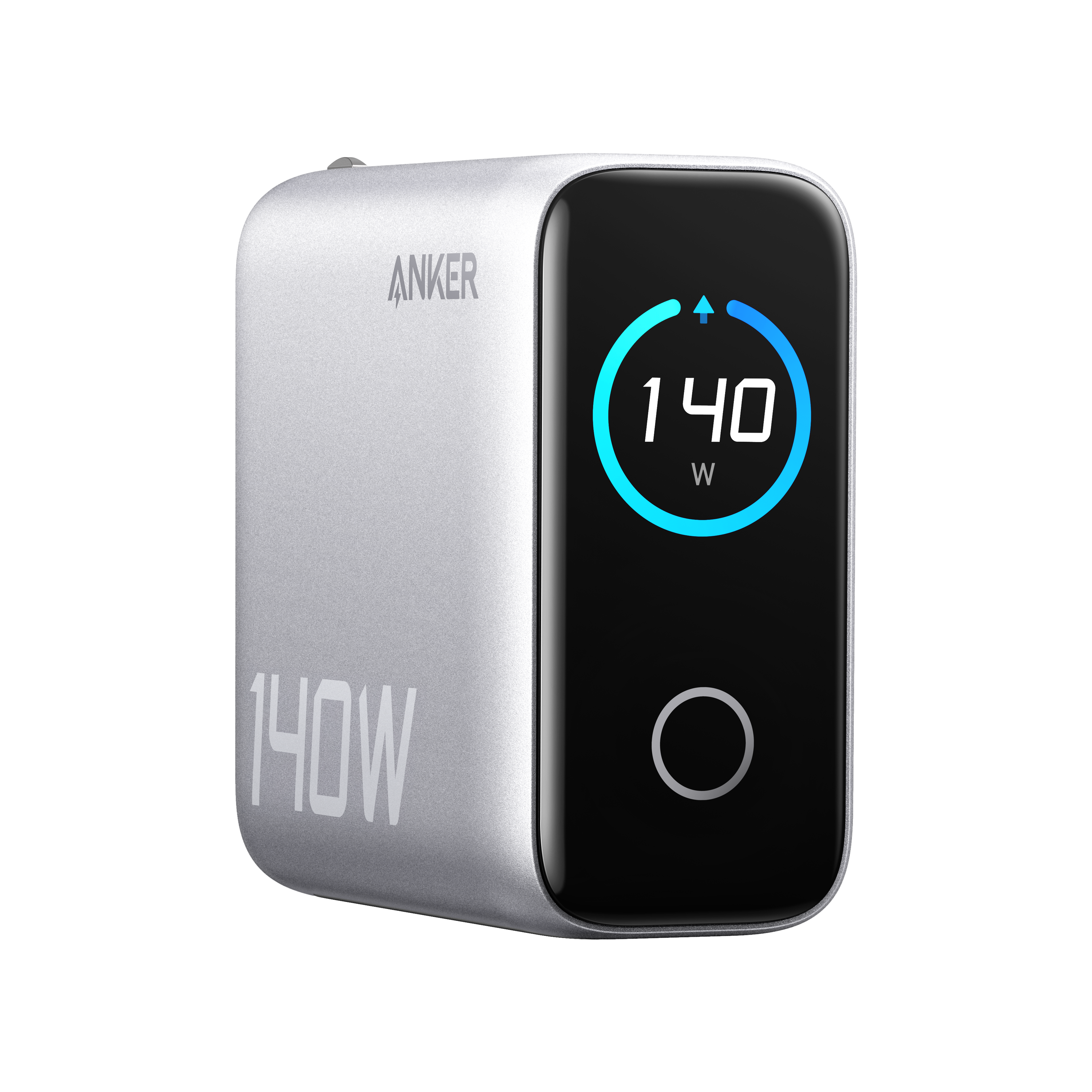
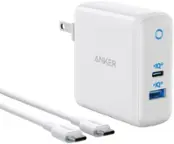
Anker - Laptop Charger (140W, 4-Port, PD 3.1) - Silver
SKU: JJ858RYT2CGreat product but the Best Buy Versión doesn’t come with cable....Great charger does what it claims. Love the LED readout....Great powerful charger
See all Laptop Chargers & AdaptersProduct Description
A silver GaN charger with four ports, fast USB-C charging, safety features, and a charging status display.Your price for this item is $79.99 -
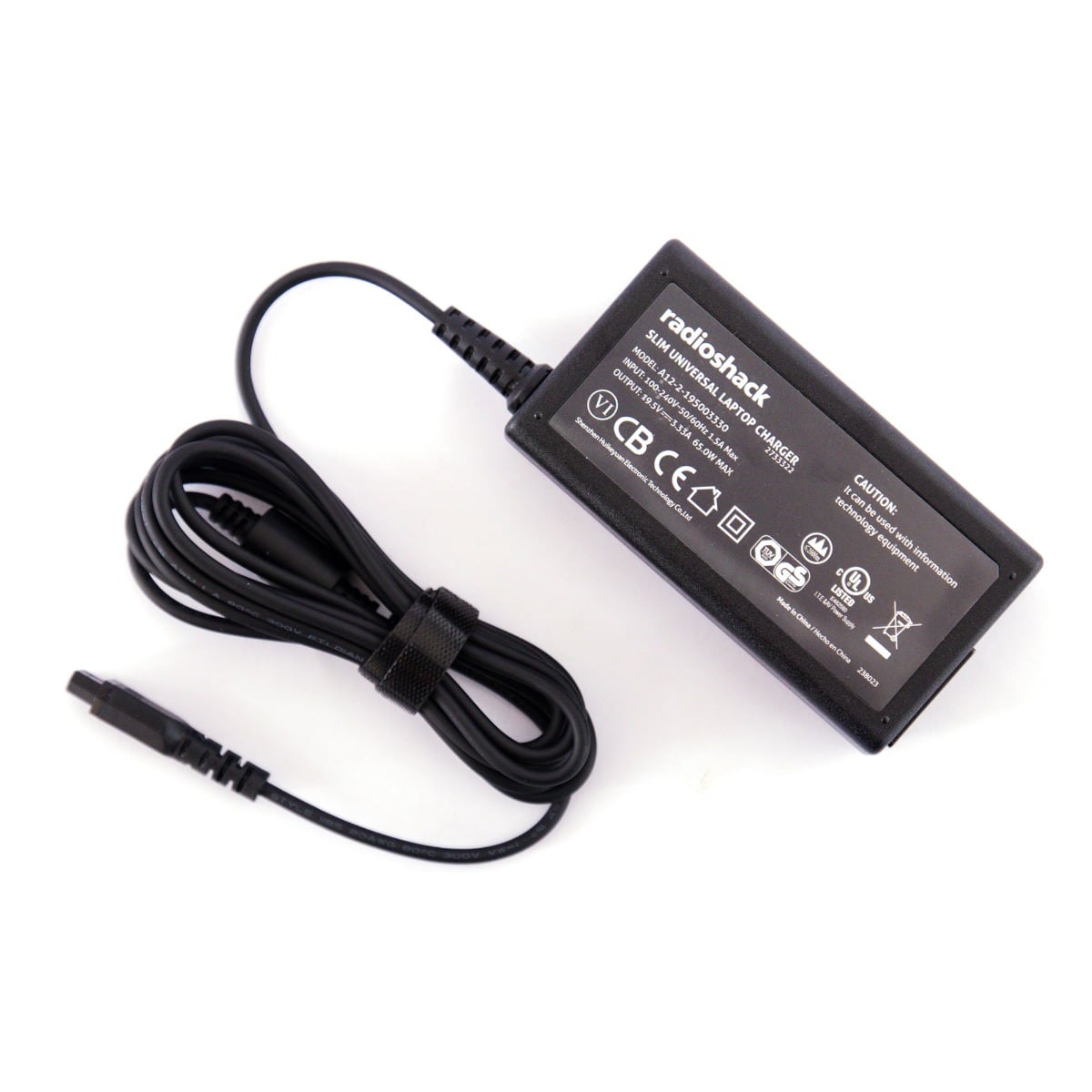
RadioShack - Universal Laptop Charger 9 Tips - 65W - Black
SKU: CFRJQSGPFCSee all Laptop Chargers & AdaptersProduct Description
A versatile black 65W charger with 9 interchangeable tips, compatible with most laptops and ideal for travel.Your price for this item is $39.99 -
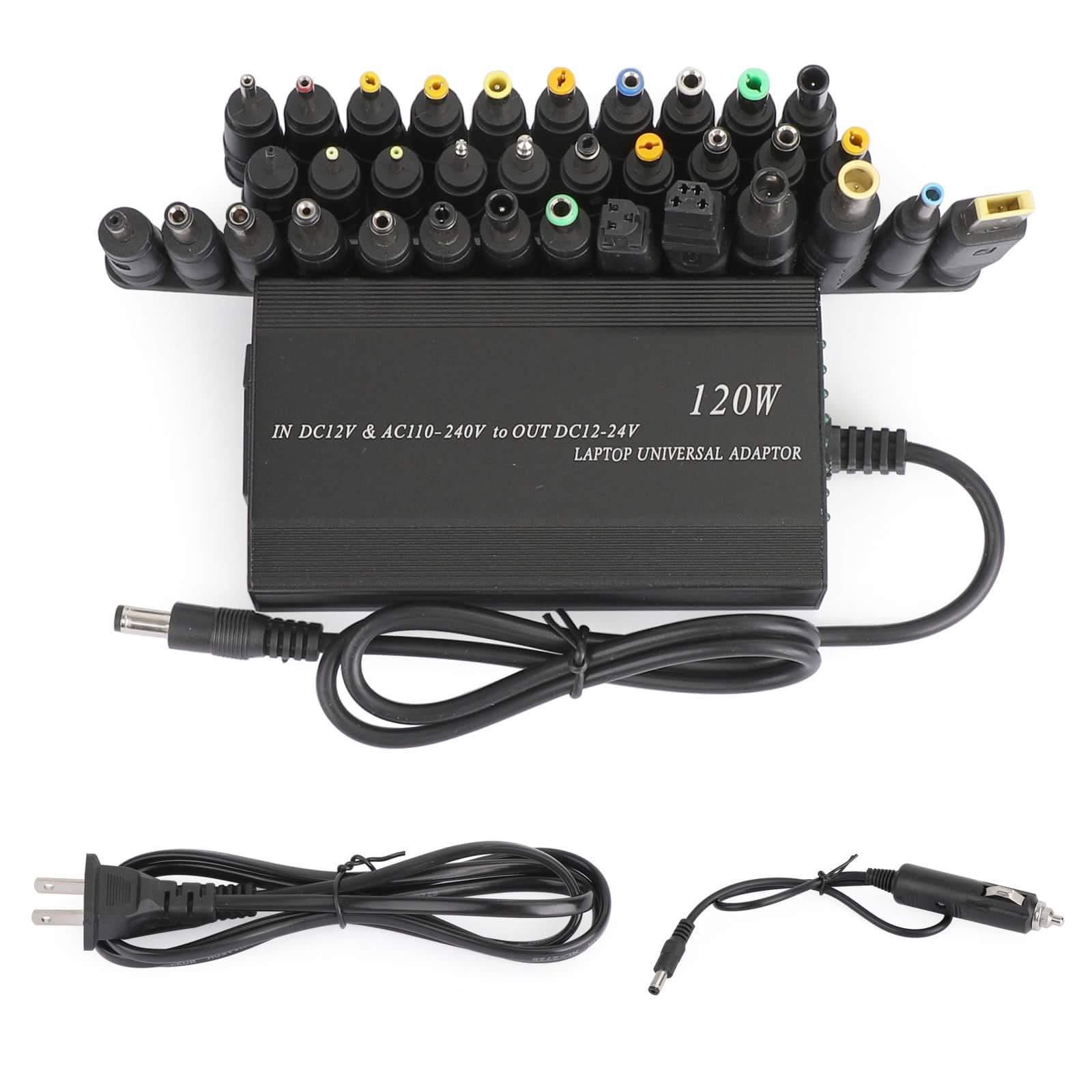
Topteng - Universal 120W Laptop Charger with 34 Tips - Car & Home AC Adapter, 110-240V Input, for HP Dell Lenovo Asus Notebook
SKU: J3R9F7YPTWSee all Cell Phone Car ChargersProduct Description
A universal 120W charger with 34 tips, adjustable voltage, and both car and wall adapters included.Your price for this item is $31.99Save $24The previous price was $55.99 -
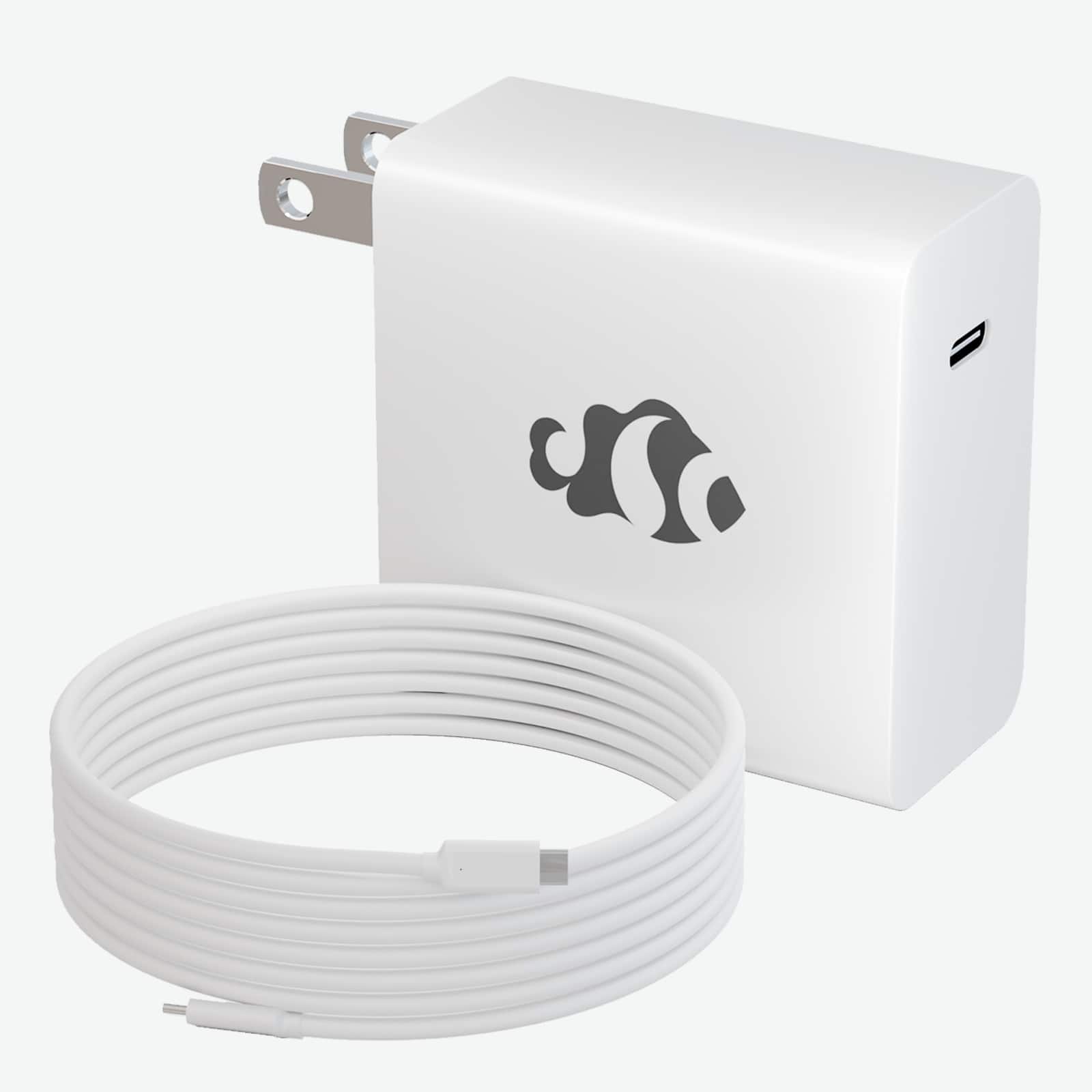
NIMO - PD 60W GaN Fast Charger USB-C to C Cable 6ft for Laptop Macbook and Mobile Devices Adapter
SKU: JJGHQYFFYCGreat Charger...Its also great if you need to charge your phone or other accessories (although use a different charger
See all Laptop Chargers & AdaptersProduct Description
A fast 60W GaN USB-C charger with a 6ft cable, offering intelligent battery protection and broad compatibility.Your price for this item is $26.99Save $3The previous price was $29.99 -
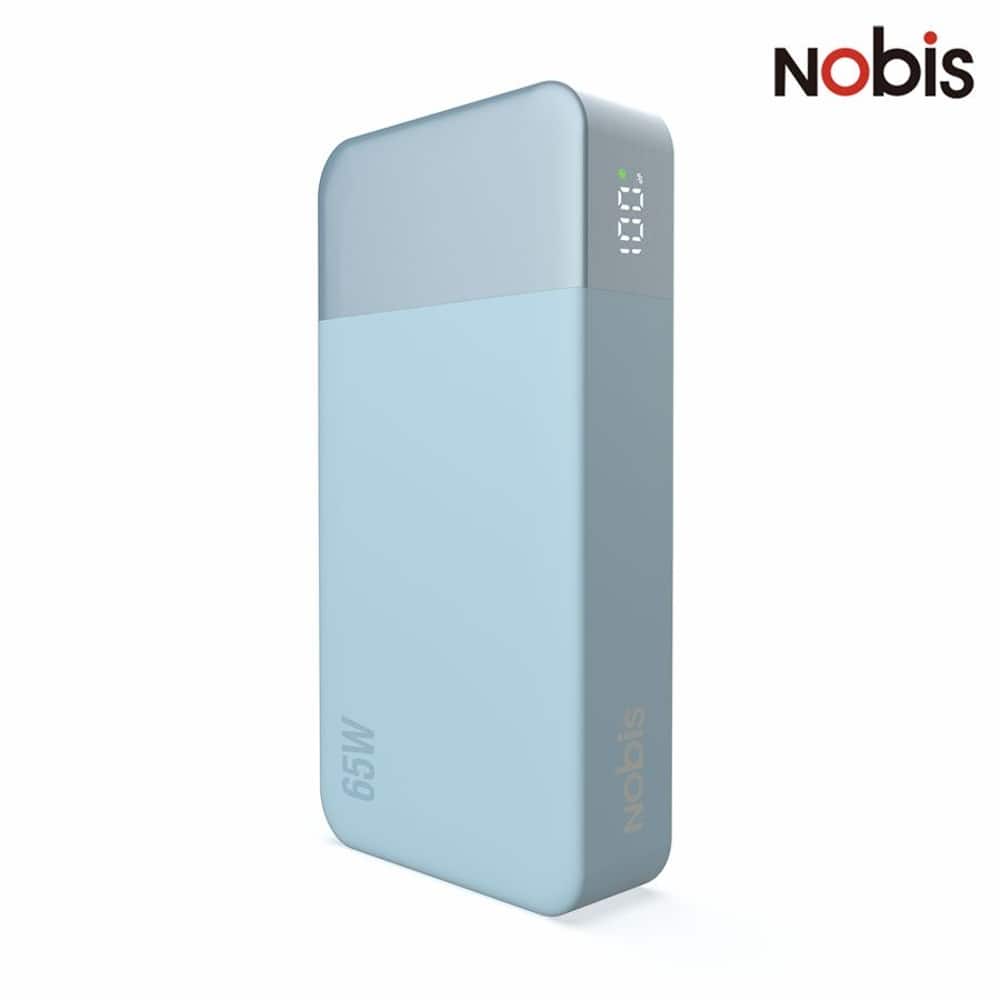
Loheer - 65w fast charging power bank 20000mah portable charger for laptop and phone blue
SKU: J782Z57JPGSee all Portable Chargers & Power BanksProduct Description
A blue 20,000mAh power bank delivers 65W fast charging for laptops and phones.Your price for this item is $52.39Save $26The previous price was $78.59 -
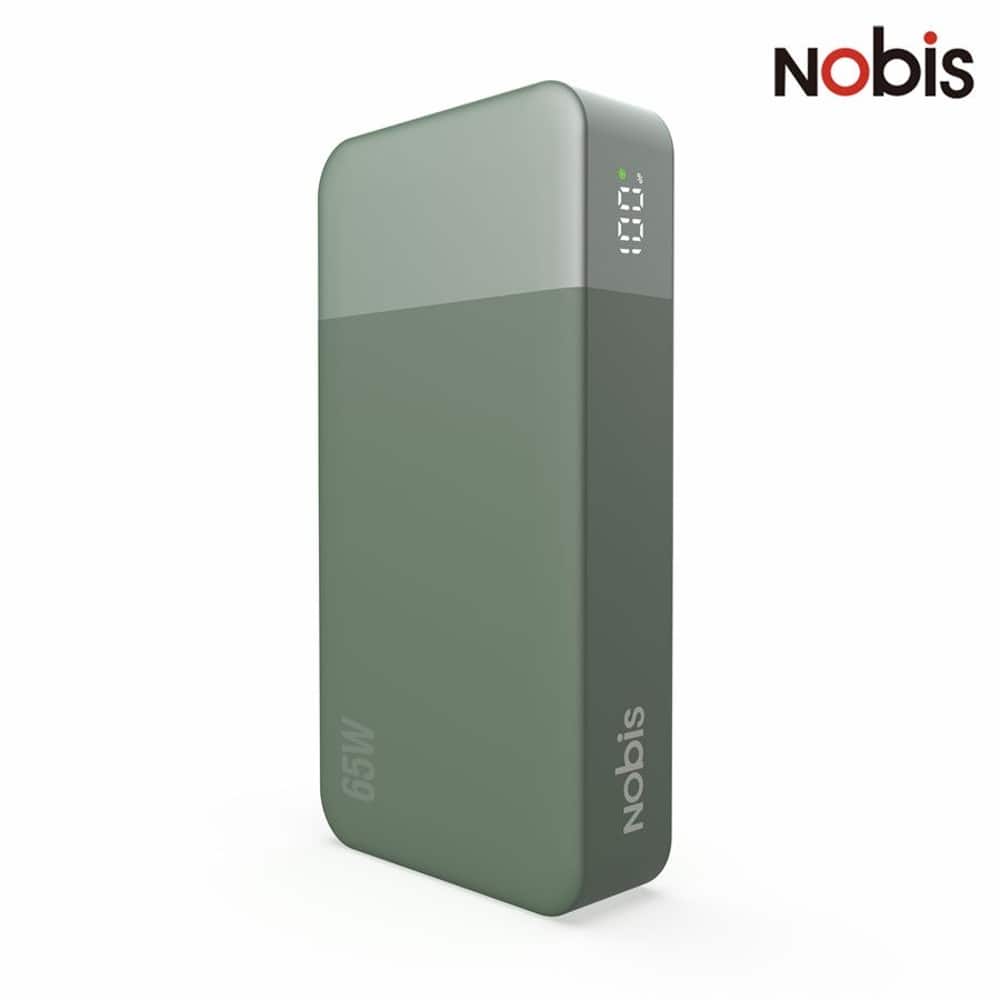
Loheer - 65W fast charging power bank Portable Charger for Laptop and Phone Green
SKU: J782Z57JPRSee all Portable Chargers & Power BanksProduct Description
A green 20,000mAh power bank with 65W fast charging for laptops and phones, plus safety protection.Your price for this item is $52.39Save $26The previous price was $78.59 -
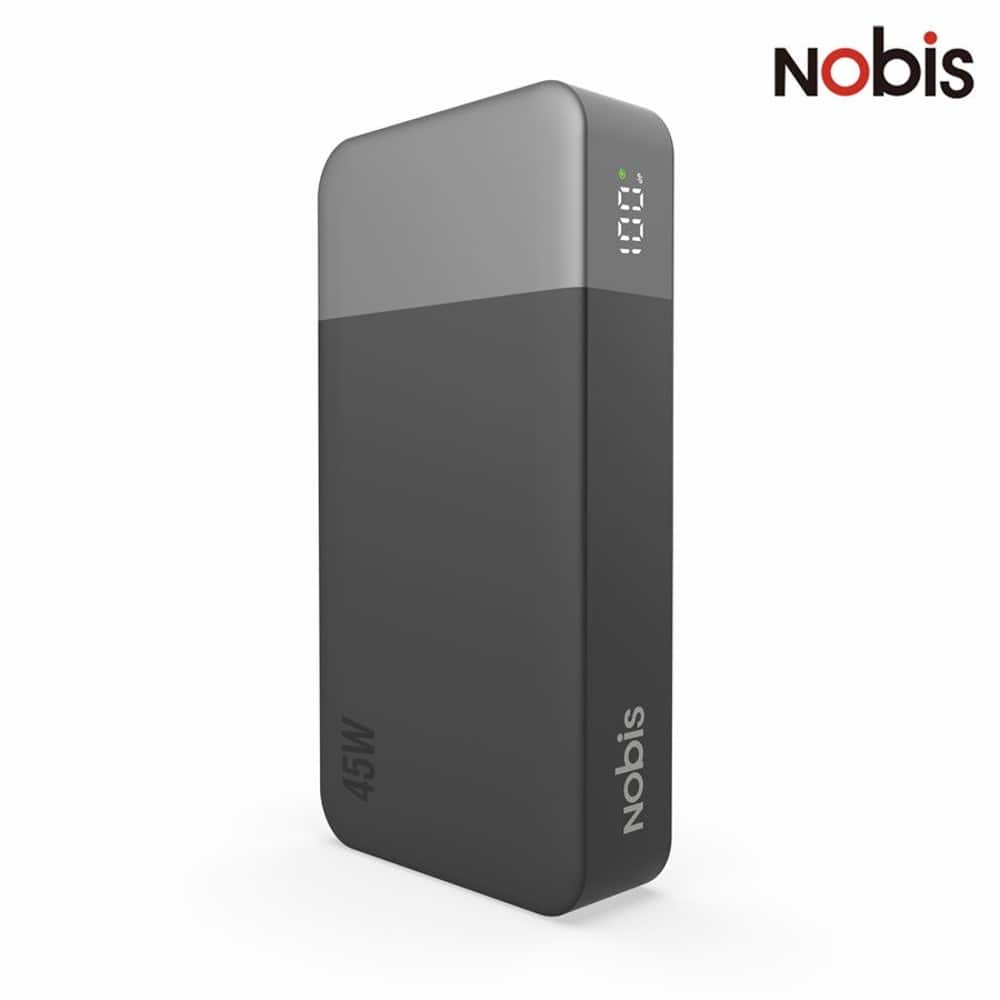
Loheer - 20000mAh portable power bank 45W PD 3.0 fast charger for Phone and Laptop
SKU: J782Z57JJTSee all Portable Chargers & Power BanksProduct Description
A black 20,000mAh power bank with 45W PD 3.0 fast charging for phones, tablets, and laptops.Your price for this item is $50.06Save $25The previous price was $75.09
Best Sellers


Related Pages



FAQ
To find the correct replacement battery, check your laptop's model number, usually located on the bottom of your device or in the system settings. Use this information to search for compatible batteries, or use our filter options to narrow down batteries by brand and model.
It's best to use chargers recommended by your laptop's manufacturer, but many third-party chargers are compatible if they meet the required voltage and connector type. Always check compatibility details in the product description before purchasing.
Consider features such as fast charging capability, multiple charging ports, portability, and built-in safety protections like overcharge and short-circuit protection. Some chargers also offer universal compatibility with various laptop brands.
Charging times vary depending on the battery's capacity and the charger's output. On average, most laptop batteries take between 2 to 4 hours to reach a full charge.
Yes, there are portable power banks and external battery packs designed specifically for laptops. These devices can provide additional power on the go and are compatible with many popular laptop brands and models.