Custom Mechanical Keyboard Cables
-
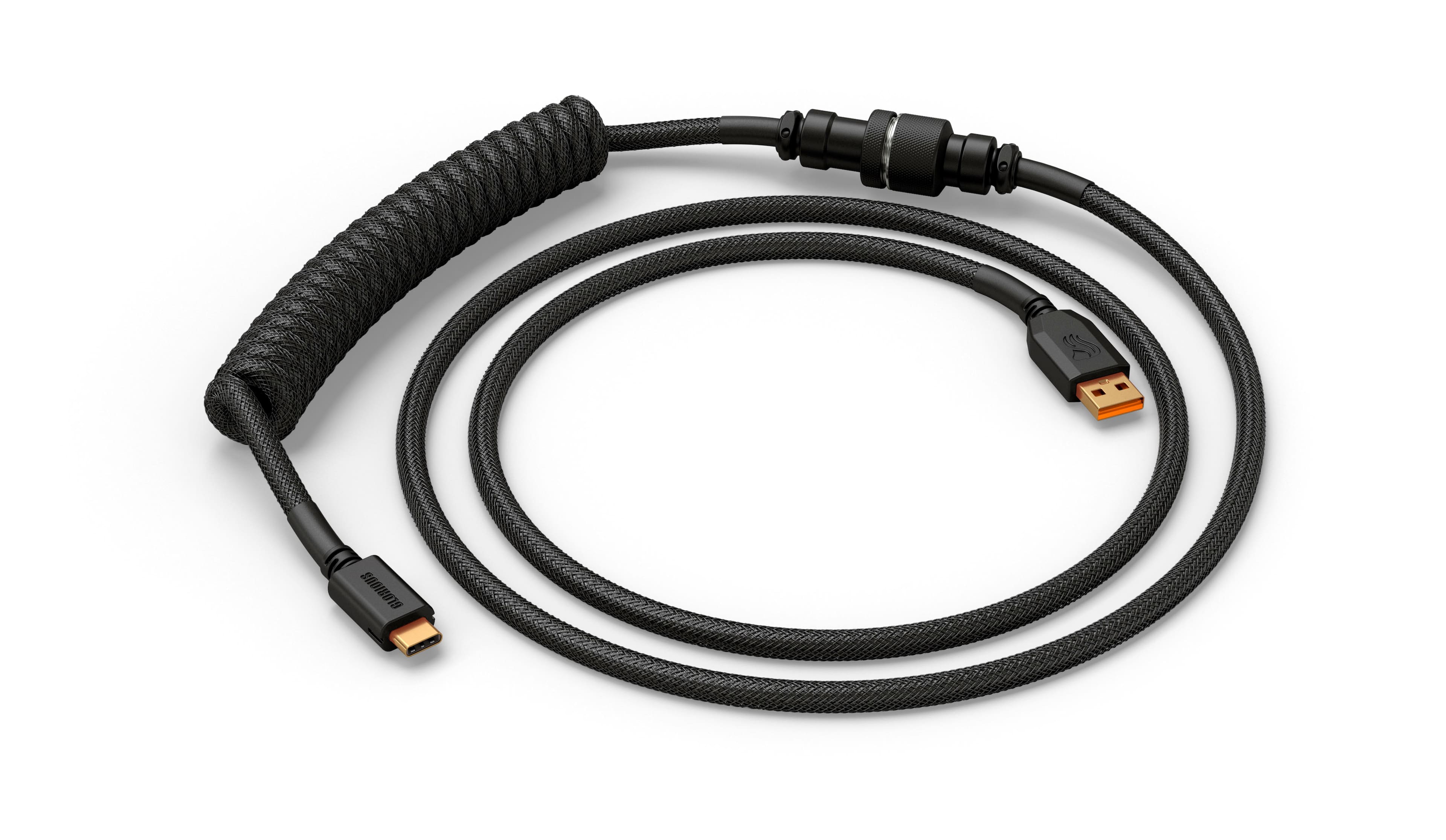
Glorious - Coiled USB-C Artisan Braided Keyboard Cable for Mechanical Gaming Keyboards - Phantom Black
SKU: J3GWJX2HLZLove it!!...Great for gaming...This cord was probably one of the best purchases I’ve made the quality is so very good and the coil is
See all All PC Gaming AccessoriesProduct Description
A durable, double-braided coiled USB-C cable in Phantom Black with a sturdy metal aviator connector.Your price for this item is $49.99 -
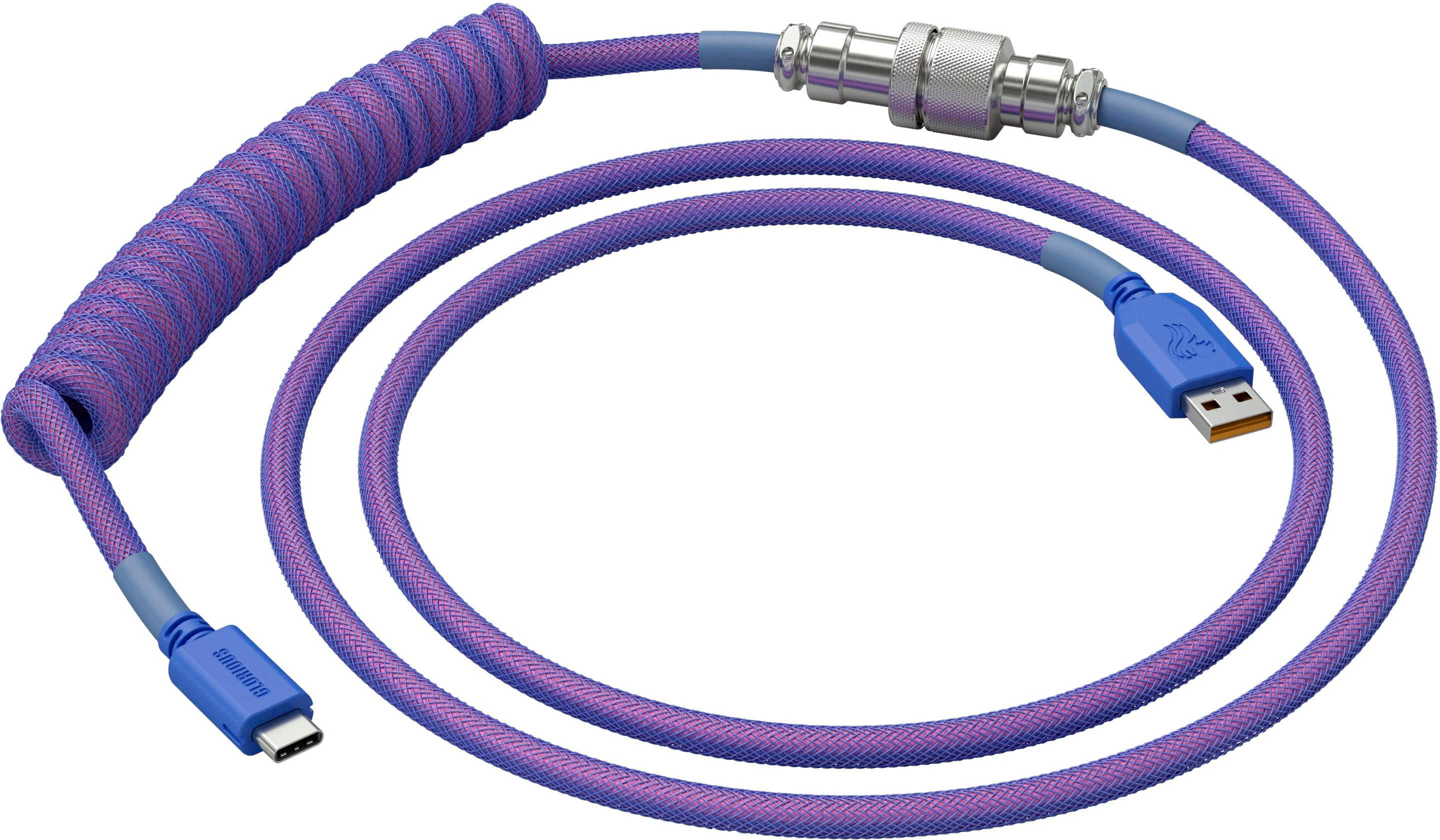
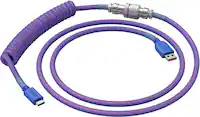
Glorious - Coiled USB-C Artisan Braided Keyboard Cable for Mechanical Gaming Keyboards - Nebula
SKU: J3GWJX2HY9Great length, love the color. Looks great with my setup!...One of the best cords ive used!...One of the best cords
See all All PC Gaming AccessoriesProduct Description
A durable, double-braided USB-C cable in Nebula color with springy coils and a metal aviator connector.Your price for this item is $24.99Save $25The previous price was $49.99 -
DROP - Coiled 4.5' USB-A to USB-C Keyboard Cable - Black
SKU: J3GW3V8F3QSee all All PC Gaming AccessoriesProduct Description
A durable black coiled USB-A to USB-C cable with double-sleeved Techflex and heatshrink protection.Your price for this item is $49.00 -
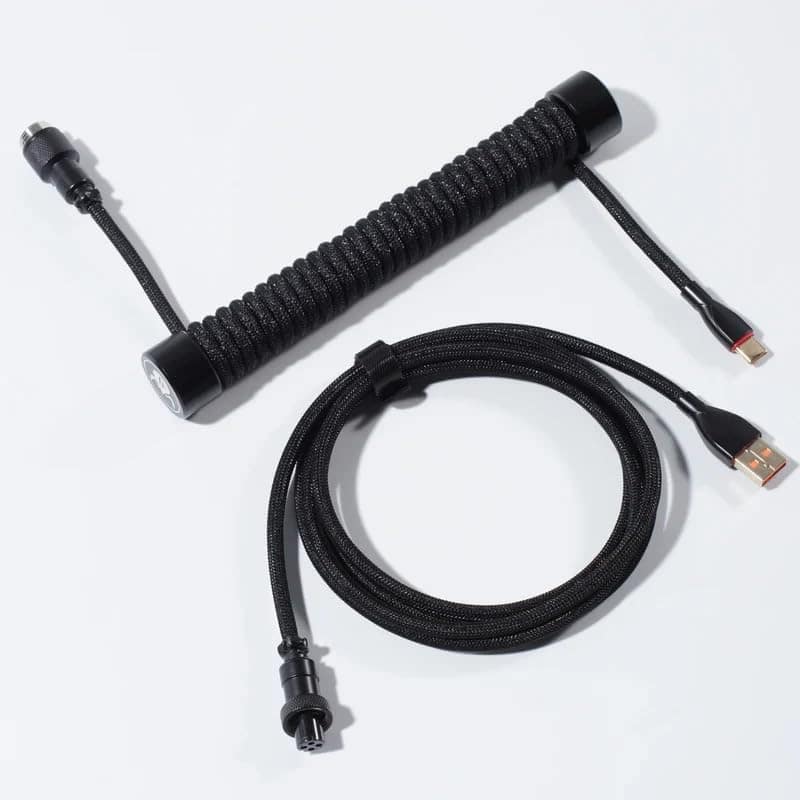
GravaStar - Coiled Aviator USB-C Cable for Mechanical Keyboard - Black
SKU: CZTY2K8C33See all All PC Gaming AccessoriesProduct Description
A black coiled aviator USB-C cable with durable braided TPU/EVA and gold-plated connectors for stable performance.Your price for this item is $24.95Save $12The previous price was $36.95 -
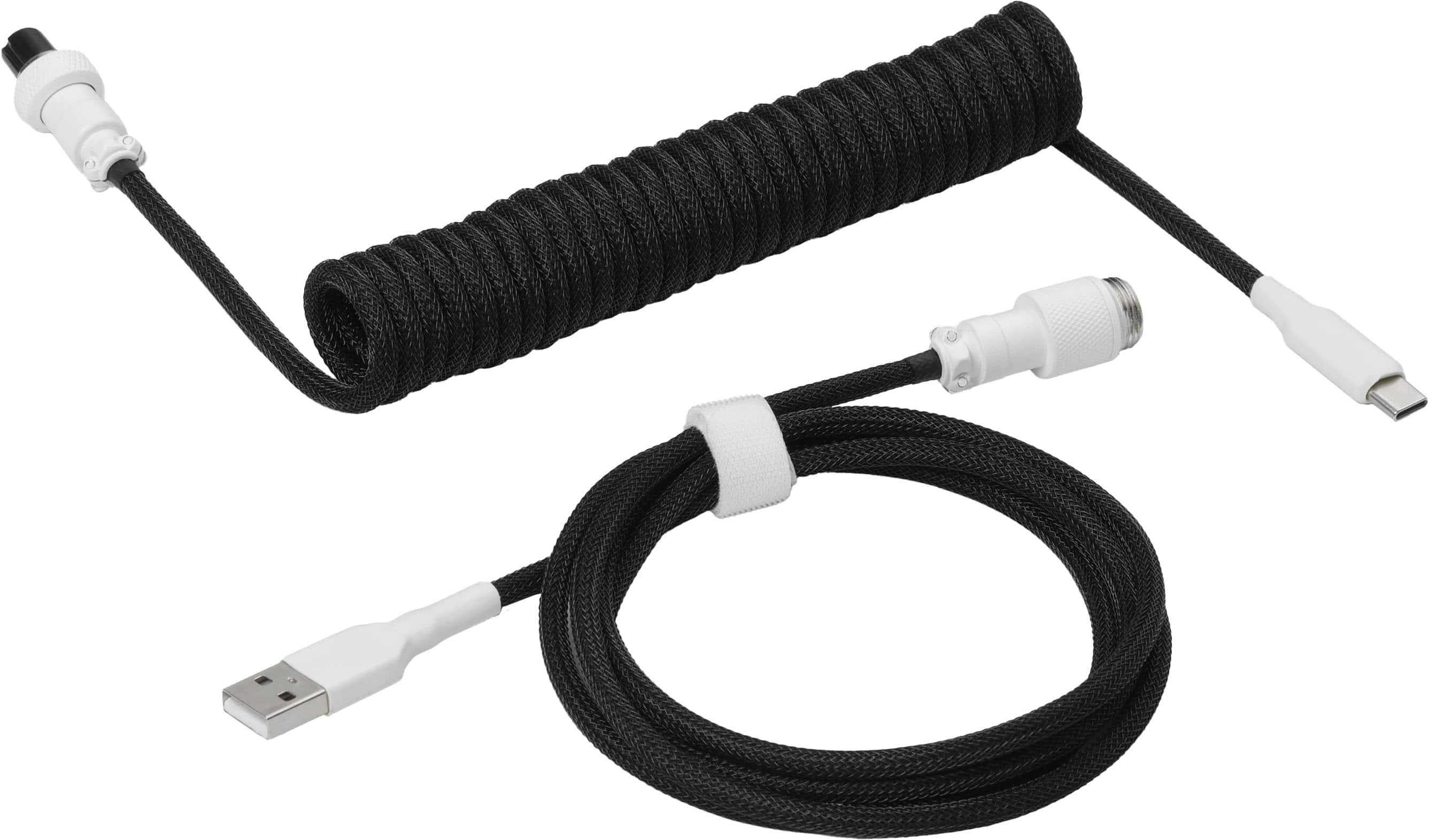
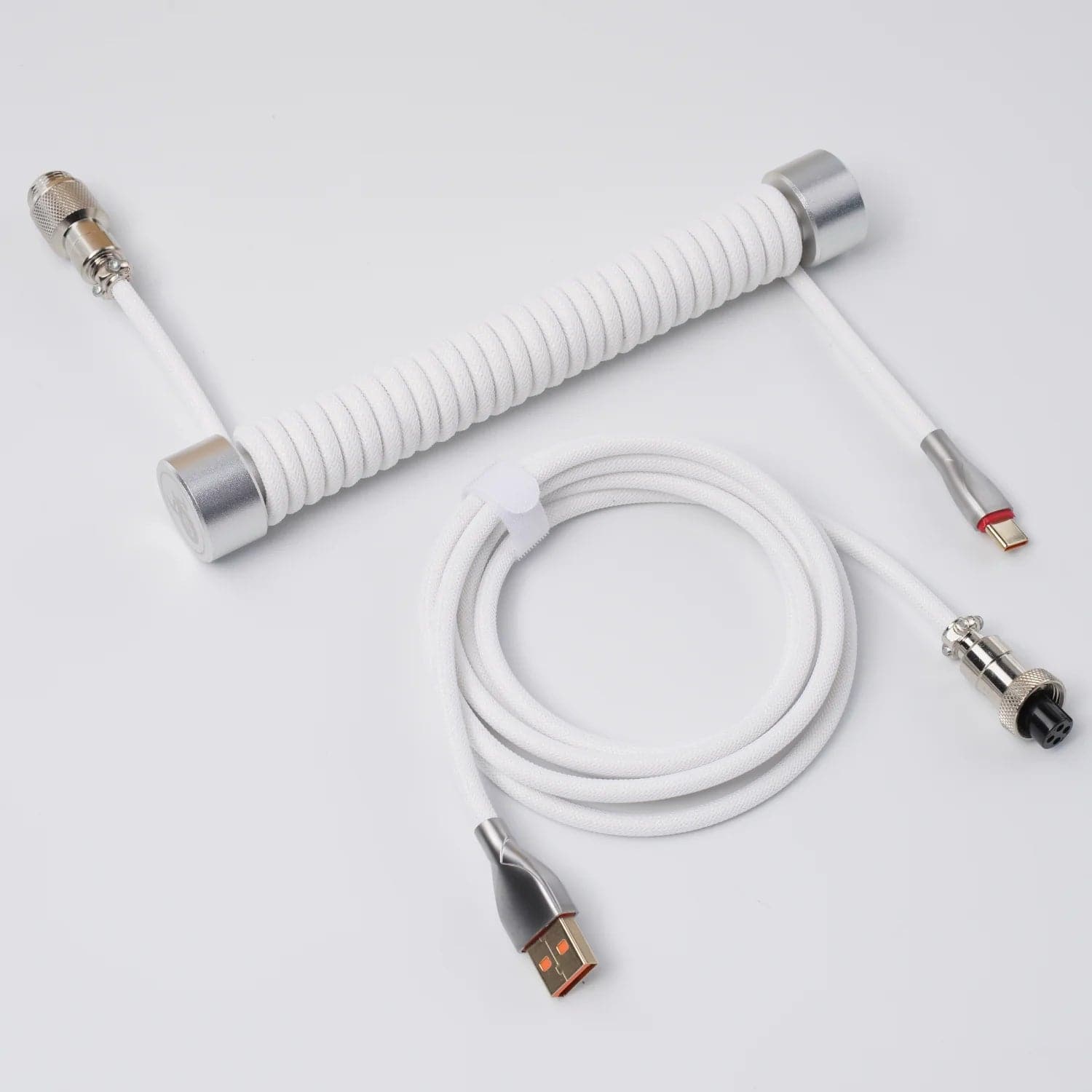
GravaStar - Coiled Aviator USB-C Cable for Mechanical Keyboard - White
SKU: CZTY2K8C39See all Wrist RestsProduct Description
A white coiled USB-C cable with durable TPU/EVA braiding and gold-plated connectors for stable keyboard performance.Your price for this item is $24.95Save $12The previous price was $36.95 -
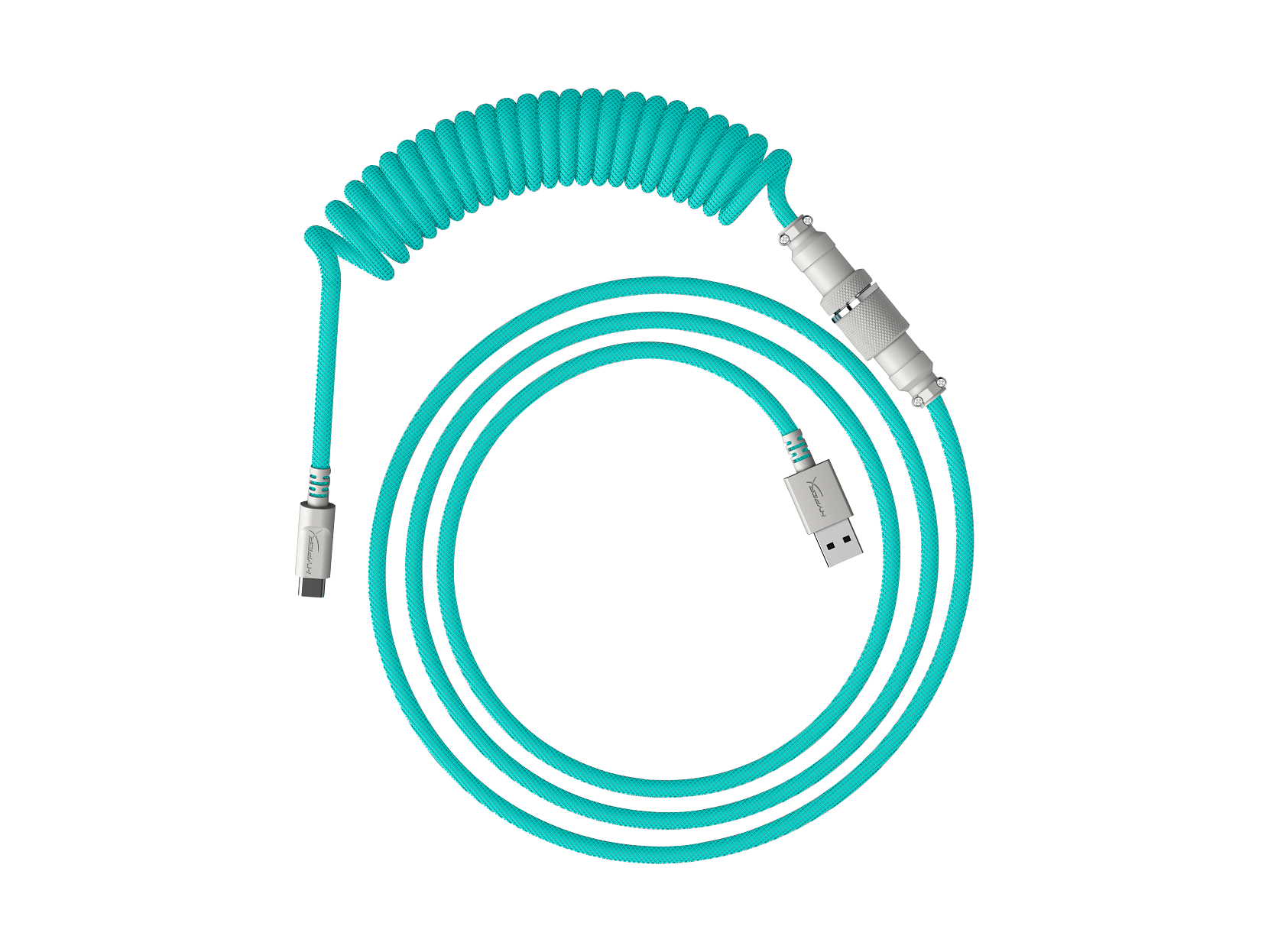
HyperX - USB-C Coiled Cable -White - Light Green
SKU: JJG8758K25See all Gaming Keyboard AccessoriesProduct Description
A durable dual-layer USB-C coiled cable in white and light green that reduces desk clutter.Your price for this item is $32.99
Best Sellers


Related Pages


FAQ
Custom mechanical keyboard cables are USB cables designed to complement a keyboard’s appearance and desk setup. They often feature decorative sleeving, coordinated colors, coiled or straight designs, and optional detachable connectors. They connect compatible wired mechanical keyboards to computers for power and data.
Coiled keyboard cables feature a spiral section that adds a distinctive visual accent to a desk setup. Straight cables have an uncoiled design for a simpler look. Both styles can feature custom colors and sleeving, so the choice often comes down to aesthetics and cable routing preferences.
Check the keyboard’s USB port, the available port on your computer, and the keyboard manufacturer’s cable requirements. Common connections include USB-C or Micro-USB on the keyboard side and USB-A or USB-C on the computer side. The cable must support data transfer, not just charging, and meet any stated power requirements.
An aviator connector is a detachable, often metal connector positioned between two sections of a custom keyboard cable. It adds an industrial-style detail and lets you separate those sections without unplugging the keyboard-side connector. Similar-looking connectors are not necessarily interchangeable; matching connector types and wiring are required.
Start with the colors of your keyboard case, keycaps, and desk mat. You can choose matching sleeving for a coordinated appearance or a contrasting color to make the cable stand out. Connector finishes, patterned sleeving, and coiled or straight styling offer additional ways to personalize the look.