HDMI For Netflix
-
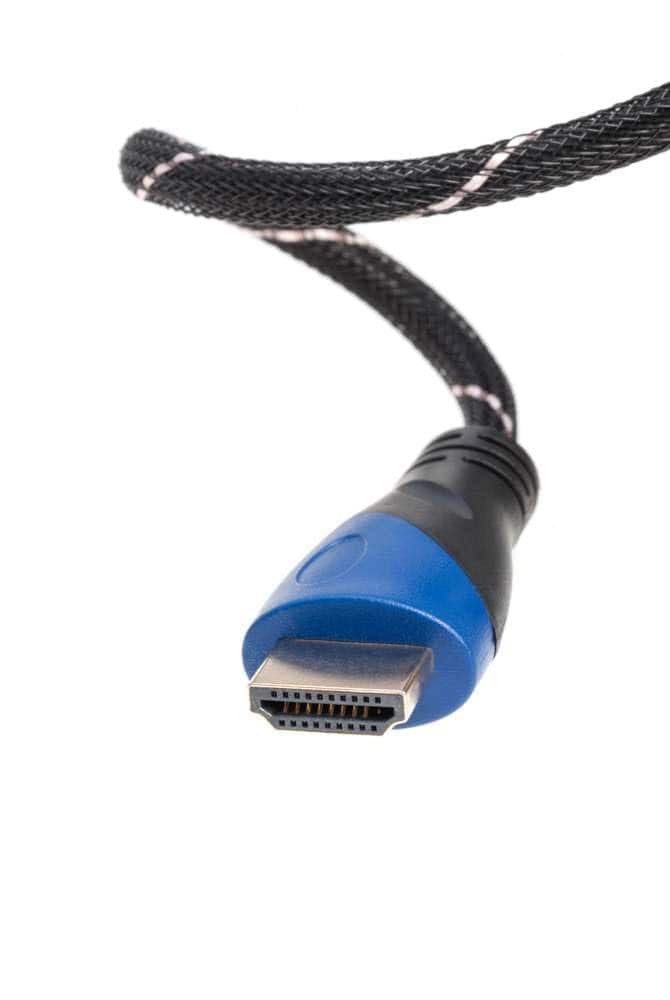
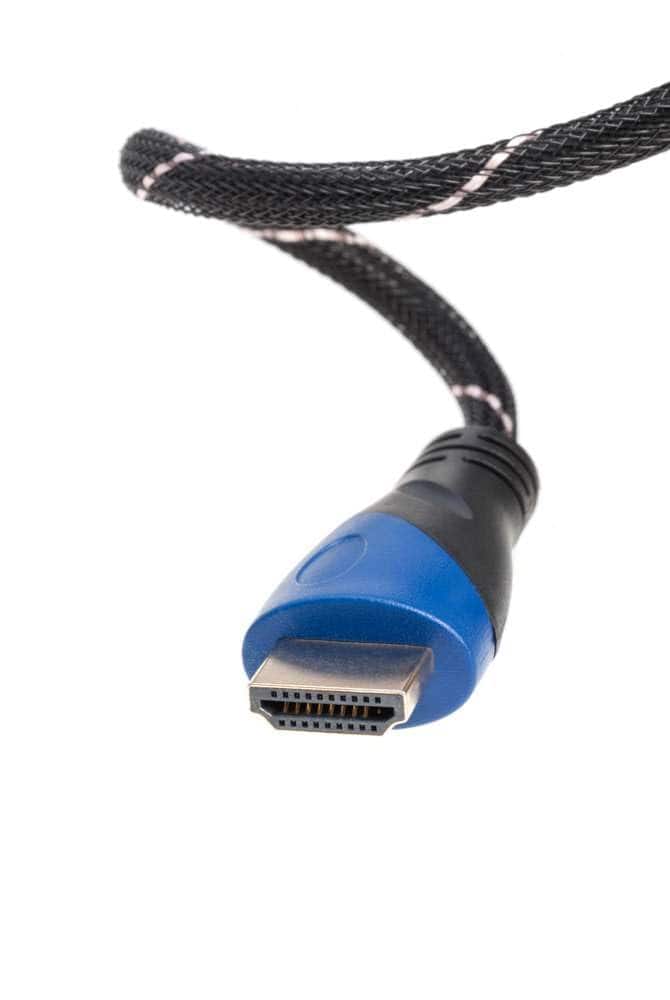
Cables Direct Online - 3FT HDMI 2.0 Cable 4K 60Hz HDR High-Speed 18Gbps Ethernet ARC Gold-Plated UHD Premium Mesh Jacket for TV Gaming Laptop - Black/Gold Striped
SKU: JXTYXGZLWZSee all 4K HDMI (2.0) CablesProduct Description
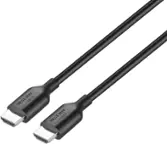
A black and gold striped HDMI cable with braided mesh jacket supports 4K 60Hz HDR and ARC connectivity.Your price for this item is $8.14 -
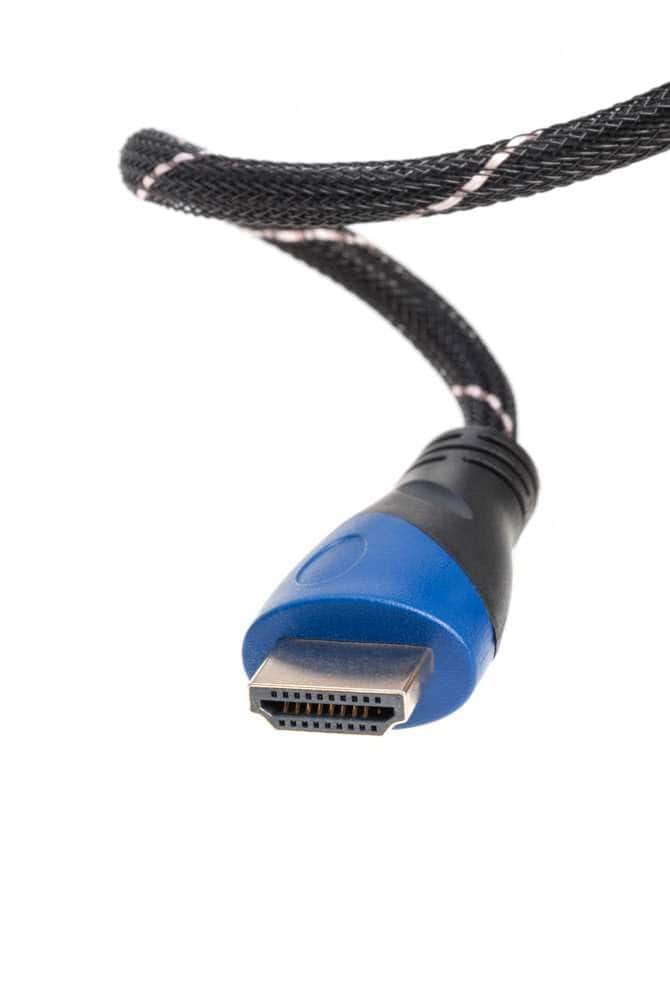
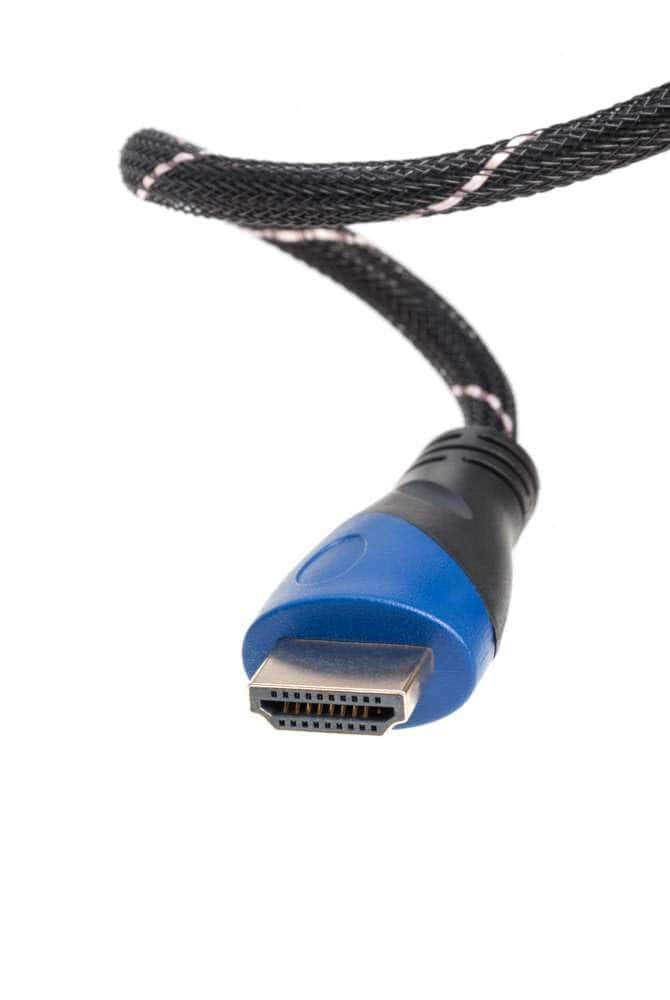
Cables Direct Online - 15FT HDMI 2.0 Cable 4K 60Hz HDR High-Speed 18Gbps Ethernet ARC Gold-Plated UHD Premium Mesh Jacket for TV Gaming Laptop - Black/Gold Striped
SKU: J3GT5KCVK3See all 4K HDMI (2.0) CablesProduct Description
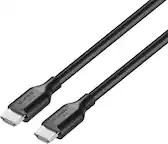
A high-speed black and gold HDMI cable with braided mesh jacket supports 4K 60Hz HDR and ARC.Your price for this item is $10.59 -
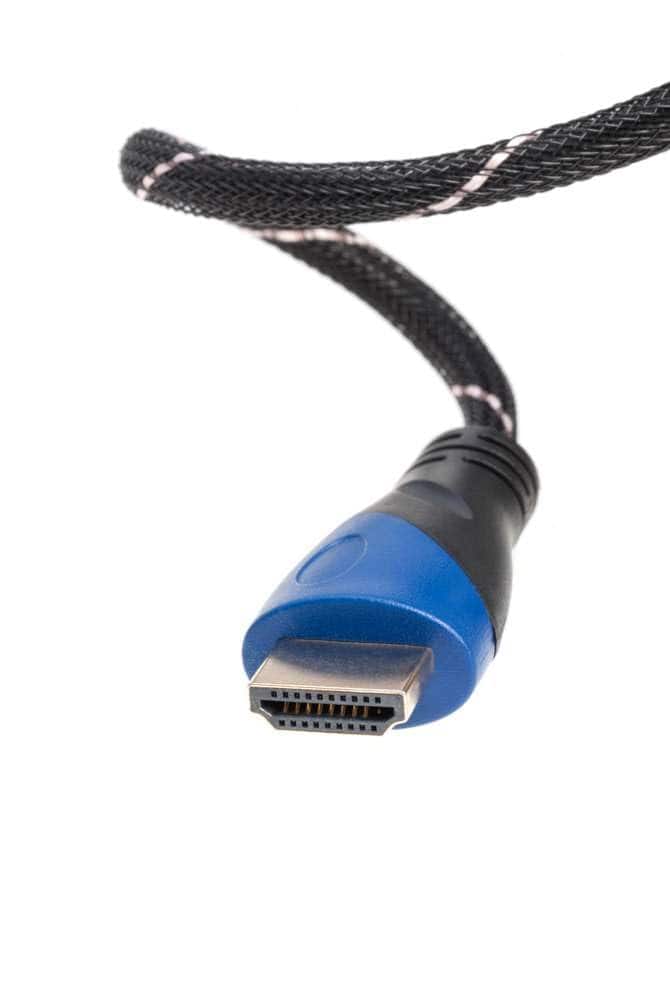
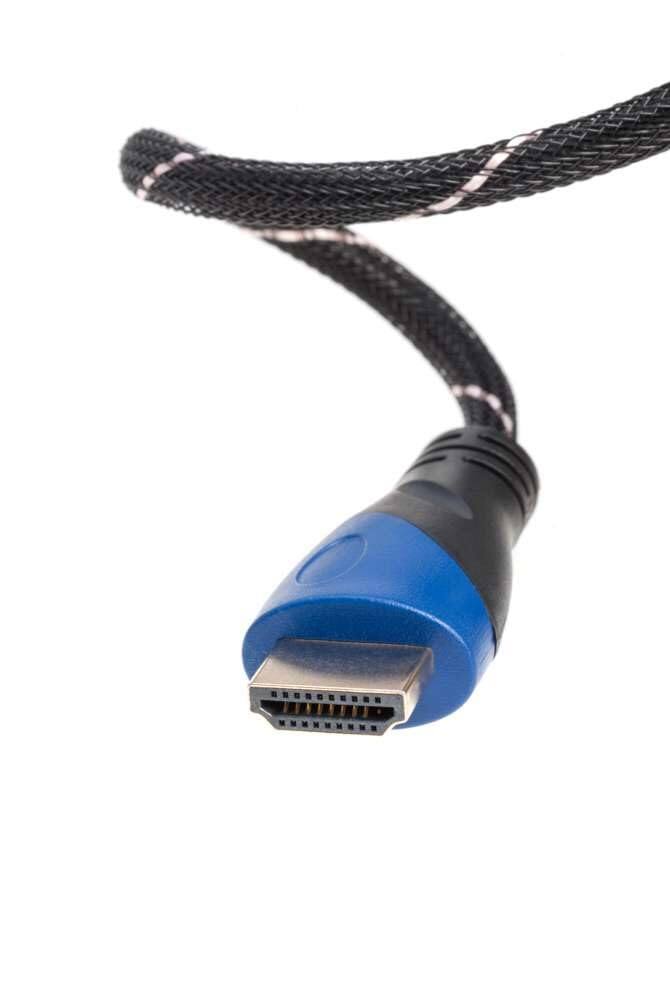
Cables Direct Online - 30FT HDMI 2.0 Cable 4K 60Hz HDR High-Speed 18Gbps Ethernet ARC Gold-Plated UHD Premium Mesh Jacket for TV Gaming Laptop - Black/Gold Striped
SKU: J3GT5KCVZPSee all 4K HDMI (2.0) CablesProduct Description
A high-speed black and gold striped HDMI cable with 4K 60Hz HDR support and durable braided mesh.Your price for this item is $16.89 -
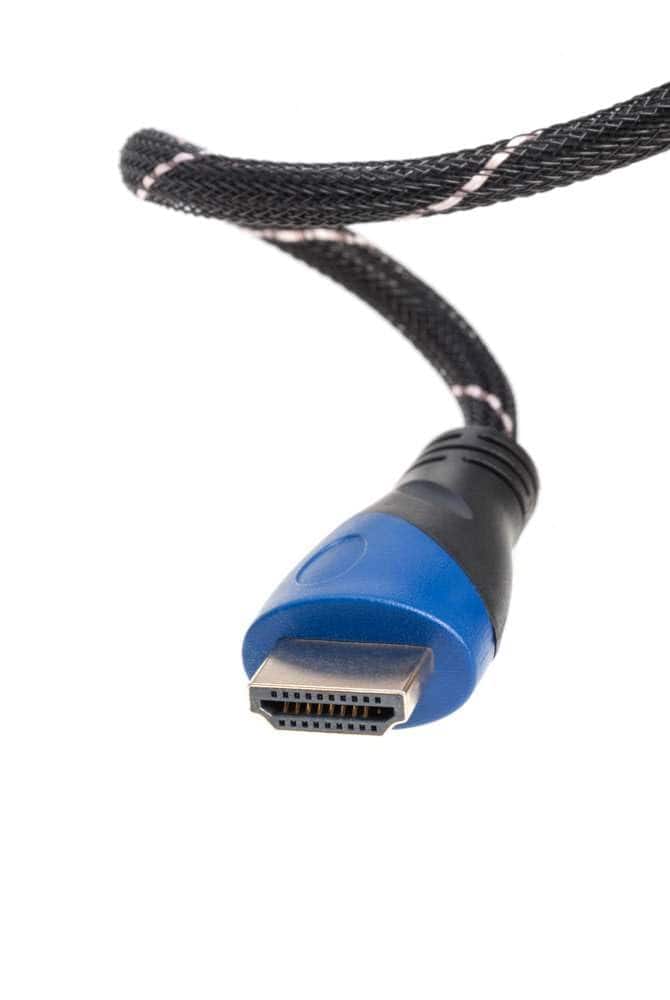
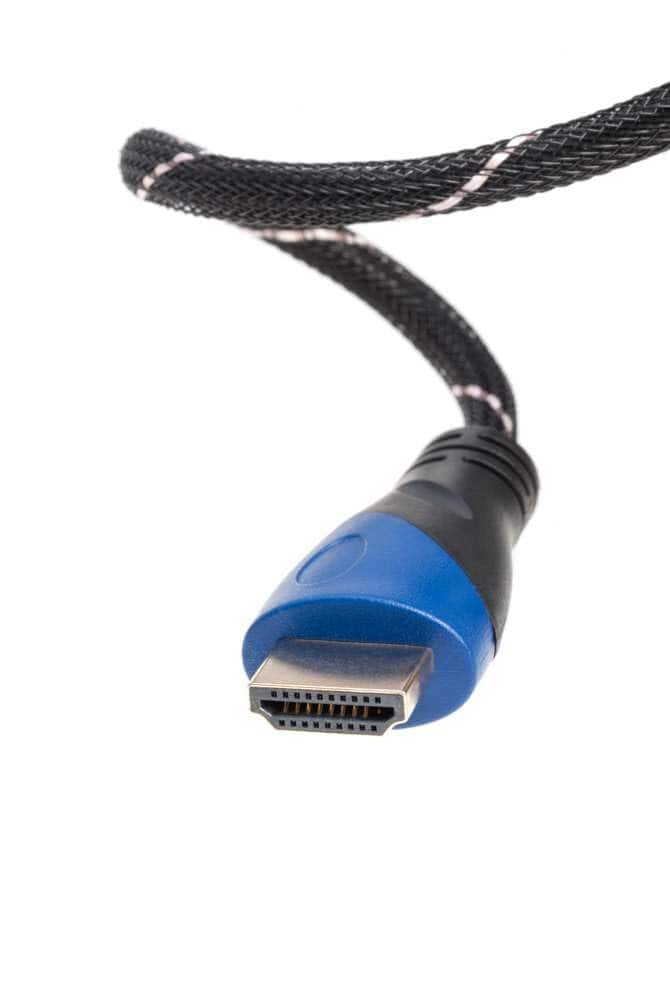
Cables Direct Online - 6FT HDMI 2.0 Cable 4K 60Hz HDR High-Speed 18Gbps Ethernet ARC Gold-Plated UHD Premium Mesh Jacket for TV Gaming Laptop - Black/Gold Striped
SKU: J3GT5KCVWYSee all 4K HDMI (2.0) CablesProduct Description
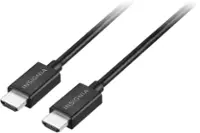
A black and gold striped HDMI cable with 4K 60Hz HDR support, braided mesh jacket, and ARC.Your price for this item is $8.55 -
Cables Direct Online - 12FT HDMI 2.0 Cable 4K 60Hz HDR High-Speed 18Gbps Ethernet ARC Gold-Plated UHD Premium Mesh Jacket for TV Gaming Laptop - Black/Gold Striped
SKU: J3GT5KCVWFSee all 4K HDMI (2.0) CablesProduct Description
A black and gold striped HDMI 2.0 cable offering 4K 60Hz HDR, ARC, and braided mesh durability.Your price for this item is $10.89 -
Cables Direct Online - 25FT HDMI 2.0 Cable 4K 60Hz HDR High-Speed 18Gbps Ethernet ARC Gold-Plated UHD Premium Mesh Jacket for TV Gaming Laptop - Black/Gold Striped
SKU: J3GT5KCVZ2See all 4K HDMI (2.0) CablesProduct Description
A black and gold striped HDMI cable with 4K 60Hz, HDR, ARC, and durable braided mesh jacket.Your price for this item is $12.89 -
Cables Direct Online - 50FT HDMI 2.0 Cable 4K 60Hz HDR High-Speed 18Gbps Ethernet ARC Gold-Plated UHD Premium Mesh Jacket for TV Gaming Laptop - Black/Gold Striped
SKU: J3GT5KCV4HSee all 4K HDMI (2.0) CablesProduct Description
A black and gold striped HDMI 2.0 cable with braided mesh jacket supports 4K 60Hz, HDR, and ARC.Your price for this item is $26.94 -
Cables Direct Online - 10FT HDMI 2.0 Cable 4K 60Hz HDR High-Speed 18Gbps Ethernet ARC Gold-Plated UHD Premium Mesh Jacket for TV Gaming Laptop - Black/Gold Striped
SKU: J3GT5KCVWHSee all 4K HDMI (2.0) CablesProduct Description
A high-speed black and gold HDMI cable with braided mesh jacket supports 4K 60Hz HDR and ARC.Your price for this item is $9.05 -
Cables Direct Online - 1.5FT HDMI 2.0 Cable 4K 60Hz HDR High-Speed 18Gbps Ethernet ARC Gold-Plated UHD Premium Mesh Jacket for TV Gaming Laptop - Black/Gold Striped
SKU: J3GT5KCVTPSee all 4K HDMI (2.0) CablesProduct Description
A high-speed black and gold HDMI cable with braided mesh jacket supports 4K 60Hz HDR and ARC connectivity.Your price for this item is $15.35 -
Cables Direct Online - 35FT HDMI 2.0 Cable 4K 60Hz HDR High-Speed 18Gbps Ethernet ARC Gold-Plated UHD Premium Mesh Jacket for TV Gaming Laptop - Black/Gold Striped
SKU: J3GT5KCV4CSee all 4K HDMI (2.0) CablesProduct Description
A high-speed black and gold striped HDMI cable with 4K 60Hz HDR support and durable braided mesh.Your price for this item is $21.09
Best Sellers
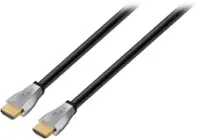
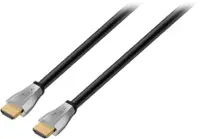
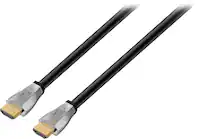
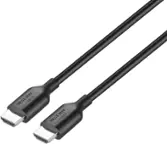
Related Pages



FAQ
For streaming Netflix in 4K, we recommend using a High-Speed HDMI cable with support for HDMI 2.0 or higher. These cables ensure smooth transmission of 4K Ultra HD video and high-quality audio.
Yes, you can connect your laptop to your TV using an HDMI cable. Simply plug one end of the HDMI cable into your laptop and the other into your TV, select the correct HDMI input on your TV, and start streaming Netflix from your device.
To enjoy advanced features like Dolby Atmos or HDR on Netflix, make sure your HDMI cable supports HDMI 2.0 or higher. This allows for the bandwidth needed for high-resolution audio and video formats.
Most modern HDMI cables will work with streaming devices such as Roku, Apple TV, or Chromecast. However, for the best performance, especially with 4K content, choose a High-Speed HDMI cable that supports the latest standards.
Check your smart TV’s HDMI port specifications and ensure your cable matches or exceeds those requirements. For Netflix streaming, especially in HD or 4K, a High-Speed HDMI cable (HDMI 2.0 or above) is recommended for optimal compatibility and performance.