HP Computer Keyboard
-
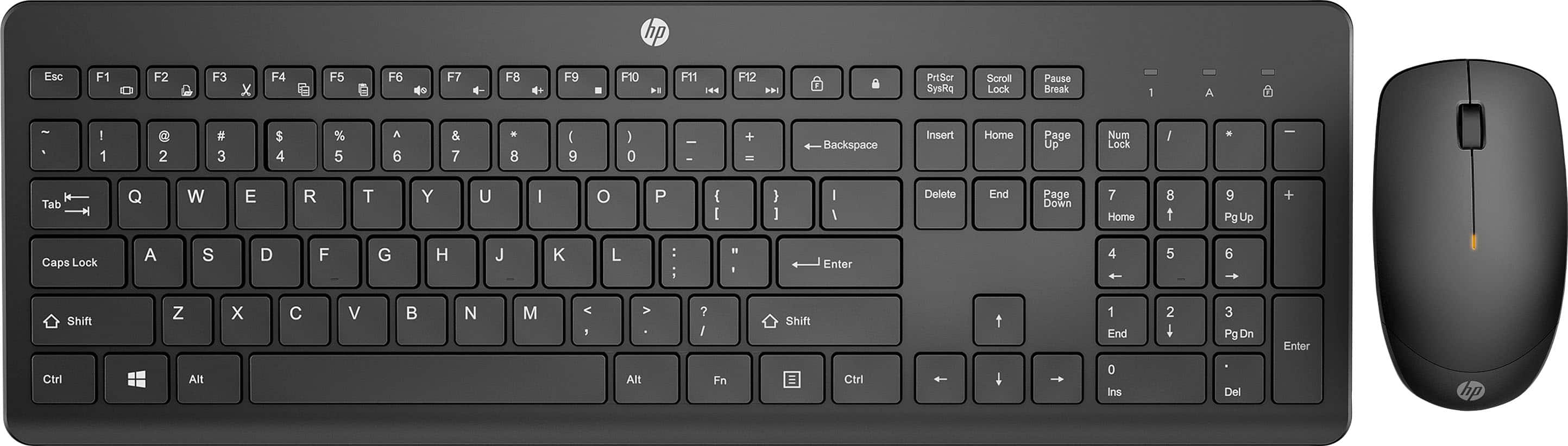
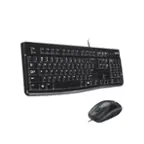
HP - 230 Full-size Wireless Keyboard and Mouse Bundle - Black
SKU: JJGXXVGQ3SI Love my new HP Wireless Keyboard and Mouse Bundle...Best basics money can buy. Just plug and play
See all Gaming Keyboard & Mouse CombosProduct Description
A sleek black wireless keyboard and mouse combo designed for quiet, comfortable, and efficient productivity.Your price for this item is $24.99 -
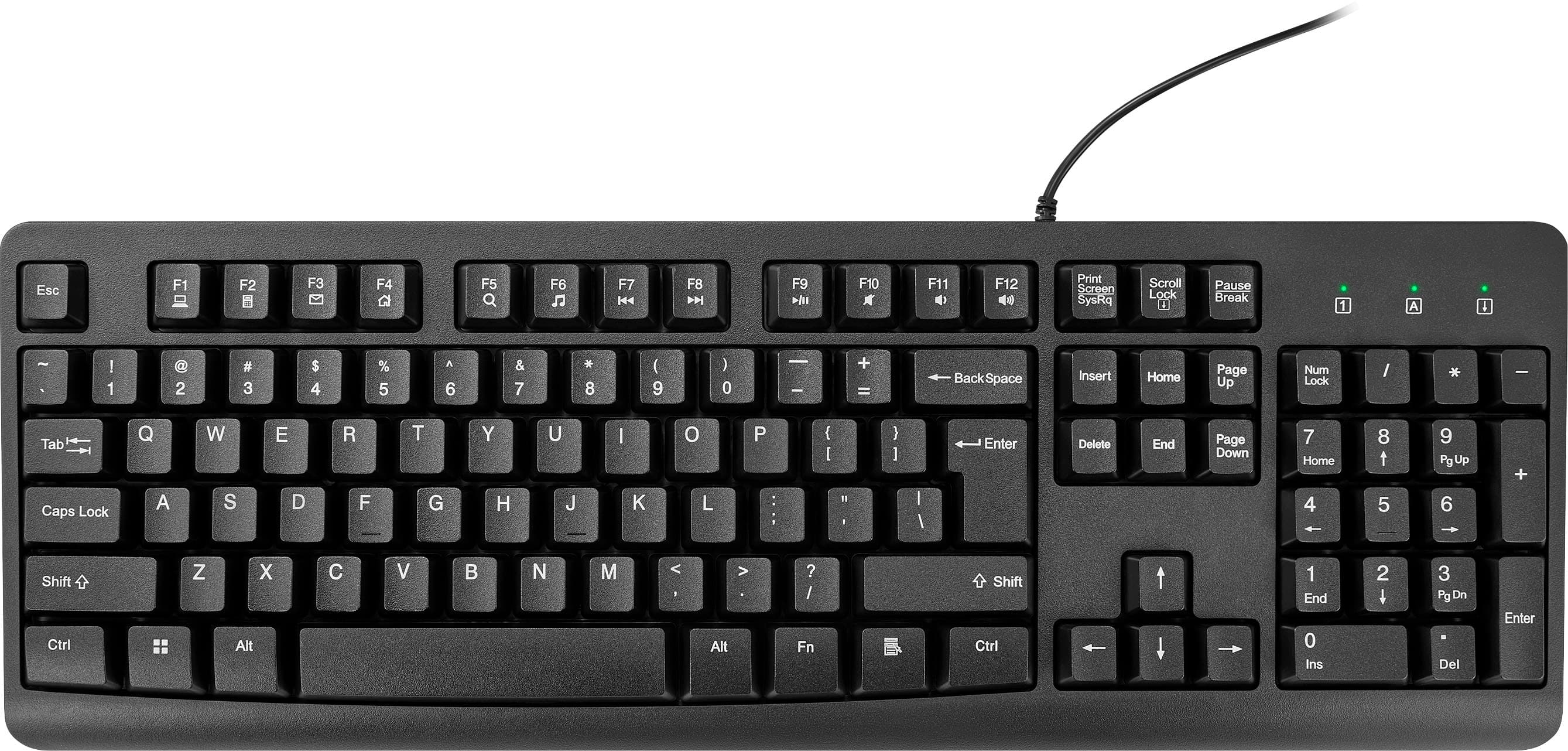
Best Buy essentials™ - Full-size Wired Membrane Keyboard - Black
SKU: J2FPJK9R5WGreat keyboard...Great quality for the price! Thanks Best Buy!...Best keyboard...Large, easy to read letters, very ergonomic, love the back light
See all Wired & USB KeyboardsProduct Description
A full-size black wired membrane keyboard with numeric keypad, spill resistance, and easy plug-and-play setup.Your price for this item is $11.99 -
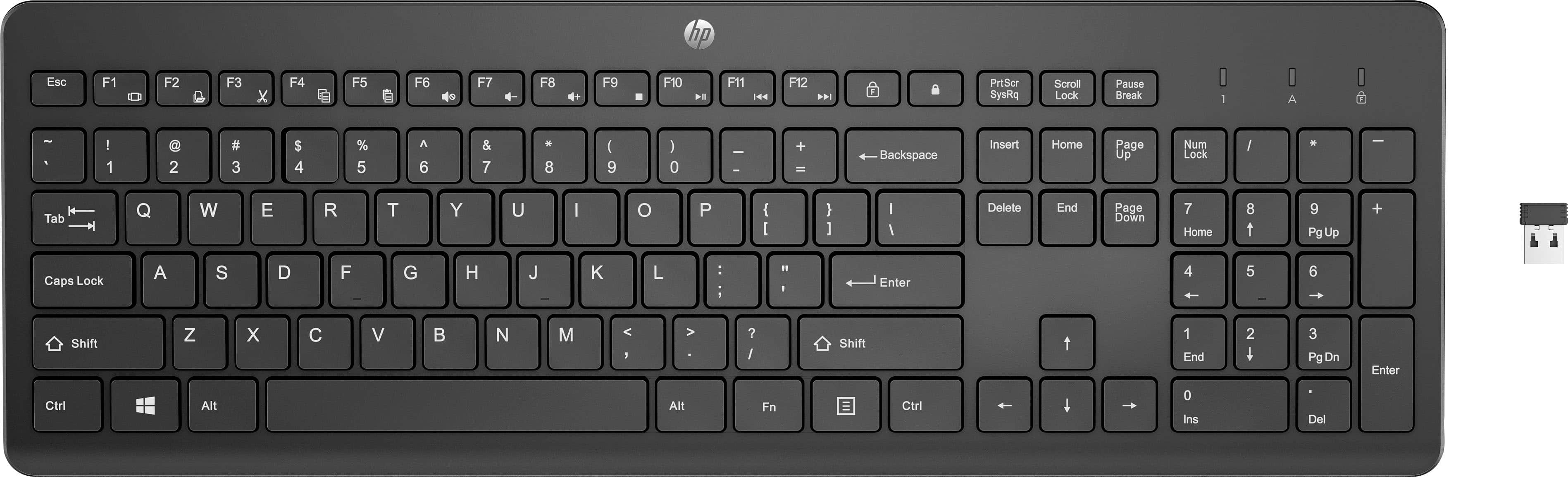
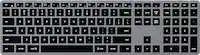
HP - 230 Full-size Wireless Keyboard - Black
SKU: JJGXXVGQ3Xgreat keyboard !!...It's great !!! Love the wireless feature and number keypad....Works great at a great price. Purchased for my office manager as a wireless option for their desk.
See all Wireless & Bluetooth KeyboardsProduct Description
A full-size black wireless keyboard offering quiet typing, numeric keypad, keyboard shortcuts, and long-lasting battery.Your price for this item is $18.99 -
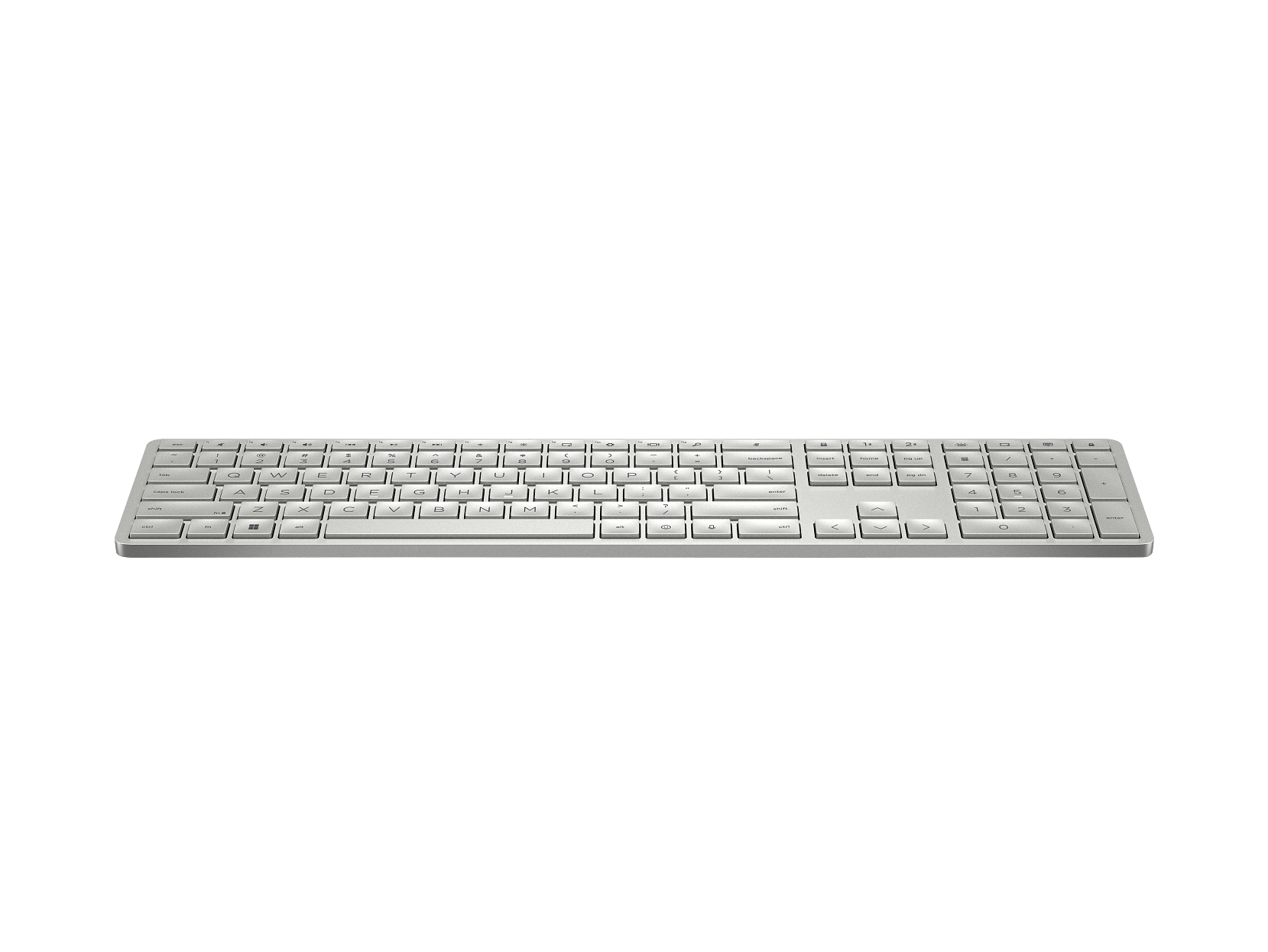
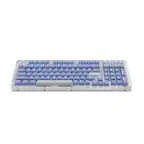
HP - 970 Programmable Wireless Keyboard - Silver
SKU: JJGCSJX6YSSee all Wired & USB KeyboardsProduct Description
A silver wireless keyboard featuring programmable keys, quiet typing, smart backlight, and a rechargeable battery.Your price for this item is $109.99
Best Sellers

Related Pages

FAQ
Most HP computer keyboards are designed primarily for Windows operating systems, but many models also offer basic compatibility with Mac OS. For full functionality, it's recommended to check the specific product details or look for keyboards labeled as cross-platform compatible.
Yes, many HP computer keyboards feature multimedia shortcut keys for quick access to functions like volume control, play/pause, and launching applications. The availability of these keys may vary depending on the model.
Yes, HP computer keyboards are compatible with both desktop PCs and laptops as long as they have the appropriate USB or wireless connection available.
Yes, HP offers a variety of wireless computer keyboards that connect via Bluetooth or USB receiver, providing flexibility and reducing cable clutter on your workspace.
Most HP computer keyboards are plug-and-play and do not require special software or drivers for basic operation. However, for advanced features or customizable keys, you may need to install HP’s optional software, which is usually available on the HP support website.