Kindle Fire Bluetooth Speakers
-
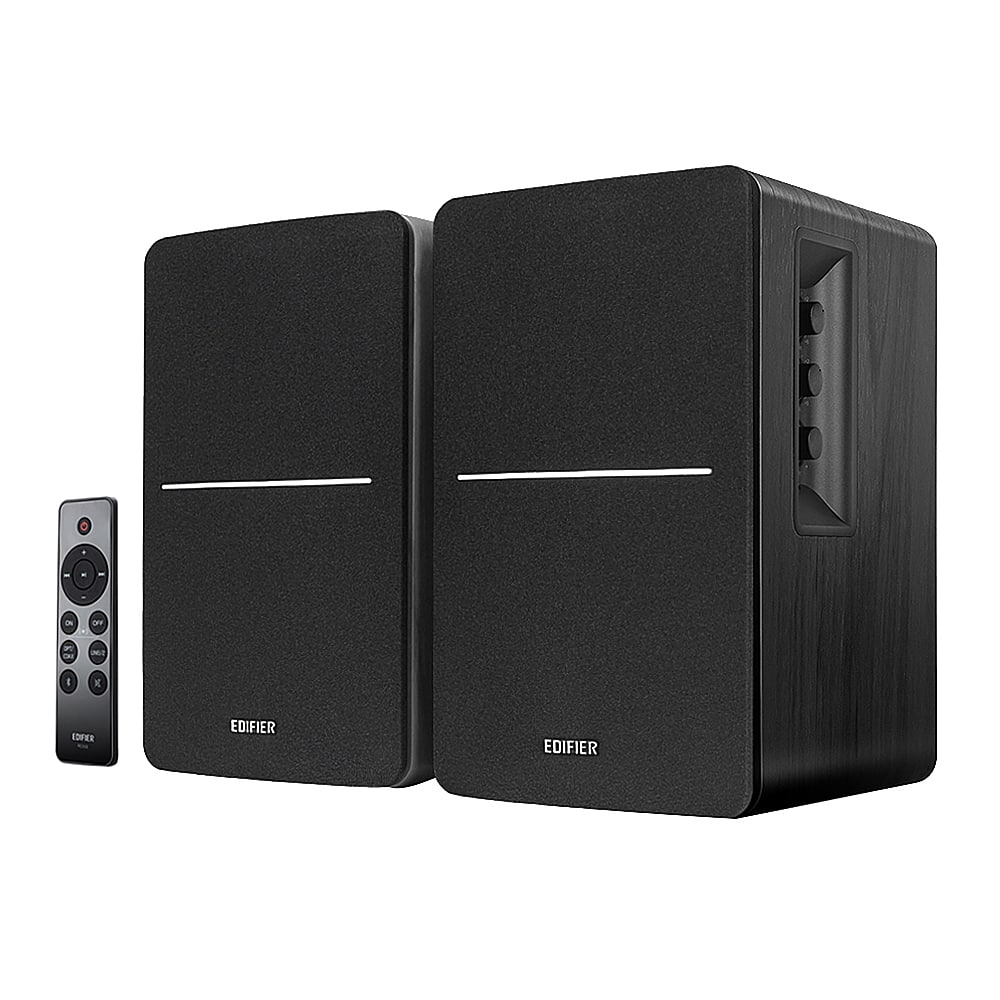
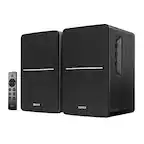
Edifier - R1280DBs Powered Bluetooth Computer Speakers, Bookshelf Speakers - 42W RMS - Soundfield Spacializer - Studio Monitors - Black
SKU: J3WSK7SGFRGreat speaker, I use it in my living room while entertaining and on any regular day when I love to listen...Beautiful heavy speakers with great sound. I would recommend them best computer speakers I’ve...
See all Computer SpeakersProduct Description
A pair of black Bluetooth 5.0 bookshelf speakers delivering 42W RMS with studio monitor sound quality.Your price for this item is $199.99 -
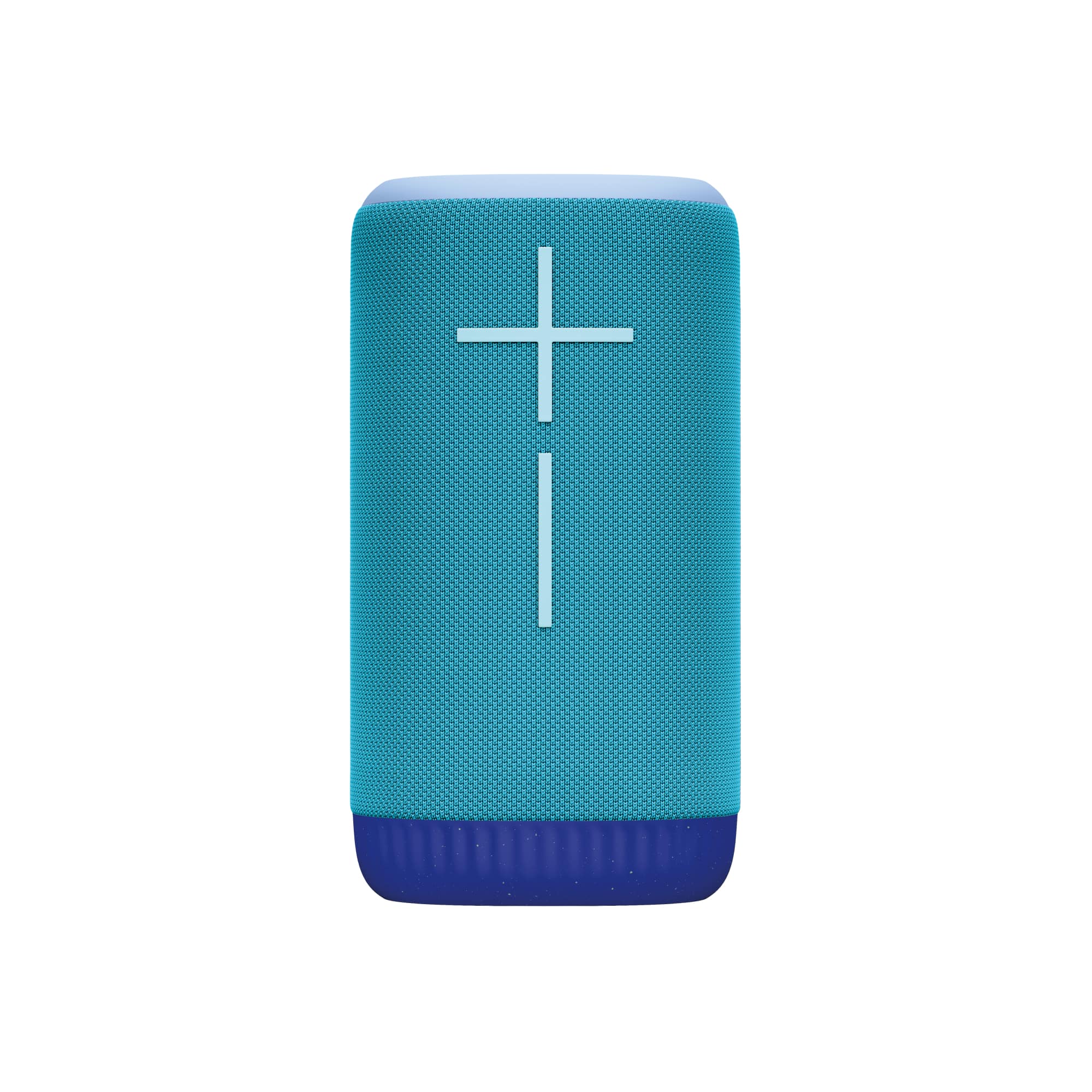
Ultimate Ears - EVERBOOM Portable Wireless Bluetooth Speaker with Waterproof, Dustproof and Floatable design - Cobalt Blue
SKU: J7H7ZYG8K8best wireless bluetooth speaker!...now ill be testing the everboom but so far it is great!...-Love it I use it I use it every day and is compatible with my other speakers !!!
See all Bluetooth & Wireless SpeakersProduct Description
A cobalt blue portable Bluetooth speaker featuring 360-degree sound, deep bass, and a waterproof, dustproof, floatable design.Your price for this item is $188.99Save $81The previous price was $269.99 -
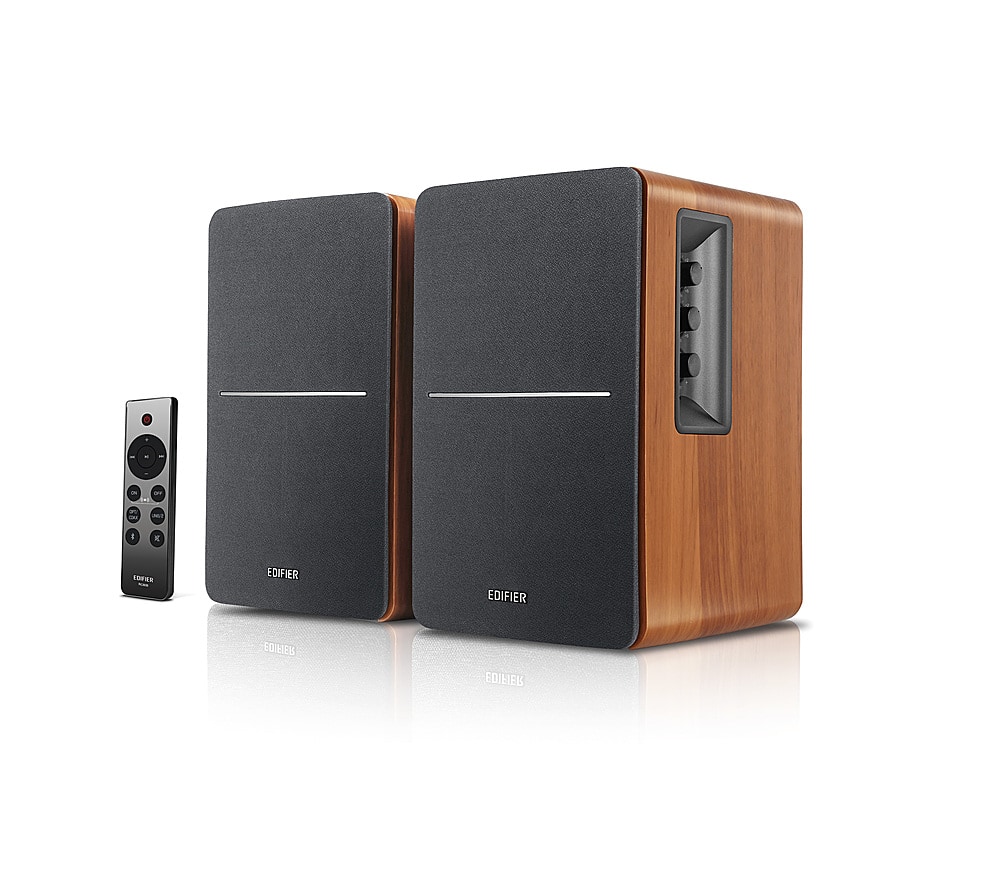
Edifier - R1280DBs Powered Bluetooth Computer Speakers, Bookshelf Speakers - 42W RMS - Soundfield Spacializer - Studio Monitors - Wood
SKU: J3WSK7SLJ4Sounds great!...Sounds great! Love the Bluetooth feature. I have it hooked up to my record player....Love these speakers for my pc and phone!...Love this speaker! Great Price too! Going to pair it later...
See all Bookshelf SpeakersProduct Description
A pair of wood-finished Bluetooth bookshelf speakers delivering 42W RMS power with studio-quality sound.Your price for this item is $199.99 -
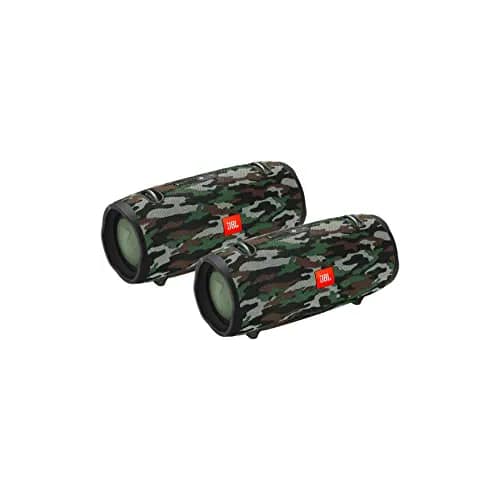
JBL - Xtreme 2 Portable Wireless Bluetooth Speakers - Pair - Camouflage
SKU: JC7Z4PVYRPSee all Bookshelf SpeakersProduct Description
A rugged camouflage wireless speaker pair with immersive stereo sound, waterproof design, and up to 15 hours playtime.Your price for this item is $399.99Save $100The previous price was $499.99 -
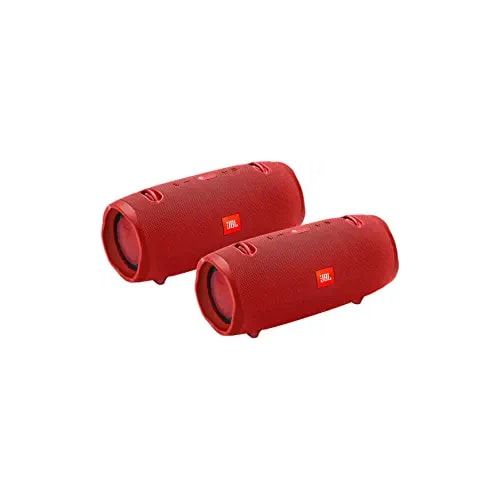
JBL - Xtreme 2 Portable Wireless Bluetooth Speakers - Pair - Red
SKU: JC7Z4PVYQCSee all Bookshelf SpeakersProduct Description
A pair of red portable wireless Bluetooth speakers with waterproof design, deep bass, and up to 15-hour playtime.Your price for this item is $299.99Save $200The previous price was $499.99 -
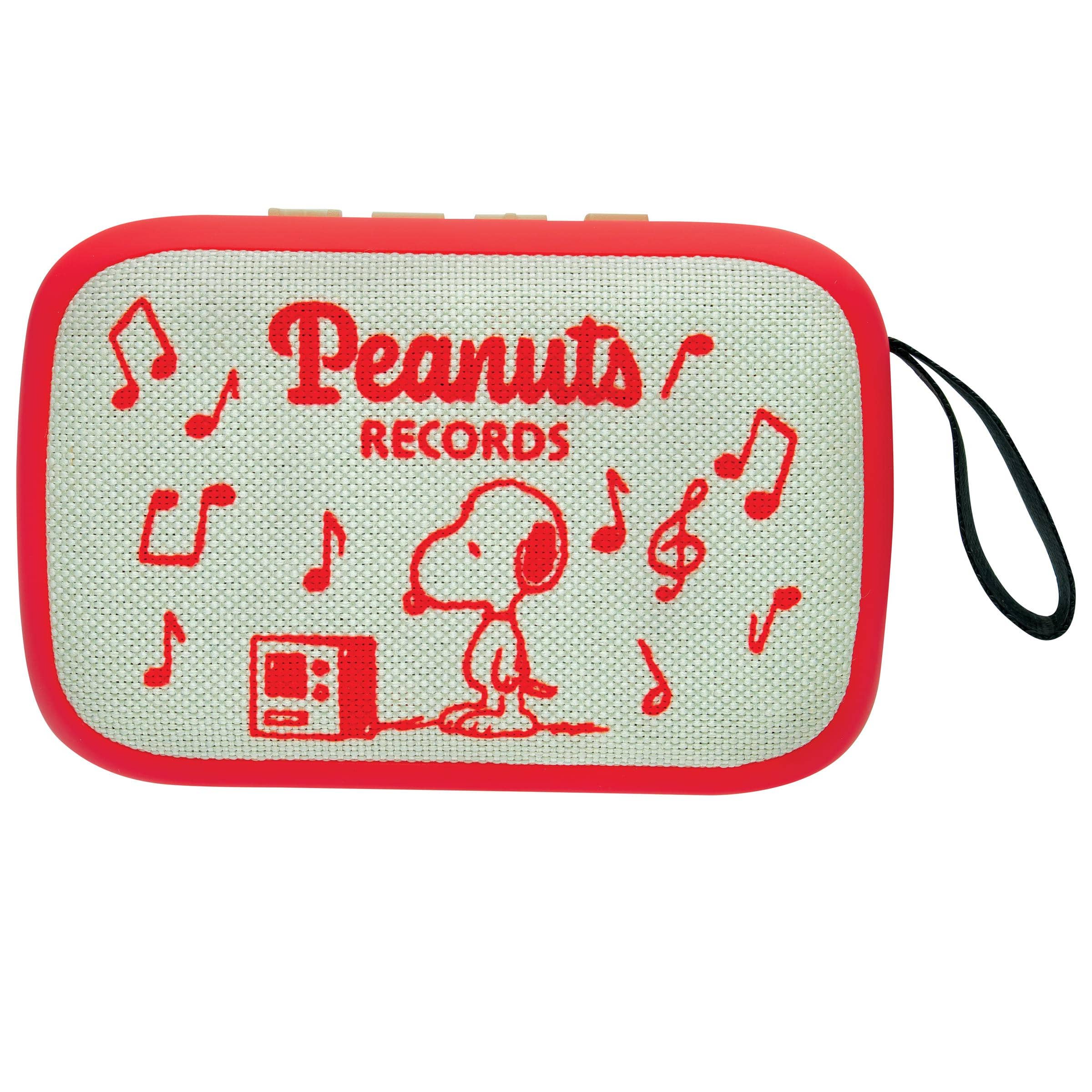
Lexibook - PEANUTS, Portable Bluetooth® Speaker, Wireless Audio, Compact Design, Snoopy Universe, Red and Beige
SKU: J5256CPCT2See all Bluetooth & Wireless SpeakersProduct Description
A portable red-and-beige wireless speaker featuring Bluetooth connectivity, lightweight design, and a playful cartoon illustration.Your price for this item is $29.99 -
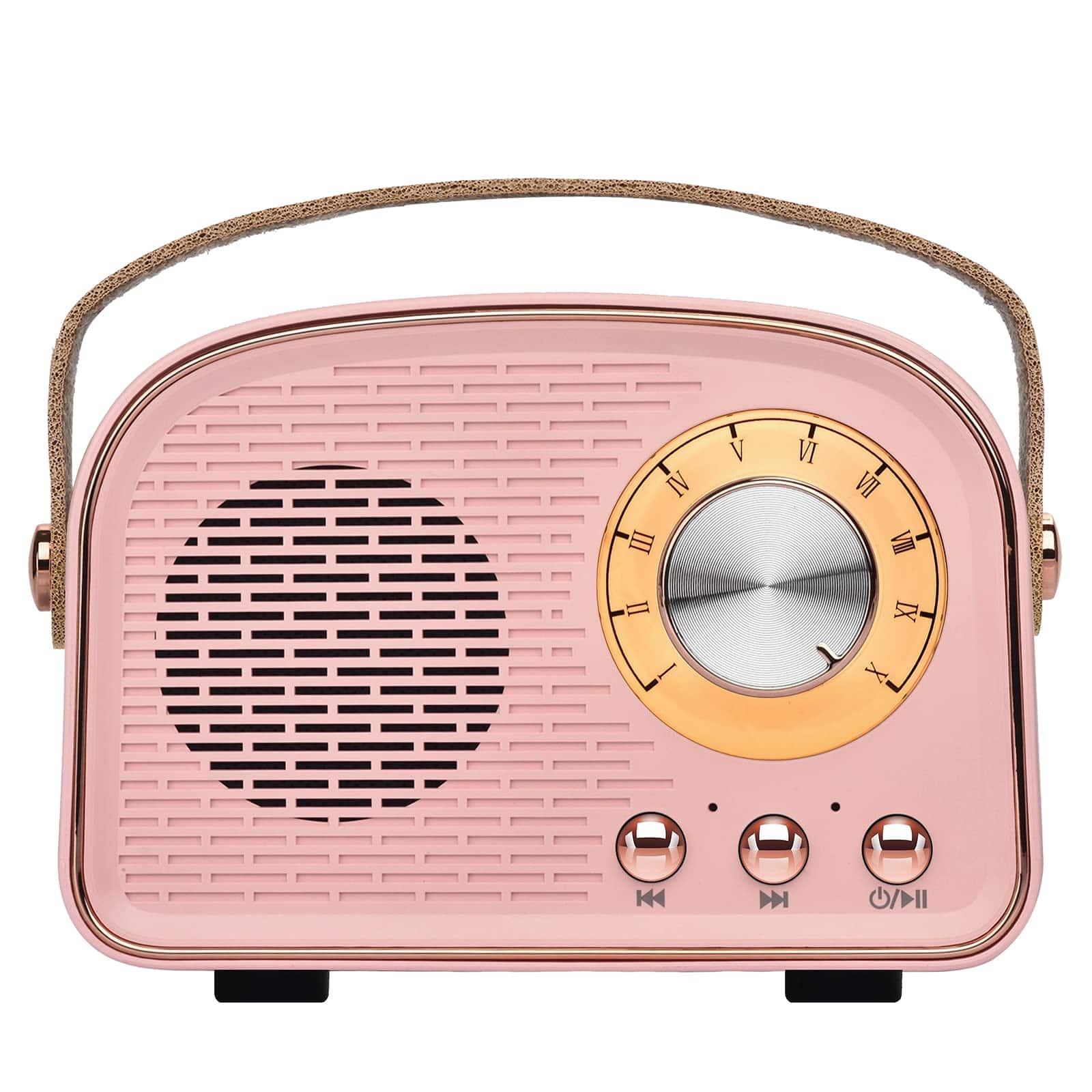
Dazzed Corner - Retro Bluetooth Speaker, Portable Wireless Vintage Speaker - Pink
SKU: JXKFJTZ49TSee all Bluetooth & Wireless SpeakersProduct Description
A portable pink retro-style Bluetooth speaker with TWS stereo pairing and multiple playback options.Your price for this item is $62.98Save $57The previous price was $120.00 -
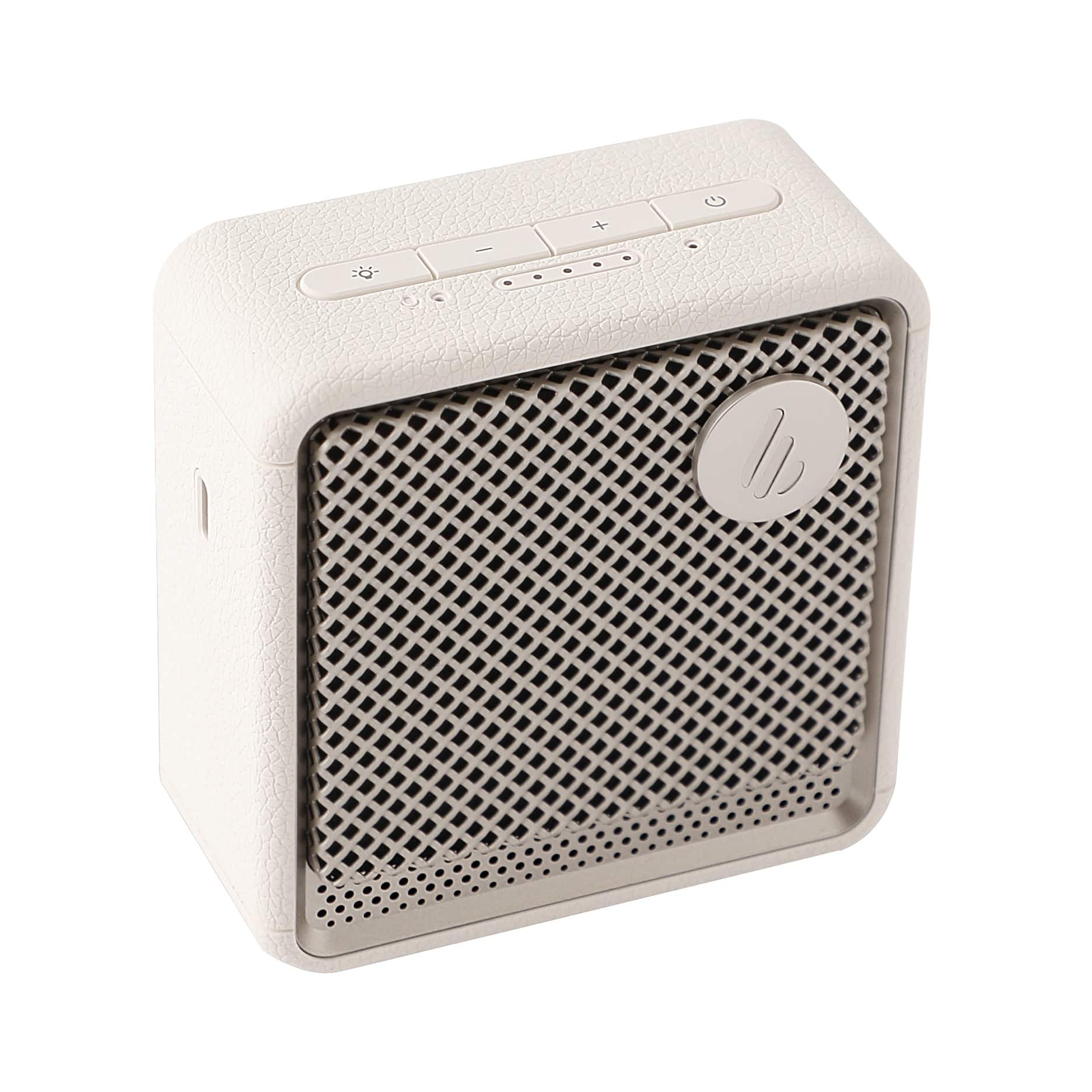
Edifier - ES20 Portable Speaker - Ivory
SKU: J3WSK7S9FPSee all Bluetooth & Wireless SpeakersProduct Description
An ivory portable Bluetooth speaker with ambient lighting, punchy bass, IP67 water resistance, and long battery life.Your price for this item is $59.99Save $30The previous price was $89.99 -
iQ Sound - Shell Dock Portable Bluetooth Speaker - Blue
SKU: JXXT5JXXJ9See all Bluetooth & Wireless SpeakersProduct Description
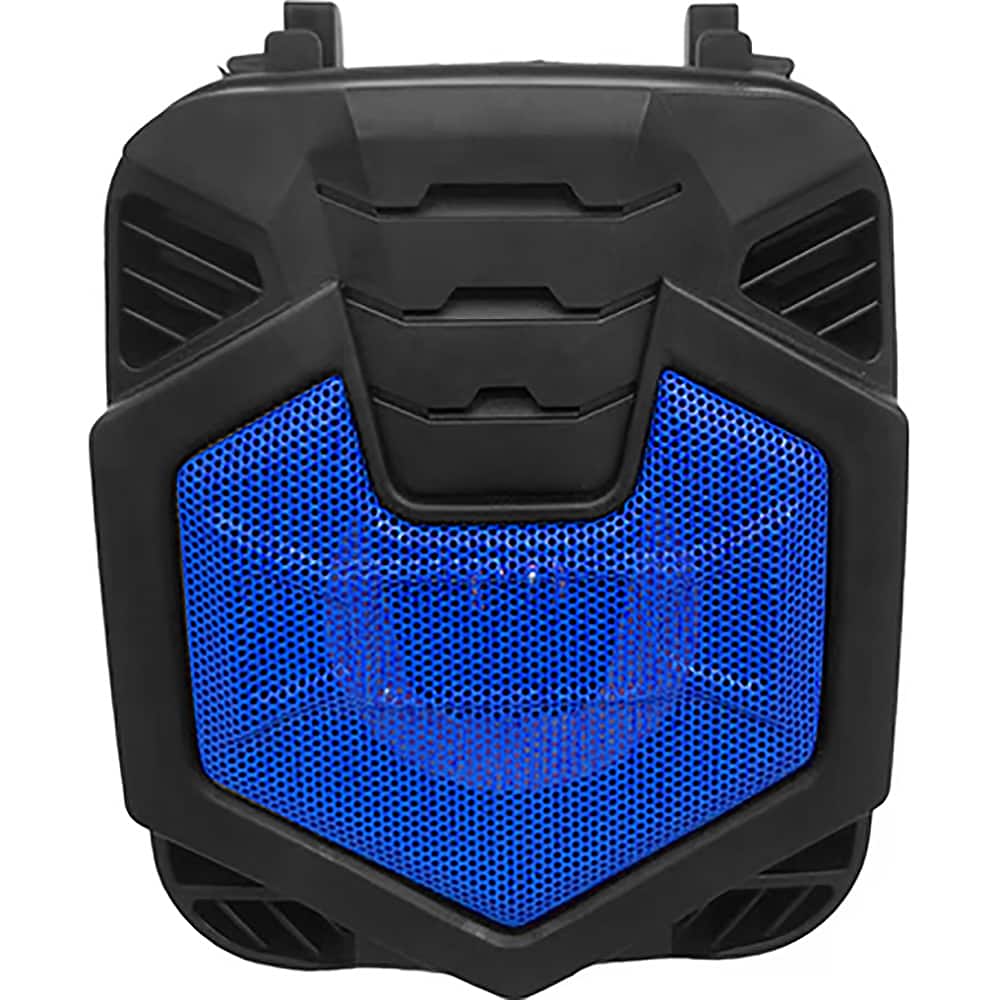
A portable blue Bluetooth speaker with FM radio, USB/MicroSD playback, lighted grill, and rechargeable battery.Your price for this item is $30.31 -
iQ Sound - Shell Dock Portable Bluetooth Speaker - Black
SKU: JXXT575KJ3See all Bluetooth & Wireless SpeakersProduct Description
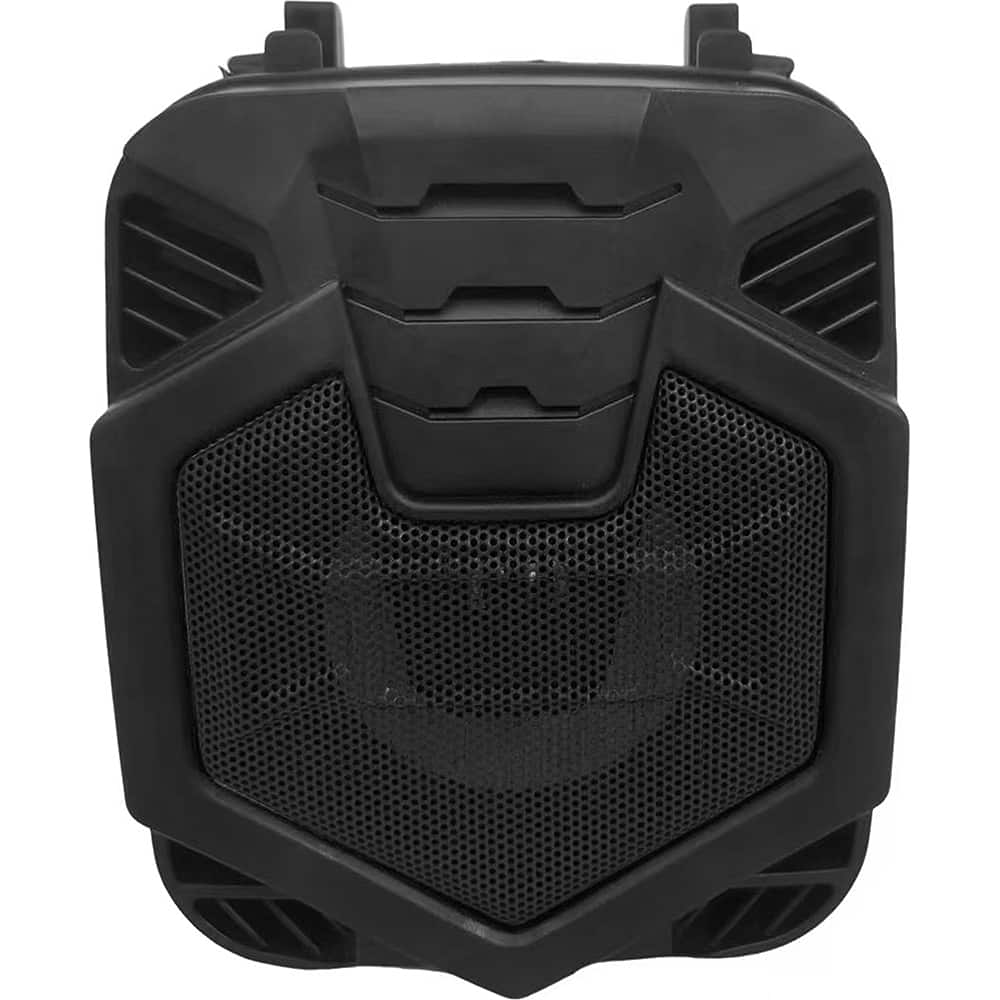
A portable black Bluetooth speaker with FM radio, USB/MicroSD playback, lighted grill, and rechargeable battery.Your price for this item is $30.31
Best Sellers




Related Pages





FAQ
Most Bluetooth speakers are universally compatible with Kindle Fire tablets that support Bluetooth connectivity. Simply ensure your Kindle Fire has Bluetooth enabled in its settings to pair with any of the listed speakers.
To connect, turn on your Bluetooth speaker and set it to pairing mode. On your Kindle Fire, go to Settings > Wireless > Bluetooth and enable Bluetooth. Select your speaker from the list of available devices to pair.
Yes, once connected, your Bluetooth speaker will play all audio from your Kindle Fire, including music, videos, audiobooks, and games.
Some Bluetooth speakers feature built-in microphones for hands-free calling. However, Kindle Fire tablets do not natively support phone calls, so this feature is typically used when the speaker is paired with a smartphone.
Kindle Fire tablets generally support connecting to one Bluetooth audio device at a time. For stereo or multi-room sound, consider speakers that support pairing with each other independently of the tablet.