NAS Backup For Modem And Router
-
Buffalo Technology - LinkStation 220 12TB External Network Attached Storage (NAS) - Black
SKU: JX5SQLXQ2WSee all Network Attached Storage (NAS)Product Description
A black external NAS offering 12TB storage, RAID data protection, and wireless access for multiple devices.Your price for this item is $498.99Save $31The previous price was $530.73 -
Buffalo - LinkStation 220 8TB 2-Bay External Network Storage (NAS) - Black
SKU: JX5SQLX34LSee all Network Attached Storage (NAS)Product Description
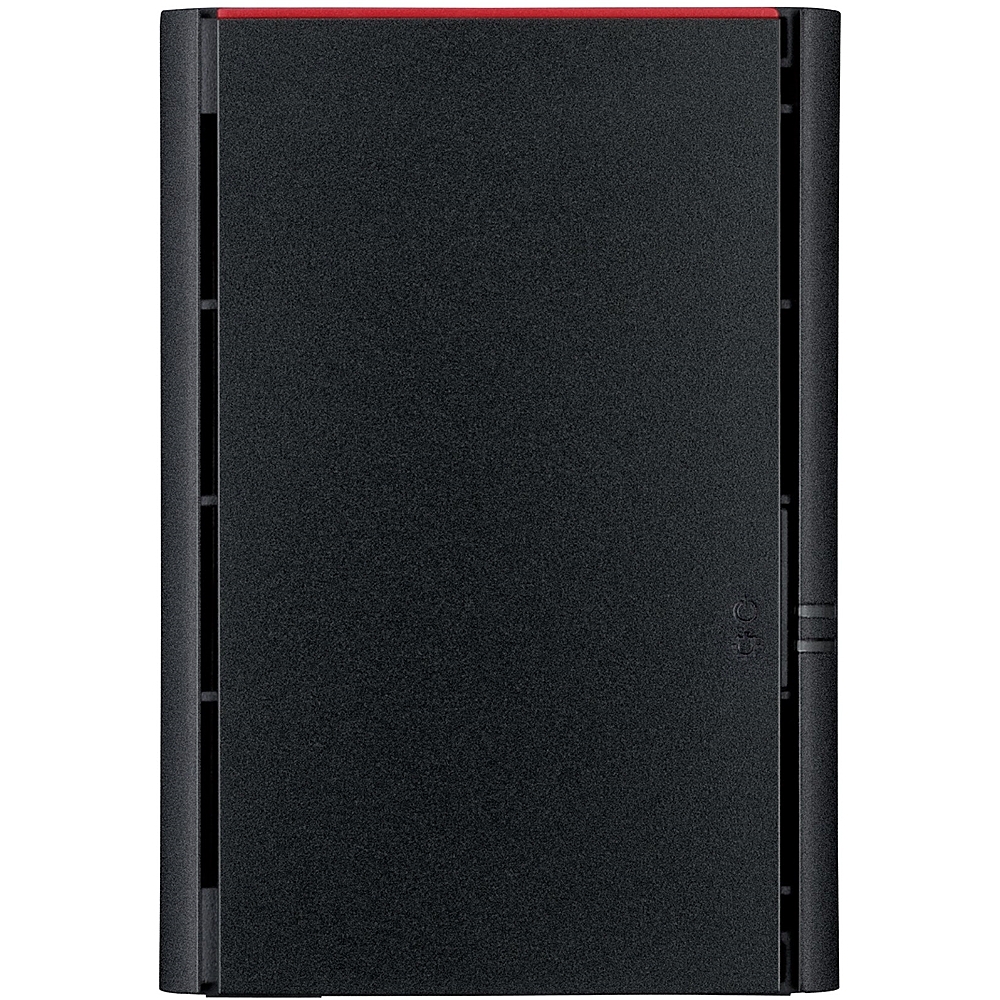
A black dual-bay NAS with 8TB storage, RAID support, private cloud access, and mobile-friendly setup.Your price for this item is $392.49 -
Buffalo - LinkStation™ 210 4TB External Network Attached Storage (NAS) - Black
SKU: JX5SQLXXRFSee all Network Attached Storage (NAS)Product Description
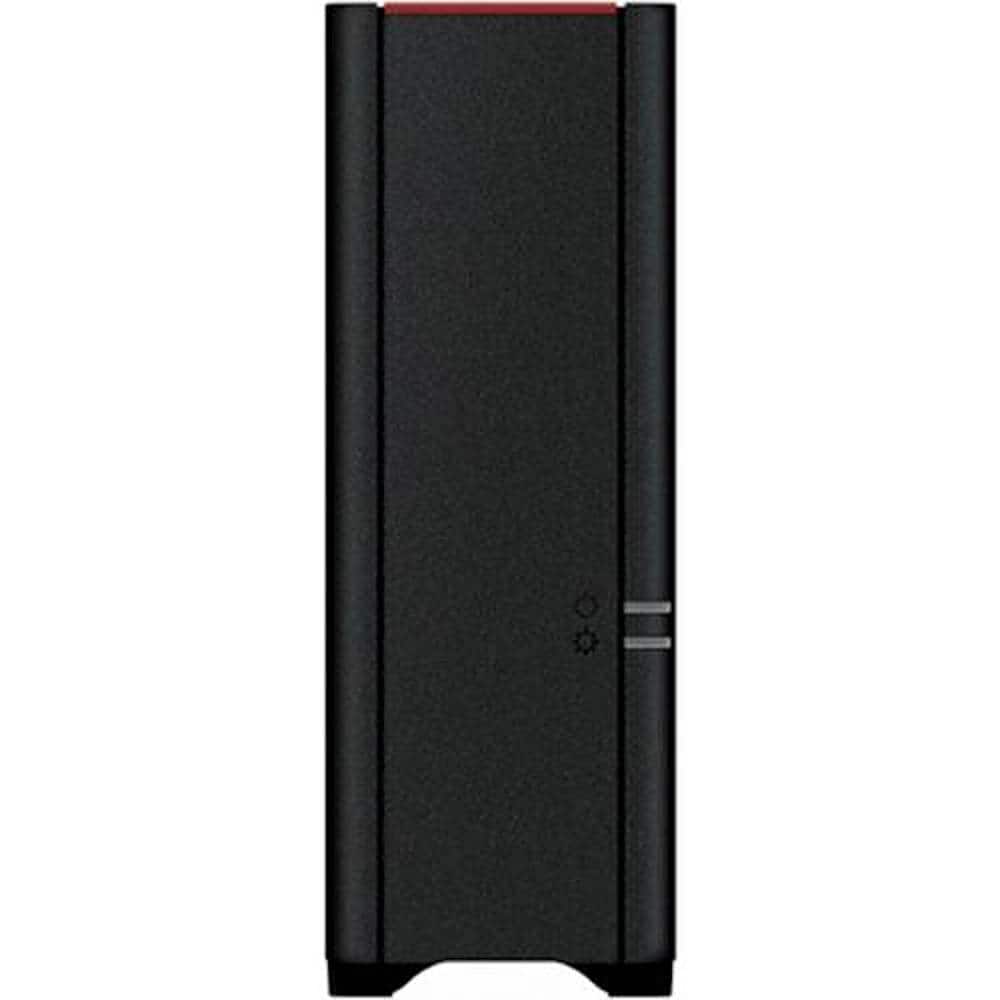
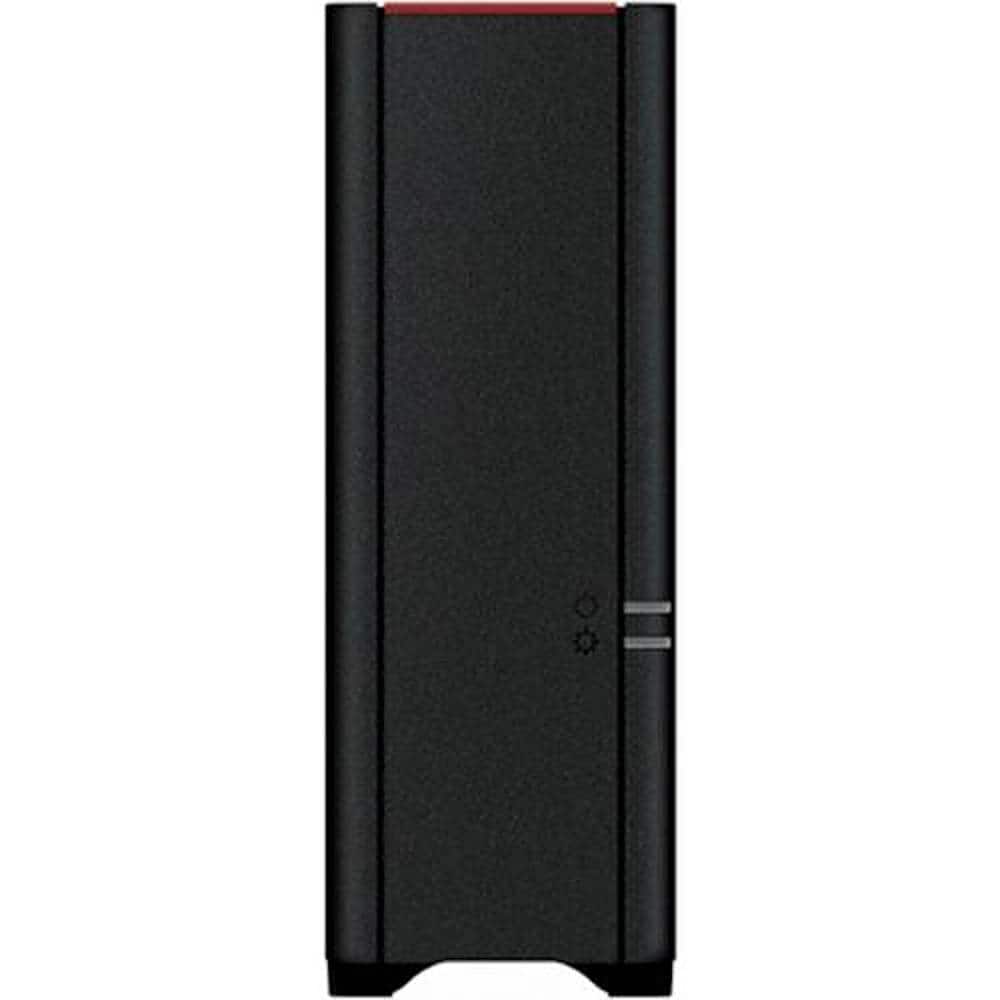
A black external NAS server offering 4TB storage and direct multimedia streaming for home or office use.Your price for this item is $208.49Save $19The previous price was $227.93 -
Buffalo - LinkStation™ 210 2TB External Network Attached Storage (NAS) - Black
SKU: JX5SQLXXRYSee all Network Attached Storage (NAS)Product Description
A black 2TB NAS server enabling wireless file access, USB connectivity, and built-in BitTorrent downloading.Your price for this item is $185.58Save $3The previous price was $189.29 -
WD - Red Plus 8TB NAS Internal Hard Drive
SKU: JXTHCC7RTTRed drives are the best for my backup system. We have been using them for years....Definitely the best pick for large storage solutions in at home settings....Love my Red drives...Love it
See all Internal Hard DrivesProduct Description
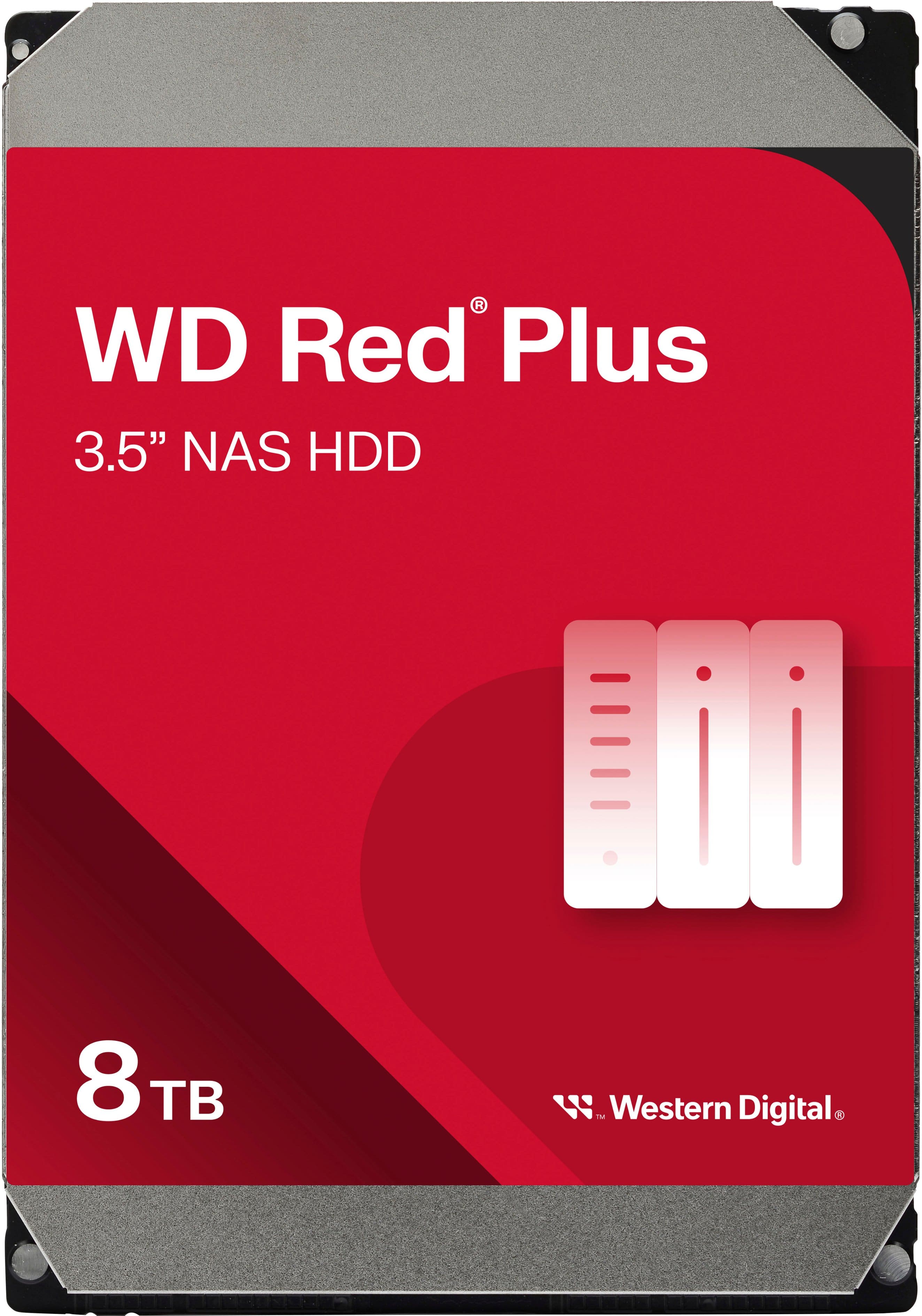
A red internal NAS hard drive offering 8TB capacity, 5640 RPM speed, and RAID optimization for reliability.Your price for this item is $354.99 -
Buffalo - LinkStation 220 4TB 2-Bay External Network Attached Storage (NAS) - Black
SKU: JX5SQLX3ZYSee all External Hard DrivesProduct Description
A black dual-bay NAS with 4TB storage, RAID support, private cloud access, and mobile setup.Your price for this item is $333.12


Best Sellers
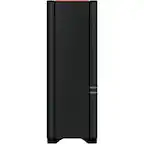
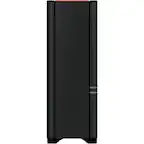
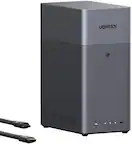
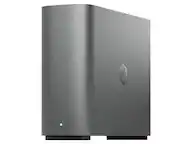


Related Pages

FAQ
A NAS (Network Attached Storage) backup is a dedicated storage device connected to your home or office network via your modem and router. It allows you to automatically back up data from multiple devices, providing centralized, secure, and accessible storage for your files.
Yes, most NAS devices support remote access features. By connecting your NAS to your router and enabling remote access, you can securely retrieve or manage your files from anywhere with an internet connection.
Setting up a NAS usually involves connecting it to your router via an Ethernet cable and following the manufacturer's setup instructions. No special setup is required, but ensuring your router supports gigabit speeds can optimize performance.
A NAS operates on your local network and typically does not affect your internet speed for regular browsing or streaming. However, large file transfers within your network may temporarily use available bandwidth.
Yes, most NAS systems are designed for multi-user access. You can set up individual user accounts and permissions, allowing family members or coworkers to back up and access their files simultaneously.