Ooma Desk Phone
-
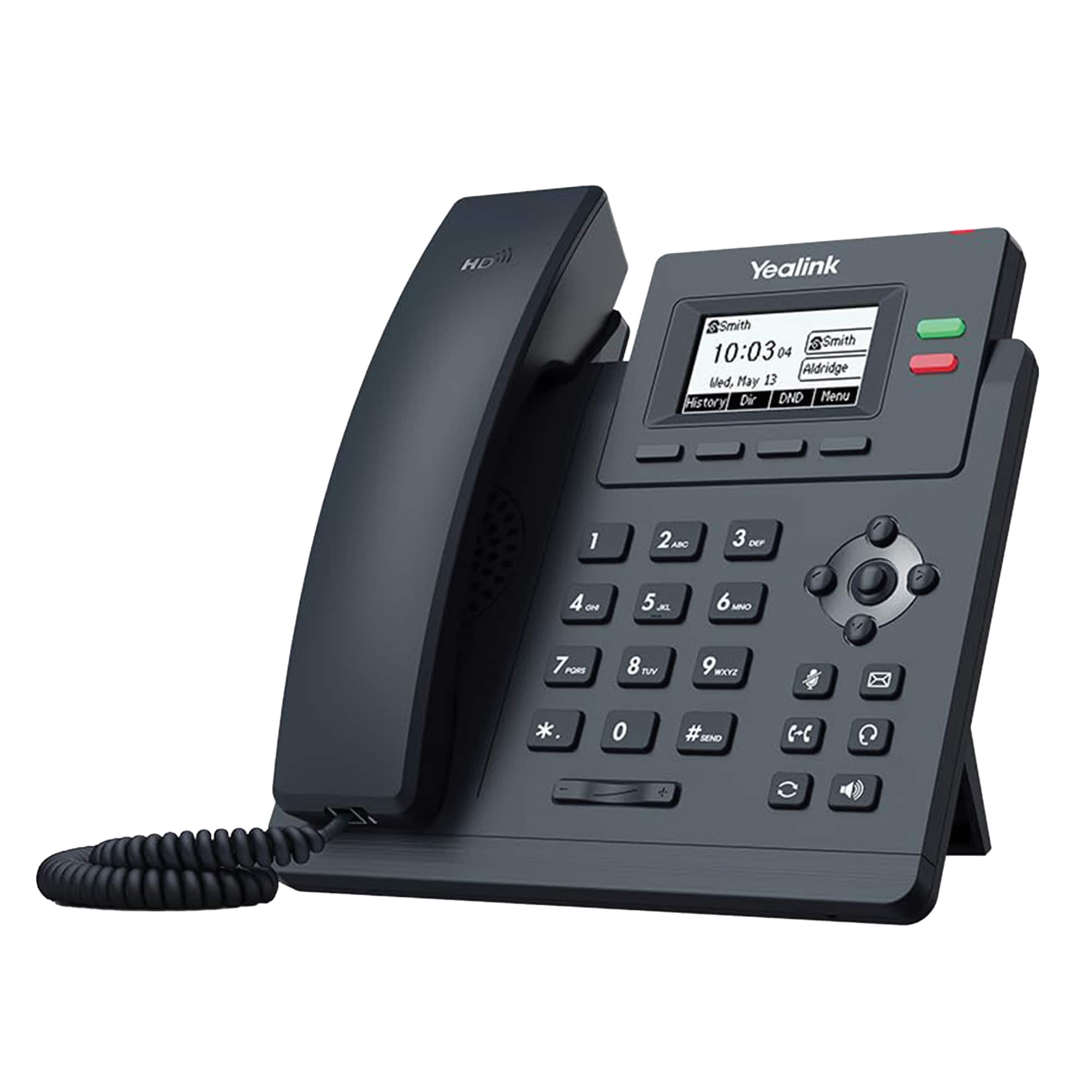
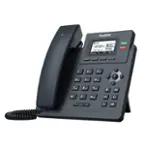
Ooma - Yealink T31W Wi-Fi IP Phone - Black
SKU: J3G4536QL9See all VoIPProduct Description
A black Wi-Fi IP phone featuring dual-band connectivity, HD audio, noise shield, and 5-way conferencing.Your price for this item is $76.99Save $3The previous price was $79.99 -
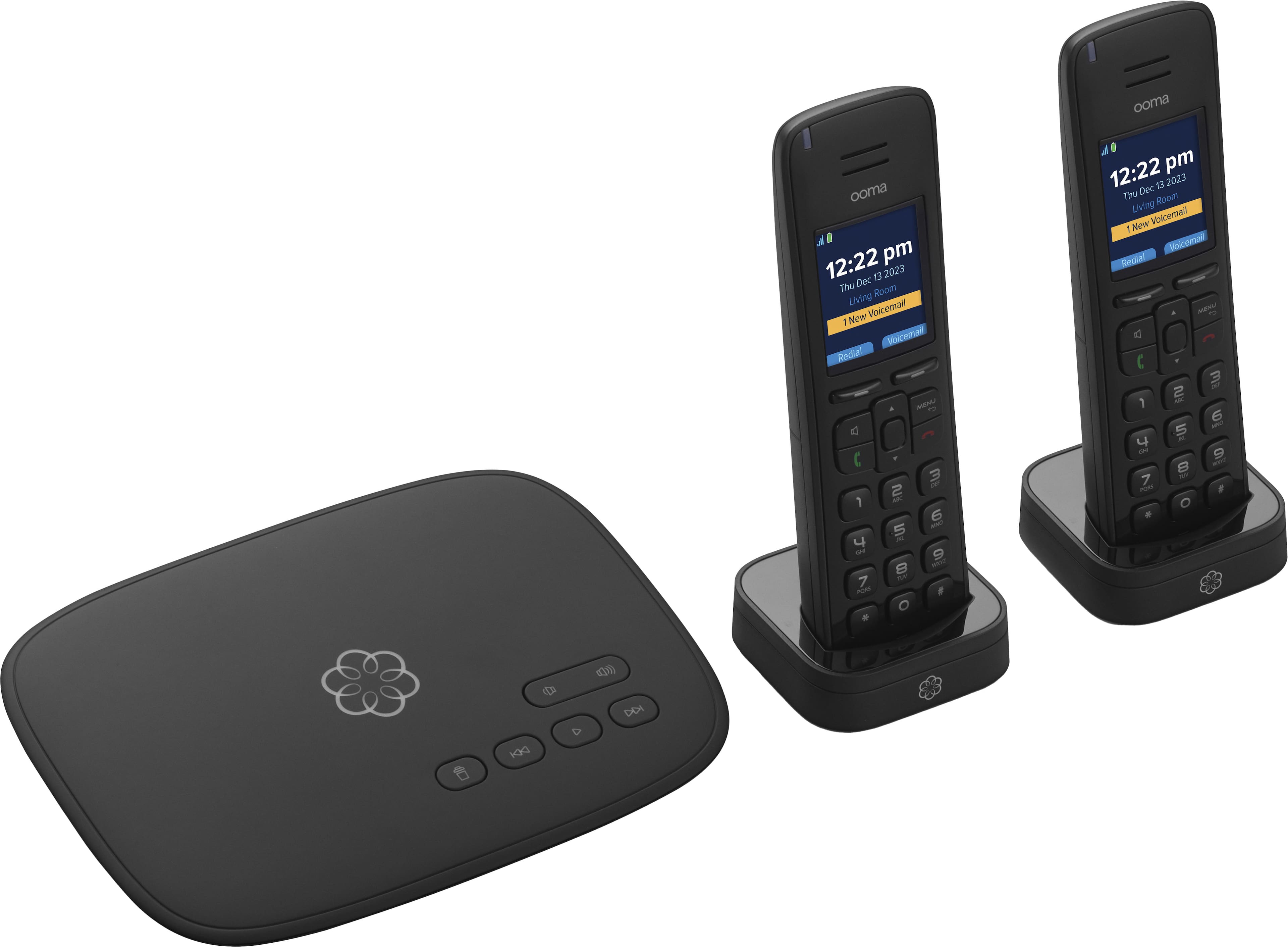
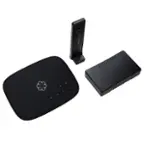
Ooma - Telo Air 2 Internet Home Phone Service with 2 Cordless Handsets - Black
SKU: J3G4536PKQExcellent system easy set good value and the best buy worked great fast ship thks...Good system and works great. Best Buy is a good place to purchase.
See all VoIPProduct Description
A wireless VoIP home phone system in black with two cordless handsets, caller ID, and call blocking.Your price for this item is $119.99Save $20The previous price was $139.99 -
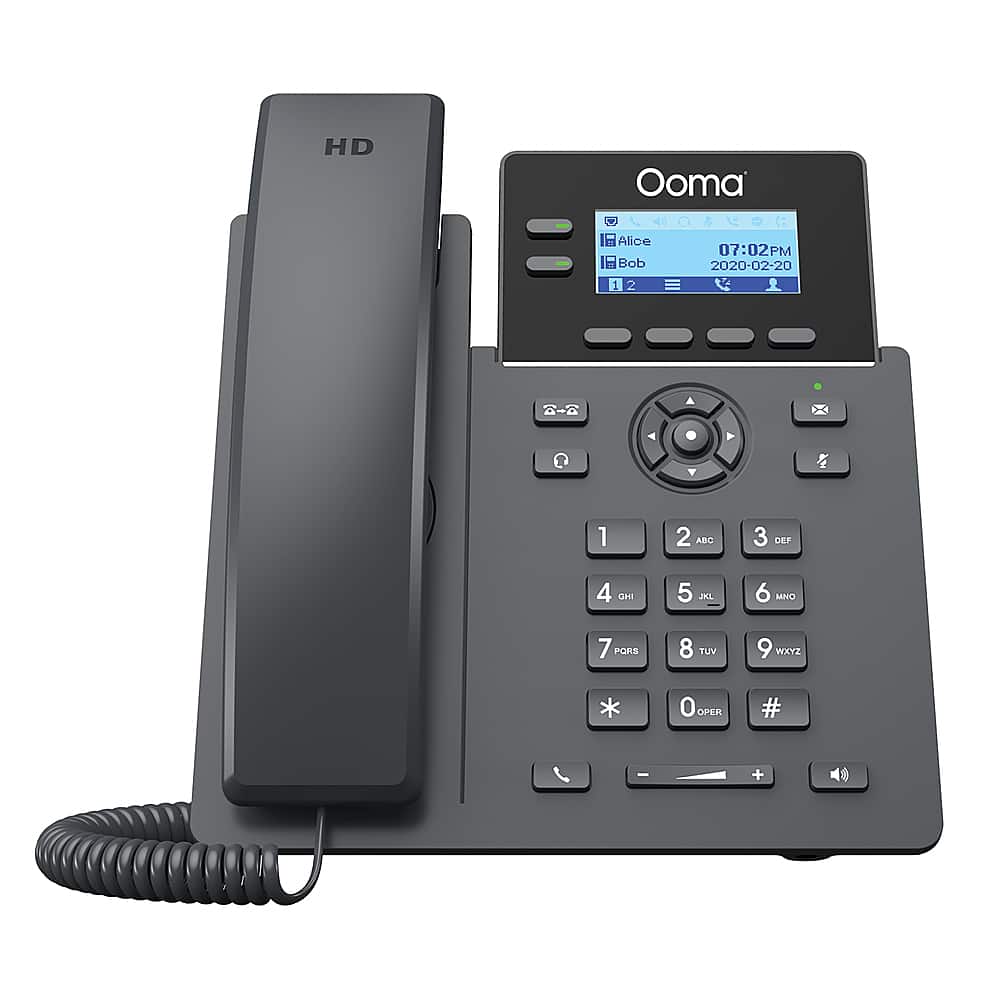
Ooma - 2602 2-Line IP Desk Phone Corded with 5-way Voice Conference - Black
SKU: J3G45369WYSee all Corded TelephonesProduct Description
A black corded IP desk phone with 2 lines, HD audio, 5-way conferencing, and noise shield technology.Your price for this item is $59.99 -
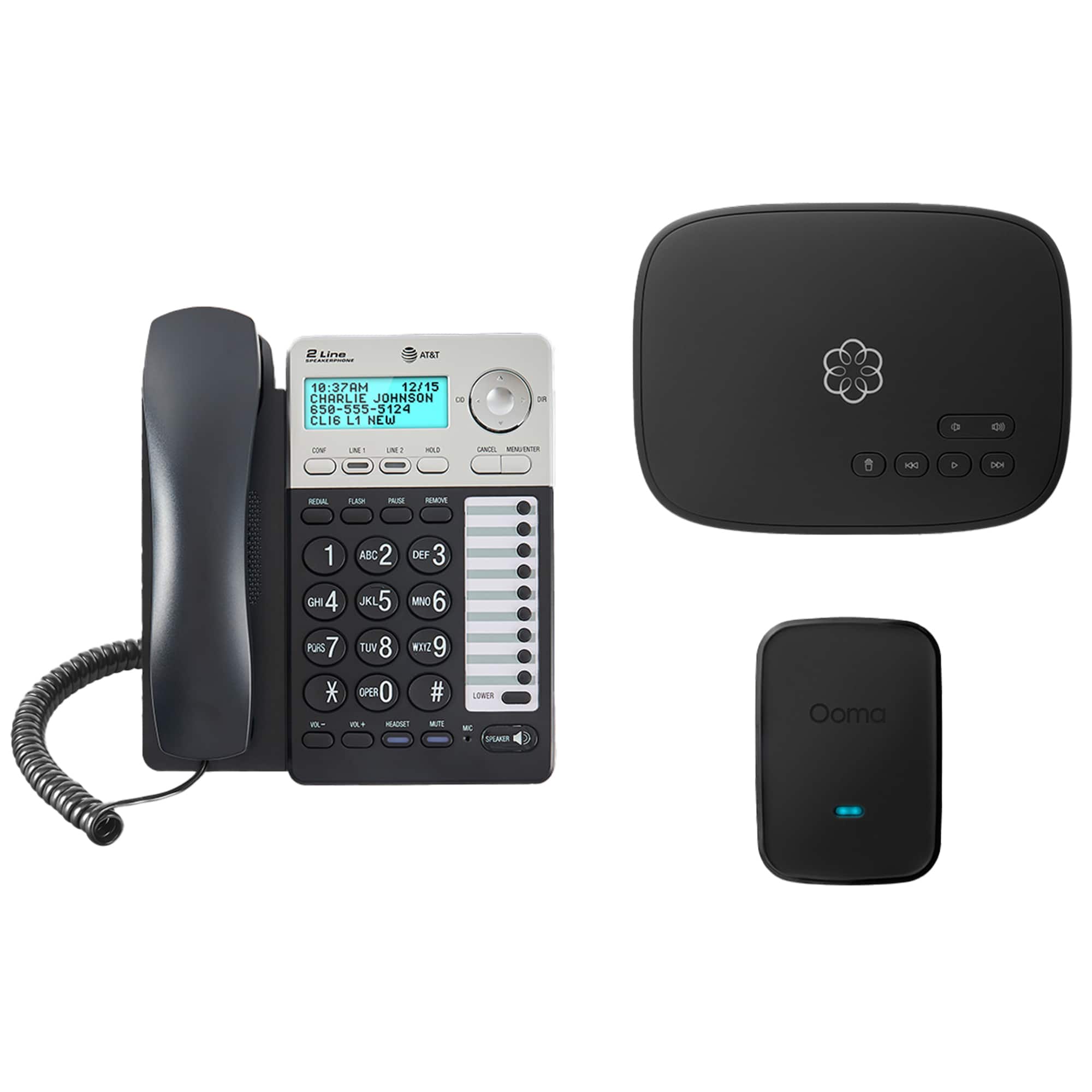
Ooma - Home Office Phone Bundle with 2 Lines, 3-Way Conferencing, and Internet Home Phone Service - Black
SKU: J3G4536QWLSee all VoIPProduct Description
A black home office phone bundle offering two lines, 3-way conferencing, and internet-based phone service.Your price for this item is $99.99 -
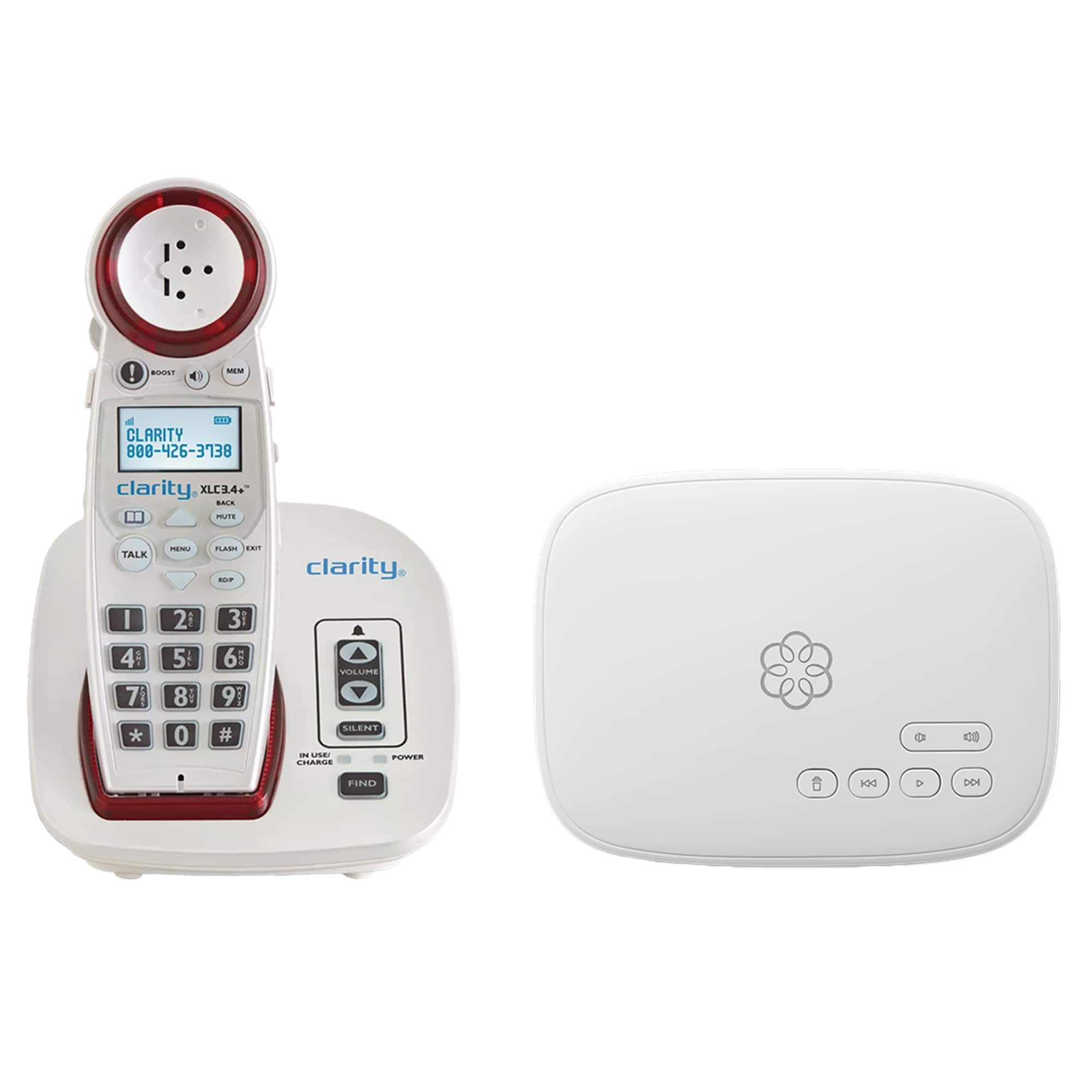
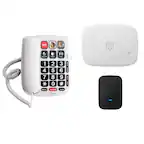
Ooma - VoIP Home Phone with Telo IP Wired Adapter, Clarity Amplified Cordless Phone with Visual Ringer, 24/7 Concierge Plan - White
SKU: J3G4536HL3See all Cordless Phone SystemsProduct Description
A white VoIP home phone system with amplified cordless handset, visual ringer, and 24/7 concierge support.Your price for this item is $119.99Save $40The previous price was $159.99 -
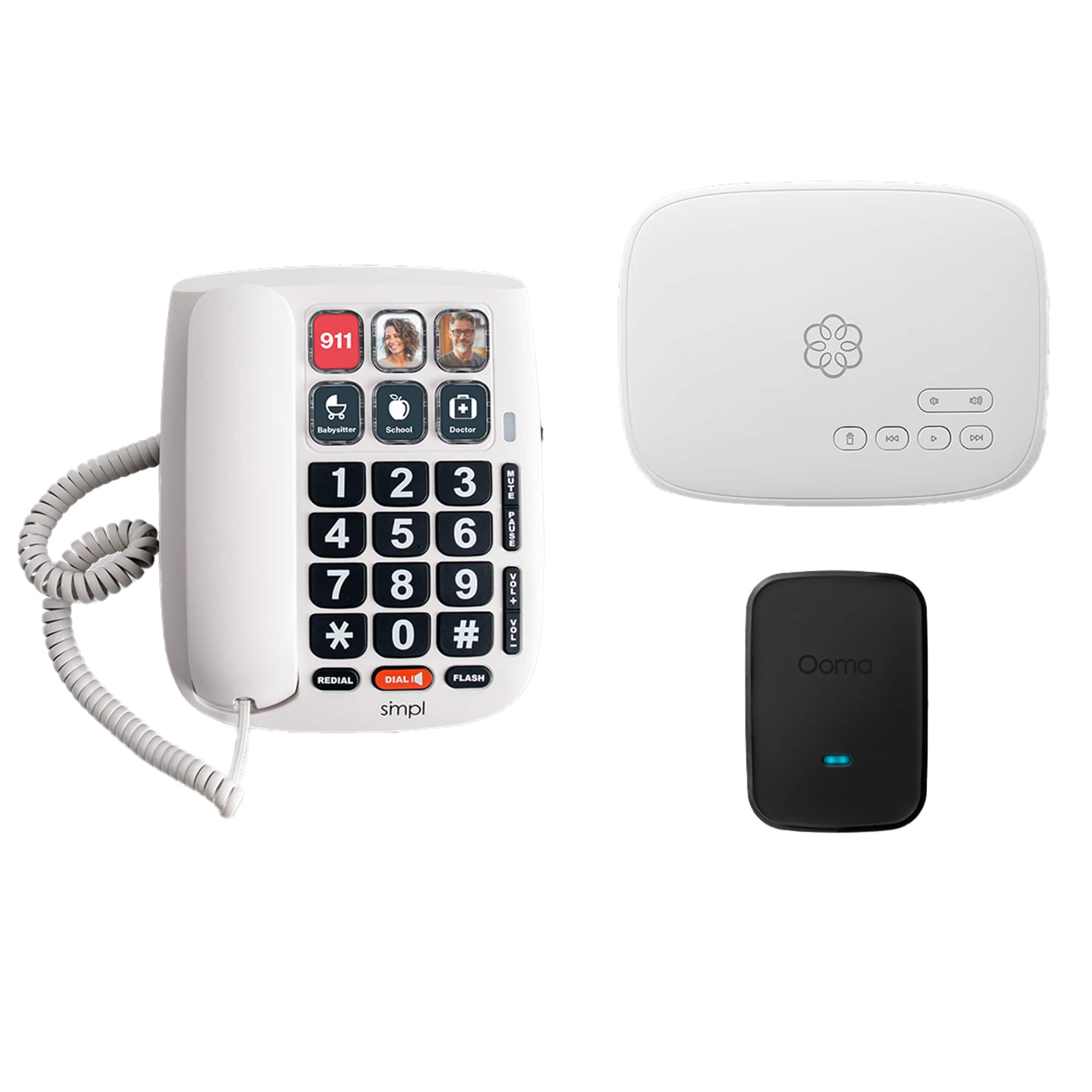
Ooma - Family Phone Bundle with Photo Dial and Internet Home Phone Service - White
SKU: J3G4536QRFSee all VoIPProduct Description
A white home phone bundle featuring photo dial, internet calling, call waiting, and an answering system.Your price for this item is $99.99 -
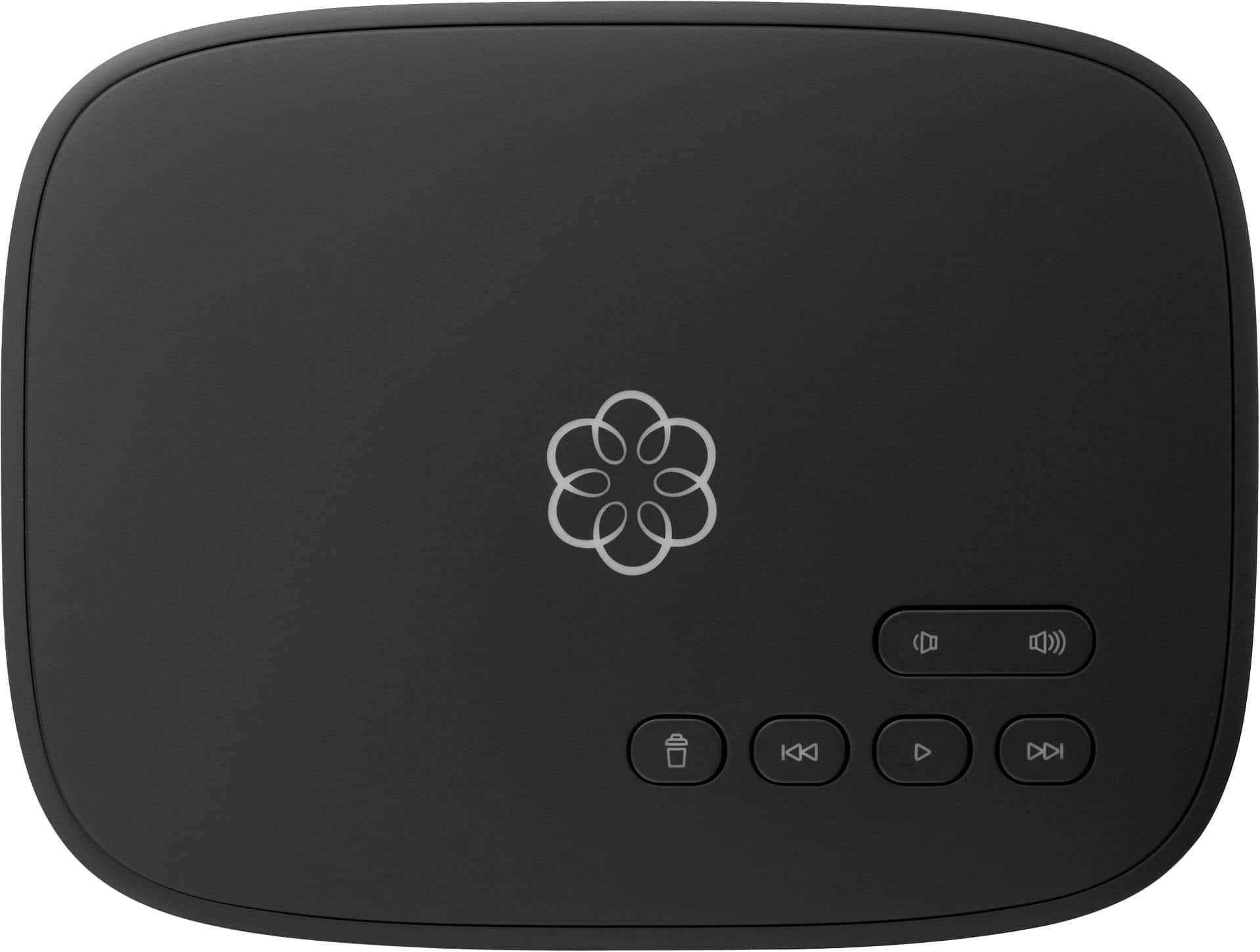
Ooma - Telo Internet Home Phone Service - Black
SKU: J34G9YC25ZGreat quality service...Omgg this is really great.. ooma also gives you $50 extra credit for buying it from Best Buy automatically..... love the service.....Ooma & Best Buy... A great team!...Great product,...
See all VoIPProduct Description
A black VoIP home phone device offering unlimited nationwide calling, caller ID, call blocking, and mobile app support.Your price for this item is $79.99 -
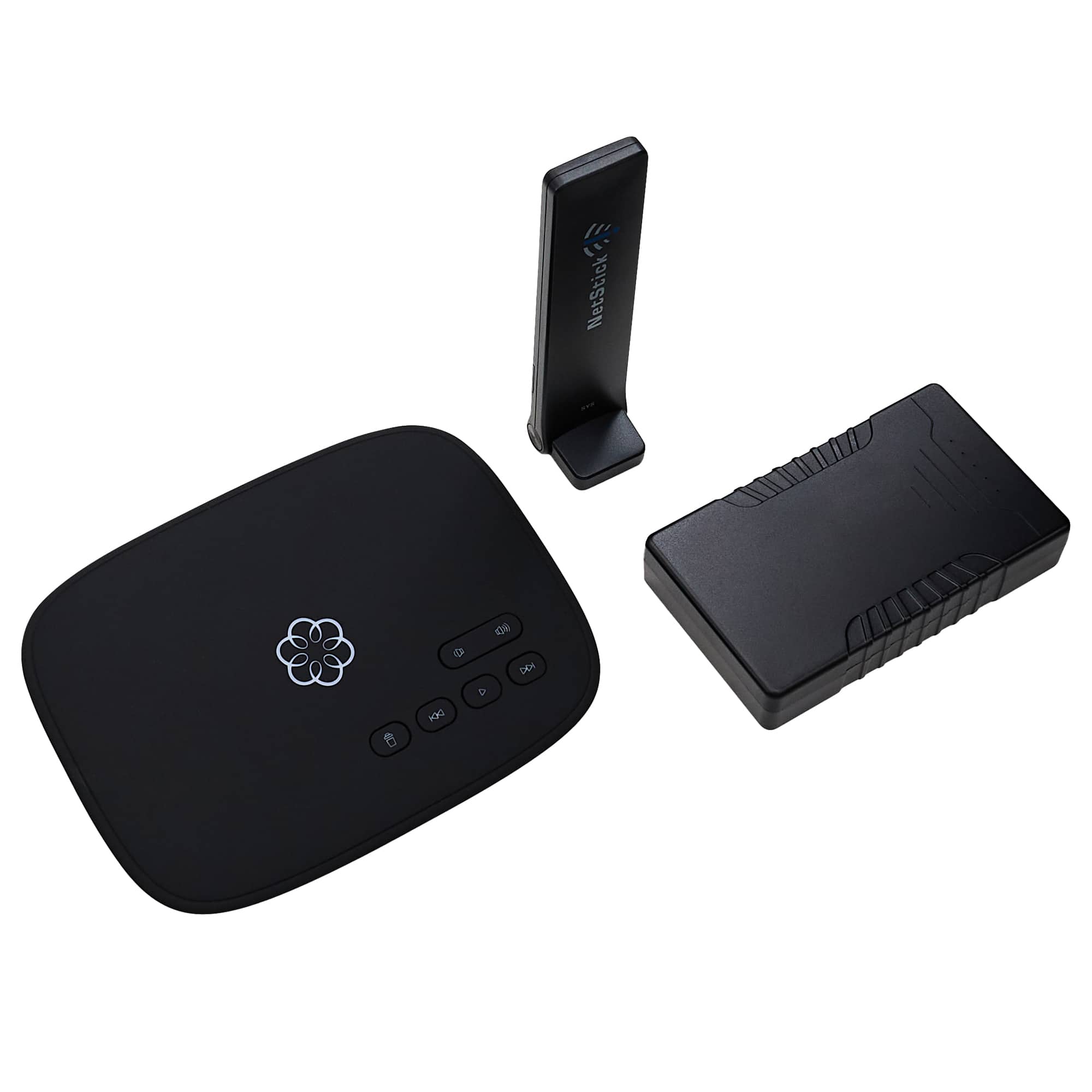
Ooma - Telo LTE Landline Home Phone Service with Battery Backup - Black
SKU: J3G453663FSee all VoIPProduct Description
A black landline home phone service with LTE connectivity, battery backup, call blocking, and location-specific 911.Your price for this item is $129.99 -
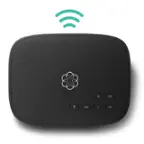
Ooma - Telo Air 2 Internet Home Phone Service - Black
SKU: J3G4536YL7See all VoIPProduct Description
A smart black VoIP home phone system offering wireless setup, caller ID, call waiting, and robocall blocking.Your price for this item is $119.99 -
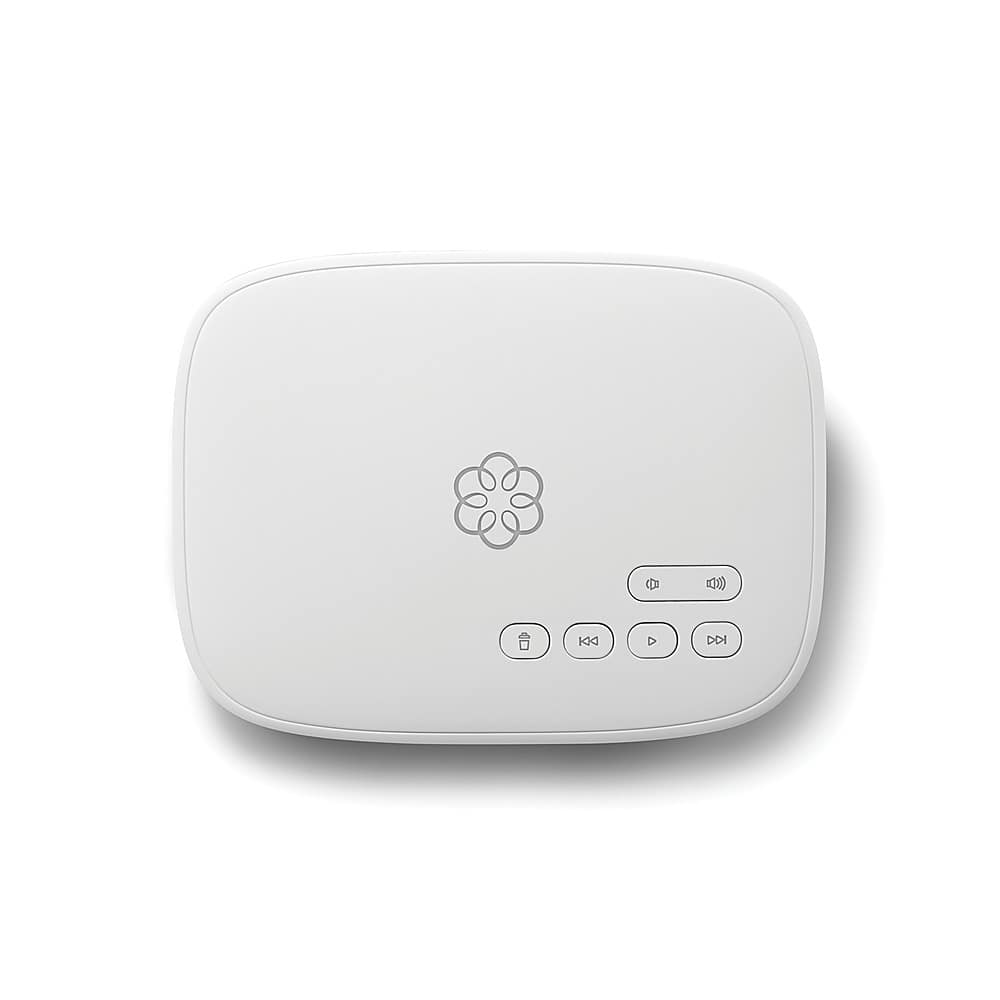
Ooma - Telo Internet Home Phone Service - White
SKU: J3G4536GQPSee all VoIPProduct Description
A white VoIP device offering unlimited nationwide calling, caller ID, call waiting, and mobile app compatibility.Your price for this item is $75.99Save $4The previous price was $79.99

Best Sellers
Related Pages


FAQ
The Ooma Desk Phone offers HD voice quality, customizable call handling, voicemail, call forwarding, conference calling, and integration with Ooma’s cloud-based phone service. It also includes a user-friendly interface and programmable keys for frequently dialed numbers.
Yes, the Ooma Desk Phone is designed to work seamlessly with existing Ooma accounts, allowing you to easily add it to your current Ooma Office or Ooma Telo setup.
The Ooma Desk Phone is specifically optimized for use with Ooma’s VoIP services, ensuring high-quality calls and advanced features. It is not intended for use with third-party VoIP providers.
Yes, the Ooma Desk Phone includes a built-in speakerphone and supports hands-free calling for convenience during conference calls or multitasking.
Setting up the Ooma Desk Phone is simple. Just connect it to your internet via Ethernet, power it on, and follow the on-screen prompts to link it with your Ooma account. For detailed instructions, refer to the included quick start guide.