Windows 8 Xbox Controller
-
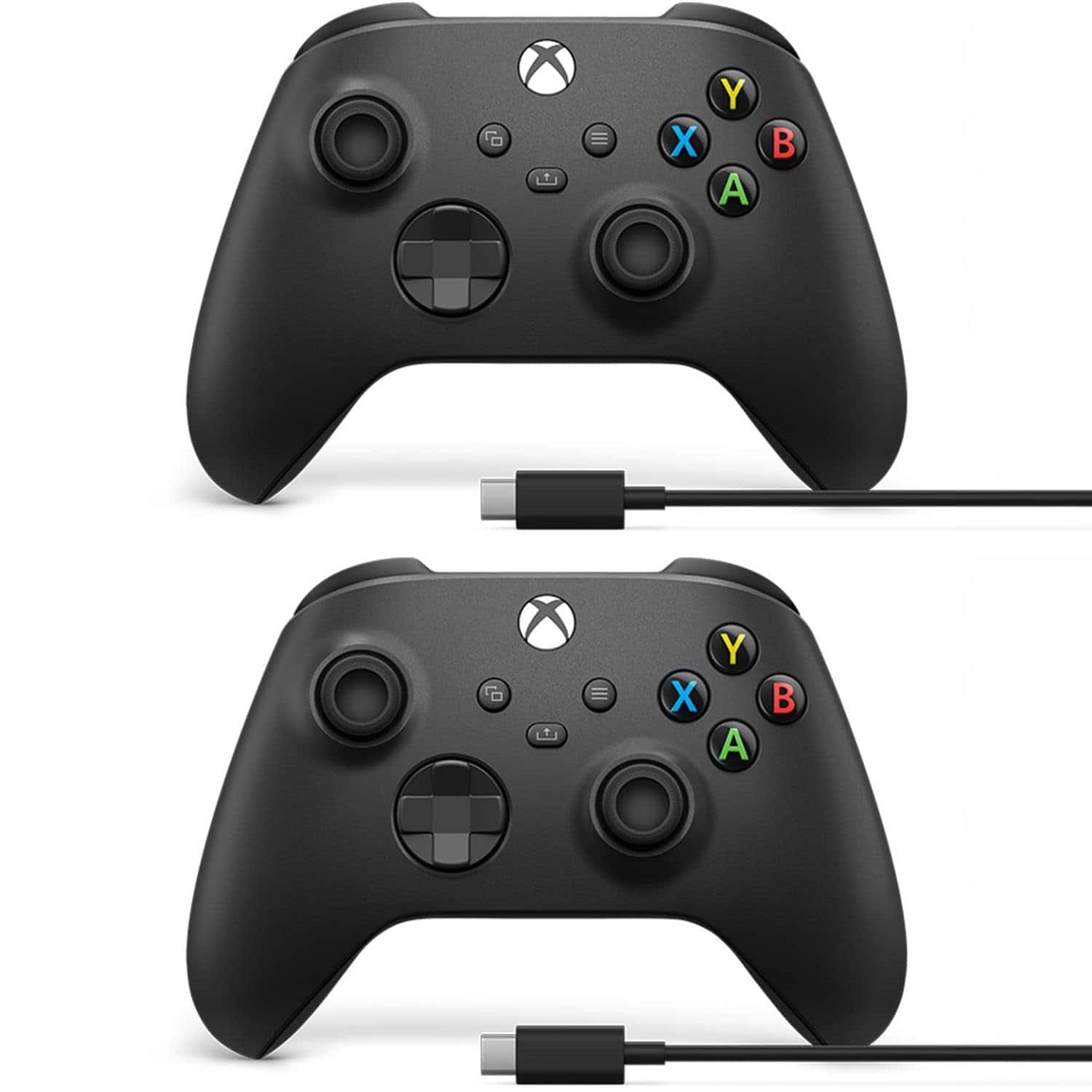
Microsoft - Xbox Wireless Controller w/USB-C Cable for PC, Carbon 1V8-00001 (2-Pack) - Black
SKU: JJG3SJG6V3See all Gaming ControllersProduct Description
A pair of black wireless controllers with USB-C cables, compatible with Xbox and Windows platforms.Your price for this item is $412.49 -
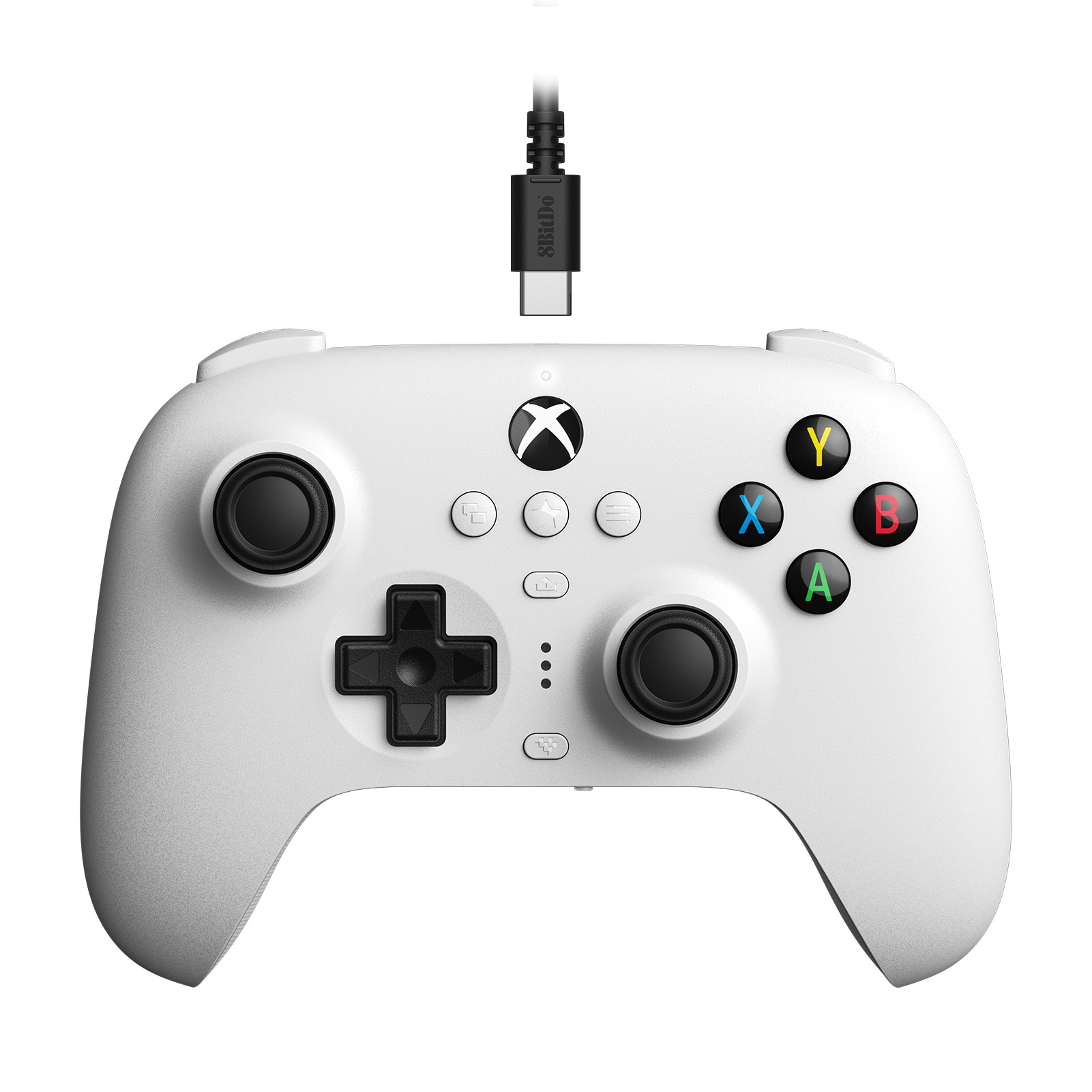
8BitDo - Ultimate Wired Controller for Windows with Hall Effect Joysticks - White
SKU: CZY3JSJL3X[Employee of bestbuy] A great wired controller choice for both the Xbox and my Nintendo switch....Quality is great and works extremely well after update.
See all Gaming ControllersProduct Description
A white wired controller featuring Hall Effect joysticks, designed for Windows PCs and Xbox consoles.Your price for this item is $44.99 -
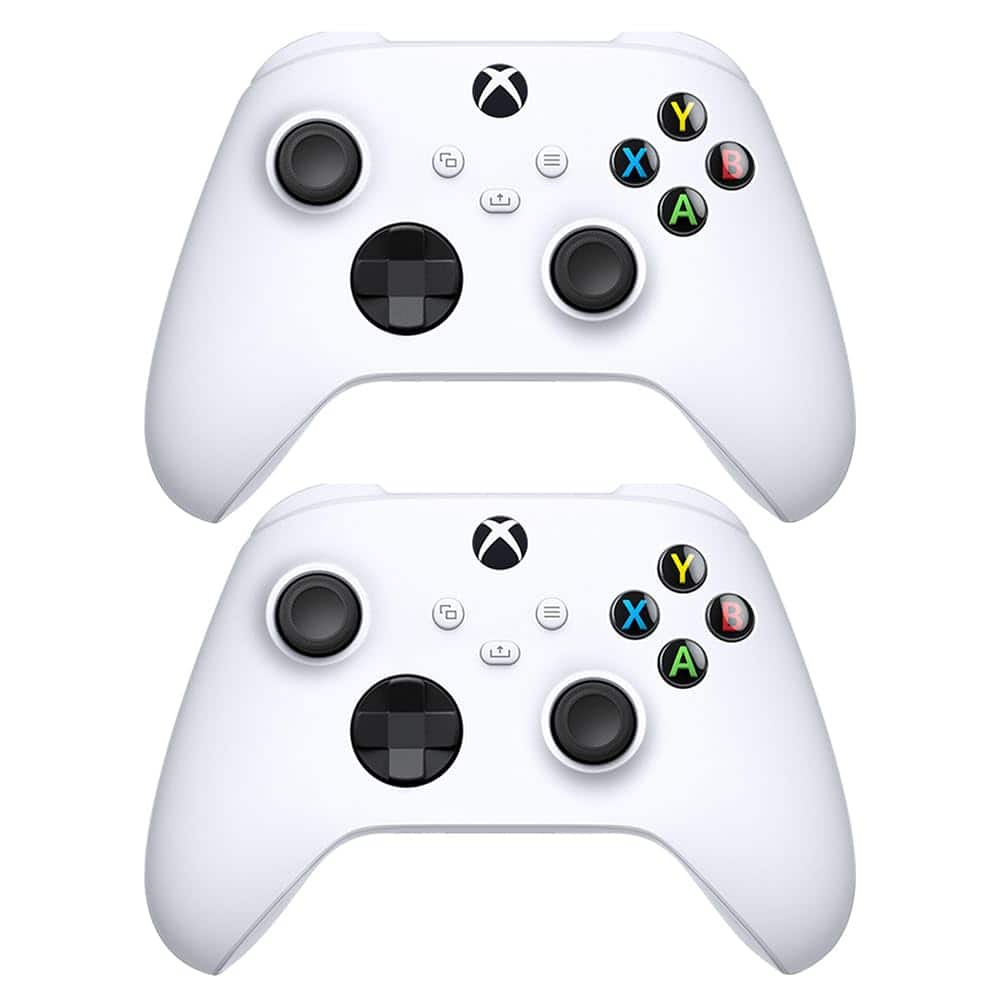
Microsoft - QAS-00007 Wireless Controller Robot in White 2 Pack - Black
SKU: JJG3SJYSQ5See all Gaming ControllersProduct Description
A sleek black and white wireless controller pair with textured grips, hybrid D-pad, and multi-device compatibility.Your price for this item is $144.99 -
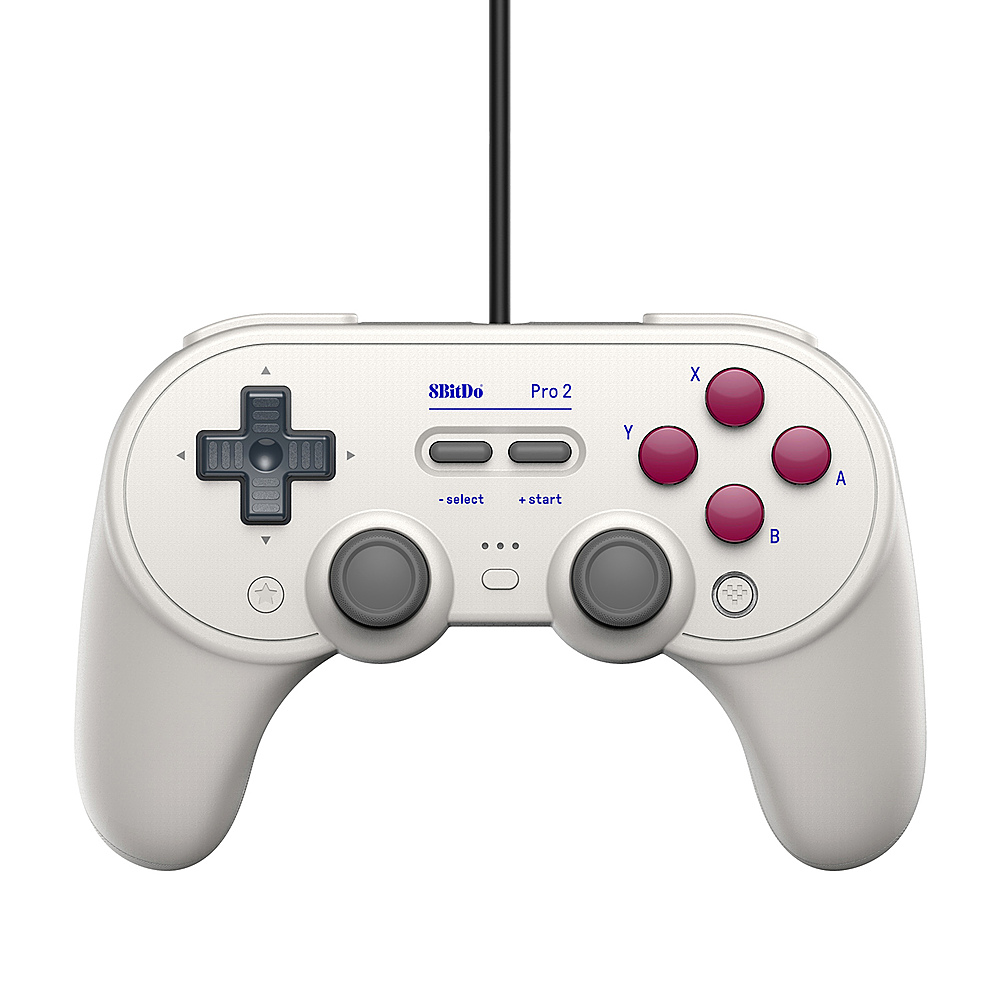
8BitDo - Pro 2 Wired Gamepad - Classic
SKU: CZY3JSJC5TOverall it's the best aftermarket controller I've had so far....Great controller that fits my hands well....Great controller
See all Gaming ControllersProduct Description
A wired black controller with headset jack, designed for Xbox and Windows platforms for pro-level gaming.Your price for this item is $34.99 -
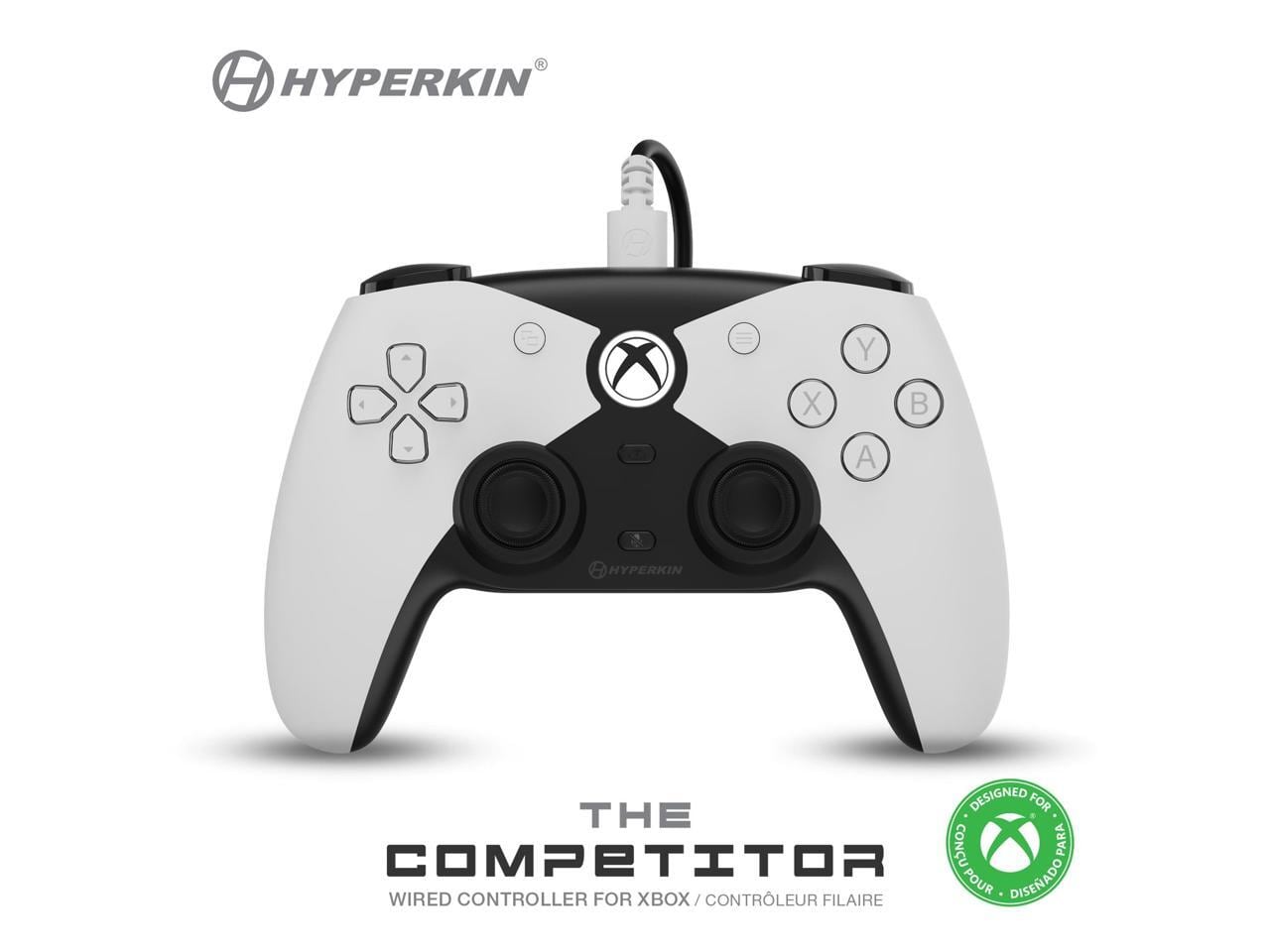
Hyperkin - The Competitor Wired Xbox Controller - Hall Effect, Impulse Triggers, D-Pad - White
SKU: J3GTKKWH4ZSee all Gaming ControllersProduct Description
A pro-grade wired controller in white, designed for Xbox Series X/S, Xbox One, and Windows PC gaming.Your price for this item is $58.99Save $0The previous price was $59.49 -
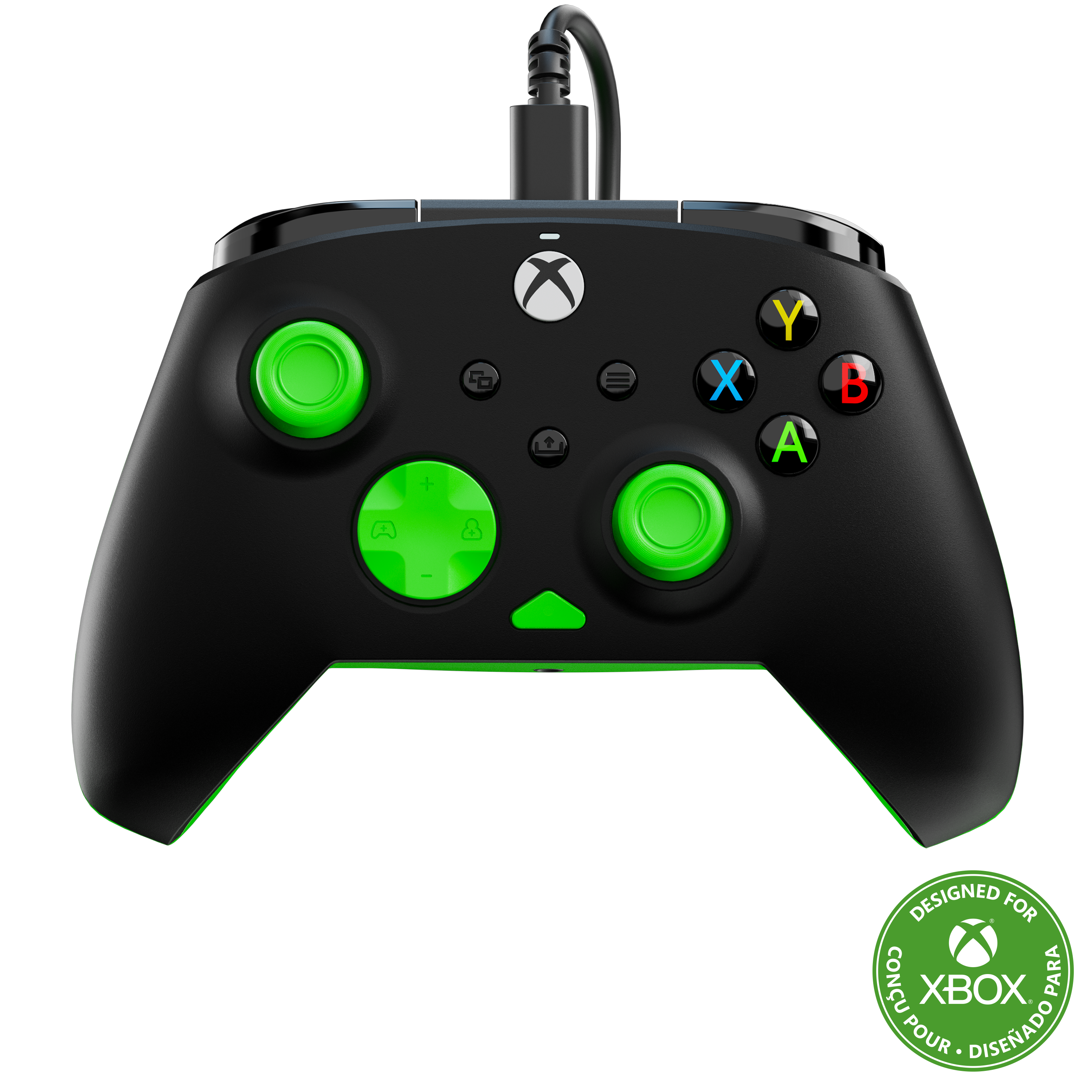
Turtle Beach - Rematch Core Wired Gaming Controller for XBOX Series X|S, XBOX One & Windows 10/11 PC - Black/Green
SKU: J39T968QGGLove it...I love it the team nod is amazing and the controller 10/10...LOVE IT!
See all Gaming ControllersProduct Description
A black and green wired controller offering immersive feedback, ergonomic comfort, and integrated audio controls for Xbox and PC.Your price for this item is $29.99 -
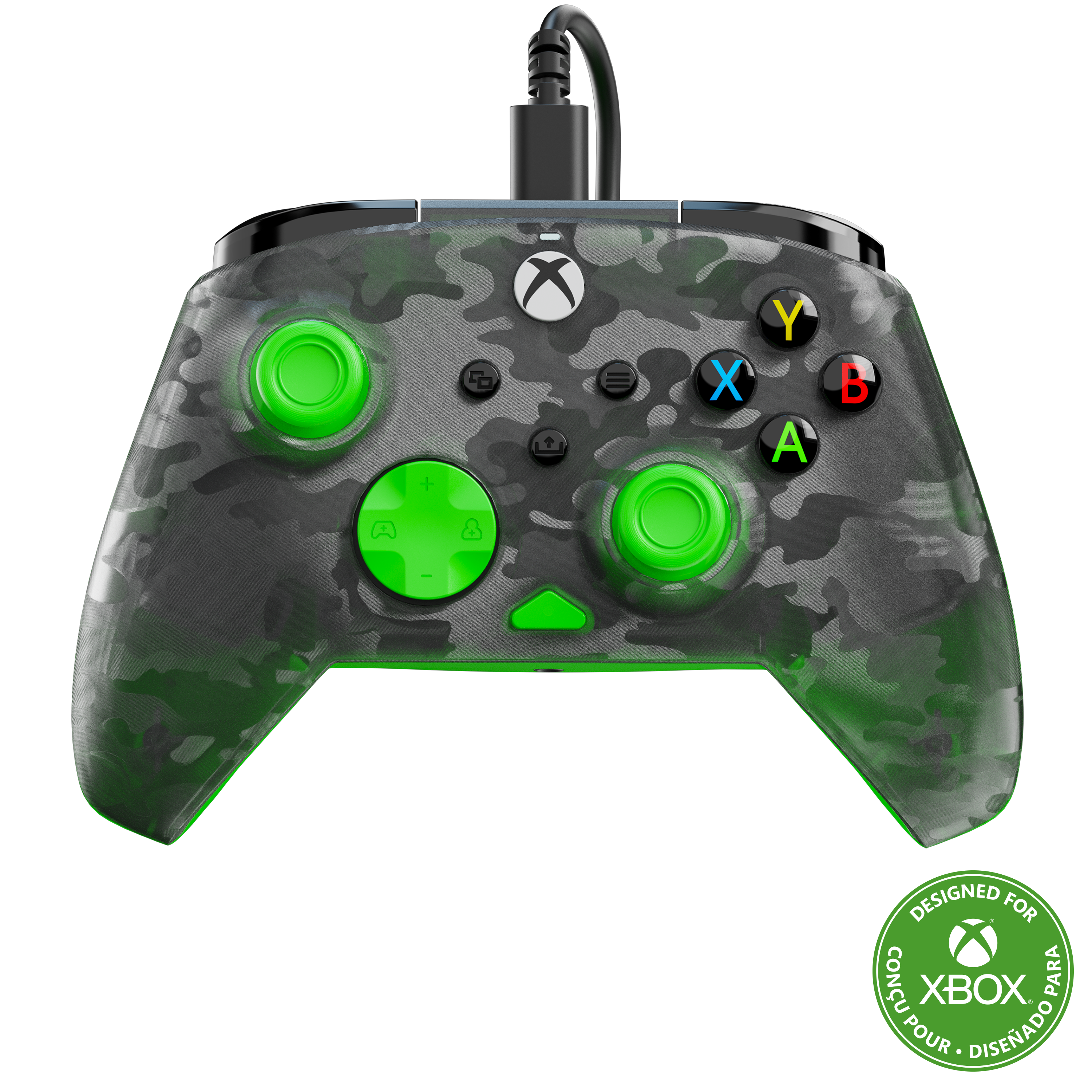
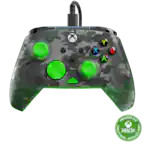
Turtle Beach - Rematch Core Wired Gaming Controller for XBOX Series X|S, XBOX One & Windows 10/11 PC - Ghost Black Camo/Green
SKU: J39T968QJZI love the color....Great controller
See all Gaming ControllersProduct Description
A wired controller in ghost black camo and green featuring immersive feedback, ergonomic grip, and integrated audio controls.Your price for this item is $29.99 -
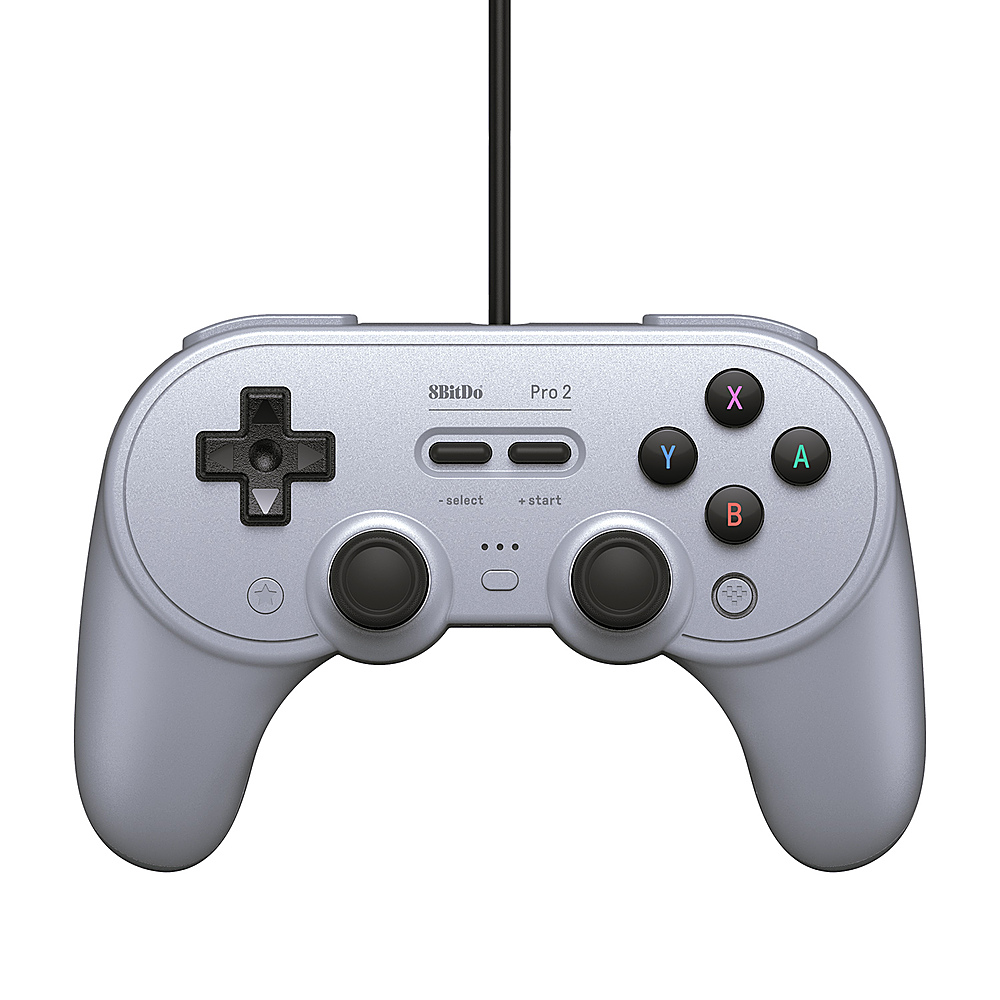
8BitDo - Pro 2 Wired Gamepad - Gray
SKU: CZY3JSJC5VGreat and good...Looking for budjet controller this is the one of the best controller...Love it. It's awesome and durable. Sick of loose charging ports. This works perfectly for me!
See all Gaming ControllersProduct Description
A wired gray controller with advanced features and headset jack, compatible with Xbox and Windows platforms.Your price for this item is $34.99 -
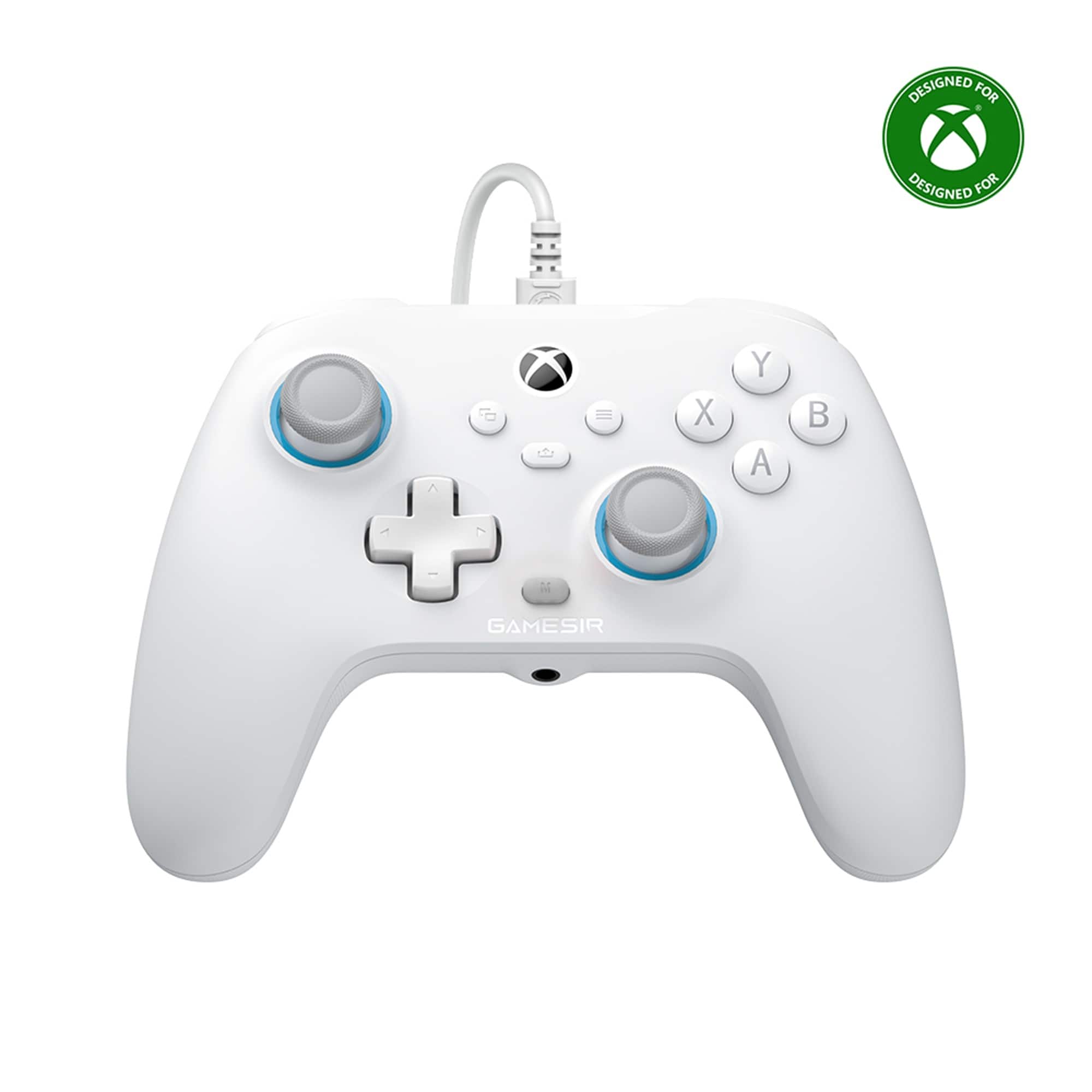
GameSir - T7 Wired Controller/Gamepad Hall Effect Joysticks for Xbox Series X|S, Xbox One, Windows 10/11 & Steam, 3.5mm Audio Jack - Volt White
SKU: J3R85HZQTQBest controller...Works great best Xbox controller also it’s true no stick drift...Great controller...Great controller works really well I would recommend
See all Gaming ControllersProduct Description
A wired white controller with Hall Effect joysticks and 3.5mm audio jack for Xbox and Windows.Your price for this item is $29.99 -
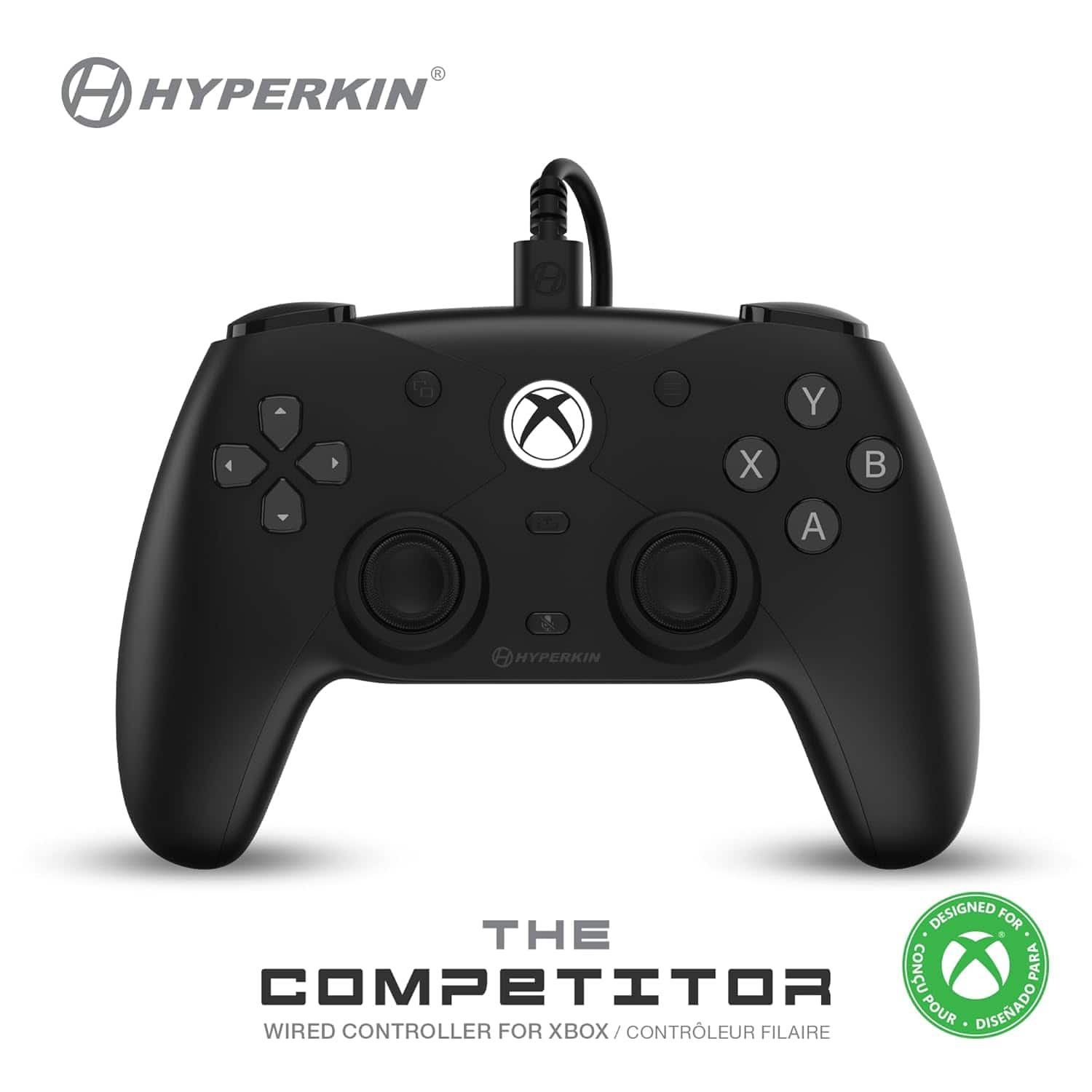
Hyperkin - The Competitor Wired Controller For Xbox One, Xbox Series S/X, & PC - Officially Licensed by Xbox - Black
SKU: J3GTKKWH48See all Gaming ControllersProduct Description
A pro-grade wired black controller offering next-gen ergonomics and tournament-ready performance for Xbox and PC.Your price for this item is $58.99Save $18The previous price was $77.50
Best Sellers

Related Pages
FAQ
Yes, Xbox controllers are compatible with Windows 8 PCs. You may need to install the appropriate drivers, which are typically available through Windows Update or the manufacturer's website.
Most Xbox controllers work with Windows 8 without the need for extra software, but you may need to download drivers for certain models. Wired controllers usually work immediately, while wireless controllers may require an adapter.
Yes, you can connect a wireless Xbox controller to a Windows 8 device using an official Xbox Wireless Adapter or via Bluetooth if your controller and PC both support it.
Windows 8 supports most Xbox controllers, including Xbox 360, Xbox One, and newer models. Compatibility may vary depending on the controller version and connection method.
To set up an Xbox controller on Windows 8, plug it in via USB or connect wirelessly, install any necessary drivers, and configure the controller in your game’s settings or through the Windows Control Panel.