Skip to contentGo to Product Search
Main Content

3D Printer Enclosures For Home Setups

3D Printer Enclosures for Home Setups offer a dedicated category for shoppers exploring enclosure options for their 3D printing space. Browse a selection of sizes, styles and accessories to help find an option that fits your workspace, printer setup and creative projects.

Read More
Results
Main Results
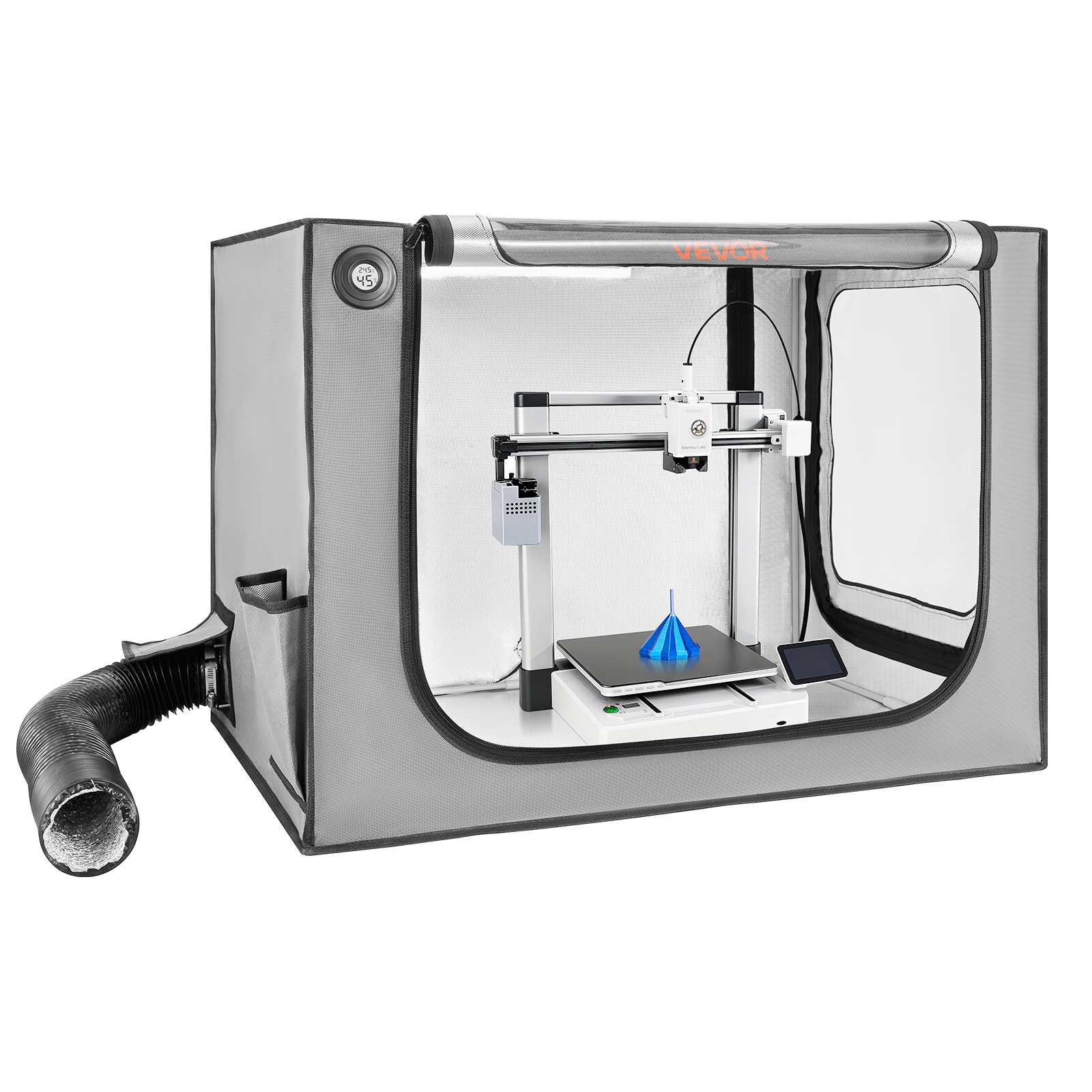
  1. VEVOR - 3D Printer Enclosure with Ventilation, Dustproof Waterproof Large Size 600D Oxford Cloth 3D Printer Tent - Gray

    SKU: JJGHK4PYYJ

    Product Description

    A flame-retardant gray Oxford cloth enclosure with ventilation, LED lighting, and viewing window protects 3D printing.
    See all Printer Trays & Drawers
    Your price for this item is $50.31
    Save $19
    The previous price was $69.99
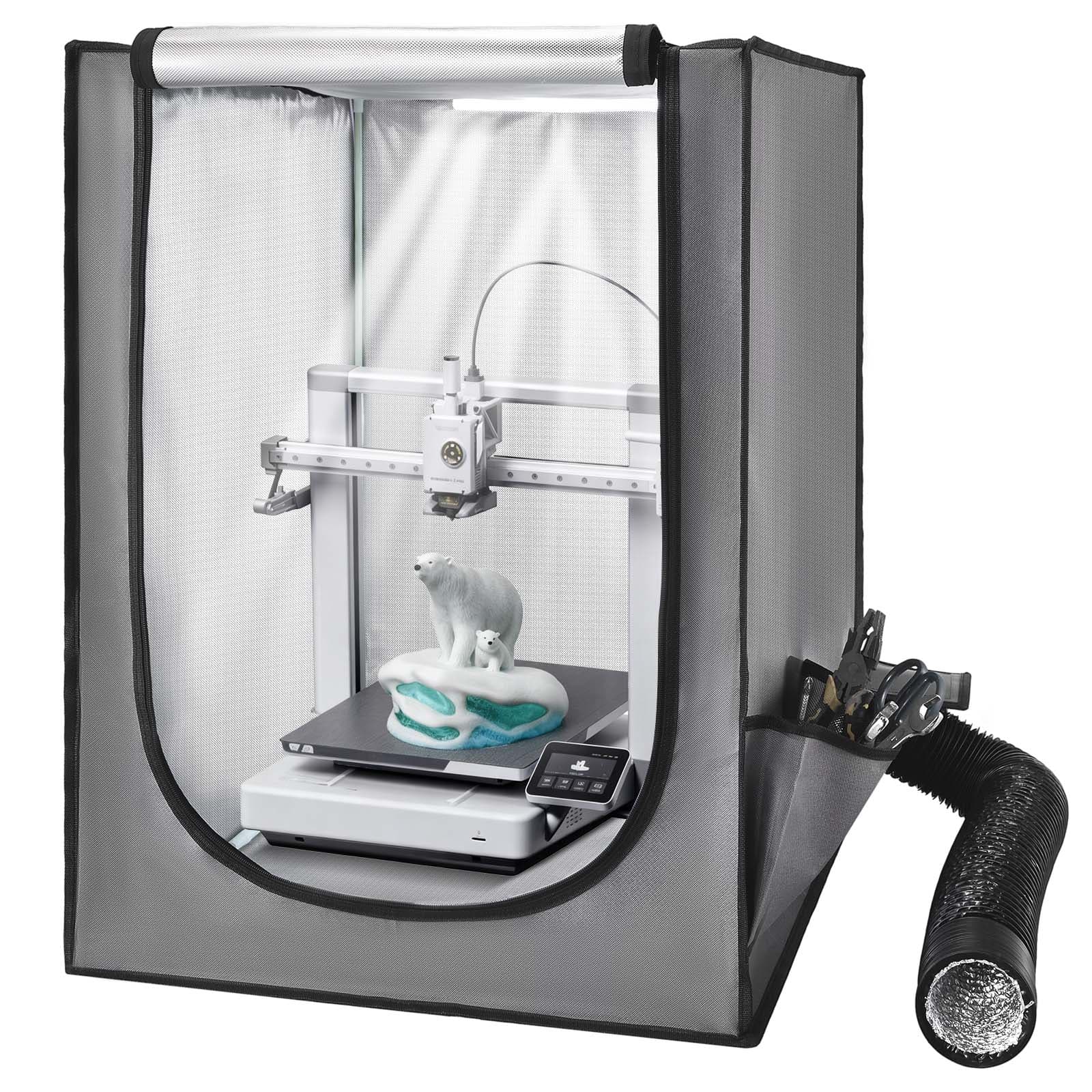
  2. VEVOR - 3D Printer Enclosure with Ventilation, Dustproof Waterproof Oxford Cloth Resin 3D Printer Tent - Gray

    SKU: JJGHK4PYG4

    Product Description

    A gray, flame-retardant cloth enclosure with ventilation, LED lighting, dust, water, and noise resistance.
    See all Printer Trays & Drawers
    Your price for this item is $46.90
    Save $12
    The previous price was $58.99
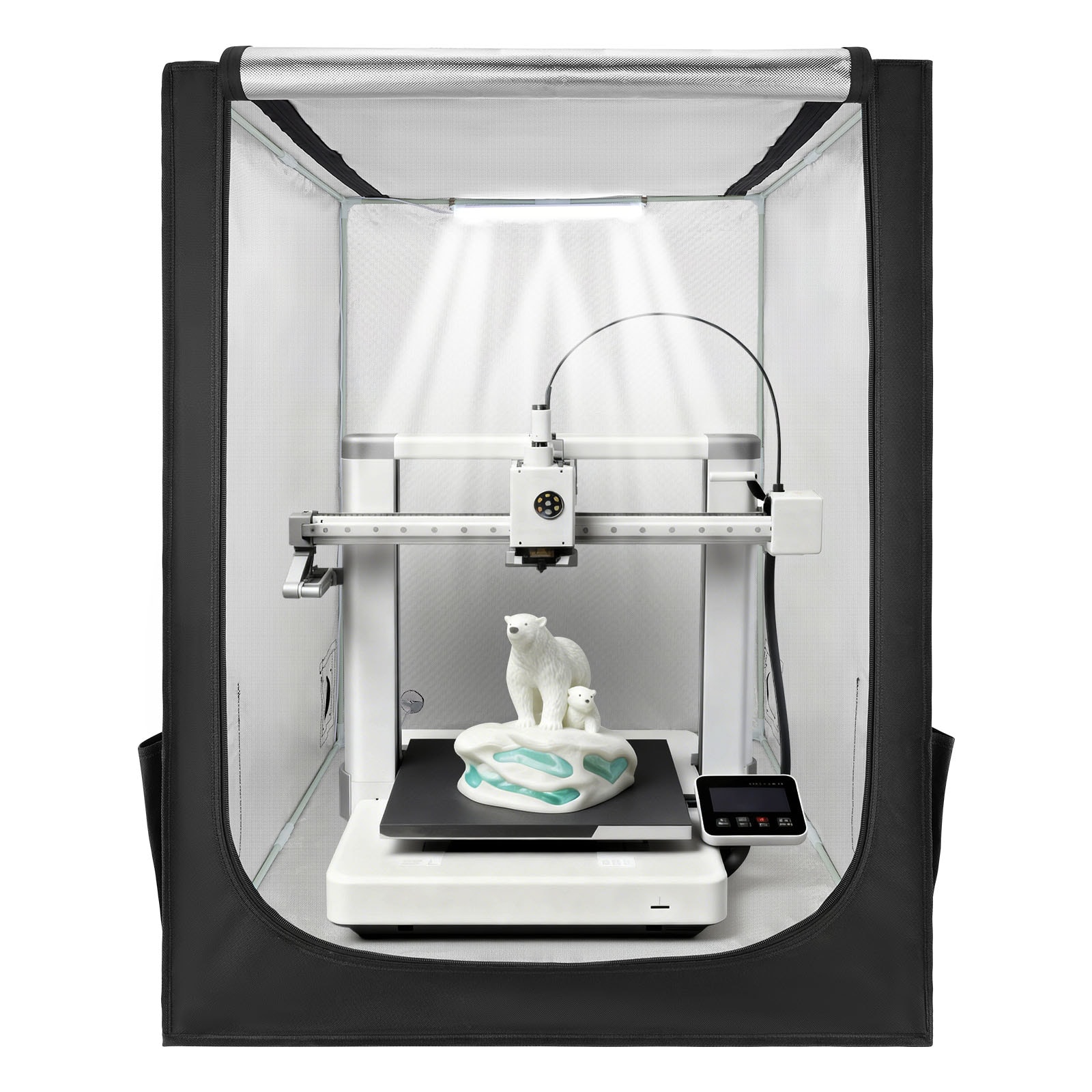
  3. VEVOR - 3D Printer Enclosure, Dustproof Waterproof Large Oxford Cloth 3D Printer Tent, Constant Temperature Protective Case - Black

    SKU: JJGHK4PYLZ

    Product Description

    A black, flame-retardant enclosure that maintains temperatures while reducing dust, water, and noise with LED lighting.
    See all Printer Trays & Drawers
    Your price for this item is $44.90
    Save $12
    The previous price was $56.99
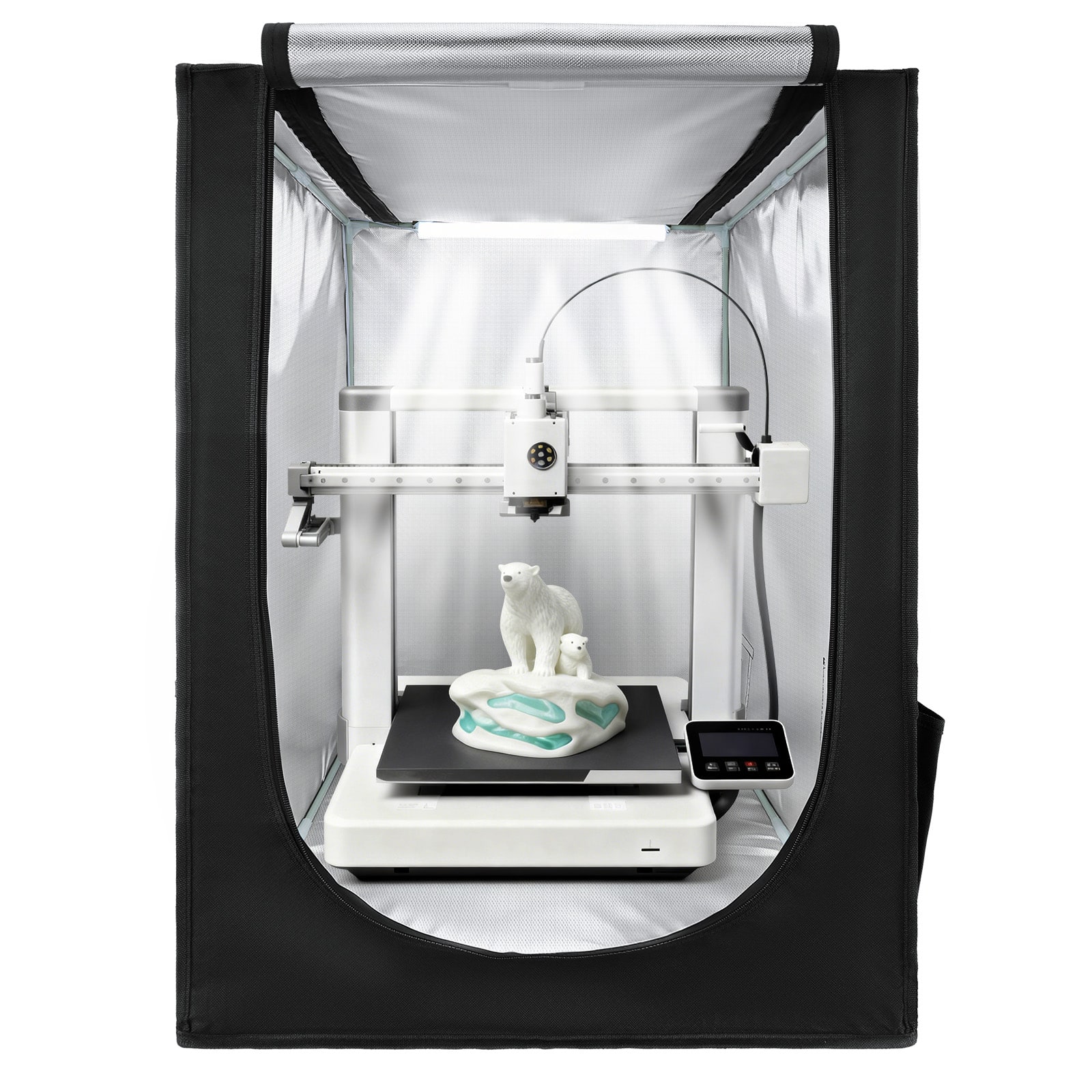
  4. VEVOR - 3D Printer Enclosure, Dustproof Waterproof Oxford Cloth 3D Printer Tent, Constant Temperature Protective Case - Black

    SKU: JJGHK4PYPG

    Product Description

    A black flame-retardant Oxford cloth enclosure offering dustproof, waterproof, temperature-controlled printing with built-in LED lighting.
    See all Printer Trays & Drawers
    Your price for this item is $36.90
    Save $10
    The previous price was $46.99
  5. Flashforge - Adventurer 5M 3D Printer Enclosure kit, Reduce Noise and Increase Safety, Supports Printing High Temperature Filaments - White

    SKU: J3R85ZZGQK

    Product Description

    A white enclosure kit that reduces noise, increases safety, and supports high-temperature filament 3D printing.
    See all 3D Printing Accessories
    Your price for this item is $49.99

A 3D printer enclosure can make a home printing area feel more controlled, comfortable and intentional, whether the printer sits on a workbench, a desk in a spare room or a dedicated craft station. These enclosures are designed to surround the printer with a protective chamber that helps reduce the effects of room drafts, dust and changing temperatures. That added stability can be especially helpful when printing with materials such as ABS, ASA or polycarbonate, which may cool too quickly and develop warped corners, lifted edges or cracks. PLA and PETG are generally more forgiving, but an enclosure can still help keep dust away from moving components and finished prints while reducing the sound of motors and cooling fans. In a busy household, the enclosure also creates a useful barrier between children or pets and hot print beds, heated nozzles and moving parts. It is not a substitute for safe operating practices, proper supervision or the ventilation recommended by the printer and filament manufacturers, but it can help organize the area and make routine printing more manageable. For anyone still choosing a printer, browsing 3D Printers for Beginner Hobbyists can provide helpful context before selecting an enclosure. A soft-sided enclosure is often a practical choice for a first setup or a printer that needs to be moved occasionally. These shelters typically use a fabric exterior with a reflective or insulated interior, viewing panels and openings for cables, filament and ventilation hoses. They are relatively lightweight and can help shield a printer from drafts and airborne dust without taking up as much visual space as a cabinet. A rigid enclosure, such as one made with acrylic panels, metal framing or a cabinet-style structure, offers a more permanent workspace and may include features such as lighting, temperature displays, cable management or additional storage. When comparing styles, consider whether the enclosure will be placed in a bedroom, home office, workshop, garage or shared living area, and allow enough room for the printer’s full range of motion, spool placement, power connections and routine maintenance.

The type of printer and material being used should guide enclosure and ventilation decisions. Fused deposition modeling, or FDM, printers melt filament through a heated nozzle and may benefit from a consistent internal temperature, particularly when using higher-temperature materials. An enclosure sized for an FDM printer should leave clearance around the frame, moving bed and ventilation points rather than pressing tightly against any component. Look for access panels or front doors that make it easy to remove a print, change filament and reach the nozzle without dismantling the setup. If a printer uses a top-mounted spool, check that the enclosure can accommodate the spool holder or provide a clean path for filament. Resin printers have different needs. Liquid resin can produce noticeable odors and should be handled according to the resin manufacturer’s safety instructions, with attention to ventilation, gloves, eye protection and cleanup. An enclosure may help contain odors and reduce exposure to room dust, but it should not trap fumes in an occupied room without an appropriate air-exchange plan. For either printer type, an exhaust fan paired with a suitable carbon filter can help reduce odors, while a HEPA filter may help capture certain airborne particles. Filters have limits and require replacement, and an exhaust system should be arranged so it does not blow air toward people, pets or neighboring rooms. Some enclosures include built-in fan ports, while others are designed to work with separately chosen fans, ducts or filtration equipment. Confirm the port size, power requirements and airflow direction before buying, and avoid blocking the printer’s own cooling system. Temperature monitoring can be valuable when printing materials that need a warmer environment, but excessive heat inside an enclosure can also affect electronics, motors or filament, so the printer manufacturer’s operating recommendations remain important.

Size, access and placement often matter just as much as the enclosure material. Measure the printer itself, then account for the bed’s travel, hinged doors, filament spools, cable bends and any accessories mounted to the frame. A slightly larger enclosure may be easier to use than a tightly fitted one, especially when regular maintenance includes cleaning the build plate, changing a nozzle or removing a finished model. A clear front panel or viewing window lets users check progress without opening the chamber and disturbing its internal temperature. Interior lighting can make it easier to inspect the first layer and spot a loose filament strand, while a temperature and humidity display can provide useful information in rooms that experience seasonal changes. Shelving or a sturdy base can keep tools, spare nozzles and filament within reach, but the enclosure should sit on a level, stable surface that can support the combined weight of the printer and any accessories. During cooler months, a controlled enclosure may help reduce the impact of chilly air near windows, doors or garages; during warmer conditions, make sure the surrounding space remains adequately ventilated and that the internal temperature does not rise beyond the printer’s specifications. Noise reduction is another practical benefit for home setups. Fabric walls and enclosed panels can soften the hum of fans and stepper motors, making a long print less disruptive in a home office or family room, although no enclosure eliminates sound entirely. These products can also be a thoughtful addition to a 3D printing gift for a student, maker, model builder or hobbyist who has outgrown a temporary tabletop arrangement. The best choice depends on printer dimensions, printing materials, room location, ventilation plans and how often the setup needs to be moved. A well-matched enclosure keeps the work area neater, helps make print conditions more consistent and gives a home 3D printing station a clear, purpose-built place to operate.

FAQ

A 3D printer enclosure is a dedicated cover or cabinet designed to surround a 3D printer. Enclosures may include viewing panels, access doors, cable openings, lighting, storage areas or other features that help organize a home printing setup.

Common features include clear viewing panels, front or side access, removable panels, cable-management openings, built-in lighting, storage compartments and compatibility with your printer’s controls and accessories.

Compatibility varies by enclosure design. Check whether the enclosure supports your printer’s overall footprint, control layout, spool placement, cable routing and filament-feeding setup before choosing one.

Yes. An enclosure can create a dedicated area for the printer and may provide room for filament, tools and other printing accessories. Cable openings and integrated storage can also help keep the surrounding workspace more orderly.

Clean viewing panels and exterior surfaces with appropriate non-abrasive materials, keep access points free of debris and periodically check hinges, zippers, panels and cable openings for proper operation. Follow the manufacturer’s care instructions for the enclosure’s specific materials.