Desktop 3D Printer
-
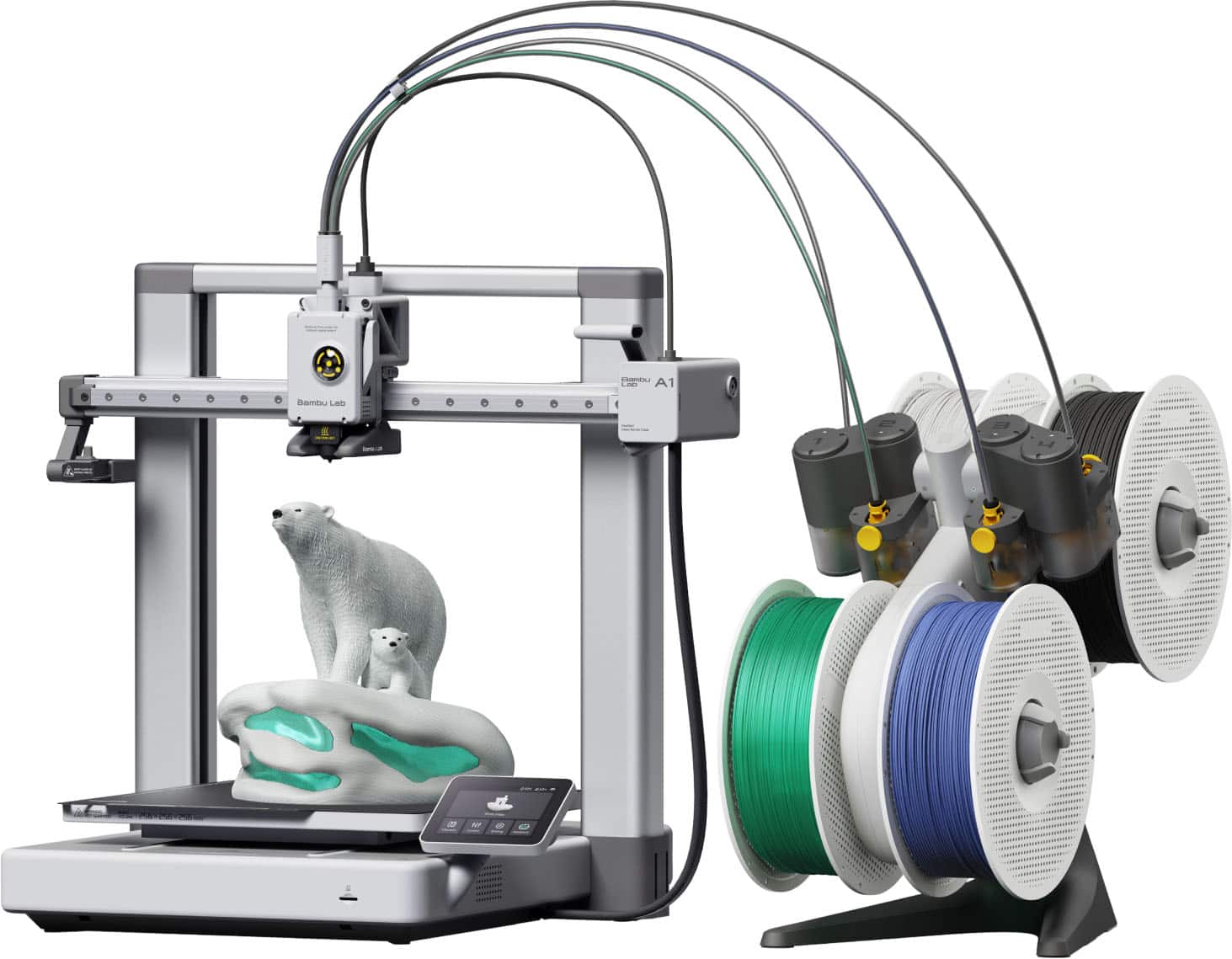
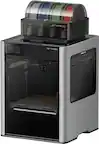
Bambu Lab - A1 Combo 3D Printer - Silver
SKU: CZW2ZH33WCLove it, best purchase ever. Get one today!!!!!!!!!...Love it...Great printer....See alys playtime on youtube for videos from this exact printer wr bought from best buy
See all 3D PrintersProduct Description
A silver wireless 3D printer featuring multi-color printing, full-auto calibration, and active flow rate compensation.Your price for this item is $399.99 -
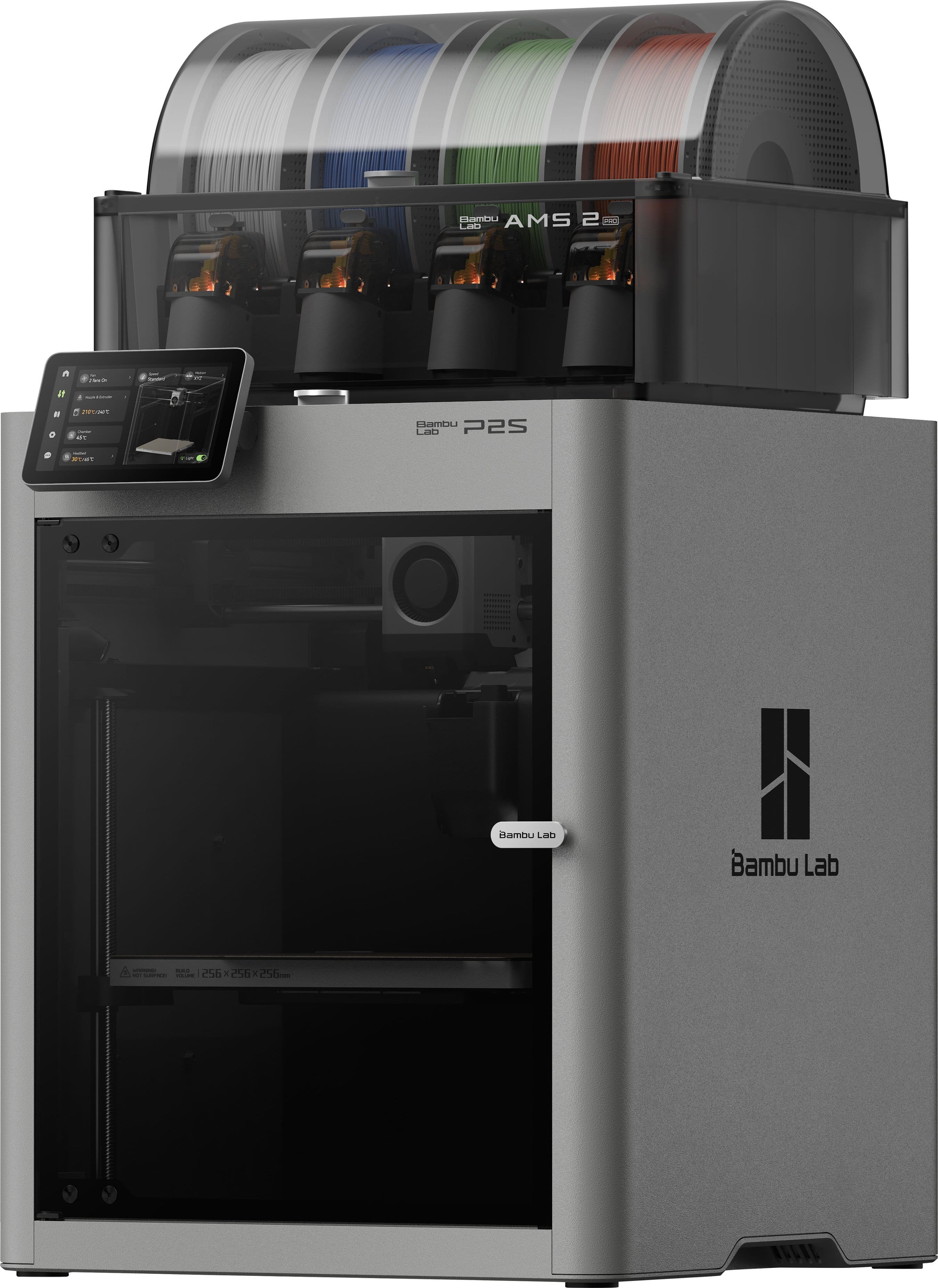
Bambu Lab - P2S AMS Combo 3D Printer - Gray
SKU: CZSQ2756PWLove love love! Works so well and Best Buy is so helpful with issues...Love this print use it all the time best of the best!...P2S I Love it
See all 3D PrintersProduct Description
A gray wireless 3D printer featuring a built-in camera and display screen for enhanced printing control.Your price for this item is $749.99 -
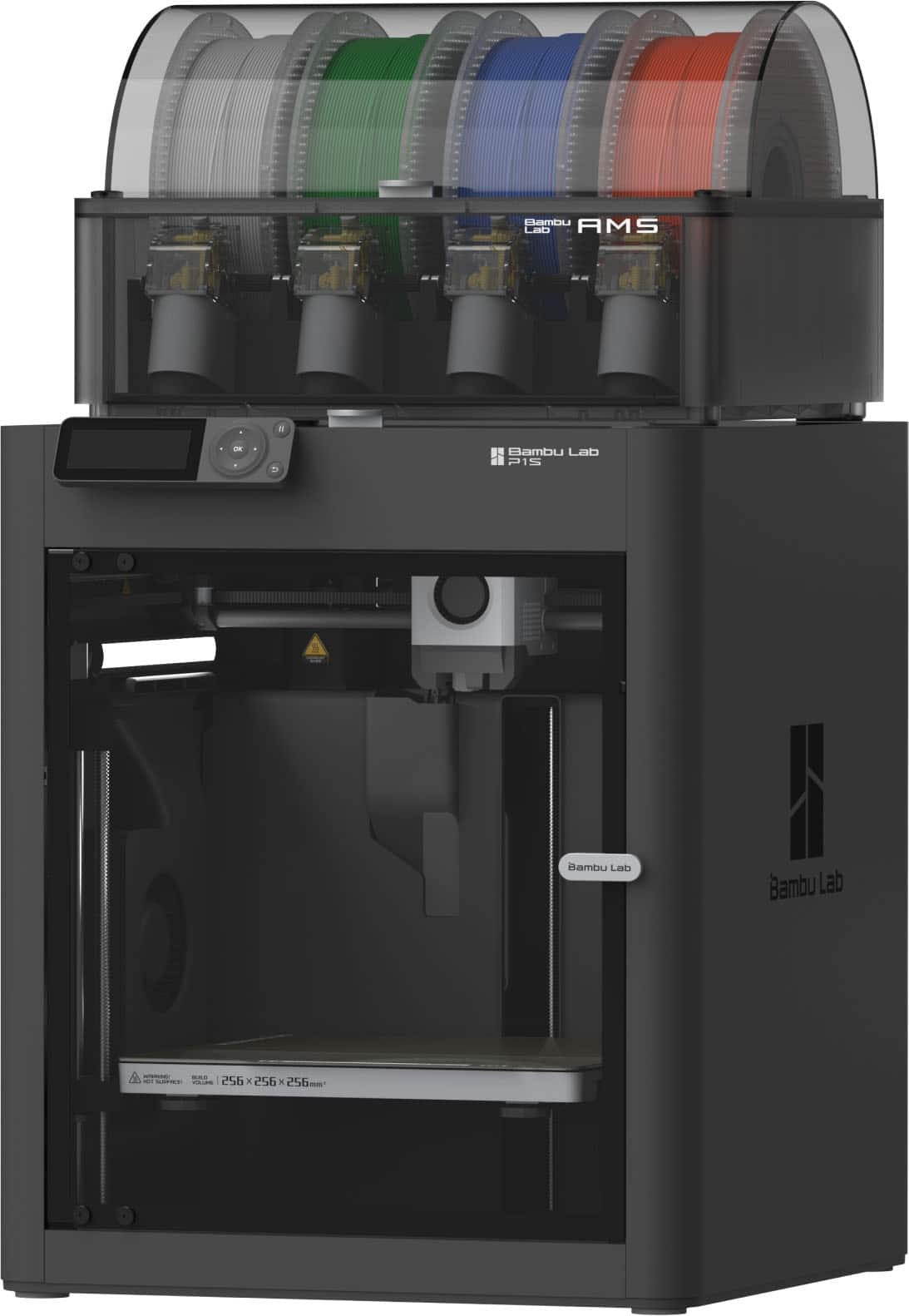
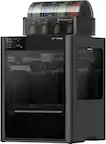
Bambu Lab - P1S Combo 3D Printer - Black
SKU: CZTZV9Z2C4Great product. I love 3d printing with Bambu and fast shipping with Best Buy!!!...Love, love the ease of use. I loved it so much, I brought another ❤️....Customer service at Best Buy, was great and I...
See all 3D PrintersProduct Description
A black wireless 3D printer with auto-calibration, multi-color capability, Bluetooth, built-in camera, and display screen.Your price for this item is $549.99 -
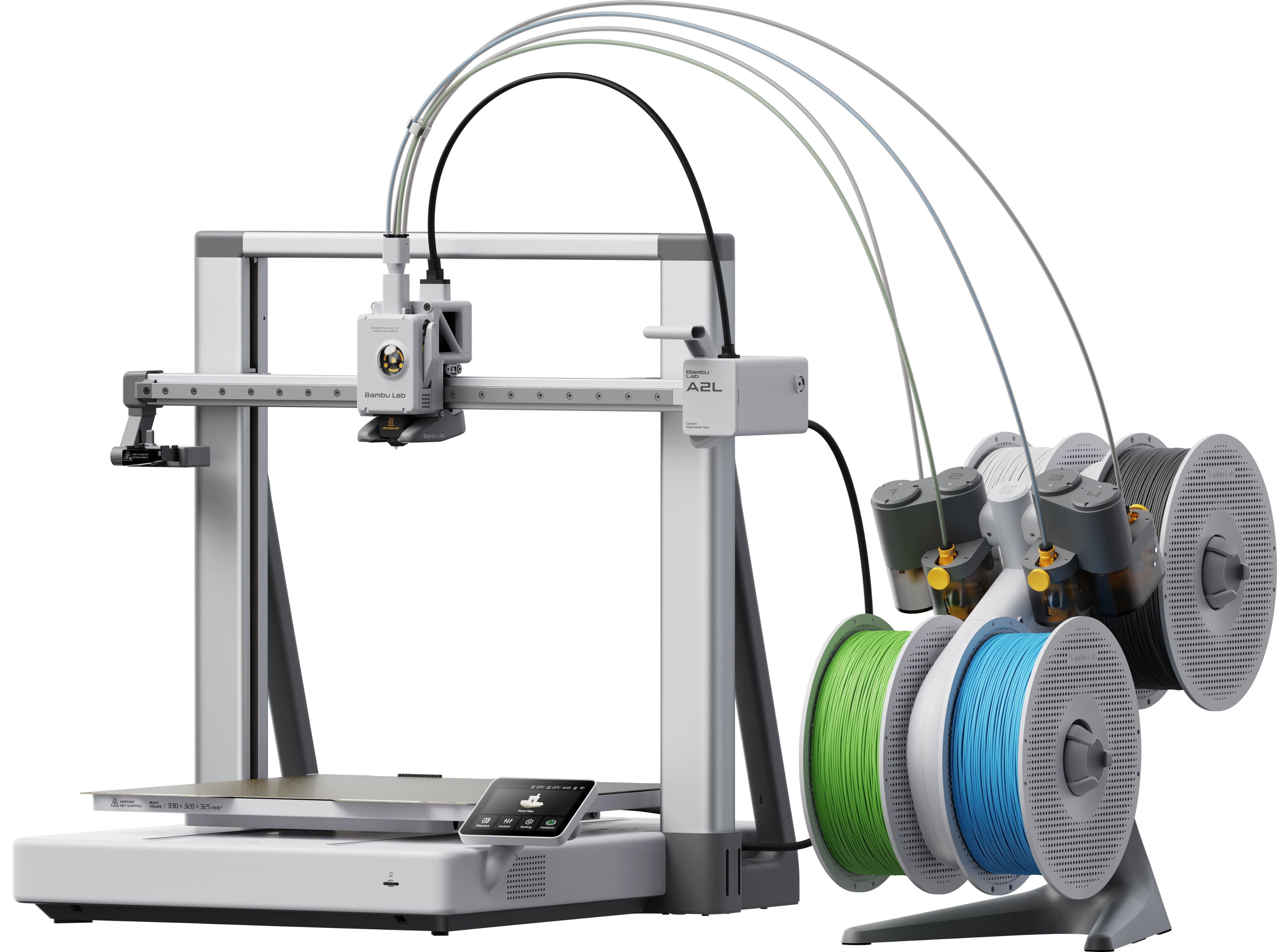
Bambu Lab - A2L Combo 3D Printer - Gray
SKU: CZSQ2754P5The best one...It offers the best value for money of all the bamboo ones so far! I love its size and quality....Best choice I made...I love it my baby shower was made in 3r printer. Amazing
See all 3D PrintersProduct Description
A gray wireless 3D printer featuring a built-in camera and display screen for seamless crafting.Your price for this item is $569.99 -
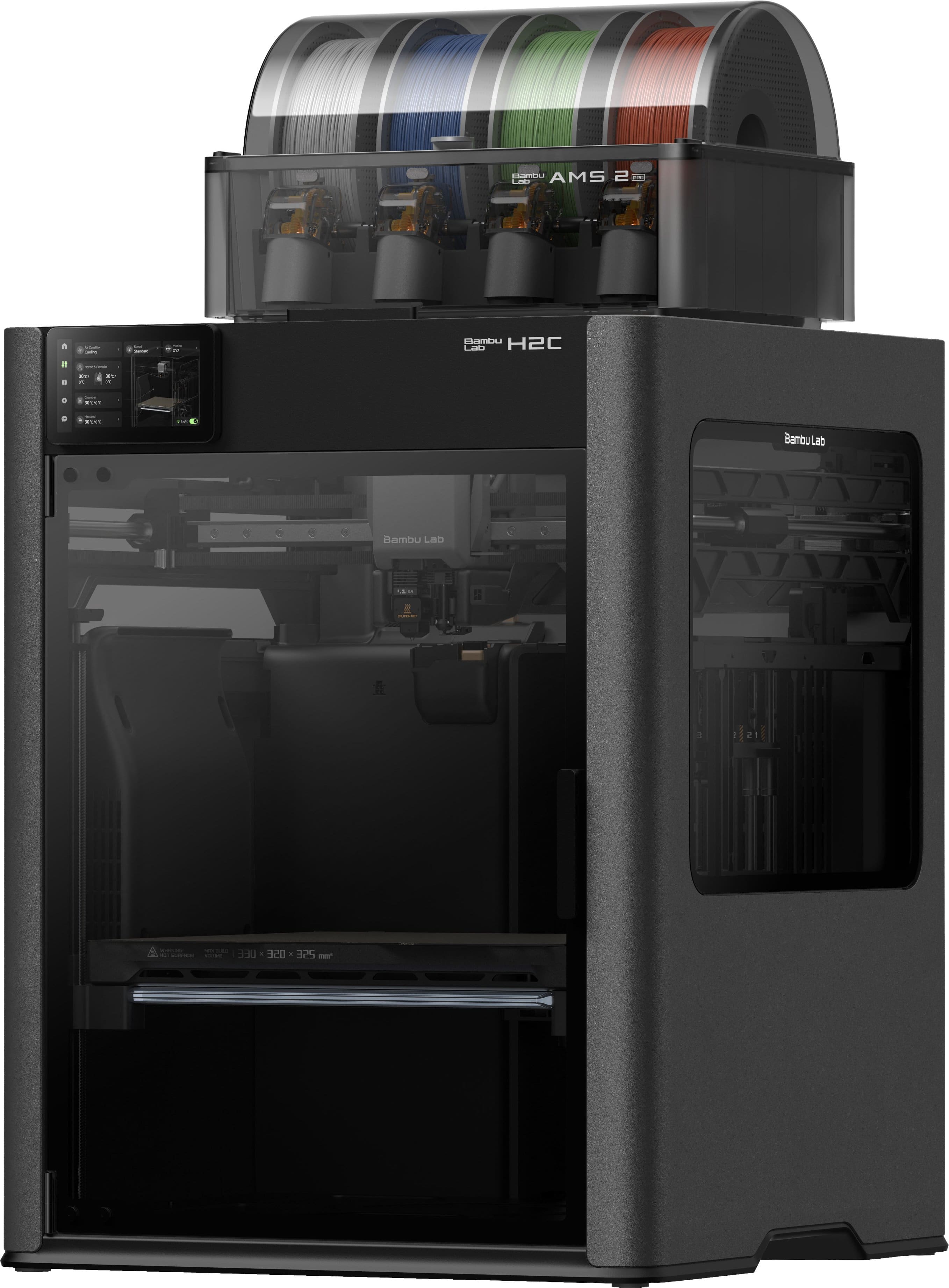
Bambu Lab - H2C AMS Combo 3D Printer - Gray
SKU: CZSQ275H6HLove being able to use support interface material without the waste! Best Buy was great as well....Love this machine. But I do not like the phone customer service at Best Buy at all.
See all 3D PrintersProduct Description
A gray wireless 3D printer featuring a built-in camera, display screen, and no assembly required.Your price for this item is $2,199.99 -
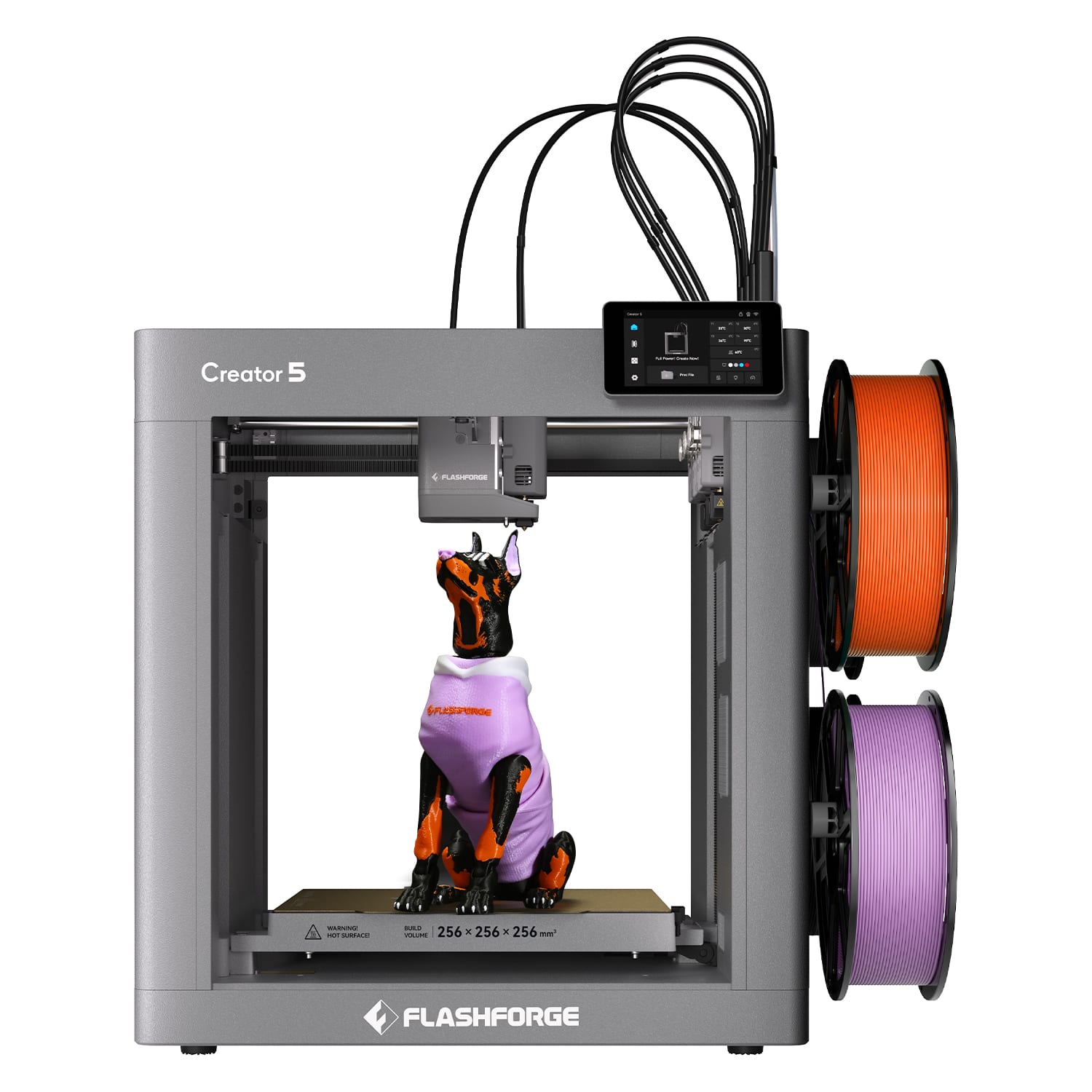
Flashforge - Creator 5 4-Toolhead Changer 3D Printer, Multi-Color Printing, Near-Zero Waste System, CoreXY 600mm/s FDM 3D Printer - Gray
SKU: J3R8F4LK7LI love the little waste It has and it does a great job printing things ....Great product, super easy to assemble. It literally takes 10-15 minutes....Would had been good a bigger bed plate but nonetheless...
See all 3D PrintersProduct Description
A gray CoreXY 3D printer with four toolheads, multicolor printing, 600mm/s performance, and near-zero waste.Your price for this item is $699.00 -
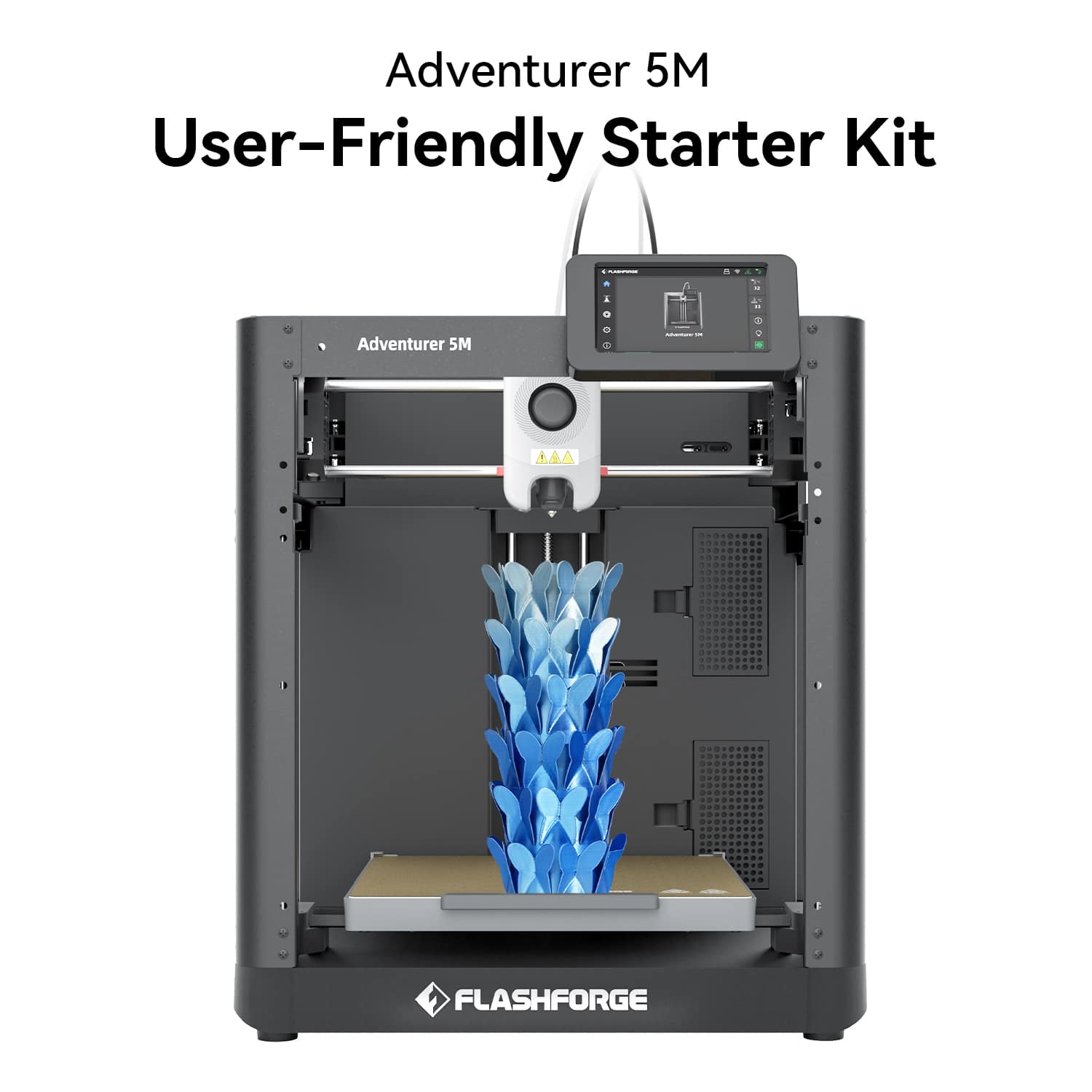
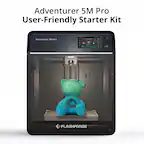
Flashforge - Adventurer 5M 3D Printer, Auto Leveling, Max 600mm/s High Speed Printing, 280°C Direct Extruder, 3s Nozzle - Black
SKU: J3R85ZZGPGGreat printer...Great printer, unboxed hooked up and worked right aways, only issue little on the loud side but not horrible...Great machine
See all 3D PrintersProduct Description
A high-speed black 3D printer with auto leveling, 280°C direct extruder, and quick-detach nozzles.Your price for this item is $249.00 -
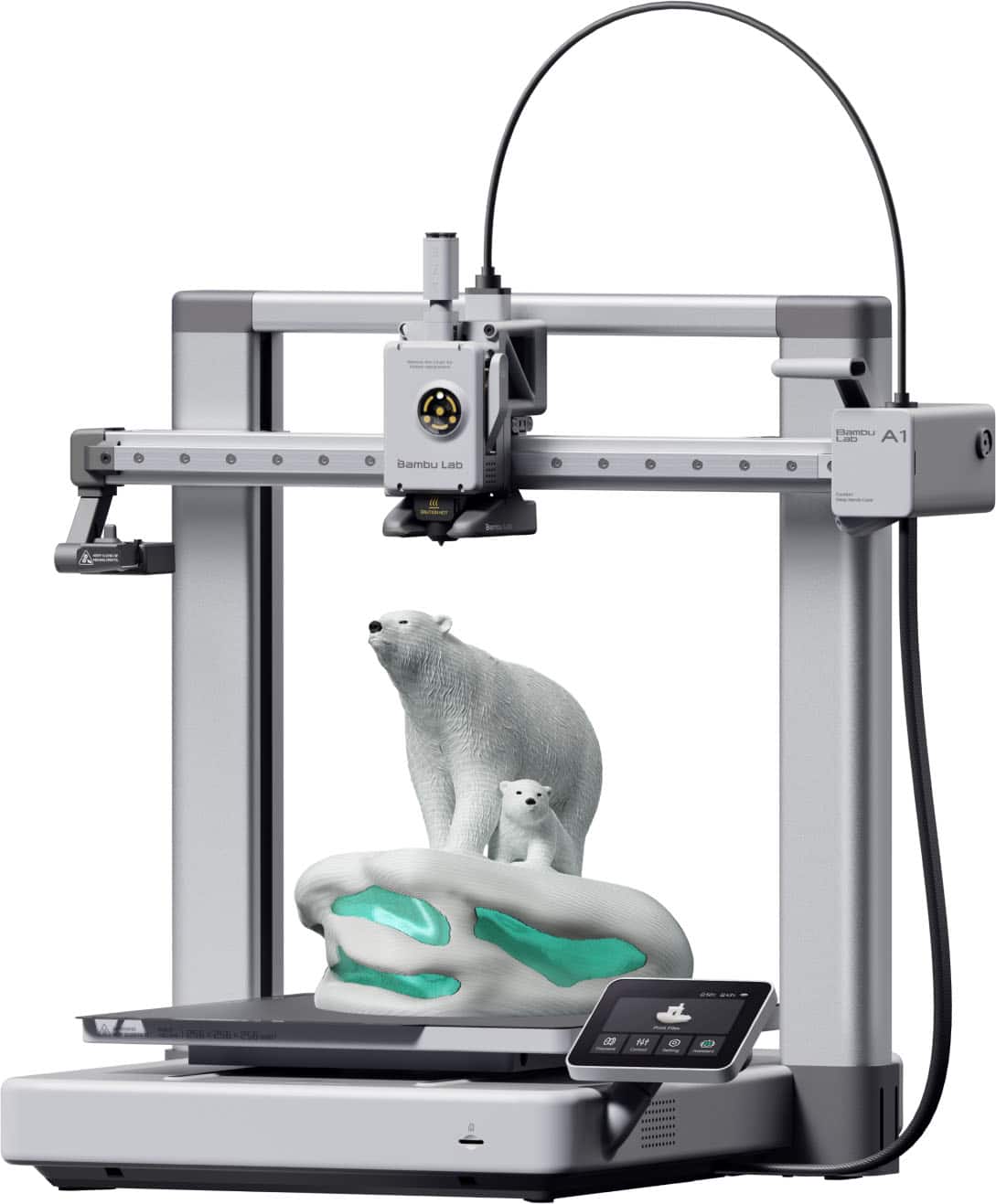
Bambu Lab - A1 3D Printer - Silver
SKU: CZW2ZH33H4Love! love! this 3D printer. It the best one I've had. I makes clean prints and very fast....Great printer...Bought as a first time printer owner and it was the best decision!...Absolutely love it, does...
See all 3D PrintersProduct Description
A silver wireless 3D printer featuring multi-color printing, full-auto calibration, and active flow rate compensation.Your price for this item is $299.99
Best Sellers




Related Pages

FAQ
Most desktop 3D printers are compatible with popular filament types such as PLA, ABS, PETG, and sometimes specialty filaments like TPU or wood-filled PLA. Always check the printer’s specifications for supported materials.
Yes, desktop 3D printers typically require slicing software to prepare 3D models for printing. Many printers include their own software, but popular third-party options like Cura or PrusaSlicer are also widely used and compatible with many models.
Many desktop 3D printers are designed with user-friendly features like guided setup, touchscreen controls, and pre-calibrated settings, making them a great choice for beginners as well as experienced users.
Regular maintenance includes cleaning the print bed, checking for filament clogs, updating firmware, and occasionally lubricating moving parts. Following the manufacturer’s maintenance guidelines helps ensure optimal performance.
Some desktop 3D printers offer dual-extrusion or multi-material capabilities, allowing you to print with two colors or different materials at once. For single-extruder printers, multi-color prints are possible by manually changing filaments during the print process.