3D Printers Under 300 Dollars
-
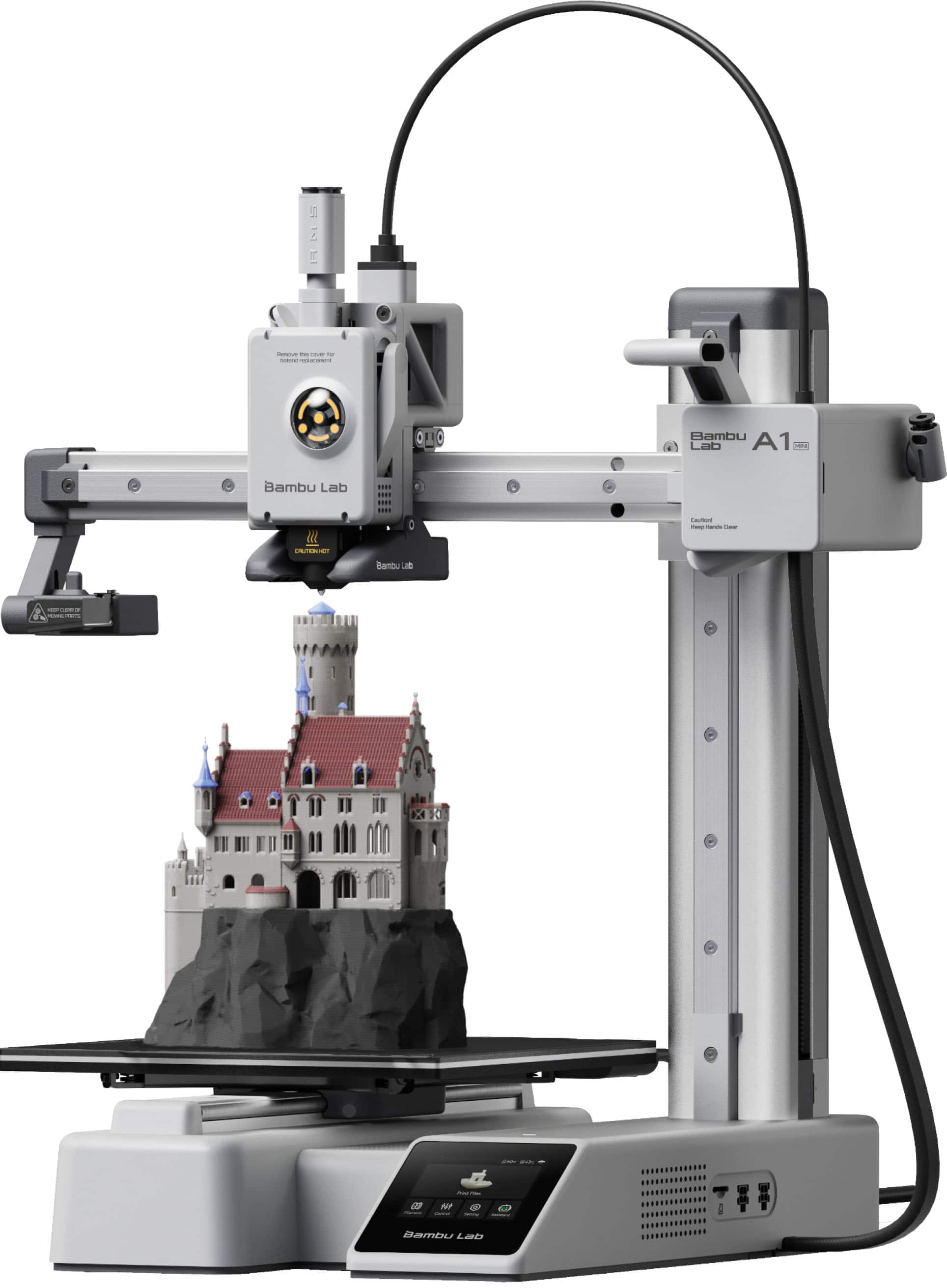
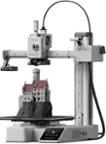
Bambu Lab - A1 mini 3D Printer - Silver
SKU: CZTZV9ZGGVBest thing ever!...I love getting this machine. Easy to use and was at a great price....Best I’ve felt about a purchase in a long time, love it
See all 3D PrintersProduct Description
A silver wireless 3D printer featuring a color touch screen, automatic leveling, and a PEI textured bed.Your price for this item is $219.99 -
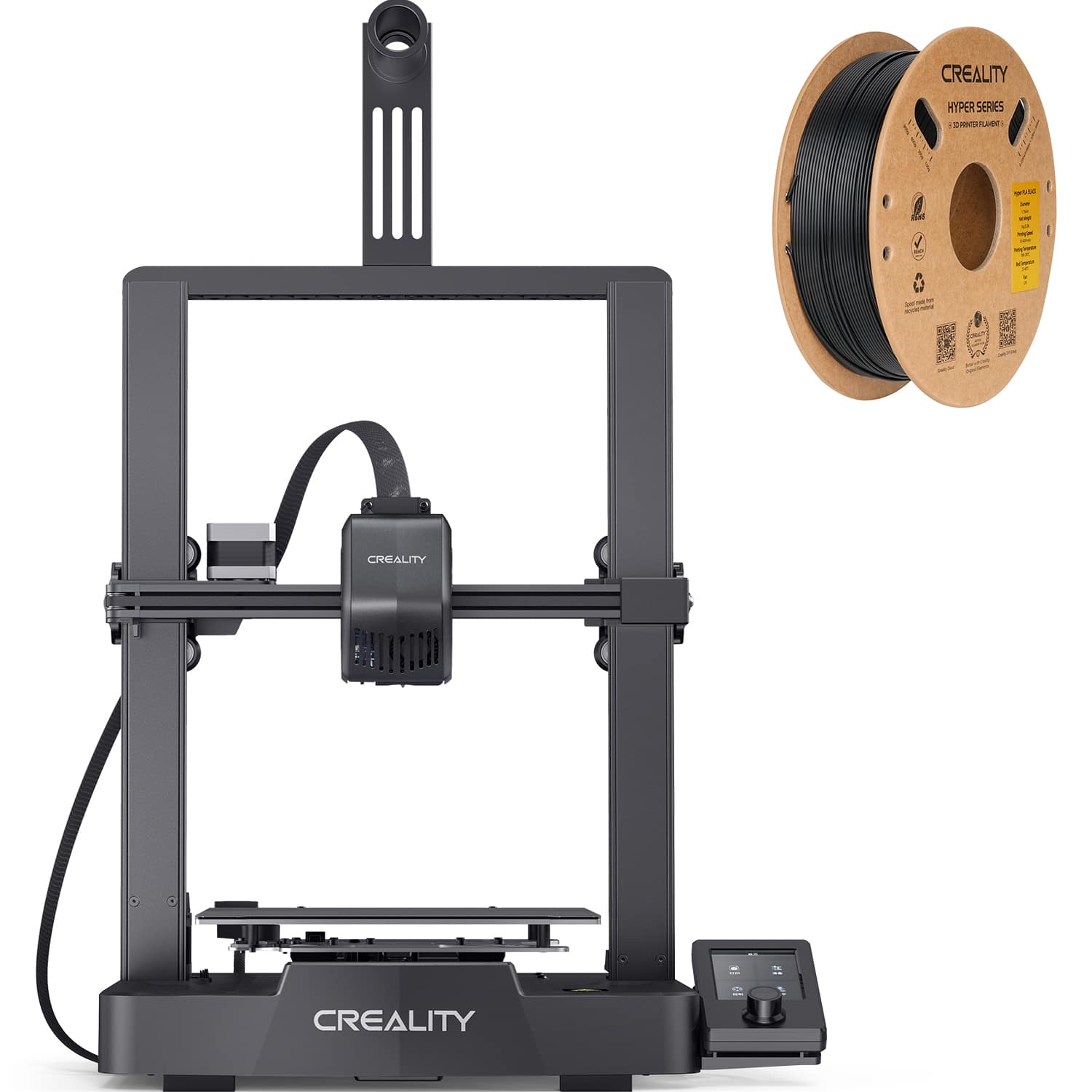
Creality - Ender-3 V3 SE 3D Printer Basic Combo - Black
SKU: JXQWF4SG3TIs a great machine. Had great printing. Is a very amazing brand and you should totally pick it up...Best investment I’ve made...Great review
See all 3D PrintersProduct Description
A black 3D printer featuring auto-leveling, color LCD, steel bed, and direct extrusion for versatile filaments.Your price for this item is $209.00 -
Creality - Ender-3 V3 SE 3D Combo 1-Pack - Black
SKU: JJG68P9L82See all 3D PrintersProduct Description
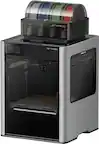
A black 3D printer with auto-leveling, color LCD, steel bed, and smooth filament feeding for beginners.Your price for this item is $189.99 -
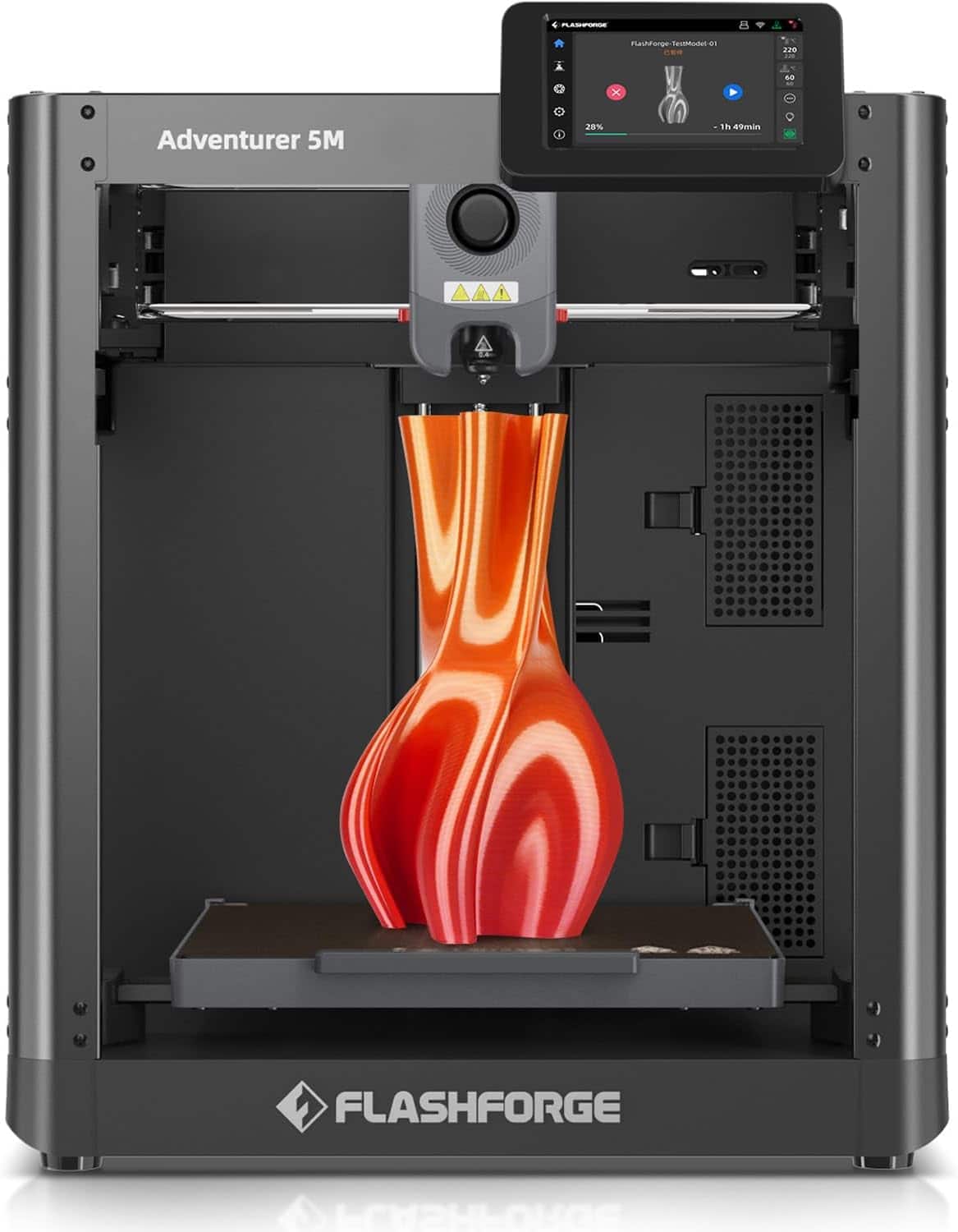
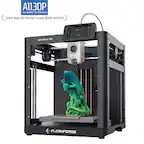
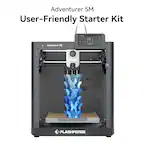
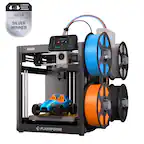
Flashforge - Adventurer 5M 3D Printer, Auto Leveling, Max 600mm/s High Speed Printing, 280°C Direct Extruder, 3s Nozzle - Black
SKU: J3R85ZZGPGGreat printer...Great printer, unboxed hooked up and worked right aways, only issue little on the loud side but not horrible...Great machine
See all 3D PrintersProduct Description
A high-speed black 3D printer with auto leveling, 280°C direct extruder, and quick-detach nozzles.Your price for this item is $249.00 -
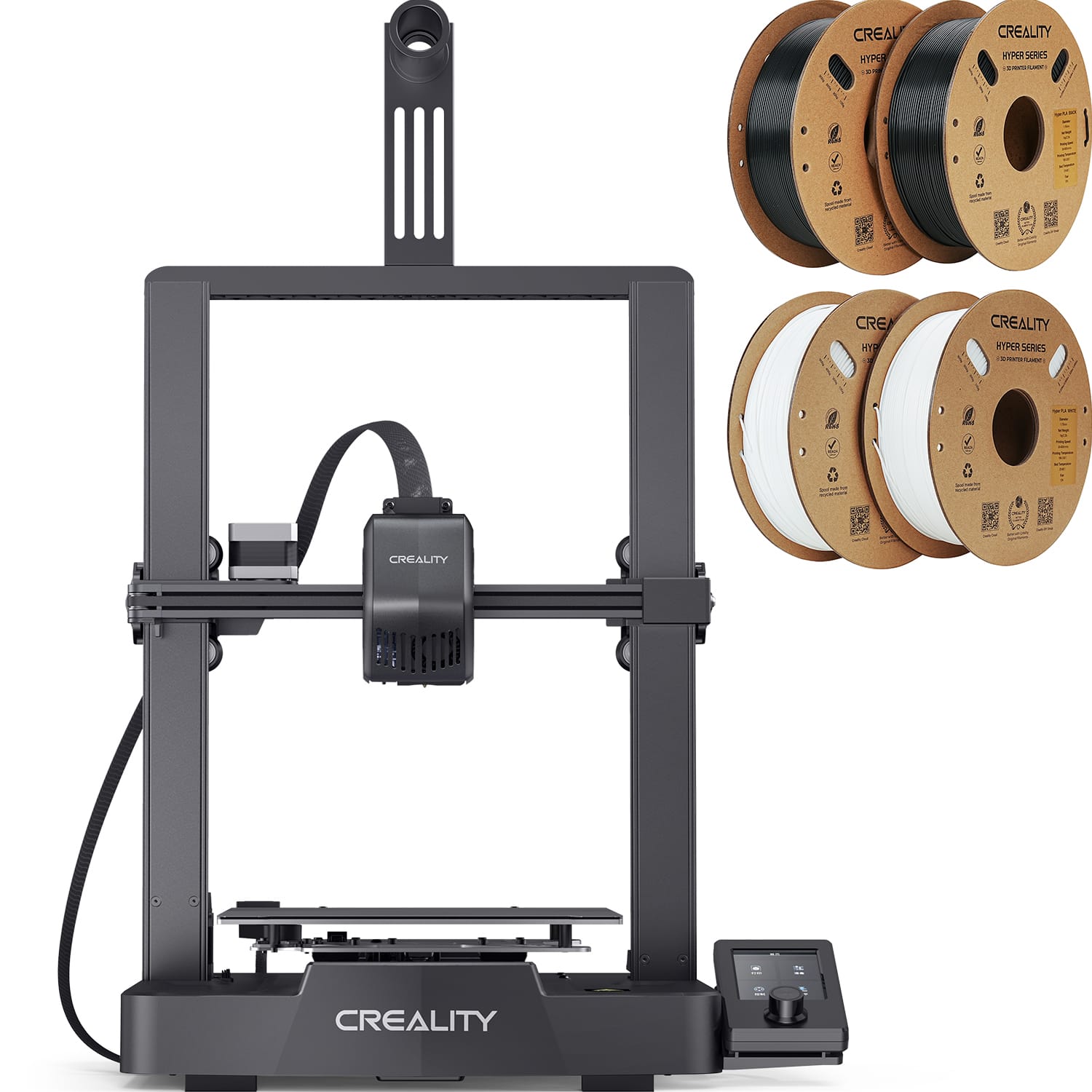
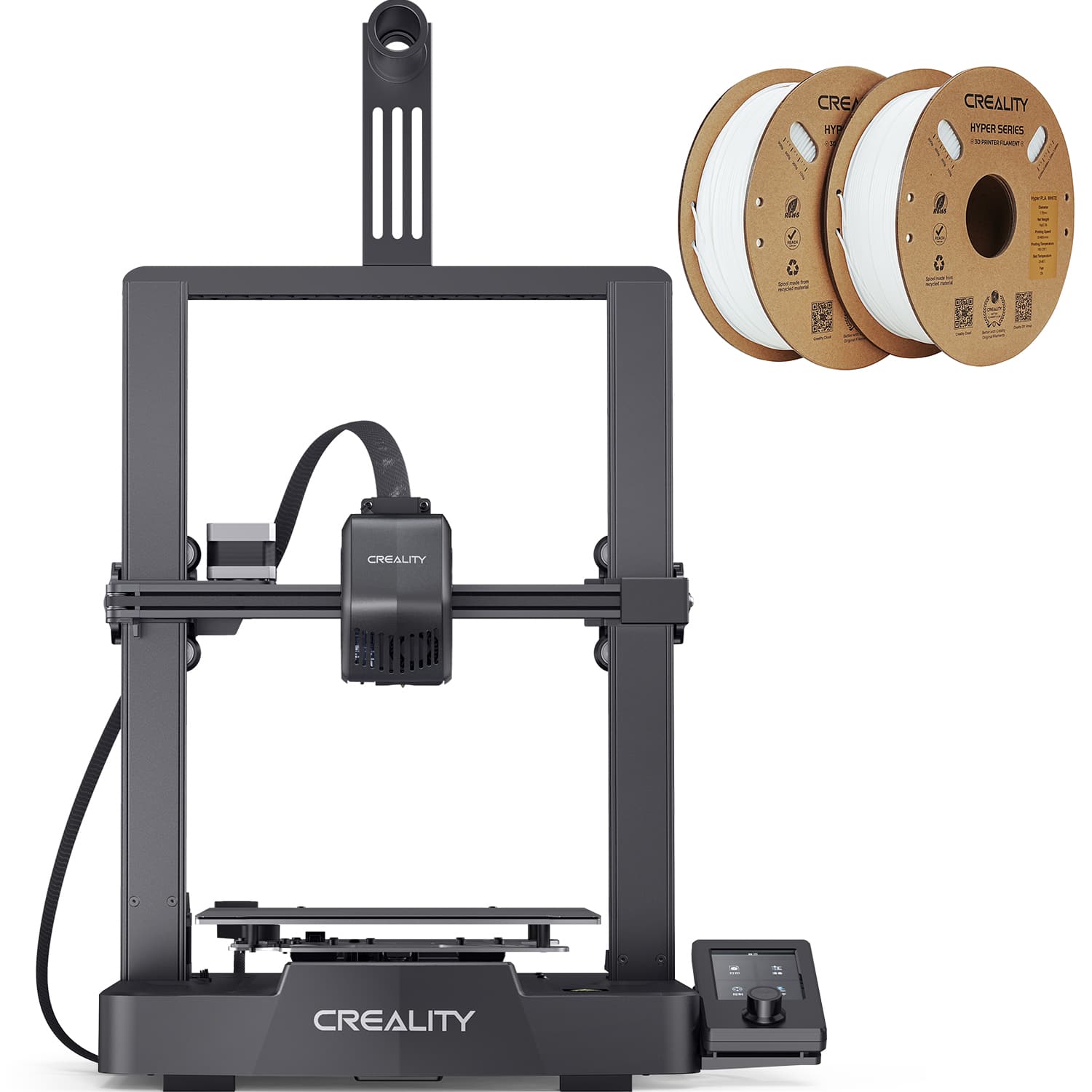
Creality - Ender-3 V3 SE 3D Printer Basic Combo (1.75 mm Ender PLA Filament- White 2-Pack) - Black
SKU: JJG68P9LCXSee all 3D PrintersProduct Description
A black 3D printer with auto-leveling, color LCD, and two white PLA filament packs included.Your price for this item is $199.00Save $60The previous price was $259.99 -
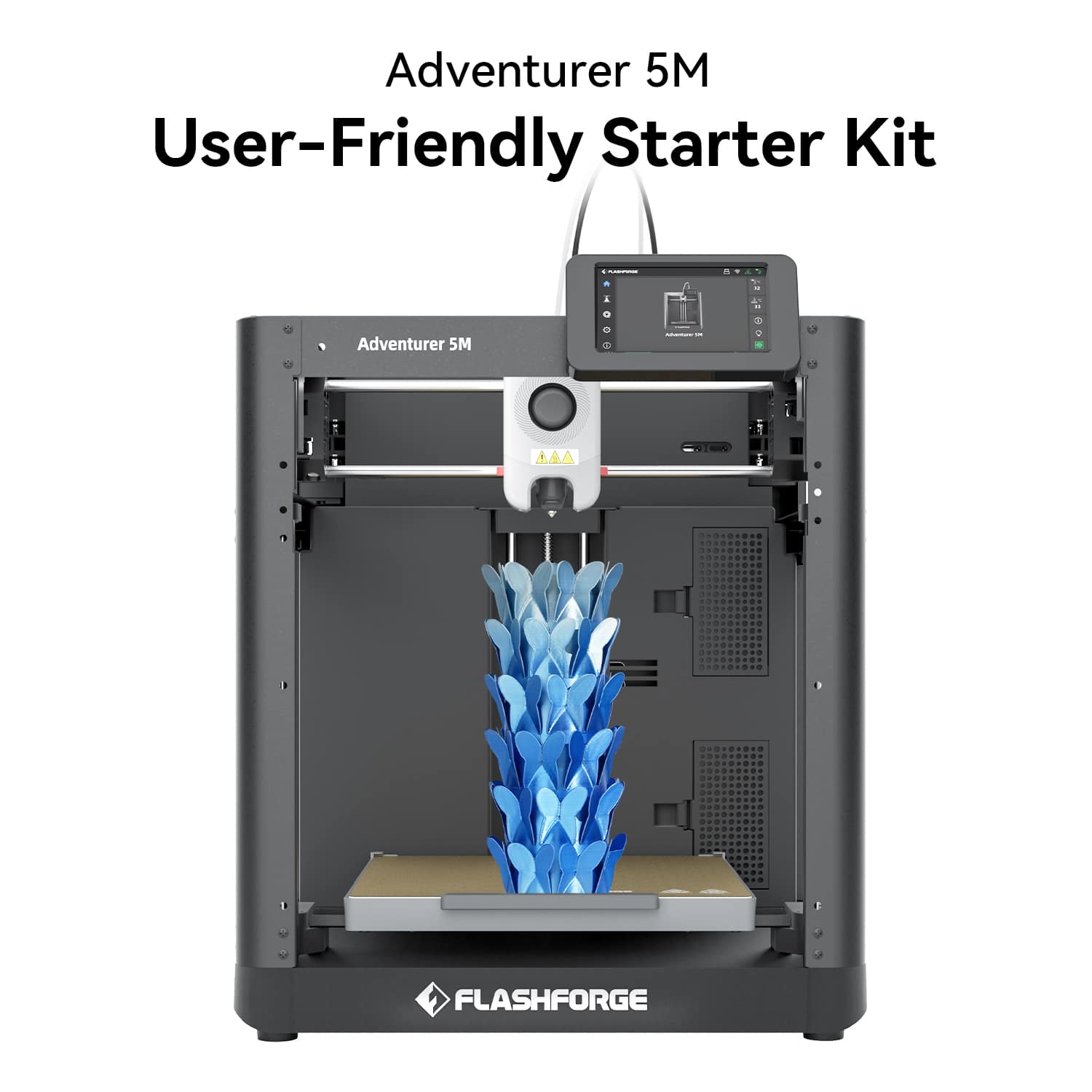
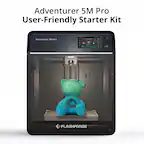
Flashforge - Adventurer 5M 3D Printer, 600mm/s High Speed, Beginner-friendly, For Home Use - Black
SKU: JXQKGCW7WPSee all 3D PrintersProduct Description
A high-speed black 3D printer with all-metal CoreXY structure, ideal for beginners and home use.Your price for this item is $249.00
Best Sellers



Related Pages
FAQ
Filament 3D printers, often called FDM or FFF printers, melt plastic filament and deposit it layer by layer. Resin 3D printers use light to cure liquid resin into solid layers. These technologies use different materials and require different print preparation and post-processing steps.
Many entry-level filament 3D printers support PLA, and some also support PETG or TPU. Material compatibility depends on the printer’s extruder, hot end, heated bed, and supported temperature settings. Check the manufacturer’s specifications before choosing filament.
Common 3D model file formats include STL, OBJ, and 3MF. Slicing software converts a model into instructions the printer can read, typically G-code for filament printers. Resin printers often require a format specific to their printer or software.
Depending on the model, a 3D printer may accept prepared print files through a memory card, USB drive, USB cable, or Wi-Fi connection. Some printers also support network-based software for submitting and managing print jobs. Connection options vary by printer.
No. You can download ready-made models from online 3D model libraries or create your own with CAD or 3D modeling software. Downloaded models generally need to be prepared in compatible slicing software before printing. Review the creator’s license for any restrictions on sharing, modifying, or selling prints.