Apple MacBook With Touch Bar
-
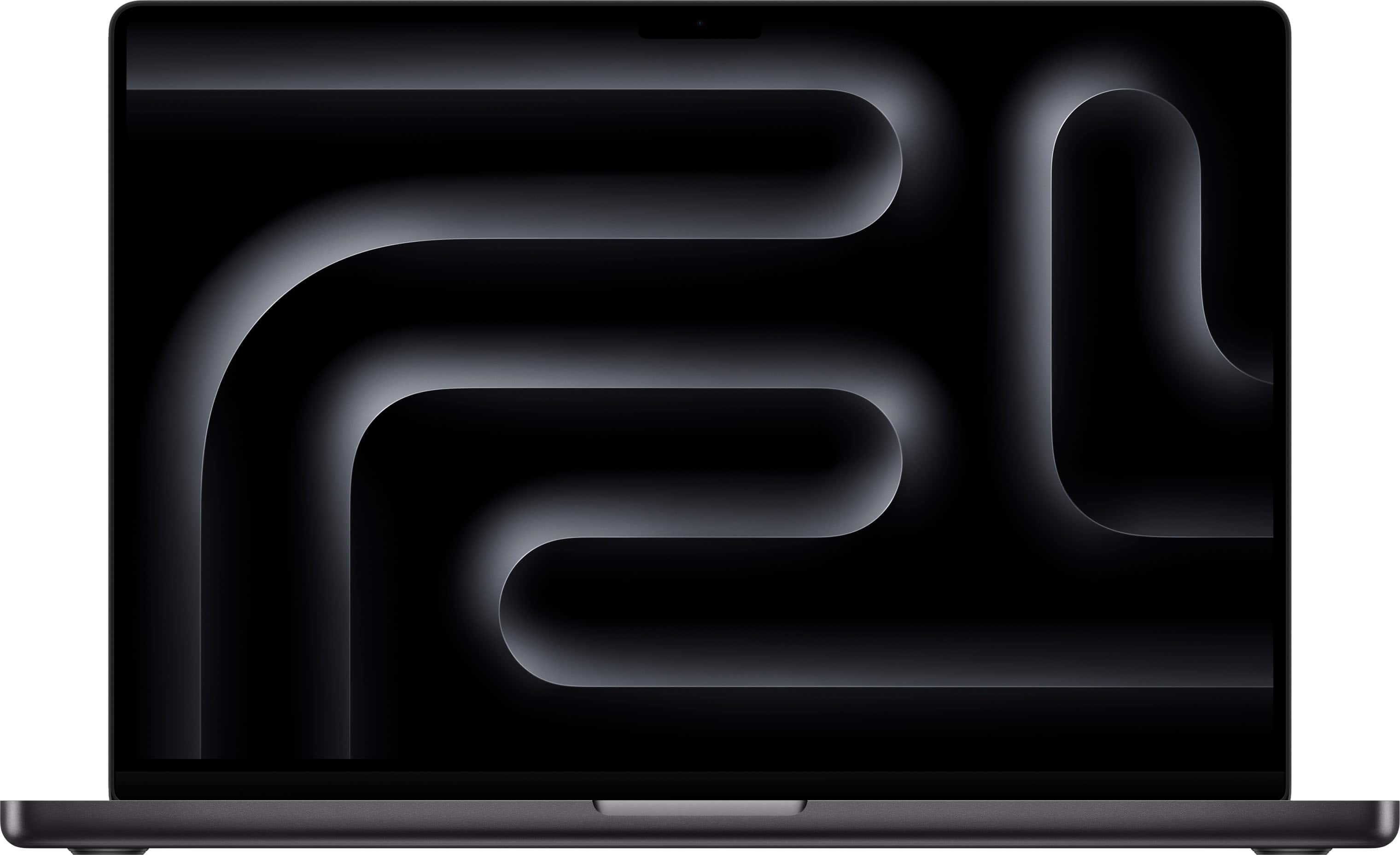
Apple - MacBook Pro 16-inch Laptop - Apple M4 Max chip Built for Apple Intelligence - 48GB Memory - 1TB SSD - Space Black
SKU: JJGCQ8HW6LIt’s been a year since I purchased this laptop, and it has been working great.
See all MacBooksProduct Description
A powerhouse laptop in space black featuring the M4 Max chip, 48GB memory, and 1TB SSD.Your price for this item is $3,899.00 -
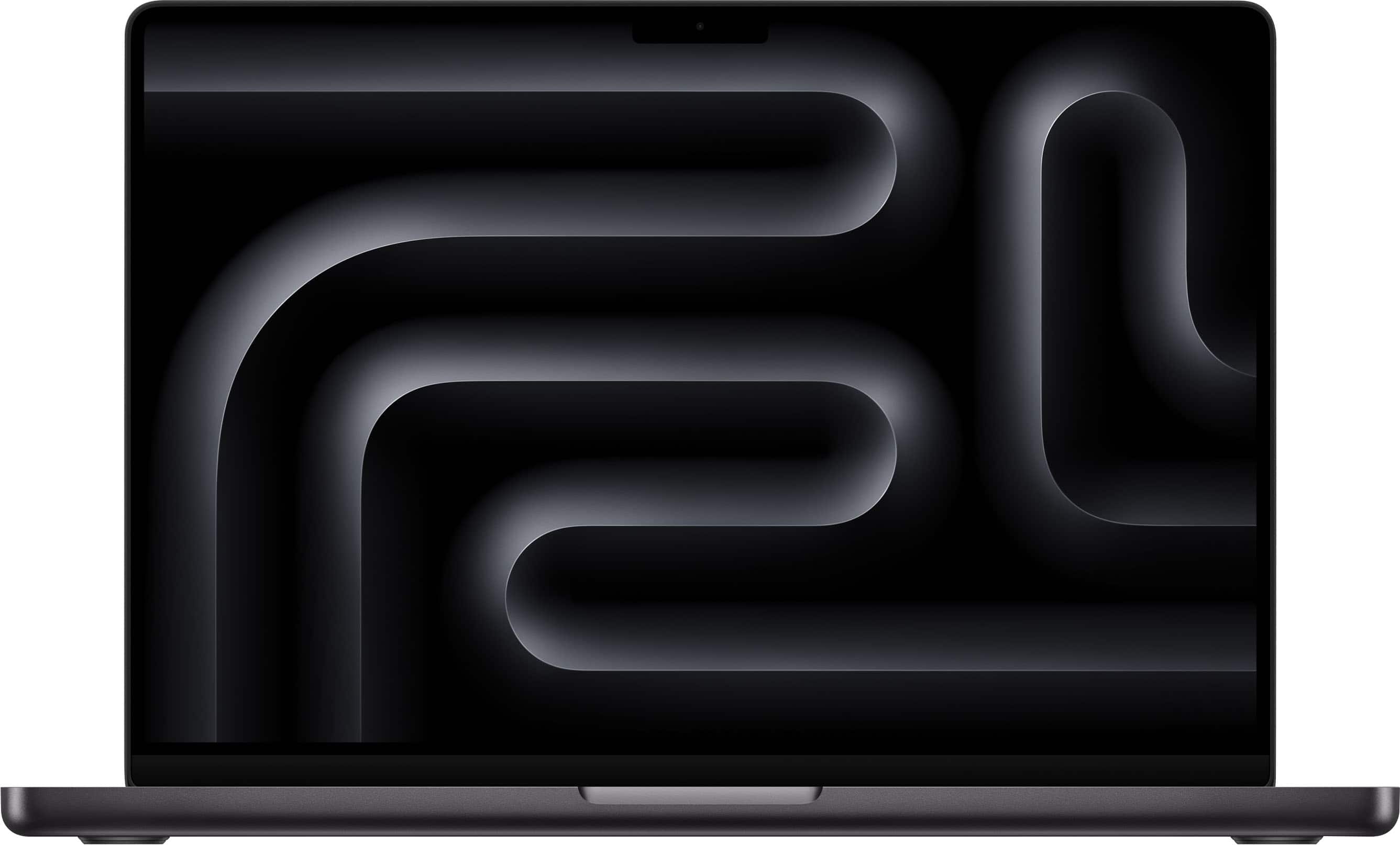
Apple - MacBook Pro 16-inch Laptop - Apple M4 Pro chip Built for Apple Intelligence - 24GB Memory - 512GB SSD - Space Black
SKU: JJGCQ8HHY7Amazing computer , I love it , and Best Buy employee did a great job of helping me understand which device...We love our Apple MacBook Pro laptop and it was a great price from Best Buy!...Love my purchase...was...
See all MacBooksProduct Description
A powerhouse laptop in space black featuring the M4 Pro chip, 24GB memory, and 512GB SSD.Your price for this item is $2,499.00 -
Apple - MacBook Pro 14-inch Laptop - M5 chip with 10-core CPU and 10-core GPU - 16GB Memory - 1TB SSD - Space Black
SKU: JJGCQL8L2PLove my mac had a great experience at Best Buy. Everyone was very helpful...Great laptop...Love it. The screen look amazing. Best laptop ever.
See all MacBooksProduct Description
A high-performance Space Black laptop with Apple M5 chip, 16GB memory, 1TB SSD, and Liquid Retina XDR display.Your price for this item is $1,999.00
Best Sellers


Related Pages



FAQ
The Touch Bar is a thin, touch-sensitive display located above the keyboard on select MacBook models. It dynamically adapts to the app you’re using, offering shortcuts, controls, and tools for tasks like adjusting brightness, accessing emojis, or using app-specific features.
Many popular apps, including Safari, Mail, Photos, Final Cut Pro, Adobe Photoshop, and Microsoft Office, support the Touch Bar. The bar provides app-specific shortcuts and controls to streamline your workflow.
Yes, you can customize the Touch Bar to display your preferred controls and shortcuts. Go to System Settings > Keyboard, then select 'Customize Touch Bar' to personalize it to your needs.
Yes, MacBook models with a Touch Bar typically include a Touch ID sensor. This allows you to securely unlock your MacBook, use Apple Pay, and authenticate system changes with your fingerprint.
The Touch Bar is available on select MacBook Pro models. It is not featured on MacBook Air or entry-level MacBook Pro models. Please check the specifications of the model you are interested in to confirm Touch Bar availability.