MacBook Air Keyboards
-
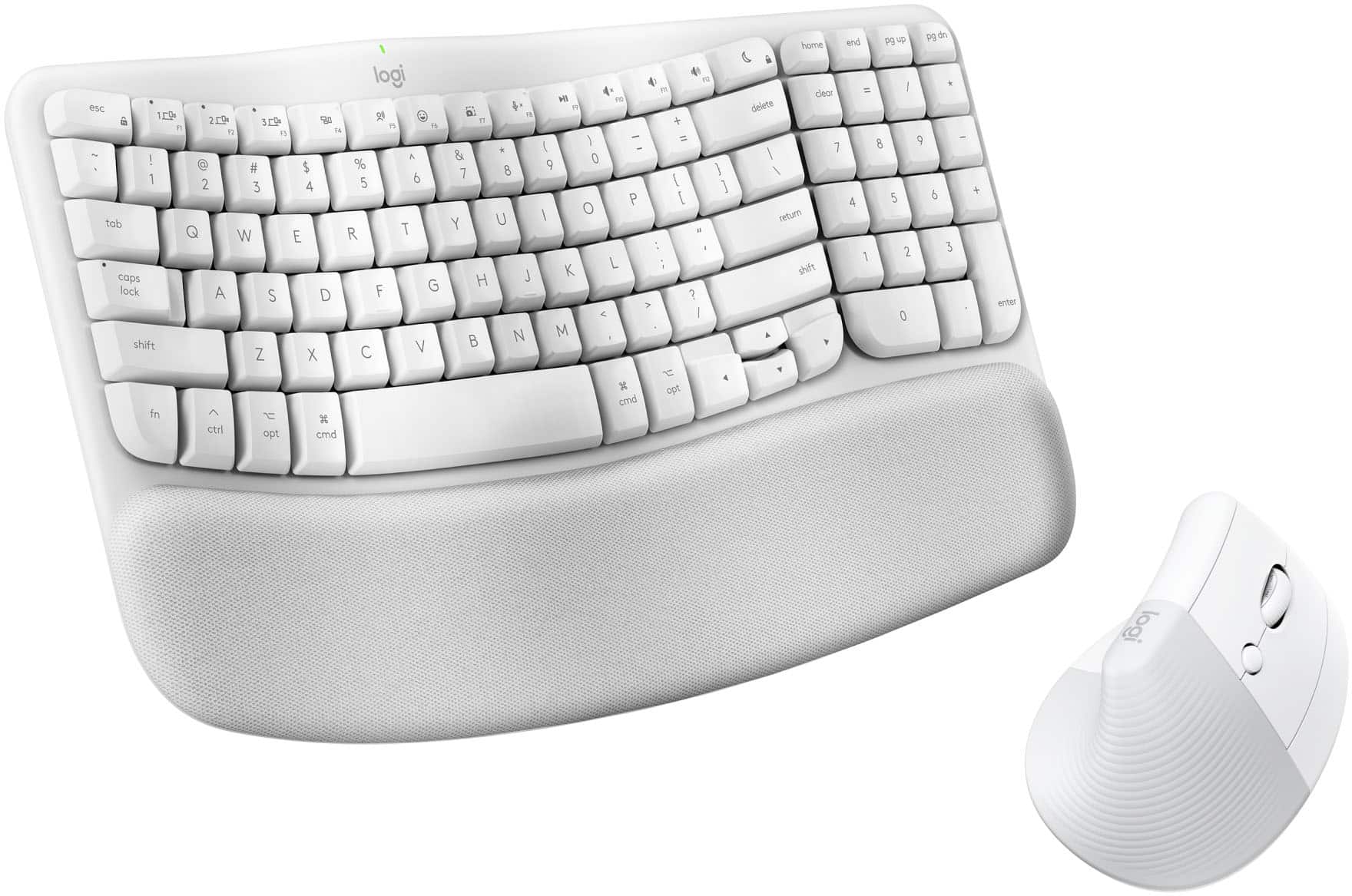
Logitech - Wave Keys for Mac and Lift Vertical for Mac Wireless Ergonomic Keyboard and Mouse Bundle for macOS/iPadOS - Off-White
SKU: J7H7ZYL895Love this keyboard...Love it. Best I ever had. I feel very comfortable using it....Great...Love it! It’s great! Very comfortable using this keyboard!
See all Gaming Keyboard & Mouse CombosProduct Description
An off-white wireless ergonomic keyboard and mouse bundle designed for quiet, comfortable typing and natural hand positioning.Your price for this item is $119.99 -
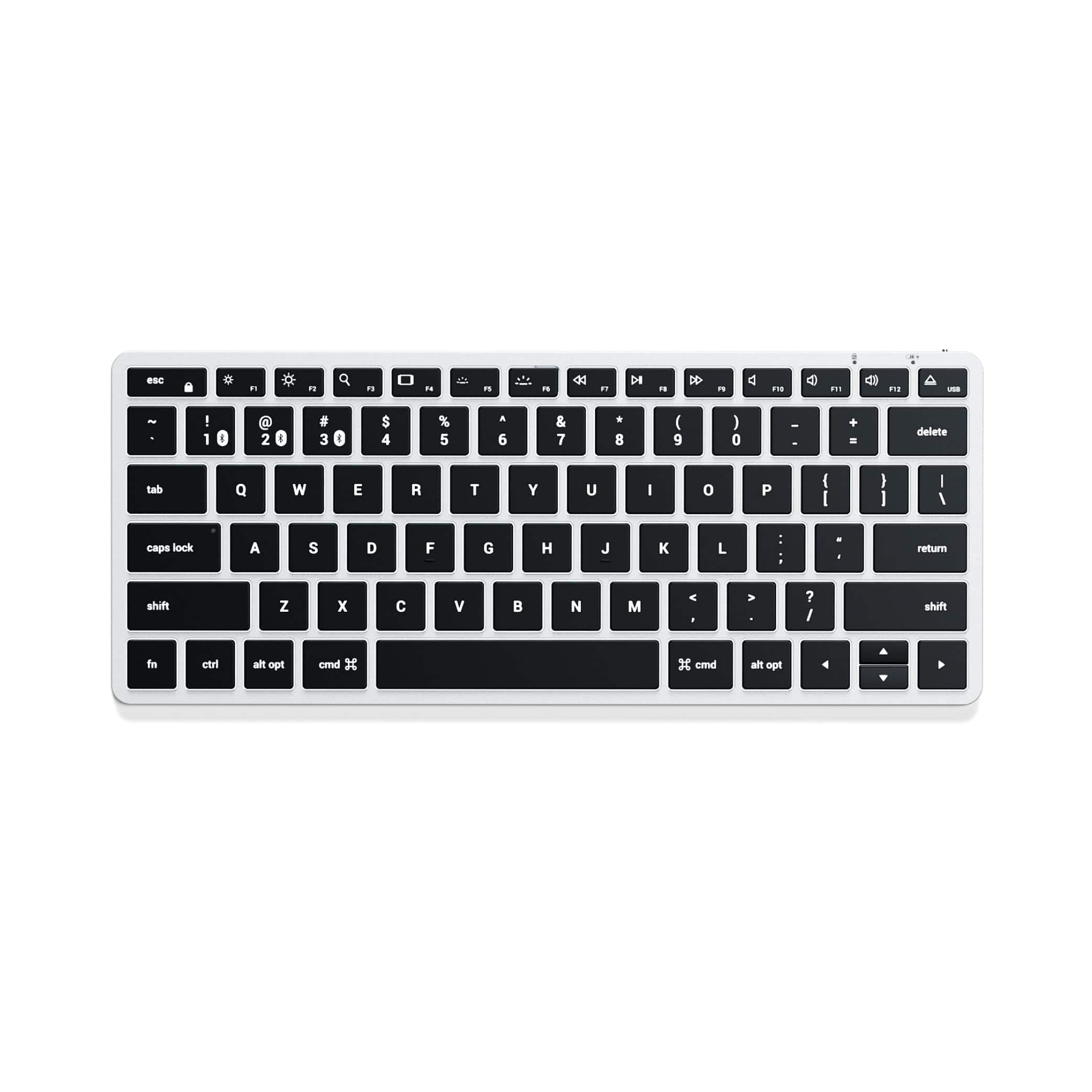
Satechi - Slim X1 Bluetooth Backlit Keyboard for Mac, Multi-Device Sync for MacBook Air/Pro, iPad, Mac mini, iMac - Silver
SKU: J3KXL7XR48I absolutely love my Satechi keyboard!!! Very sturdy and just feels great!👍🏽...Best keyboard ever!!!
See all Wired & USB KeyboardsProduct Description
A compact silver aluminum keyboard with backlit keys, MacOS shortcuts, and multi-device Bluetooth connectivity.Your price for this item is $69.99 -
3inus - Wired Mechanical Keyboard with 5-Port USB Hub (1xUSB-C/3xUSB-A/1xHDMI 4K@60Hz) for MacBook Pro/Air, Mac Mini, iMac - Brown Switch
SKU: J37PG932HKSee all Wired & USB KeyboardsProduct Description
A brown mechanical keyboard with quiet hot-swappable switches, RGB lighting, and a built-in 5-port USB hub.Your price for this item is $29.99 -
3inus - Wired Mechanical Keyboard with 5-Port USB Hub (1xUSB-C/3xUSB-A/1xHDMI 4K@60Hz) for MacBook Pro/Air, Mac Mini, iMac - Red Switch
SKU: J37PG932HCSee all Wired & USB KeyboardsProduct Description
A red mechanical keyboard with quiet hot-swappable switches, RGB lighting, and a built-in 5-port USB hub.Your price for this item is $29.99 -
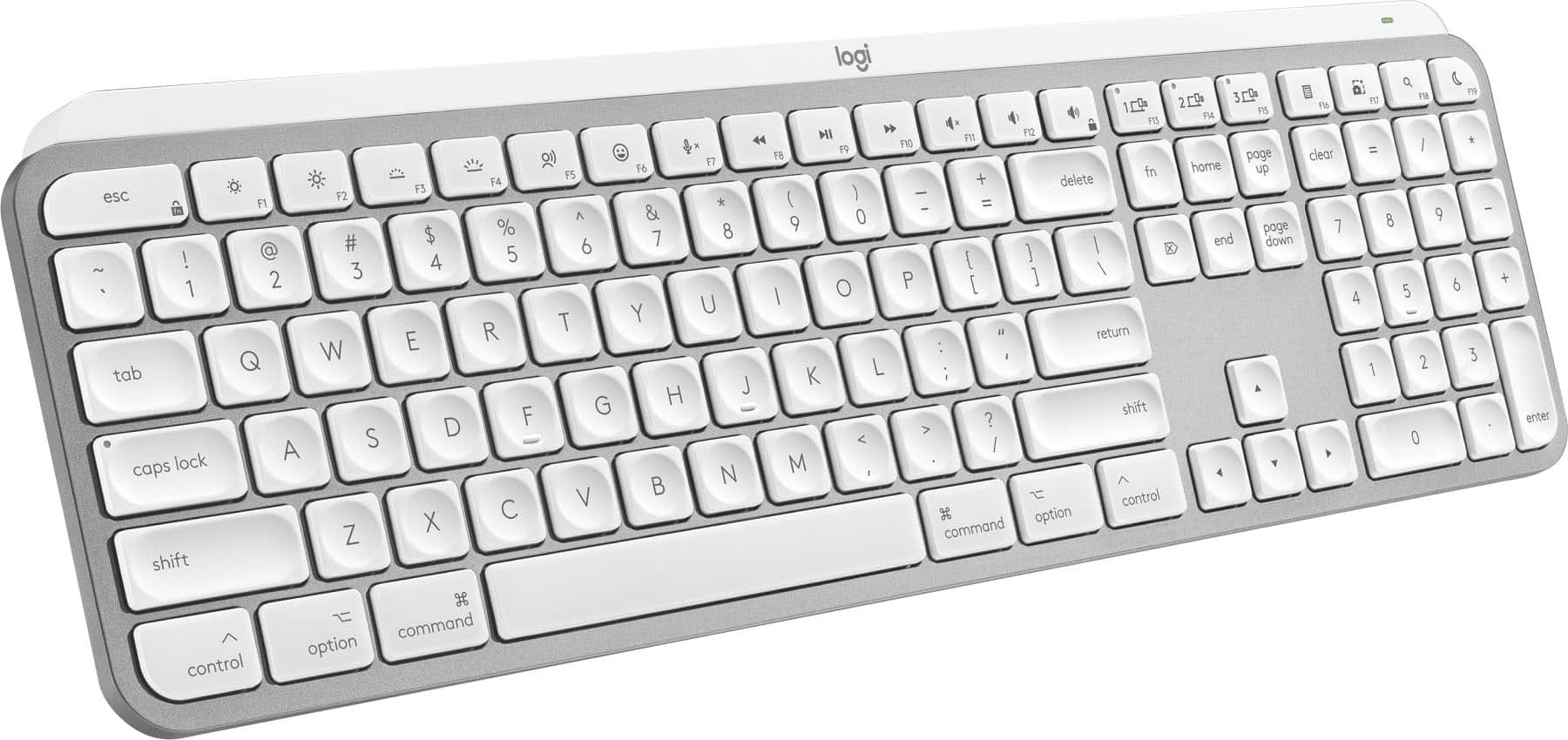
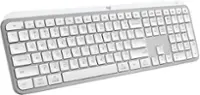
Logitech - MX Keys S for Mac Advanced Full-size Wireless Scissor Keyboard with Backlit keys for MacBook, iMac, iPad - Pale Gray
SKU: J7H7ZYG283The best Keyboard,...Great Keyboard...Great to have the backlit keys. Great to have a delete key as well as a back space key.
See all Wireless & Bluetooth KeyboardsProduct Description
A low-profile pale gray wireless keyboard with Mac-specific keys, smart backlighting, and customizable Smart Actions.Your price for this item is $119.99Save $10The previous price was $129.99 -
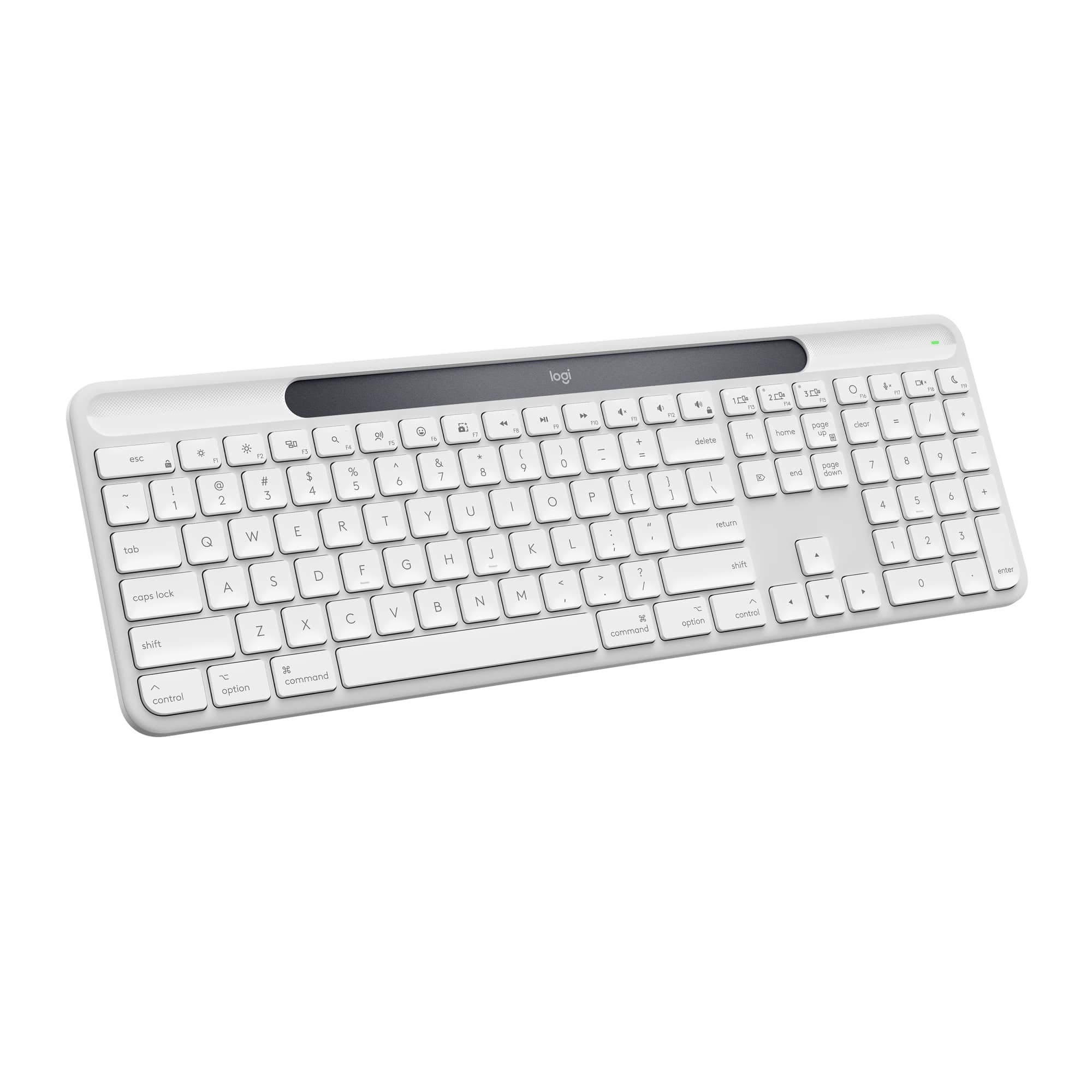
Logitech - Signature Slim Solar+ K980 for Mac Wireless Bluetooth Solar and Artificial Light Powered Keyboard with Customizable Keys - Off-White
SKU: J7H7ZYL3SYGreat keyboard...Great keyboard. Sturdy build of this attractive keyboard....Solar charging works great and first startup was flawless. Recommended...Great product
See all Wireless & Bluetooth KeyboardsProduct Description
An off-white wireless keyboard for Mac powered by solar and artificial light, featuring customizable keys.Your price for this item is $99.99 -
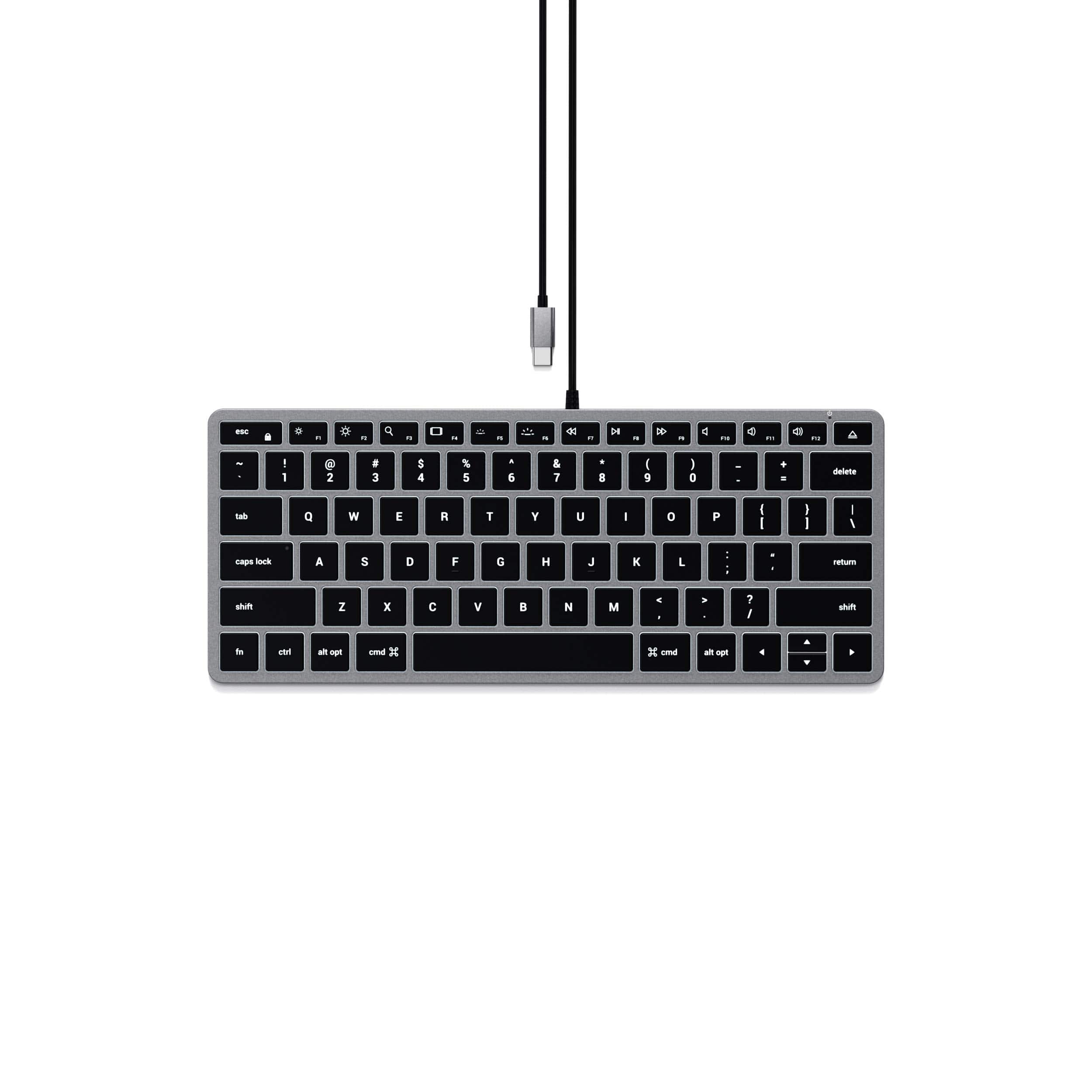
Satechi - Slim W1 Wired Backlit Keyboard - Illuminated Keys, USB-C Connection for MacBook Air/Pro, iPad Air/Pro, Mac mini, iMac - Space Gray
SKU: J3KXL7XR9KGreat price quality...Great keyboard for the price....for 2 weeks, but typing is good, keyboard is light (I work in different places, so lightweight is great...Great, Small Wired Keyboard!
See all Wired & USB KeyboardsProduct Description
A compact, space gray wired keyboard with illuminated keys, USB-C connection, and full QWERTY layout for Mac devices.Your price for this item is $59.99 -
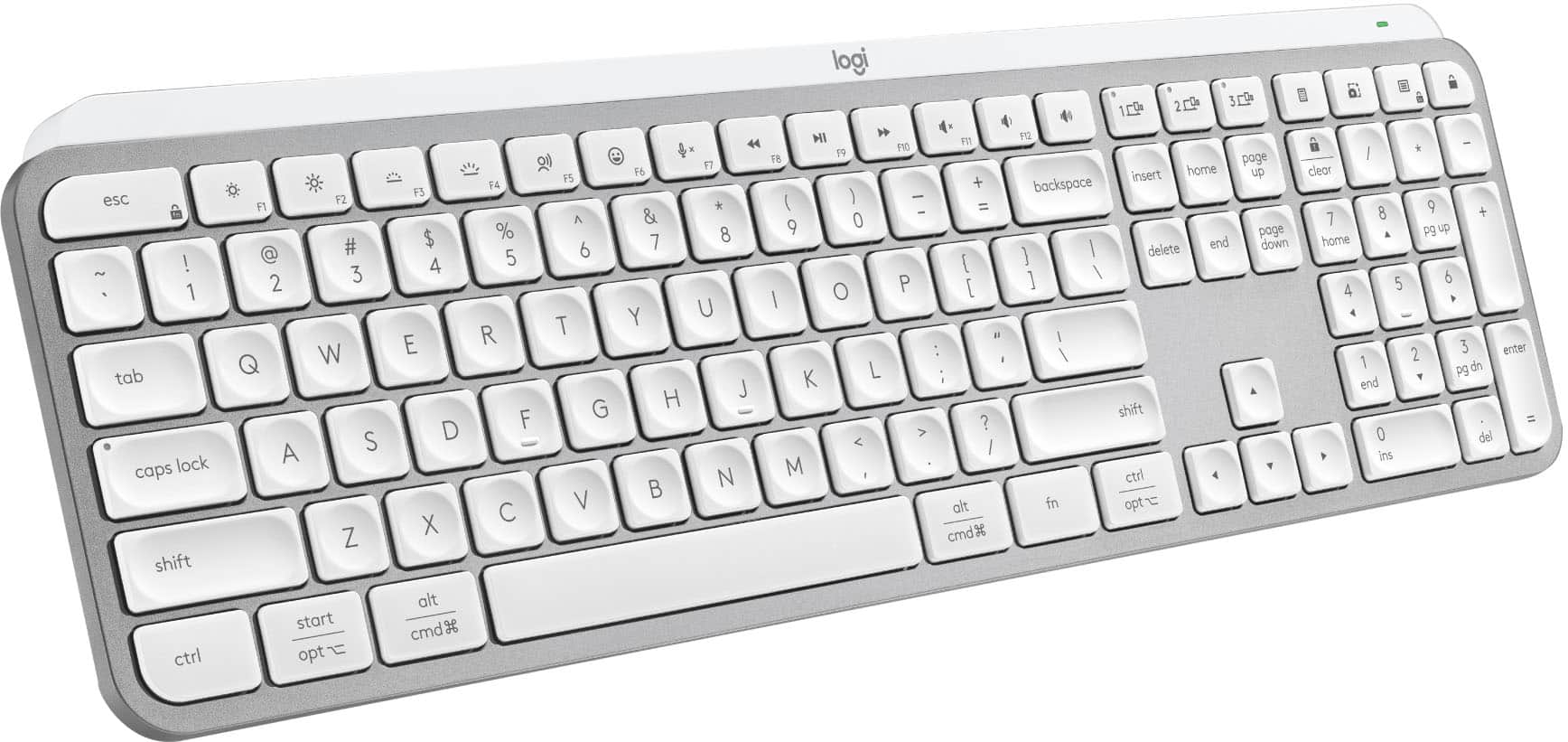
Logitech - MX Keys S Universal Full-size Wireless Scissor Keyboard for PC and Mac with Backlit keys - Pale Gray
SKU: J7H7ZYG7RGbest keyboard ever...Logitech has the best keyboard. I am so picky about my keyboard....This Logitech MX Keys model is the best for me. It is very quiet and comfortable....I love the backlight option...
See all Wireless & Bluetooth KeyboardsProduct Description
A pale gray wireless keyboard featuring smart backlit keys, scissor switches, and customizable productivity shortcuts.Your price for this item is $119.99Save $10The previous price was $129.99 -
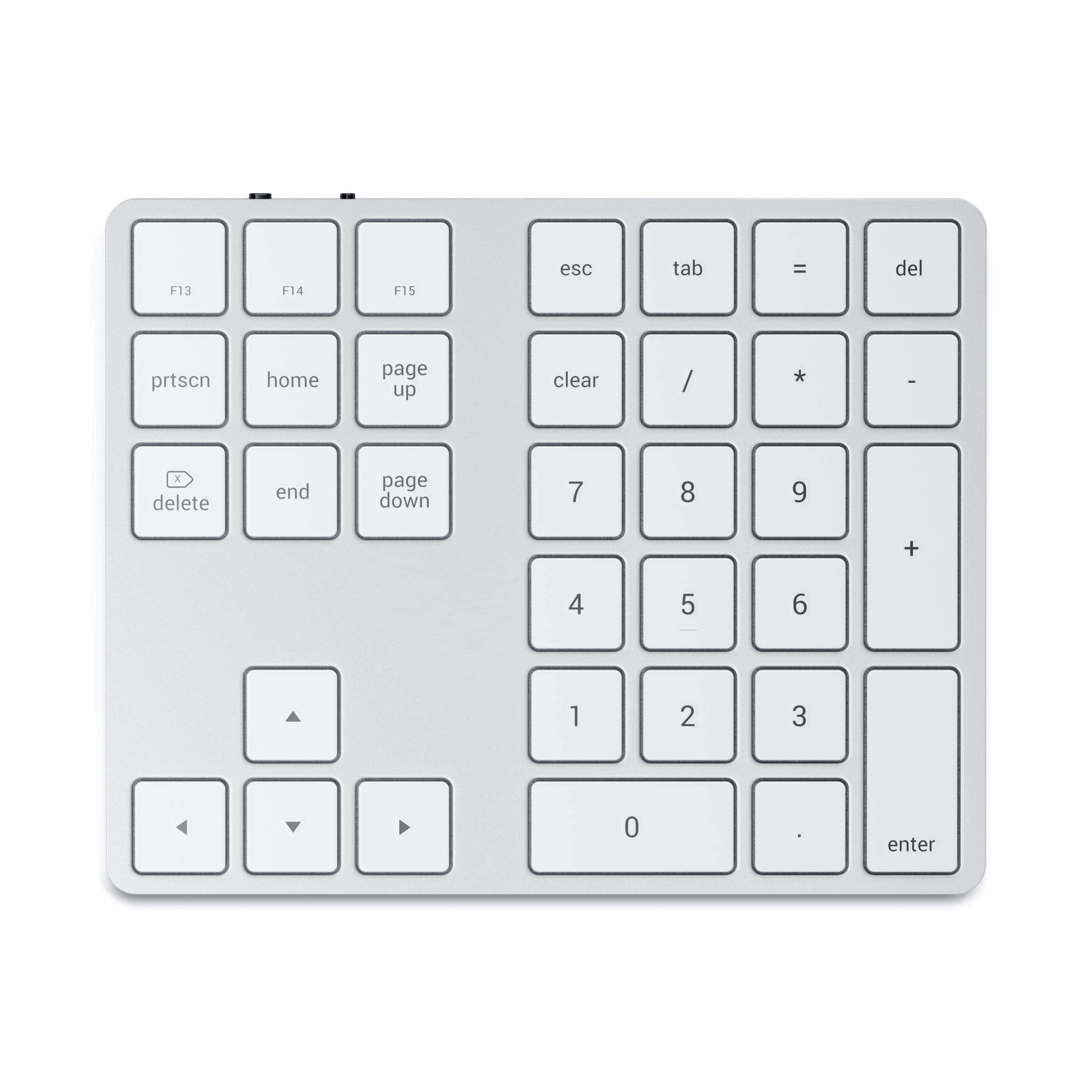
Satechi - Bluetooth Extended Numeric Keypad, Slim Rechargeable 34-Key Numberpad for MacBook Air/Pro, iPad, iMac - Silver
SKU: J3KXL7X6Q3I love this keyboard. It connects easily and has a good charge time....I love the extended keyboard, I love the keys, I love the build quality.
See all Wireless & Bluetooth KeyboardsProduct Description
A slim silver wireless keypad with Bluetooth connectivity, full number pad, MacOS shortcuts, and navigational arrows.Your price for this item is $44.99 -
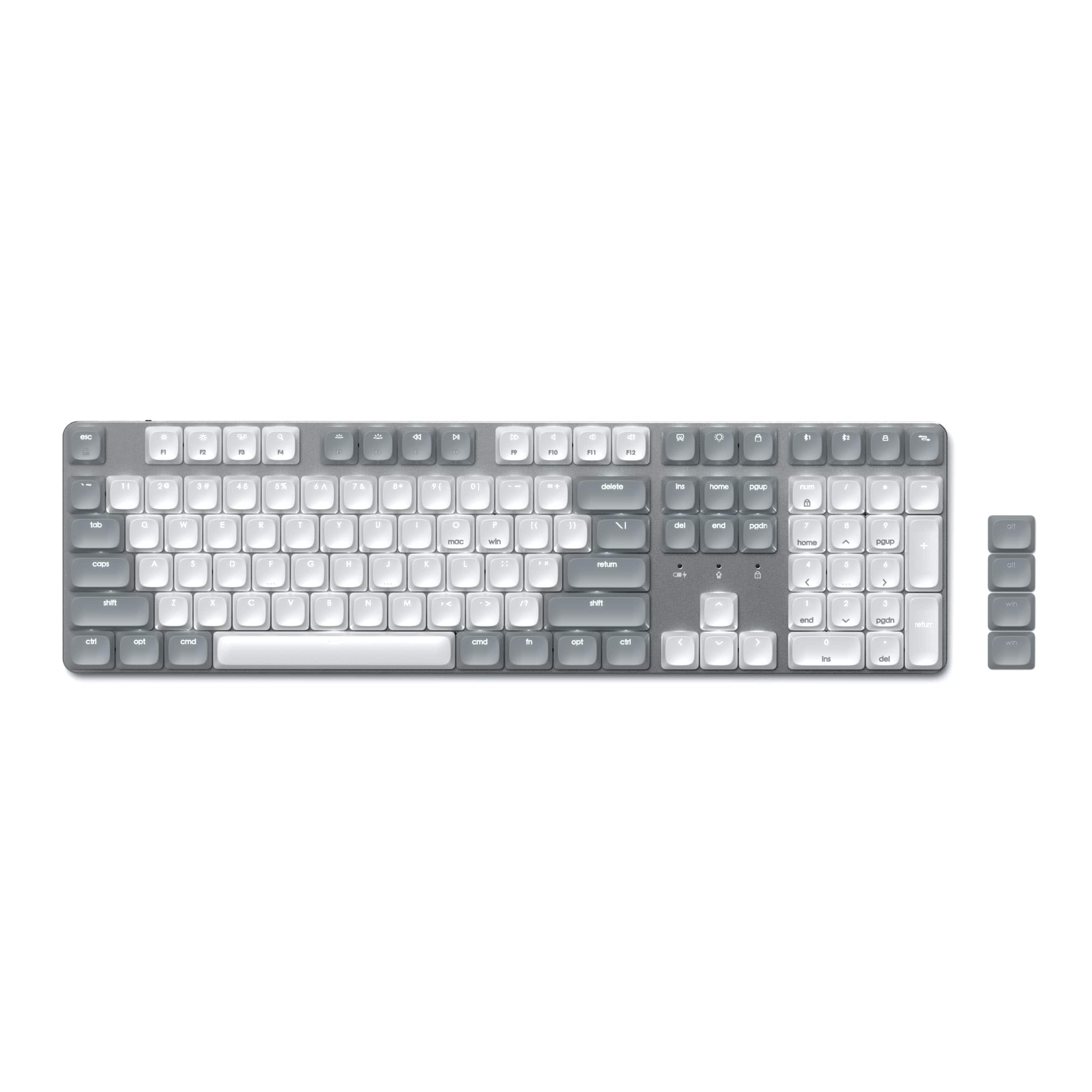
Satechi - SM3 Full-Size Mechanical Keyboard, Backlit Bluetooth/2.4GHz/USB-C, 108 Keys - Light Gray/White
SKU: J3GWC4CXCRGreat keyboard and love all of your products.Thank you....Fantastic keyboard absolutely the best I’ve made in years....I love the color. Just buy one. You’ll love it....Great keyboard
See all Wired & USB KeyboardsProduct Description
A full-size light gray and white mechanical keyboard with backlit keys, Bluetooth, USB-C, and aluminum enclosure.Your price for this item is $119.99


Best Sellers
Related Pages
FAQ
Many MacBook Air keyboards are designed specifically for macOS layouts, but some models offer compatibility with both Mac and Windows devices. Check the product details to confirm multi-platform support.
Several MacBook Air keyboards feature backlighting, making it easier to type in low-light environments. Look for models that highlight adjustable or customizable backlight options in their specifications.
Yes, many MacBook Air keyboards connect wirelessly via Bluetooth, providing a cable-free experience. Some models may also offer a wired connection option for added versatility.
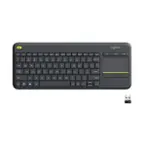
Select MacBook Air keyboards include integrated touchpads, allowing for convenient navigation and gesture controls without the need for a separate mouse.
Some MacBook Air keyboards offer customizable shortcut keys, enabling you to personalize key functions for increased productivity and easier access to frequently used commands.