Mac Wireless Keyboards
-
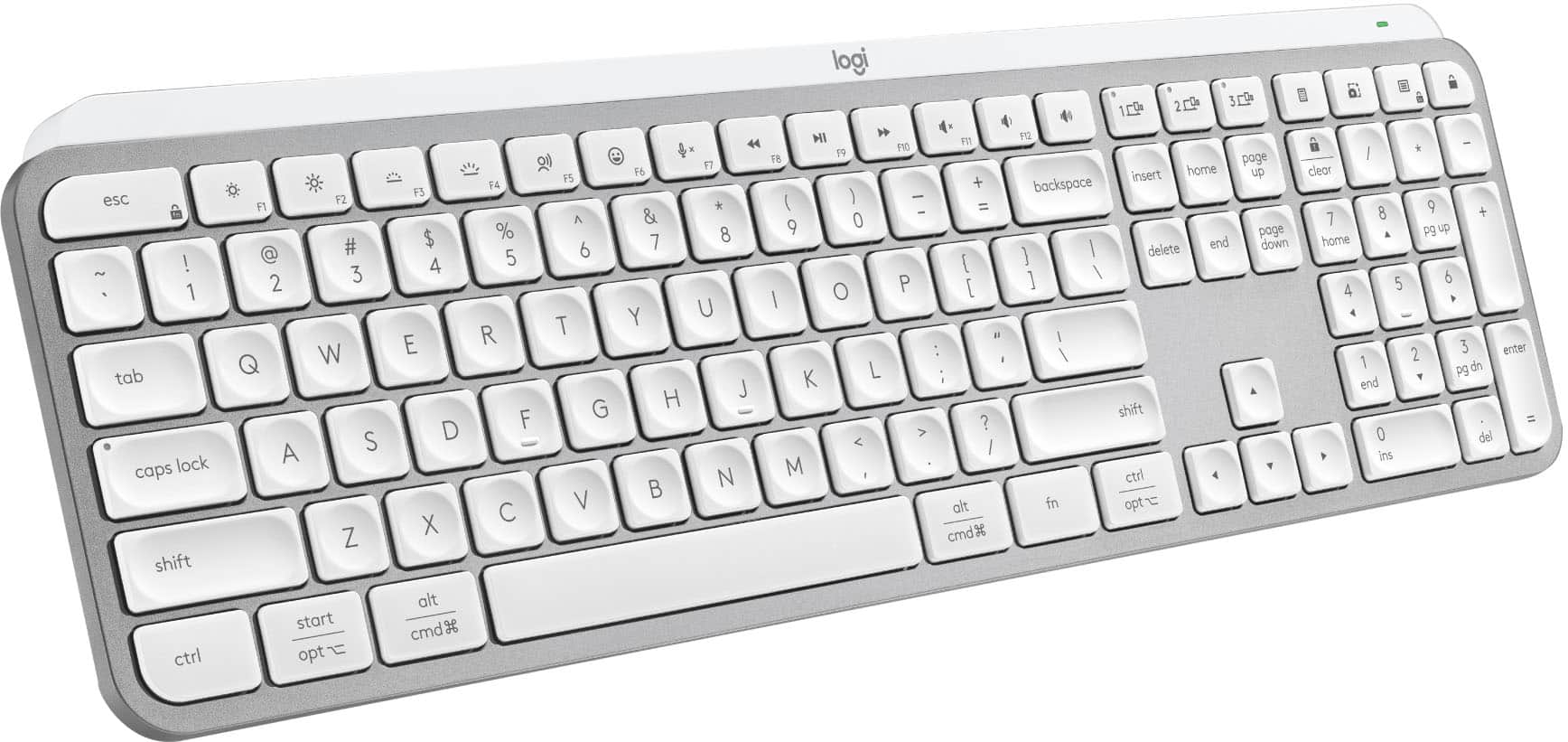
Logitech - MX Keys S Universal Full-size Wireless Scissor Keyboard for PC and Mac with Backlit keys - Pale Gray
SKU: J7H7ZYG7RGbest keyboard ever...Logitech has the best keyboard. I am so picky about my keyboard....This Logitech MX Keys model is the best for me. It is very quiet and comfortable....I love the backlight option...
See all Wireless & Bluetooth KeyboardsProduct Description
A pale gray wireless keyboard featuring smart backlit keys, scissor switches, and customizable productivity shortcuts.Your price for this item is $119.99Save $10The previous price was $129.99 -
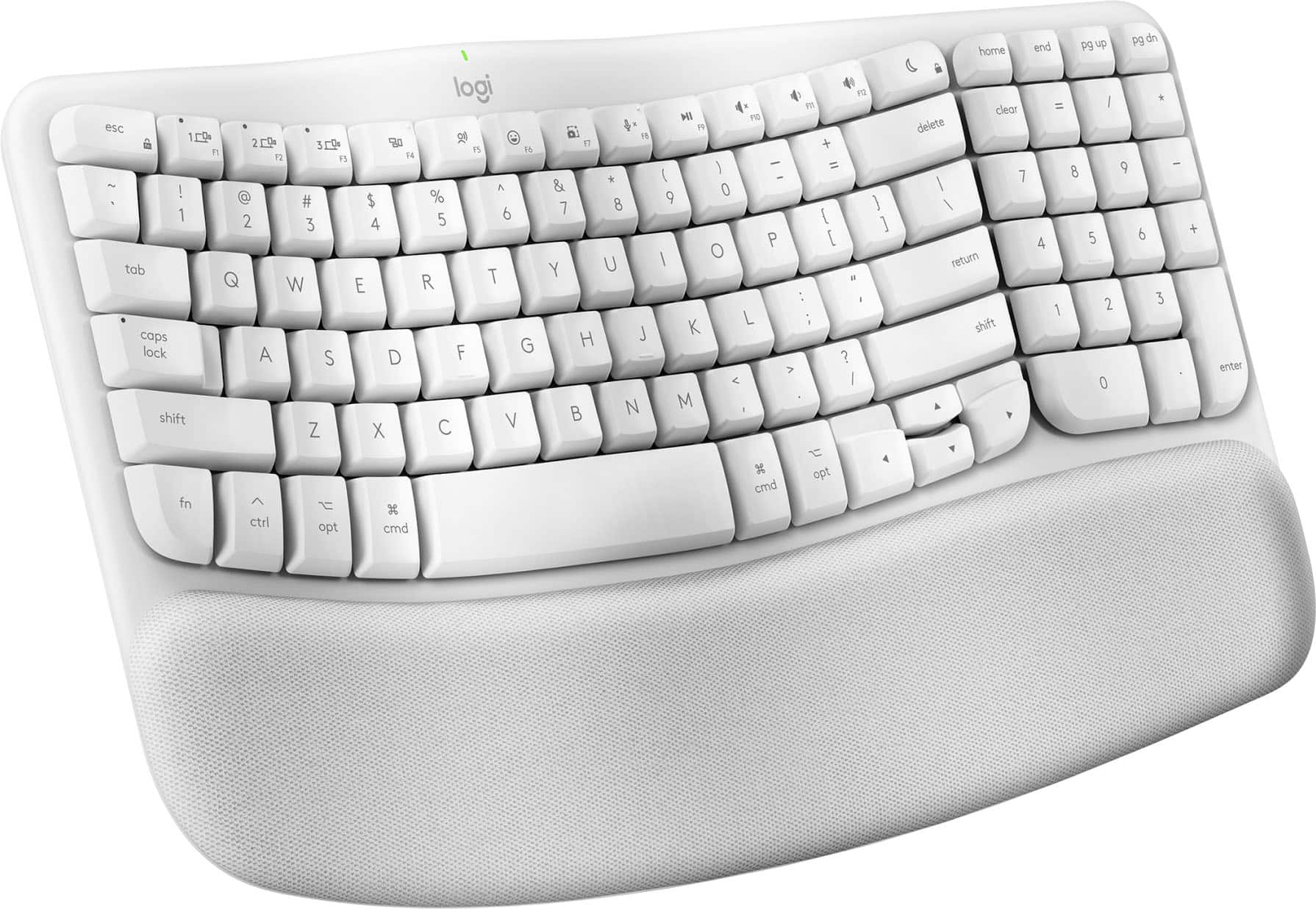
Logitech - Wave Keys for Mac Ergonomic Wireless Membrane Keyboard with Integrated Palm-rest - Off-white
SKU: J7H7ZYG833See all Wireless & Bluetooth KeyboardsProduct Description
An off-white ergonomic wireless keyboard with a wavy keyframe and cushioned memory foam palm rest.Your price for this item is $69.99Save $9The previous price was $79.13 -
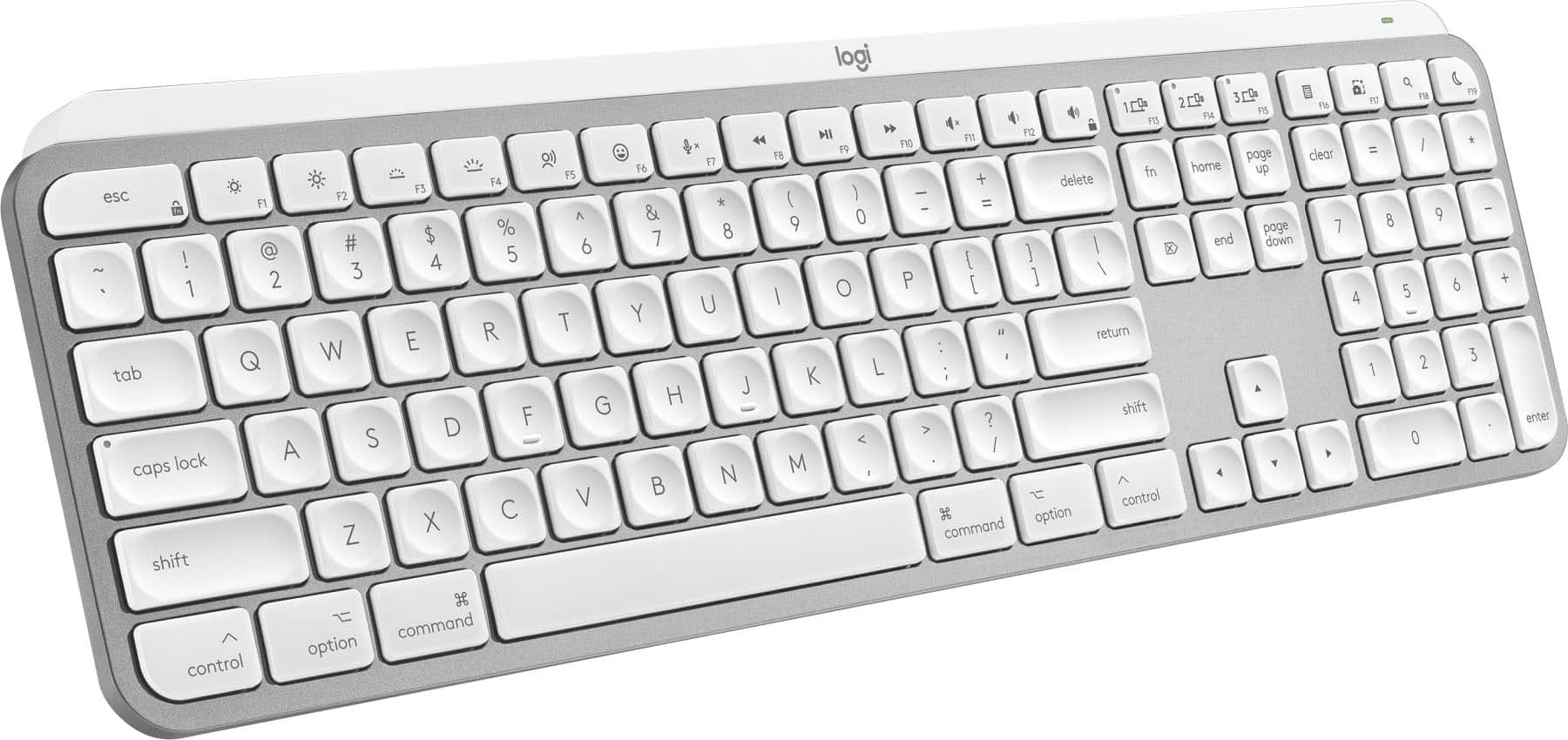
Logitech - MX Keys S for Mac Advanced Full-size Wireless Scissor Keyboard with Backlit keys for MacBook, iMac, iPad - Pale Gray
SKU: J7H7ZYG283The best Keyboard,...Great Keyboard...Great to have the backlit keys. Great to have a delete key as well as a back space key.
See all Wireless & Bluetooth KeyboardsProduct Description
A low-profile pale gray wireless keyboard with Mac-specific keys, smart backlighting, and customizable Smart Actions.Your price for this item is $119.99Save $10The previous price was $129.99 -
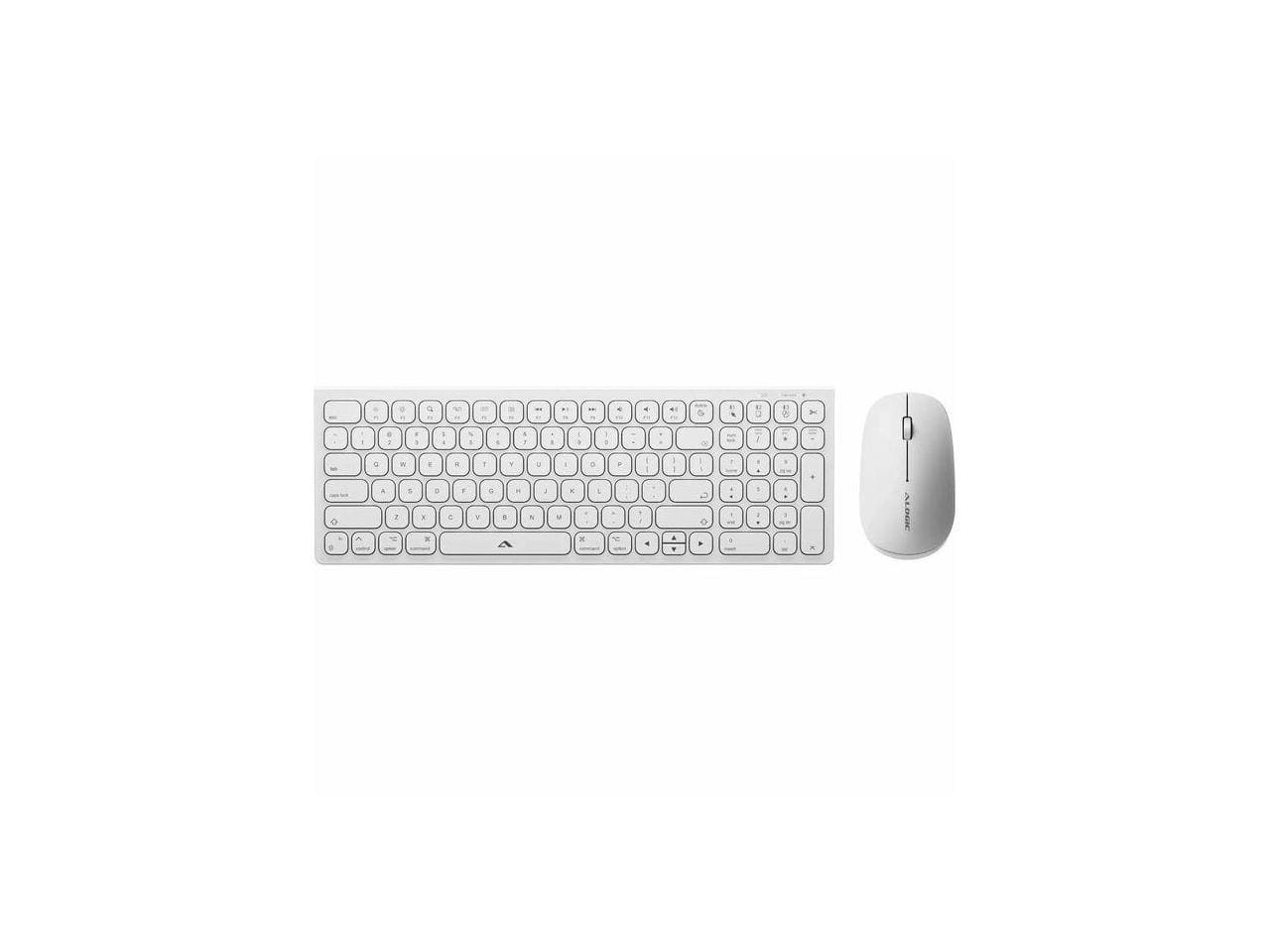
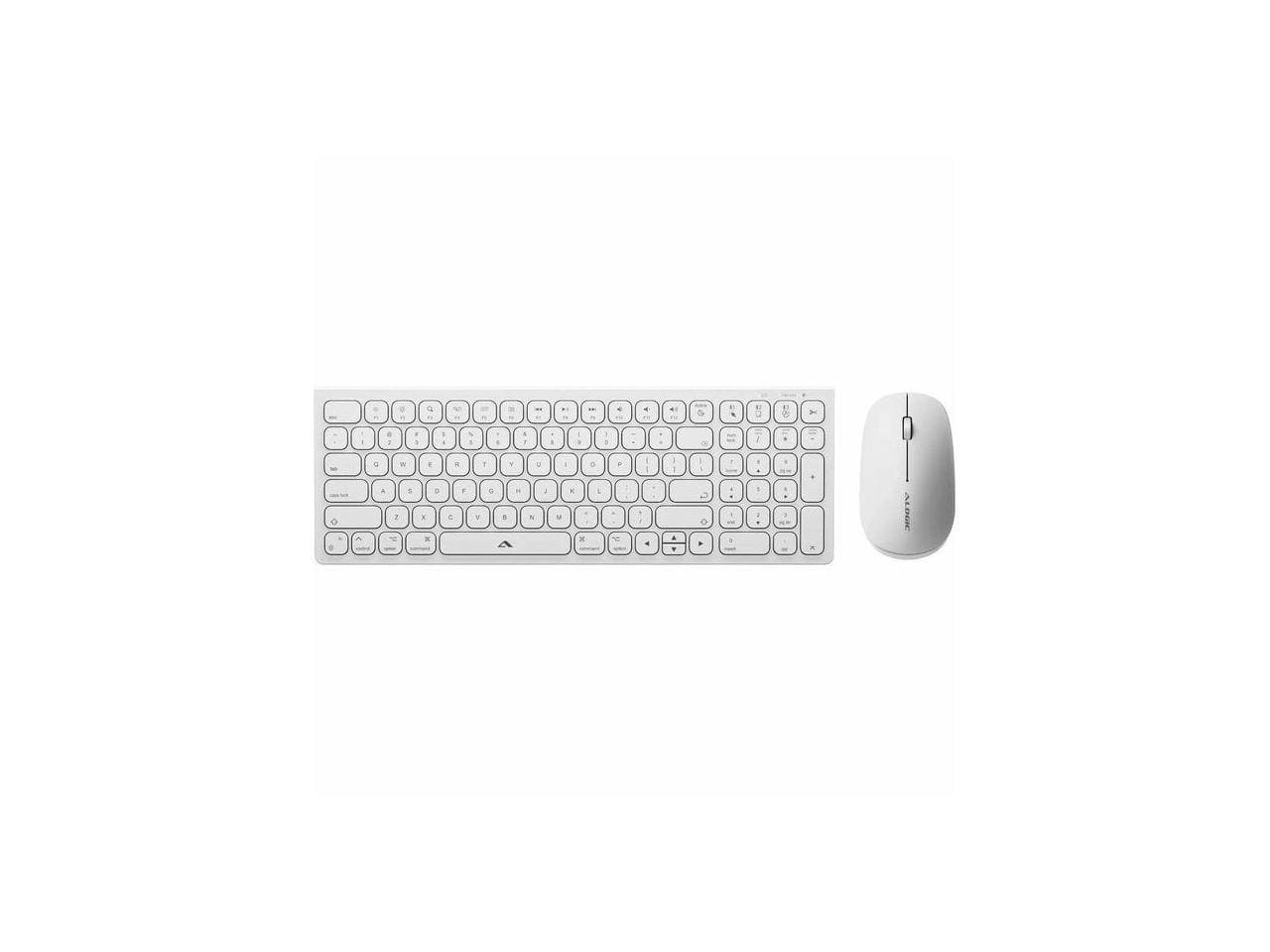
Alogic - Echelon USB-C Rechargeable Wireless Mouse & Compact Keyboard for Mac - Bluetooth/RF 5.0 - White
SKU: BSG7ZGG6Q6See all Wireless & Bluetooth KeyboardsProduct Description
A white compact wireless keyboard and rechargeable mouse set for Mac, featuring Bluetooth/RF 5.0 connectivity.Your price for this item is $73.49 -
Alogic - Echelon USB-C Rechargeable Wireless Mouse & Compact Keyboard for Mac - Bluetooth/RF 5.0 - White
SKU: BSG7ZGG6WFSee all Wireless & Bluetooth KeyboardsProduct Description
A white compact wireless mouse and keyboard set for Mac featuring USB-C rechargeability and Bluetooth/RF 5.0 connectivity.Your price for this item is $79.99 -
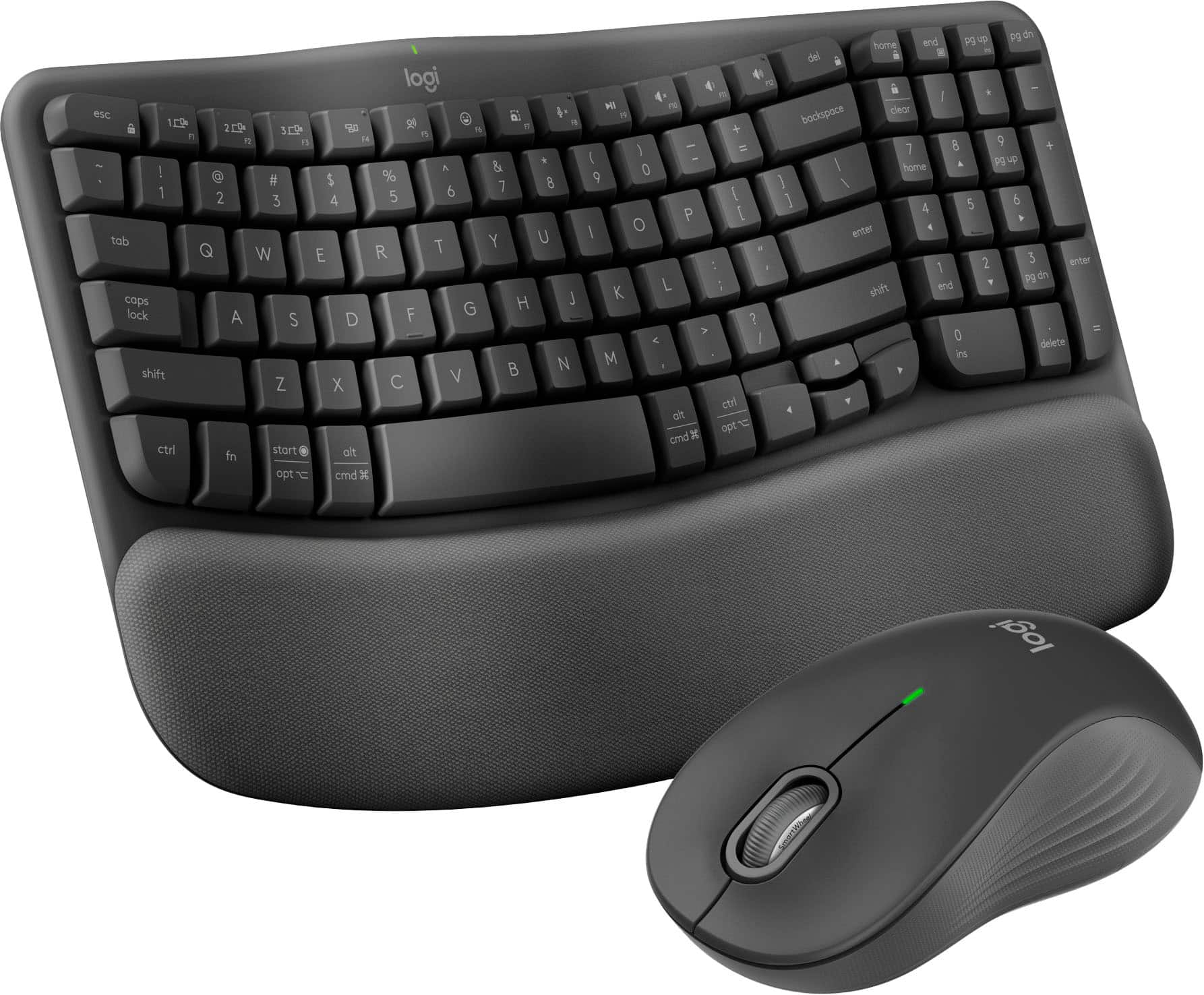
Logitech - Wave Keys MK670 Combo Ergonomic Wireless Membrane Keyboard and Mouse Bundle for PC/Mac with Integrated Palm-rest - Graphite
SKU: J7H7ZYG894Works great with MAC and PC...Best keyboard I have owned, Bluetooth is great and the fact it works with both my PC and MAC is awesome...Works great, very happy with it. I love not having the cord to mess...
See all Gaming Keyboard & Mouse CombosProduct Description
An ergonomic wireless keyboard and mouse combo in graphite with cushioned palm rest and contoured grip.Your price for this item is $89.99 -
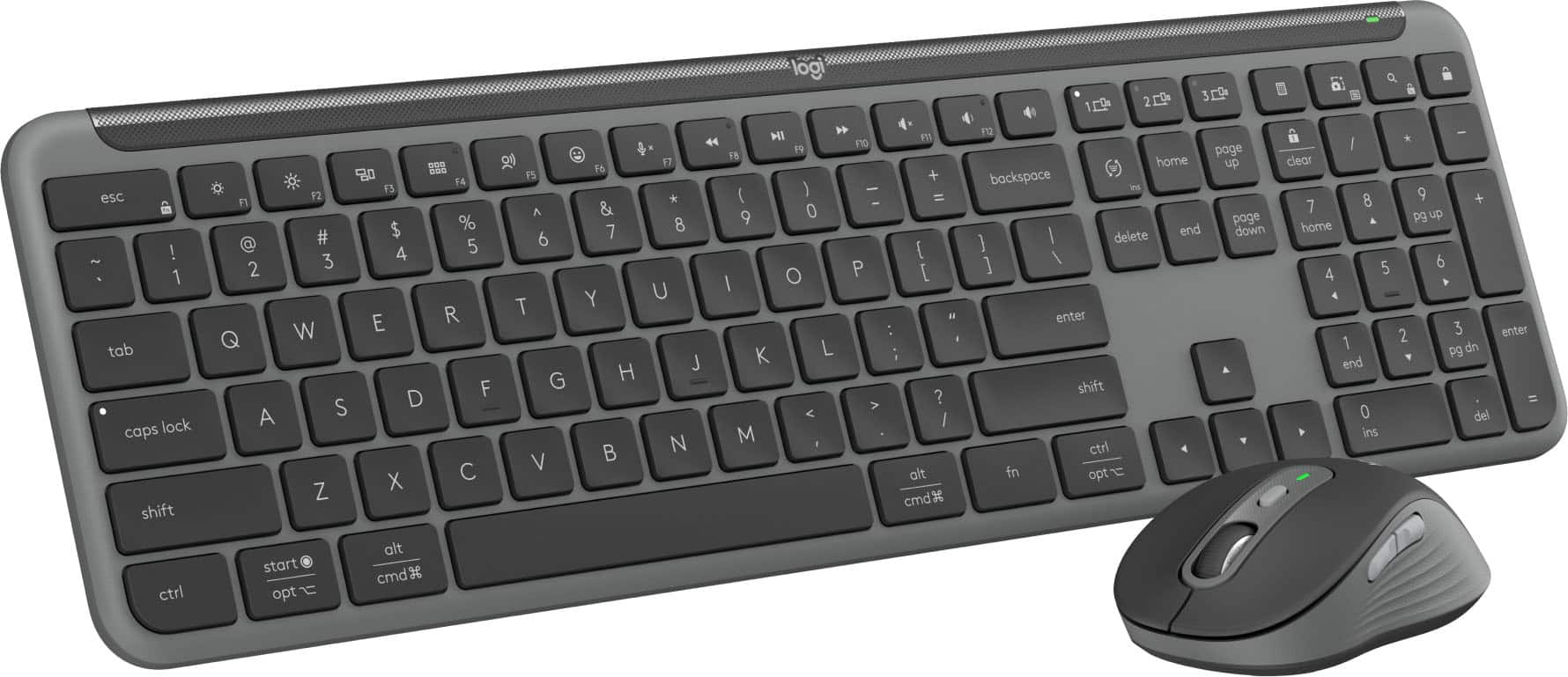
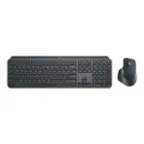
Logitech - MK955 Signature Slim Full-size Wireless Keyboard and Mouse Combo for Windows and Mac with Quiet Typing and Clicking - Graphite
SKU: J7H7ZYGYPCLove this new Logitech Keyboard & Mouse. Quality! Made well and has weight to it....Great product easy to install. Works great! I love it!...Best one yet! Try it, you'll love it!! Home office....Great...
See all Gaming Keyboard & Mouse CombosProduct Description
A wireless graphite keyboard and mouse combo offering quiet typing, customizable shortcuts, and Bluetooth connectivity.Your price for this item is $119.99 -
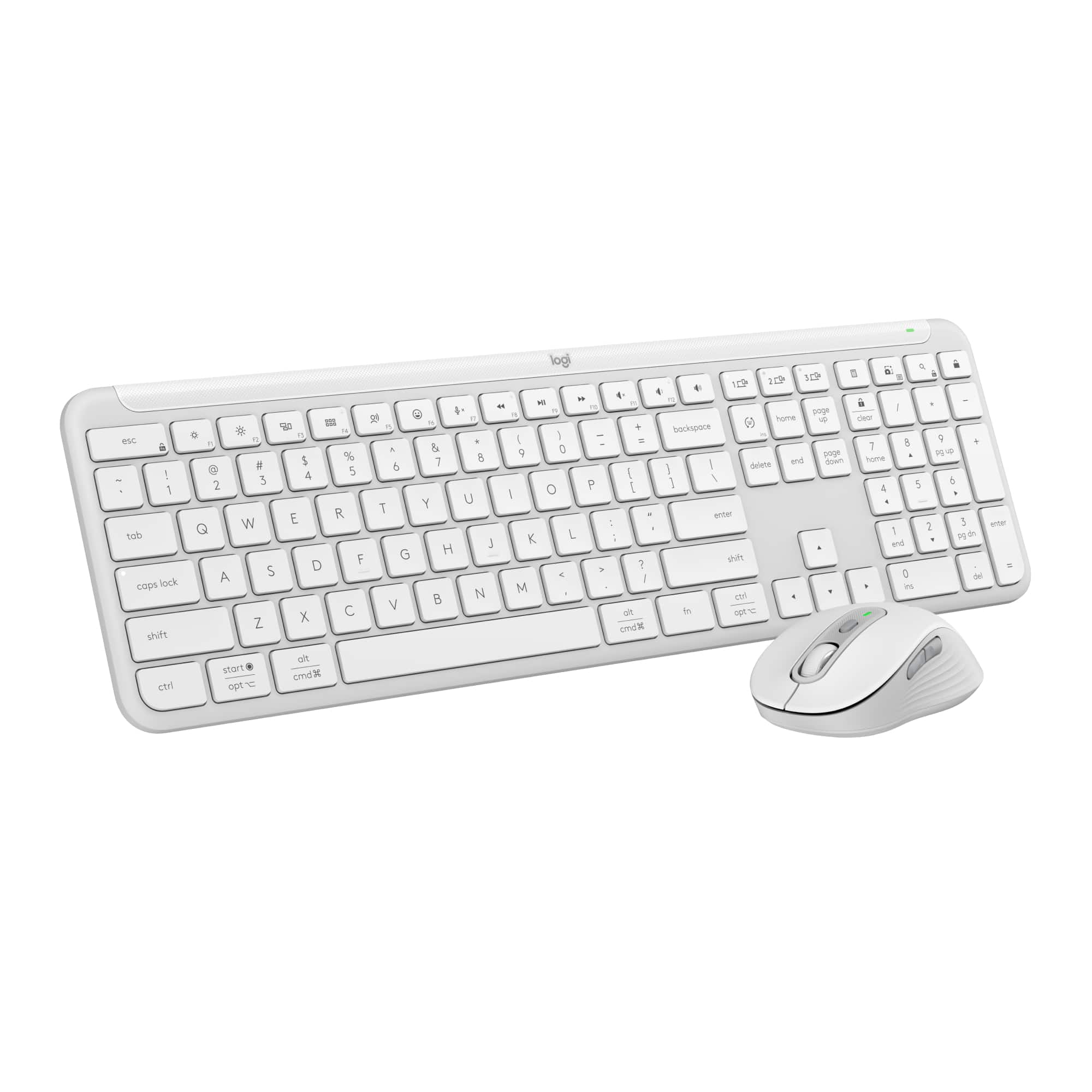
Logitech - MK955 Signature Slim Full-size Wireless Keyboard and Mouse Combo for Windows and Mac with Quiet Typing and Clicking - Off-White
SKU: J7H7ZYGYPYGreat combo keyboard and mouse...Looks great and works great. Setup was extremely easy. Love it....Best Keyboard
See all Gaming Keyboard & Mouse CombosProduct Description
An off-white wireless keyboard and mouse combo offering quiet typing, Bluetooth connectivity, and customizable shortcuts.Your price for this item is $119.99 -
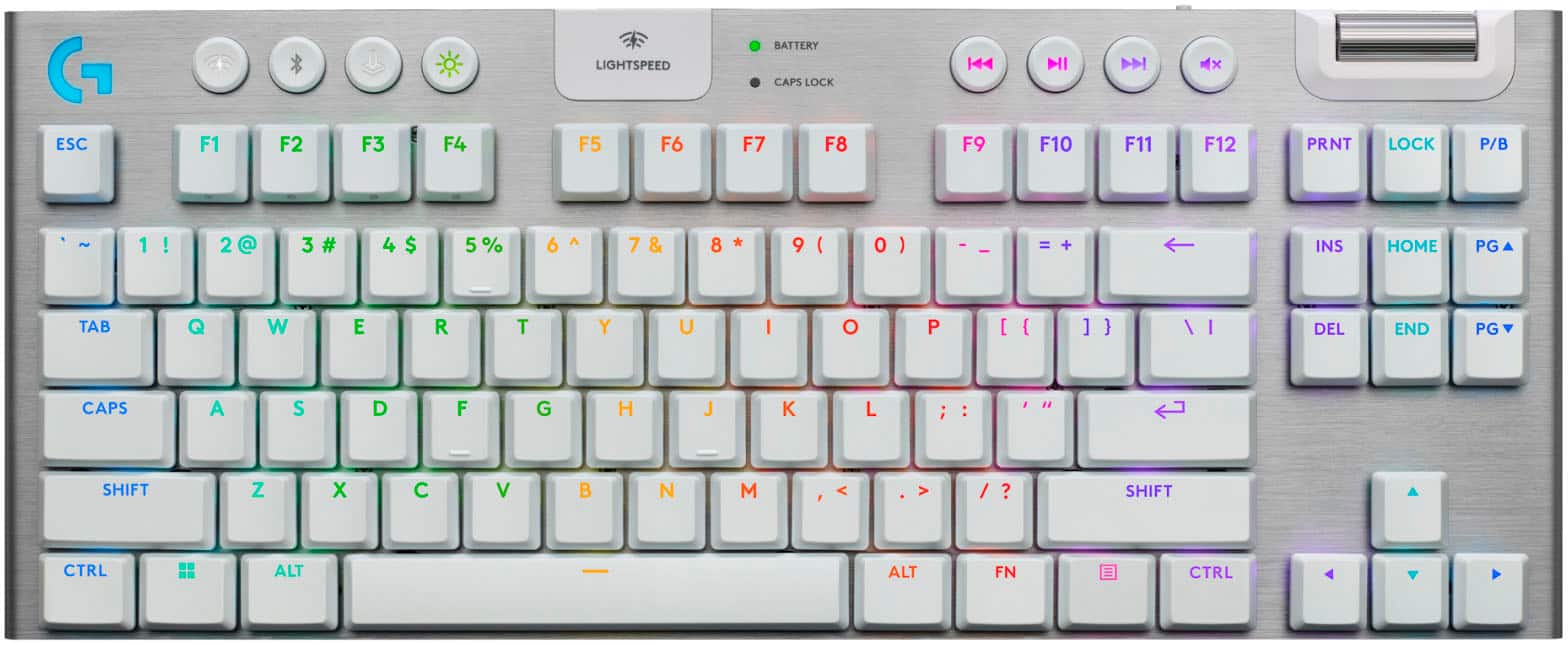
Logitech - G915 X LIGHTSPEED TKL Wireless Mechanical GL Brown Tactile Switch Gaming Keyboard for PC/Mac with RGB Backlighting - White
SKU: J7H7ZYGSZXSee all Gaming Keyboard & Mouse CombosProduct Description
A wireless tenkeyless mechanical keyboard in white with GL Brown tactile switches and customizable RGB backlighting.Your price for this item is $183.99Save $46The previous price was $229.99 -
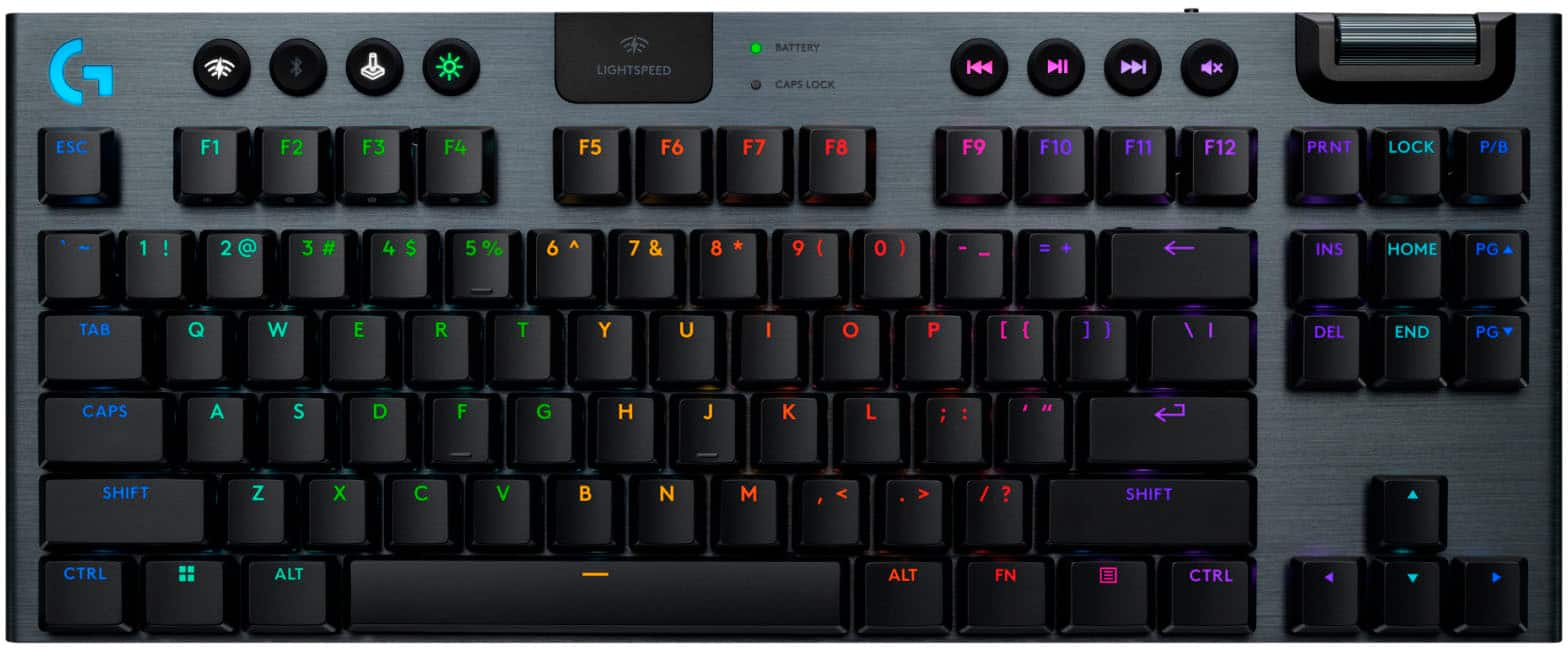
Logitech - G915 X LIGHTSPEED TKL Wireless Mechanical GL Blue Clicky Switch Gaming Keyboard for PC/Mac with RGB Backlighting - Black
SKU: J7H7ZYGSFSI love this keyboard, it is amazing and very accurate and Iight.
See all Gaming Keyboard & Mouse CombosProduct Description
A wireless tenkeyless mechanical keyboard in black with GL Blue Clicky switches and customizable RGB backlighting.Your price for this item is $183.99Save $46The previous price was $229.99
Best Sellers

Related Pages

FAQ
Yes, most Mac wireless keyboards can be used with Windows PCs via Bluetooth. However, some function keys may be mapped differently and may require additional configuration or drivers for full compatibility.
Absolutely! Mac wireless keyboards connect seamlessly to iPads and iPhones using Bluetooth, making them great for typing on your Apple mobile devices.
Many newer Mac wireless keyboards feature built-in rechargeable batteries that you can charge via a Lightning cable. Some older models may use replaceable AA batteries.
Certain Mac wireless keyboards, such as the Apple Magic Keyboard, can be paired with one device at a time. Some third-party models offer multi-device pairing, allowing you to switch between devices with the press of a button.
Setup is quick and easy. Simply turn on the keyboard, enable Bluetooth on your Mac or compatible device, and follow the on-screen pairing instructions. Most Mac wireless keyboards are recognized automatically.