Bluetooth iPad 2
-
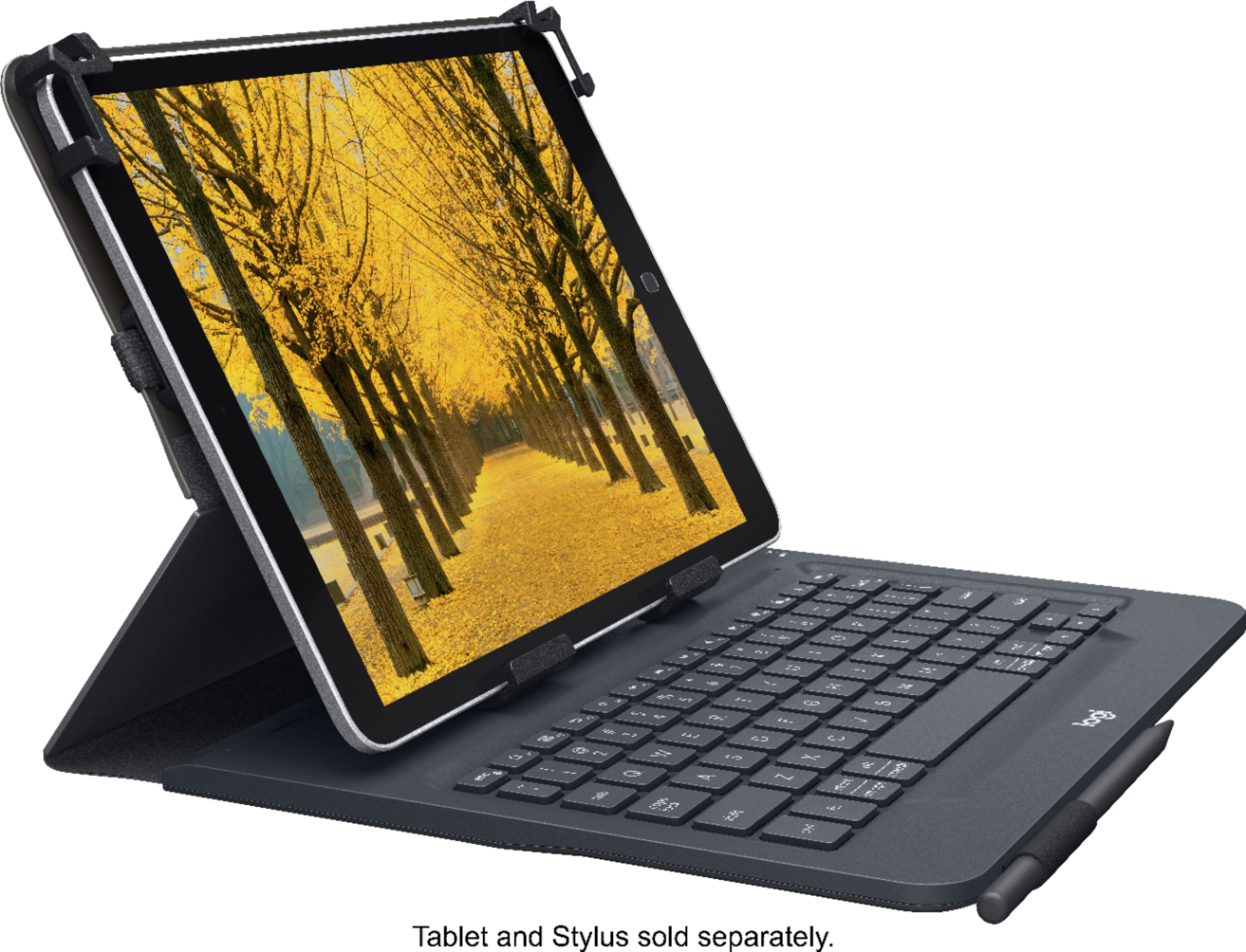
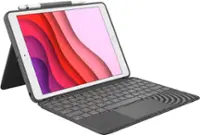
Logitech - Universal Keyboard Folio for 9–10-inch Apple, Android, Windows Tablet - Black
SKU: J7H7ZY22ZRSee all Tablet KeyboardsProduct Description
A black Bluetooth keyboard folio offering laptop-like typing and universal compatibility for 9–10-inch tablets.Your price for this item is $89.99 -
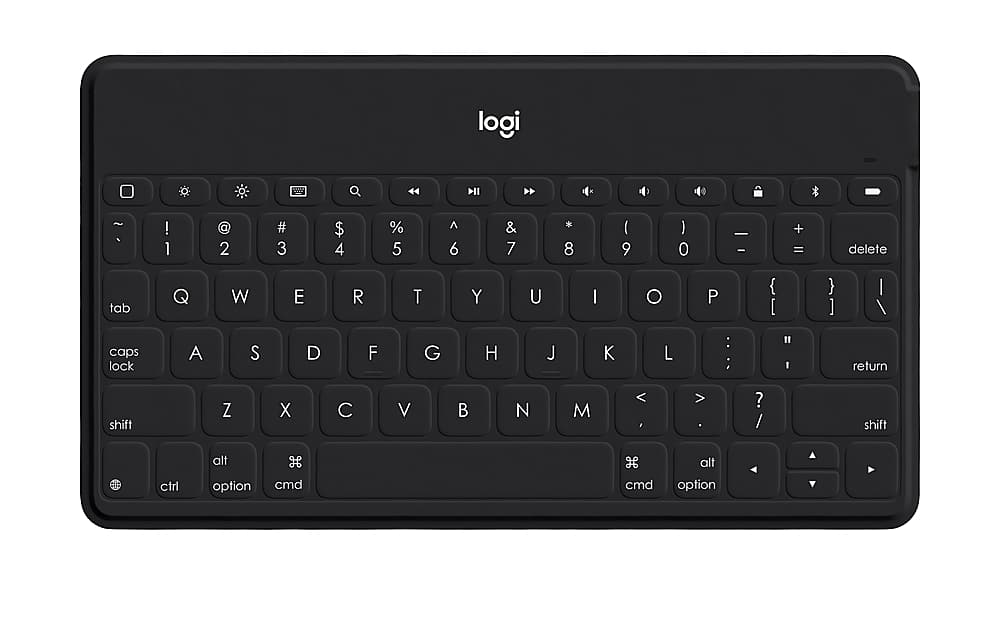
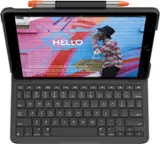
Logitech - Keys-To-Go Keyboard for iPhone, iPad, and Apple TV with Durable Spill-Proof Design - Black
SKU: J7H7ZYCJTTI love it....It worked great with my old iPad Air.
See all Tablet KeyboardsProduct Description
A super-slim, black Bluetooth keyboard with spill-proof design and silent keys for Apple devices.Your price for this item is $44.99Save $15The previous price was $59.99 -
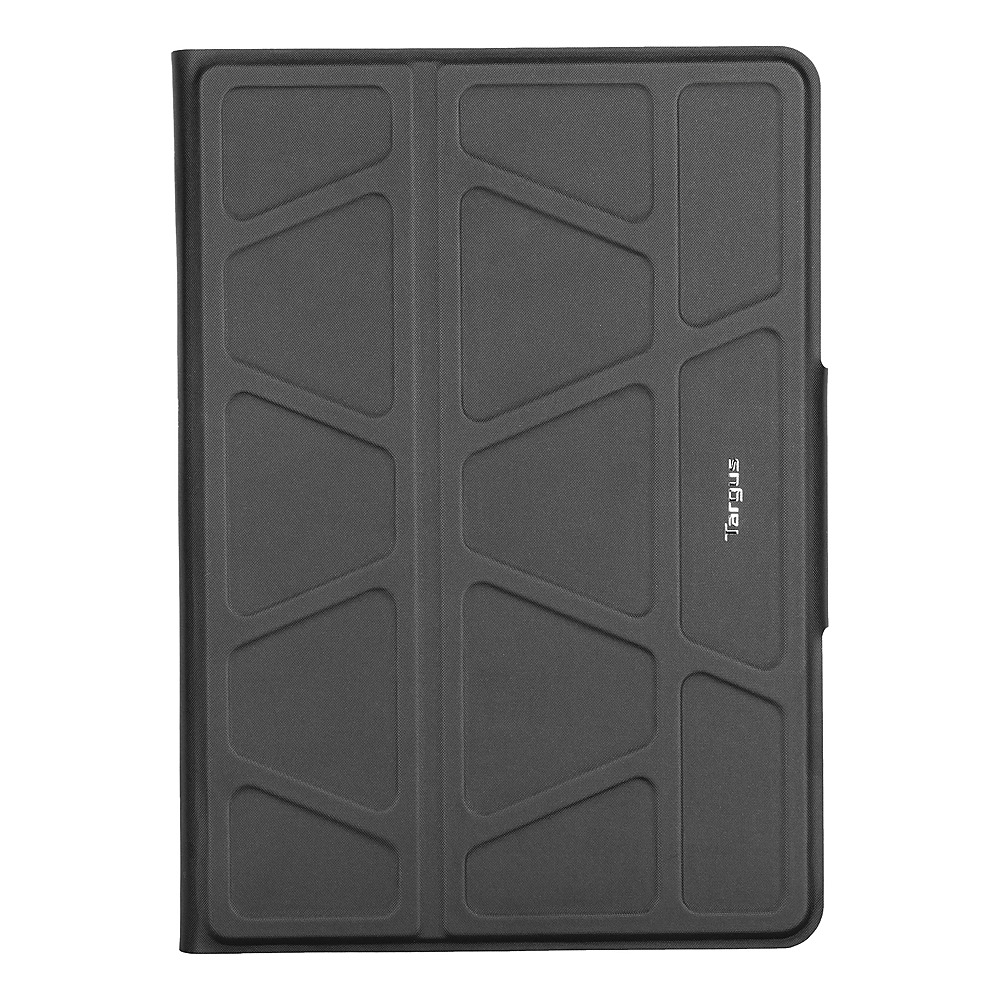
Targus - Pro-Tek™ Universal 9-11” Keyboard Case - Gray
SKU: J7QXPVJSJYThe magnetic used to hold The keyboard on is solid and works great, and it was very easy to connect....This is a great keyboard case for my iPad. It fits safely and securely and it is very easy to use....I’ve...
See all Tablet Cases, Covers & Keyboard FoliosProduct Description
A gray universal keyboard case with Bluetooth 5.0, impact resistance, and an integrated stand for 9–11” tablets.Your price for this item is $76.90 -
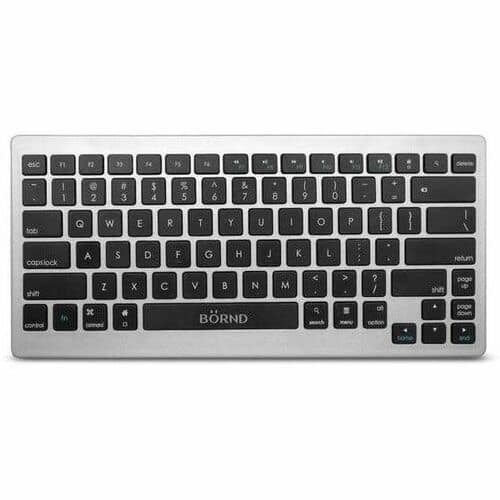
Bornd - B33 Wireless Connectivity Bluetooth 3 39 ft Keyboard, Scissors Keyswitch - Silver
SKU: J3ZPK8CQPYSee all Wireless & Bluetooth KeyboardsProduct Description
A compact silver wireless keyboard featuring Bluetooth connectivity and scissors keyswitches for smooth, quiet typing.Your price for this item is $34.99
Best Sellers

Related Pages

FAQ
The iPad 2 is compatible with a variety of Bluetooth accessories, including keyboards, speakers, headphones, styluses, and game controllers that support Bluetooth 2.1 or later.
To pair a Bluetooth device, go to Settings > General > Bluetooth on your iPad 2, turn Bluetooth on, select the device from the list, and follow any on-screen prompts to complete the pairing process.
Yes, the iPad 2 can connect to multiple Bluetooth devices, such as a keyboard and headphones, but only certain types of devices can be used simultaneously depending on the accessory and iOS limitations.
Most Bluetooth accessories work with the iPad 2 without requiring additional apps. However, some specialized devices may offer companion apps to unlock extra features or customization options.
If your Bluetooth accessory isn't connecting, make sure both devices have Bluetooth enabled, are in pairing mode, and are within range. Restart both devices and try pairing again. If issues persist, consult the accessory's manual for troubleshooting steps.