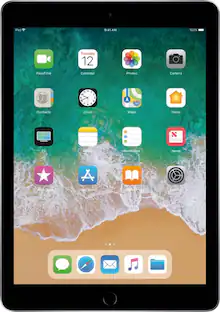
Apple - Smart Keyboard for iPad (7th Generation), iPad 10.2" (9th Generation), iPad Air (3rd Generation), and 10.5-inch iPad Pro - Black
Customers are saying
Customers recognize that this keyboard is highly praised for its exceptional ease of use, high-quality build, and lightweight, compact design. While users appreciate the seamless connectivity and compatibility with their iPads, some feel that the product could offer more robust device protection. Additionally, a few customers have noted that the price point is somewhat high for the value provided.
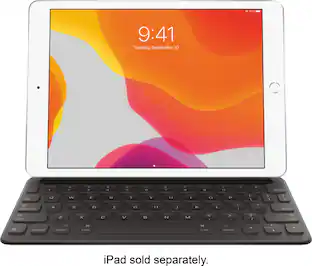
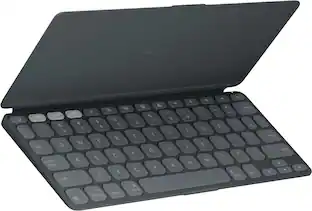
The Smart Keyboard combines advanced technologies to create a keyboard like no other
It's a full-size keyboard that's fully portable, and it connects to the iPad and iPad Air with the Smart Connector
Just attach the Smart Keyboard and start typing
And when you're done, it folds to create a slim, lightweight cover
- Model CompatibilityApple iPad (7th Generation) 10.2" 2019, Apple iPad (9th Generation) 10.2" 2021, Apple iPad Air (3rd Generation) 10.5" 2019, Apple iPad Pro 10.5", Apple iPad (8th Generation) 10.2" 2020Operating System CompatibilityApple iPadOS
Reviews
Rating 4.6 out of 5 stars with 1363 reviews
- Ease of use (484)
- Keyboard Quality (291)
- Weight (63)
- Compatibility (28)
- Design (28)
- Protection (33)
- Price (31)
- iPad Protection (7)
Customer Images
The vast majority of our reviews come from verified purchases. Reviews from customers may include My Best Buy members, employees, and Tech Insider Network members (as tagged). Select reviewers may receive discounted products, promotional considerations or entries into drawings for honest, helpful reviews.

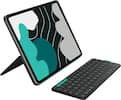
- Logitech - Slim Folio Keyboard Folio for Apple iPad (7th, 8th & 9th Generation) - Graphite$67.99The price was $99.99
Compare similar products

Smart Keyboard lets you write a term paper or create a presentation on a full-size keyboard whenever you need one. It connects easily without the need for pairing or charging, so it's always ready to go. And when you're done, it folds to create a slim, lightweight cover.

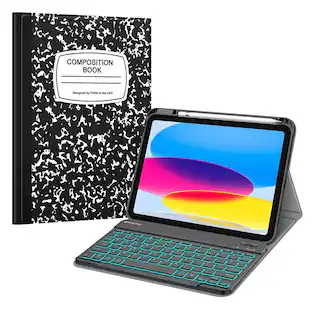
Protect and boost the functionality of your 7th, 8th, and 9th Gen iPad with this graphite Logitech Combo Touch keyboard case. The precision trackpad allows for easy navigation, while the well-spaced backlit keys ensure effortless typing, even in dark environments. This Logitech Combo Touch keyboard case has a smooth texture for easy handling, and the adjustable kickstand provides comfortable viewing angles.

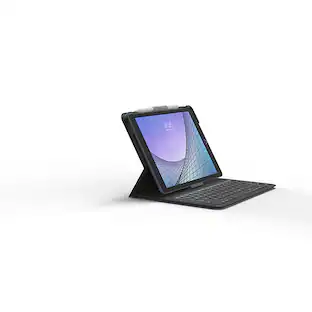
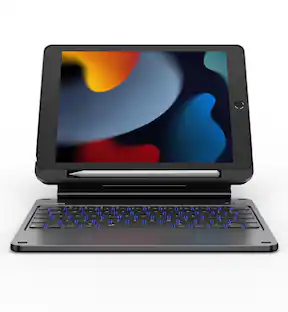
The Messenger Folio 2 has laptop-style keys and a durable, protective case with a magnetic closure and holder for your stylus. High-end features like special function keys, space-efficient design, and a polished, professional look make this keyboard case combo a stand-out for your Apple iPad Air 10.5" or iPad 10.2". Compatible with Apple iPad 10.2" (Gen 9, 8, 7), iPad Pro 10.5" (Gen 2).

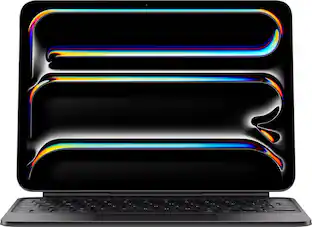
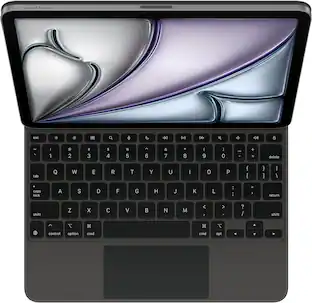
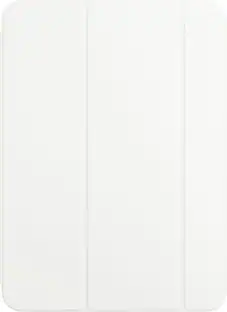
Type comfortably and work on a large trackpad with Magic Keyboard Folio. Quickly adjust the volume or search for a file using the function key row. The versatile two-piece design has a detachable keyboard and a protective back panel with an adjustable stand for flexible viewing.
| Pros for Apple - Smart Keyboard for iPad (7th Generation), iPad 10.2" (9th Generation), iPad Air (3rd Generation), and 10.5-inch iPad Pro - Black | |||
|---|---|---|---|
| Ease of use, Keyboard Quality, Design, Weight, Compatibility | Keyboard Quality, Ease of use, Protection, Stand, Fit | Keyboard Quality, Ease of use, Protection, Battery Life, Price | Ease of use, Keyboard Quality, Design, Protection, Connectivity |
| Cons for Apple - Smart Keyboard for iPad (7th Generation), iPad 10.2" (9th Generation), iPad Air (3rd Generation), and 10.5-inch iPad Pro - Black | |||
| Price, Protection, iPad Protection | Price, Weight, Battery Life, Bulk, Kickstand | Compatibility, Stand, Screen Angle | Compatibility, Price, Color, Magnetic Attachment |
Specs
Customers often buy these together










Customers ultimately bought
 $49.99The price was $159.00
 $34.95The price was $59.99
 $67.99The price was $99.99
 $69.99The price was $79.99




Explore tech essentials Sponsored
 Top Deal$169.99The price was $199.99
 Top Deal$199.99The price was $229.99