DJI Mavic Air 2 Micro SD Card
-
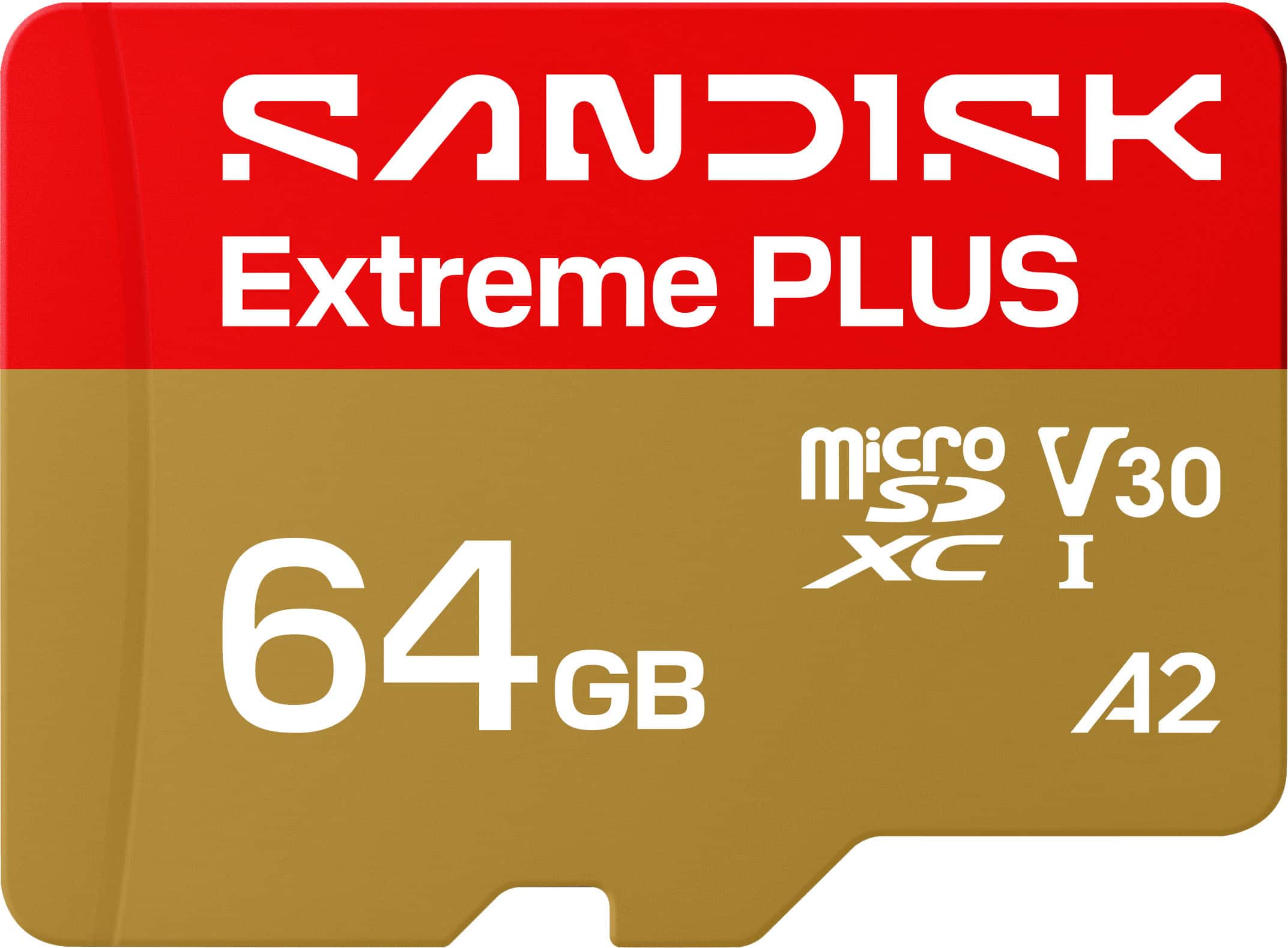
SANDISK - 64GB Extreme PLUS microSDXC UHS-I Memory Card, R/W Speeds Up to 200/90MB/s, 5K/4K UHD Videos
SKU: JXJ62CQG88Great Value for the Storage Space. Nice fit for the cost....Quality seems great.
See all microSDXCProduct Description
A high-speed, water-resistant microSD card offering 64GB storage and smooth 4K UHD video recording.Your price for this item is $42.99 -
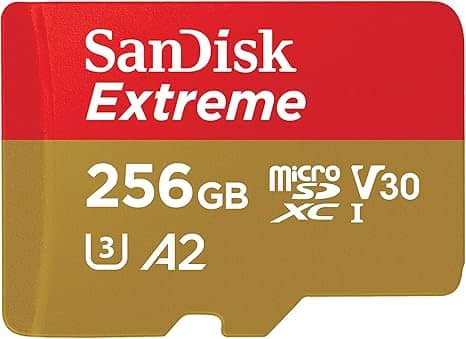
Extreme SDSQXAV-256G microSD 256GB UHS-I U3 V30 Write Up to 130MB/s Full HD & 4K SanDisk Extreme
SKU: JXJ62C6JQXSee all microSDXCProduct Description
A high-performance black microSDXC card offering fast 4K video recording, rapid app loading, and rugged durability.Your price for this item is $81.98 -
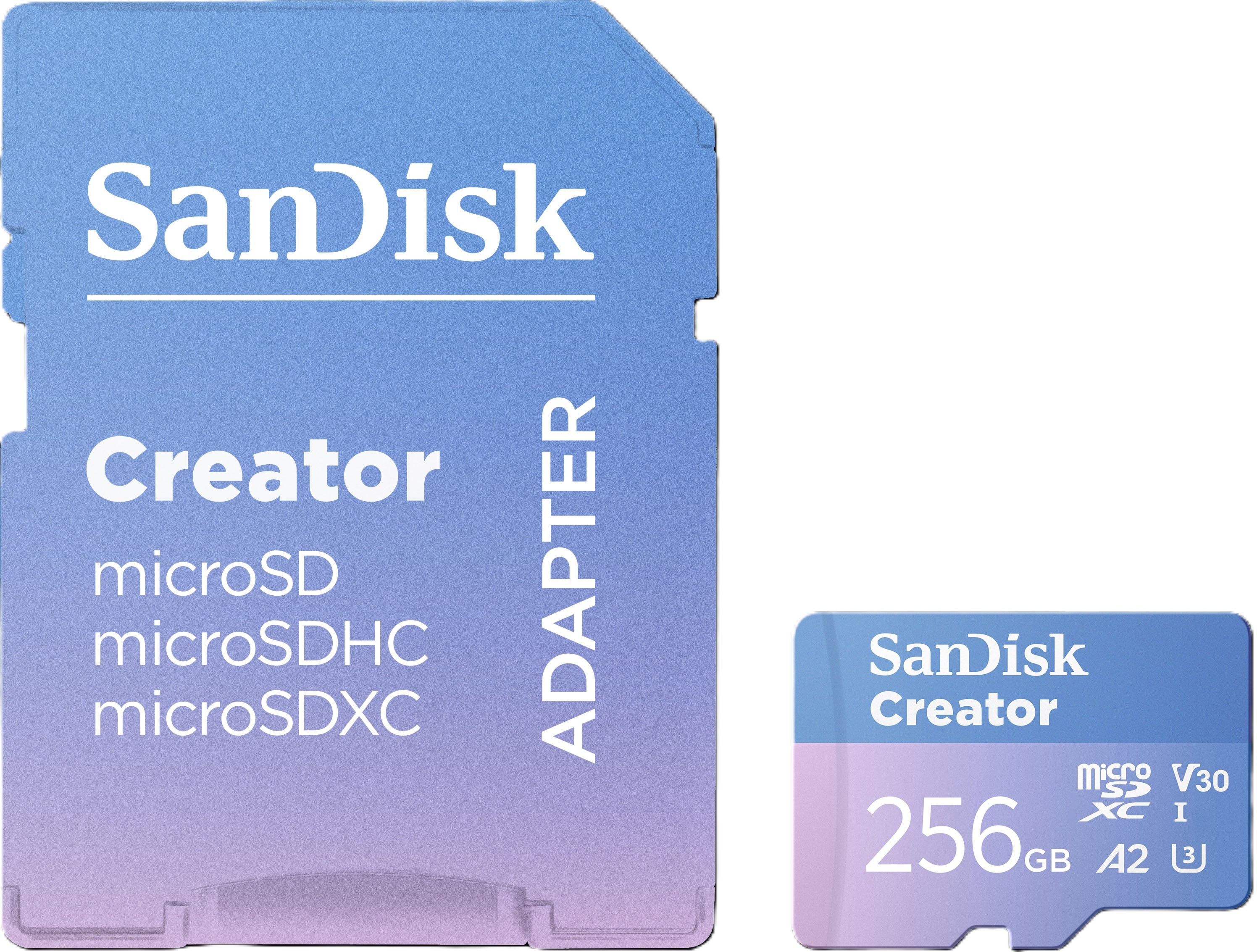
SANDISK - 256GB Creator microSD UHS-1 Memory Card with Adapter, Read Speeds up to 190MB/s, 3 Months of Adobe Lightroom Included
SKU: JXJ62CR5RTGreat...Great card, works fine with no issues. I mainly use it for photos...Great value
See all microSDXCProduct Description
A blue, water-resistant microSDXC card offering 256GB storage and up to 190MB/s read speeds.Your price for this item is $62.99Save $17The previous price was $79.99 -
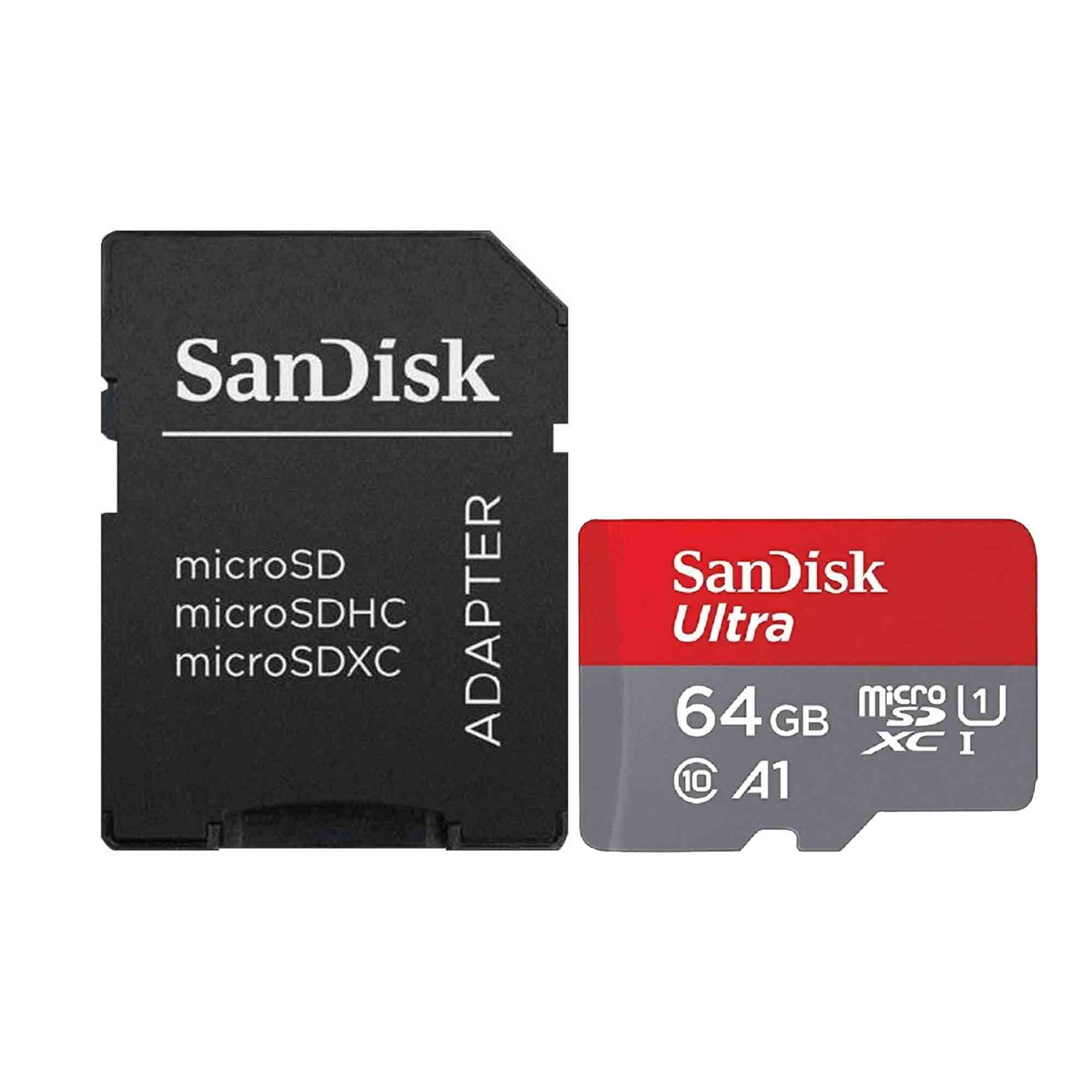
SANDISK - Ultra 64GB microSD Memory Card 140MB/s with SD Adapter
SKU: JXPS28WZ88See all Memory CardsProduct Description
A durable microSD memory card with 140MB/s read speeds, A1 performance, SD adapter, and four-way protection.Your price for this item is $31.99 -
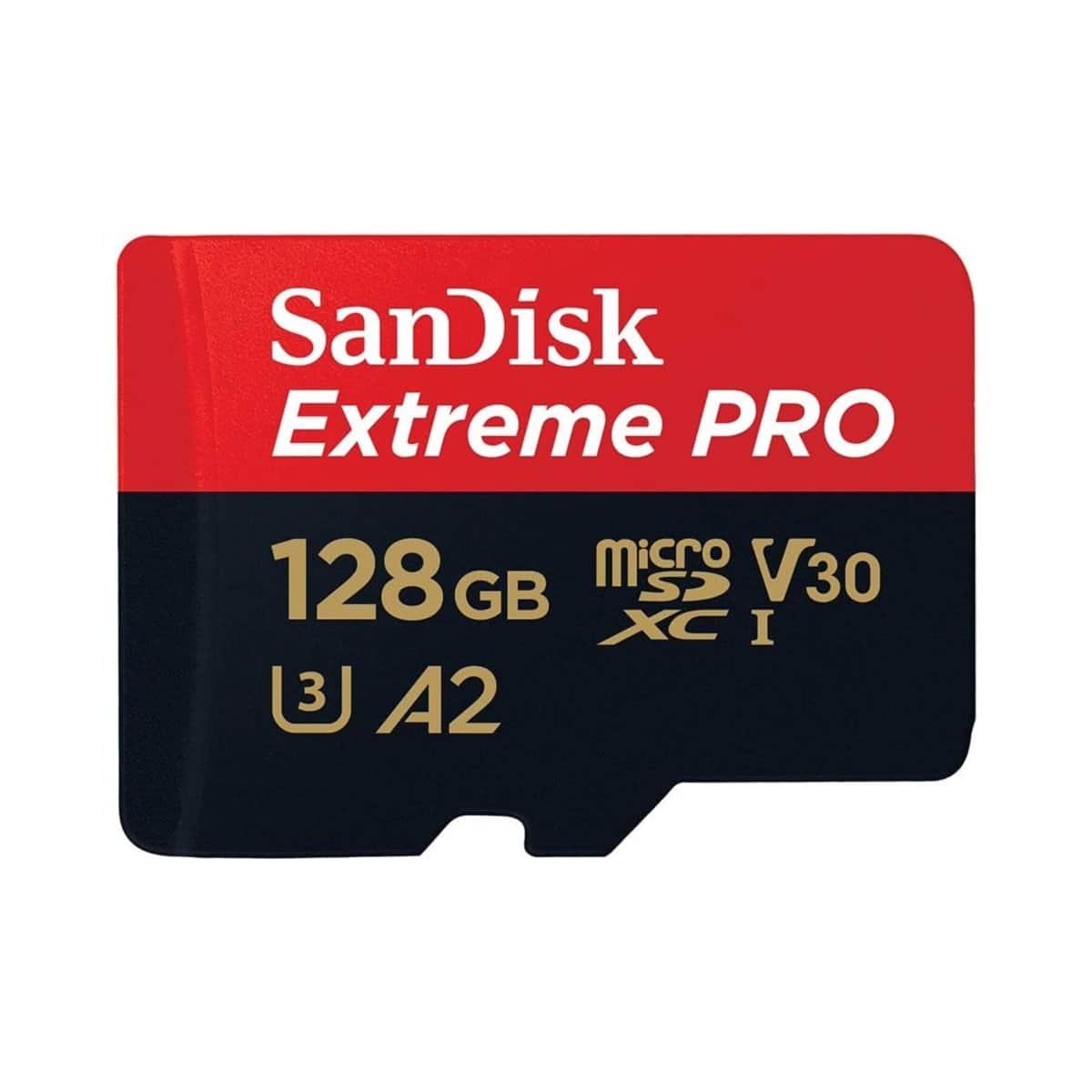
SANDISK - Extreme PRO UHS-I U3 microSDXC Memory Card - 128GB
SKU: JXJ62C6JH2See all microSDXCProduct Description
A high-performance black microSDXC card with 128GB storage, 200MB/s read, 90MB/s write, and SD adapter.Your price for this item is $57.30Save $2The previous price was $60.20 -
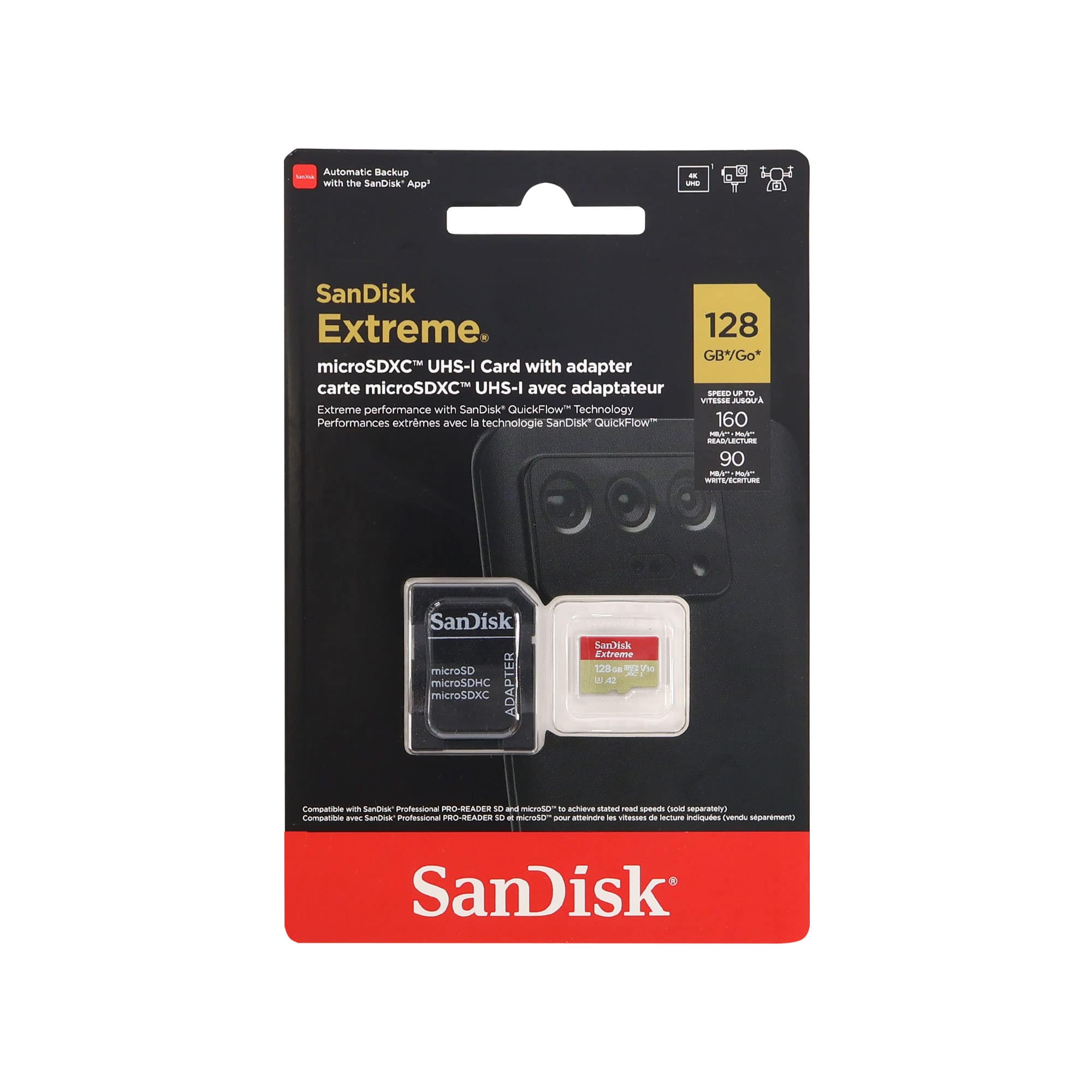
SANDISK - 128GB Extreme microSDXC UHS I Memory Card with Adapter Up to 160MB per Second
SKU: JXJ62CS496See all microSDXCProduct Description
A durable black microSDXC card offering 128GB storage, up to 160MB/s read speed, and 4K video support.Your price for this item is $42.98Save $6The previous price was $49.00 -
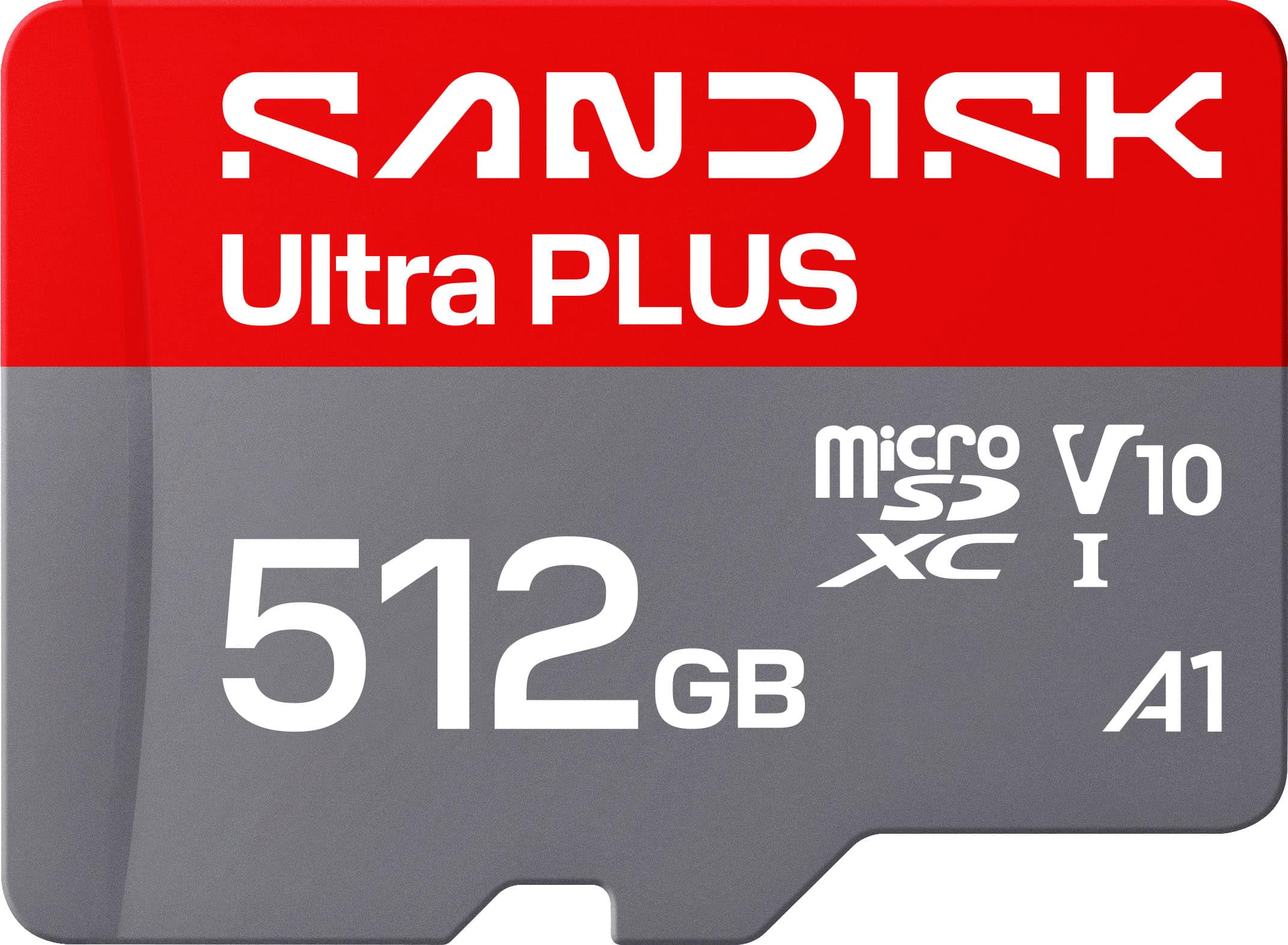
SANDISK - 512GB Ultra PLUS microSD UHS-I Memory Card, Read Speeds up to 200MB/s
SKU: JXJ62CQLG4Great chips use them all the time reliable inexpensive...Great product and holds a good amount of storage would reccomend
See all microSDXCProduct Description
A silver microSD card offering 512GB storage, 200MB/s read speed, and robust water-resistant durability.Your price for this item is $159.99 -
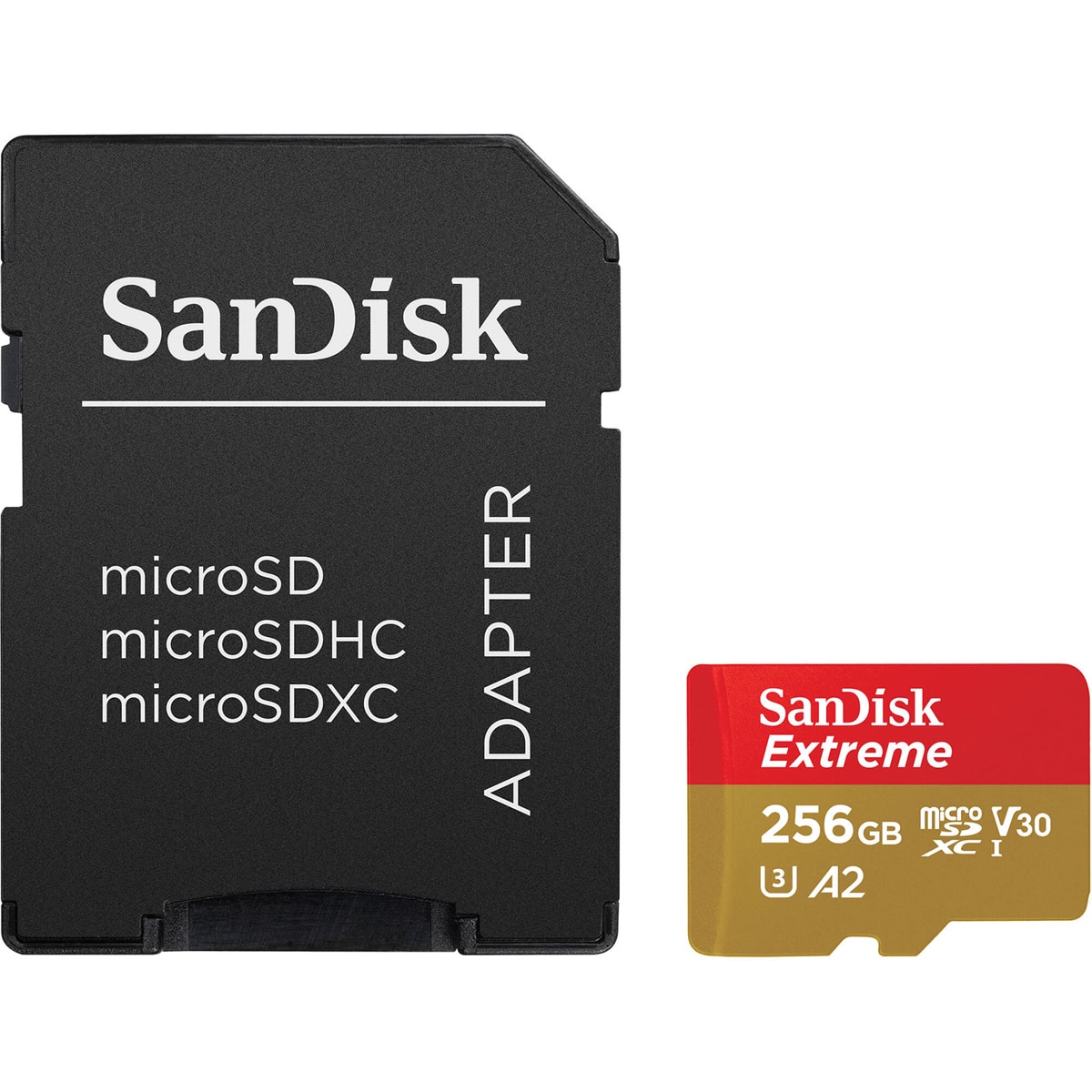
SANDISK - Extreme UHS-I U3 microSDXC Memory Card - 256GB, Single
SKU: JXJ62CQR5GSee all microSDXCProduct Description
A durable UHS-I U3 V30 microSDXC card capturing 5K and 4K UHD video with fast transfers.Your price for this item is $79.49Save $11The previous price was $91.18 -
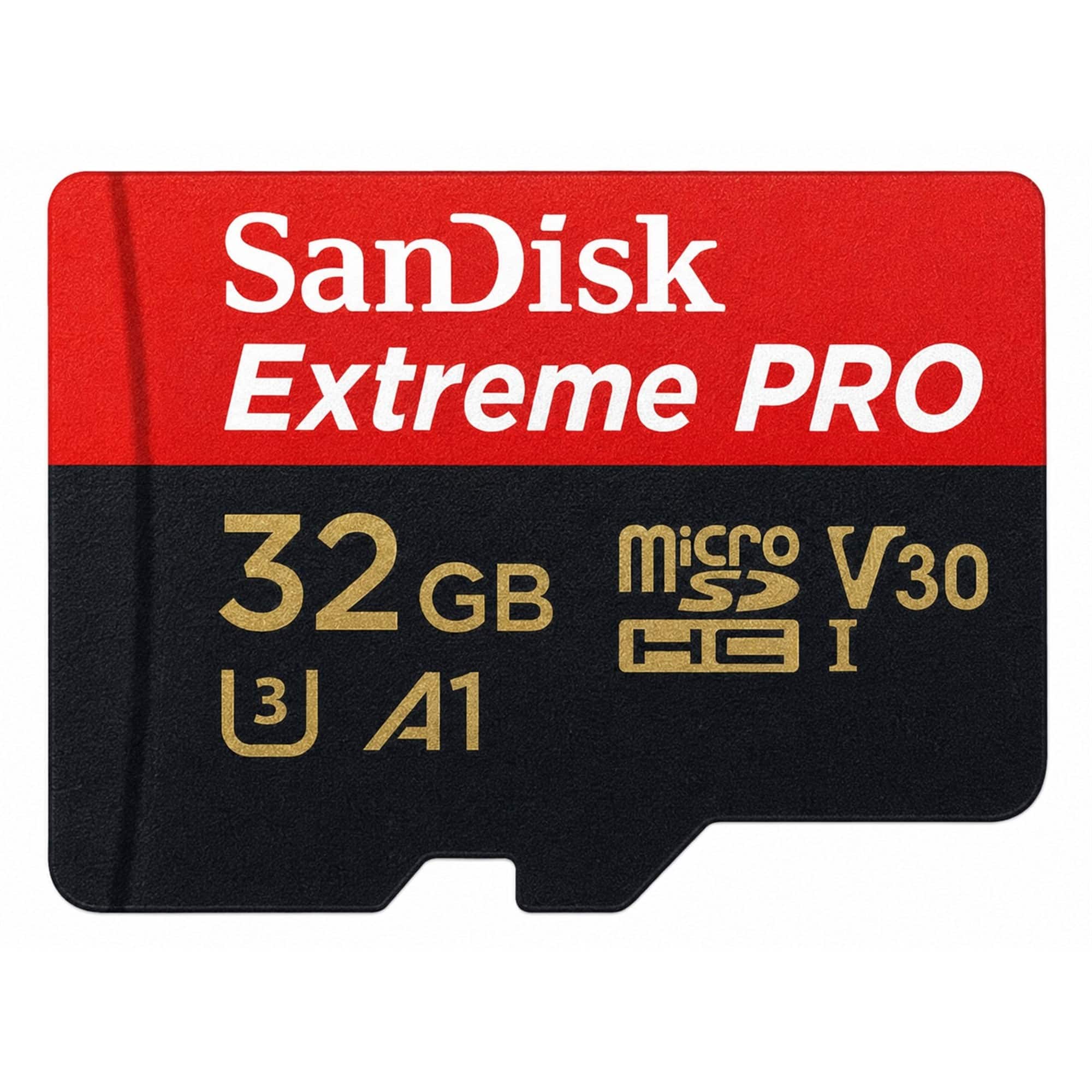
SANDISK - Extreme Pro 32GB microSDHC Memory Card with SD Adapter up to 100 MB/s, Class 10
SKU: JXJ62CPFHRSee all microSDHCProduct Description
A black microSDHC card with 32GB storage, 100MB/s read speed, and includes a full-size SD adapter.Your price for this item is $34.98 -
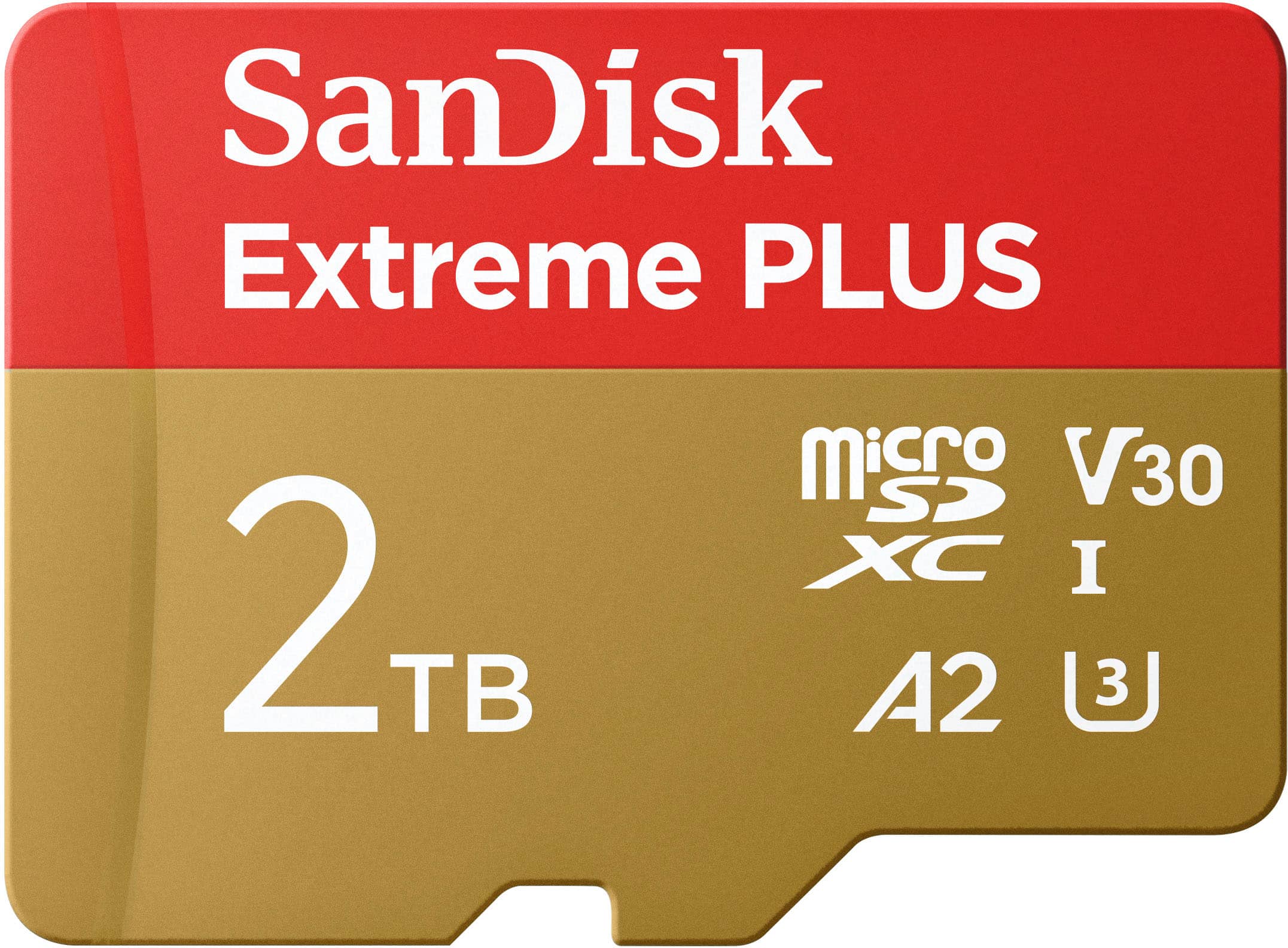
SANDISK - 2TB Extreme PLUS microSDXC UHS-I Memory Card with Adapter, R/W up to 250/150MB/s
SKU: JXJ62CRYC6I love it i works great no problems and all the momry is all thire somthing like 1800+ gb...Great Card
See all microSDXCProduct Description
A high-speed red and gold microSDXC card offering 2TB storage, 250MB/s read, and A2 app performance.Your price for this item is $569.99
Best Sellers



Related Pages




FAQ
The DJI Mavic Air 2 is compatible with most major brands of micro SD cards, as long as the card meets the required specifications for speed and format. Always check the manufacturer's recommendations for optimal performance.
To insert a micro SD card, power off your DJI Mavic Air 2, locate the micro SD card slot on the side of the drone, and gently insert the card with the label facing upward until it clicks into place.
Yes, the micro SD card in the DJI Mavic Air 2 can be used to store both photos and videos. The drone will automatically save your captured media to the card.
It's recommended to format a new micro SD card in the DJI Mavic Air 2 before first use. You can do this through the drone's settings menu to ensure optimal compatibility and performance.
To transfer files, remove the micro SD card from your DJI Mavic Air 2 and insert it into a compatible card reader connected to your computer. You can then copy and move files as you would with any external storage device.