MicroSD Card For Moto G Power
-
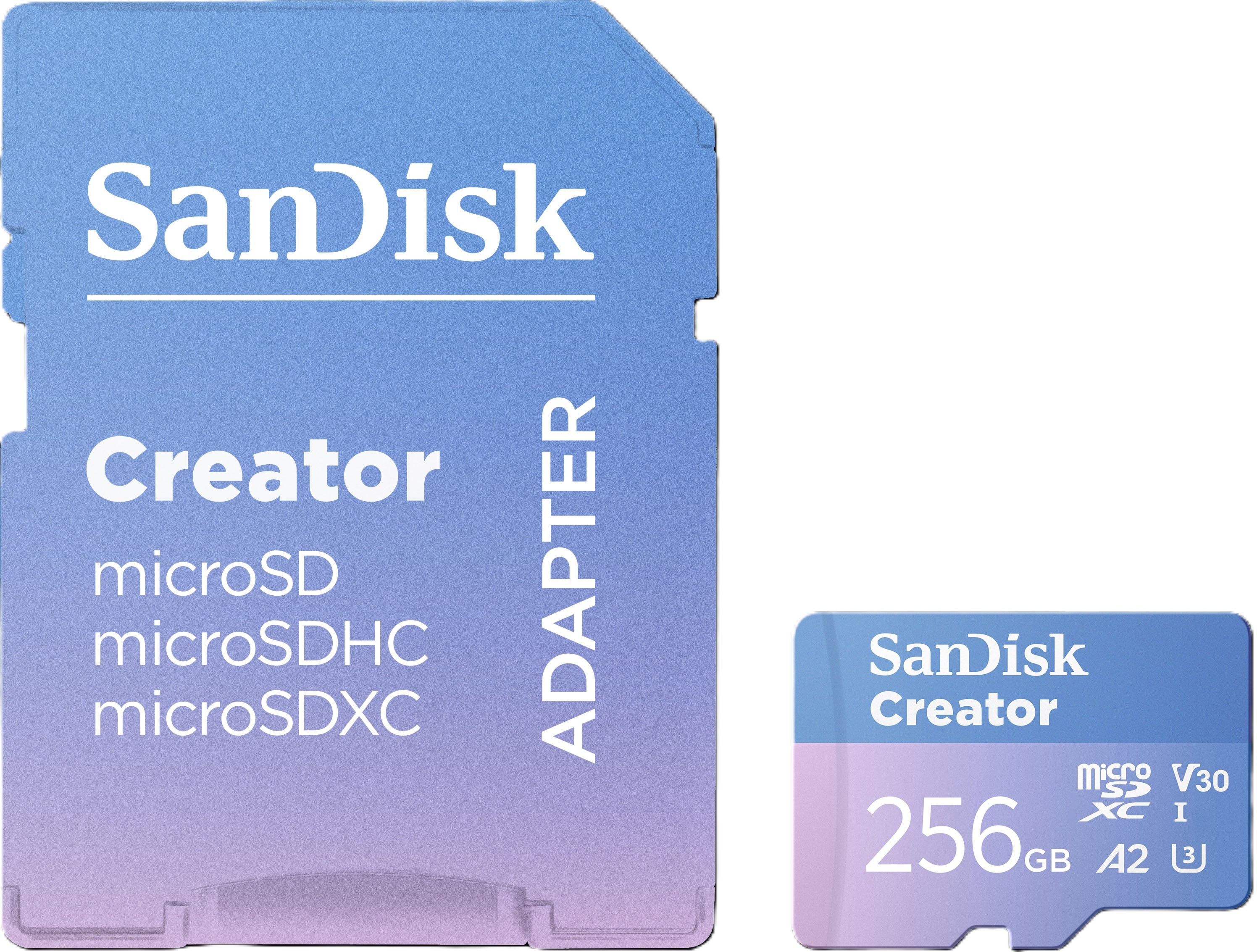
SANDISK - 256GB Creator microSD UHS-1 Memory Card with Adapter, Read Speeds up to 190MB/s, 3 Months of Adobe Lightroom Included
SKU: JXJ62CR5RTGreat card, works fine with no issues. I mainly use it for photos...Great value...Great
See all microSDXCProduct Description
A blue, water-resistant microSDXC card offering 256GB storage and up to 190MB/s read speeds.Your price for this item is $62.99Save $17The previous price was $79.99 -
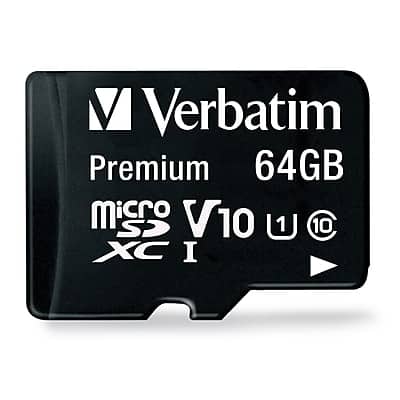
Verbatim - Premium 64GB microSDXC Memory Card with Adapter, Class 10, UHS-I, V10
SKU: J72FJTH3LQSee all microSDXCProduct Description
A durable 64GB microSDXC card with adapter, offering Class 10, UHS-I, V10 speed and waterproof protection.Your price for this item is $25.99Save $1The previous price was $27.54 -
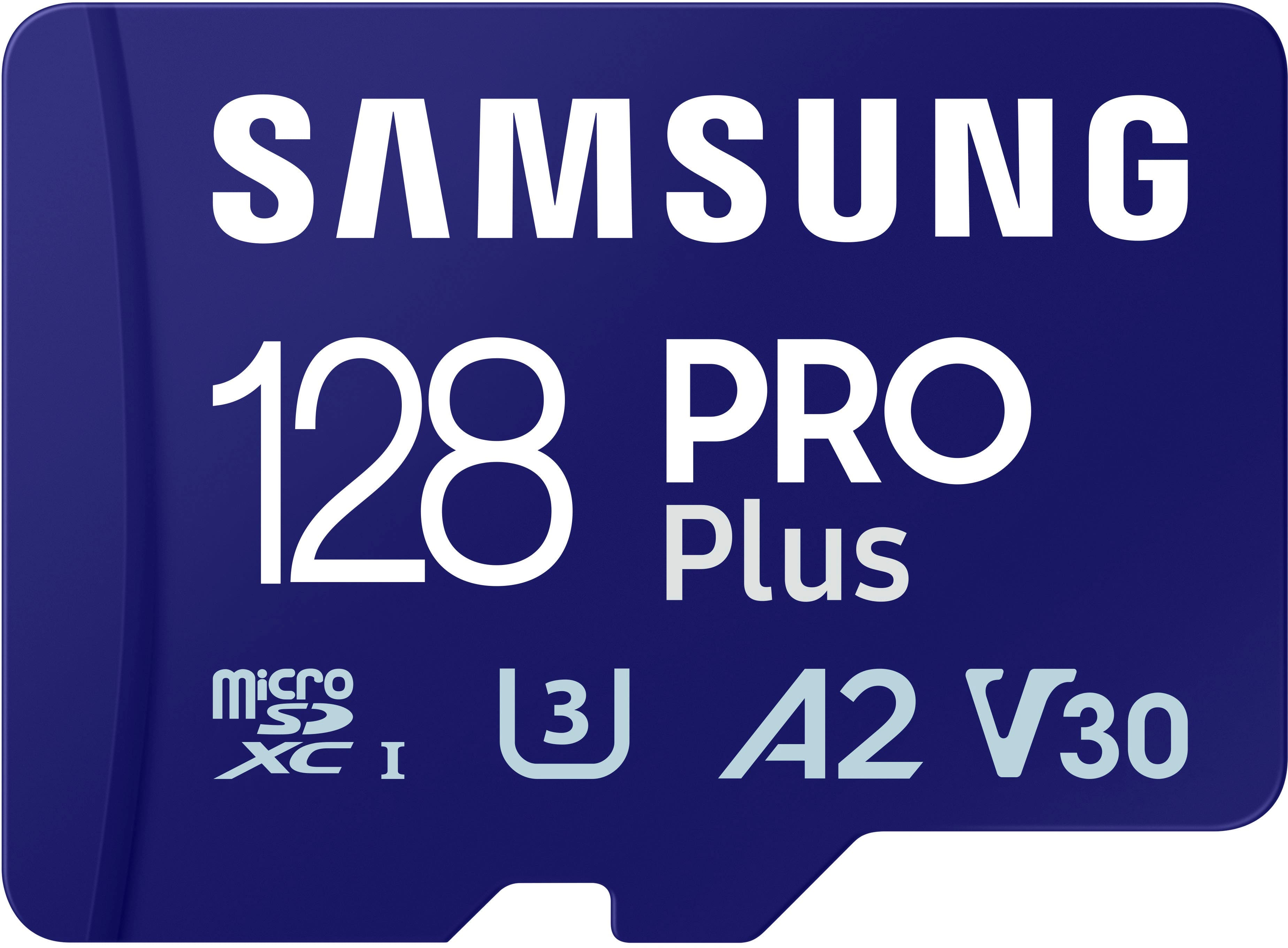
Samsung - Pro Plus 128 GB microSDXC Memory Card
SKU: J3ZYG2PH6CGreat features...I bought this recently, love it and the extra memory space....I love doing the most woth my phone and utilizing all the features that it offers....I love using Samsung products they are...
See all microSDXCProduct Description
A high-speed 128GB microSDXC card with adapter, ideal for 4K video, gaming, and expanded storage.Your price for this item is $49.99 -
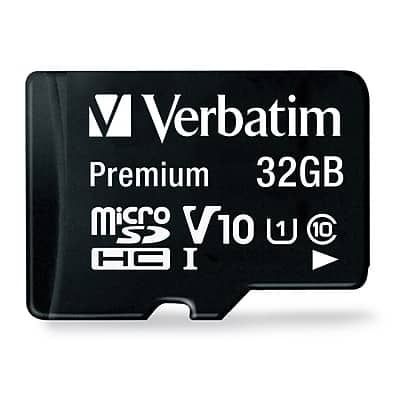
Verbatim - Premium 32GB microSDHC Memory Card with Adapter, Class 10, UHS-I, V10
SKU: J72FJTH3LLSee all microSDHCProduct Description
A durable 32GB microSDHC card with adapter, Class 10, UHS-I, V10, waterproof and shockproof.Your price for this item is $19.18Save $20The previous price was $39.99 -
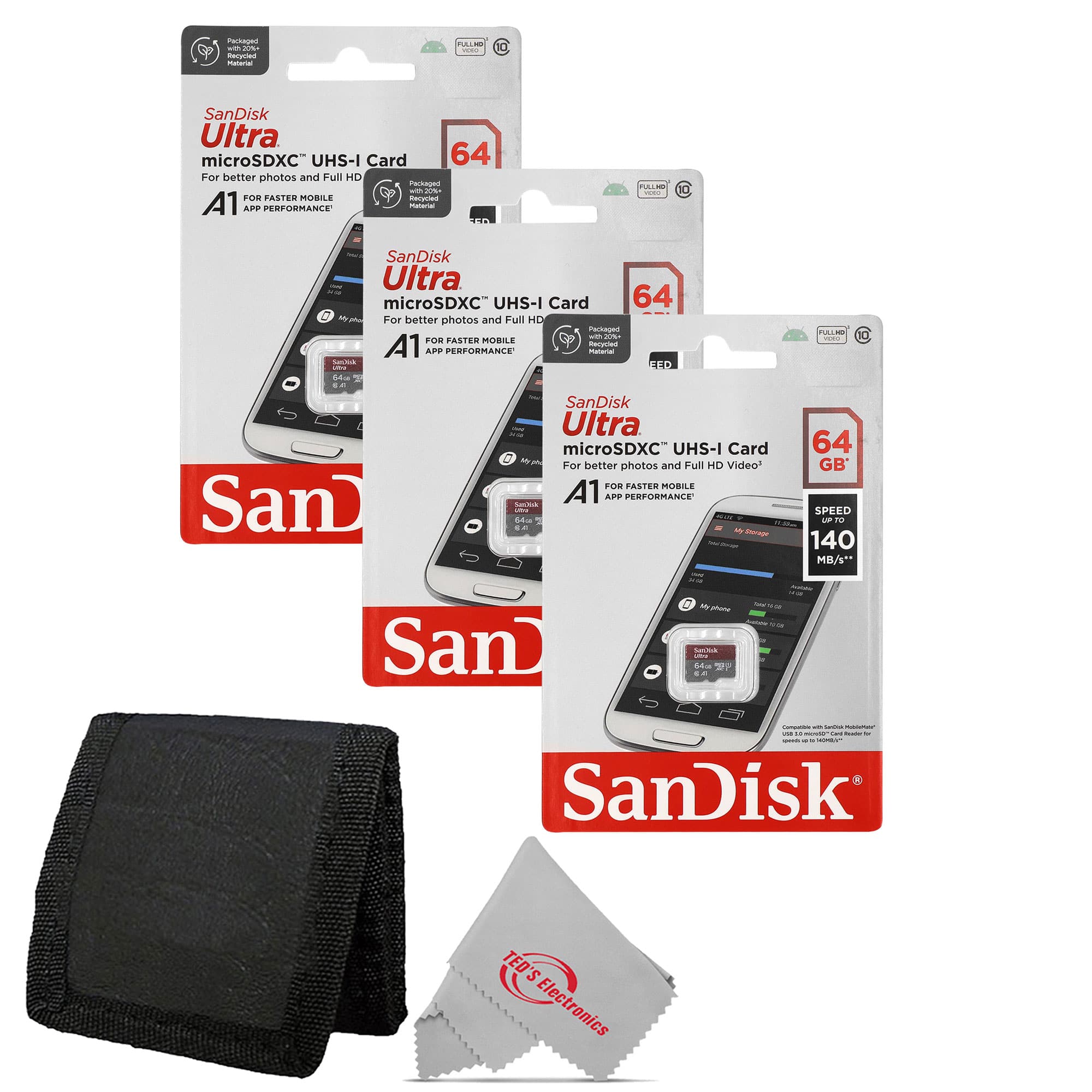
SanDisk Professional - 3x Sandisk Ultra microSD 64 GB 140MB/s Memory Card with Card Wallet
SKU: JX7QWF72QHSee all microSDXCProduct Description
A set of three red microSD cards with 64GB each, 140MB/s speed, and a card wallet.Your price for this item is $70.98 -
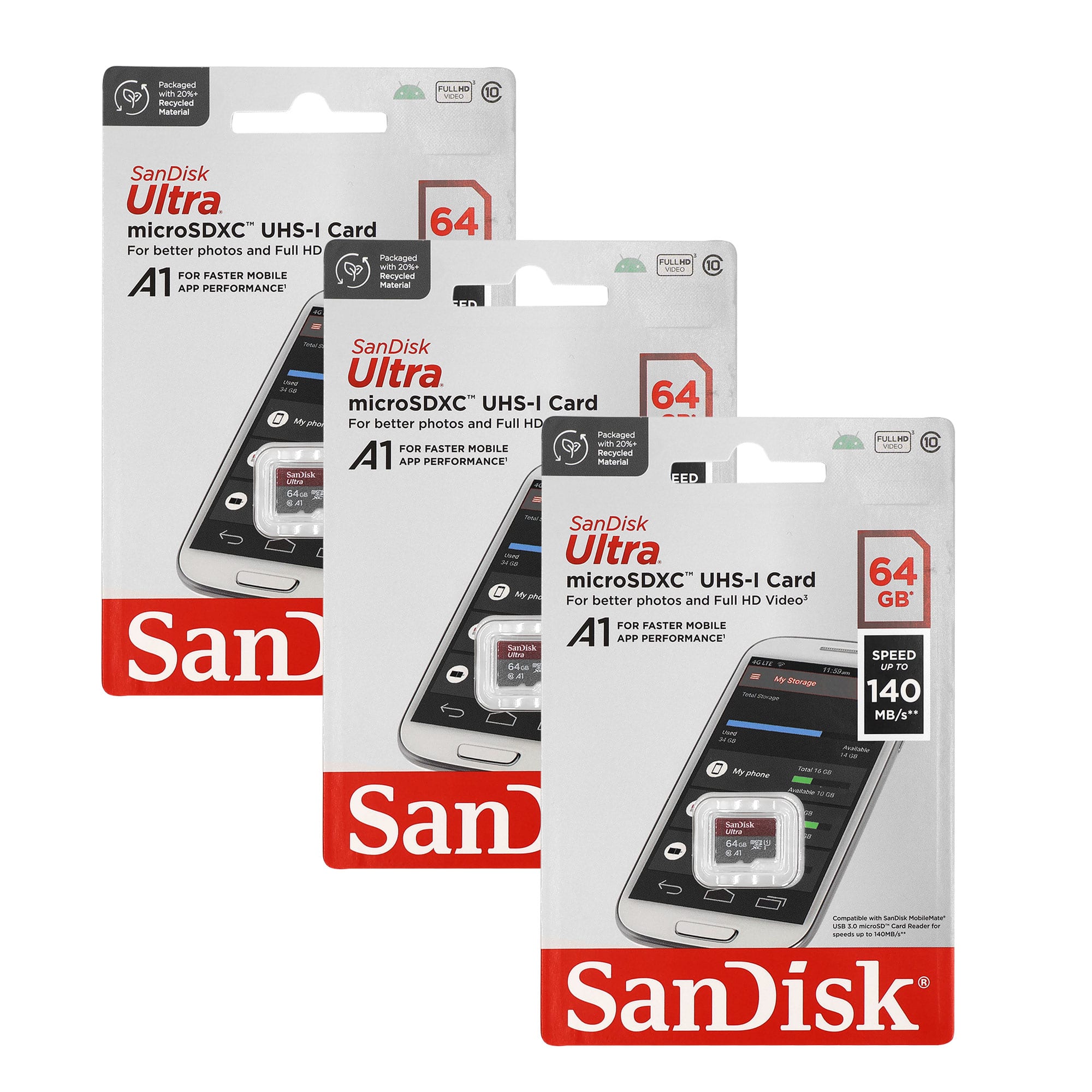
3x Sandisk Ultra microSD 64 GB 140MB/s Memory Card
SKU: JX7QWF7CGSSee all microSDXCProduct Description
A high-speed black microSDXC card offering 64GB storage, 140MB/s transfer, A1 app performance, and water resistance.Your price for this item is $69.98 -
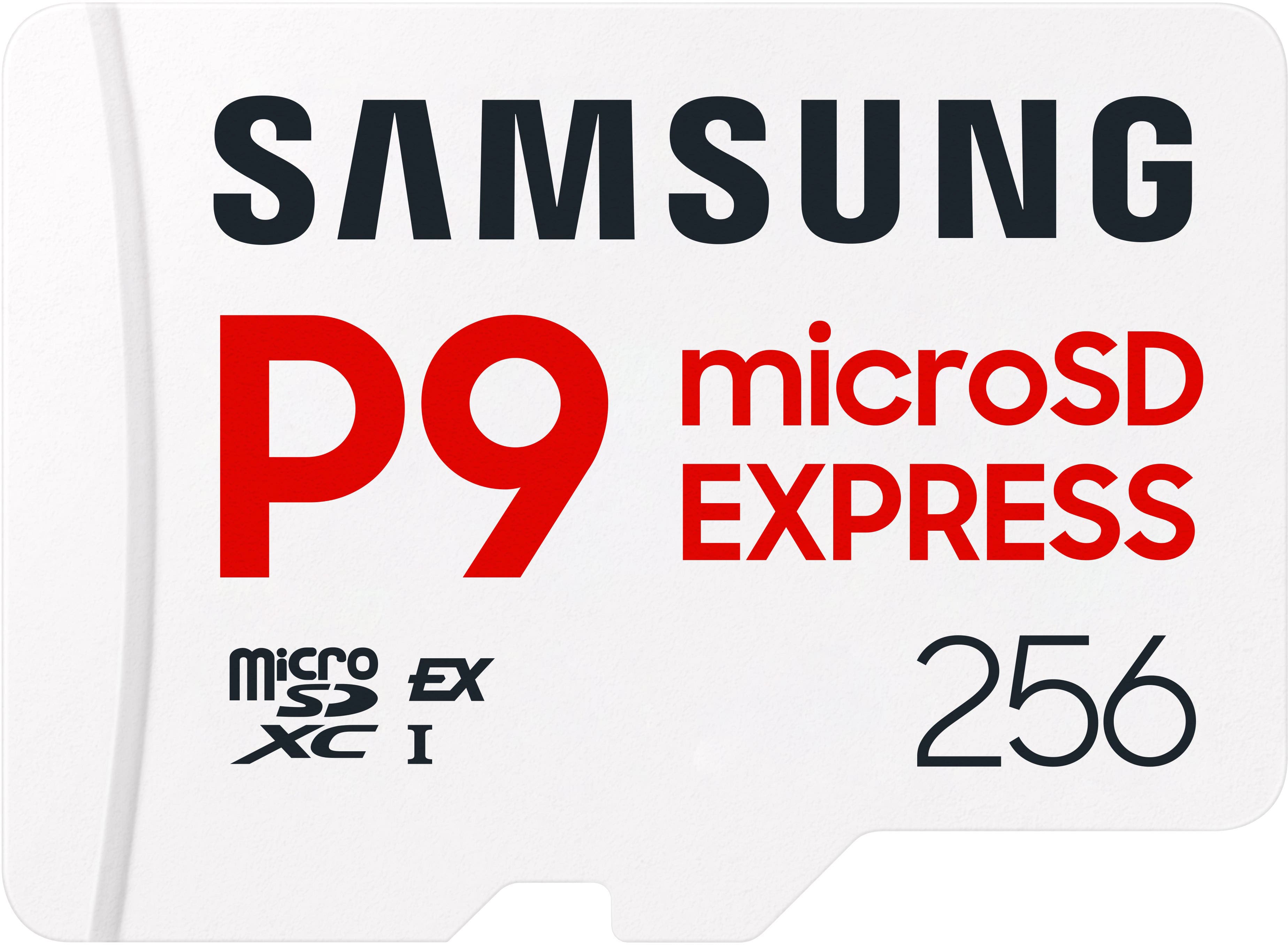
Samsung - P9 Express 256GB microSDXC Memory Card
SKU: JJGRF397XYThis is, by far, the best and most reliable micro SD I have ever used....Great and easy to understand features
See all microSD ExpressProduct Description
A white microSDXC card offering 256GB storage and 800MB/s read speed for smooth, reliable gaming.Your price for this item is $153.99 -
SANDISK - 512GB Extreme PLUS microSDXC UHS-I Memory Card with Adapter, R/W up to 250/170MB/s
SKU: JXJ62CQSFZThe best !!!...Best product available !!!!! Been using this brand for family occasions for 20 years!...Best SD-Card
See all microSDXCProduct Description
A red and gold microSDXC card offering 512GB storage, Class 10 speed, and 4K video support.Your price for this item is $199.99 -
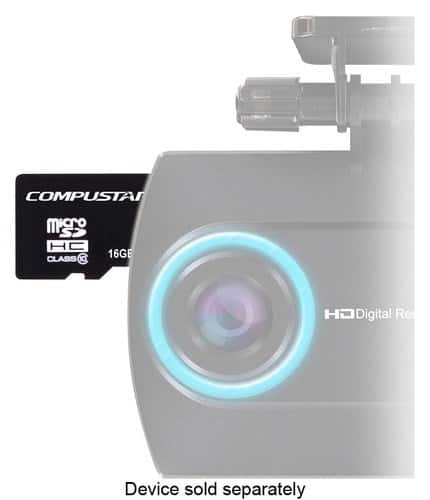
Compustar - Dash 16GB microSD Memory Card
SKU: J3P5Z3PLC8See all microSD (SDHC, SDXC)Product Description
A black, water-resistant microSD card with 16GB storage, ideal for recording dash camera video footage.Your price for this item is $12.99 -
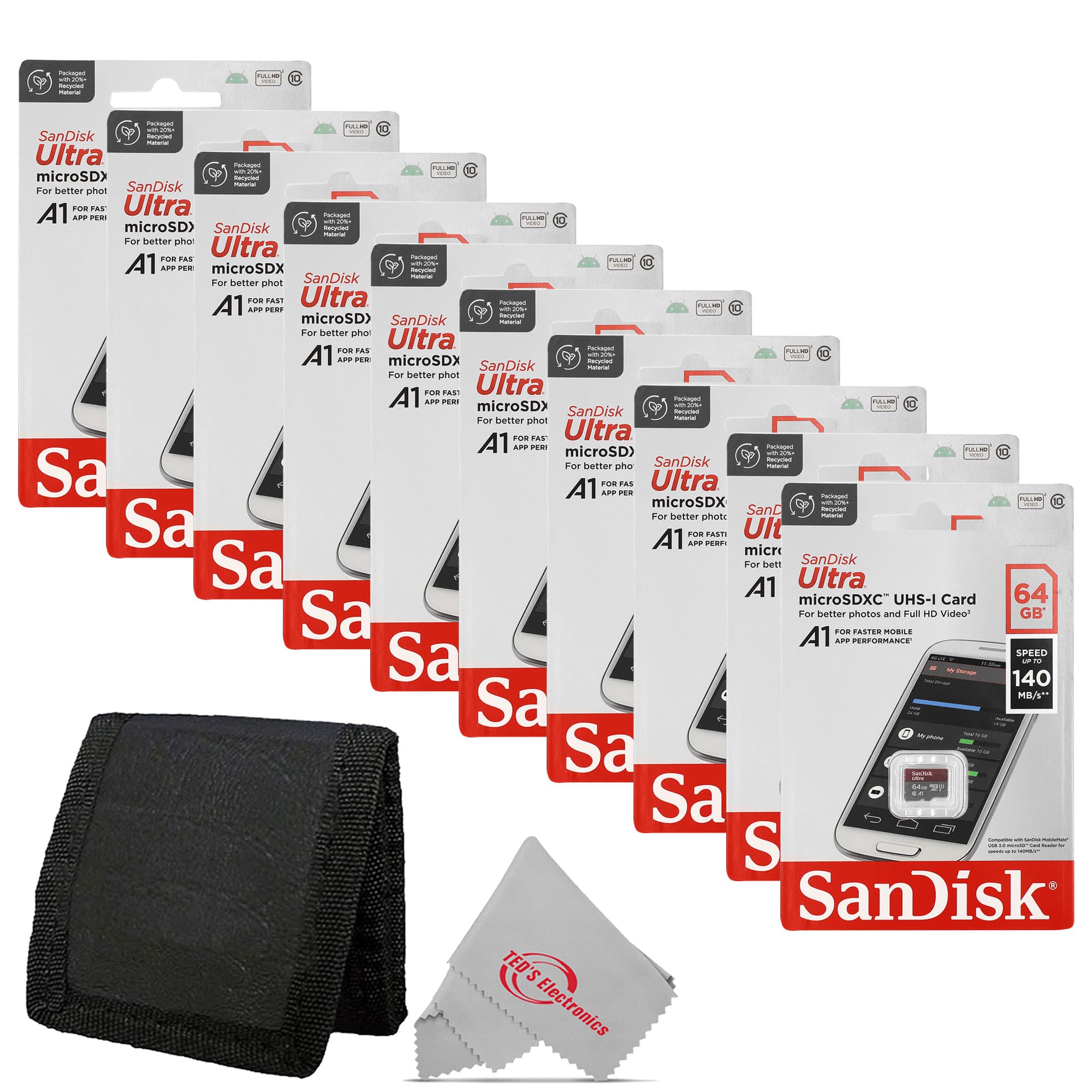
SanDisk Professional - 10x Sandisk Ultra microSD 64 GB 140MB/s Memory Card with Card Wallet
SKU: JX7QWF72QYSee all microSDXCProduct Description
A bundle of ten red, water-resistant microSDXC cards with 64GB each and 140MB/s transfer speeds.Your price for this item is $224.98

Best Sellers



Related Pages


FAQ
Yes, the Moto G Power supports microSD cards, allowing you to expand your phone's storage for photos, videos, apps, and more.
To insert a microSD card, locate the SIM/microSD tray on the side of your Moto G Power, use the provided ejector tool to open the tray, and place the microSD card in the designated slot before reinserting the tray.
Yes, the Moto G Power allows you to move certain apps and data to the microSD card through the phone's storage settings, freeing up internal space.
Using a quality microSD card that meets recommended speed ratings ensures optimal performance for storing photos, videos, and running supported apps on your Moto G Power.
You can format a microSD card directly from your Moto G Power by going to Settings > Storage > SD card, then selecting the option to format as portable or internal storage as needed.