Mini SD Card
-
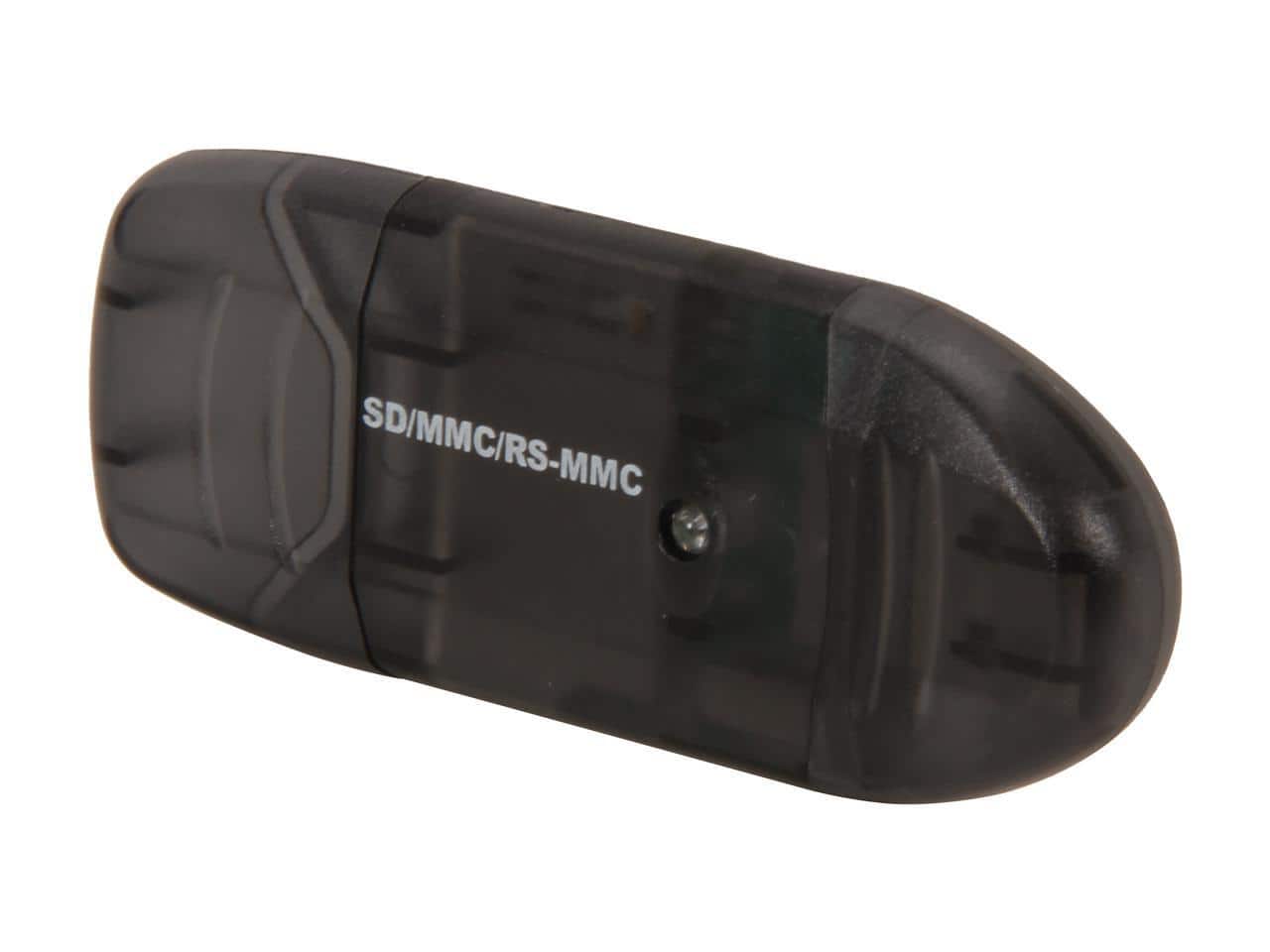
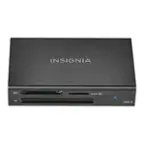
Nippon Labs - VCR-339-BK USB 2.0 SD Card Reader (Black)
SKU: BLV29VJLVXSee all Memory Card Readers & AdaptersProduct Description
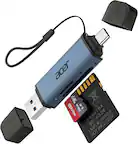
A black USB 2.0 card reader supporting SD, SDHC, MMC, MiniSD, and Micro SD formats.Your price for this item is $15.49
Best Sellers


Related Pages



FAQ
Mini SD cards are commonly used in older mobile phones, digital cameras, MP3 players, and handheld gaming consoles that feature a dedicated miniSD card slot. Always check your device's specifications to ensure compatibility before purchasing.
Yes, you can use a Mini SD card in a standard SD card slot by using a Mini SD to SD card adapter. However, Mini SD cards are not directly compatible with microSD card slots.
To format a Mini SD card, insert it into your device or a card reader connected to your computer. Use the device's built-in format option or your computer's disk management tools. Be sure to back up any important data before formatting, as this process will erase all content on the card.
Yes, Mini SD cards are available in various speed classes, which indicate their minimum write speeds. The speed class you need depends on your intended use, such as recording video or transferring large files. Check your device's recommendations for the appropriate speed class.
Absolutely! Mini SD cards can be used to transfer photos, videos, and other files between compatible devices. Simply insert the card into the source device, save your files, then move the card to the destination device to access or transfer your data.