Gaming Monitor Stand
-
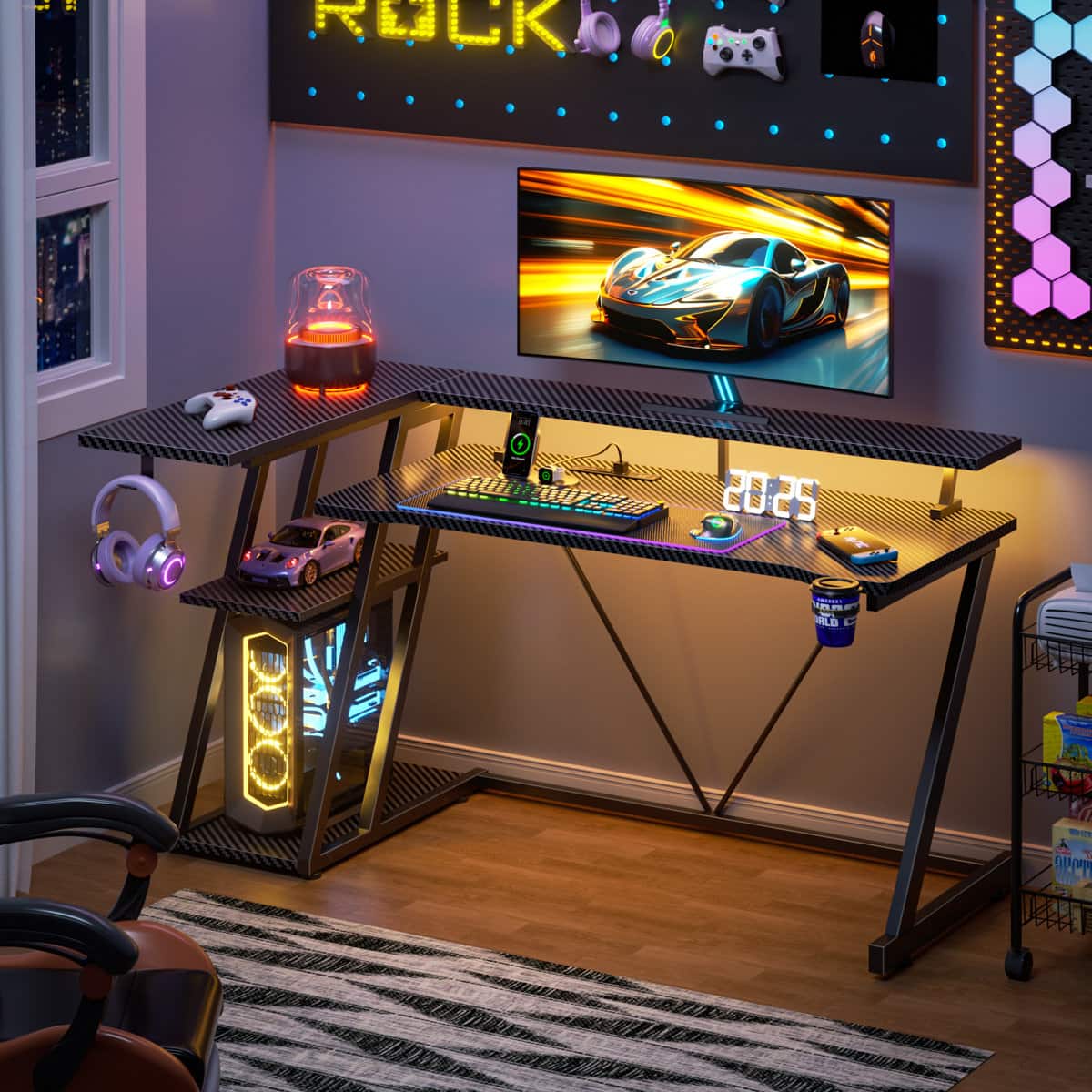
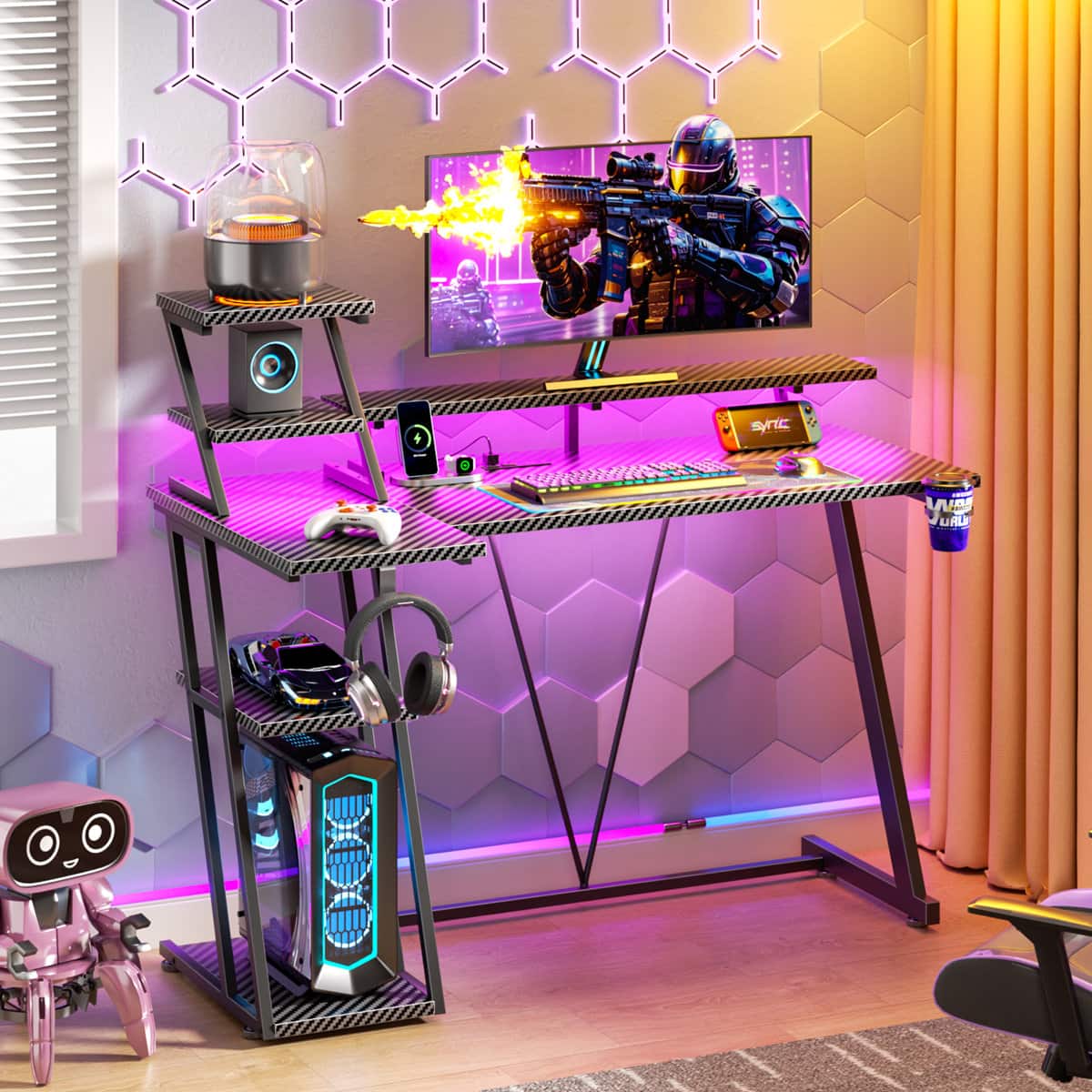
Furnulem - Gaming Desk L Shaped Corner Computer Table with Monitor Stand 3 Tier Storage Shelves Bedroom Home Office - Black
SKU: CZWPZVGH5YSee all Computer DesksProduct Description
A black metal and wood L-shaped desk with LED lighting, power outlets, monitor stand, and storage features.Your price for this item is $94.99 -
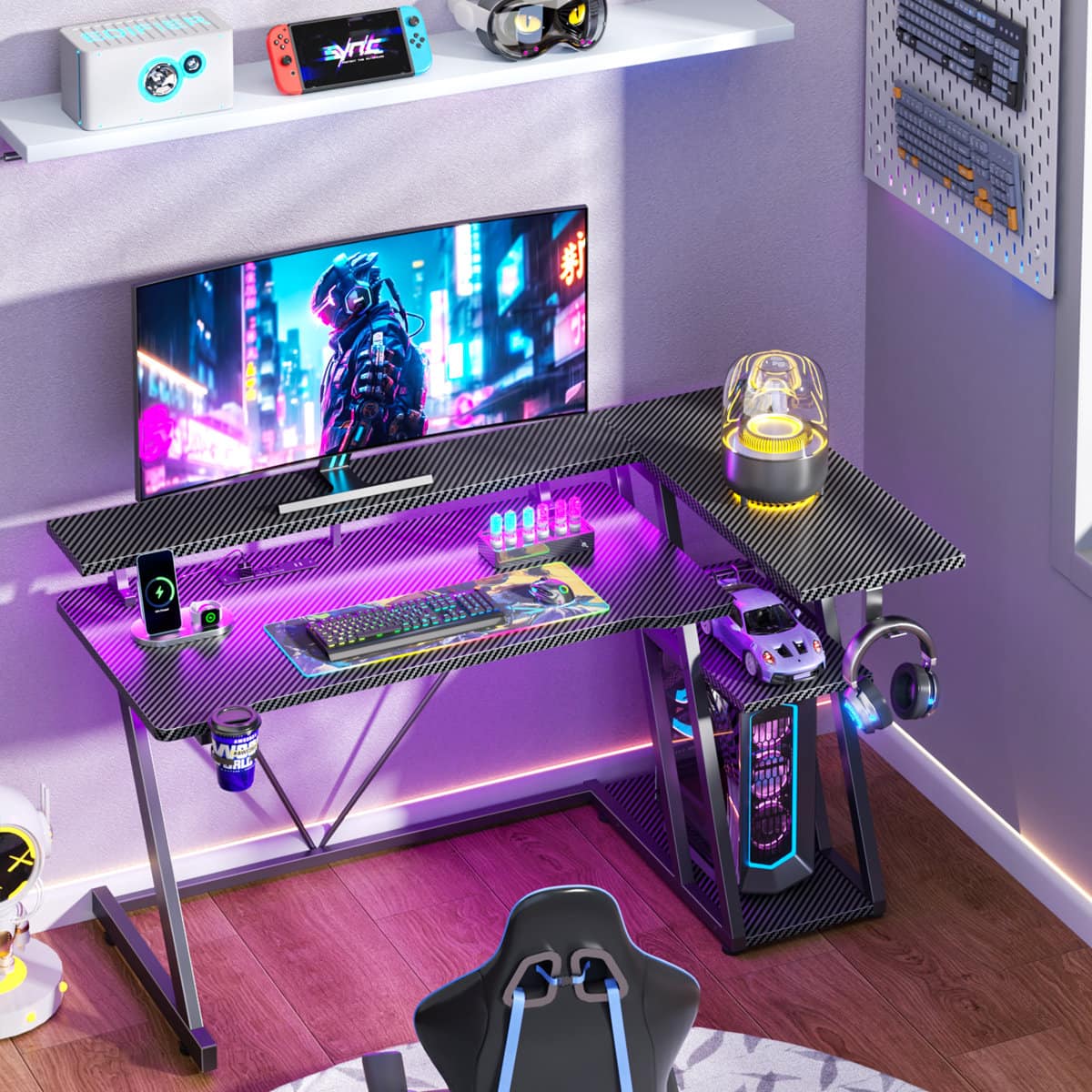
Furnulem - Gaming Desk L Shaped Corner Computer Table with Monitor Stand 3 Tier Storage Shelves Bedroom Home Office - Black
SKU: CZWPZVGHVPGreat size and was very easy to put together overall just great...Love the product … easy to install, nice and sturdy...Good I love the cup holder
See all Computer DesksProduct Description
A black metal and wood gaming desk featuring LED lighting, monitor stand, power outlets, and versatile storage.Your price for this item is $79.99Save $6The previous price was $85.99 -
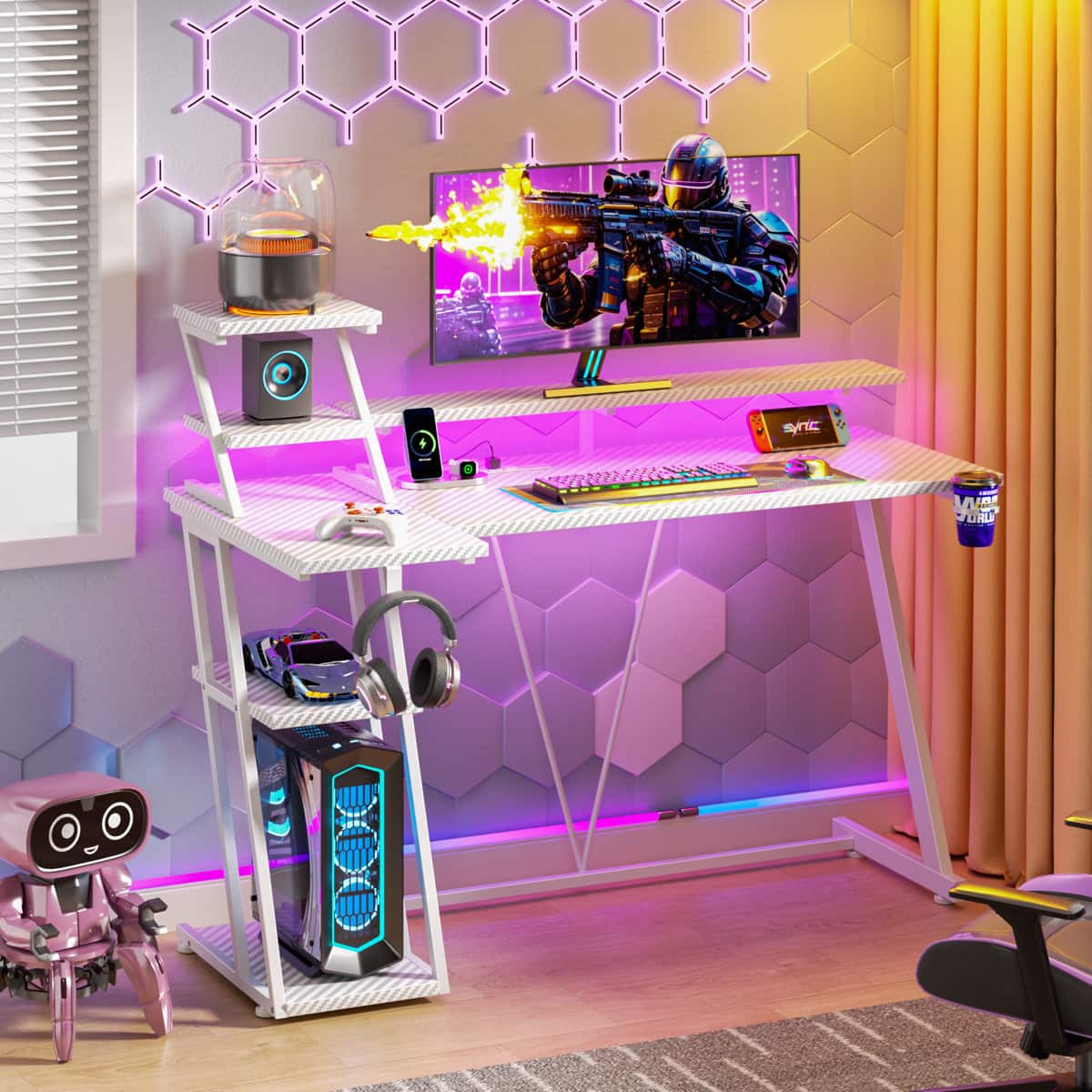
Furnulem - Computer Gaming Desk Corner Computer Table with Monitor Stand Storage Shelves Gamer Desk for Home Office Setup Station - White
SKU: CZWPZVGHKCSee all Computer DesksProduct Description
A versatile white metal and wood desk featuring RGB LED lights, power outlets, monitor stand, and storage.Your price for this item is $92.99Save $69The previous price was $161.99 -
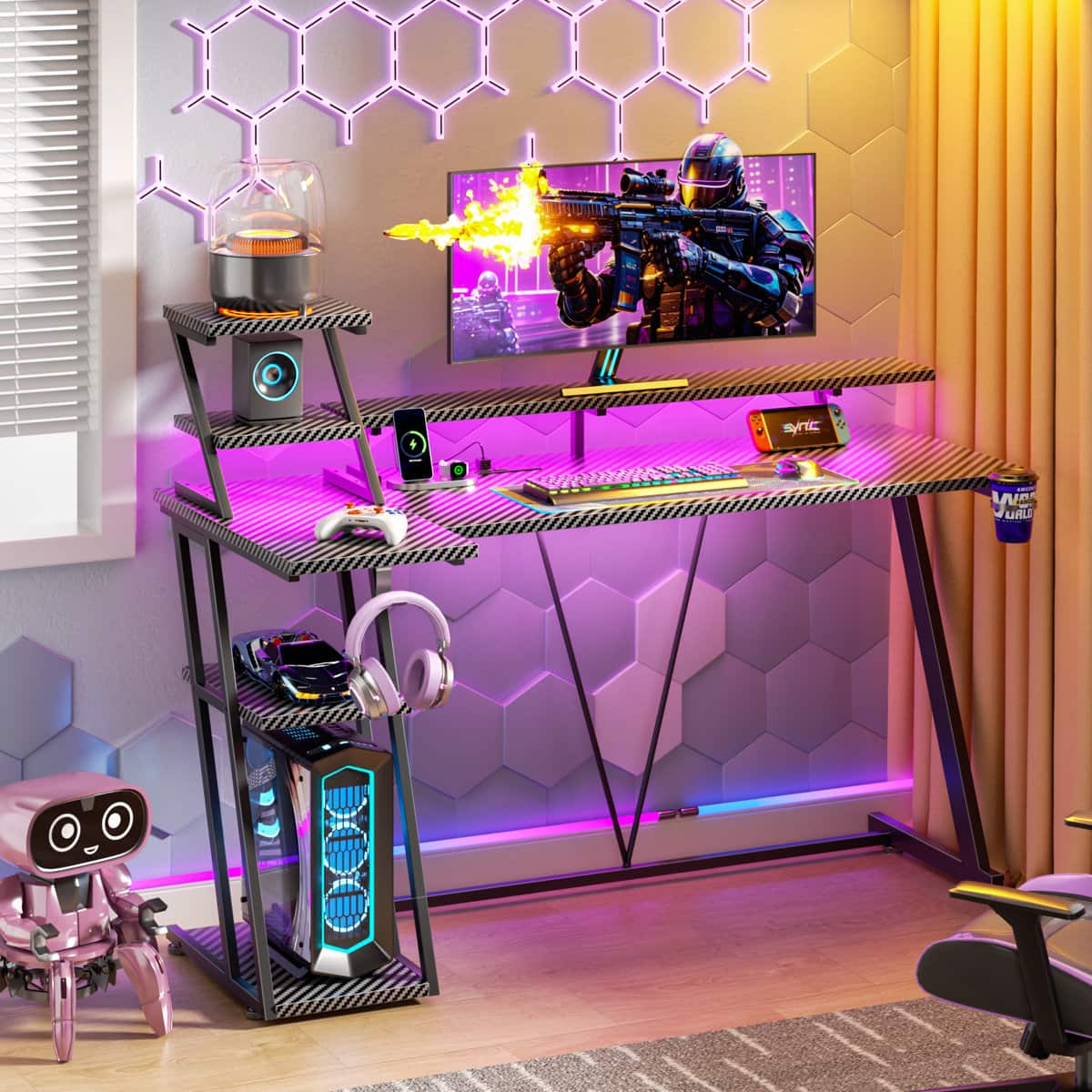
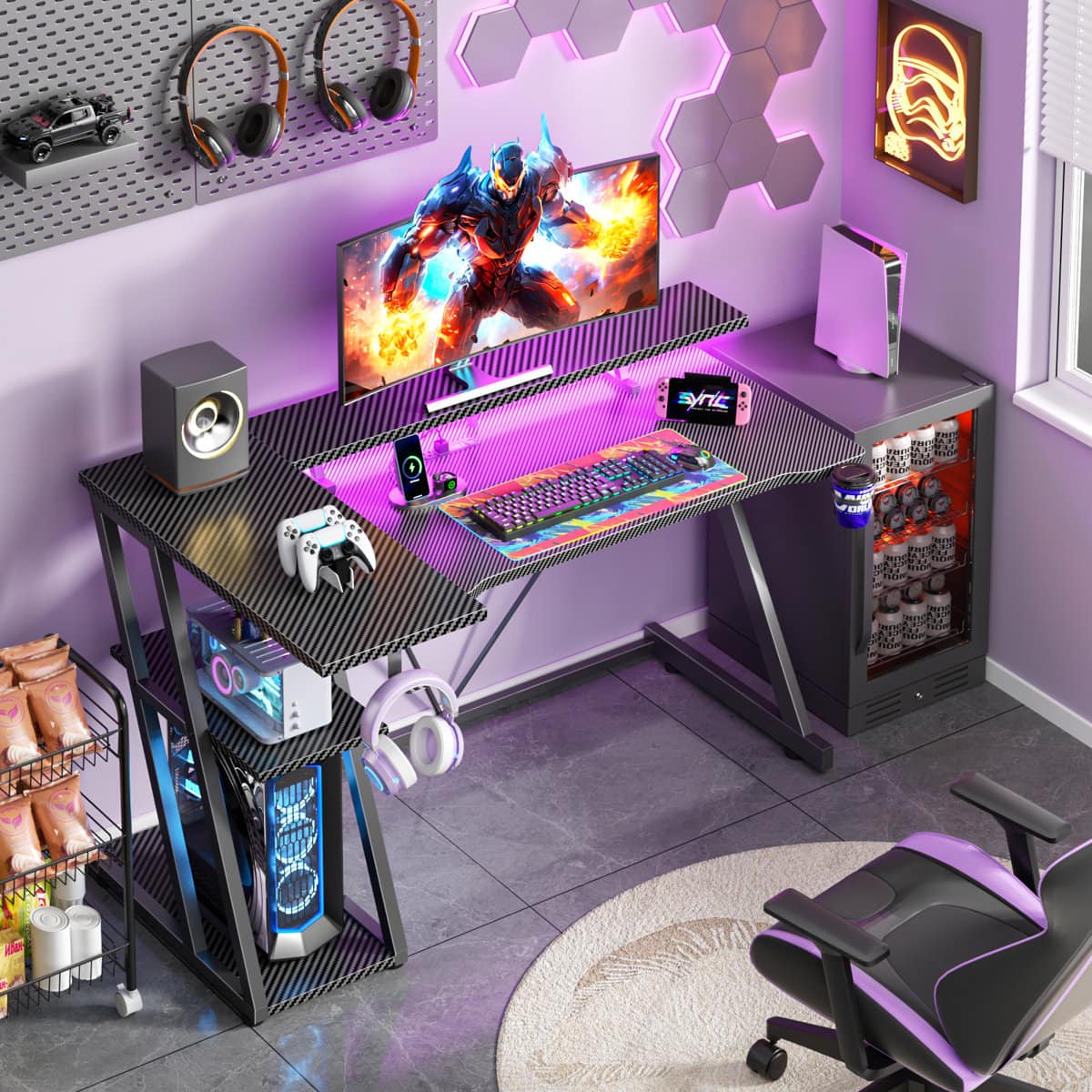
Furnulem - Computer Gaming Desk Corner Computer Table with Monitor Stand Storage Shelves Gamer Desk for Home Office Setup Station - Black
SKU: CZWPZVGHKHSee all Computer DesksProduct Description
A black metal and wood desk featuring RGB LED lights, power outlets, monitor stand, cup holder, and headphone hook.Your price for this item is $54.99Save $18The previous price was $72.99 -
Furnulem - Computer Gaming Desk Corner Computer Table with Monitor Stand Storage Shelves Gamer Desk for Home Office Setup Station - Black
SKU: CZWPZVGH42See all Computer DesksProduct Description
A black metal and wood desk featuring RGB LED lights, power outlets, monitor stand, cup holder, and headphone hook.Your price for this item is $46.99Save $21The previous price was $67.99 -
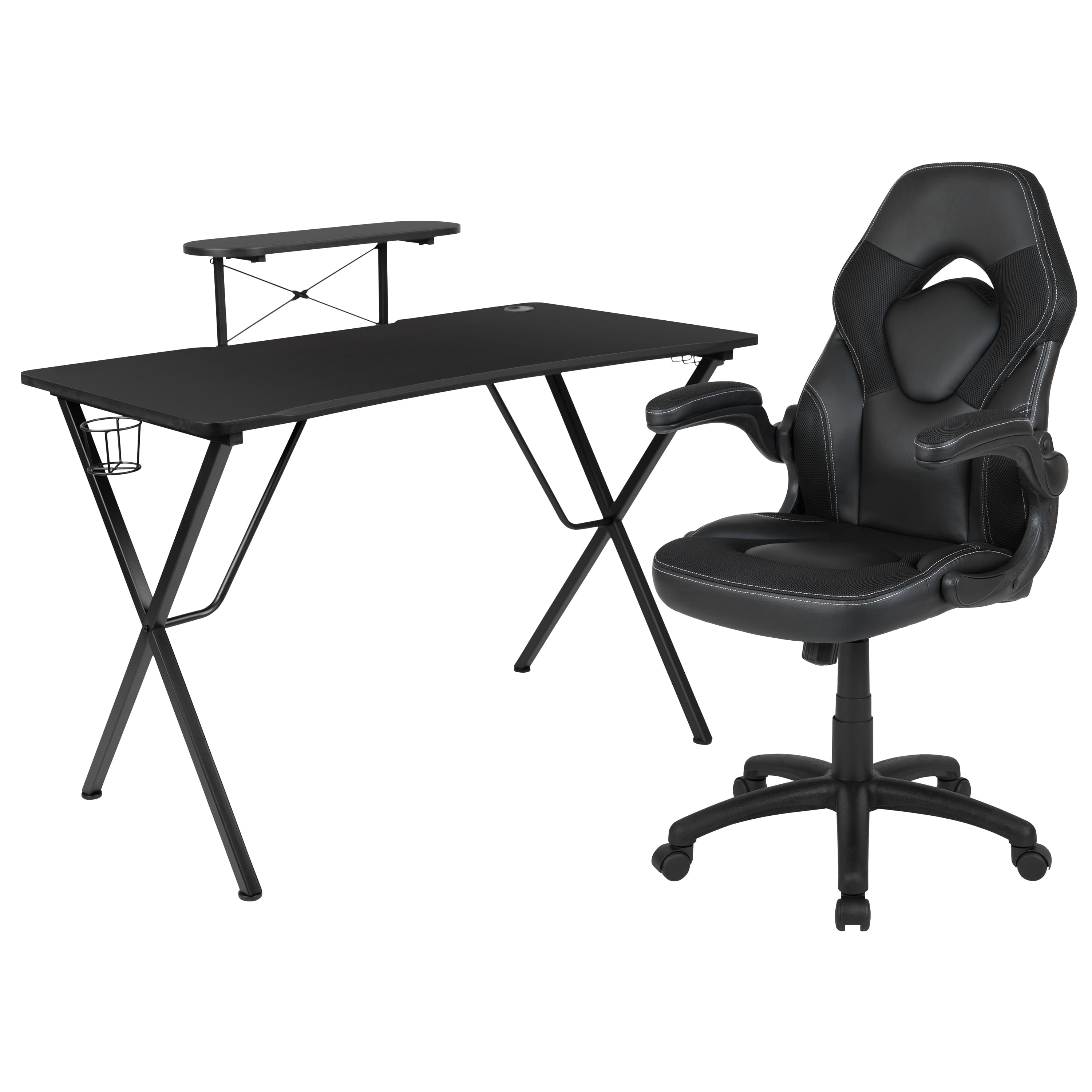
Emma + Oliver - Gaming Desk and Racing Chair Set with Headphone Hook, and Monitor Stand - Black
SKU: J3ZHFXZ5W6See all Gaming DesksProduct Description
A black wood gaming desk and ergonomic racing chair set with monitor stand, headphone hook, and cup holder.Your price for this item is $340.99 -
Furnulem - Gaming Desk L Shaped Corner Computer Table with Monitor Stand 3 Tier Storage Shelves Bedroom Home Office - Black
SKU: CZWPZVGHF3See all Computer DesksProduct Description
A black metal and wood L-shaped desk with LED lighting, power outlets, monitor stand, and storage features.Your price for this item is $89.99Save $2The previous price was $91.99 -
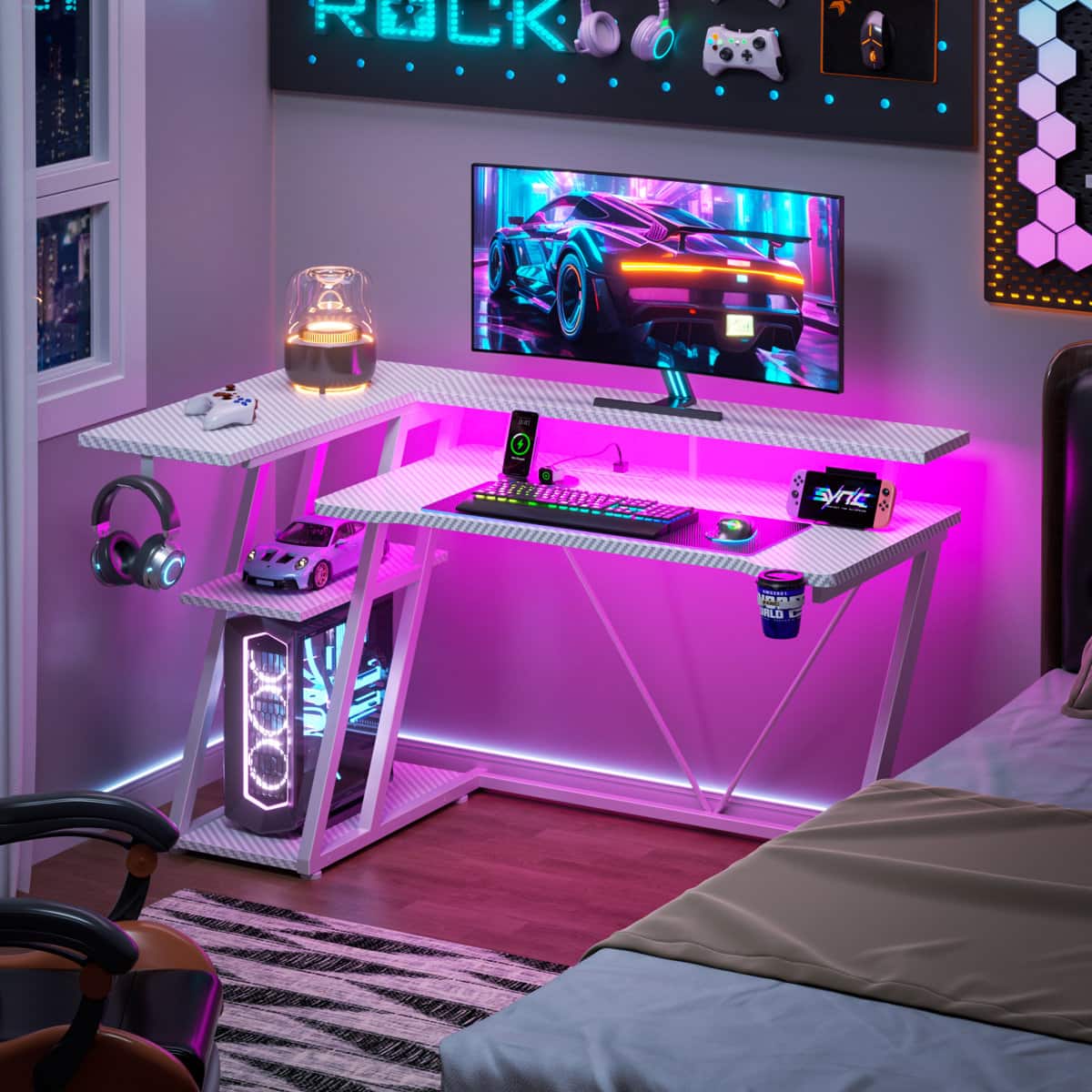
Furnulem - Gaming Desk L Shaped Corner Computer Table with Monitor Stand 3 Tier Storage Shelves Bedroom Home Office - White
SKU: CZWPZVGH5HSee all Computer DesksProduct Description
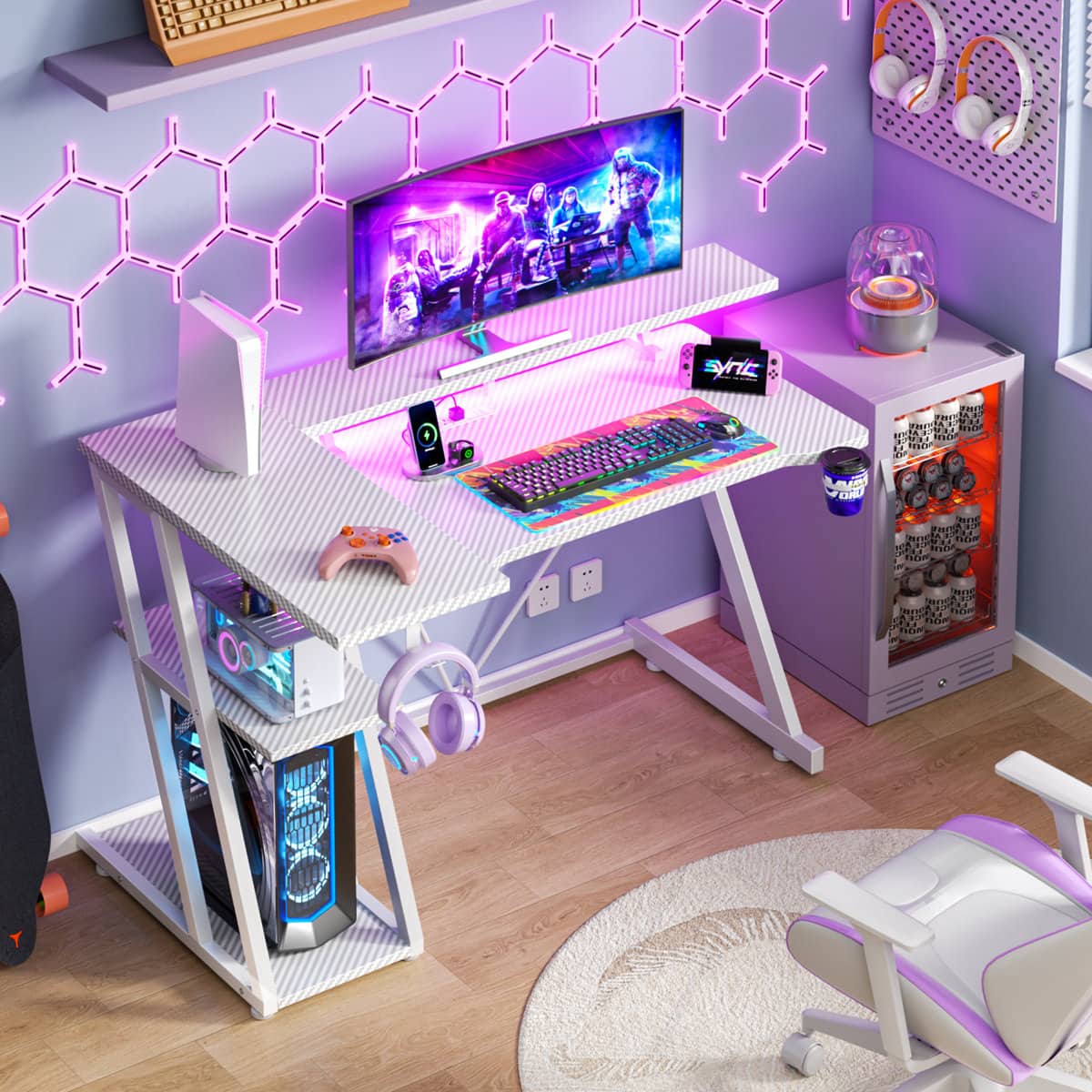
A white metal and wood gaming desk featuring LED lighting, power outlets, monitor stand, and flexible storage.Your price for this item is $89.99 -
Furnulem - Gaming Desk L Shaped Corner Computer Table with Monitor Stand 3 Tier Storage Shelves Bedroom Home Office - White
SKU: CZWPZVGHF5See all Computer DesksProduct Description
A versatile white metal and wood gaming desk featuring LED lighting, power outlets, monitor stand, and storage.Your price for this item is $84.99Save $1The previous price was $85.99 -
RSPGAME - 47" RGB Gaming Desk with Monitor Stand, Cup Holder & Headphone Hook - Black&Blue
SKU: J3GWHY7YW2See all Gaming DesksProduct Description
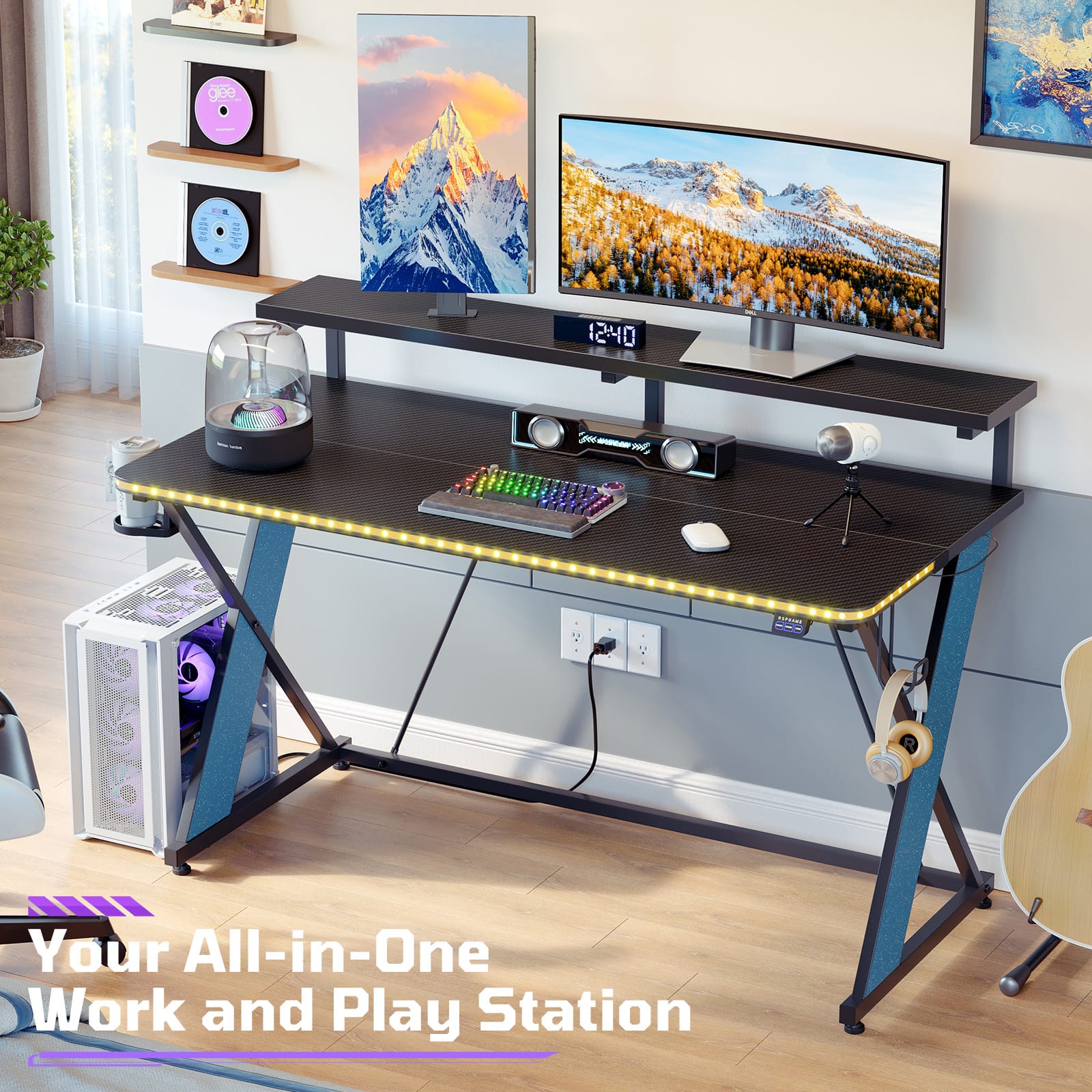
A black and blue metal and wood gaming desk featuring RGB lighting, monitor stand, cup holder, and headphone hook.Your price for this item is $99.99Save $50The previous price was $149.99
Best Sellers
Related Pages




FAQ
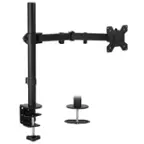
When choosing a gaming monitor stand, consider features such as adjustable height, swivel, tilt, and rotation capabilities. Cable management options, sturdy construction, and compatibility with VESA mounting standards are also important for a customized and organized gaming setup.
Yes, a gaming monitor stand can free up valuable desk space by elevating your monitor and providing room underneath for keyboards, controllers, or other accessories. Many stands also include built-in cable management to help keep your gaming area tidy.
Many gaming monitor stands are designed to support a variety of monitor shapes, including curved and ultrawide models. Always check the product specifications for compatibility with your monitor's mounting pattern and weight.
To set up a dual or triple monitor stand, first assemble the stand according to the manufacturer's instructions. Securely attach each monitor to the stand's mounting arms, ensuring they are aligned for an immersive gaming experience. Adjust the height and angle for optimal viewing comfort.
Absolutely! Gaming monitor stands are versatile and can be used for office work, graphic design, streaming, or any multi-monitor setup. Their ergonomic adjustments and organizational features benefit a wide range of users.