Headsets For Microsoft Teams
-
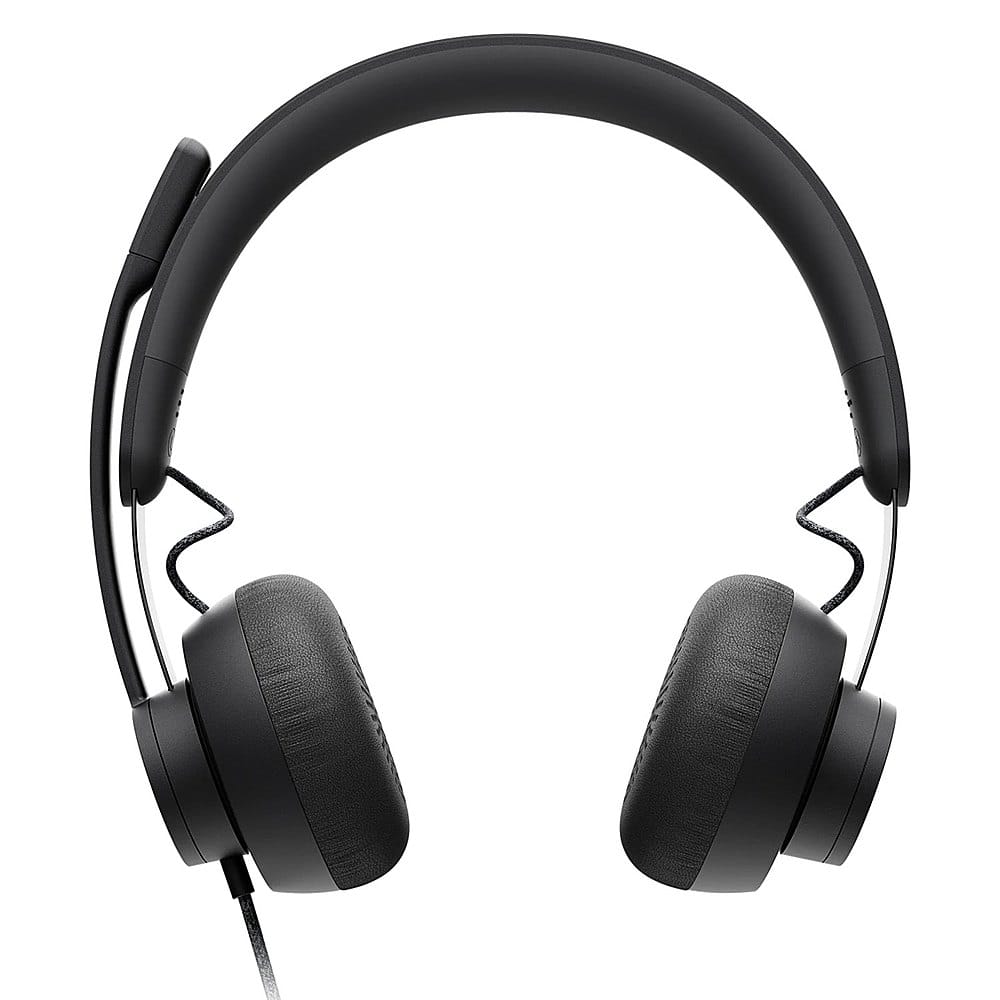
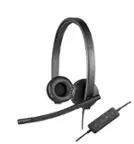
Logitech - Zone Wired Noise Cancelling On-Ear Headset for Microsoft Teams - Graphite
SKU: J7H7ZY3CHSSounds great, and have a handy feature if you use Microsoft teams to pick up calls....The best headset I have ever had. I recommend this headset for WFH jobs....I think this is the best work related headset...
See all Headsets & MicrophonesProduct Description
A graphite wired headset with active noise cancellation, Teams certification, and a flip-to-mute microphone.Your price for this item is $99.99 -
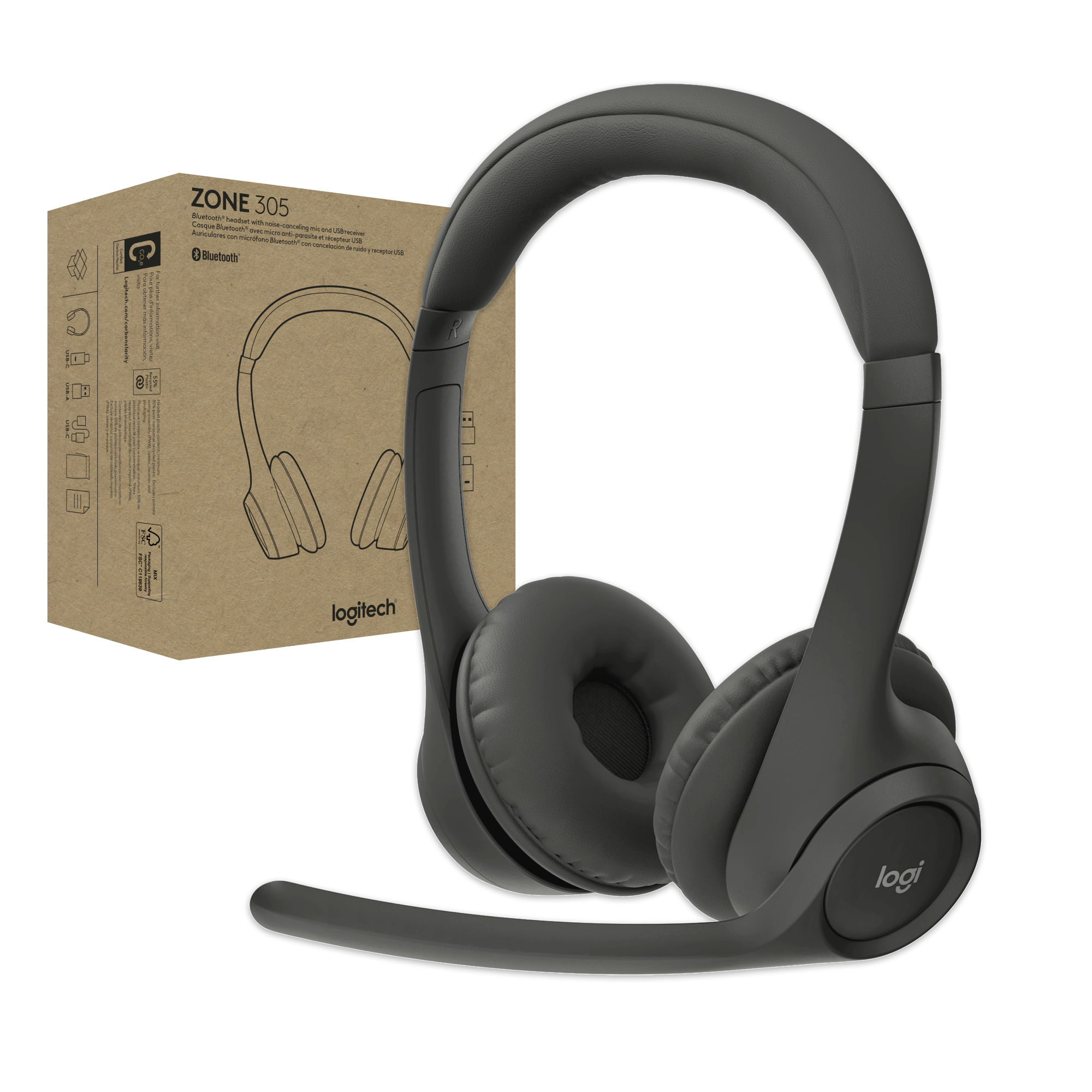
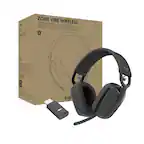
Logitech - Zone 305 for Business, Wireless Headset With Native Bluetooth for Microsoft Teams - Graphite
SKU: J7H7ZYGQCCLove it with Teams...Being able to mute simply by raising the mic is the best part!...Best purchase ever
See all Headsets & MicrophonesProduct Description
A wireless over-the-ear headset in graphite with dual noise-canceling mics and native Bluetooth for Teams.Your price for this item is $69.99 -
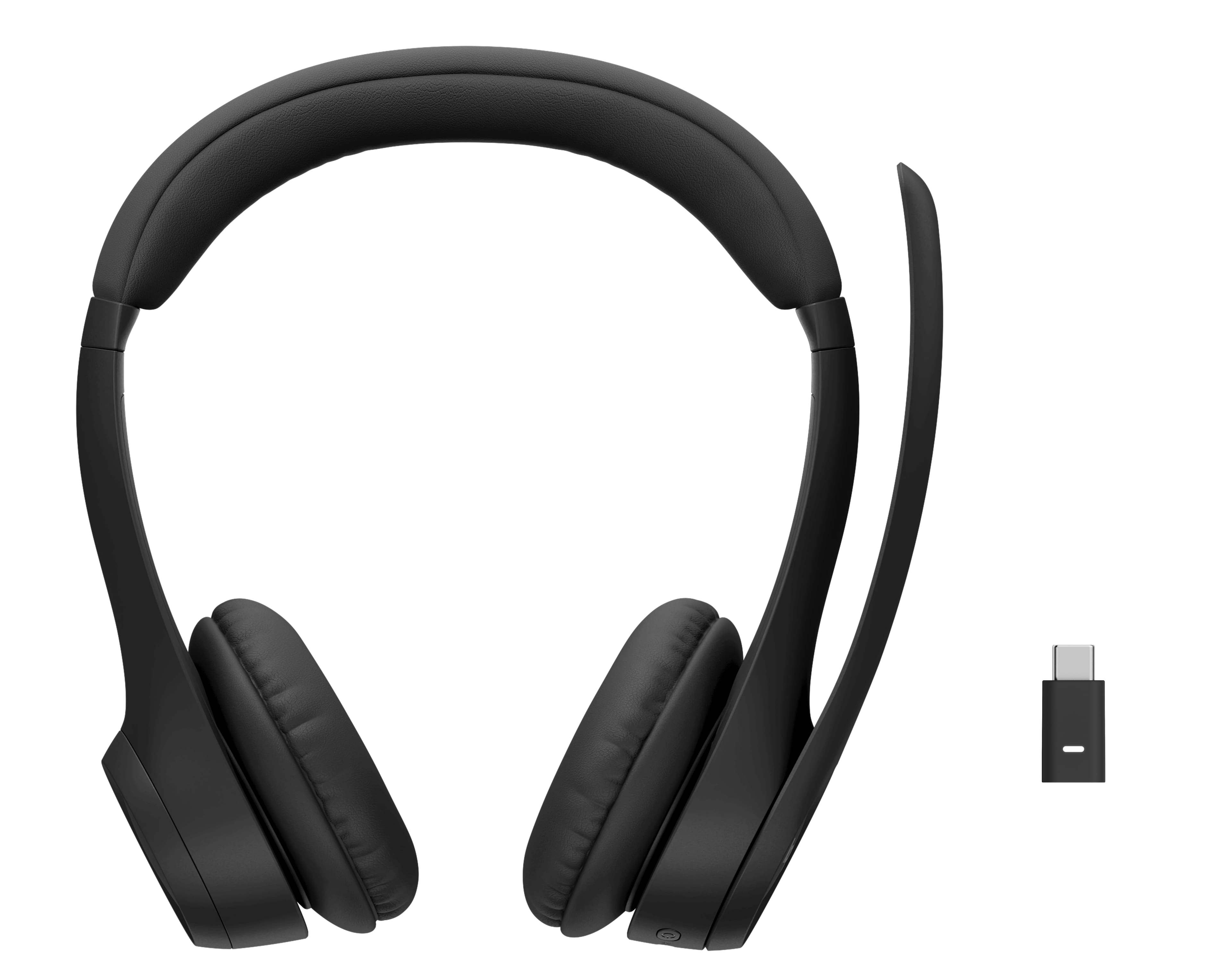
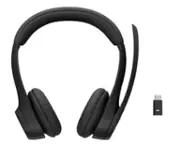
Logitech - Zone Wireless Bluetooth Over-the-Ear 2 Headset Teams Version with Receiver - Graphite
SKU: J7H7ZY8X4JGreat product...I love that. Battery last the full day.
See all Headsets & MicrophonesProduct Description
A wireless over-the-ear headset in graphite with Bluetooth connectivity and a noise-cancelling microphone for Teams.Your price for this item is $249.99 -
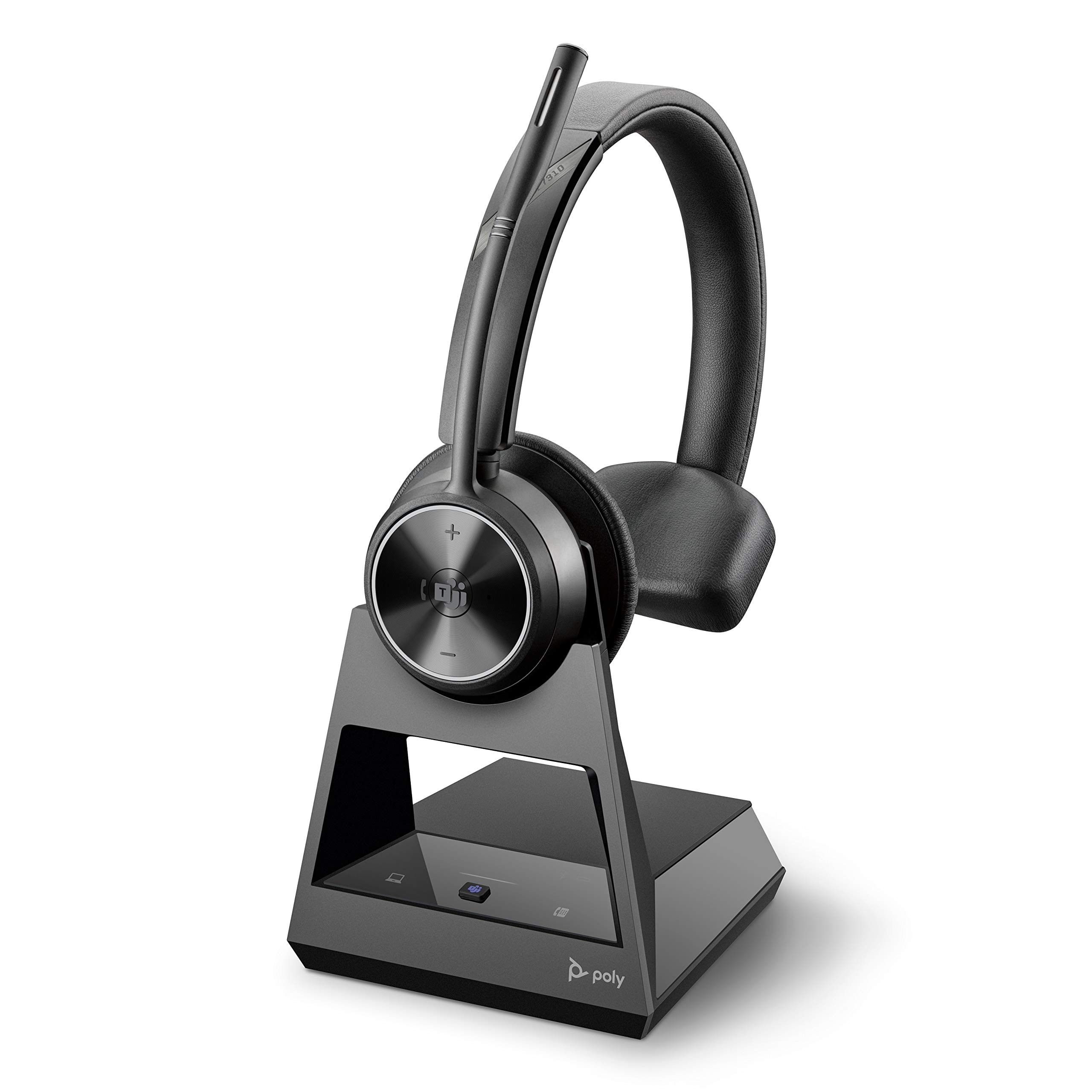
Poly - Savi 7310-M Ultra-Secure Wireless DECT Headset System - Microsoft Teams Certified Version - Black
SKU: J7CZR8TJXHSee all Headsets & MicrophonesProduct Description
A black, rechargeable wireless DECT headset system certified for Microsoft Teams, providing ultra-secure on-ear communication.Your price for this item is $236.49 -
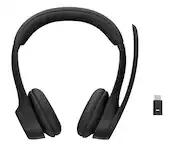
Logitech - Zone 305 Wireless Noise Cancelling Over-the-Ear Headset Teams Version with Receiver - Black
SKU: J7H7ZYGQ2LGreat headset...I love the quality of the headset!...Great work headphones!...Great headphones! Decent quality and works well. No complaint
See all Headsets & MicrophonesProduct Description
A black wireless over-the-ear headset with Bluetooth and dual noise-canceling microphones for clear calls.Your price for this item is $99.99 -
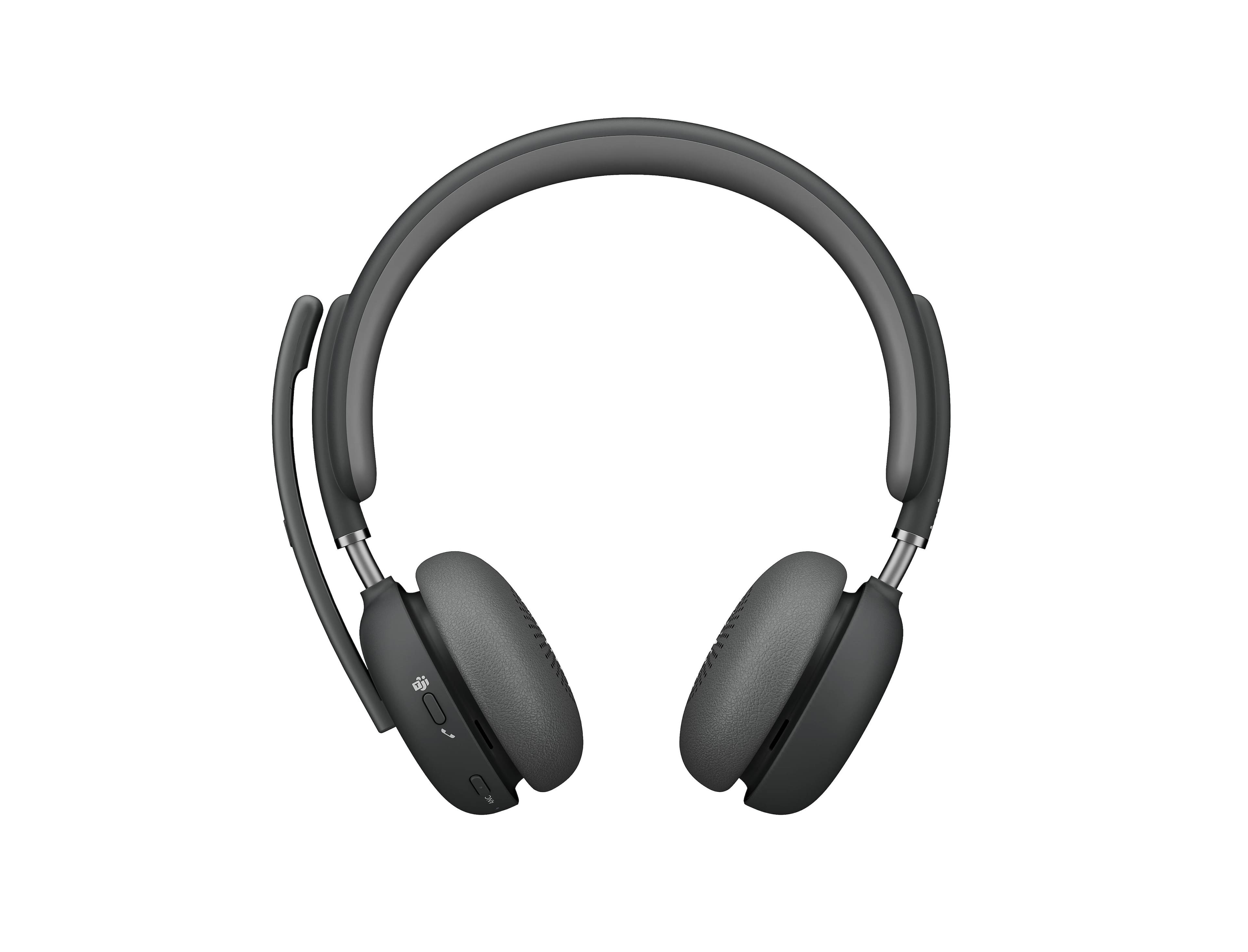
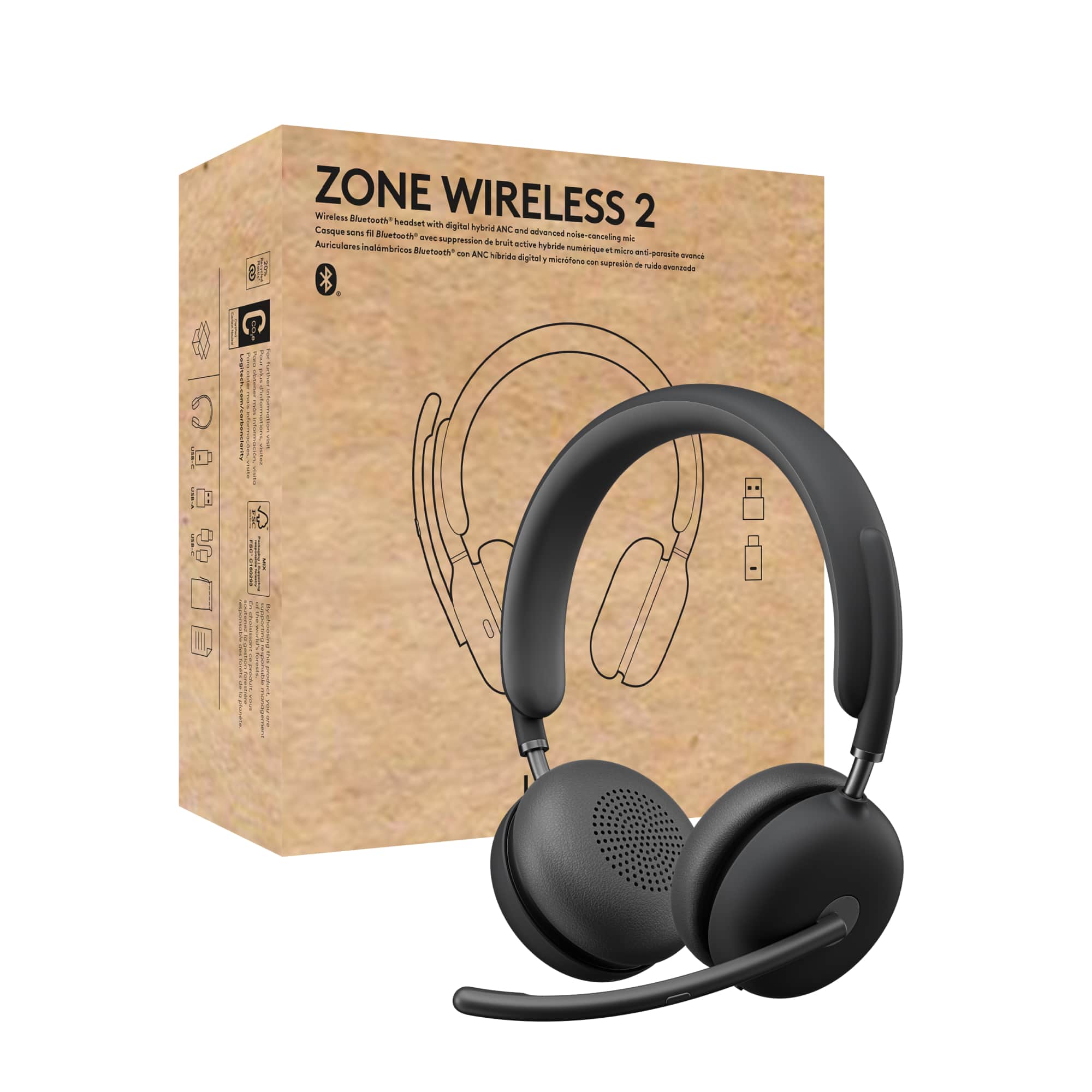
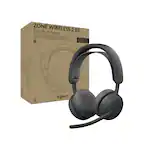
Logitech - Zone Wireless 2 Premium Noise Canceling Headset, Certified for Microsoft Teams over Native Bluetooth - Graphite
SKU: J7H7ZYGRCHThey’re great at blocking the noise and the conversations are much clearer.
See all Headsets & MicrophonesProduct Description
A premium graphite wireless headset with hybrid active noise cancellation, four noise-canceling mics, and Teams certification.Your price for this item is $229.99 -
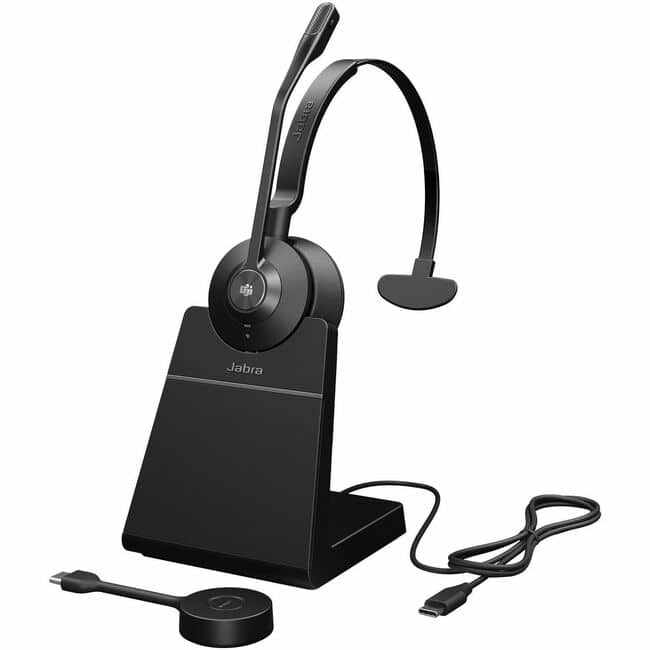
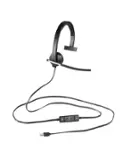
Jabra - Engage 55 SE Headset - Microsoft Teams Certification - Mono - Monaural - Black
SKU: JXQWK8KHRSSee all Headsets & MicrophonesProduct Description
A black, wired monaural headset certified for Microsoft Teams, ideal for remote work and over-the-ear comfort.Your price for this item is $395.00 -
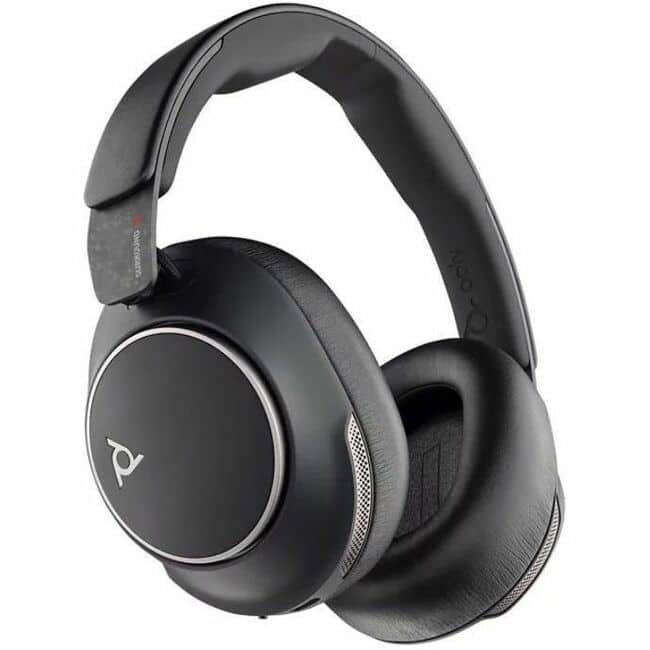
HP - Poly Voyager Surround 80 UC Microsoft Teams Certified USB-C Headset +USB-C/A Adapter - Microsoft Teams Certification - Blue
SKU: JJG87FL73VSee all Headsets & MicrophonesProduct Description
A blue over-ear wireless headset with adaptive ANC, boomless mics, and Microsoft Teams certification for clear calls.Your price for this item is $359.99 -
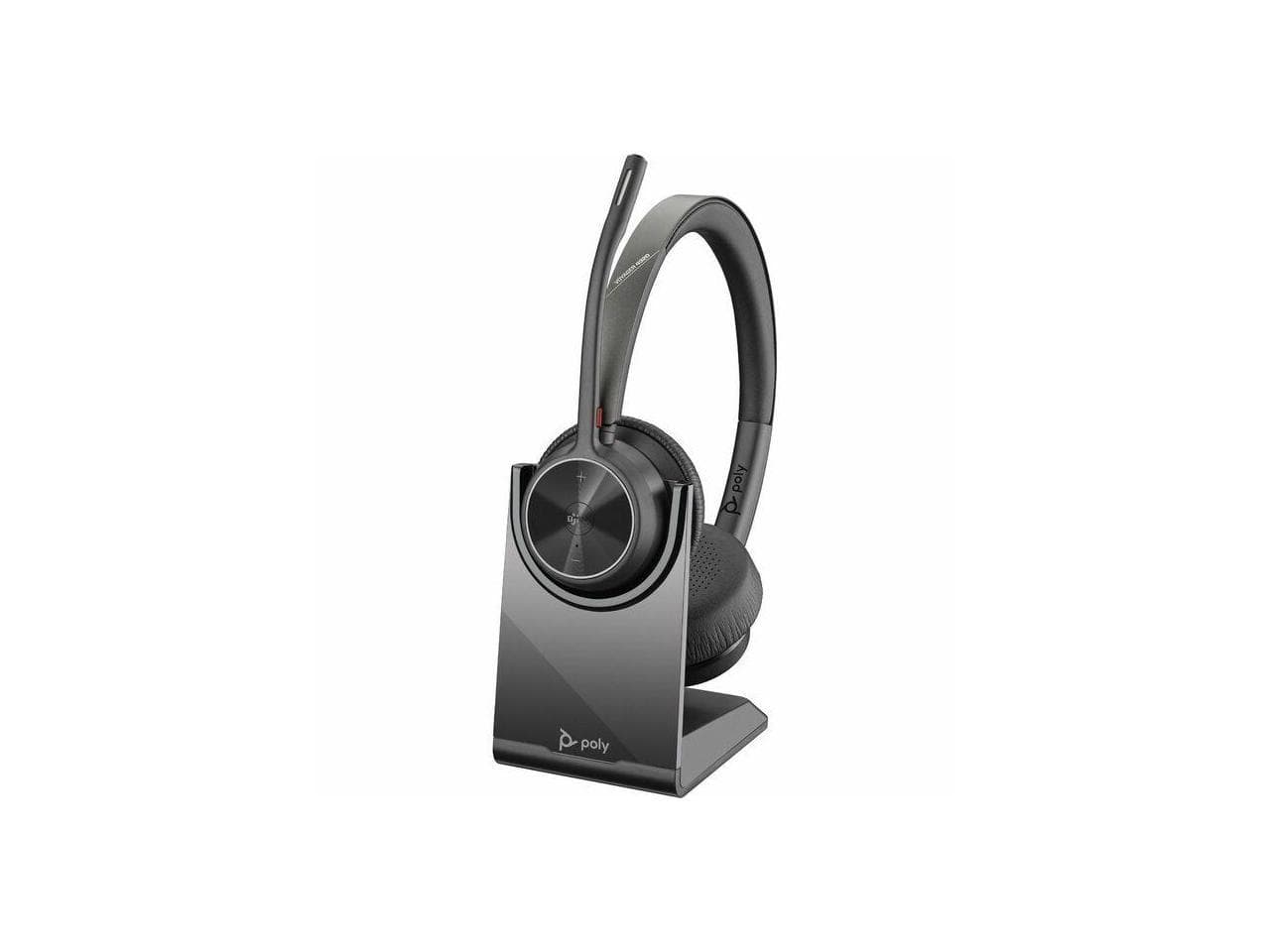
Poly - Voyager 4320-M Microsoft Teams Certified Headset +BT700 dongle +Charging Stand - Black
SKU: JJGG7ZZ2Q2See all Headsets & MicrophonesProduct Description
A black, noise-canceling on-ear headset with Bluetooth, USB-C, charging stand, and Microsoft Teams certification.Your price for this item is $161.74Save $5The previous price was $167.14 -
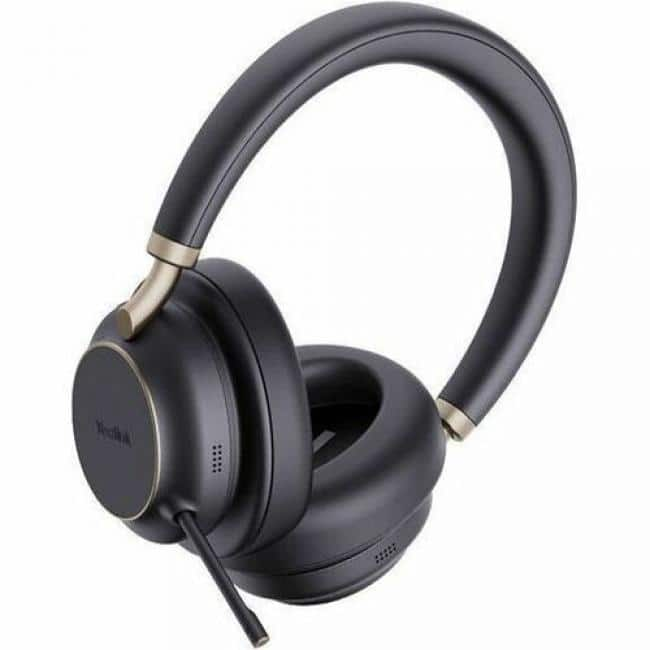
Yealink - Bluetooth Business Headset - Microsoft Teams Certification - Stereo - Wireless - Bluetooth - 150 ft - 20 Hz to - Black
SKU: J39FY7F74ZSee all Headsets & MicrophonesProduct Description
A wireless, noise-canceling stereo headset in black with Microsoft Teams certification and Bluetooth connectivity.Your price for this item is $201.69
Best Sellers
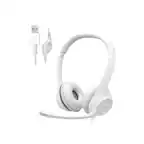
Related Pages
FAQ
When choosing a headset for Microsoft Teams, look for features such as noise-canceling microphones, comfortable ear cushions, reliable connectivity (USB, Bluetooth, or wireless), and official Teams certification for seamless integration and call control functions.
Yes, many manufacturers offer headsets that are certified for Microsoft Teams. These headsets are optimized for Teams’ audio requirements and include dedicated Teams buttons for quick access to meetings and calls.
Absolutely! Wireless headsets, including Bluetooth and DECT models, are compatible with Microsoft Teams. Just ensure your device supports the headset's connection type and that the headset is set as the default audio device in Teams settings.
Most modern headsets are plug-and-play and work directly with Microsoft Teams without additional software. However, for advanced features or customization, some brands may offer optional software to enhance your experience.
Teams-certified headsets offer optimized audio quality, dedicated Teams controls, and guaranteed compatibility for a smoother, more reliable communication experience, especially in professional or collaborative environments.