Headsets With Microphone For PC
-
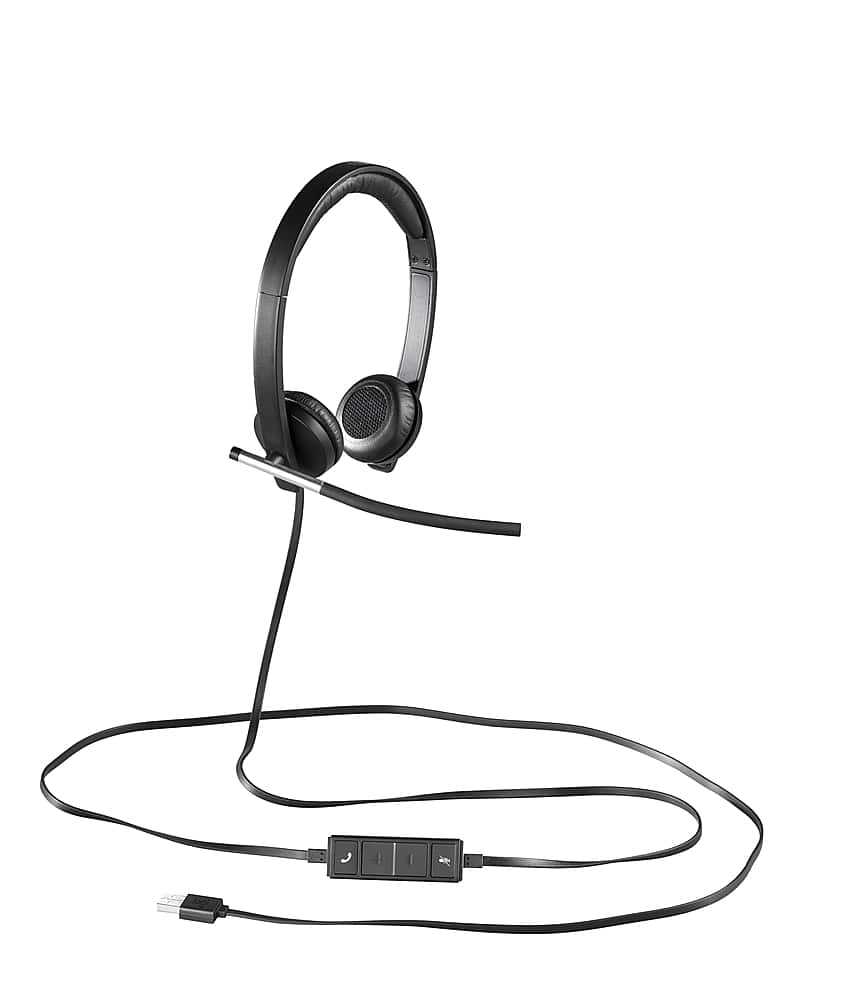
Logitech - H650e Stereo Wired On-ear Headset - Black
SKU: J7H7ZY7FV2Great headset
See all Headsets & MicrophonesProduct Description
A black wired on-ear headset featuring noise-canceling microphone, sound isolation, and convenient inline call controls.Your price for this item is $74.99 -
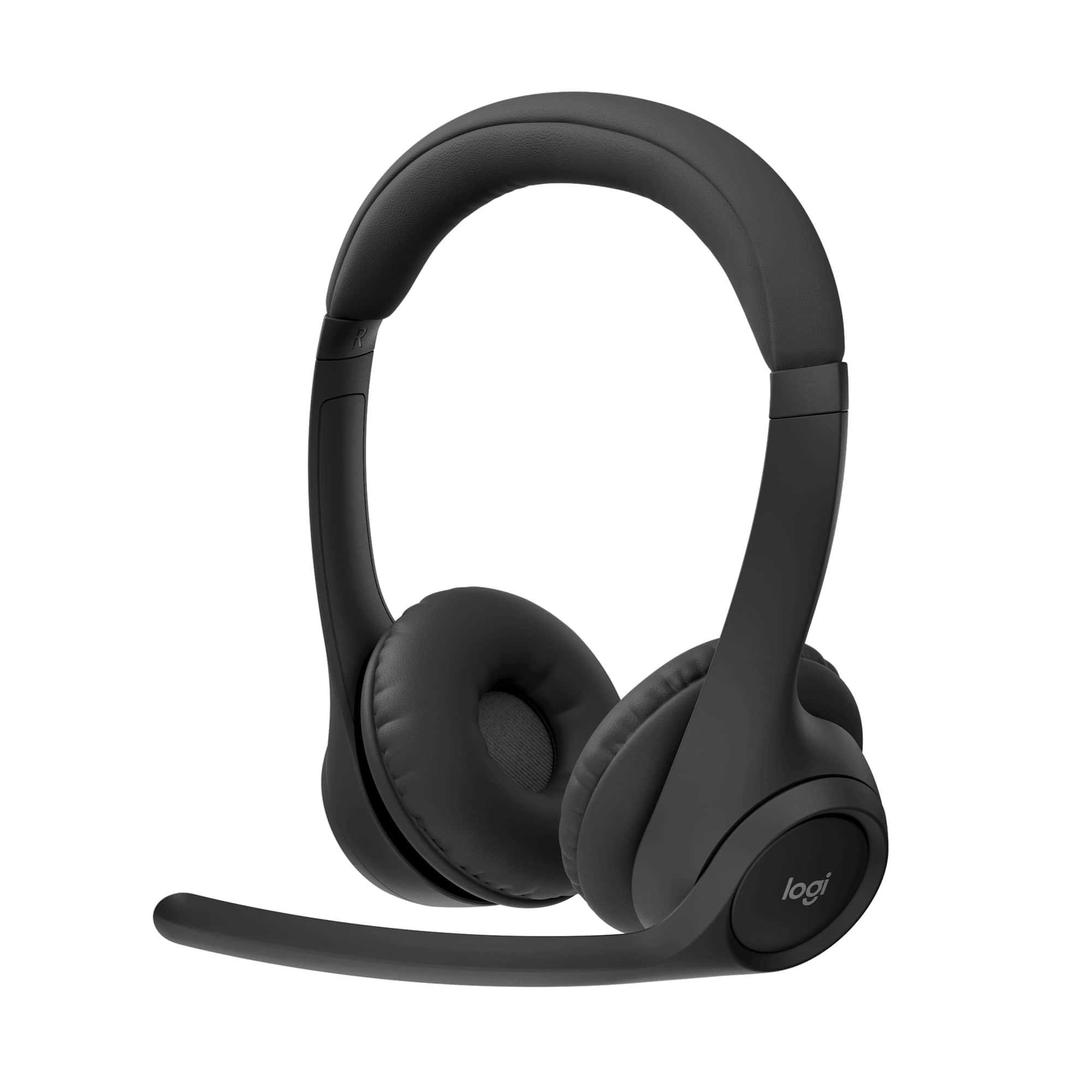
Logitech - Zone 300 Wireless Bluetooth On-ear Headset With Noise-Canceling Microphone - Black
SKU: J7H7ZYGY4TGreat product...Great product, has the best sound and noice cancellation....Best thing for my voice...I love it. I was having difficulty at the end of the day with voice.
See all Headsets & MicrophonesProduct Description
A black wireless Bluetooth on-ear headset featuring noise-canceling microphone, multipoint connectivity, and USB-C charging.Your price for this item is $59.99Save $10The previous price was $69.99 -
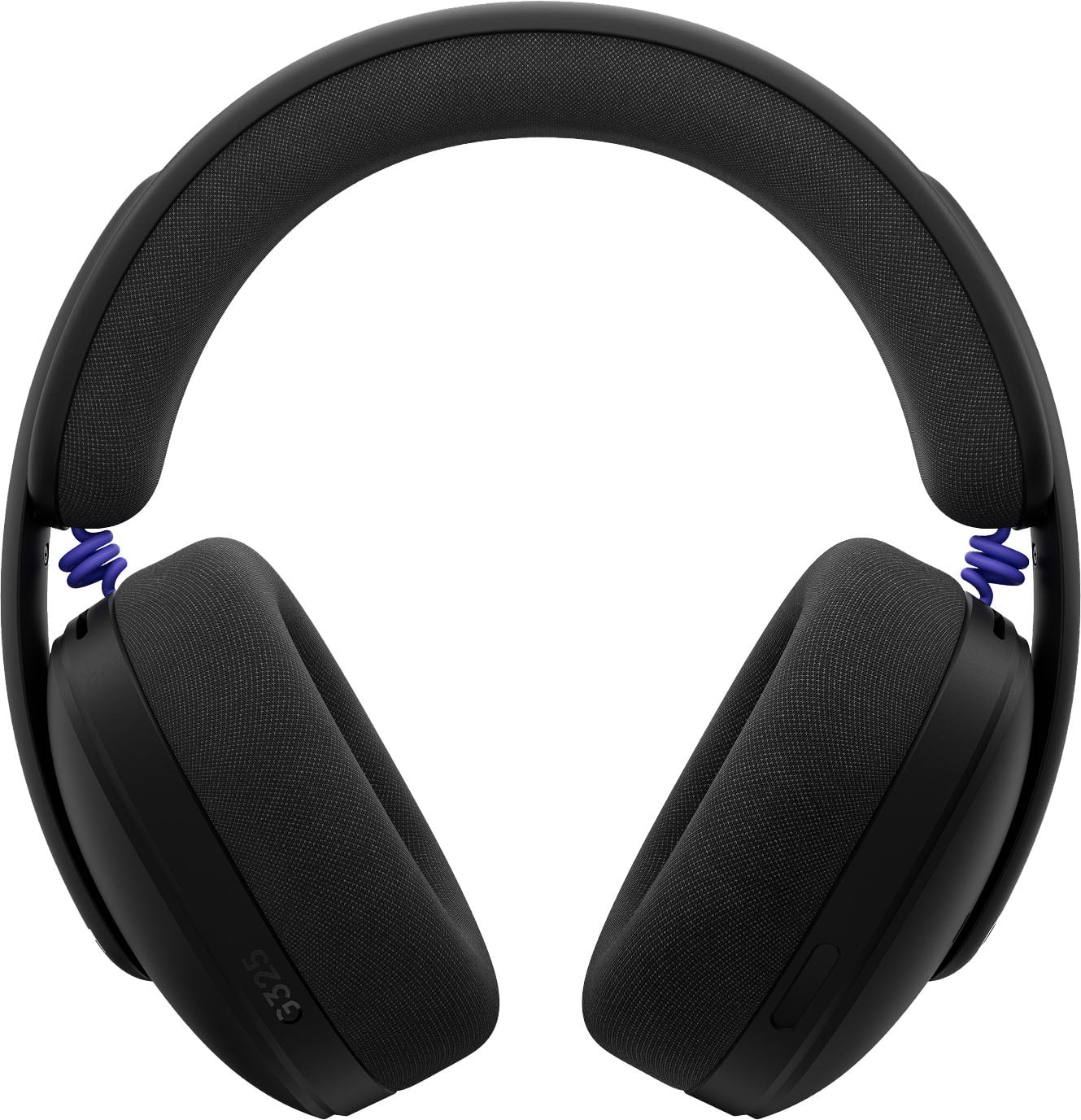
Logitech - G325 LIGHTSPEED Wireless Bluetooth Gaming Headset with Noise Reduction Microphone for PC, PlayStation, Switch, Mobile - Black
SKU: J7H7ZYGV3TLove them...Best bang for the buck...Great battery life. Charging cable is good length.
See all Gaming HeadsetsProduct Description
A black wireless gaming headset featuring noise reduction microphone, 24-hour battery, and Bluetooth connectivity.Your price for this item is $79.99 -
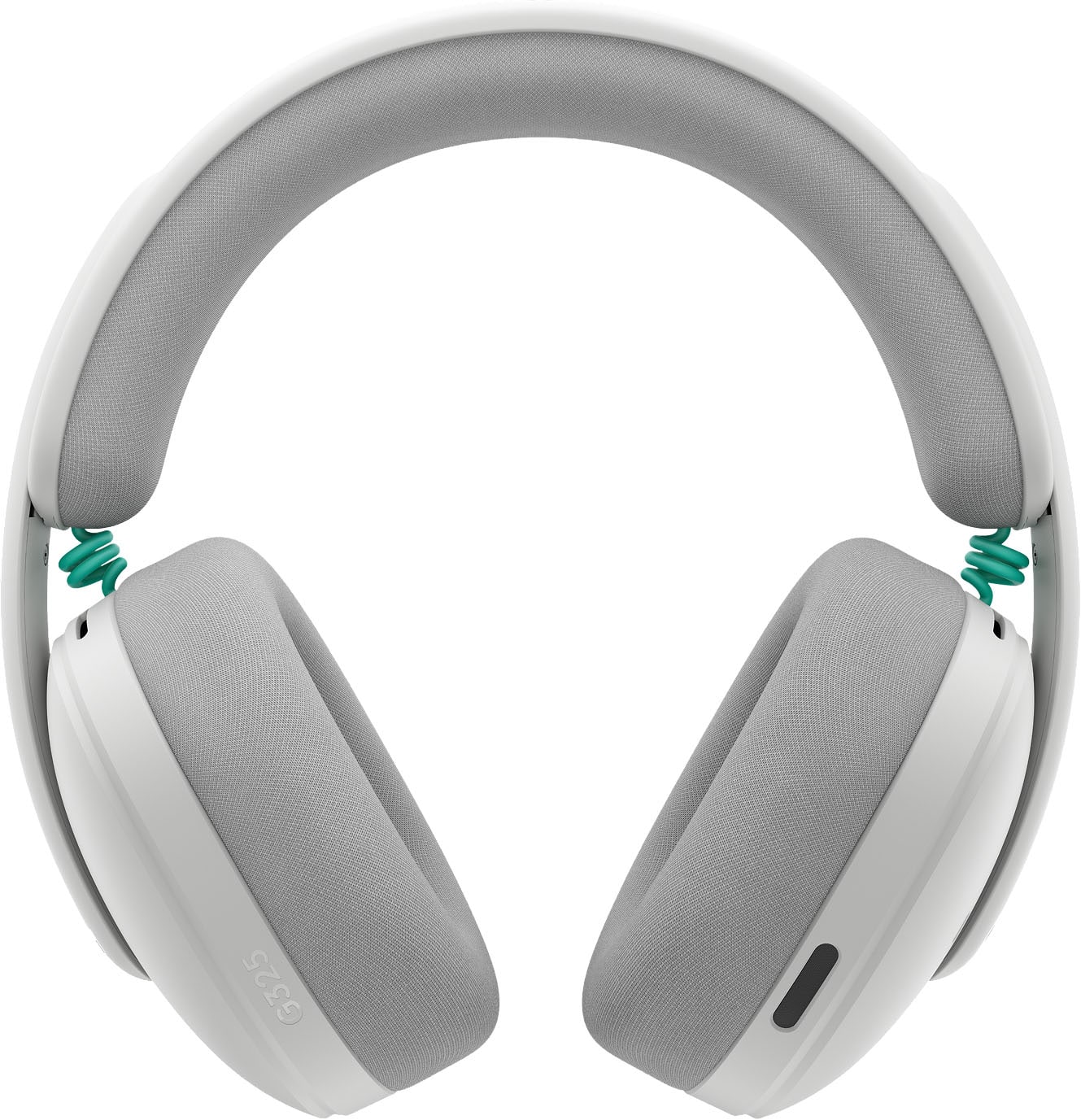
Logitech - G325 LIGHTSPEED Wireless Bluetooth Gaming Headset with Noise Reduction Microphone for PC, PlayStation, Switch, Mobile - White
SKU: J7H7ZYGV8Hgreat audio...not alot of weight great lightweight gaming headset i love it....These would be great for multiplayer gameplay.
See all Gaming HeadsetsProduct Description
A white wireless gaming headset with 24-hour battery, noise-reducing mic, and Bluetooth for versatile connectivity.Your price for this item is $79.99 -
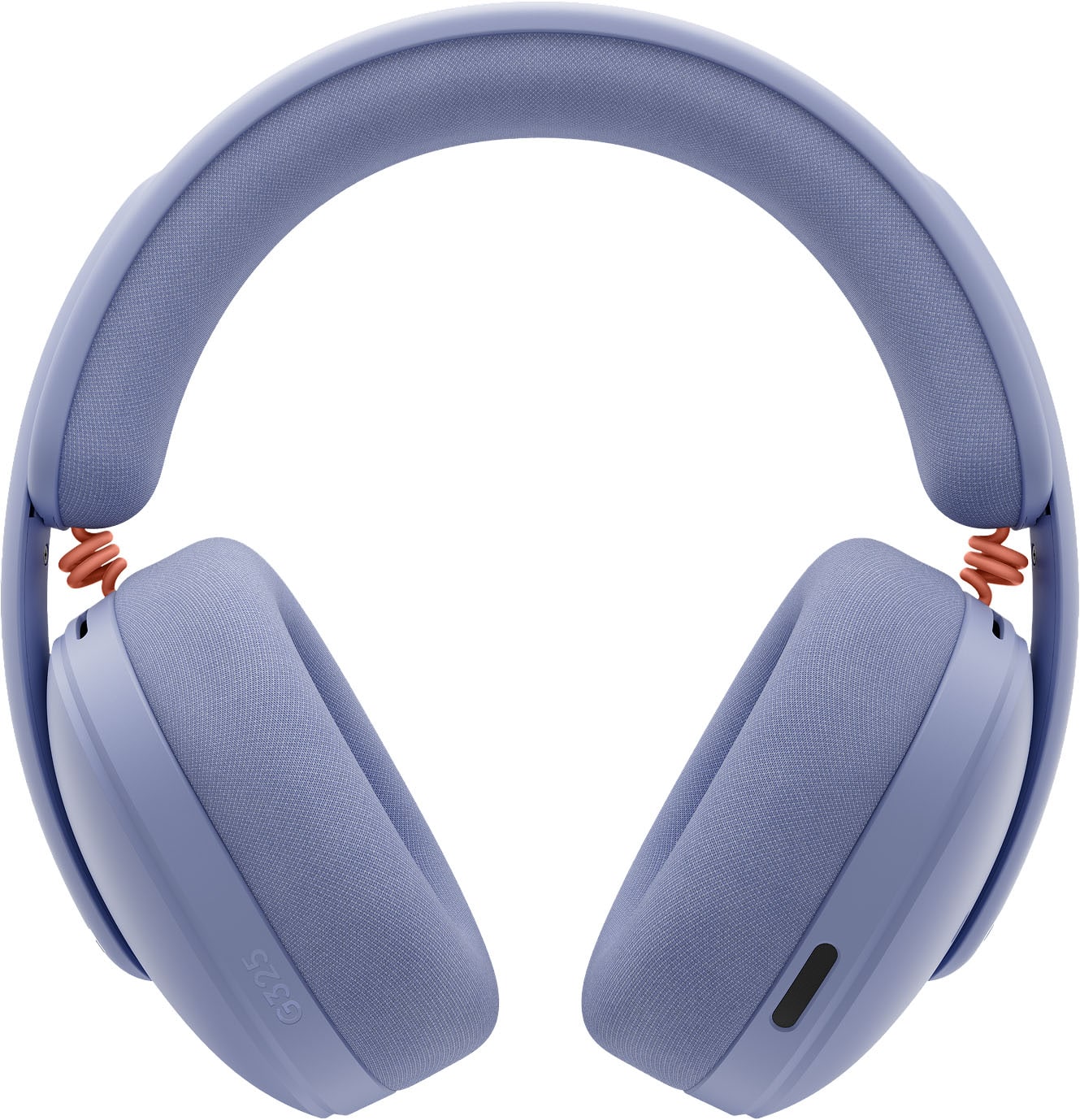
Logitech - G325 LIGHTSPEED Wireless Bluetooth Gaming Headset with Noise Reduction Microphone for PC, PlayStation, Switch, Mobile - Lilac
SKU: J7H7ZYGVLPLightweight and great fit for smaller heads...This headset has worked great for me and is the best fit I have found so far....I love everything about these headphones.
See all Gaming HeadsetsProduct Description
A lilac wireless gaming headset featuring 24-bit audio, noise reduction microphone, and all-day comfort.Your price for this item is $79.99 -
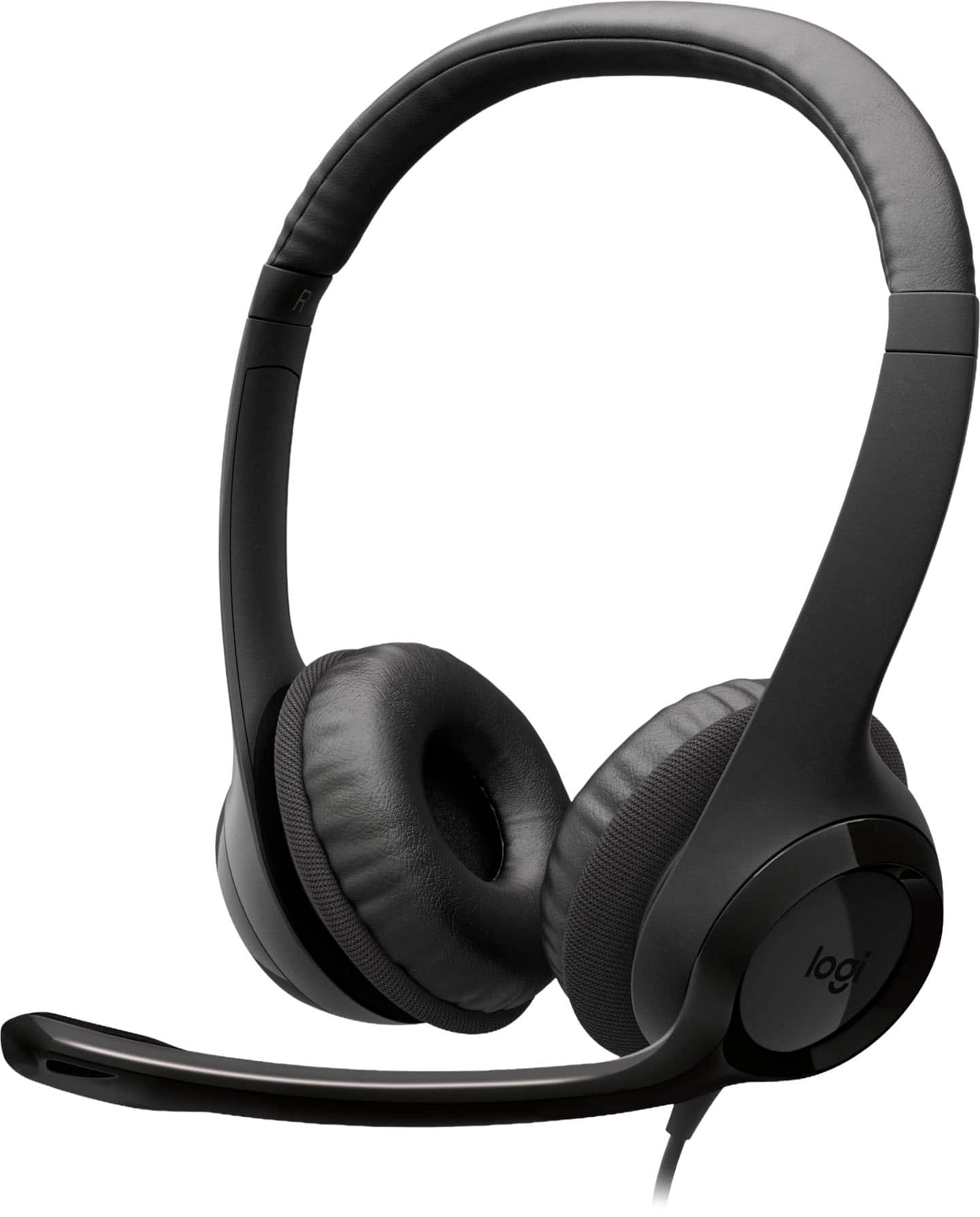
Logitech - H390 Wired USB-C On-Ear Stereo Headphones with Noise Canceling Microphone - Black
SKU: J7H7ZYLX3YThese are the best headphones on the market for my work from home job....I really love it and buy this product.
See all Headsets & MicrophonesProduct Description
A black wired on-ear headset with USB-C, noise-canceling microphone, and convenient inline controls.Your price for this item is $24.99 -
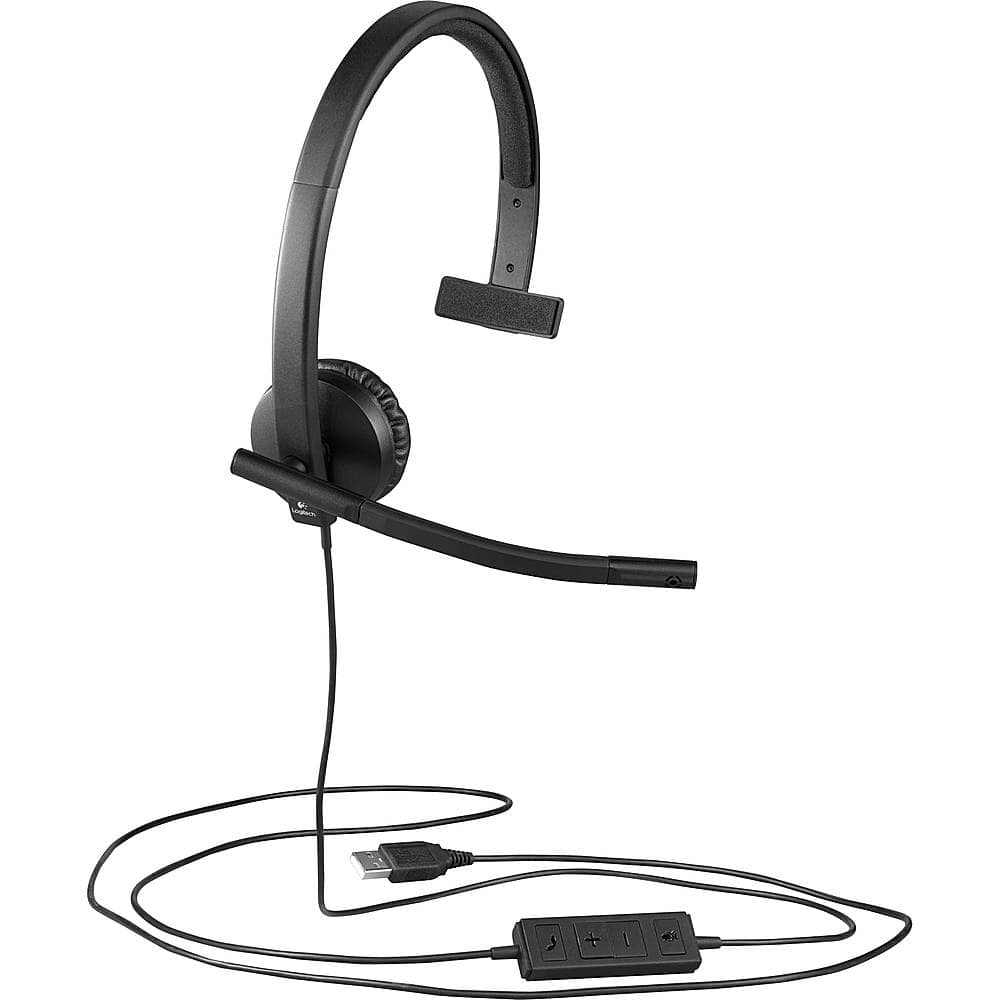
Logitech - H570e Mono Wired Over-the-Ear Headset - Black
SKU: J7H7ZYJ5WSLove my headset...Great Purchase for the price...I love this headset.
See all Headsets & MicrophonesProduct Description
A black wired over-ear headset featuring a noise-canceling microphone, adjustable headband, and sound isolation.Your price for this item is $44.99 -
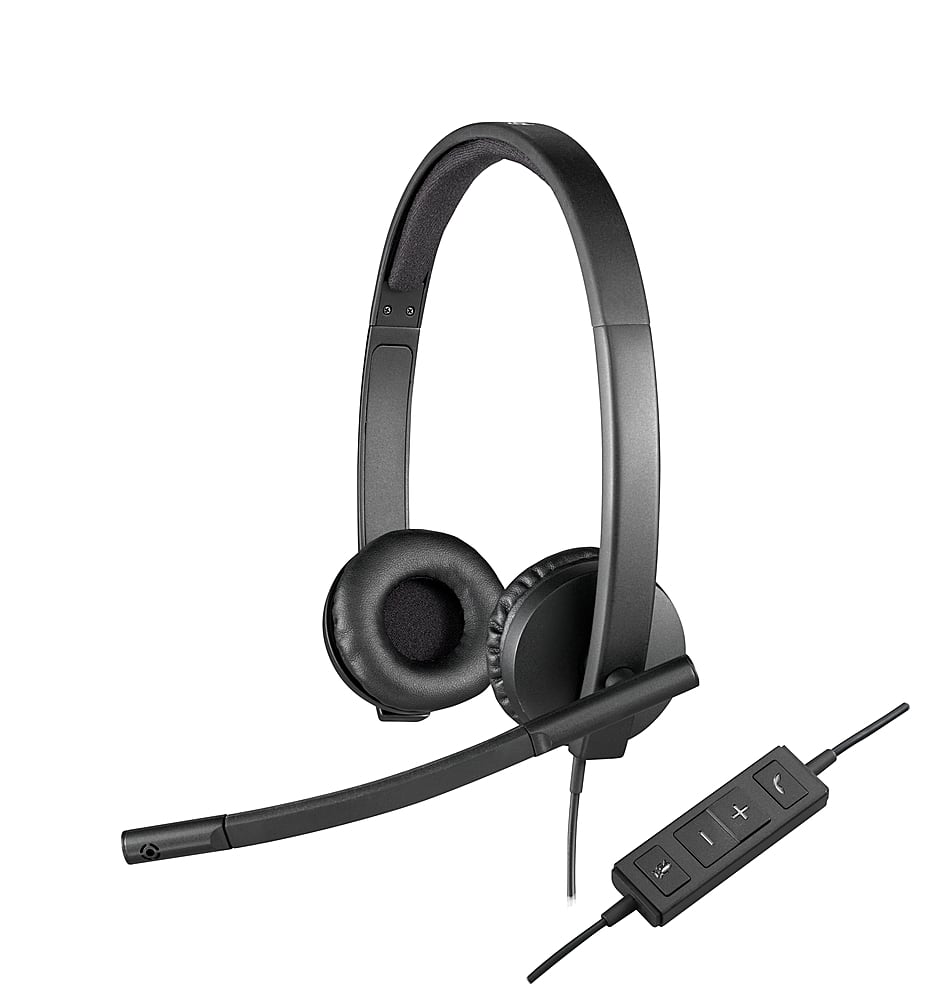
Logitech - H570e Stereo Wired Over-the-Ear Headset - Black
SKU: J7H7ZYJ5K2Great headset...Works great. I provide telehealth from home and sound is perfect.nicely adjustable
See all Headsets & MicrophonesProduct Description
A black wired over-ear headset featuring USB-A connection, noise-canceling microphone, and sound-isolating design.Your price for this item is $44.99 -
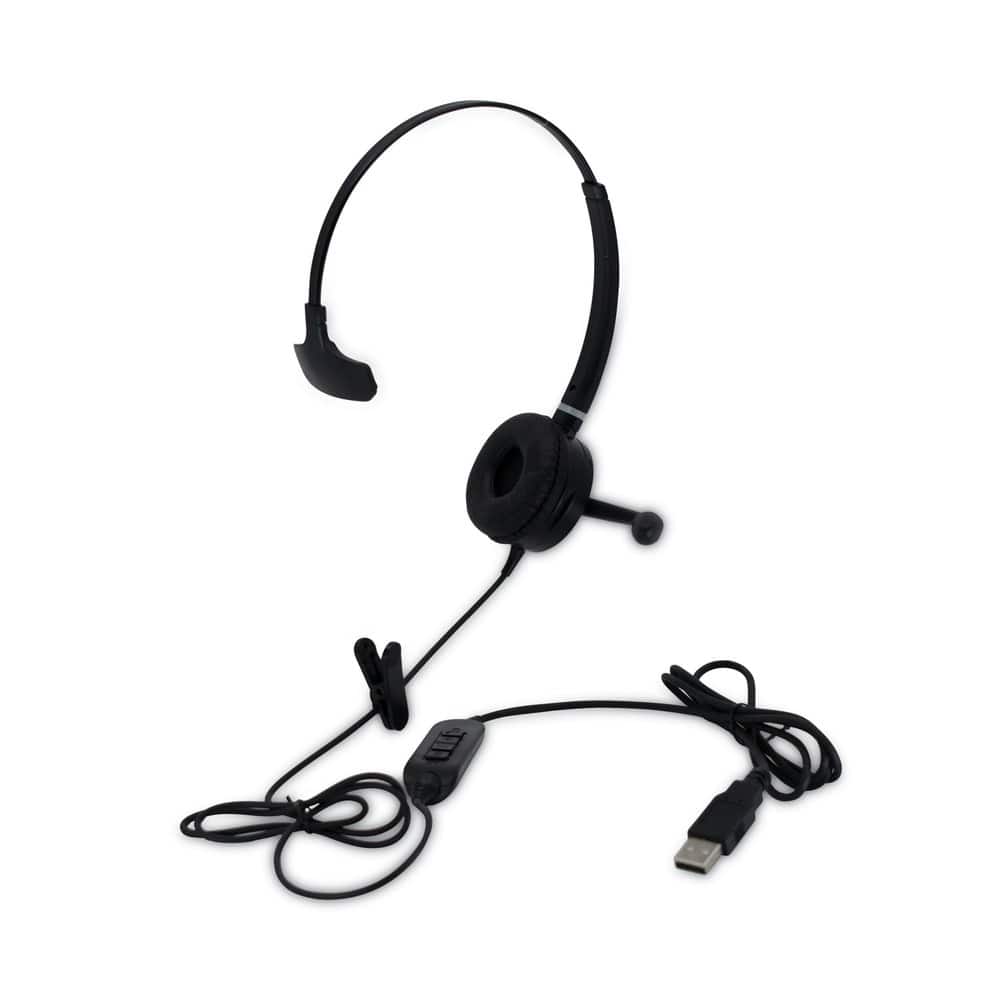
Spracht - HSWDUSB1 Monaural Over The Head Headset - Black
SKU: J383CHW6LLSee all Headsets & MicrophonesProduct Description
A black over-the-head USB headset with noise-canceling microphone and 40mm speakers for clear audio.Your price for this item is $47.66 -
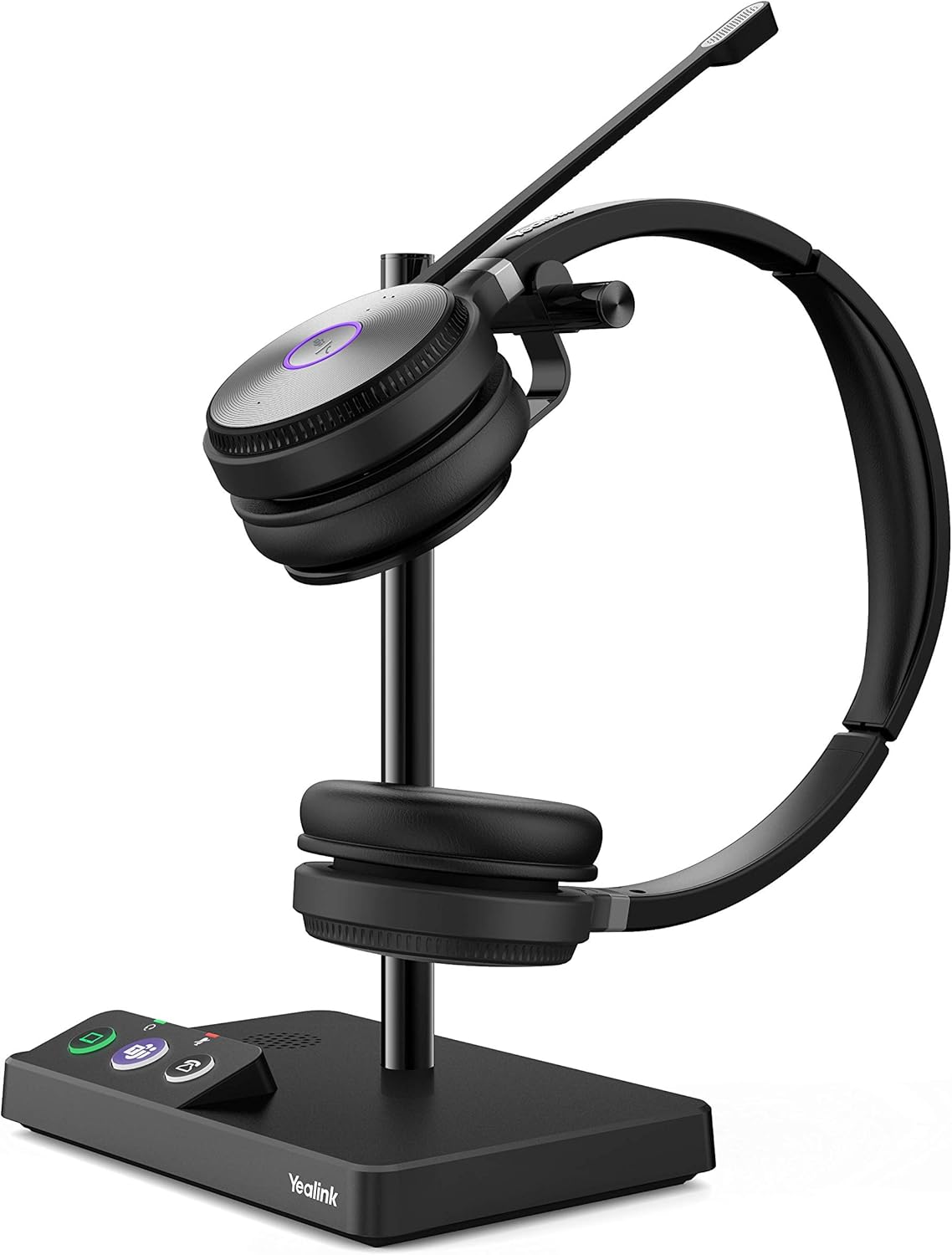
Yealink - 1308001 WH62-Dual Teams Wireless Headset with Microphone Teams Zoom Certified for PC - Black
SKU: J39FY74WCHSee all Computer HeadsetsProduct Description
A wireless, over-the-ear headset with sound isolation and dual connectivity for seamless PC and IP phone use.Your price for this item is $162.95
Best Sellers

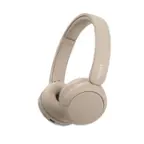
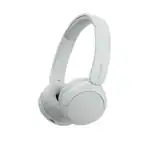
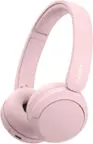
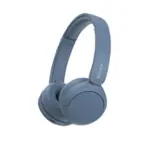
Related Pages


FAQ
When choosing a headset with a microphone for PC, consider features such as noise-cancelling microphones, comfortable ear cushions, adjustable headbands, in-line controls, and compatibility with your operating system. Additional features like surround sound, detachable microphones, and wireless connectivity can enhance your experience.
Both USB and 3.5mm headsets have their advantages. USB headsets often offer better digital sound quality and built-in sound cards, while 3.5mm headsets are versatile and compatible with a wider range of devices. The best choice depends on your PC's available ports and your audio preferences.
Yes, most gaming headsets with microphones are suitable for work calls, video conferencing, and online meetings. Many offer clear voice transmission and comfortable designs for extended use, making them a great option for both gaming and professional communication.
To set up your headset, plug it into the appropriate port (USB or 3.5mm jack) on your PC. Windows and most operating systems will automatically detect the device. You may need to select the headset as your default audio and microphone device in your sound settings for optimal performance.
Open-back headsets allow air and sound to pass through the ear cups, providing a more natural and spacious sound but less noise isolation. Closed-back headsets offer better isolation from outside noise and are ideal for private listening and gaming in noisy environments.