HP 2700 Printer Ink
-
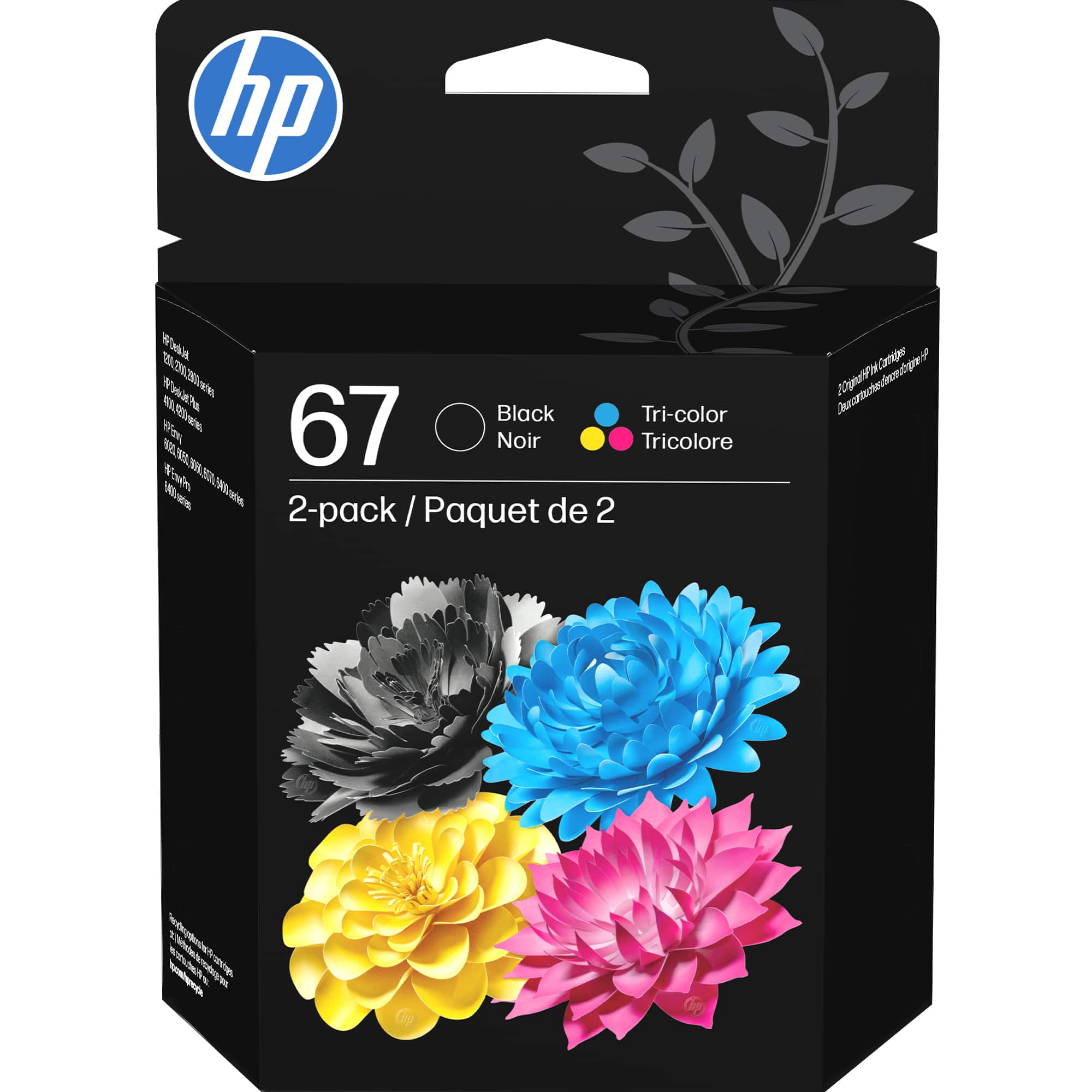
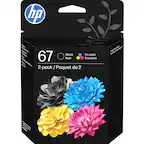
HP - 67 2-Pack Standard Capacity Ink Cartridges - Black/Tri-color
SKU: JJ8T8QS9F9Love it the best get it at a Best Buy store the perplejo are the best Great people...Great product, I Love Best Buy They Have Great Customer Service
See all Printer InkProduct Description
A two-pack of black and tri-color ink cartridges delivering high-quality prints for compatible HP printers.Your price for this item is $43.89 -
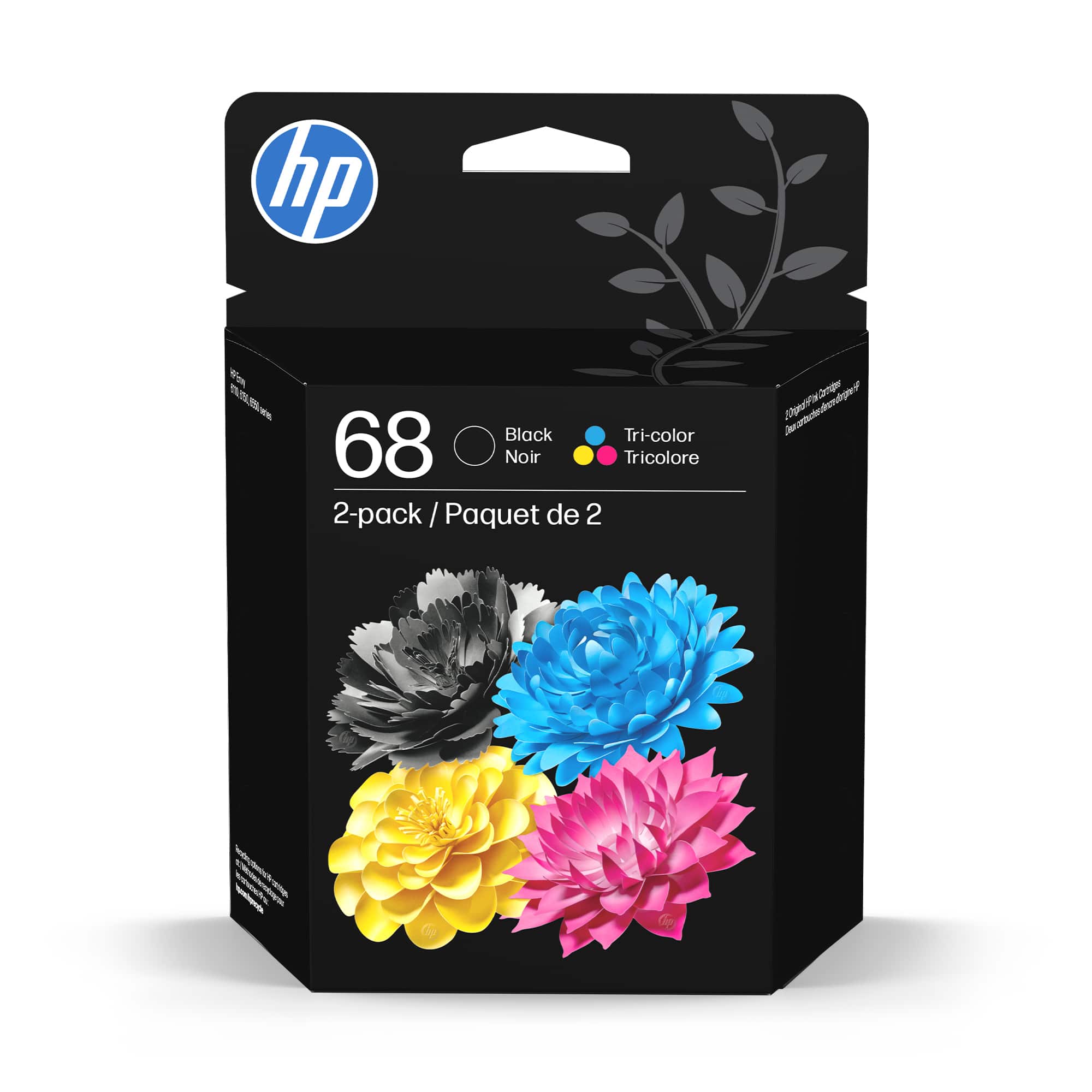
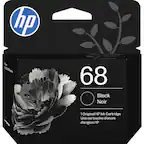
HP - 68 2-Pack Standard Capacity Ink Cartridges - Black/Tri-color
SKU: JJG87F2V2FLove Best Buy!...Great face to face salesmanship and geek squad help....Love orderingcartridges from Bestbuy. Price is best. Delivery fast
See all Printer InkProduct Description
A reliable ink cartridge set delivering crisp black text and vibrant color prints with water-resistant technology.Your price for this item is $53.89 -
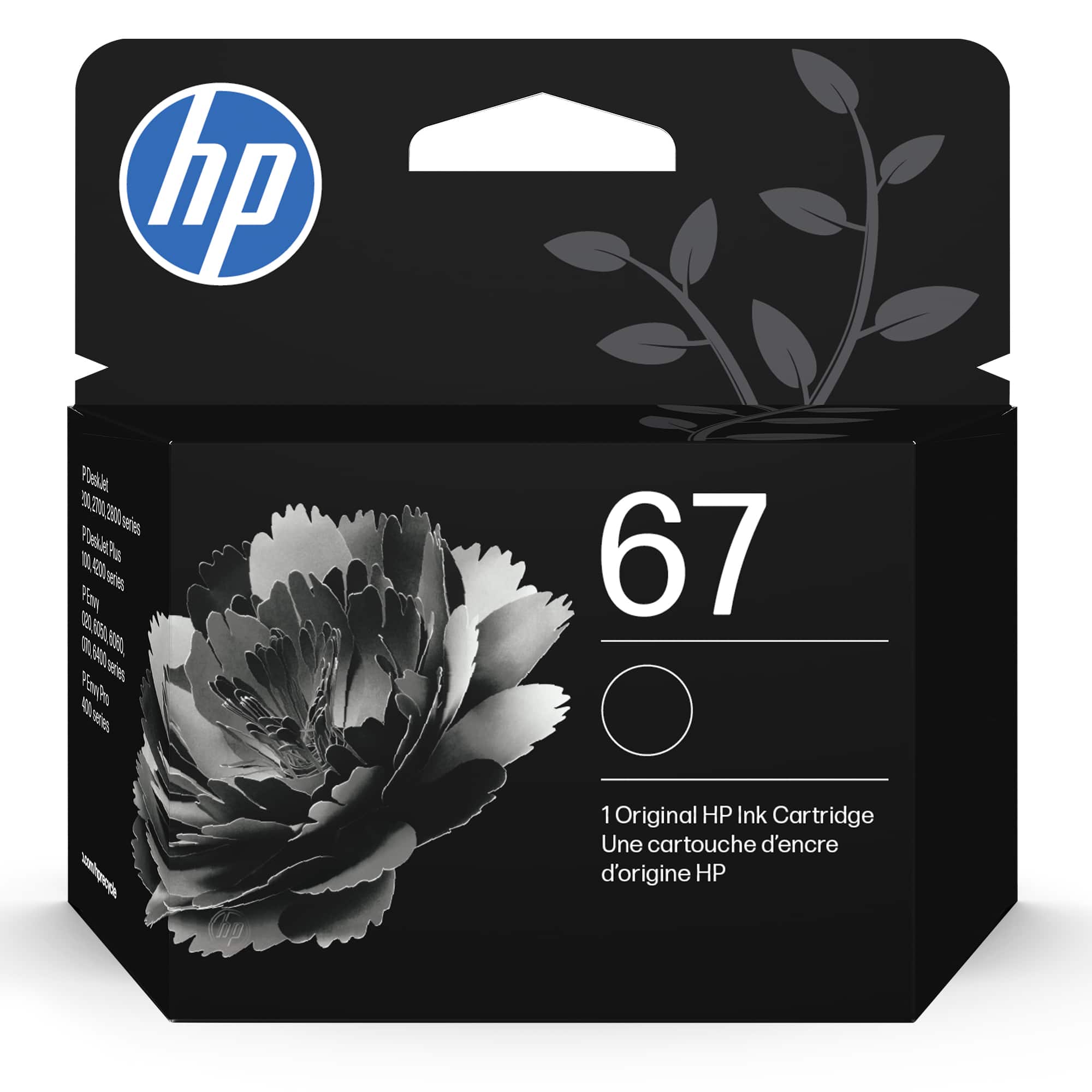
HP - 67 Standard Capacity Ink Cartridge - Black
SKU: JJ8QRKWPZFGreat product for the price. Best Buy has the best prices for printer supplies! Love it...Best prices...Best quality and best prices always at Best Buy, love it
See all Printer InkProduct Description
A reliable black ink cartridge delivering crisp monochrome prints and seamless compatibility with select HP printers.Your price for this item is $22.89 -
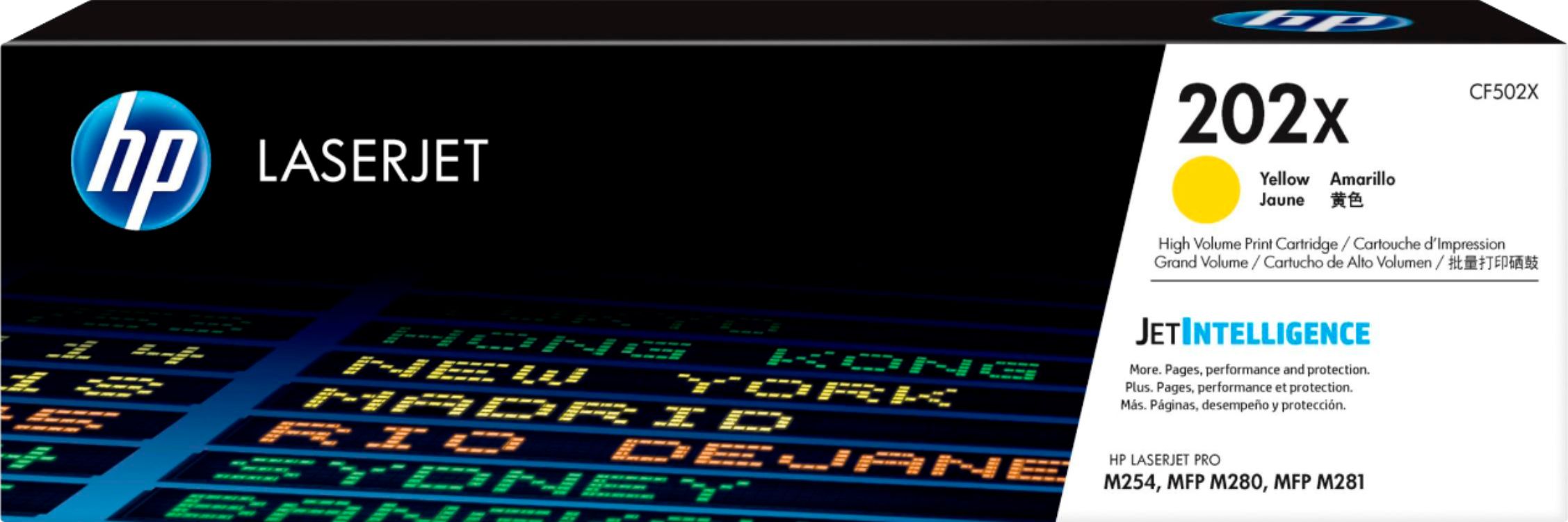
HP - 202X High-Yield Toner Cartridge - Yellow
SKU: JJ88PVQ4GRAbsolutely love my printer.
See all Printer TonerProduct Description
A high-yield yellow toner cartridge delivering optimized print quality for compatible HP LaserJet Pro printers.Your price for this item is $141.89 -
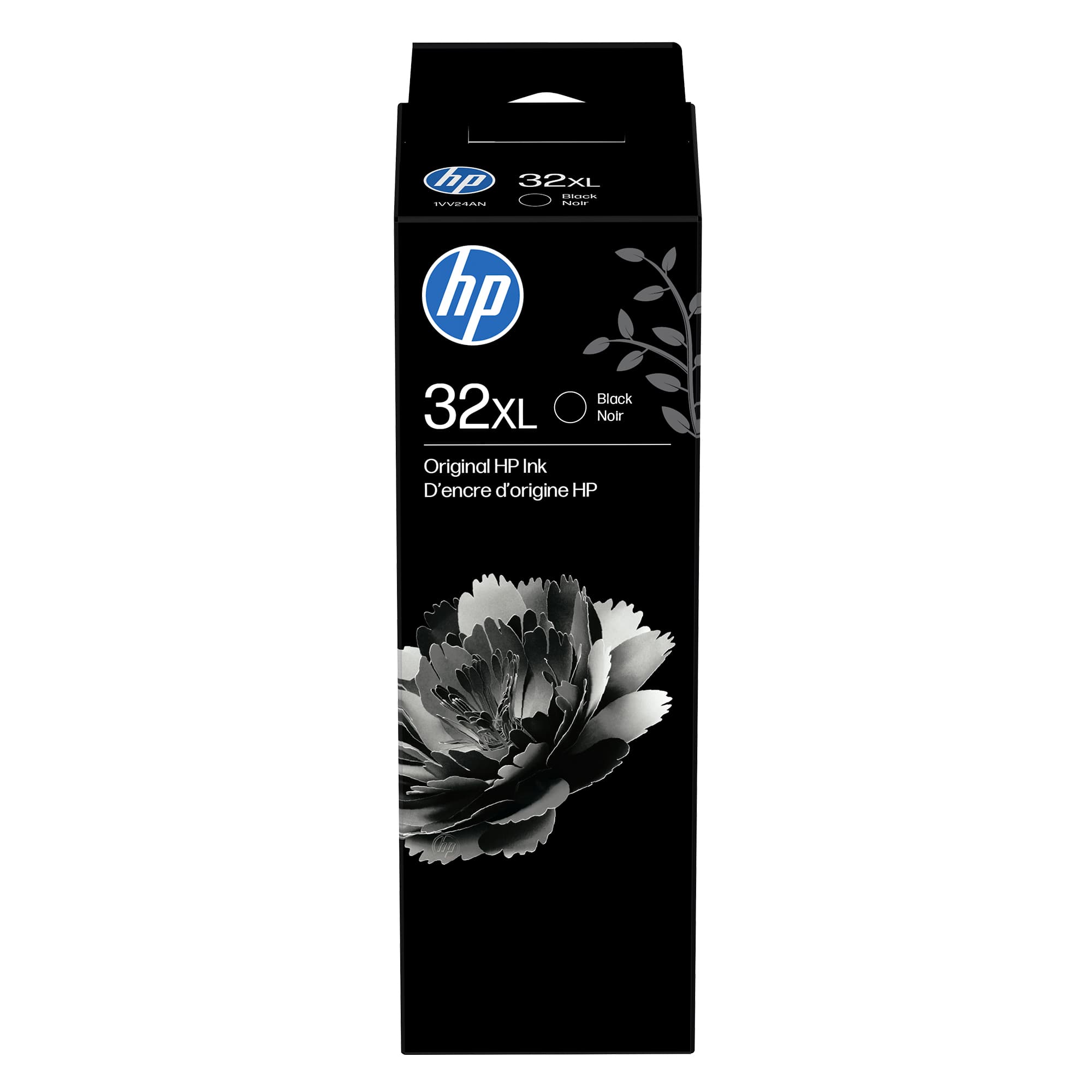
HP - 32XL Original Ink Bottle - Black
SKU: JJ8K3V345PLove my HP printer...I only use HPI love the convenience of ordering online. Best Buy always has what I need!...GREAT...LOVE THIS INK LOVE THE HP SMART TANK 7602 WORKS GREAT
See all Supertank Printer InkProduct Description
A high-yield black ink bottle delivering professional-quality prints for a variety of compatible HP printers.Your price for this item is $23.89 -
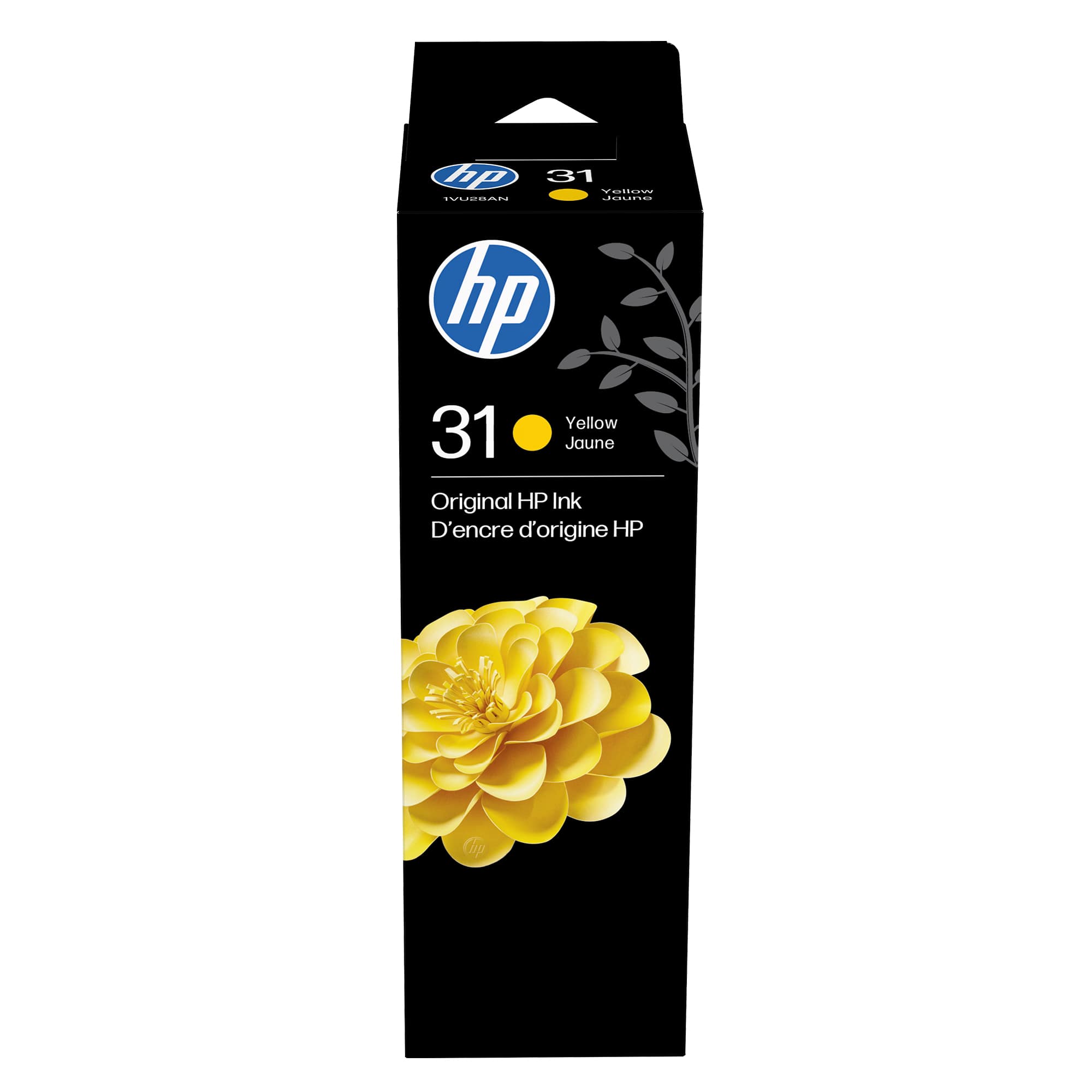
HP - 31 Original Ink Bottle - Yellow
SKU: JJ8K3V3452See all Printer InkProduct Description
A high-yield yellow ink bottle delivering vivid, fade-resistant, water-resistant prints for compatible HP Smart Tank Plus printers.Your price for this item is $21.99Save $3The previous price was $25.10 -
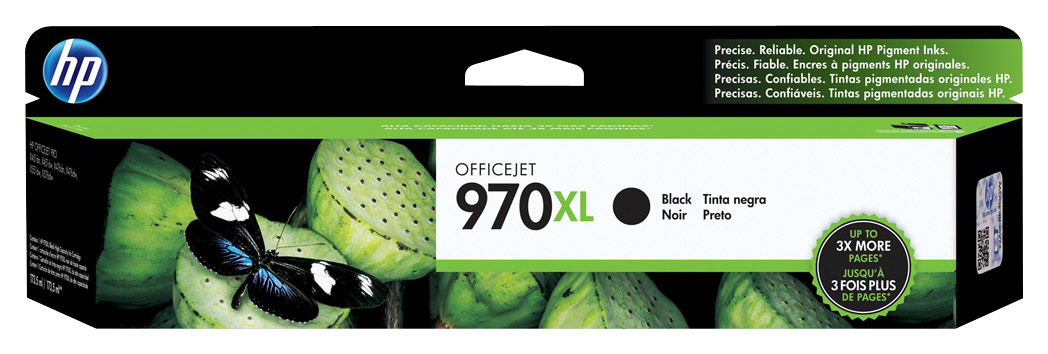
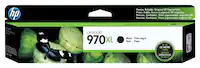
HP - 970XL High-Yield Ink Cartridge - Black
SKU: J3ZLQXPQ2LI love my X576 pagewide printer I purchased the 477 for my home office....They great thing about the ink cartridges is that they are so easy to change and you do not get ink on...Opdating My Great Message...
See all Printer InkProduct Description
A high-yield black ink cartridge delivering crisp, clear text for select HP OfficeJet Pro printers.Your price for this item is $186.89 -
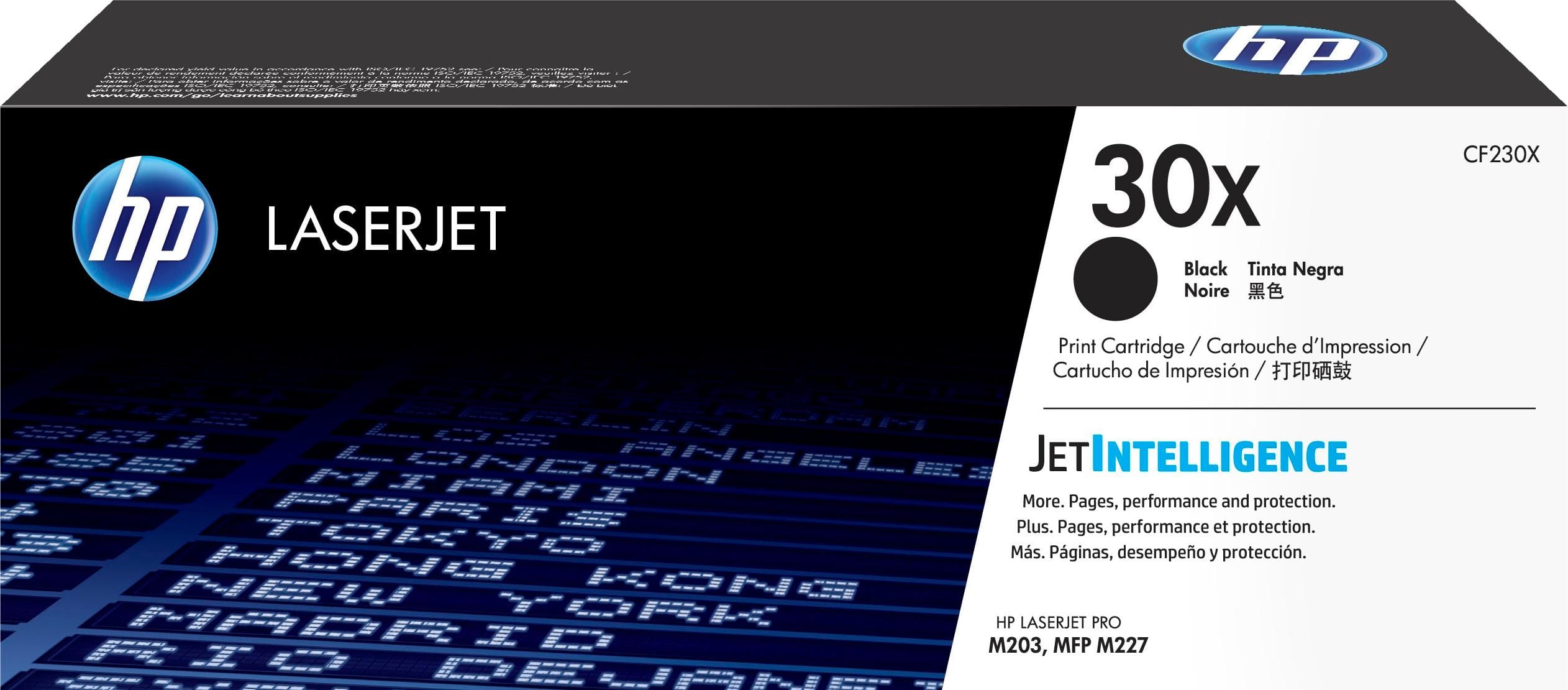
HP - 30X Toner Cartridge - Black
SKU: J3ZZ73T7FKBest to always get the Best product to start with...Factory made ink is always going to be the best......Standard ink refill, easy to replace and love that HP has a recycling program
See all Printer TonerProduct Description
A high-yield black toner cartridge delivering reliable, anti-fraud printing for compatible HP LaserJet Pro printers.Your price for this item is $139.89Save $0The previous price was $139.99 -
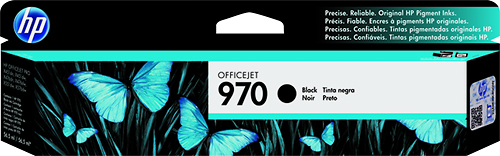
HP - 970 Ink Cartridge - Black
SKU: J3ZLQXPQJSSee all Printer InkProduct Description
A water-resistant black ink cartridge delivering crisp, dark text for compatible Officejet Pro printers.Your price for this item is $105.89Save $0The previous price was $105.99 -
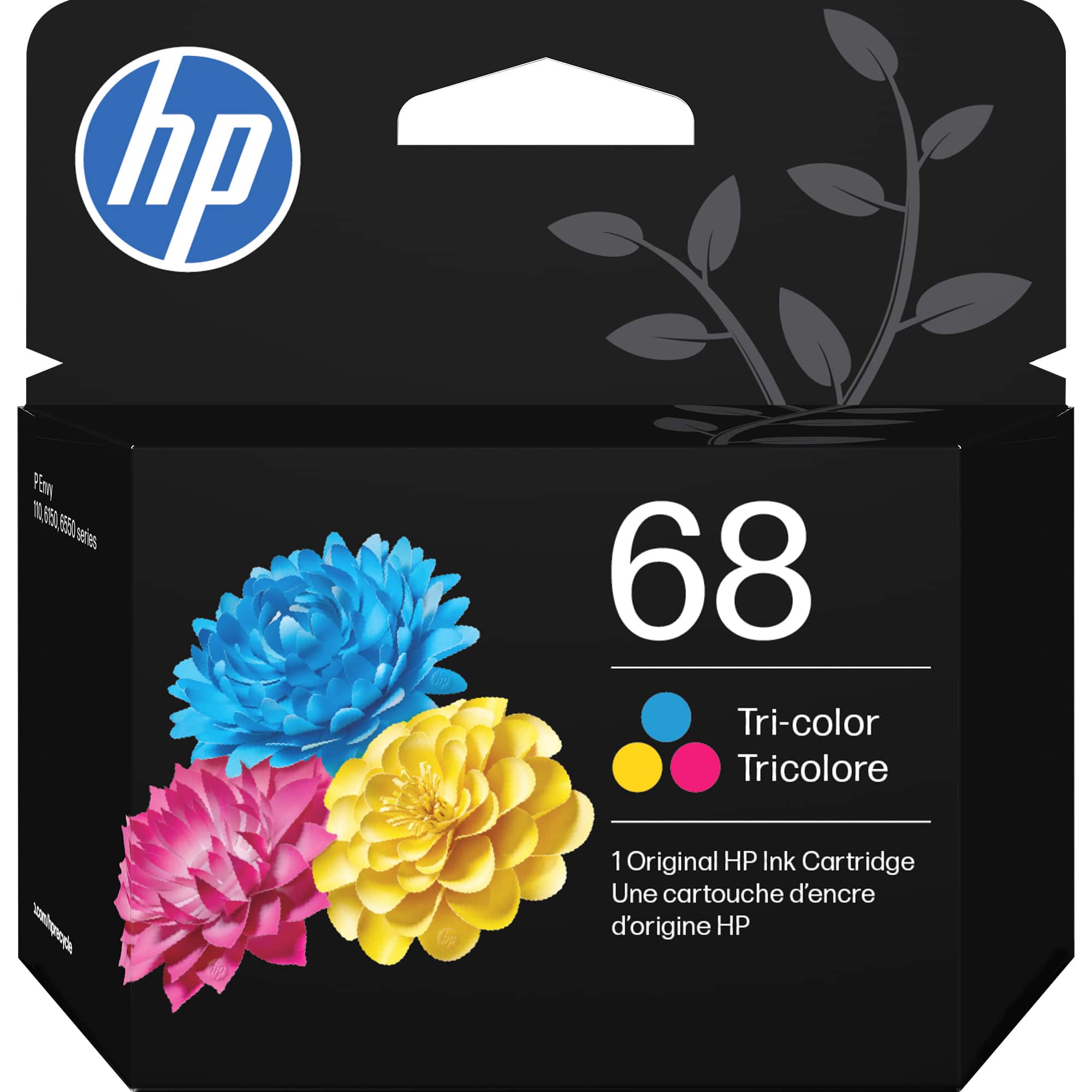
HP - 68 Standard Capacity Ink Cartridge - Tri-color
SKU: JJG87F2V9KBest option...Also, Best Buy is a good company to do business with and when I ordered the ink cartridges, they came...I really like doing business with Best Buy.
See all Printer InkProduct Description
A tri-color ink cartridge delivering water-resistant, fade-resistant prints with consistent, vibrant color quality.Your price for this item is $28.99
Best Sellers

Related Pages
FAQ
HP 2700 printers typically use HP 67 or HP 67XL ink cartridges, available in black and tri-color options. The XL versions offer higher page yields for frequent printing.
Yes, HP 67 and HP 67XL ink cartridges are compatible with several HP DeskJet and ENVY printer models. Always check your printer’s manual or product page for compatibility details.
To install new ink cartridges, open the ink cartridge access door, wait for the carriage to move, remove the old cartridge, insert the new one into the correct slot, and close the door. Follow the on-screen prompts to align the cartridges if necessary.
While some third-party or remanufactured cartridges may work with the HP 2700 printer, HP recommends using original HP ink cartridges for optimal print quality and reliability.
Store unused HP 2700 ink cartridges in their original packaging, in a cool, dry place away from direct sunlight, to maintain ink quality and prevent drying out.