HP 8100 Printer Ink
-
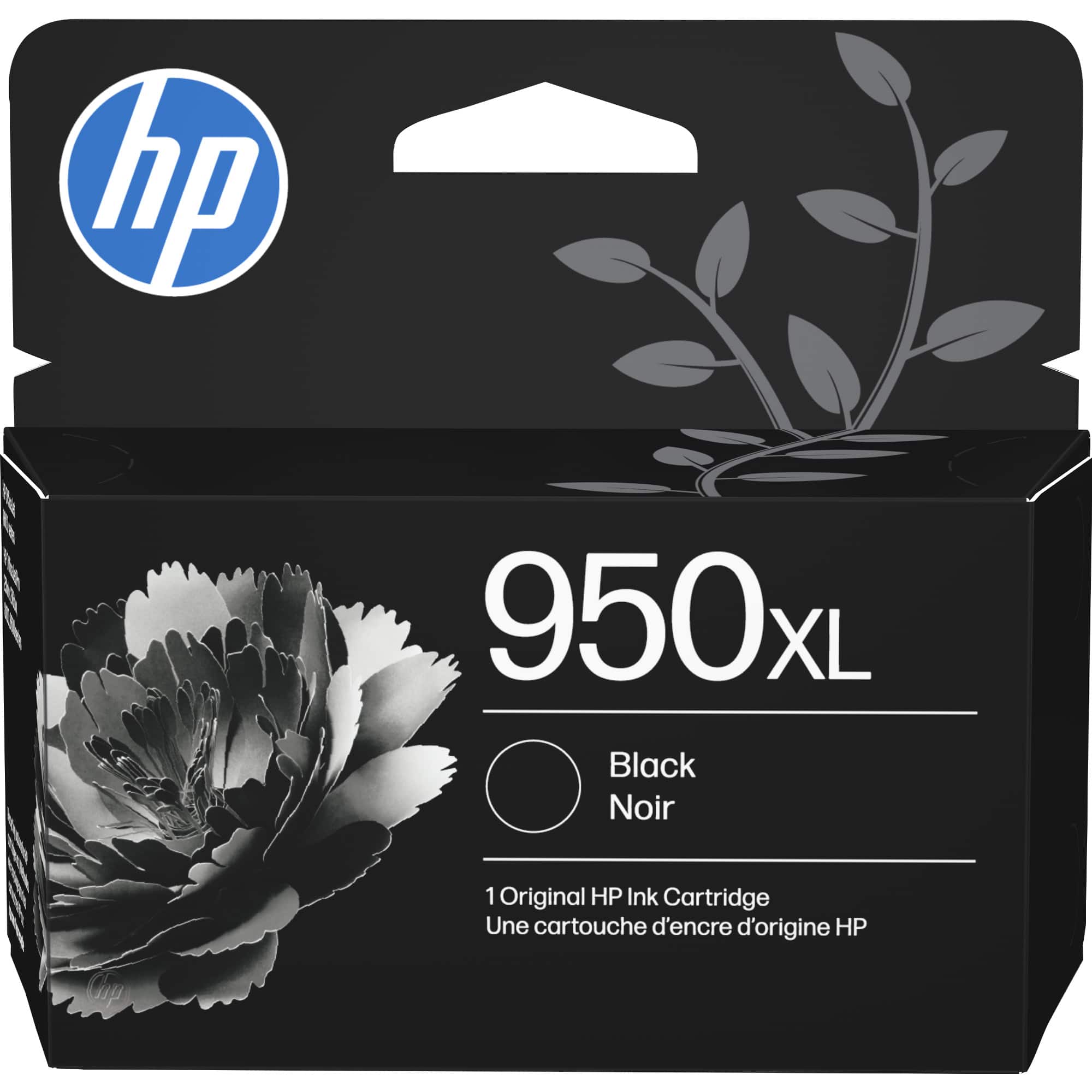
HP - 950XL High-Yield Ink Cartridge - Black
SKU: J3ZX9ZW793Great...Great service! Great delivery! Love the ink! Thank you Best Buy!...Lots of ink in this xl, at a great price. Love Best Buys rewards
See all Printer InkProduct Description
A high-yield black ink cartridge delivering professional-quality, durable prints for select Officejet Pro printers.Your price for this item is $71.89 -
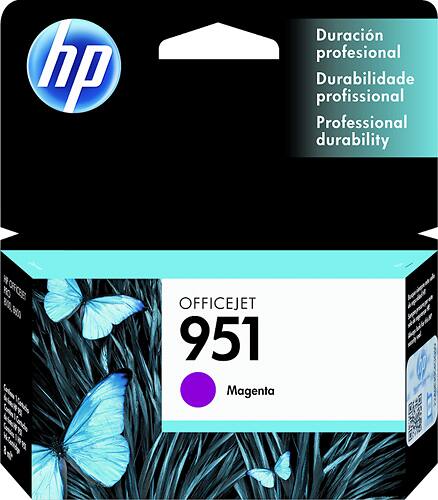
HP - 951 Ink Cartridge - Magenta
SKU: J3ZX9ZW7SYBest value...This pack of official HP XL cartridges was the best deal I could find out of many combinations and size...Best Ink ever
See all Printer InkProduct Description
A magenta ink cartridge delivering vibrant color prints, compatible with select HP Officejet Pro printers.Your price for this item is $32.99Save $3The previous price was $36.80 -
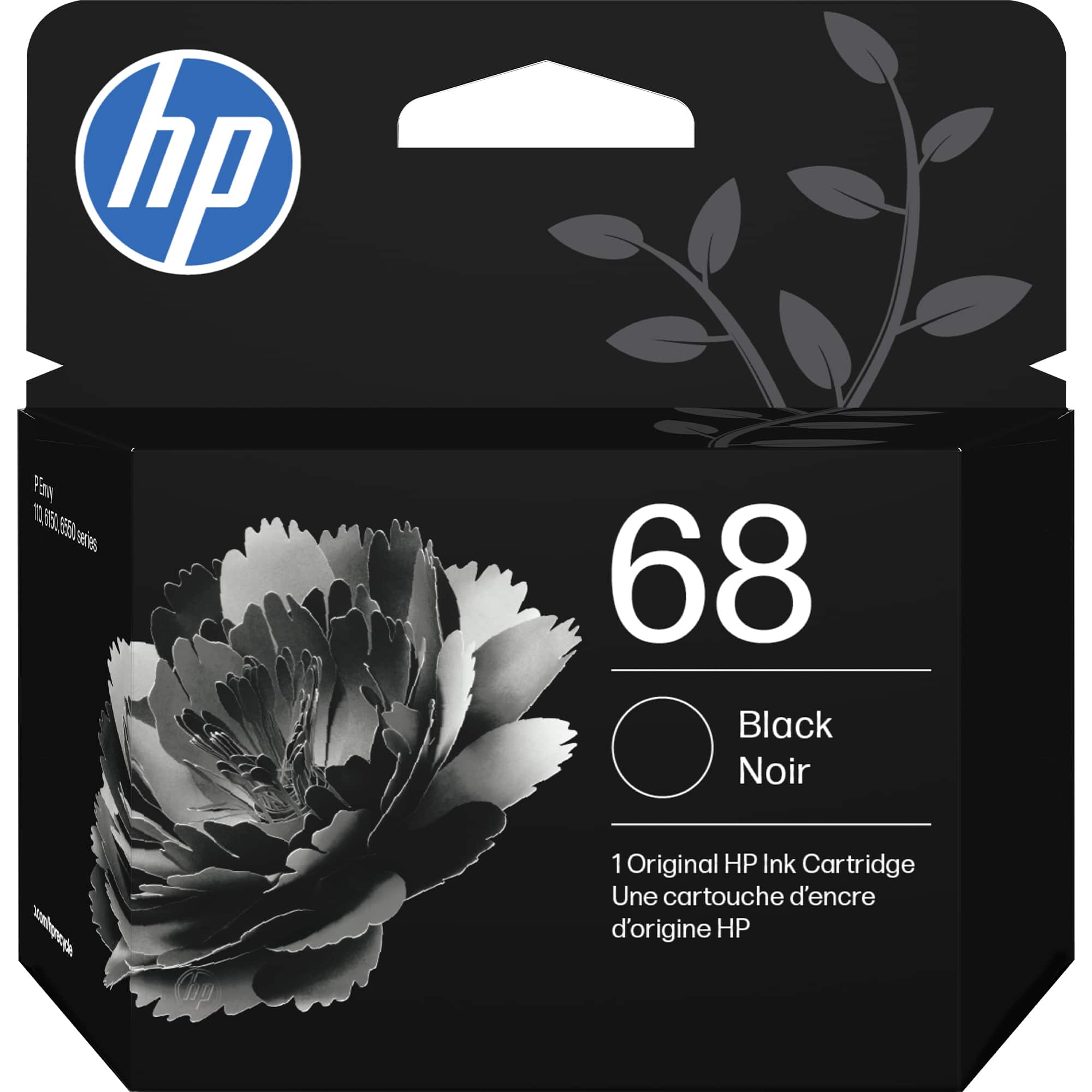
HP - 68 Standard Capacity Ink Cartridge - Black
SKU: JJG87F2VHWtaking an online course and it has helped me tremendously and I will continue to buy this ink from Best...good quality when printe it doesn’t make marks on the paper, and fit my printer very good thanks...
See all Printer InkProduct Description
A water-resistant black ink cartridge delivering crisp, fade-resistant prints with consistent quality and recycled materials.Your price for this item is $26.89 -
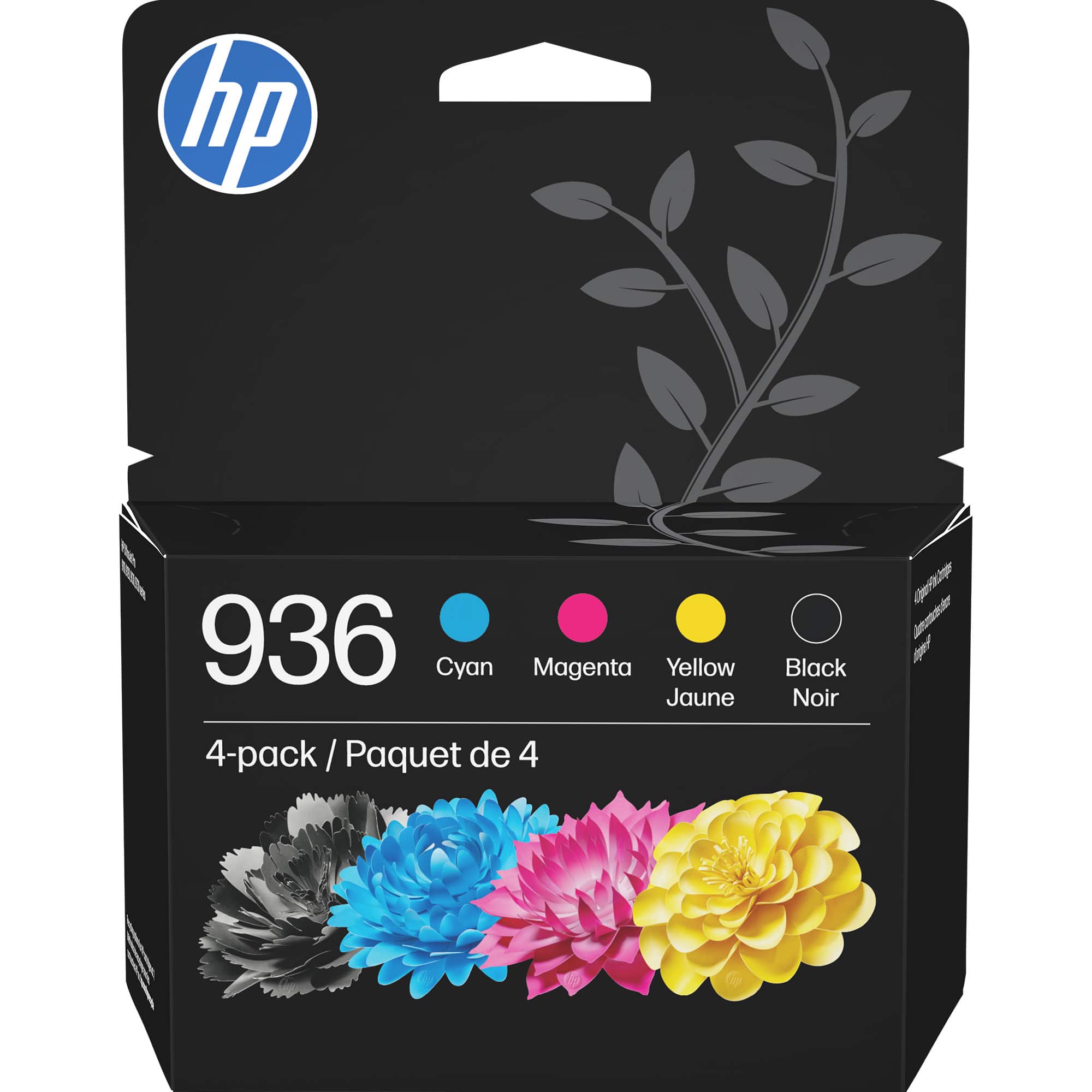
HP - 936 4-Pack Standard Capacity Ink Cartridges - Black/Cyan/Magenta/Yellow
SKU: JJG3JRHH26The Best Ink !...Great Product. Long lasting and vibrant color. I love it!...These ink cartridges work nicely with my printer, and the quality of the print is exceptional, i love...shopping at best buy...
See all Printer InkProduct Description
A four-pack of black, cyan, magenta, and yellow ink cartridges delivers vivid, fade-resistant prints.Your price for this item is $145.89 -
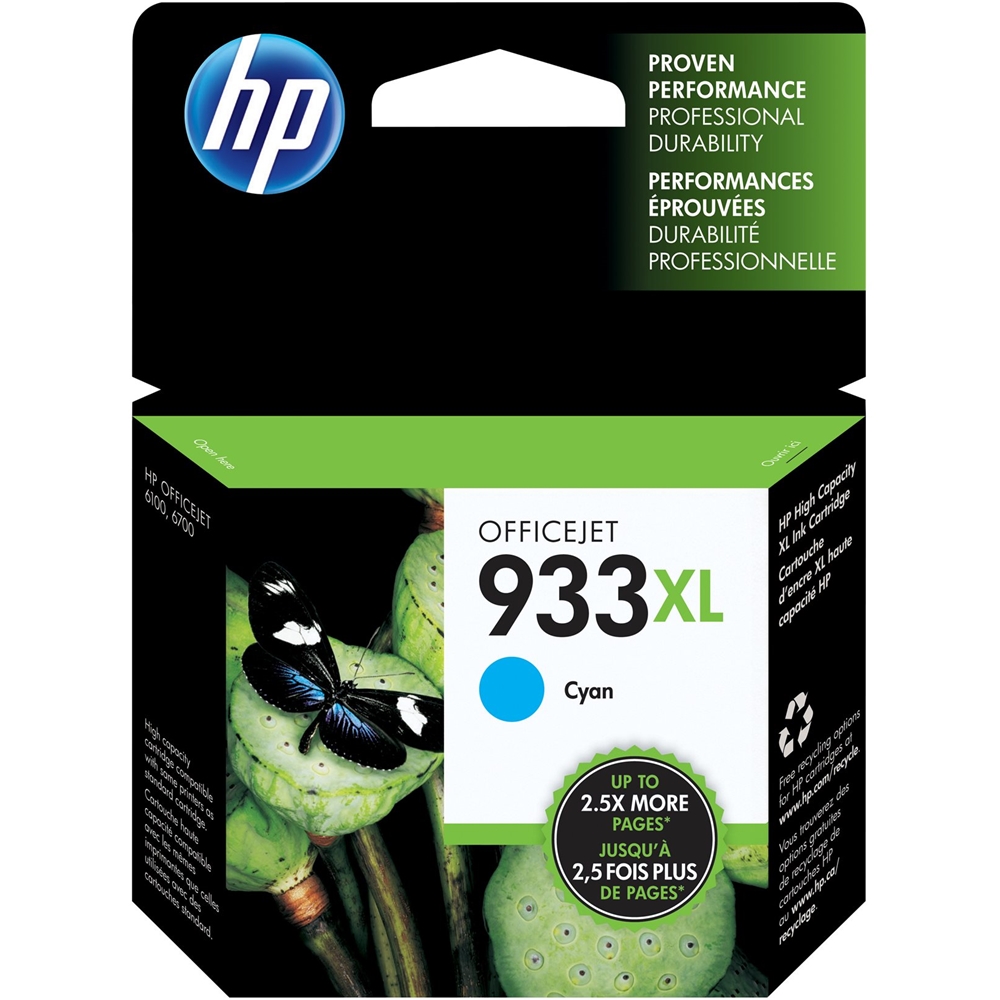
HP - 933XL High-Yield Ink Cartridge - Cyan
SKU: J3ZX9ZT93KHP is the Best...I have been purchasing this for years and love it....great ink...I've been using this printer, and love the printed colors
See all Printer InkProduct Description
A high-yield cyan ink cartridge delivering vibrant, professional-quality color prints for HP Officejet printers.Your price for this item is $27.99 -
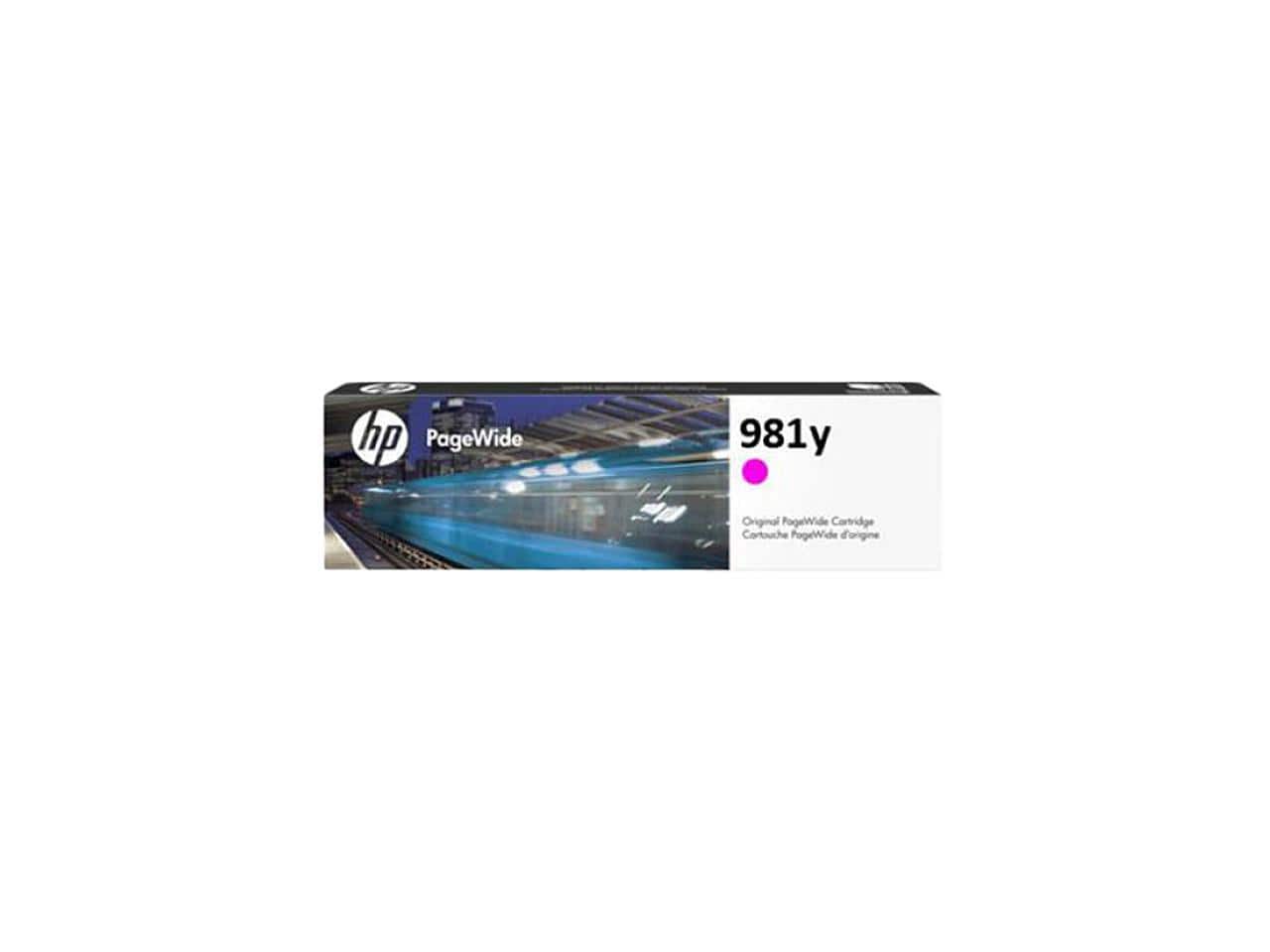
HP - 981Y Extra High Yield Ink Cartridge - Magenta
SKU: J3ZT6F7C9YSee all Printer InkProduct Description
An extra high yield magenta ink cartridge designed for vibrant, long-lasting prints in compatible printers.Your price for this item is $307.89 -
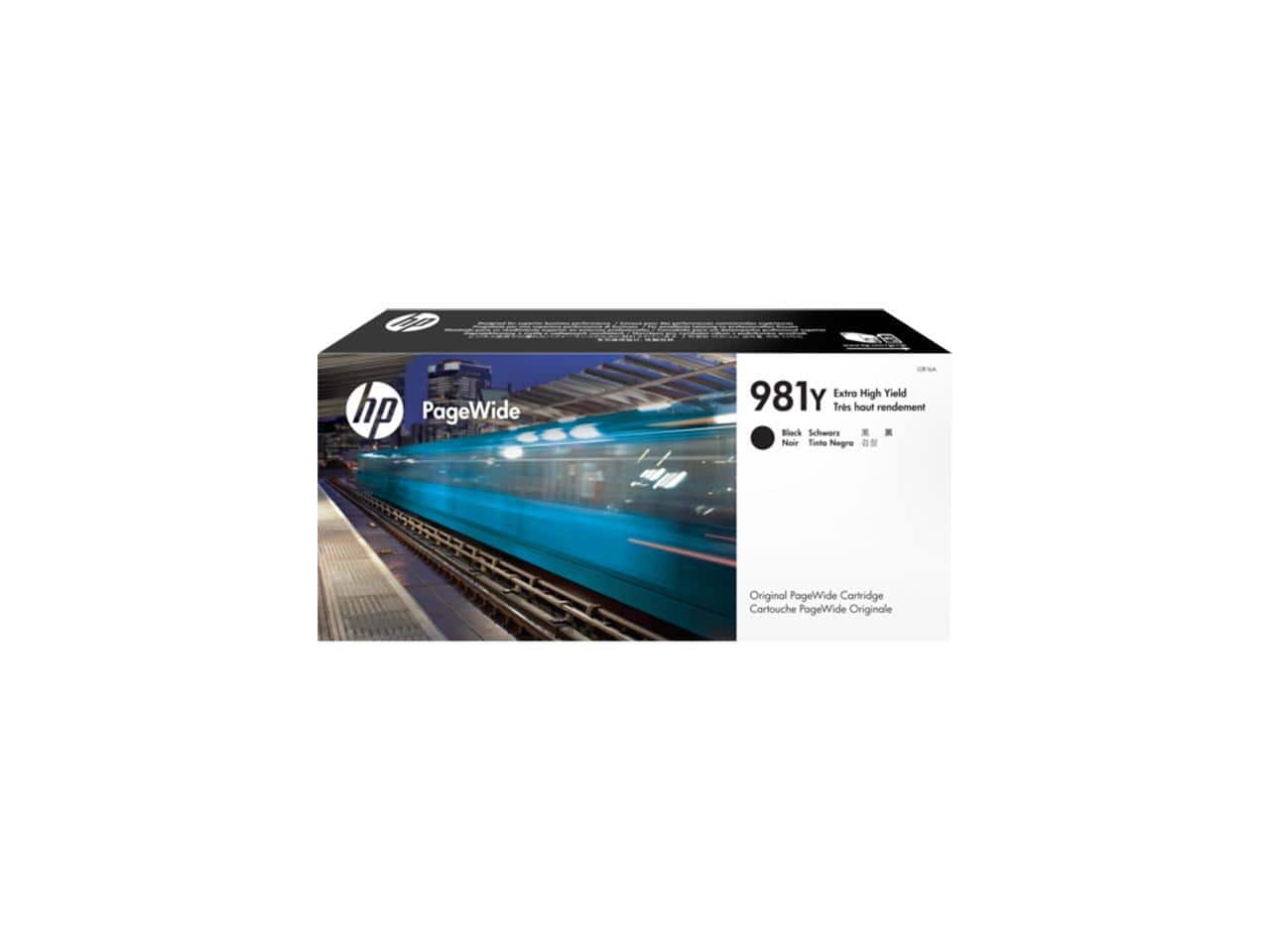
HP - 981Y Extra High Yield Ink Cartridge - Black
SKU: J3ZT6F7C9FSee all Printer InkProduct Description
An extra high yield black ink cartridge designed for crisp, professional-quality printing.Your price for this item is $234.89
Best Sellers
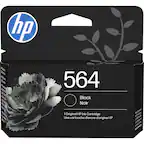
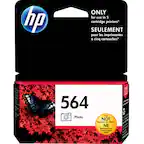
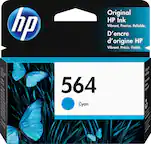
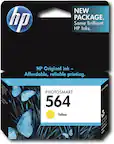

Related Pages


FAQ
HP 8100 printer ink is specifically designed for the HP OfficeJet Pro 8100 series printers. It may also be compatible with select other HP OfficeJet models. Always consult your printer's manual or the manufacturer's compatibility list to ensure proper fit.
HP 8100 printer ink cartridges are available in black, cyan, magenta, and yellow. These colors can be purchased individually or as a multi-pack for added convenience.
To install HP 8100 printer ink cartridges, open your printer’s ink cartridge access door, remove the old cartridge, and insert the new one into the corresponding slot. Follow the on-screen prompts on your printer’s display for step-by-step guidance.
While remanufactured or third-party ink cartridges may be available, HP recommends using genuine HP ink for optimal print quality and to avoid potential printer issues. Using non-HP cartridges may void your warranty or cause compatibility problems.
Store unused HP 8100 printer ink cartridges in a cool, dry place, away from direct sunlight. Keep cartridges in their original sealed packaging until you are ready to install them to prevent drying out or damage.