Scanners For 3D Printing
-
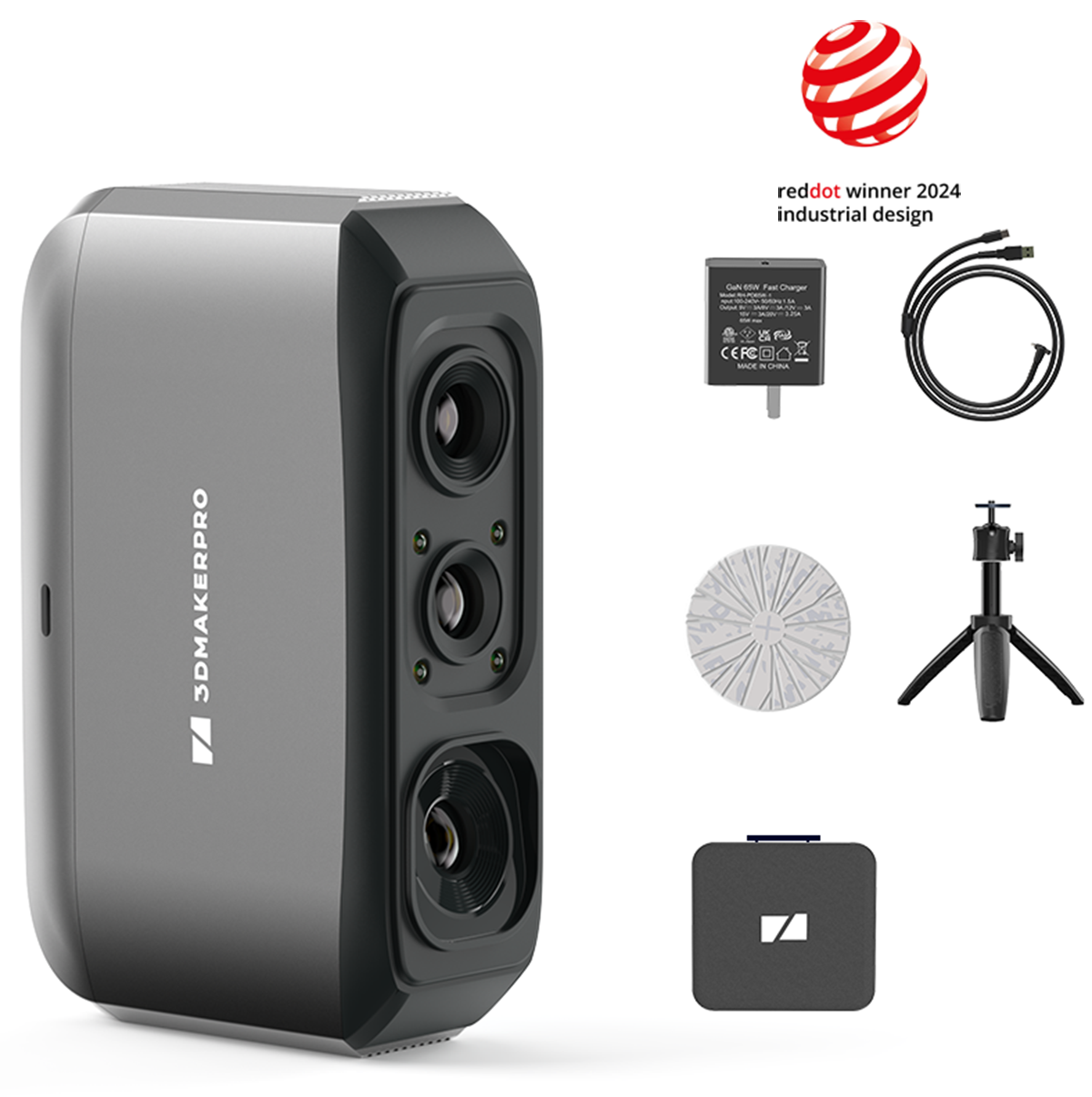
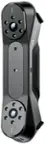
3DMakerpro - Moose Lite Handheld 3D Scanner for 3D Printing, Anti-Shake Lenses, 0.05mm Accuracy, 0.1mm Resolution - Premium - Gray
SKU: CZTFYWQP99See all 3D ScannersProduct Description
A lightweight gray handheld 3D scanner offering 0.05mm accuracy, anti-shake lenses, and markerless scanning.Your price for this item is $369.99 -
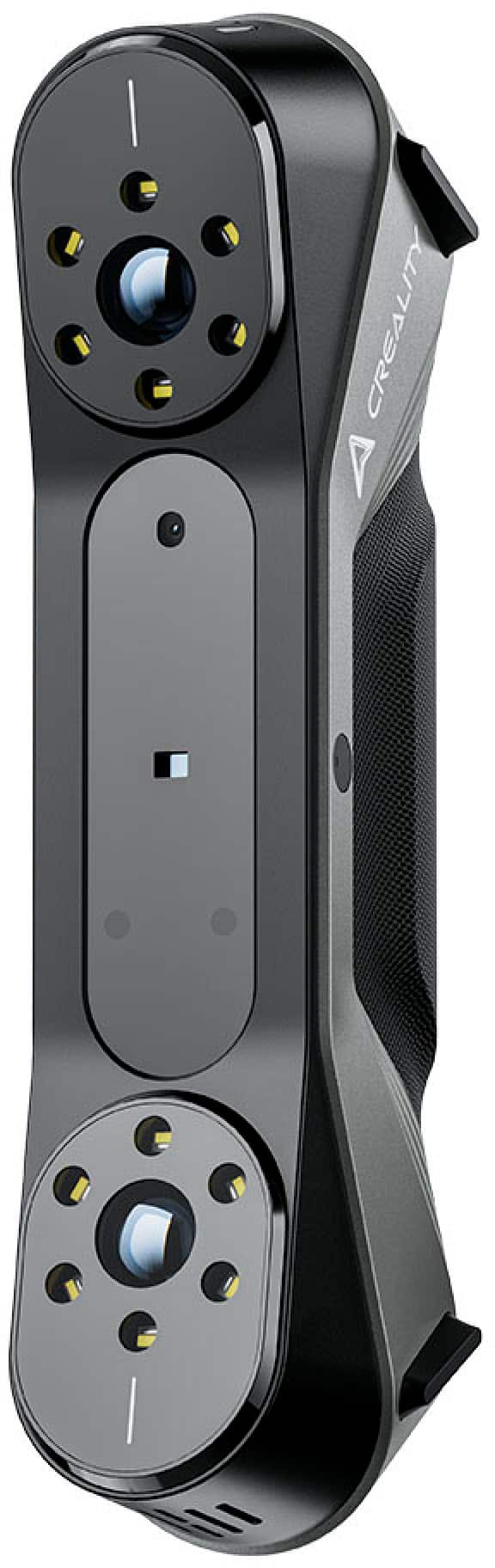
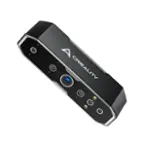
Creality - CR-Scan Raptor 3D Scanner 0.02mm Accuracy, 60fps Quick Scan; Industry-Grade Multiple-Line Blue - Black
SKU: JXQWF4SGX3See all 3D ScannersProduct Description
A black and blue industry-grade 3D scanner offering 0.02mm accuracy, 60fps scanning, and advanced blue/infrared technology.Your price for this item is $879.00Save $220The previous price was $1,099.00 -
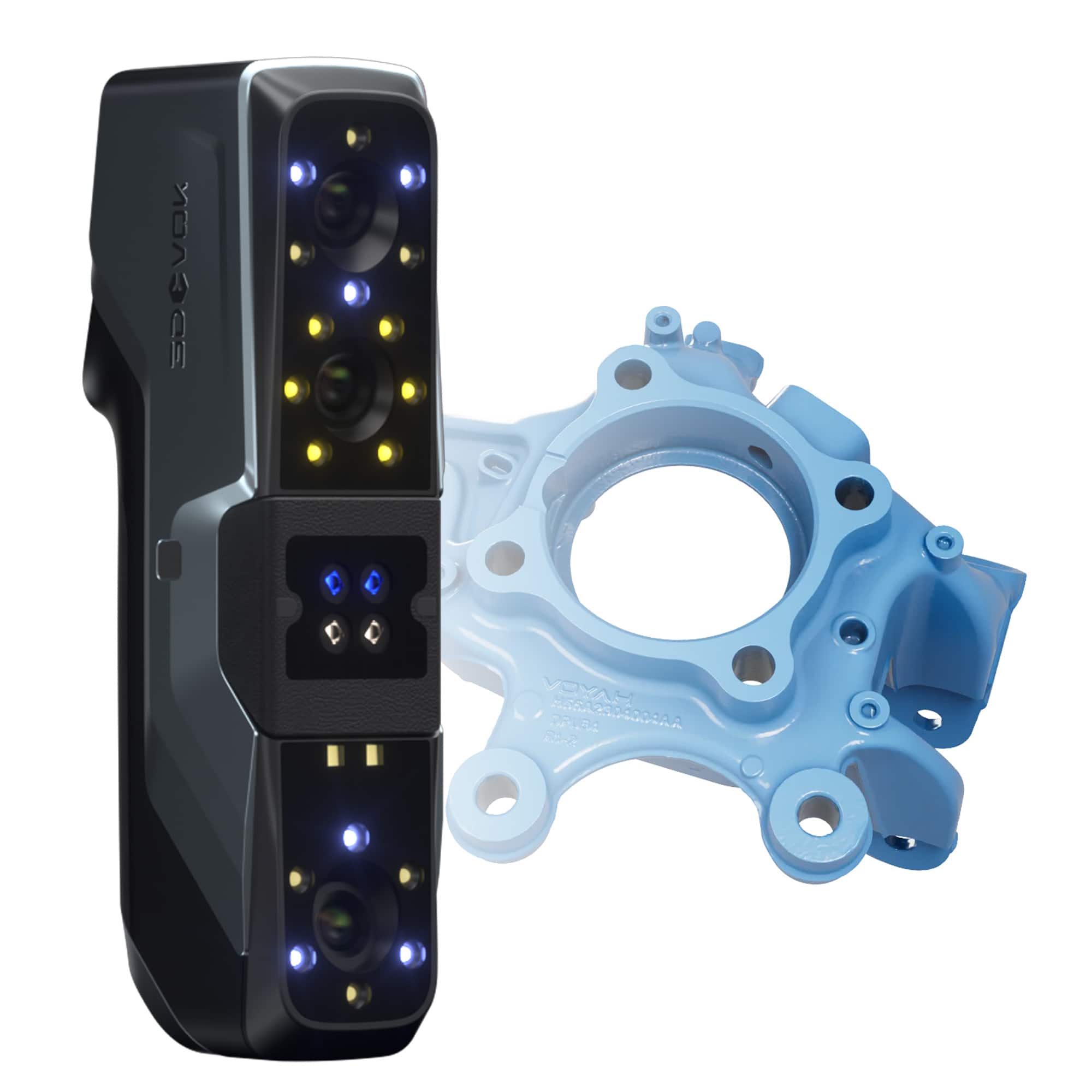
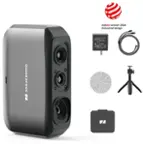
3DeVOK - MT 3D Scanner Kit for Reverse Engineering, 3D Printing, Product Design, Animation, Car Repairs, Quality Inspection - Black
SKU: CZWP28P97YSee all 3D ScannersProduct Description
A handheld black 3D scanner offering 0.04 mm accuracy, triple laser modes, and pro-grade software integration.Your price for this item is $6,299.00 -
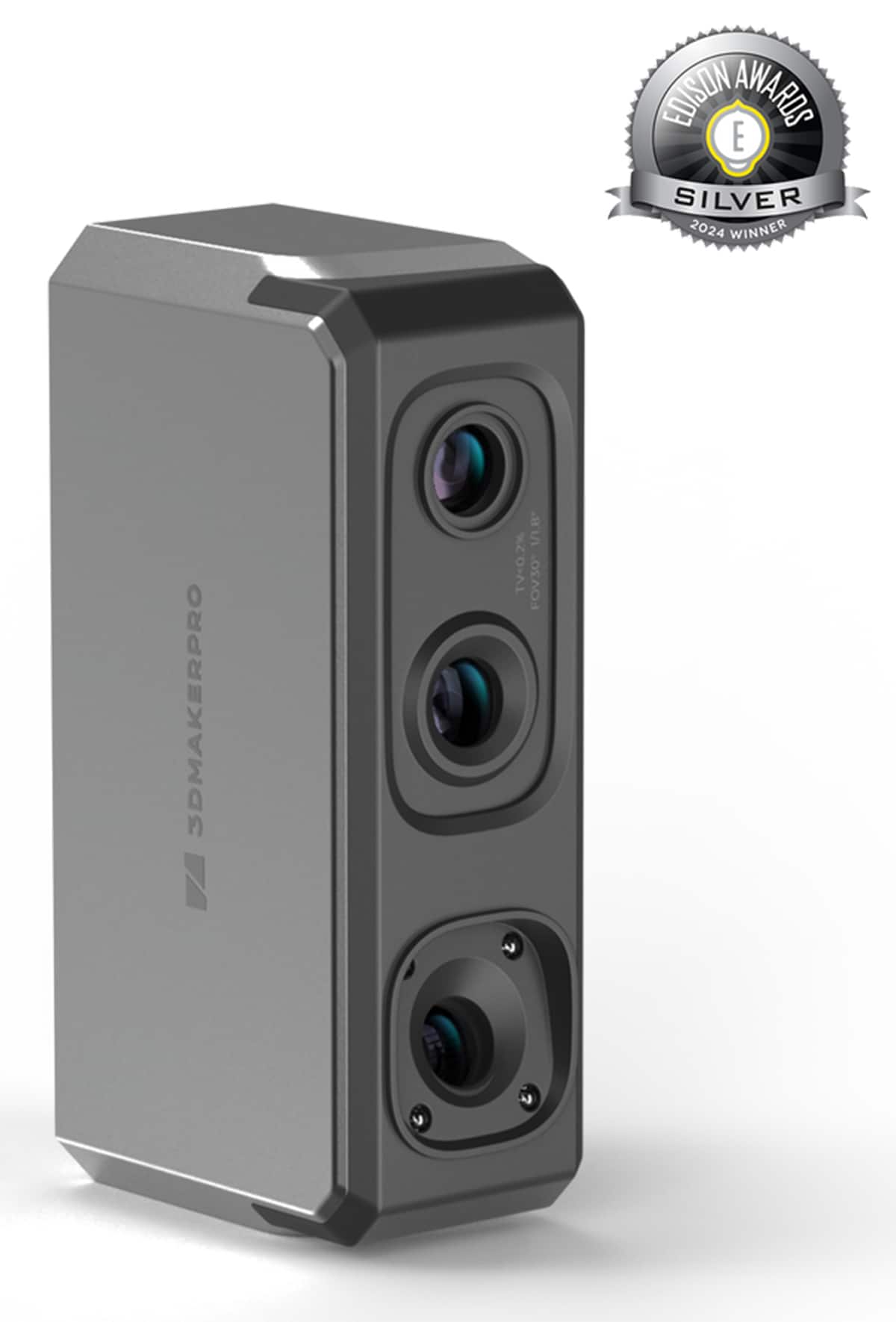
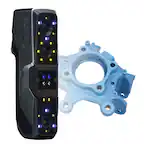
3DMakerpro - Seal 3D Handheld Scanner, Visual Tracking, 0.01mm Accuracy, 0.05mm Resolution, Anti-shake Lenses, 10FPS Frame - Black
SKU: CZTFYWQYFXSee all Scanners, Faxes & CopiersProduct Description
A handheld black 3D scanner offering 0.01mm accuracy, color scanning, visual tracking, and anti-shake lenses.Your price for this item is $559.99
Best Sellers
Related Pages





FAQ
When choosing a scanner for 3D printing, consider features such as scanning resolution, compatibility with your 3D printer, supported file formats, scanning speed, and ease of use. Additional features like automatic alignment and texture capturing can also enhance your scanning experience.
Most 3D scanners export files in standard formats like STL or OBJ, which are widely supported by many 3D printers. However, it's always a good idea to check the scanner's specifications and your printer's requirements to ensure compatibility.
Yes, many 3D scanners are designed to capture complex geometries and textured surfaces. Look for models that offer high-resolution scanning and advanced texture mapping for the best results with intricate objects.
Most 3D scanners come with proprietary software for processing and editing scans. This software often includes tools for mesh editing, alignment, and exporting to various 3D file formats. Some scanners also support integration with third-party 3D modeling programs.
Some 3D scanners are versatile and can handle a range of object sizes by adjusting settings or using different scanning modes. However, for optimal results, it's best to choose a scanner that matches the typical size of the objects you intend to scan.