Set-Up Blu-Ray Player
-
Panasonic - Streaming 4K Ultra HD Hi-Res Audio with Dolby Vision 7.1 Channel DVD/CD/3D Wi-Fi Built-In Blu-Ray Player, DP-UB820-K - Black
SKU: J3Z7HSJPYWGreat Blu-ray player...We love this BluRay player. It really brings out the best picture in combination with our TV....Easy to use and the quality is great...Best 4k player...Hands dows the best 4k player...
See all Blu-ray PlayersProduct Description
A black 4K Ultra HD Blu-ray player with Dolby Vision, 7.1-channel audio, Wi-Fi, and Alexa compatibility.Your price for this item is $649.99 -
Panasonic - Streaming 4K Ultra HD Hi-Res Audio DVD/CD/3D Wi-Fi Built-In Blu-Ray Player, DP-UB420-K - Black
SKU: J3Z7HSJYVFlove our DVD player -- great service with best buy -- DVD was easy to connect...Best 4k Player Available...Love this player. The DVD upscaling is a great feature and bluray/4k look great too.
See all Blu-ray PlayersProduct Description
A black 4K Ultra HD Blu-ray player with HDR, Dolby Atmos, Wi-Fi, and smart streaming capabilities.Your price for this item is $369.99 -
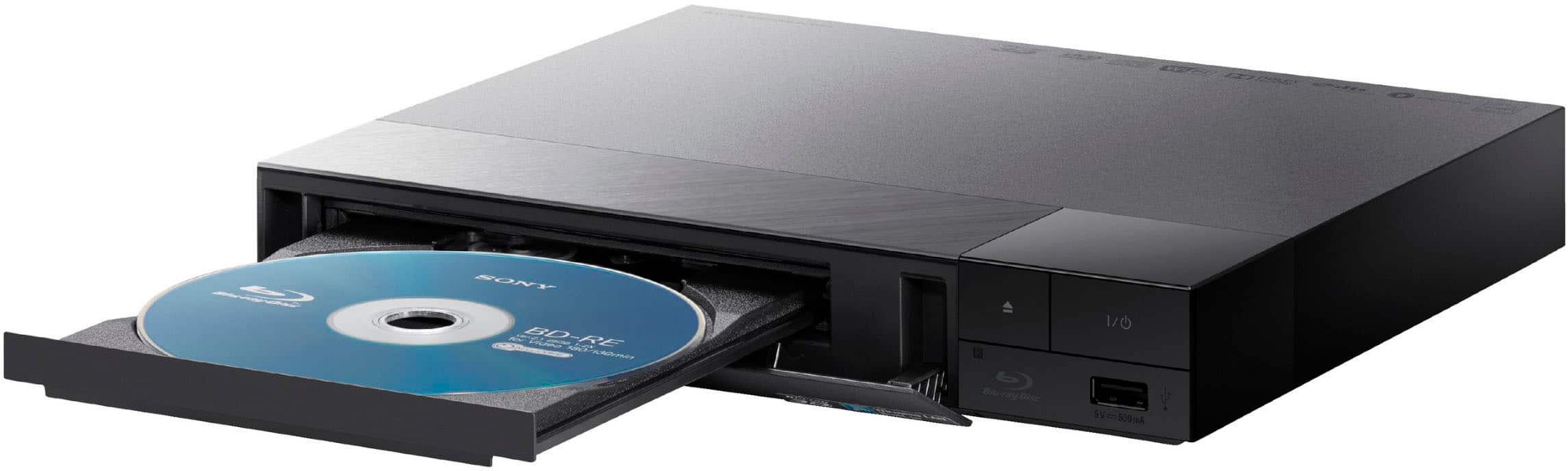
Sony - BDPS1700U Blu-ray Player, with TrueHD/DTS upscaling, and HDMI Cable - Black
SKU: J7XSRH582TI Love this affordable Blu- Ray Player. I have purchased all my tech equipment from Best Buy....Sony is the best, love all my Sony products! And always buy them from Best Buy!...Thank you Best Buy!
See all Blu-ray PlayersProduct Description
A black Blu-ray player delivering Full HD visuals with TrueHD/DTS upscaling and included HDMI cable.Your price for this item is $114.99 -
Panasonic - 4K Ultra HD Audio DVD/CD/3D Blu-Ray Player, DP-UB154P-K - Black
SKU: J3Z7HS8PRHbest every...great love it so much.000000000000000000000000000000000000000000000000000000000000000000000000000000000000000000000000000000000000000000000000000000000000000000000000000000000000000000000000000000000000000000000000000000000000000000000000000000000000000000000000000000000000000000000000000000000000000000000000000000000000000000000000000000000000000000000000000000000000000000000000000000000000000000000000000000000000000000000000000000000000000000000000000000000000000000000000000000000000000000000000000000000000000000...DVD...
See all Blu-ray PlayersProduct Description
A black 4K Ultra HD Blu-ray player with Dolby Atmos, HDR10+ support, and 3D playback capability.Your price for this item is $299.99 -
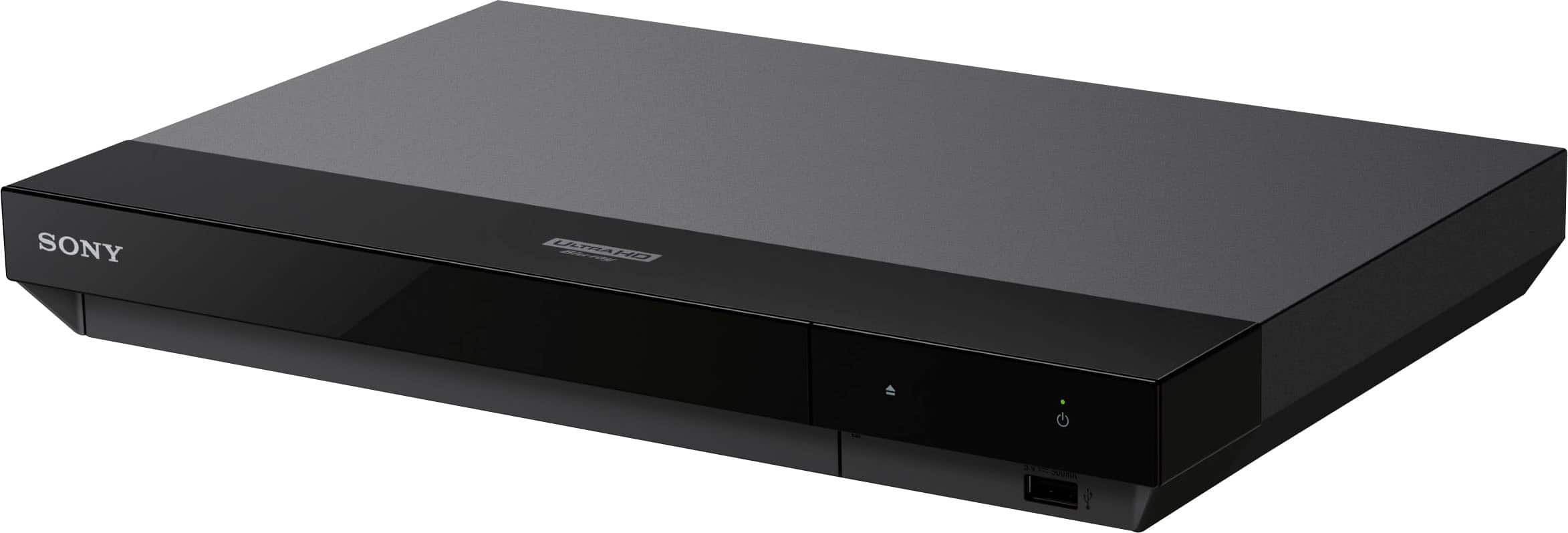
Sony - UBPX700U 4K Ultra HD Blu-ray Player - Black
SKU: J7XSRH5827I'm still able to get from Best Buy woot woot woot.Works great no problems love it...Vestbuy best price...Great Sony product and Bestbuy had the best price by far!
See all Blu-ray PlayersProduct Description
A black 4K Ultra HD Blu-ray player offering Dolby Atmos sound, HDR support, and smart capabilities.Your price for this item is $329.99 -
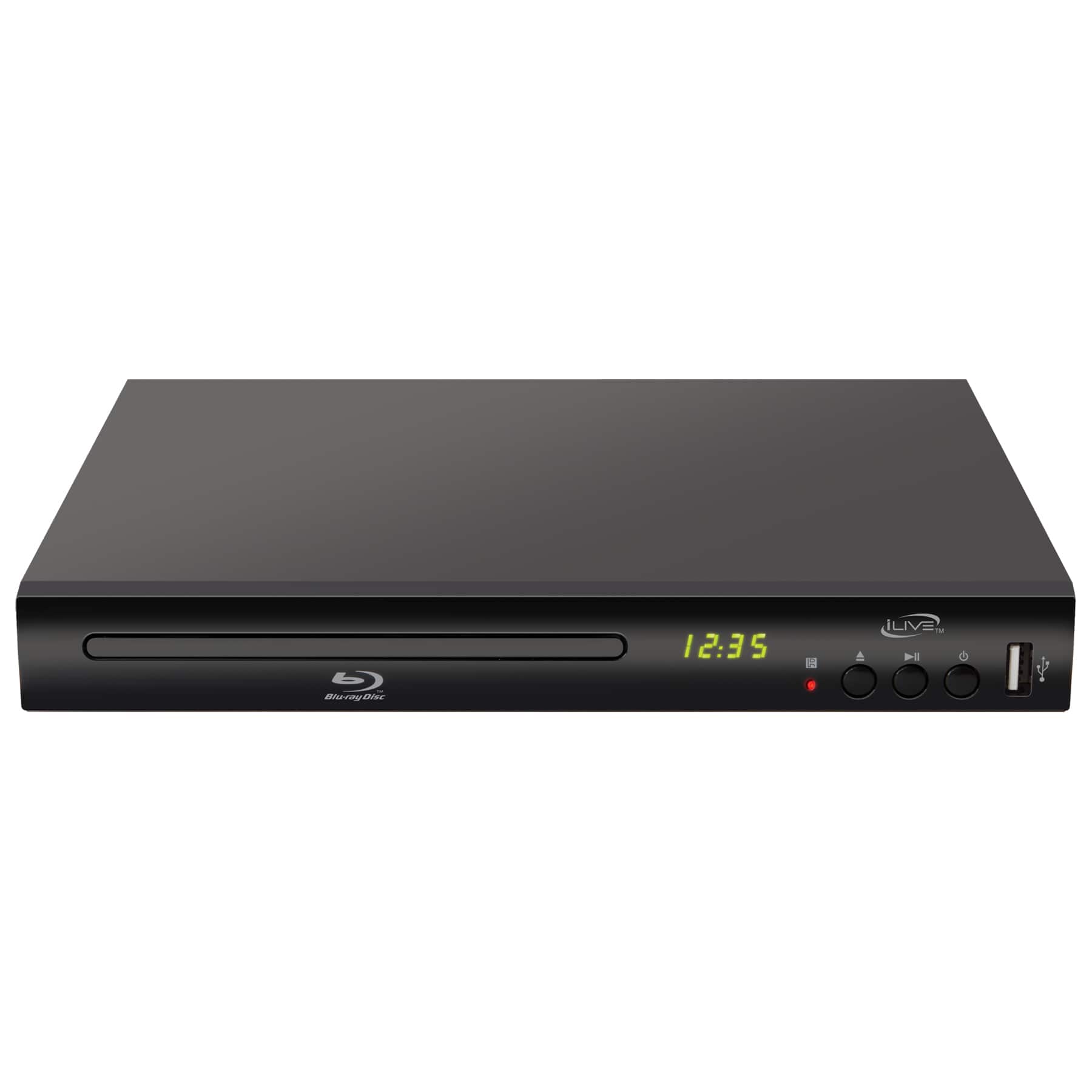
iLive - Blu-Ray DVD Player, IDBU601B
SKU: J7GWZ5XPK7Great features...I just bought it today, and love it, and love to watch movies....Love it
See all Blu-ray PlayersProduct Description
A black Blu-ray player that upscales DVDs to 1080p and supports immersive surround sound connections.Your price for this item is $139.99 -
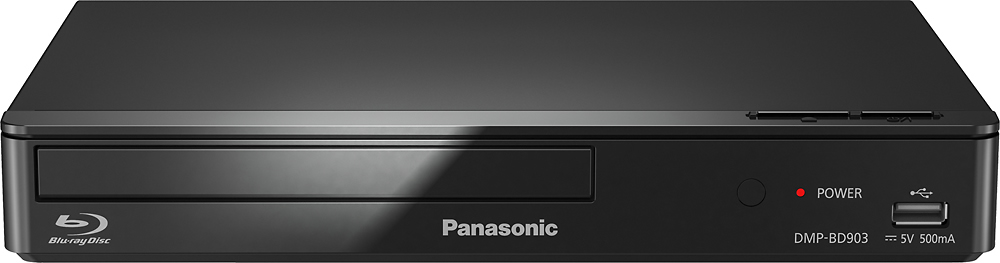
Panasonic - Streaming Wi-Fi Built-In Blu-ray Player - Black
SKU: J3Z7HPZPK4great price & works great...love best buy....order from home....pay....pickup...easy!...great blu-ray...even better price...love the speed and picture quality from this dvd player. best price around
See all Blu-ray PlayersProduct Description
A smart-capable black Blu-ray player with built-in Wi-Fi for easy streaming of movies and TV shows.Your price for this item is $113.99Save $6The previous price was $119.99



Best Sellers



Related Pages
FAQ
Most Blu-ray players connect to your TV using an HDMI cable, which provides high-definition video and audio. Some models may also offer component or composite connections for older TVs, but HDMI is recommended for the best quality.
Yes, you can connect your Blu-ray player to a home theater system using HDMI, optical audio, or coaxial audio outputs, depending on the available ports on your devices. This setup allows you to enjoy immersive surround sound.
To set up Wi-Fi, use your Blu-ray player's on-screen menu to navigate to network settings. Select the wireless setup option, choose your Wi-Fi network, and enter your password. Follow the prompts to connect your player to the internet.
Some Blu-ray players may prompt you to update their firmware during initial setup. Keeping your firmware up to date ensures compatibility with the latest discs and streaming apps. Follow on-screen instructions to complete any updates.
Many Blu-ray players have built-in apps for streaming services like Netflix, YouTube, and Hulu. To access these features, connect your player to the internet and navigate to the apps section from the main menu.