Temp Controlled PC Fan
-
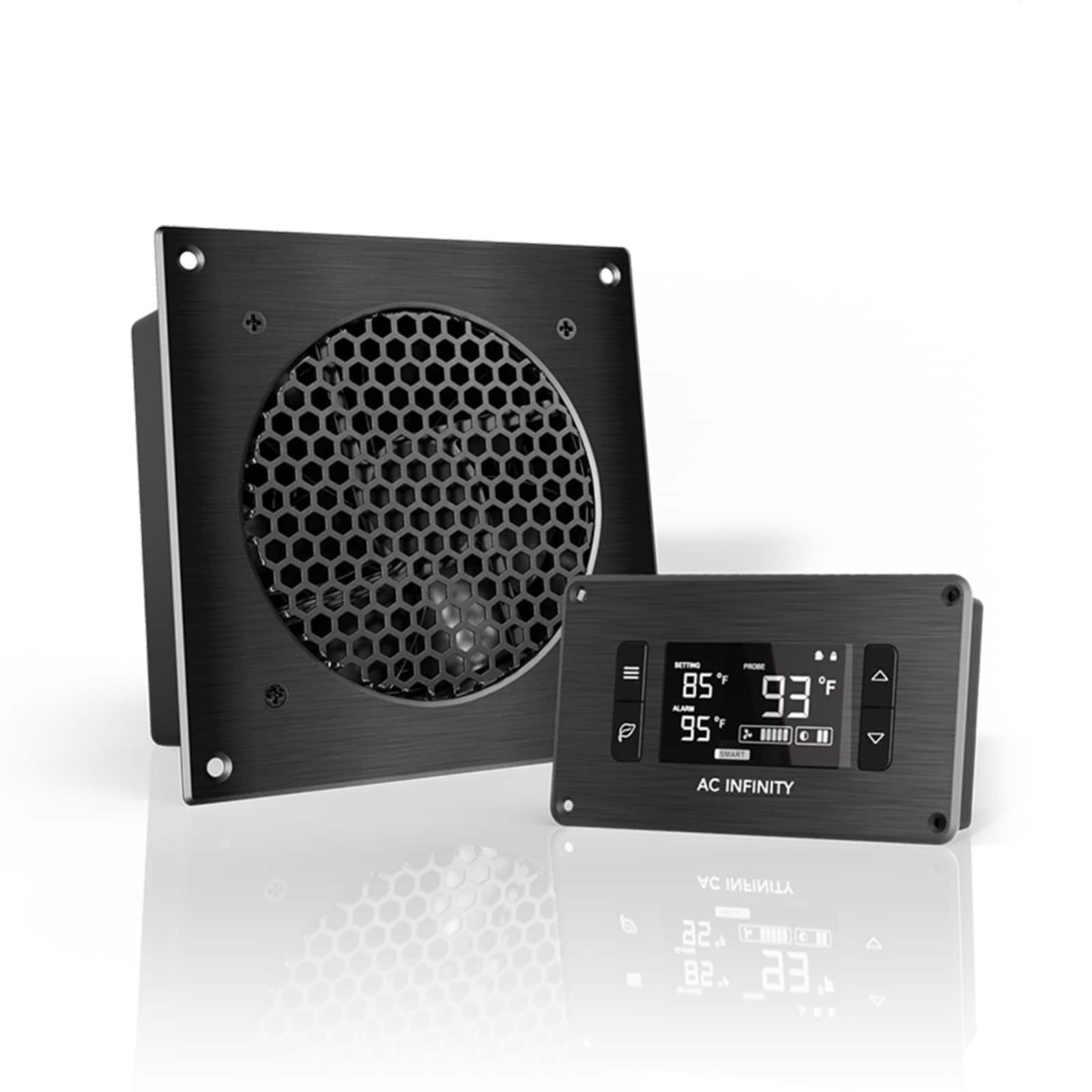
AC Infinity - AIRPLATE T3, Quiet Cabinet Cooling Fan 6" with Temperature Controller - Black
SKU: J3QJCLJ8V5See all Case FansProduct Description
A quiet cabinet cooling fan with temperature control, black aluminum frame, reversible airflow, and ball bearings.Your price for this item is $69.99 -
Thermaltake - CT200 PWM 200mm Computer Case Fan with Hydraulic Bearing (Single Pack) - White
SKU: J39ZPC942JSee all Case FansProduct Description
A white 200mm case fan with hydraulic bearing delivers up to 131.6 CFM and daisy-chainable PWM control.Your price for this item is $34.83Save $5The previous price was $40.00 -
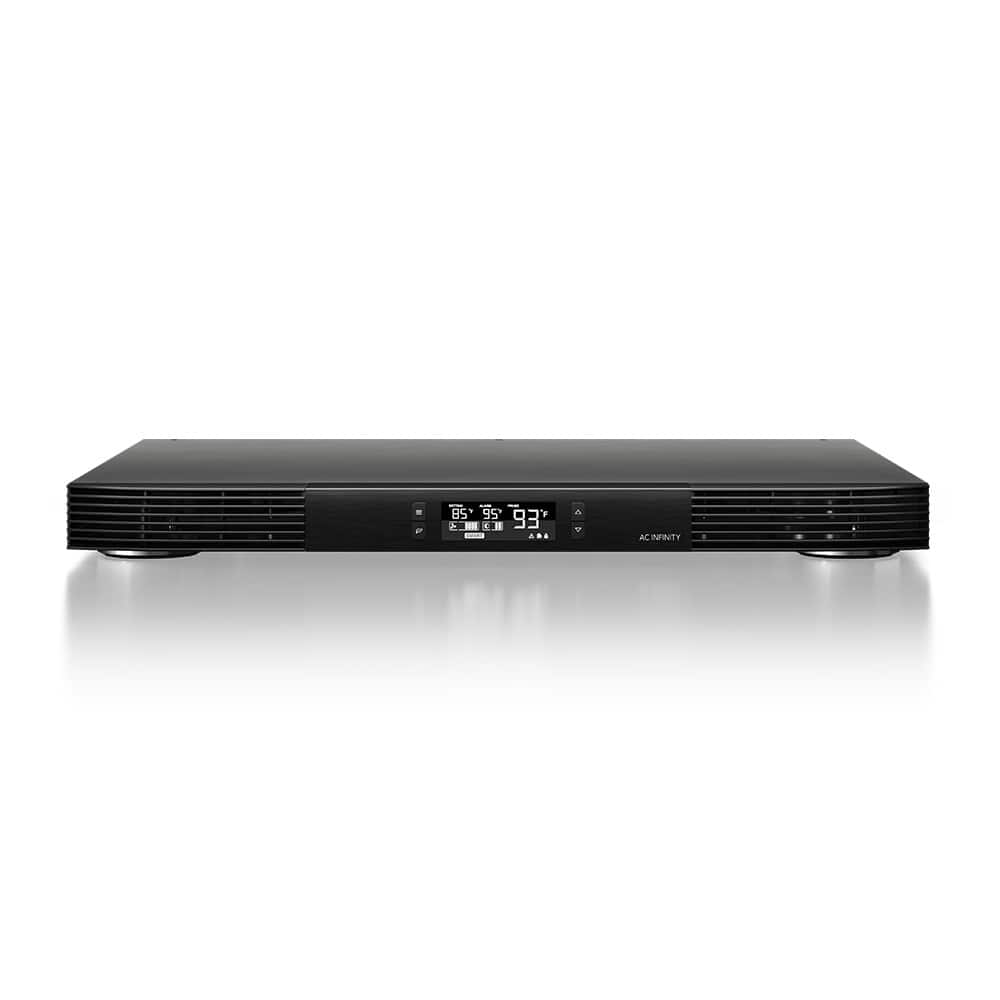
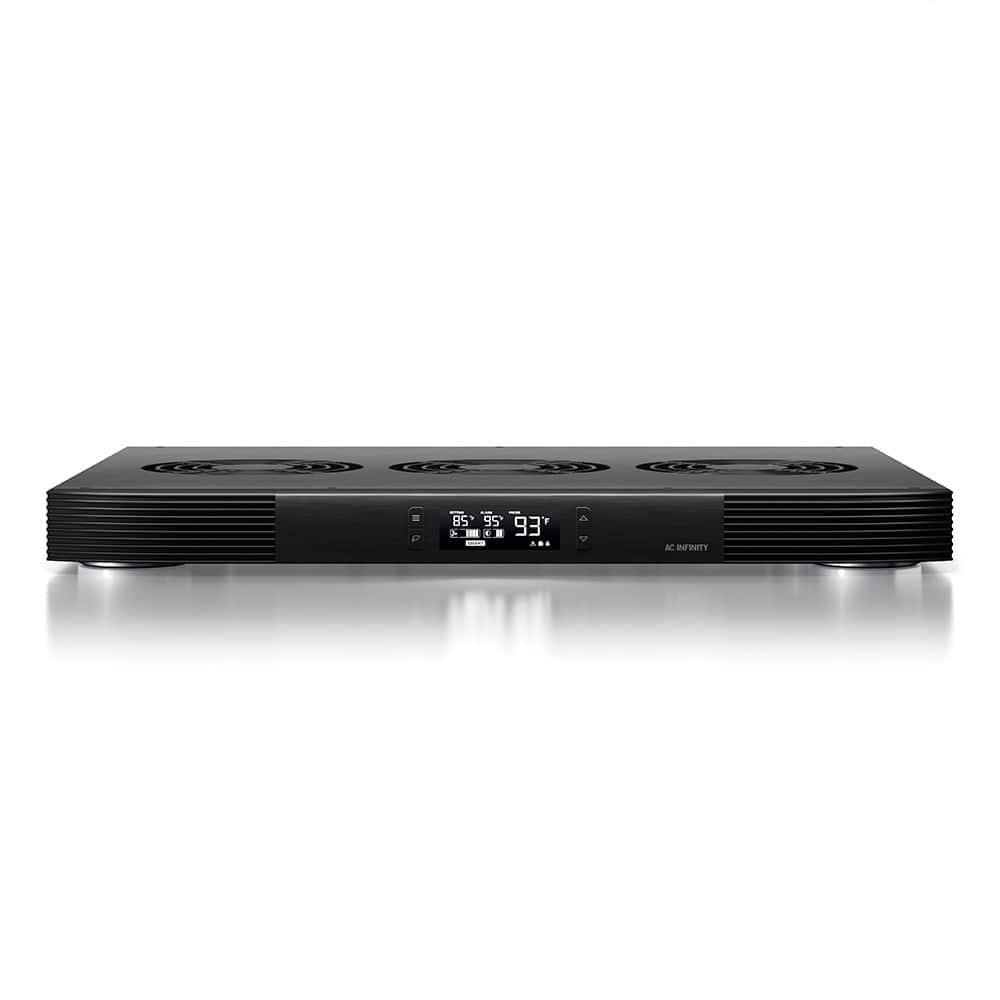
AC Infinity - AIRCOM T10, AV Receiver Cooling Fan with LCD Temp Controller, 17" Front Exhaust - Black
SKU: J3Y3XQKG96See all Case FansProduct Description
A black steel-and-aluminum AV component cooling system with three quiet blowers, LCD thermostat, and six-speed control.Your price for this item is $139.00 -
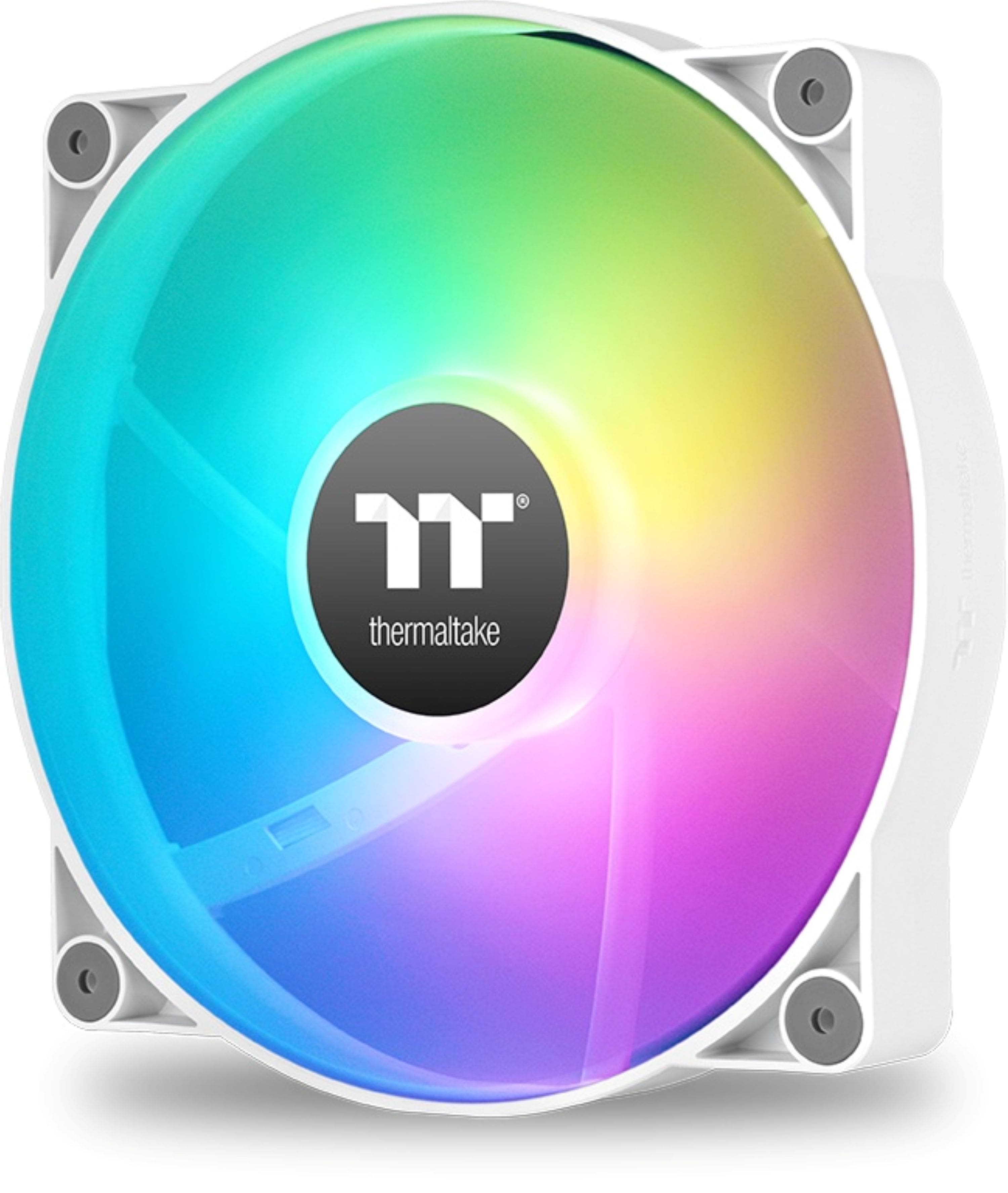
Thermaltake - CT200 ARGB PWM 200mm Computer Case Fan with Hydraulic Bearing (Single Pack) - White
SKU: J39ZPC942QSee all Case FansProduct Description
A white 200mm ARGB PWM case fan with hydraulic bearing and 9 customizable RGB LEDs.Your price for this item is $41.33Save $4The previous price was $46.08 -
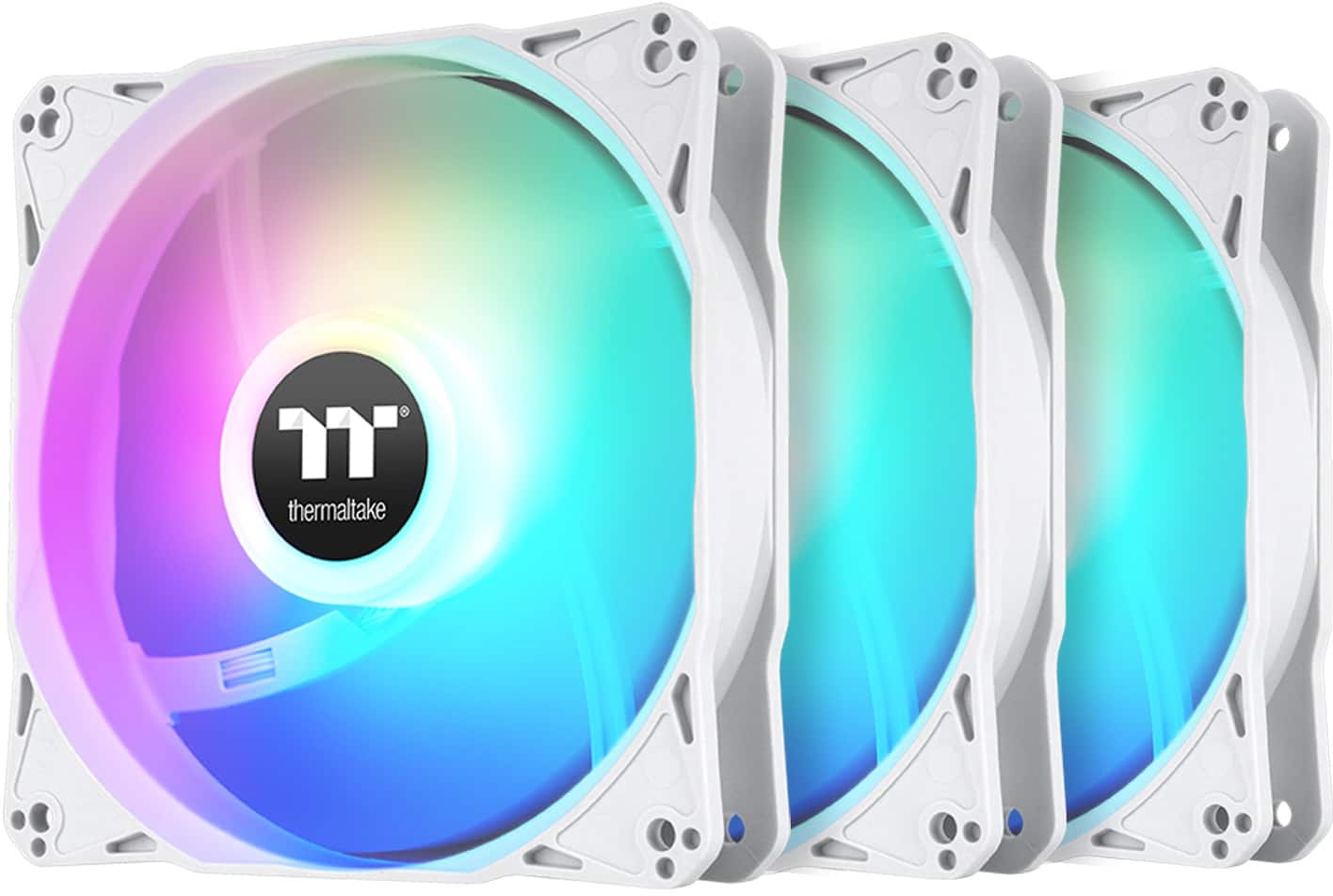
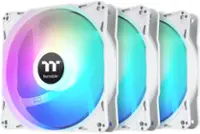
Thermaltake - LE120 ARGB Sync 120mm PWM Computer Case Cooling Fan (3-Pack) - Snow
SKU: J39ZPC63HFGreat fans, quiet unless they are on max, keeps my pc cool, no issues...Great fans for the price
See all Case FansProduct Description
A pack of three white ARGB 120mm PWM fans with 9 LEDs and daisy-chain connectivity.Your price for this item is $29.99 -
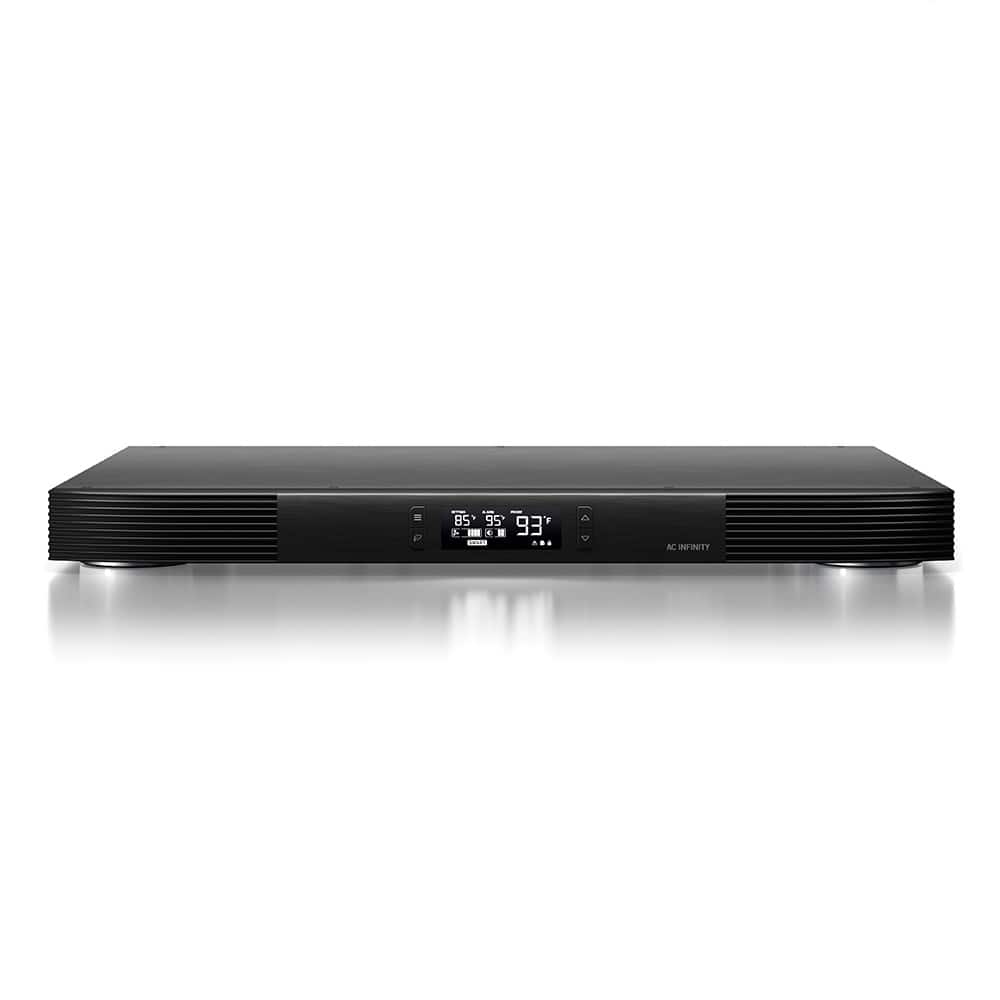
AC Infinity - AIRCOM T9, AV Receiver Cooling Fan with LCD Temp Controller, 17" Top Exhaust - Black
SKU: J3QJCLJG9XSee all Case FansProduct Description
A quiet black steel-and-aluminum AV cooling system with three blowers, LCD thermostat, and SMART speed control.Your price for this item is $139.00 -
AC Infinity - AIRCOM T8, AV Receiver Cooling Fan with LCD Temp Controller, 17" Rear Exhaust - Black
SKU: J3QJCLJGS9See all Case FansProduct Description
A black steel-and-aluminum cooling system with three quiet blowers, LCD thermostat, SMART mode, and six speeds.Your price for this item is $139.00

Best Sellers
Related Pages


FAQ
A temp controlled PC fan is a computer cooling fan that automatically adjusts its speed based on your system’s temperature, providing optimal cooling when needed and quieter operation during lighter workloads.
Temp controlled PC fans use built-in sensors or connect to your motherboard’s temperature sensors to monitor the heat levels. The fan speed increases or decreases automatically to maintain ideal temperatures for your components.
Most temp controlled PC fans are compatible with modern motherboards that support PWM (Pulse Width Modulation) or voltage control. Always check your motherboard’s specifications to ensure compatibility.
Yes, temp controlled PC fans often run at lower speeds when your system is cool, resulting in quieter operation compared to standard fans that run at a fixed speed.
Installing a temp controlled PC fan is similar to installing a standard PC fan. Simply connect the fan to the appropriate header on your motherboard and follow the included instructions for setup.