Wii Hdtv
-
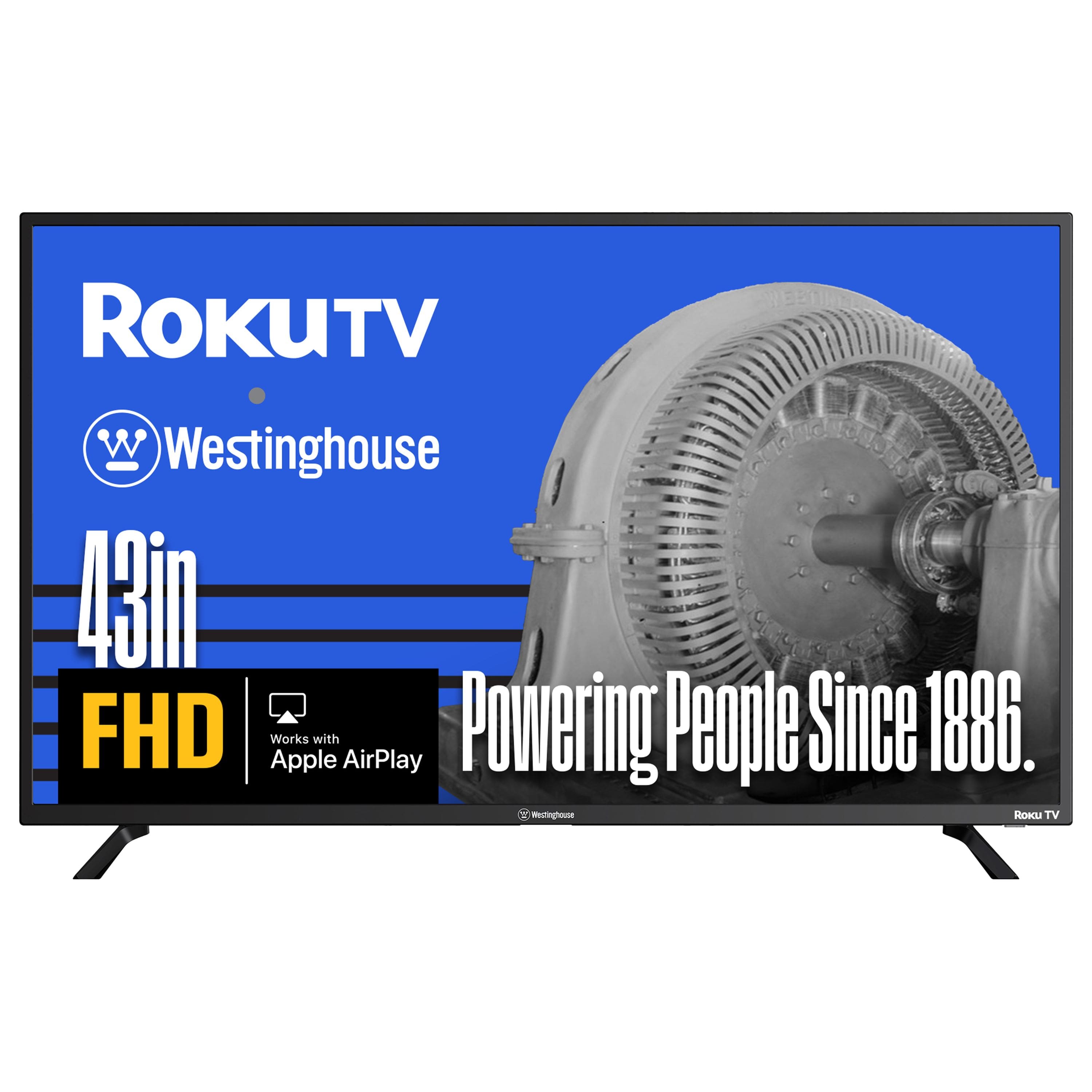
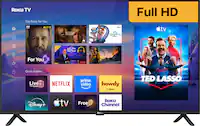
Westinghouse - 43-inch Smart Roku TV, 1080p FHD Flat Screen with Wi-Fi, Mobile App, AirPlay, Alexa & Google
SKU: J3LL89C6CCLove the Roku function and the beautiful picture. Might be our best tv!...Very easy to set up and love the Dolby sound. Great quality as well.
See all All Flat-Screen TVsProduct Description
A smart LED TV with 1080p Full HD, Roku platform, Wi-Fi, Bluetooth, AirPlay, Alexa, and Google compatibility.Your price for this item is $189.99 -
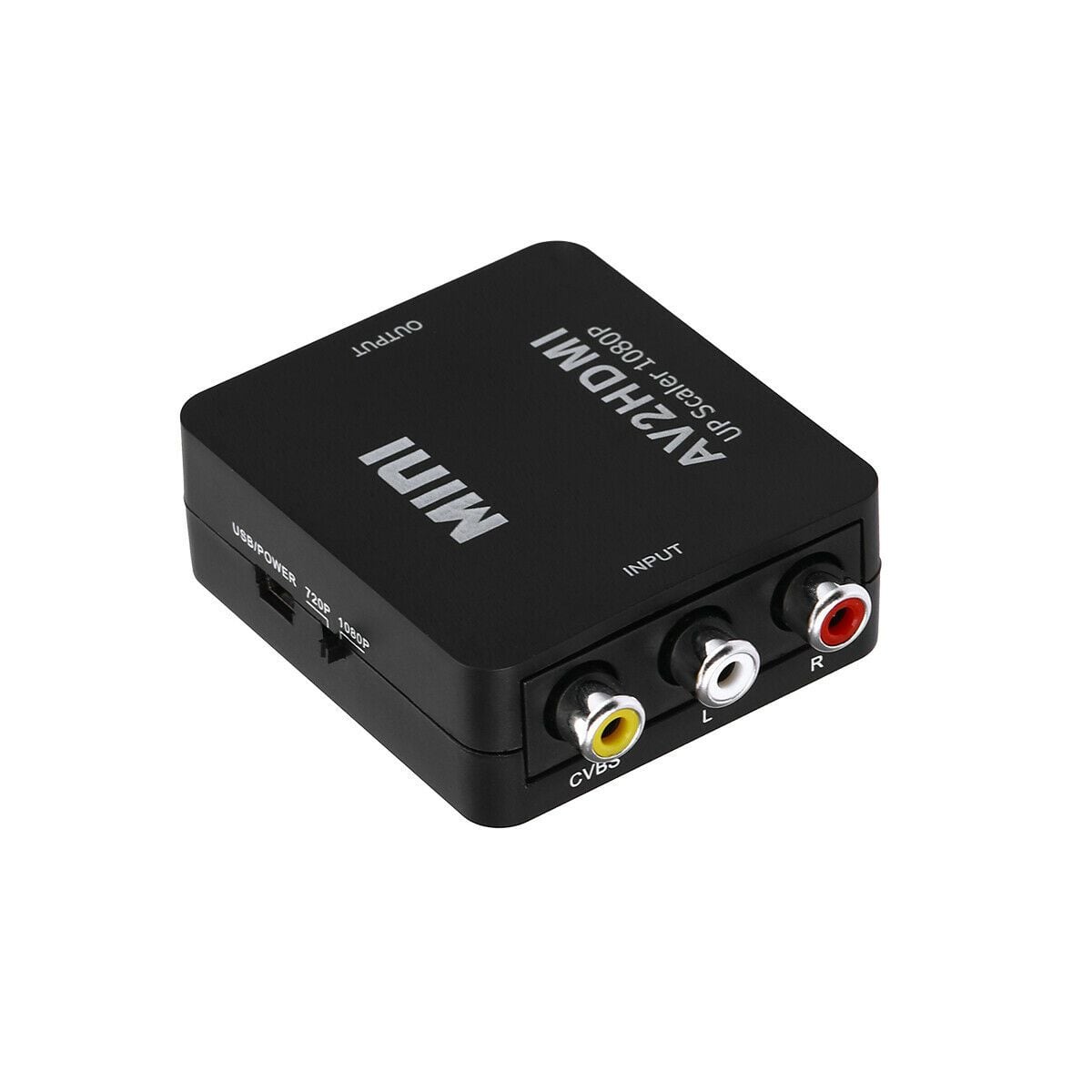
Sanoxy - RCA to HDMI Converter Composite AV CVBS Video Adapter 720p 1080p W ii NES SNES - Black
SKU: B32CQXWY9SSee all HDMI CablesProduct Description
A black adapter that converts analog RCA composite video to HDMI output with advanced signal processing.Your price for this item is $22.99 -
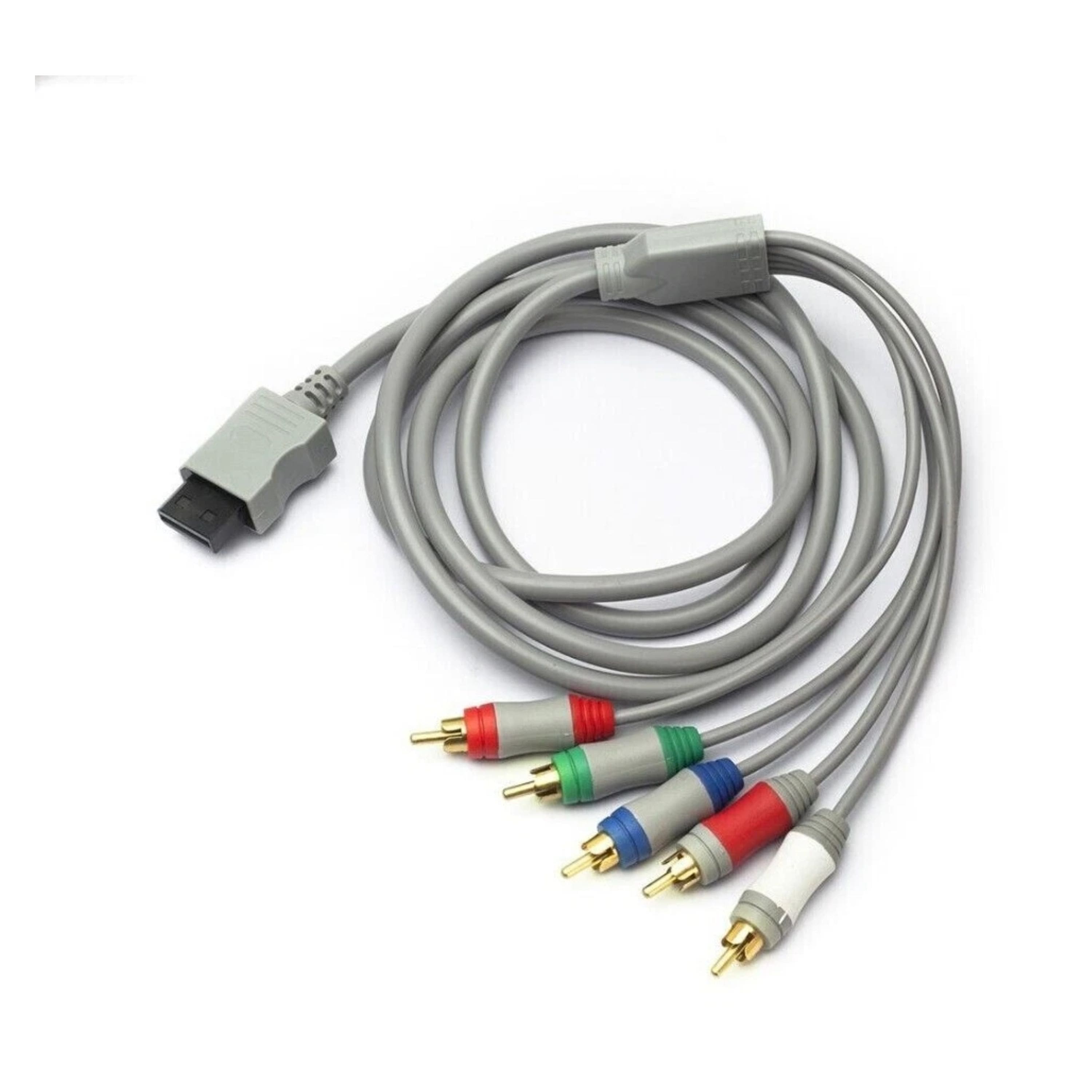
Kitcheniva - Component Cable For Nintendo Wii - Gray
SKU: J5X88GK97XSee all Video Game AccessoriesProduct Description
A gray component cable that delivers enhanced video and audio quality for Nintendo Wii gaming on HDTVs.Your price for this item is $12.99 -
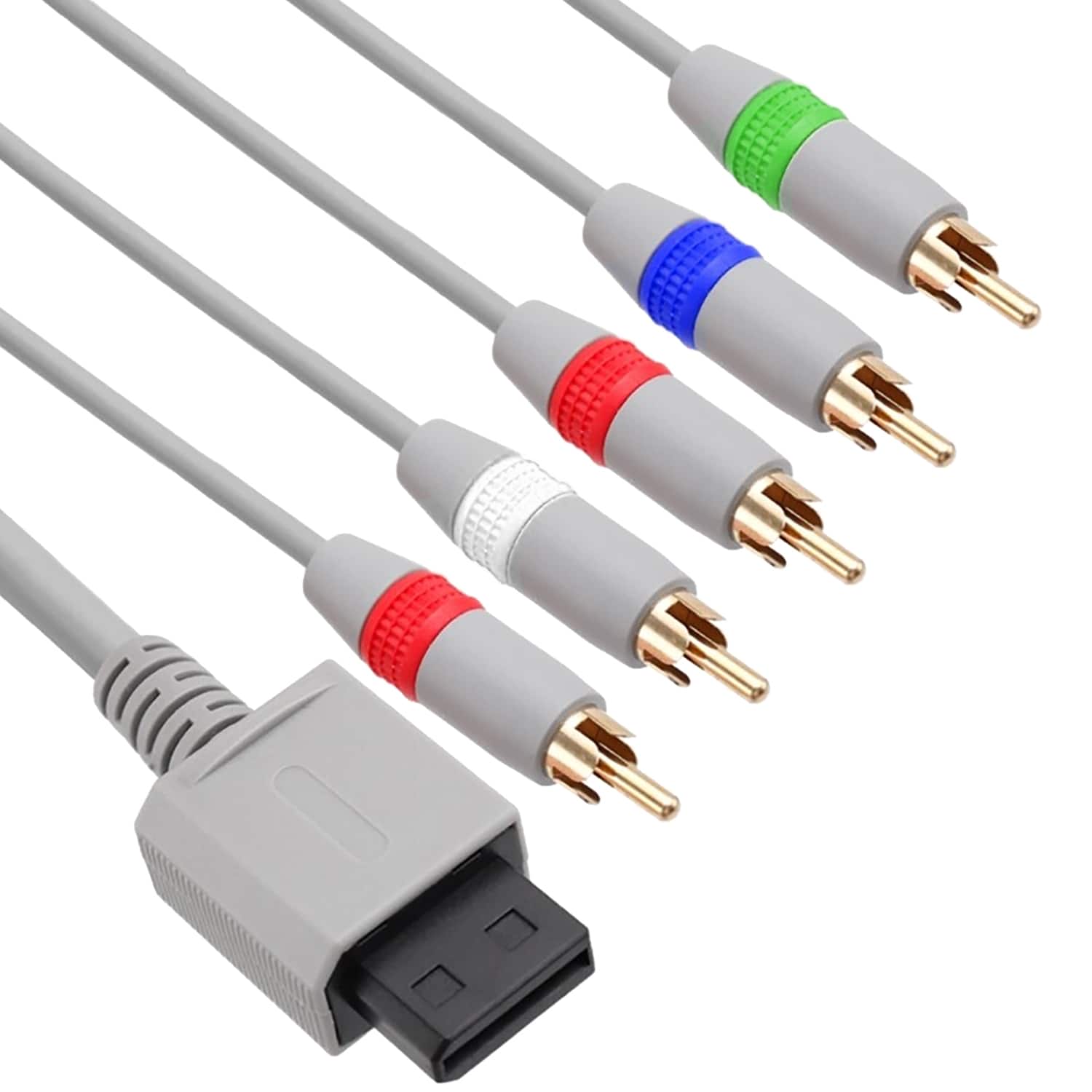
Fosmon - For Wii Component Cable (High Definition 480p), Component AV Cable for Nintendo Wii U, HDTV/EDTV High Definition - Gray
SKU: J3KCTSHQ5GGreat Upgrade for Picture Quality...Easy setup, solid build, and great value for the price....Perfect if you want to get the best out of your Wii or Wii U!...Works Great! Easy To Set Up! Durable & a Great...
See all Video Game AccessoriesProduct Description
A gray component AV cable delivering 480p high-definition video and audio for Nintendo Wii and Wii U.Your price for this item is $11.49 -
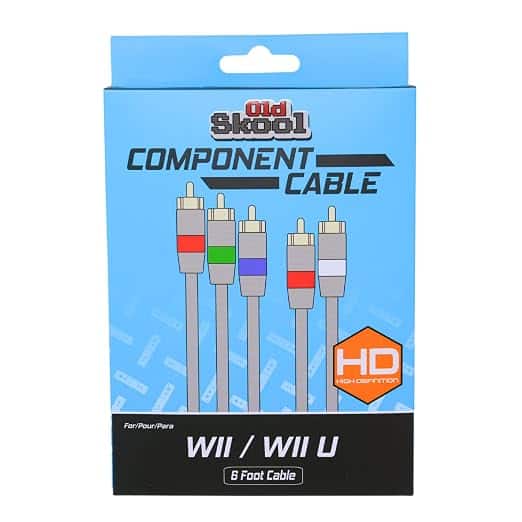
Old Skool - Component Cable for Wii / Wii U - Gray
SKU: JX2823T3SSSee all Video Game AccessoriesProduct Description
A gray component cable for Wii and Wii U consoles supports 480p video and HDTV compatibility.Your price for this item is $9.99 -
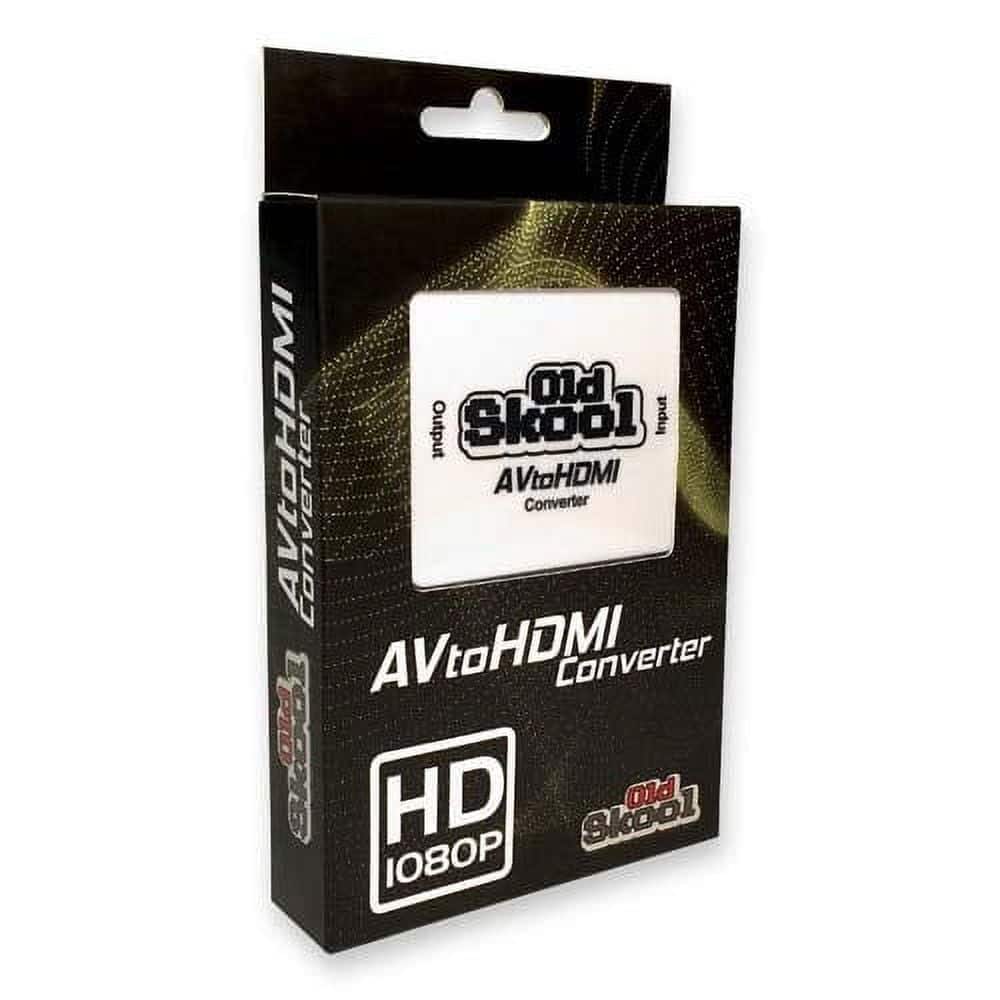
Old Skool - AV to HD Converter
SKU: JX3Z9GCJXTSee all TV & Home Theater AccessoriesProduct Description
An AV-to-HD converter upscales retro console video signals to 1080p at 60fps for modern TVs.Your price for this item is $19.99 -
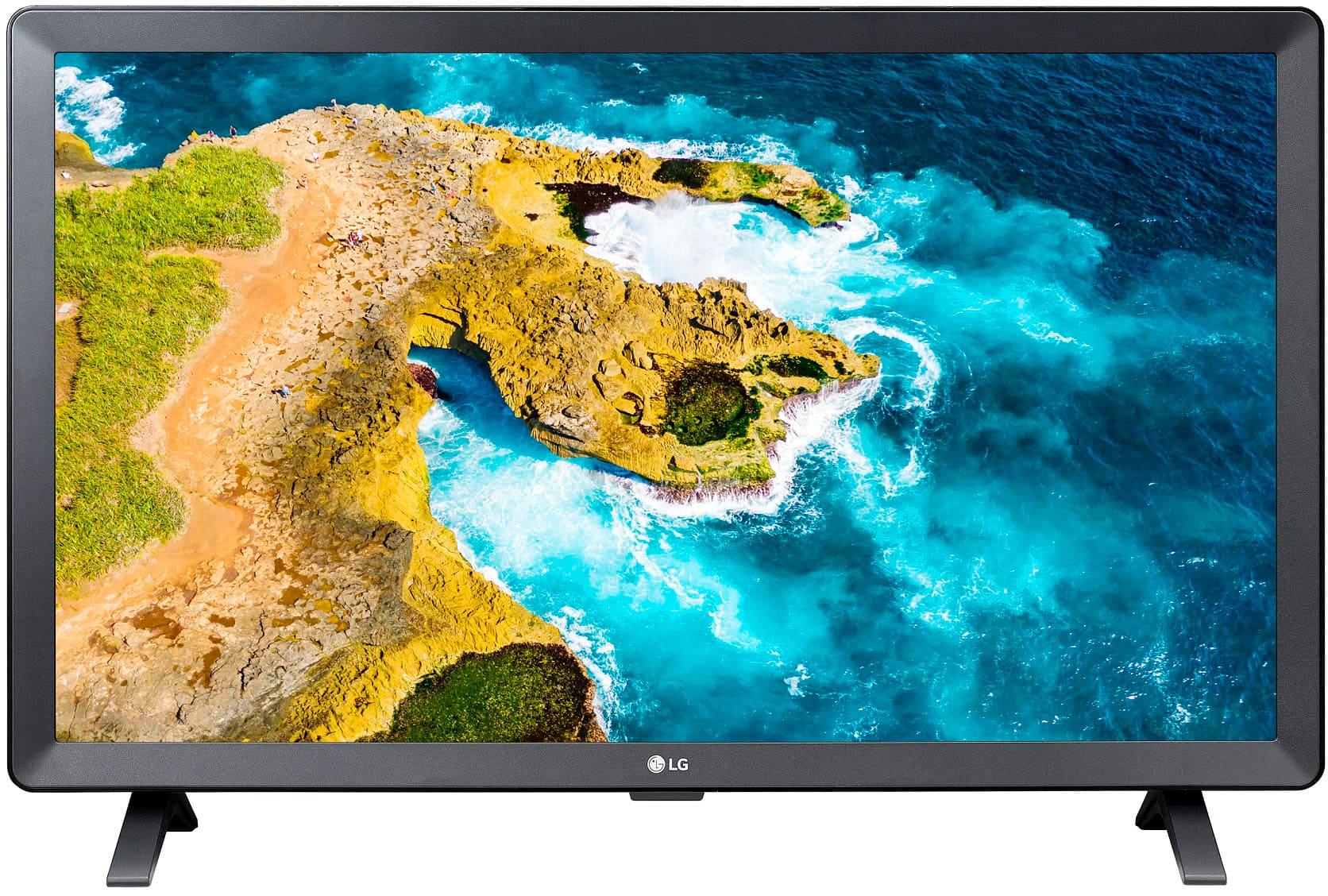
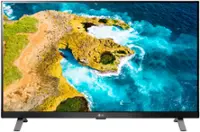
LG - 24” Class LED HD Smart TV with webOS (2022)
SKU: JJ8VPZ6YTTSee all All Flat-Screen TVsProduct Description
A versatile 24" HD LED smart TV with webOS, perfect for streaming, gaming, or use as a monitor.Your price for this item is $161.99Save $8The previous price was $169.99 -
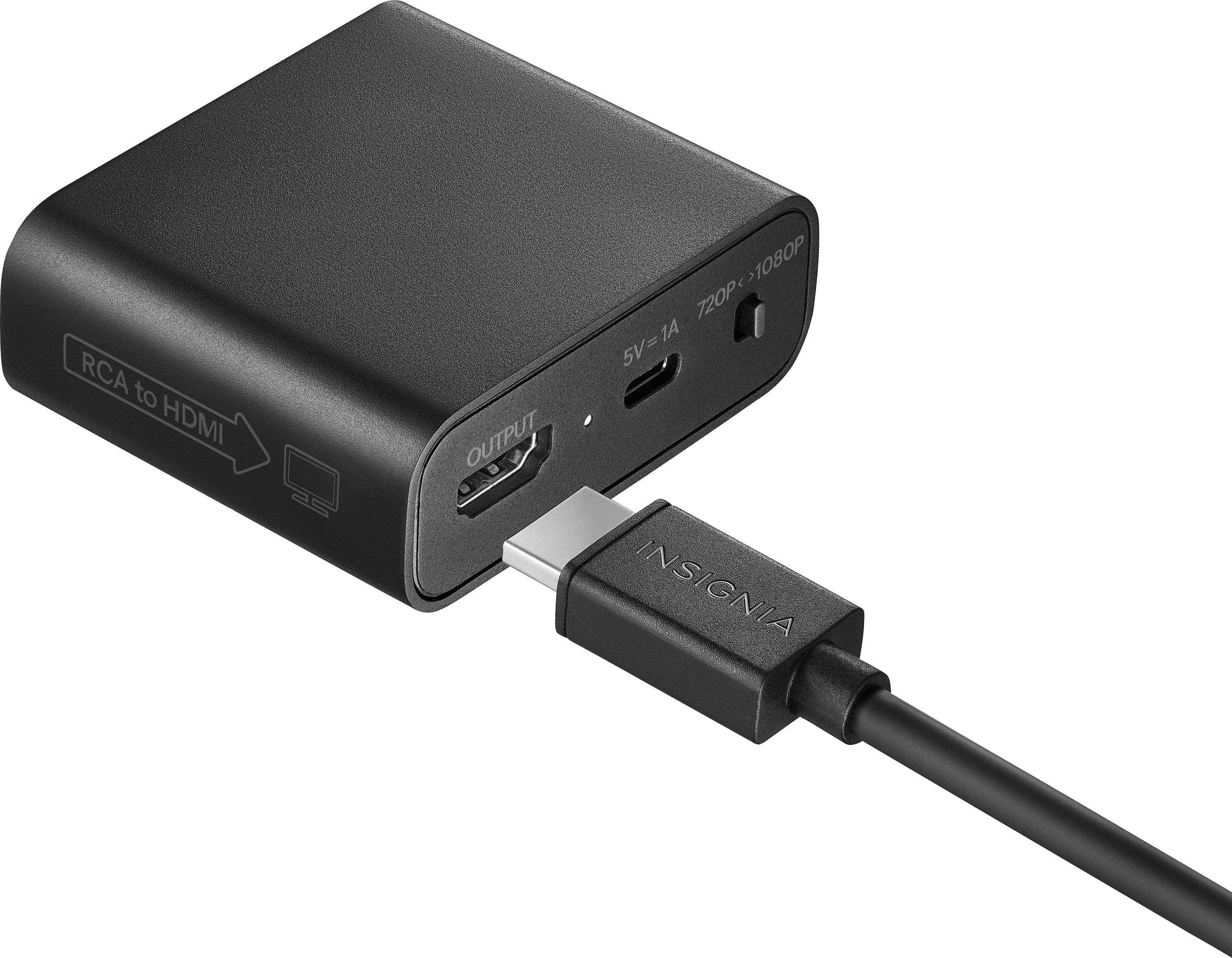
Insignia™ - RCA to HDMI Converter - Black
SKU: J2FPJK9G3KGreat product. Great service. Best Buy always delivers!...Love it because it's so easy to install and good to watch...The best product...Works great!
See all A/V AdaptersProduct Description
A black converter that transforms RCA input signals to HDMI output for viewing legacy content on modern displays.Your price for this item is $39.99 -
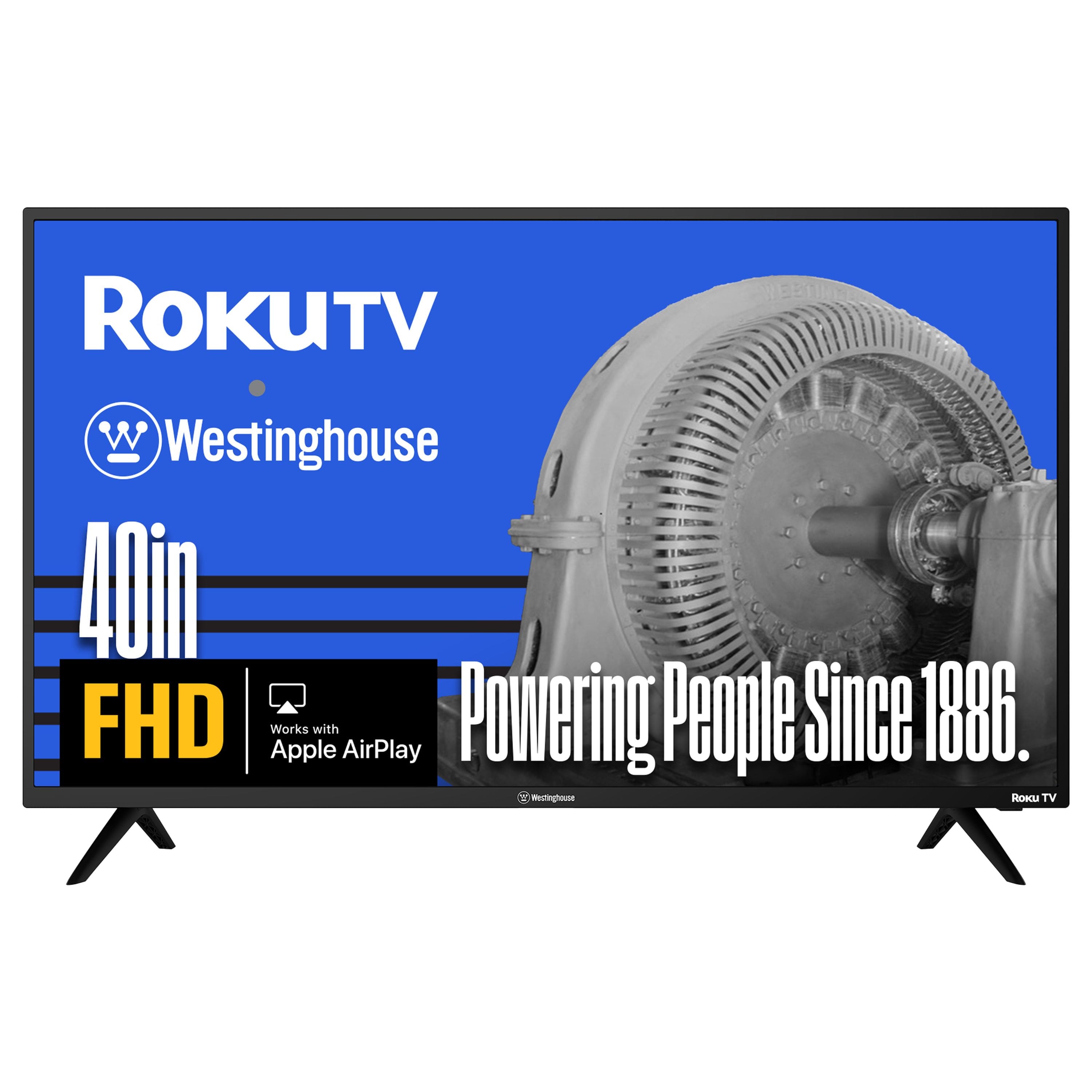
Westinghouse - 40-inch Smart Roku TV, FHD, Wi-Fi, Flat Screen, Works with Apple AirPlay, Alexa & Google Assistant
SKU: J3LL89C6J4I love this tv, great for my son. Great product for a gift!...Absolutely a great TV!!!!...My kids love how easy to use the remote and the functions are almost limitless....Love the Disney button on remote...
See all All Flat-Screen TVsProduct Description
A smart LED TV with Full HD 1080p resolution, Roku platform, Wi-Fi, Bluetooth, and voice assistant compatibility.Your price for this item is $159.99 -
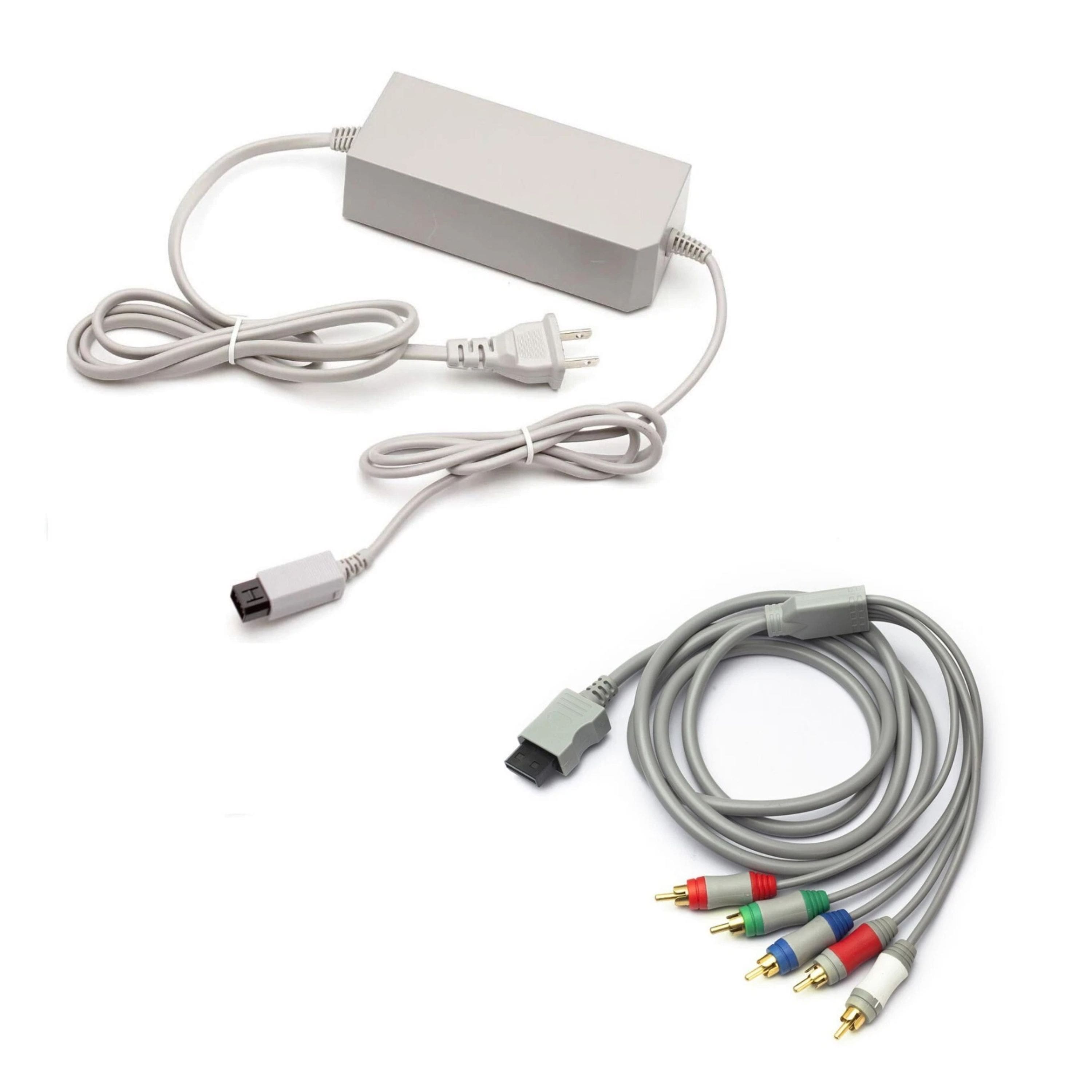
Kitcheniva - AC Adapter And Component Cable For Nintendo Wii - Gray
SKU: J5X88GK97SSee all Video Game AccessoriesProduct Description
A gray AC adapter and HD component cable set delivers safe power and enhanced 480p visuals for Wii.Your price for this item is $26.99
Best Sellers




Related Pages





FAQ
Yes, you can connect your Nintendo Wii to an HDTV using compatible cables such as component AV cables or a Wii to HDMI adapter. These options allow you to enjoy improved video quality on modern televisions.
To connect your Wii to an HDTV, you can use component AV cables (red, blue, green for video and red, white for audio) or a Wii to HDMI converter, which plugs directly into the Wii’s AV Multi Out port and provides an HDMI output.
While the Wii outputs a maximum resolution of 480p, using component cables or an HDMI adapter can provide a clearer and more vibrant image on your HDTV compared to standard composite cables.
Yes, audio is supported when connecting your Wii to an HDTV. Both component cables and HDMI adapters carry audio signals, so you can enjoy full sound along with your games.
If you’re using component cables or an HDMI adapter, you should go to your Wii’s settings menu and select 'EDTV or HDTV (480p)' under the screen settings for the best possible image quality on your HDTV.