Windows 7 Graphics Cards
-
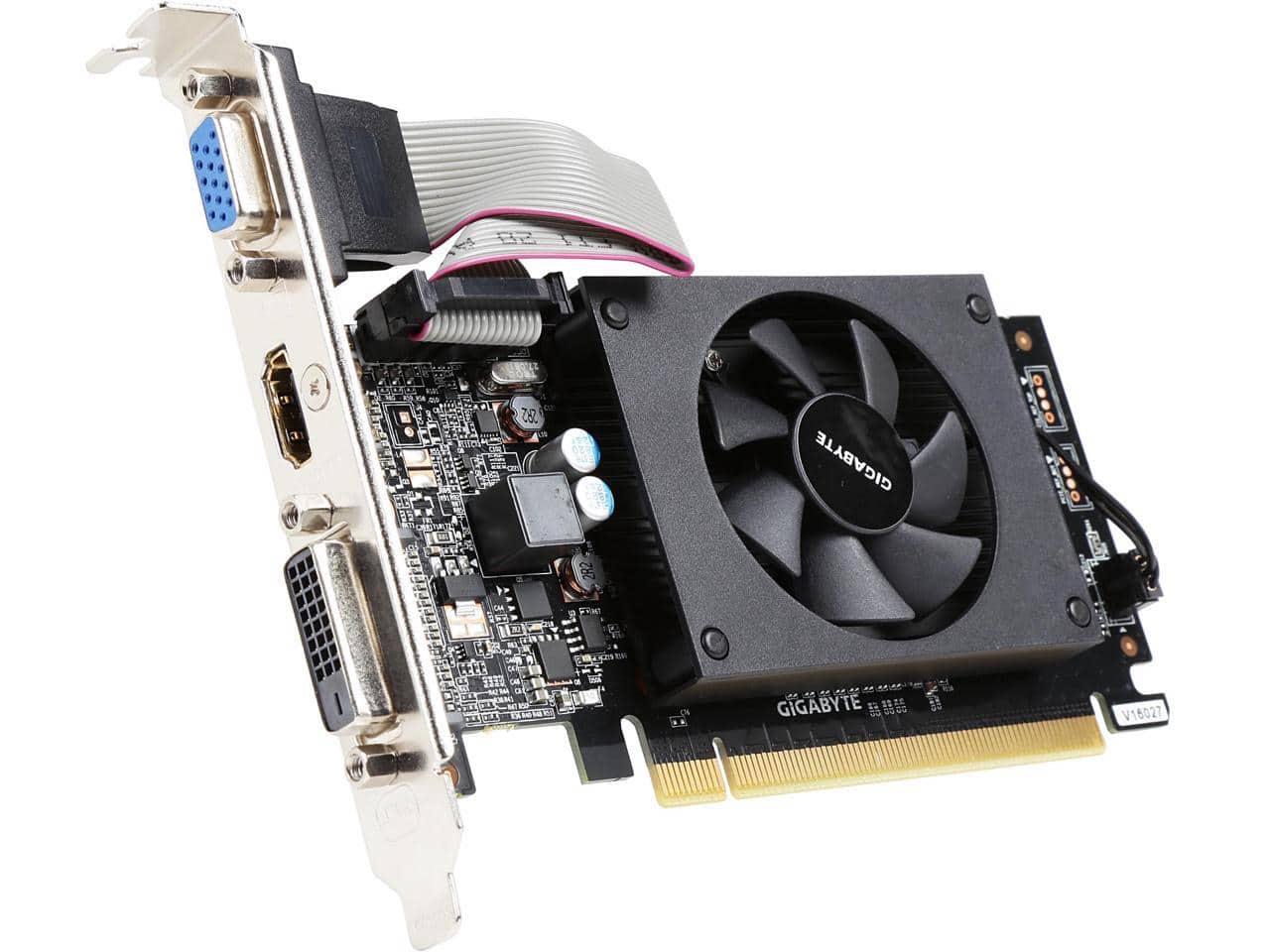
GIGABYTE - GeForce GT 710 2GB DDR3 PCI Express 2.0 Low Profile Graphics Card GV-N710D3-2GL REV2.0
SKU: J3ZW925LKCSee all GPUs / Video Graphics CardsProduct Description
A low profile graphics card with 2GB DDR3 memory, HDMI and DisplayPort outputs, and 4K support.Your price for this item is $64.99Save $28The previous price was $93.21 -
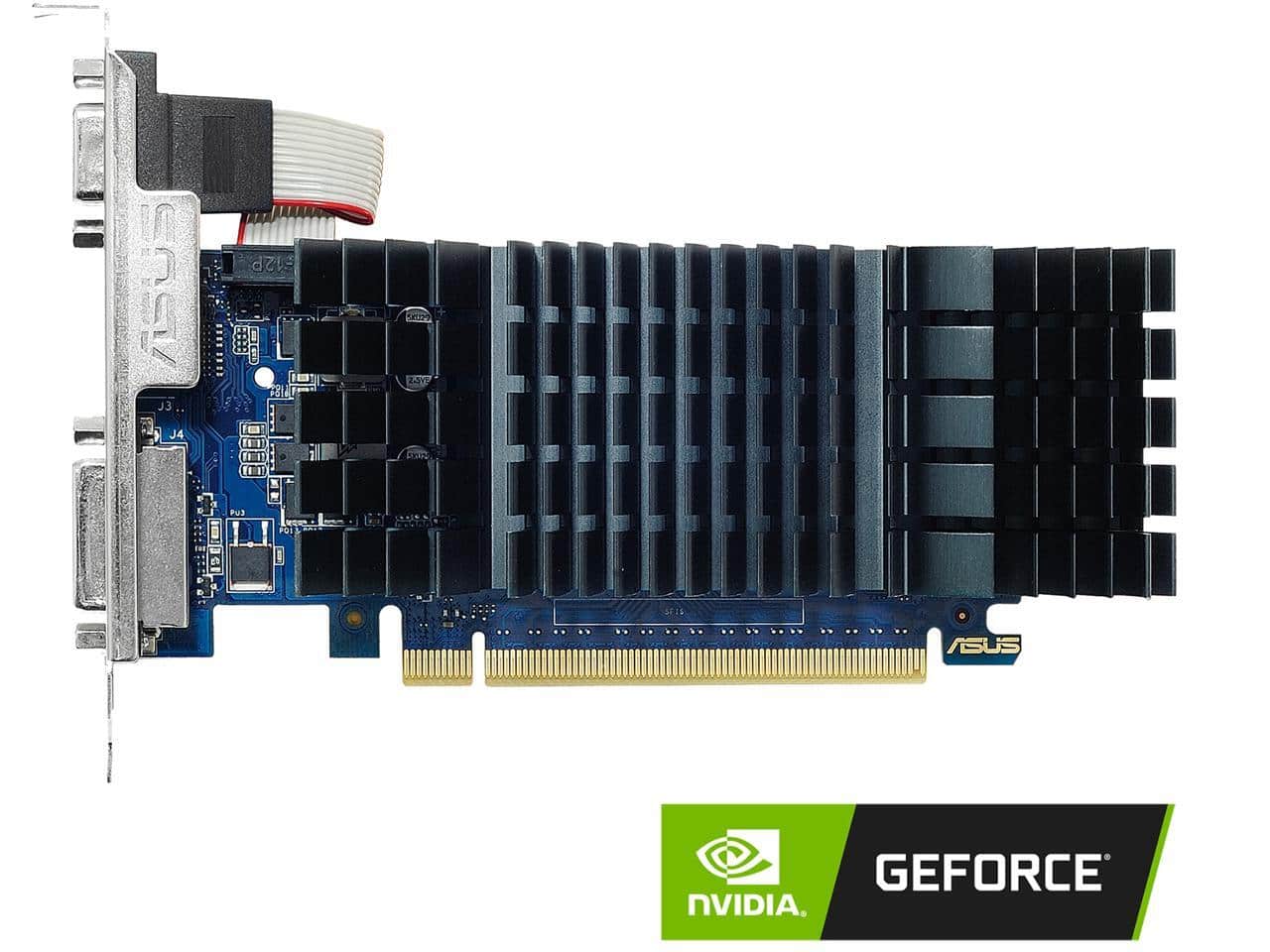
ASUS - GeForce GT 730 2GB GDDR5 PCI Express 2.0 Low Profile Graphics Card GT730-SL-2GD5-BRK
SKU: JJG7VHL7X5See all GPUs / Video Graphics CardsProduct Description
A low-profile graphics card with 2GB GDDR5 memory, HDMI and DisplayPort outputs, and 4K support.Your price for this item is $139.99 -
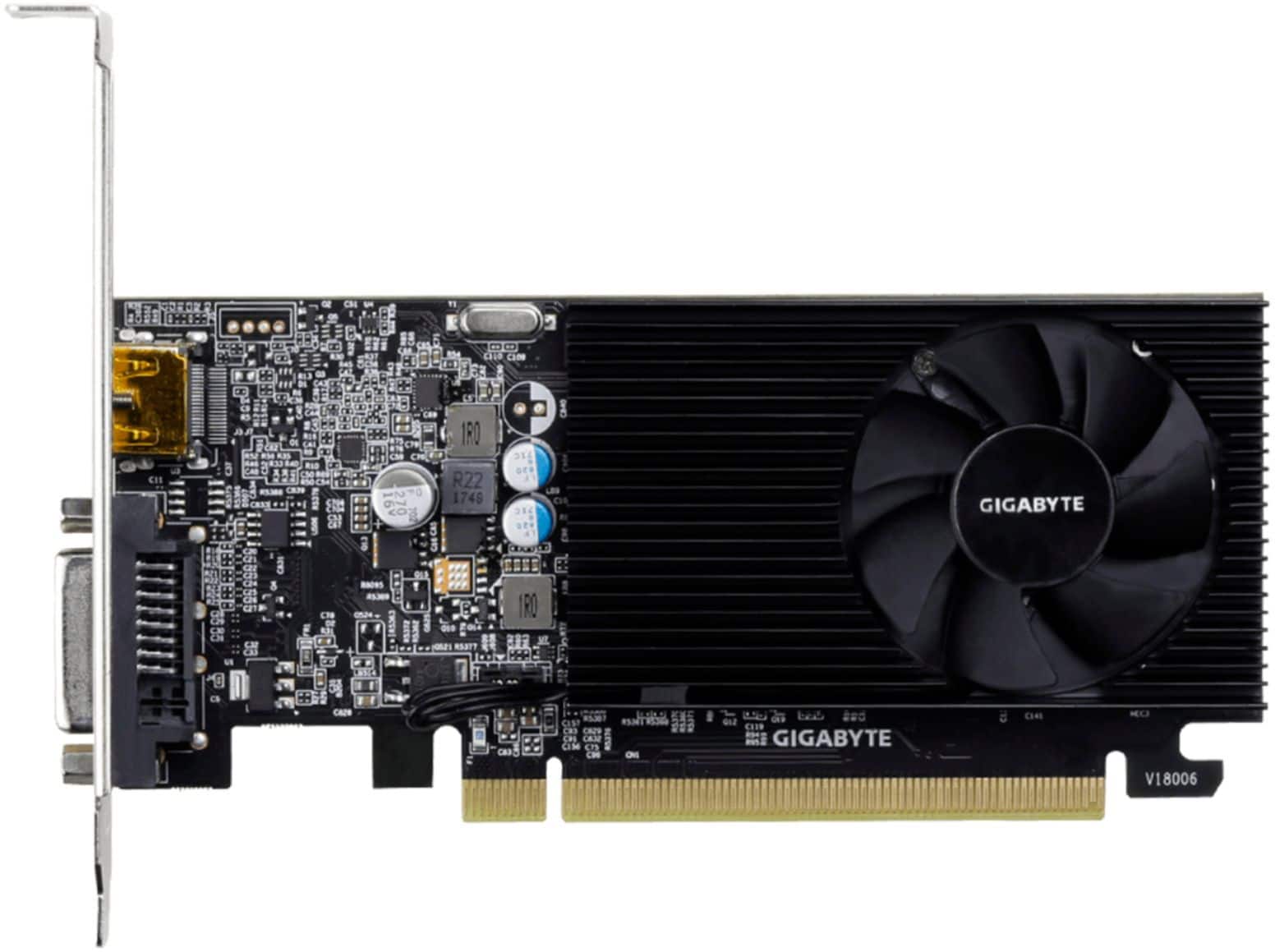
GIGABYTE - NVIDIA GeForce GT 1030 2GB GDDR4 PCI Express 3.0 Graphics Card - Black
SKU: J3ZW9254YHSee all GPUs / Video Graphics CardsProduct Description
A low-profile black graphics card with 2GB GDDR4 memory, HDMI and DVI-D ports, supporting 4K resolution.Your price for this item is $127.99Save $17The previous price was $145.20 -
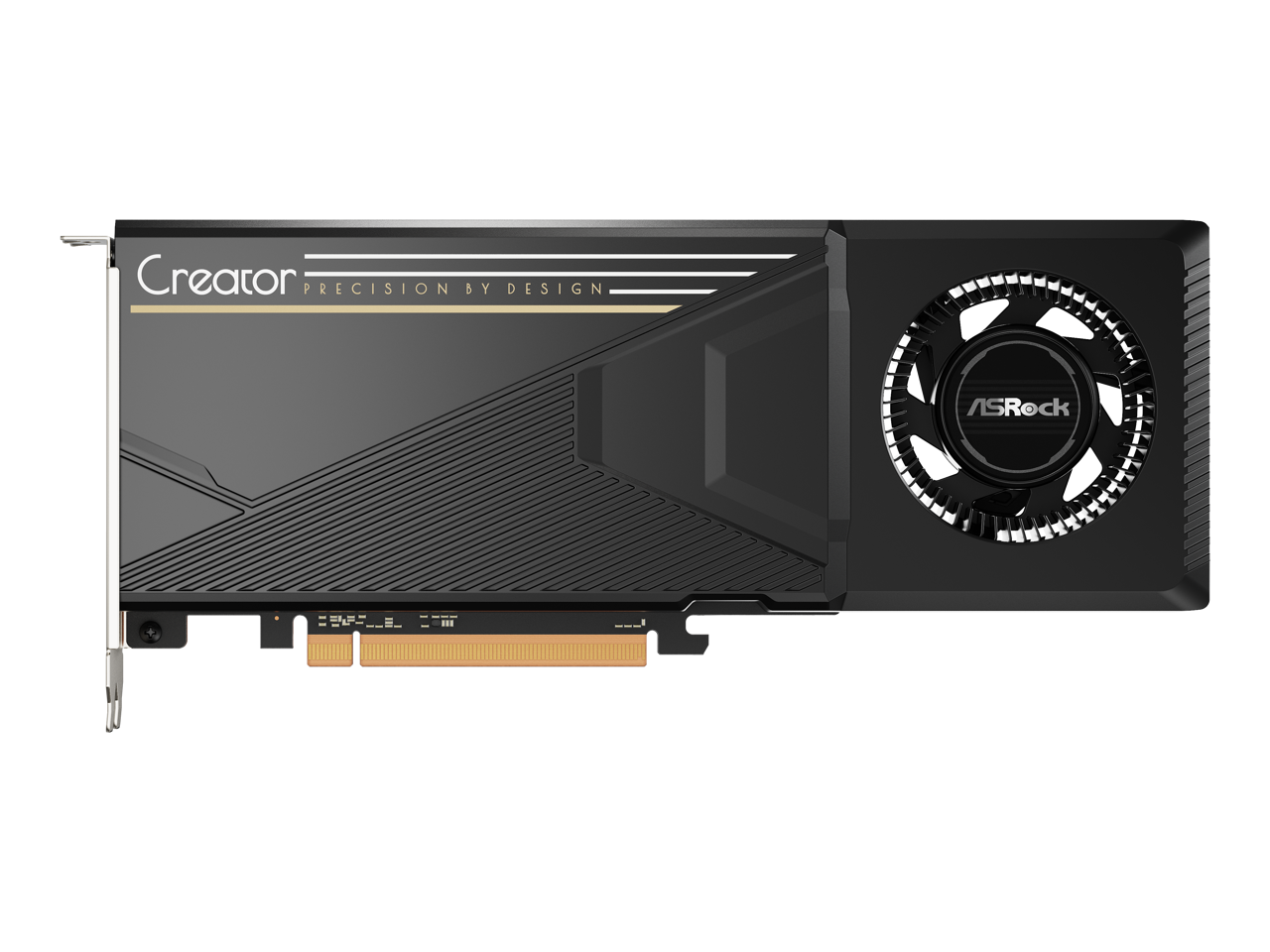
ASRock - B70 Intel Arc Pro B70 B70 CT 32GB 256-bit GDDR6 PCI Express 5.0 x16 Graphics Card
SKU: C34FQFQ9K6See all GPUs / Video Graphics CardsProduct Description
A powerful 2-slot graphics card with 32GB GDDR6 memory and PCI Express 5.0 for 4K performance.Your price for this item is $2,120.06 -
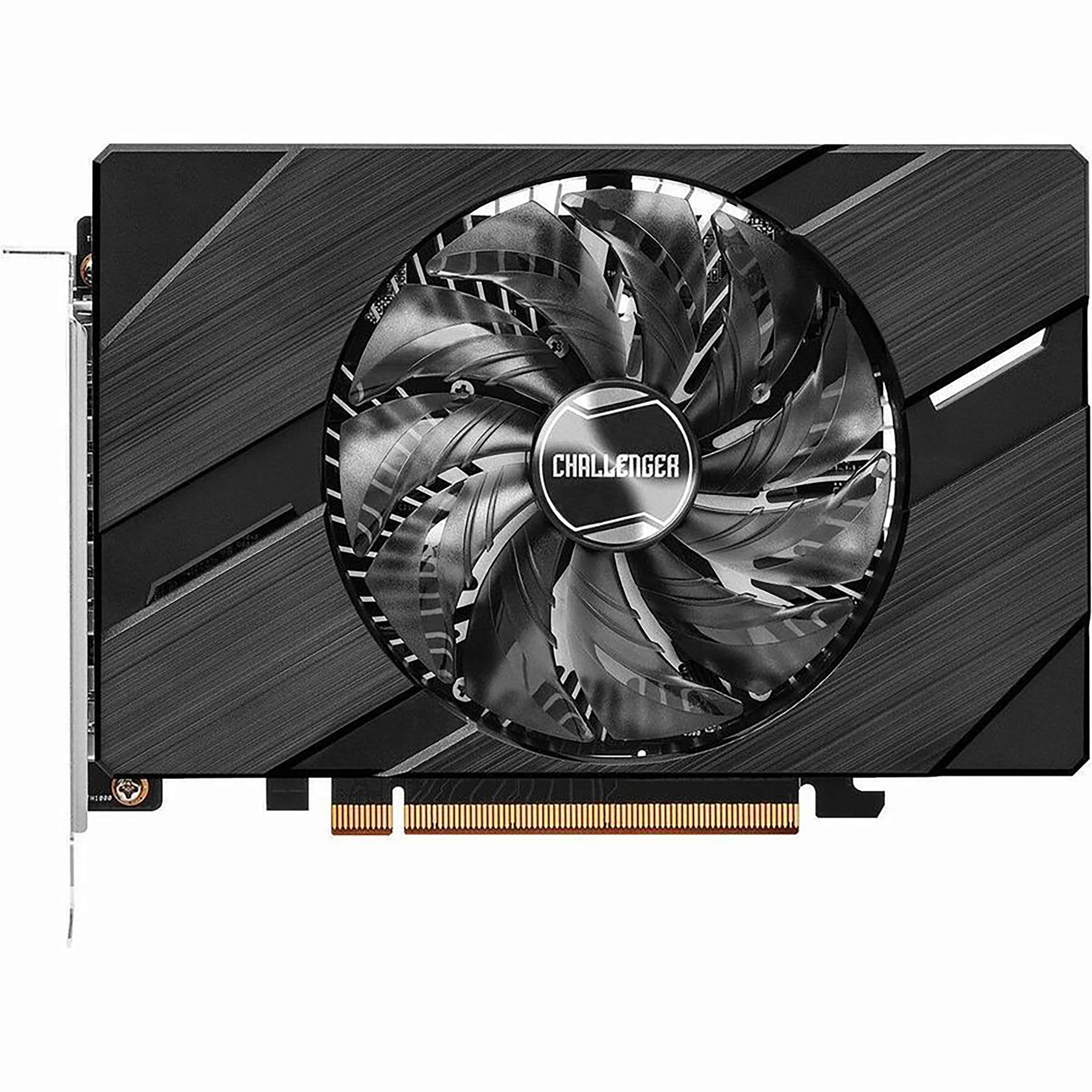
ASRock - Intel Arc A380 Challenger ITX 6GB GDDR6 OC PCIe 4.0 Graphic Card - Black
SKU: C34K265CVQSee all GPUs / Video Graphics CardsProduct Description
A black PCIe 4.0 graphics card with 6GB GDDR6, AV1 hardware encode, and 8K resolution support.Your price for this item is $159.99Save $9The previous price was $169.33 -
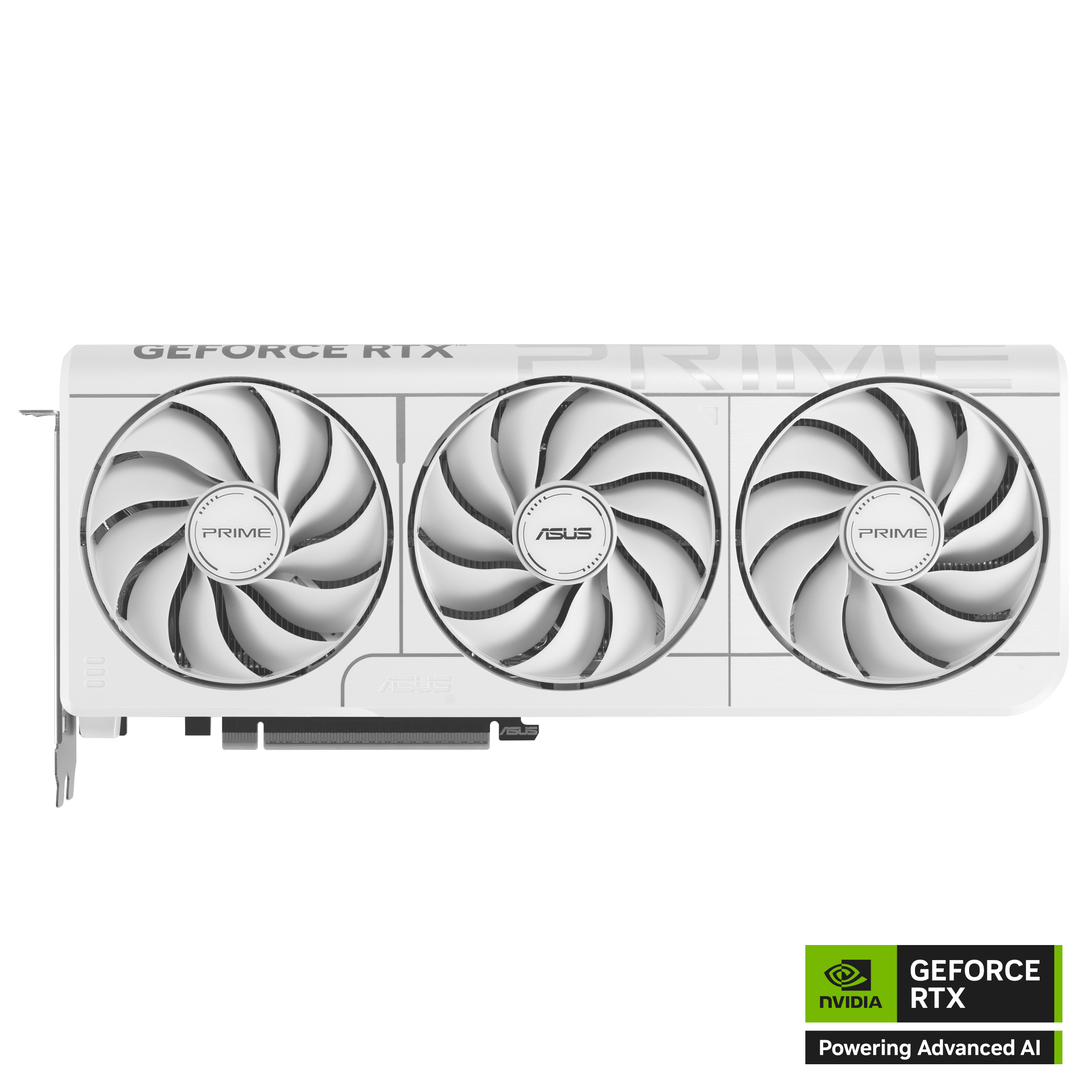
ASUS - PRIME NVIDIA GeForce RTX 5070 OC Edition 12GB GDDR7 PCI Express 5.0 Graphics Card - White
SKU: JJGHGPJF5YGreat card
See all GPUs / Video Graphics CardsProduct Description
A white PCIe 5.0 graphics card with 12GB GDDR7, DLSS 4.0, and 8K DisplayPort 2.1 support.Your price for this item is $919.99 -
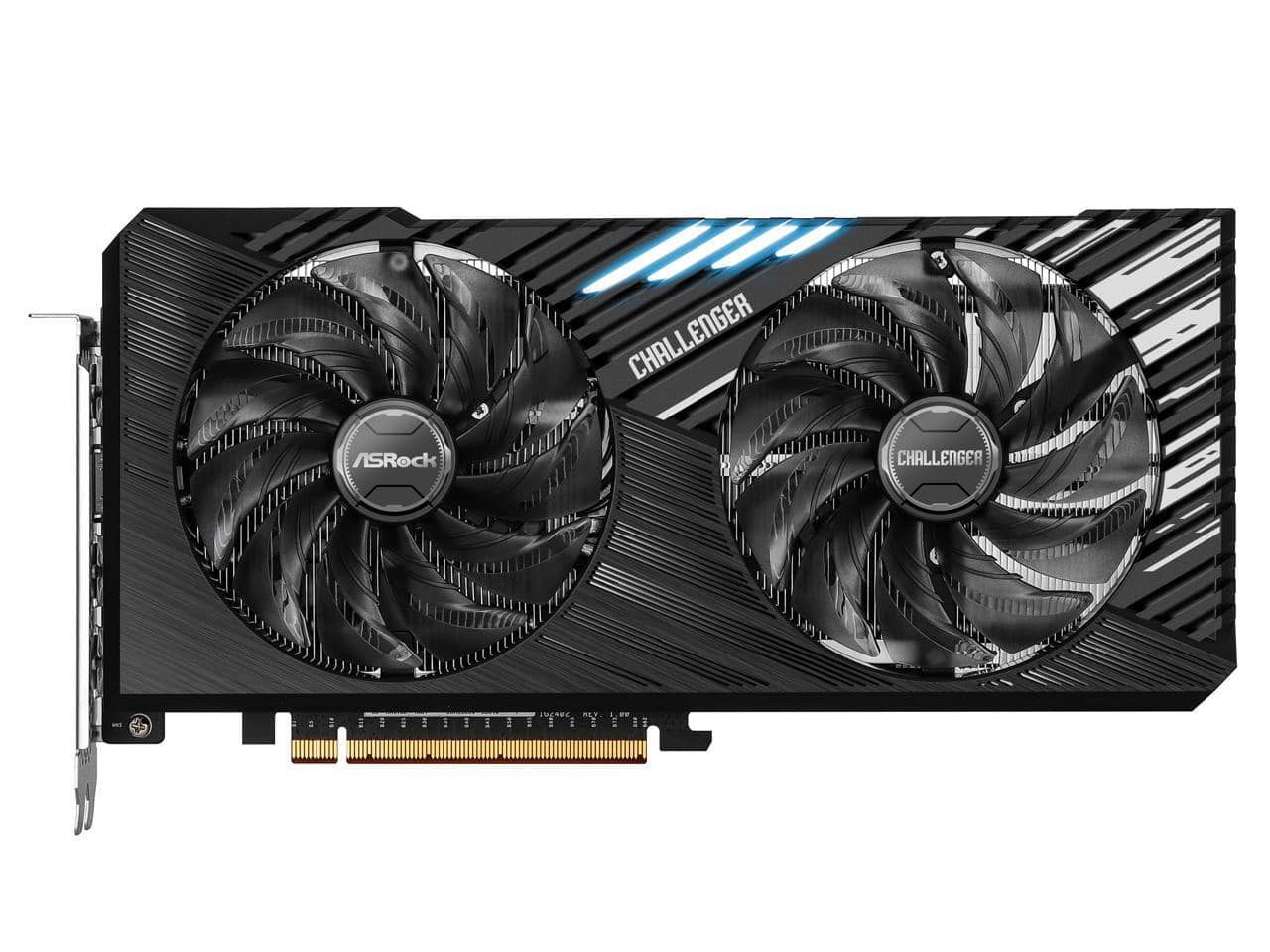
ASRock - Challenger Arc A750 Graphics Card A750 CL SE 8GO
SKU: C34K265R56See all GPUs / Video Graphics CardsProduct Description
An Intel Arc A750 graphics card with 8GB memory, PCIe 4.0, 8K support, and HDMI/DisplayPort outputs.Your price for this item is $222.99Save $10The previous price was $232.99 -
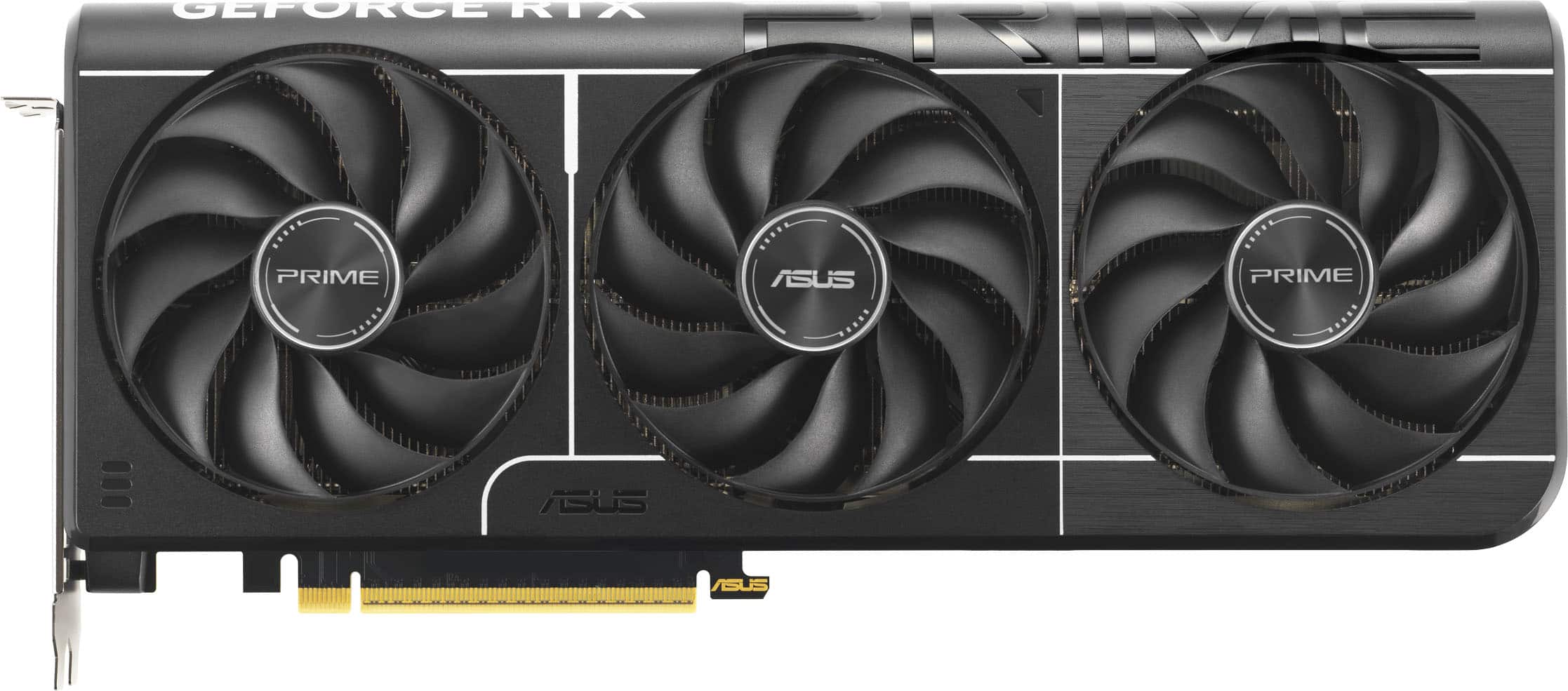
ASUS - PRIME NVIDIA GeForce RTX 5070 OC Edition 12GB GDDR7 PCI Express 5.0 Graphics Card - Black
SKU: JJGGLH7TH8I love best buy!...Love this card low temps and fast with high fps runs very smooth and would recommend to get the best
See all GPUs / Video Graphics CardsProduct Description
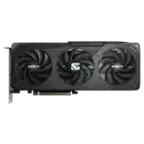
A black PCIe 5.0 graphics card with 12GB GDDR7, triple fans, and 8K resolution support.Your price for this item is $855.99Save $54The previous price was $909.99 -
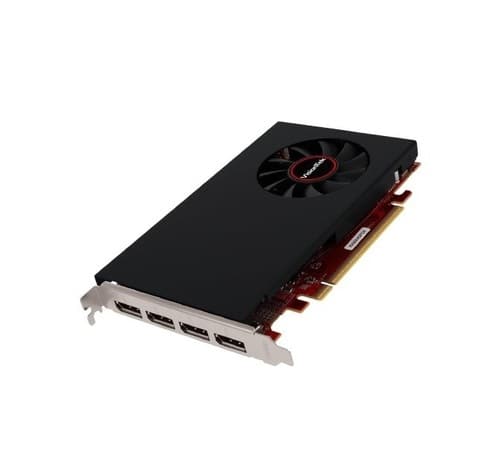
Visiontek - 901459 4 GB Graphics Card - Radeon RX 550 4M - GDDR5 - 4 x HDMI - Possibly Black
SKU: J3GWJVZ3C6See all GPUs / Video Graphics CardsProduct Description
A black 4 GB GDDR5 graphics card with AMD Radeon RX 550 chipset and four HDMI outputs.Your price for this item is $205.12 -
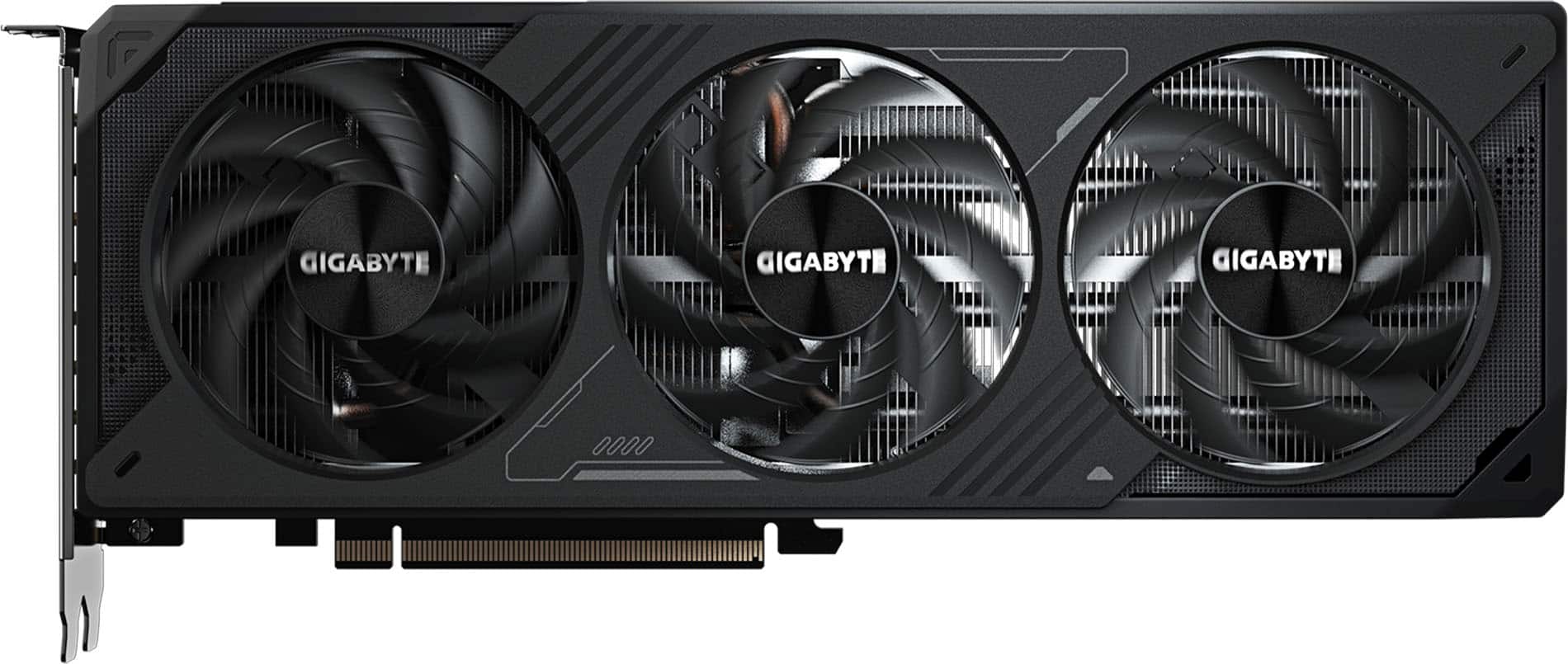
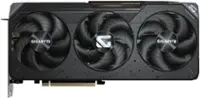
GIGABYTE - NVIDIA GeForce RTX 5070 WINDFORCE OC SFF 12G GDDR7 PCI Express 5.0 Graphics Card - Black
SKU: J3ZW9X7CCHWas perfect no issues like brand new package was perfect conditions everything good love Best Buy...Love it, good price works great with high resolution games.
See all GPUs / Video Graphics CardsProduct Description
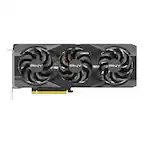
A black PCIe 5.0 graphics card with 12GB GDDR7 memory, 8K support, and advanced AI acceleration.Your price for this item is $799.99
Best Sellers
Related Pages


FAQ
When choosing a graphics card for Windows 7, consider factors like DirectX 11 support, memory size (VRAM), and compatibility with your motherboard’s PCIe slot. Ensure that the manufacturer provides Windows 7 drivers for optimal performance.
Major brands such as NVIDIA and AMD are known for offering reliable Windows 7 driver support for many of their graphics cards. Always check the manufacturer's website to confirm driver availability for your chosen model.
Some modern graphics cards still offer Windows 7 driver support, but compatibility can vary. It's important to verify on the manufacturer's website whether Windows 7 drivers are available for the specific model you’re interested in.
To update or install drivers, download the latest Windows 7-compatible driver from the graphics card manufacturer's website. Run the installer and follow the on-screen instructions. Restart your computer to complete the installation.
Upgrading to a more powerful graphics card can enhance gaming performance, support higher resolutions, and provide smoother video playback on Windows 7, as long as the card is compatible and has appropriate drivers.