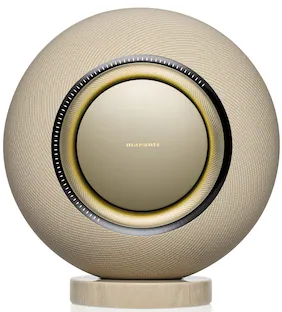
Denon - HOME 400 Wireless Smart Speaker - Stone
Customers are saying
Customers often highlight the impressive sound quality as a major strength of the product. They also appreciate its ease of setup, reliable connectivity, and the general usability of its accompanying app. The wide and tall soundstage, along with its suitability for average-sized rooms, are also noted positive aspects.
Color
StoneFeatures
Tuned for exceptional sound quality
Denon Home speakers are expertly tuned by the Denon Sound Master for natural balance, rich detail, and the kind of warmth that makes every song feel alive.
Easy setup and effortless control
Whether you’re cueing up your morning playlist or setting the mood for dinner, Denon Home makes great sound effortless. Denon Home wireless smart speakers connect instantly, letting you stream from your favorite services or through the HEOS app. Once connected, everything is easy to manage—from adjusting volume to choosing rooms or playlists—all in one intuitive interface.
Dolby Atmos Music
The Denon Home 400 transforms everyday listening into an immersive experience with Dolby Atmos Music. It expands sound in every direction—adding height, depth, and dimension that make music feel alive. Hear every layer, from subtle ambience to soaring vocals, in a 3D soundstage that transforms everyday listening into an exceptional experience.
Connect and control everything with HEOS
HEOS is the heart of the Denon ecosystem, uniting your music and devices in one easy-to-use app. Setup takes minutes, and control is effortless—stream from your favorite services, adjust sound, or add speakers when you’re ready. With HEOS, it all works together to make listening simple, flexible, and endlessly enjoyable.
A statement piece
Denon Home was created for people who care about every detail in a speaker—the sound, the look, the feel. The Denon Home 400’s presence feels intentional, its design understated yet confident. Whether in the living room, kitchen, or bedroom, it fits naturally into any space—an object of style that delivers the unmistakable warmth and clarity of Denon sound.
Your music, your way
Listen any way you like with Denon Home. Stream directly from leading music apps or connect wirelessly over Bluetooth or AirPlay 2. Connect smart phones, portable media players, and other audio sources to the aux input, or connect a USB drive for access to your personal collection. The HEOS app brings every source and speaker together for easy access and seamless control, so your music is always ready to play—your way.
High-resolution streaming
Denon Home delivers true high-resolution sound over Wi-Fi from the broadest range of lossless services and formats. Stream directly from TIDAL, Qobuz, and Amazon Music HD high-resolution services and play a range of formats from DSD and FLAC to ALAC, WAV, WMA, and MP3. Every track feels open, dynamic, and full of life.
High-performance drivers for powerful, dimensional sound
The Denon Home 400 is engineered for powerful, high-fidelity sound. Its custom-engineered six-driver array with built-in height speakers delivers full, detailed audio that fills your space. Each driver is powered by its own amplifier for precise control and balance across the spectrum. The result is rich, immersive sound with lifelike clarity and impact—all from a smart speaker built to perform at the highest level.
Start with one, expand anywhere
Enjoy incredible Denon sound in every room. One speaker is just the beginning: Add speakers to every room, then group speakers and spaces for one continuous soundtrack, or play something different in each room so everyone can listen to their music, their way.
Stereo pairing for bigger sound
Each Denon Home speaker delivers stereo and Dolby Atmos Music on its own—but pairing two speakers creates an even wider and more immersive listening experience. With simple setup in the HEOS app, you can enjoy greater separation, depth, and dimension—music that stretches wider, breathes deeper, and fills your space with true hi-fi presence. Pairing is simple, no cables required.
Custom listening modes
Whether you want hands-on control or simple hi-fi accuracy, modes give you flexibility for every listening moment. Choose Auto for spatial enhancement or Pure for Denon’s most natural, unprocessed sound signature. Auto mode lets you fine-tune playback to fit your room or taste, while Pure minimizes processing for an honest, authentic presentation.
Sound that fits your space
With Denon Home, it’s easy to adjust your speakers to sound great anywhere you put them. Use the HEOS app to adjust bass and treble, or select Placement EQ settings for free-standing, near-wall, or corner speaker positions. The result is music that’s clear, balanced, and natural in any space—without complicated tools or measurements. Whether you want a little more warmth or extra bass, you can make the sound your own.
Flexible control options
Denon Home 400 is made for the way you listen. Use the speaker’s top buttons to make fast adjustments, Quick Select presets for easy recall of radio stations and playlists, or the HEOS app for hands-on customization. Control your AirPlay 2-enabled speaker with your voice using Siri directly from your iPhone, iPad, HomePod, or Apple TV.
“Hey Siri” voice control
Elevate your connected home experience with Denon signature sound. “Hey Siri” is available on the Denon Home 400, allowing for convenient integration with Apple Home via HomePod or HomePod Mini. Once activated, you’ll be able to ask Siri questions, play music, set timers, control your smart home, and more.
Stream what you want, instantly
However you like to listen, you’ve got options. Stream straight from your go-to music apps with Spotify Connect, TIDAL Connect, or Qobuz Connect, giving you easy, instant control.
Surround sound without the wires
Bring the cinema experience home, wirelessly. Connect a pair of Denon Home speakers with the Denon Home Sound Bar 550 and the Denon Home Subwoofer to unlock 5.1-channel surround sound that fills your space with energy and emotion. Everything connects easily through the HEOS app, so you can enjoy full, enveloping sound without running a single speaker cable.
A system that grows with you
With Denon Home, great sound grows easily. Add more speakers when you’re ready, or connect to Denon components Powered by HEOS to extend your favorite audio sources—like your TV or turntable—throughout your home. No complicated setup, just an easy path to a richer listening experience that expands with your needs.
Specifications
- Featured Streaming ServicesSpotify, TIDAL, TuneIn, Pandora, iHeartRadioSpeaker PairingYesVoice Assistant Built-inSiri, Google AssistantWirelessYesWorks WithAmazon Alexa, Google Home, Apple Home, Google Home, Google HomeRechargeableNo
Reviews
Rating 4.6 out of 5 stars with 31 reviews
- Sound Quality (29)
- Ease of Setup (13)
- Connectivity (10)
- App Usability (8)
- Soundstage (4)
Customer Images
The vast majority of our reviews come from verified purchases. Reviews from customers may include My Best Buy members, employees, and Tech Insider Network members (as tagged). Select reviewers may receive discounted products, promotional considerations or entries into drawings for honest, helpful reviews.



Compare similar products

The Denon Home 400 wireless smart speaker delivers Dolby Atmos Music, enveloping you in rich, expansive sound that reveals every nuance. Built-in dual height speakers add a lifelike vertical dimension for an all-in-one immersive experience. With the HEOS app, setup takes just minutes and streaming and control are effortless. Stereo-pair two speakers for even more expansive sound. The result of more than a century of Denon's legendary craftsmanship, the Denon Home 400 blends high-performance audio with an elevated design that complements any space—making it easy to enjoy extraordinary sound anywhere you listen.
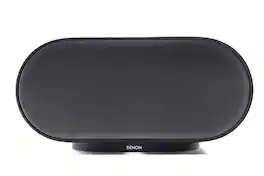
The Denon Home 600 wireless smart speaker delivers Dolby Atmos Music, enveloping you in rich, expansive sound that reveals every nuance. Built-in dual height speakers add a lifelike vertical dimension for an all-in-one immersive experience. With the HEOS app, setup takes just minutes and streaming and control are effortless. Stereo-pair two speakers for even more expansive sound. The result of more than a century of Denon's legendary craftsmanship, the Denon Home 600 blends high-performance audio with an elevated design that complements any space—making it easy to enjoy extraordinary sound anywhere you listen.
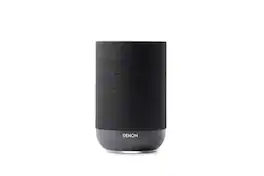
The Denon Home 200 wireless smart speaker delivers stereo sound and Dolby Atmos Music in a single speaker, immersing you in rich, detailed spatial sound that reveals every nuance. With the HEOS app, setup takes just minutes and streaming and control are effortless. Stereo-pair two speakers for even more expansive sound. The result of more than a century of Denon's legendary craftsmanship, the Denon Home 200 blends high-performance audio with an elevated design that complements any space—making it easy to enjoy extraordinary sound anywhere you listen.

The new Denon Home 150 plays all your music wirelessly with the great sound you expect from Denon. Enjoy your music in any room of your house, and group other products with HEOS Built-in such as AV receivers, Hi-Fi systems, sound bars and speakers to fill your whole home with music. With a dynamic tweeter and powerful mid-bass driver, enjoy accurate, room-filling sound, without sacrificing the space needed for a full Hi-Fi system. Play music from your favorite online streaming services like Spotify, Apple Music, Amazon Music HD, Pandora, TIDAL and more, or play music stored on your phone or network via Wi-Fi, AirPlay 2 or Bluetooth.
| Pros for Denon - HOME 400 Wireless Smart Speaker - Stone | |||
|---|---|---|---|
| Sound Quality, Connectivity, Soundstage, Ease of Setup, App Usability | Sound Quality, Connectivity, Design, Setup, Ease of Use | Sound Quality, Connectivity, Design, Soundstage, Setup Ease | Sound Quality, Connectivity, Ease of use, Size, App |
| Cons for Denon - HOME 400 Wireless Smart Speaker - Stone | |||
| There were no cons for this product— | App Usability | There were no cons for this product— | Price |
Specs
Customers often buy these together
 $499.99The price was $599.99
 $549.99The price was $699.99
 $399.99The price was $674.99
 $449.99The price was $624.99
 $369.99The price was $524.99
 $299.99The price was $424.99
More to consider
 $388.01The price was $499.99
 $279.95The price was $389.00
 Techtober Deal$239.99The price was $289.99
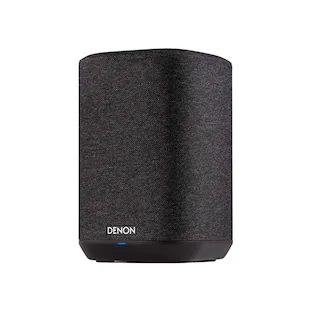
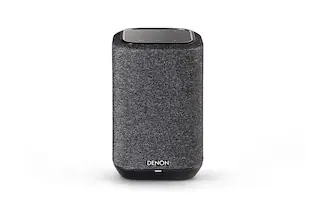
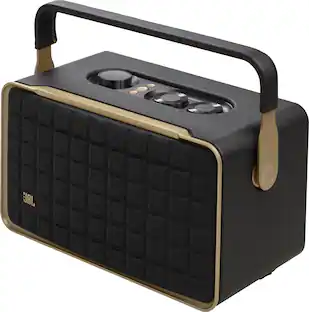
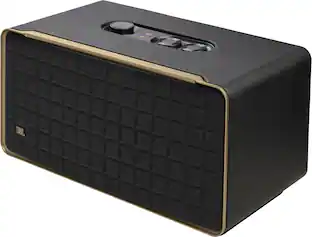
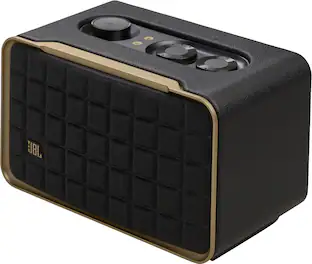
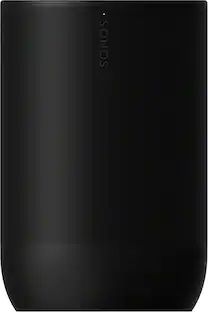
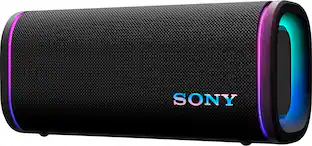
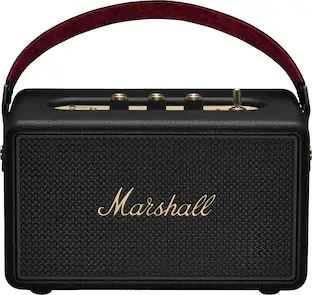
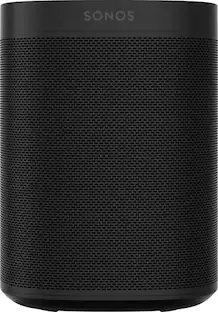
Your sound, your style Sponsored
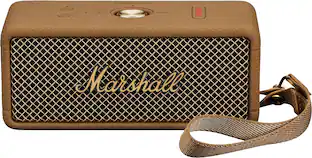 Techtober Deal$99.99The price was $179.99
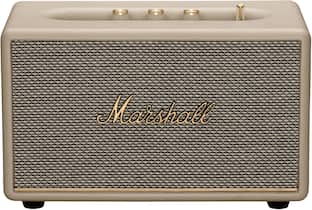 Techtober Deal$189.99The price was $299.99

Discover related products
 $279.99The price was $499.99
 $84.99The price was $94.95
 $52.99The price was $64.99
 $26.99The price was $48.00
Keep exploring
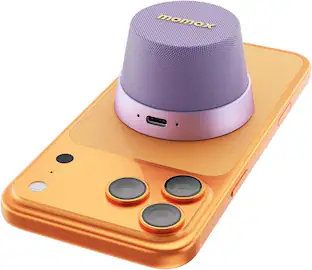
Momax - 1-Vibe Go Magnetic Portable True Wireless Speaker - Mini Waterproof Shower Speaker with Bass
$24.99The price was $29.99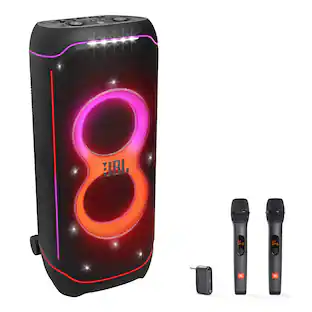 $1,609.90The price was $2,009.90
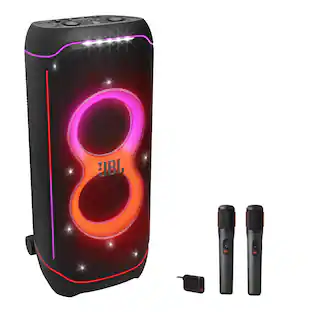 $1,629.90The price was $2,069.90
 $759.90The price was $799.90