A:AnswerWhile Acer does not test many gaming applications we would recommend you check that the computer meets the system requirements of the application/game to determine if it will work. You might also post your question on the Acer Community where there are many users that post questions and offer help and advice on Acer products. The link is: https://community.acer.com/
A:AnswerWhile Acer does not test many gaming applications we would recommend you check that the computer meets the system requirements of the application/game to determine if it will work. You might also post your question on the Acer Community where there are many users that post questions and offer help and advice on Acer products. The link is: https://community.acer.com/
A:AnswerThis ships with Windows 10 pre-installed. There should be no need for a product key, so if you are being prompted for one, please contact Acer support at 866-695-2237 for assistance.
A:AnswerThe bottom case must be removed to access the slots. If you do a YouTube search you will see several links such as this one: https://www.youtube.com/watch?v=dR9BtakcmxE.
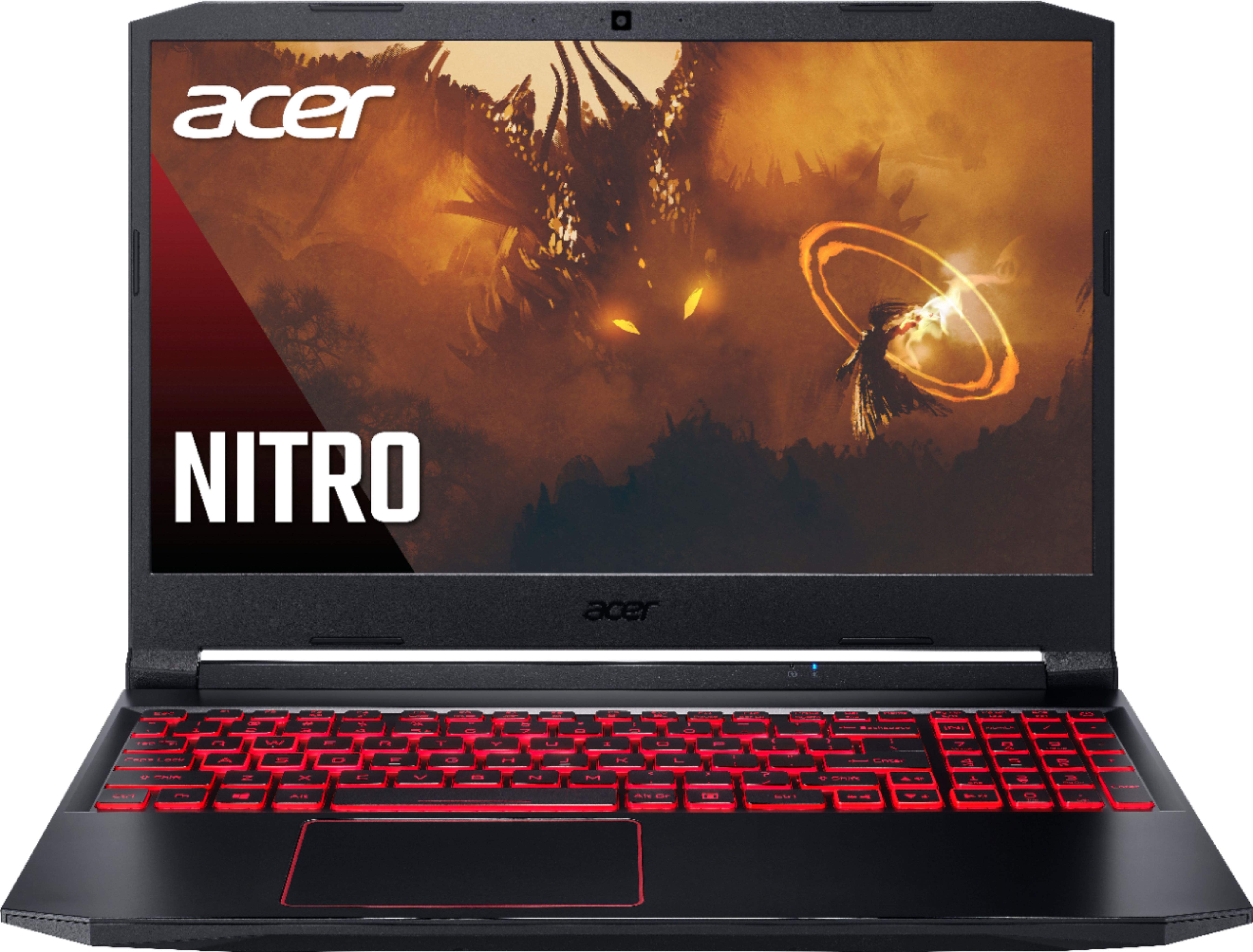
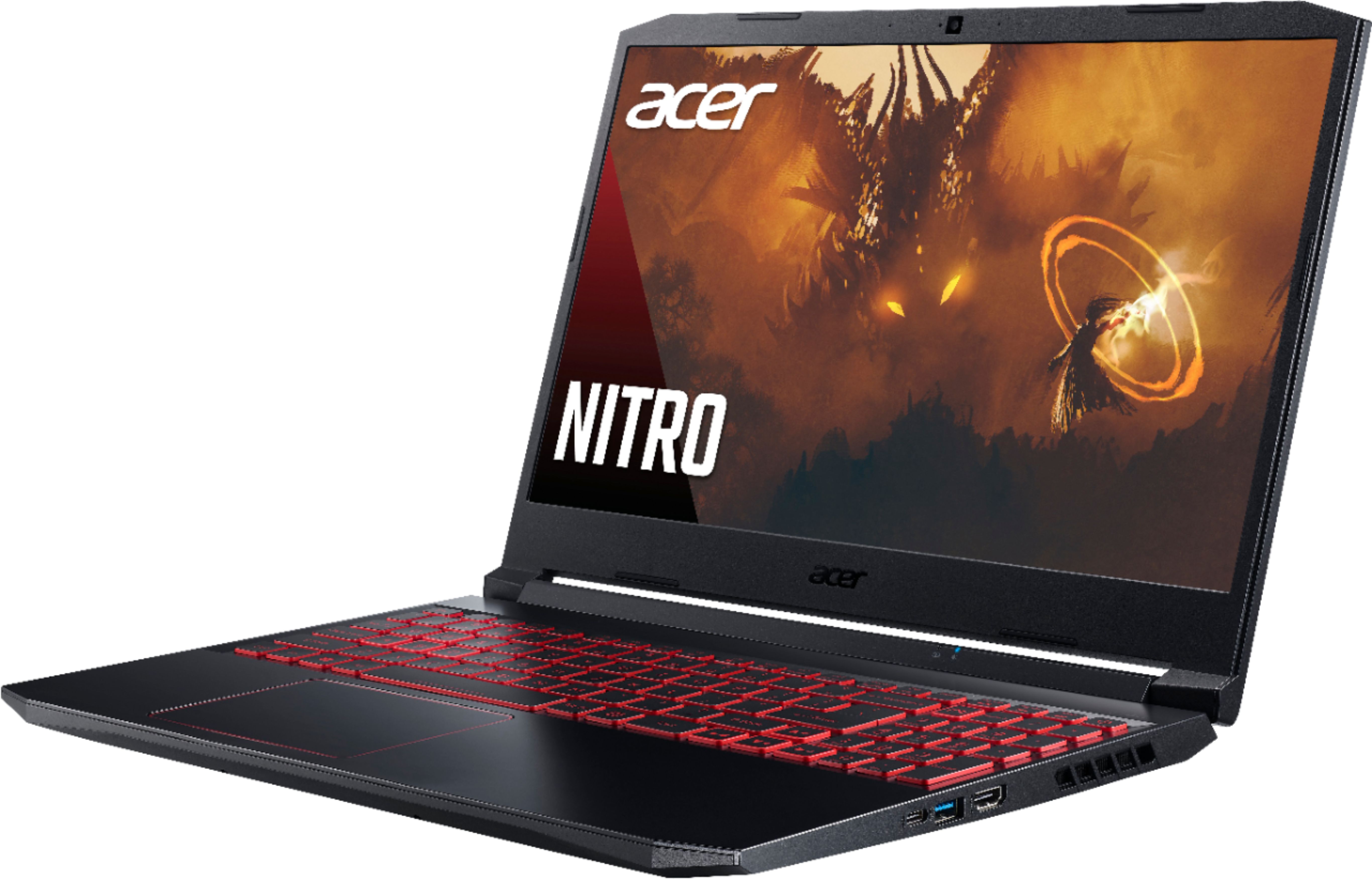
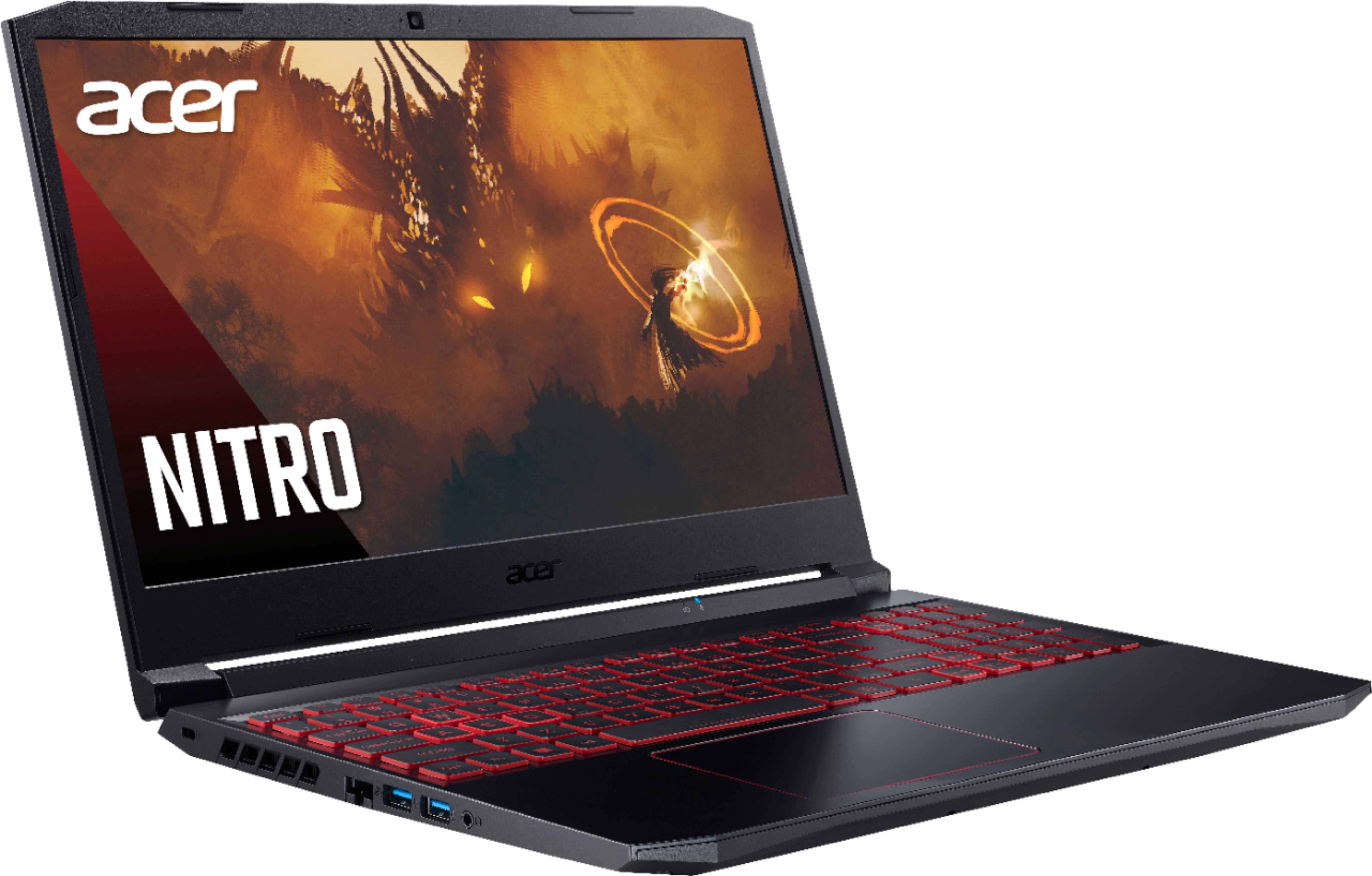
A:AnswerThis is a backlit keyboard and it is red in color, I love it and this the best computer laptop I ever had. It is for serious gaming and whatever else you want to use is for. It was a pretty penny but It was worth it.
A:AnswerThis laptop supports up to 32GB system memory. Acer has tested up to a 512GB M.2 SSD, and a 2TB SATA3 hard drive, but you should be able to go higher in capacity.
A:AnswerSims 4 is hardly a maximum requirement game that requires a high powered PC. This PC is meant to run games like that, so Sims 4 will be just fine.
A:AnswerFor the processor, no. The processor in laptops are generally soldered on so you can't upgrade the processor.
The screen, maybe. But it's not advisable because it will most definitely void your warranty.