A:AnswerYou can definitely upgrade the ram up to 32 gigs. 16 each slot.
You can also add an extra 2.5 hard drive to it on top of the nvme it’s already has.
A:AnswerWhile Acer does not test many gaming applications we would recommend you check that the computer meets the system requirements of the application/game to determine if it will work. You might also post your question on the Acer Community where there are many users that post questions and offer help and advice on Acer products.
A:AnswerYou cannot, from my experience run high or max settings. But you can pull 100 FPS on medium which I think is fine. With high or max you begin to get input lag. You get what you pay for.
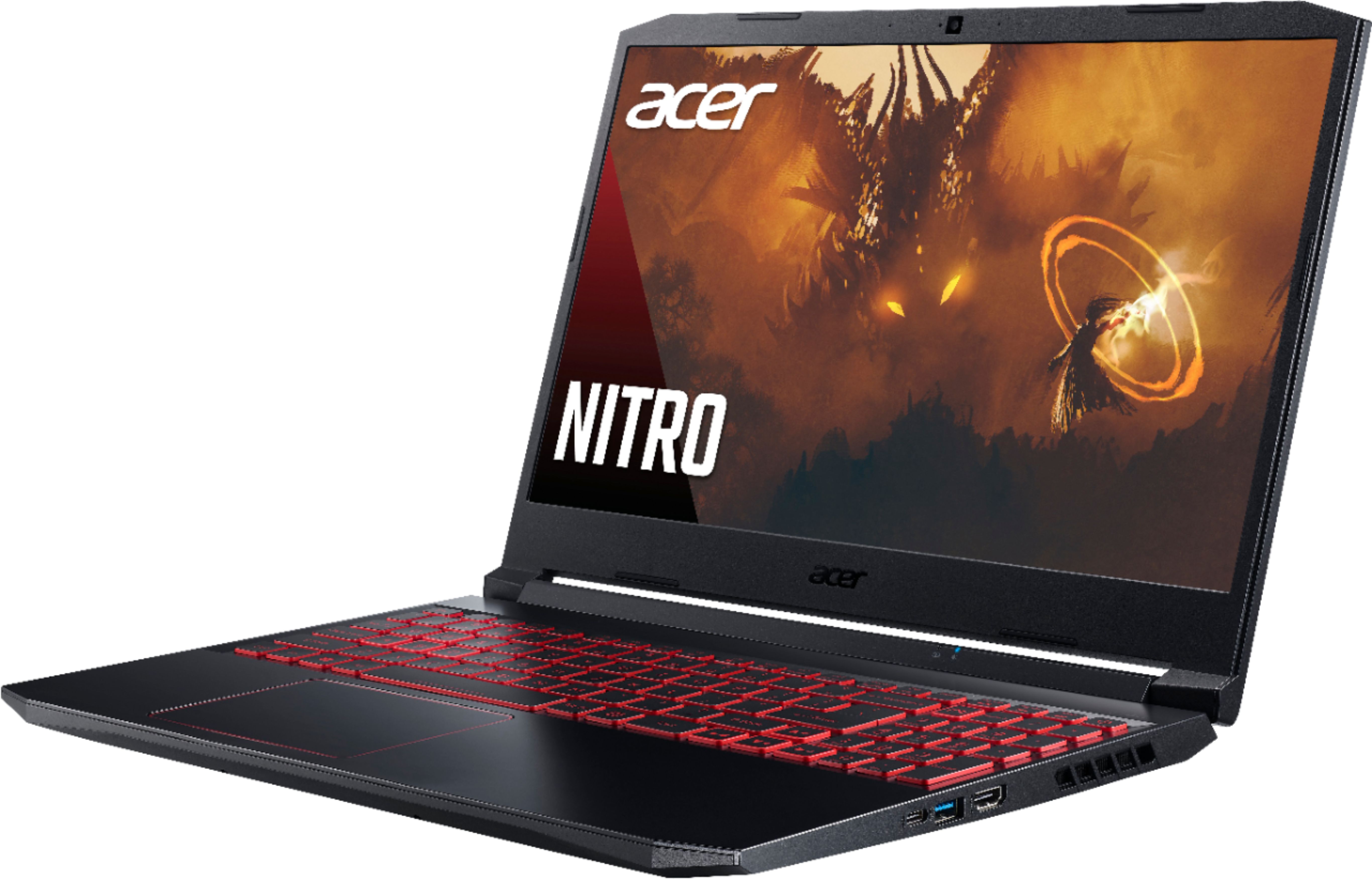


A:AnswerUSB-C is an industry-standard connector for transmitting both data and power on a single cable. You can find information on this if you do an online search. You don't mention how your gaming controller is connected, but if it's USB, it should work fine on this laptop.
A:AnswerThe memory could be Hynix or Micron brand, but we would need the serial number of the laptop to narrow it down to what was installed at the time of manufacture.