A:AnswerWhile Acer does not test many gaming applications we would recommend you check that the computer meets the system requirements of the application/game to determine if it will work without issues. You might also post your question on the Acer Community where there are many users that post questions and offer help and advice on Acer products. The link is: https://community.acer.com/
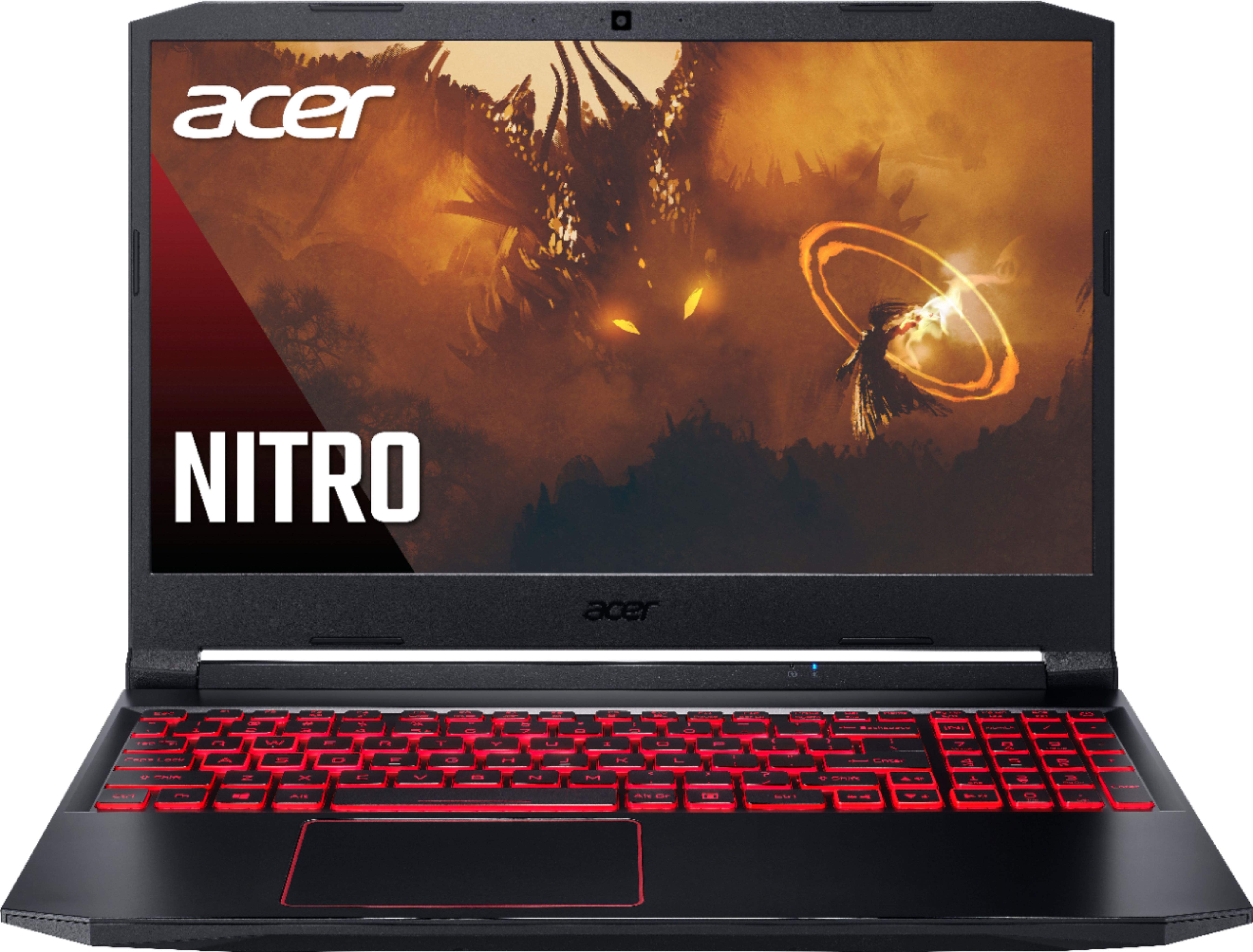
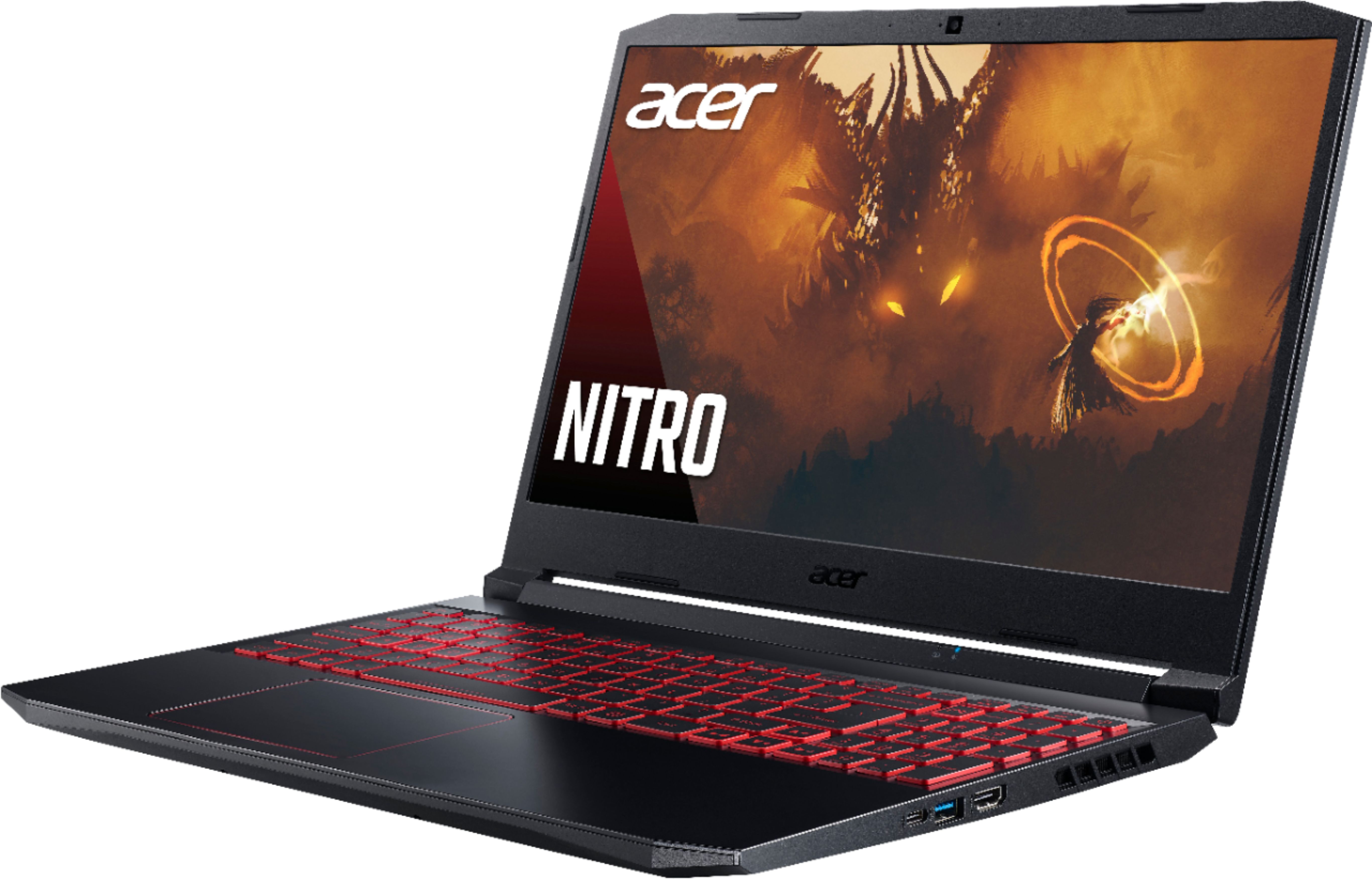
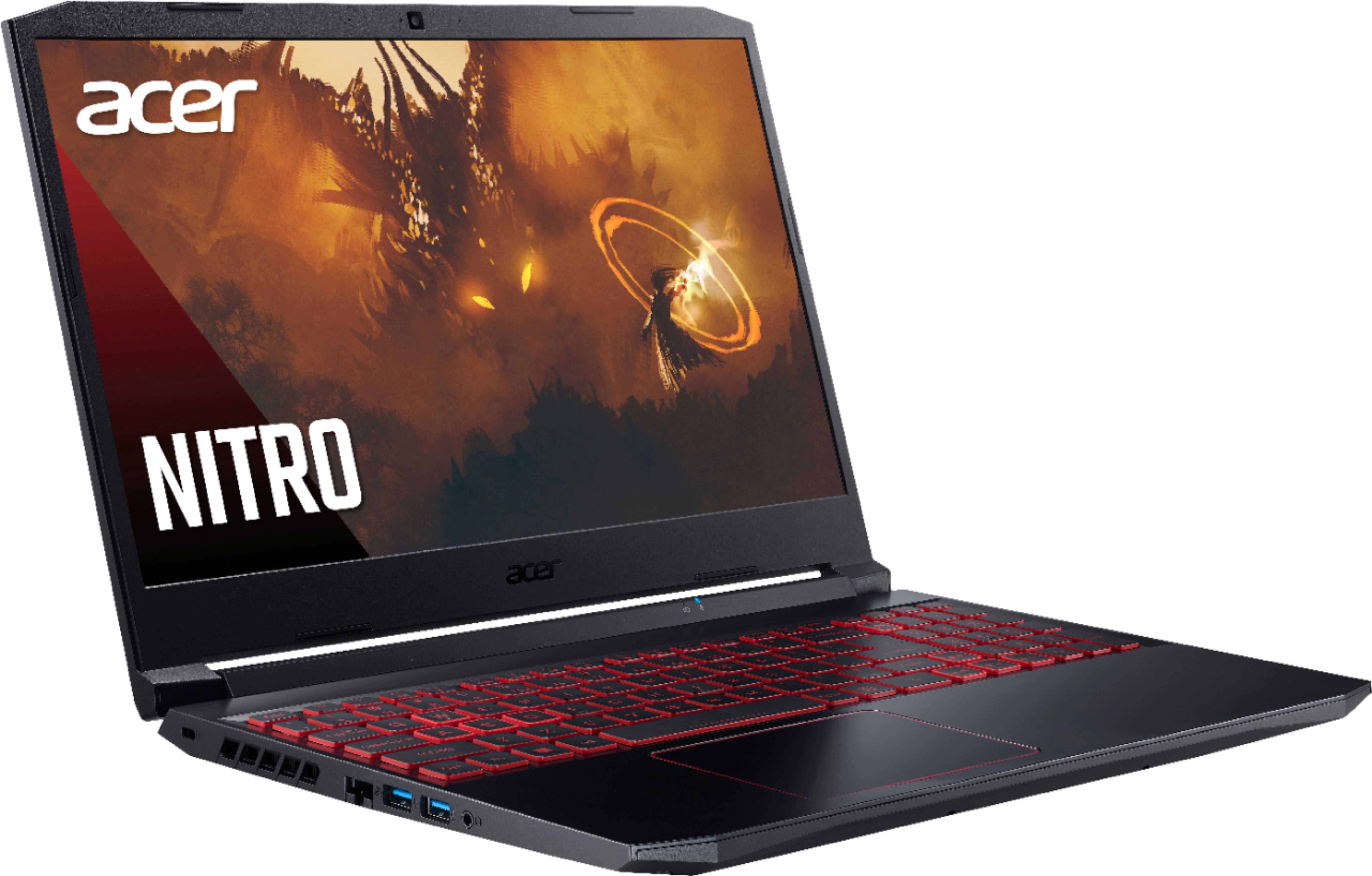
A:AnswerThis Nitro laptop supports up to 32GB system memory using two slots, each supporting 16GB. This laptop ships with one 8GB stick and the other slot is open.
A:AnswerMost any PCIe SATA M.2 SSD drive should work. Acer has tested up to 512GB but the laptop should easily support a 1TB SSD drive. Sandisk and Hynix are among those tested by Acer.
A:AnswerWhile Acer does not test many gaming applications we would recommend you check that the computer meets the system requirements of the application/game to determine if it will work. You might also post your question on the Acer Community where there are many users that post questions and offer help and advice on Acer products. The link is: https://community.acer.com/
A:AnswerYou can go to YouTube and search for replacing the hard drive on Acer Nitro 5 laptop. There are many videos that show you how to access the slot.