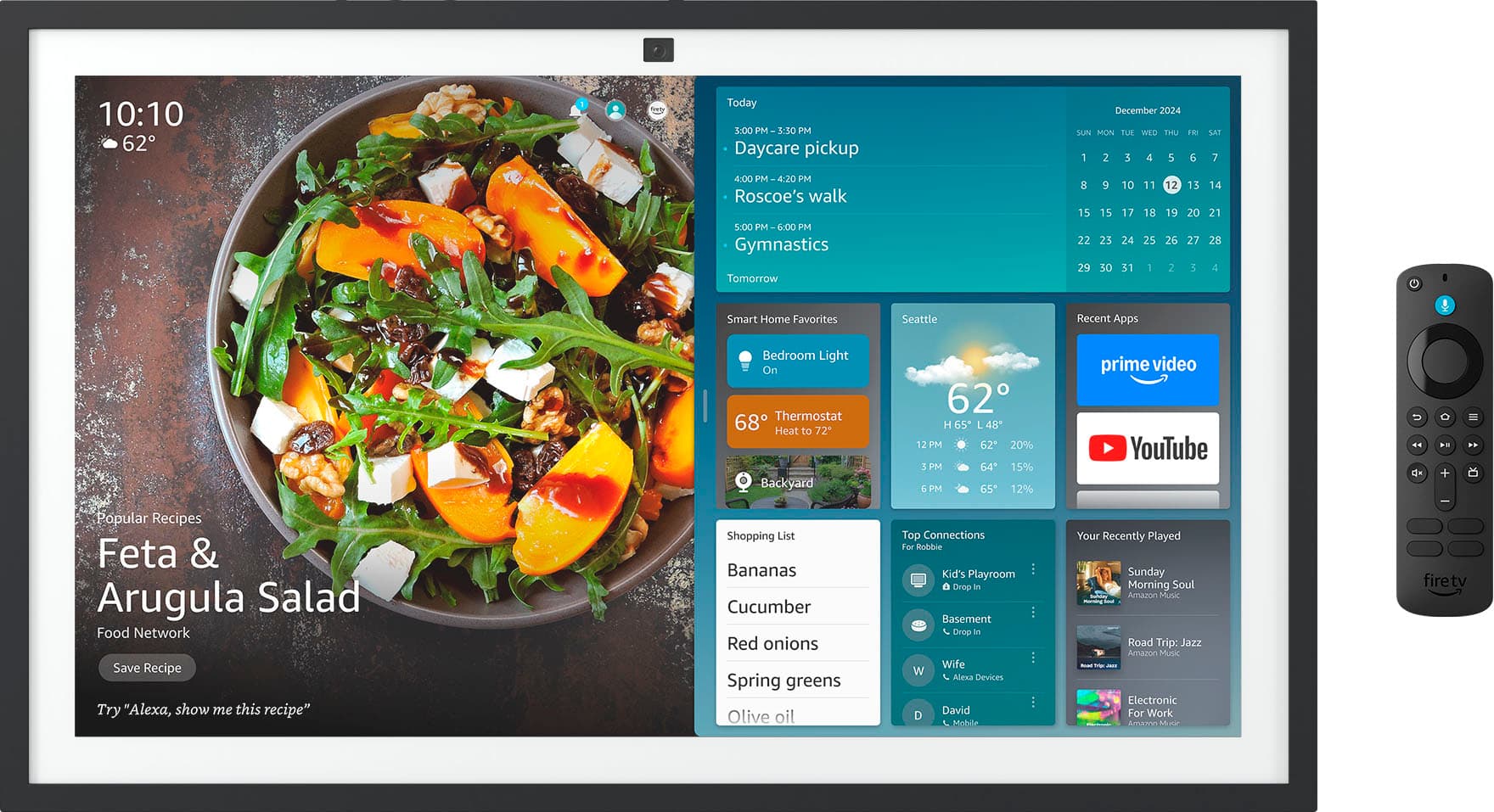
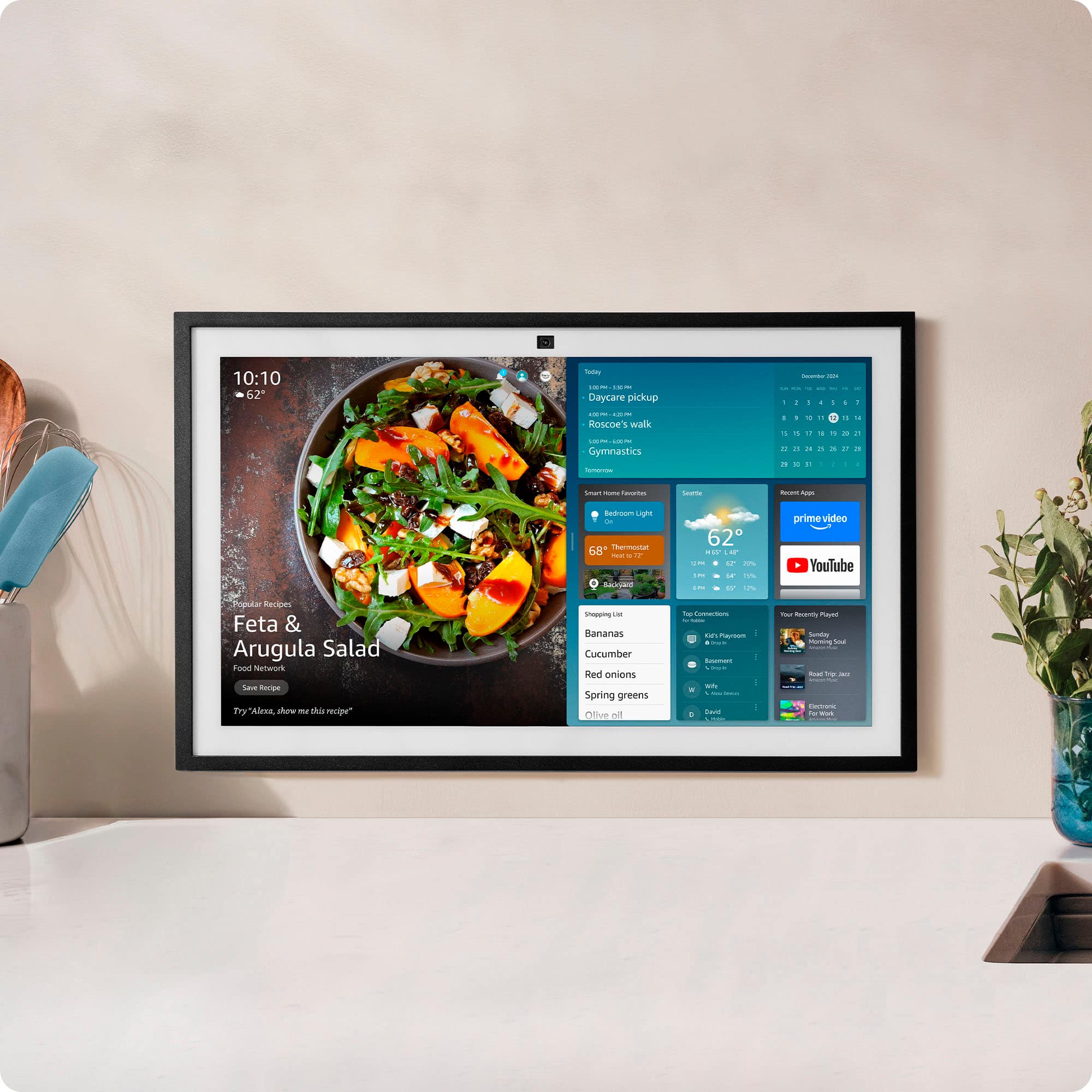
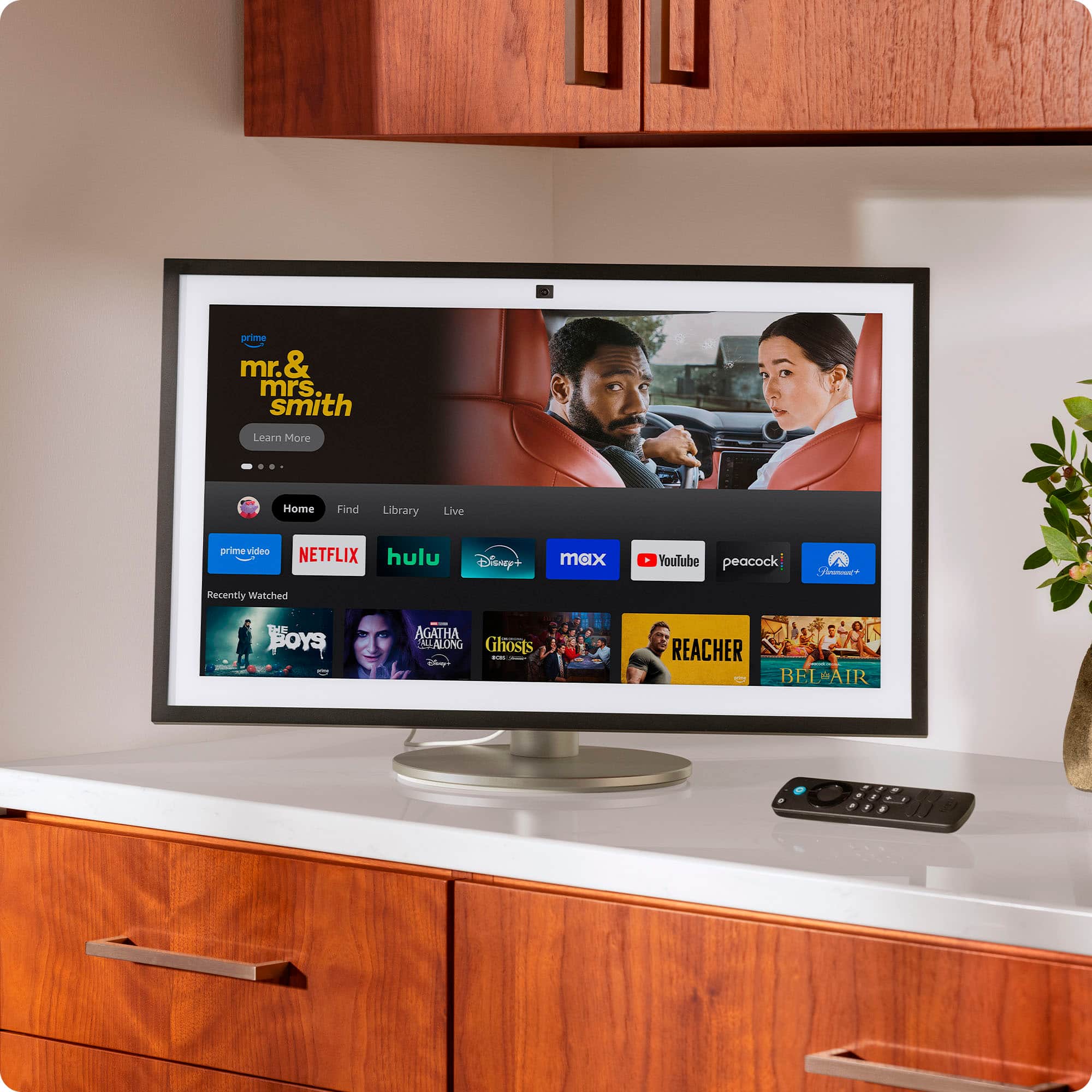
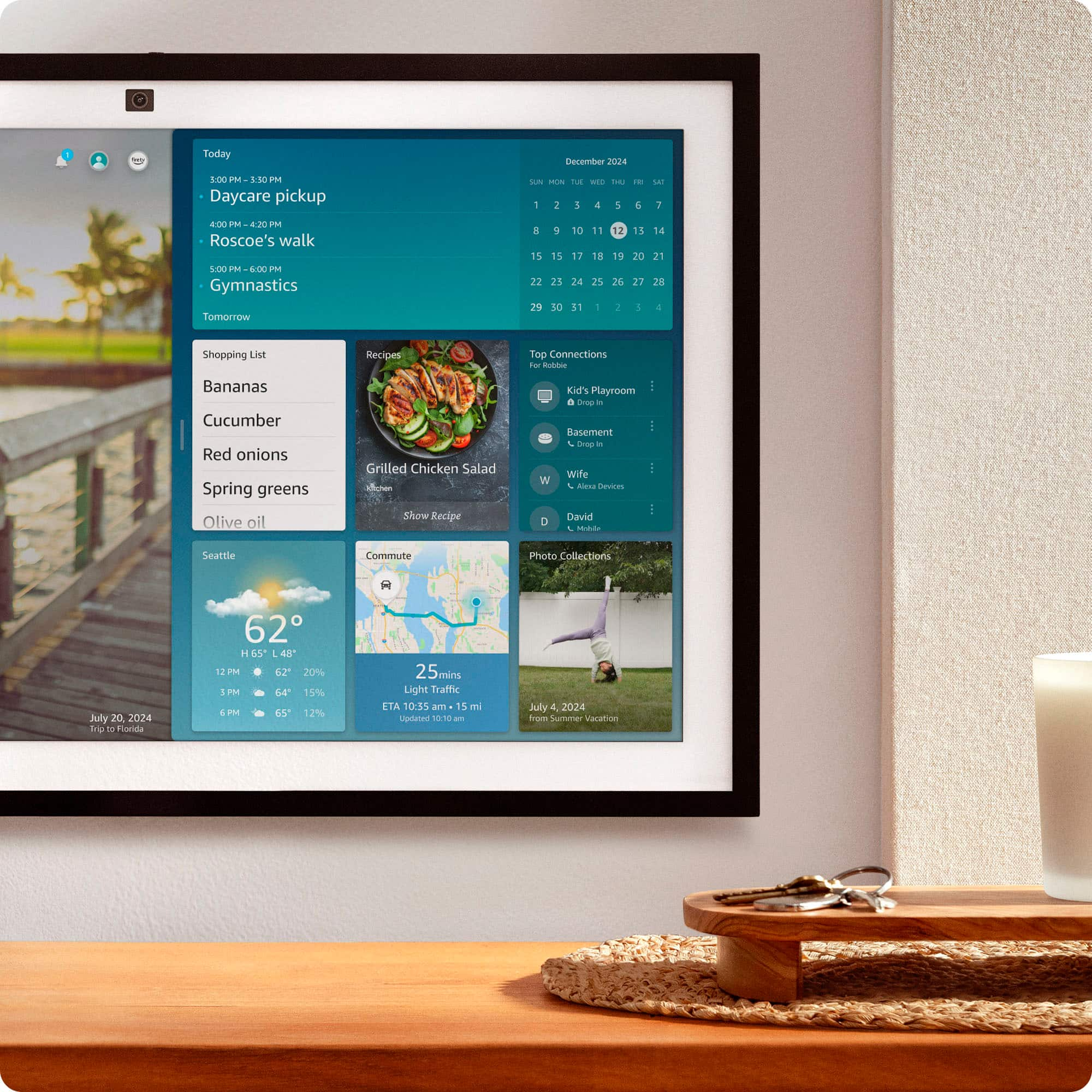
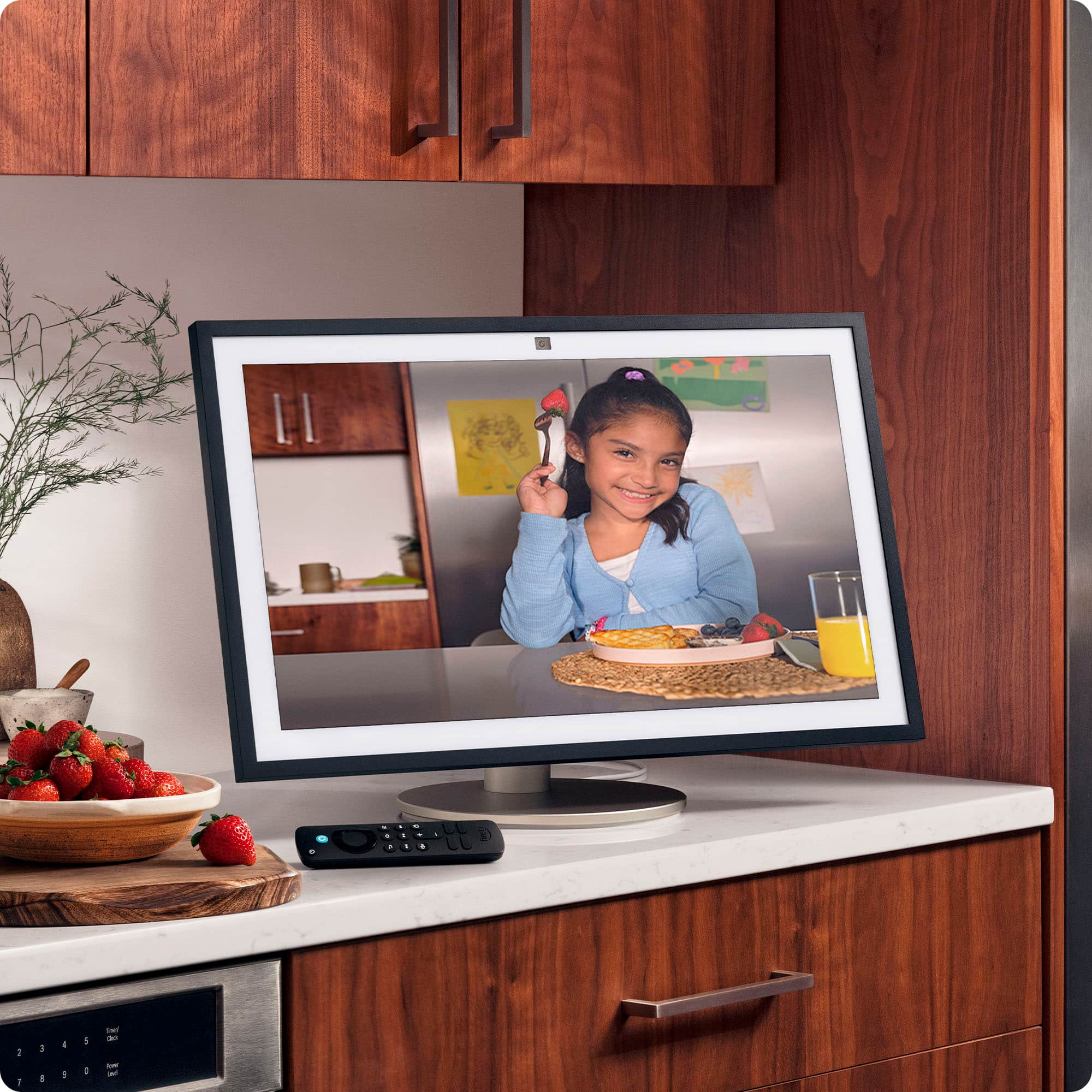
A:Answer Yes, the Echo Show 21 can be used with a stand, but it is not included in the box and must be purchased separately. By default, the Echo Show 21 is designed to be wall-mounted and comes with the necessary wall-mounting hardware. If you prefer to place it on a counter, table, or shelf, you will need to buy the official Echo Show 21 Countertop Stand or a compatible third-party mount. Hopefully this helps!