A:AnswerHello to20! The Fire 7 has location based services available via WiFi and not through a magnetic compass and there is no PhotoPills app currently available for download from the Amazon Appstore. I hope this answers your question and you have a great day!
A:AnswerHello,
That specific app "Clever Dog" does not appear to be available at this time, but you can contact the developer and give them feedback to add to the Amazon App Store.
For the email settings:
The Email app supports most POP, IMAP, and Exchange accounts, including Gmail, Outlook, and Yahoo! Mail, and will automatically populate server settings during setup for most popular email providers. However, if you're prompted to manually set up your email account, you'll need the email settings for your provider.
Hope this info helps. Have a great day!
A:AnswerHi Arjones,
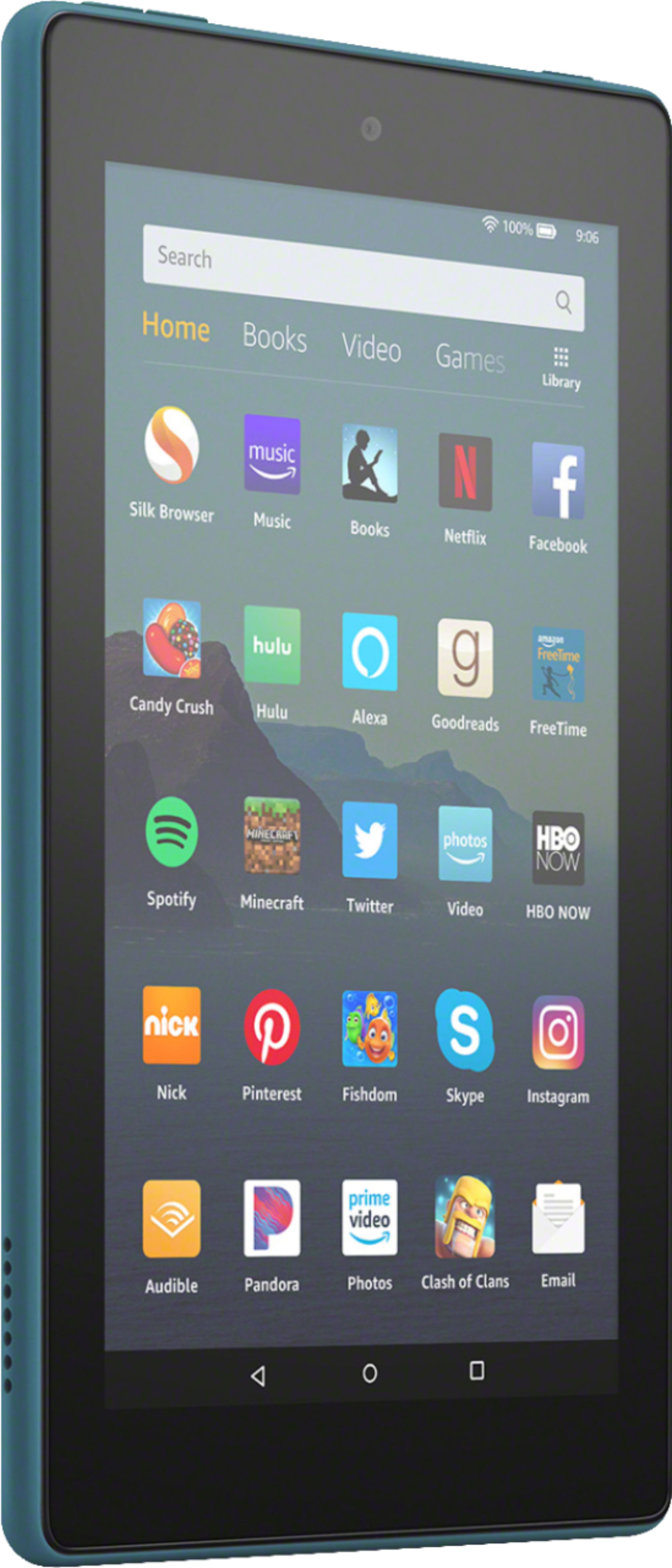
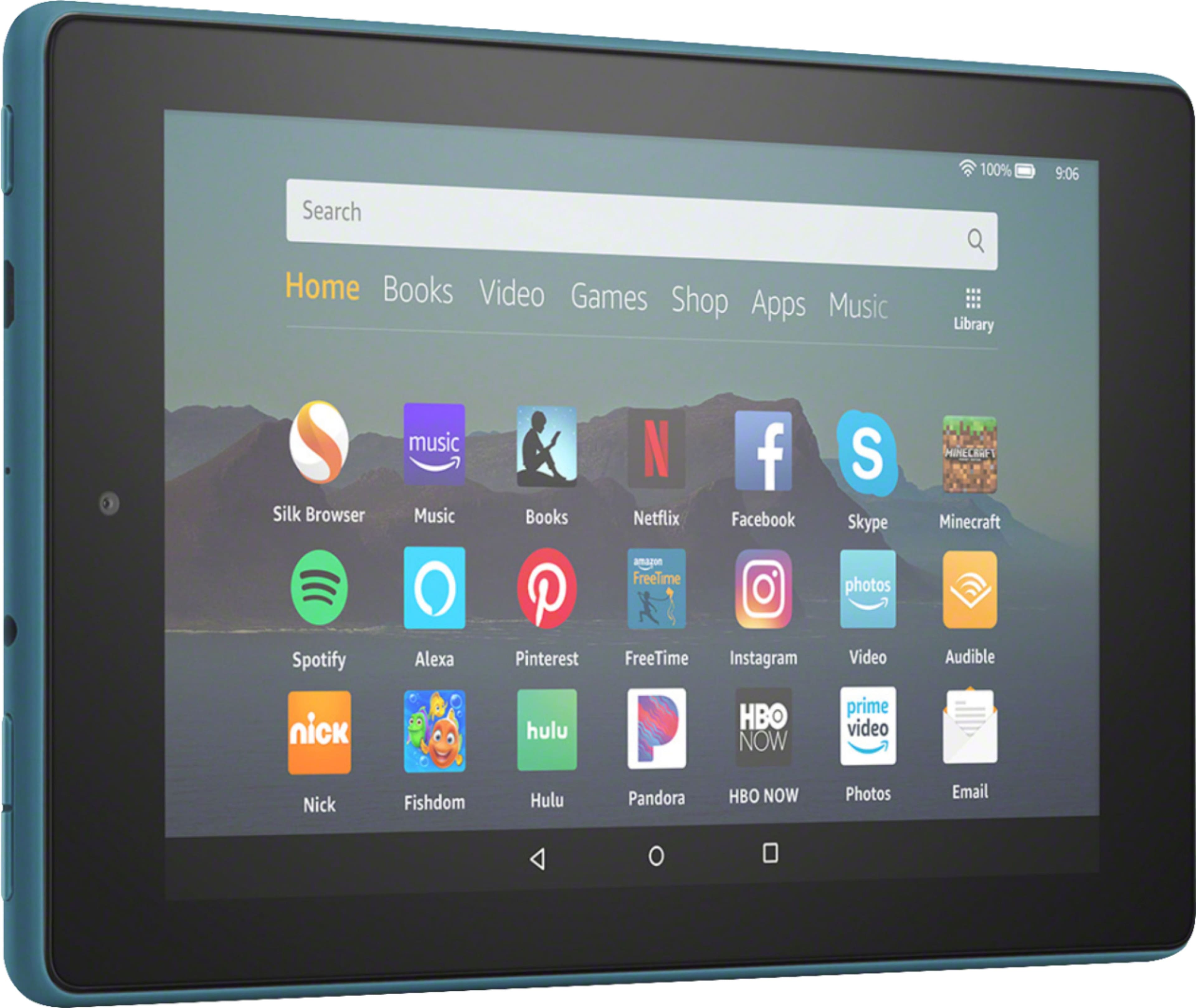
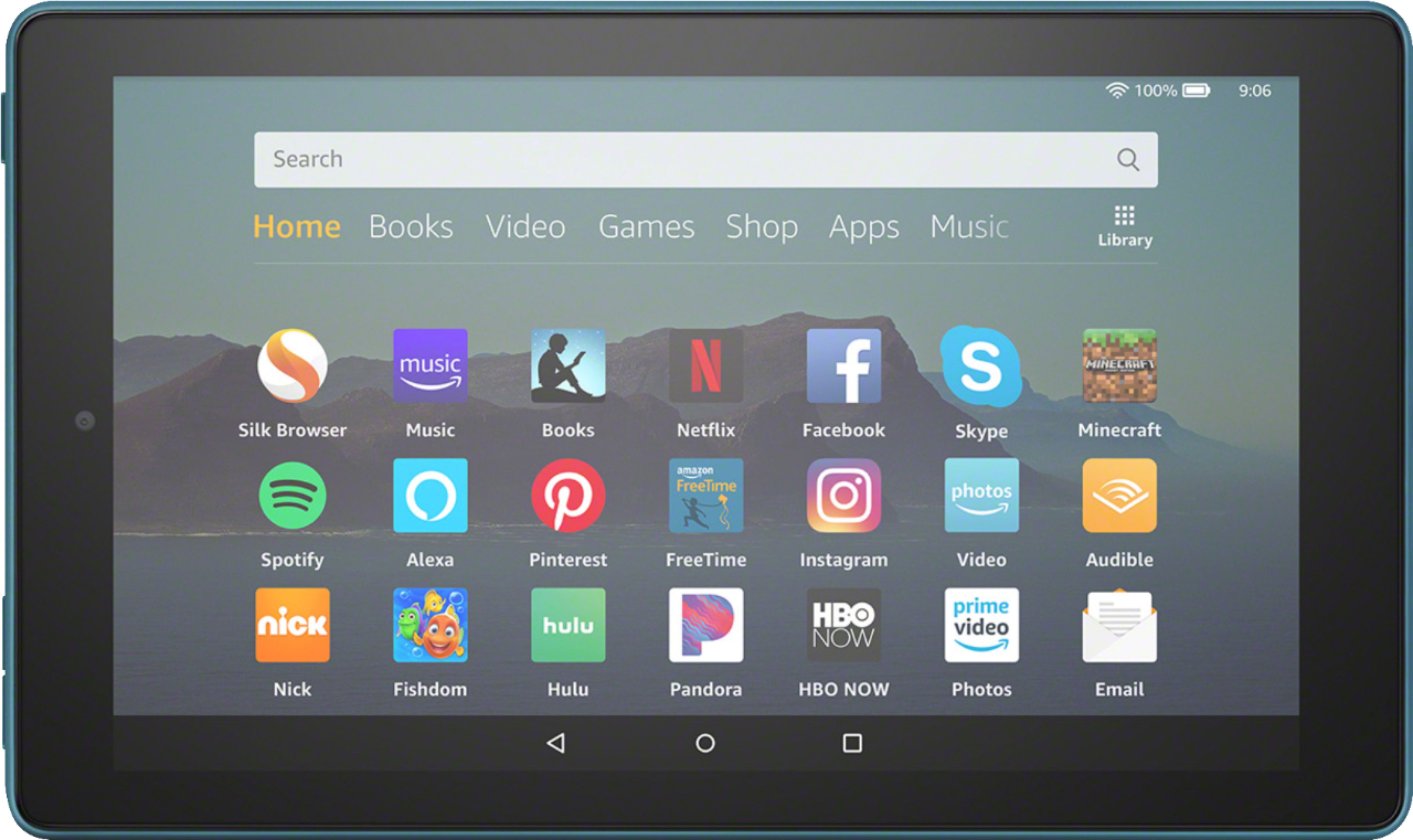
The dimensions of this tablet are 7.6 x 4.5. It is the same size as the kids tablet, the kids tablet tends to look bigger because the case is bigger for little hands to hold. Hope that helps.
A:AnswerToo much bloatware on this tablet for services that I don't use that takes away from functionality for other uses.
I haven't used it for Zoom and not sure if it is available on Amazon app store.
You might be better off getting a standard android tablet IMHO.
A:AnswerNo ,I use it to read Library books, I just use the Overdrive App on my Kindle Fire. It is easier to use on the Kindle Fire than to down load to the Kindle reader. I am glad I purchased the Kindle Fire 7 perfect for reading Library books.
A:AnswerHello Billybon, Kindle supports the following types of files: Kindle Format 8 (AZW3), Kindle (AZW), TXT, PDF, unprotected MOBI, PRC natively; HTML DOC, DOCX, JPEG, GIF, PNG, PMP through conversion; Audible audio format (AAX). Unfortunately books from Nook are in an ePub format which is not supported by Kindle.