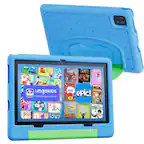
A:AnswerHello Itzel, and thank you for asking this question! Amazon Fire tablets absolutely have a find my device feature. This can be accessed by signing in to Amazons manage your content and devices page and then selecting “Find My device” This will show you an approximate area where the device was last connected to WIFI. I hope this answers your question and that you have a wonderful day.
A:AnswerIt is Bluetooth compatible, but if your looking to purchase for the warranty it can be a pain when it comes to actually getting the tablet fixed I have been on with Amazon for hours to get it taken care of which is a major disappointment and then it can take weeks from what I have seen from others to get replaced and when you buy it from Best Buy and not Amazon they get a little rude about buying it elsewhere even though Best Buy is a authorized seller
A:AnswerHello Dan,
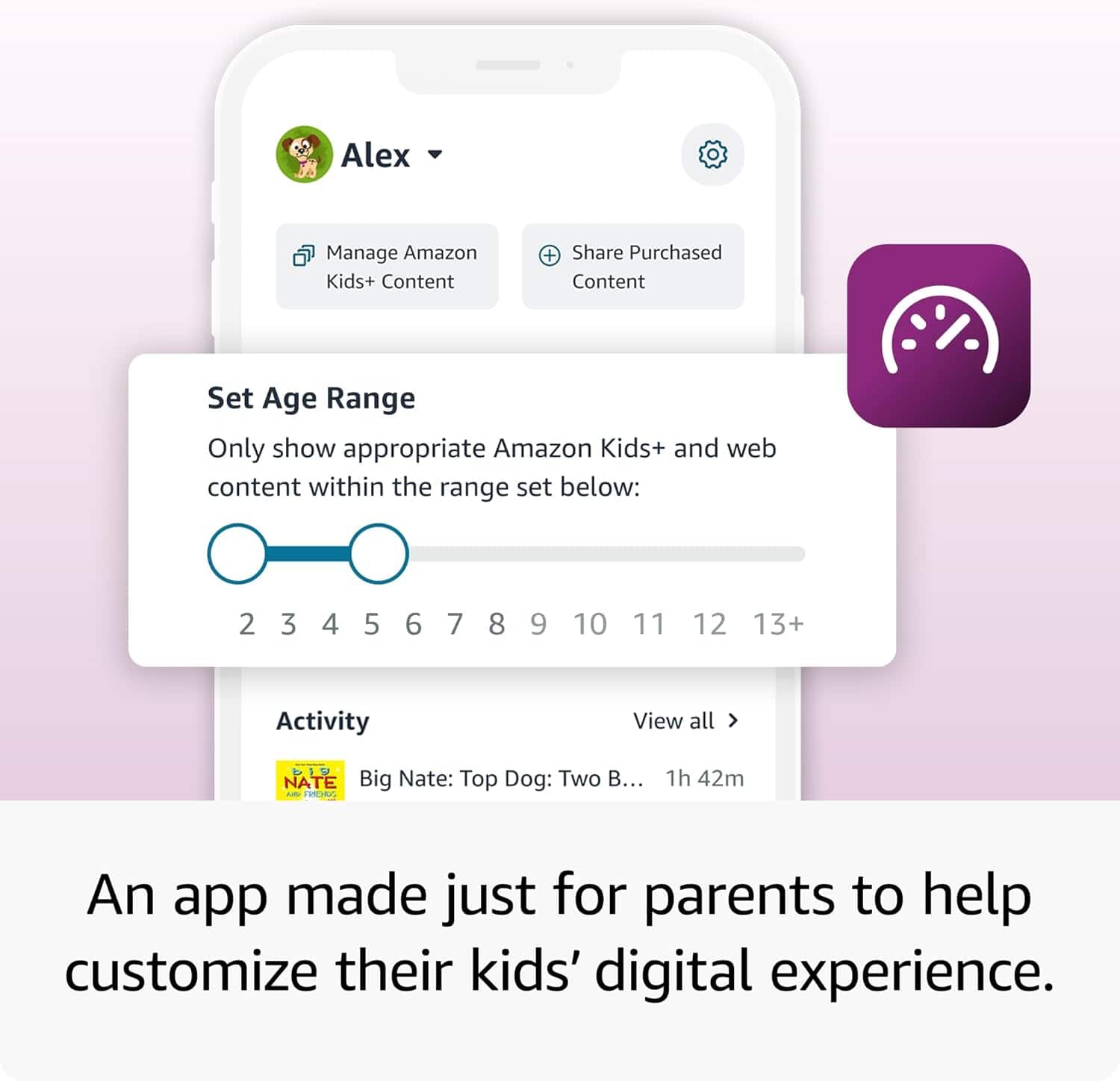
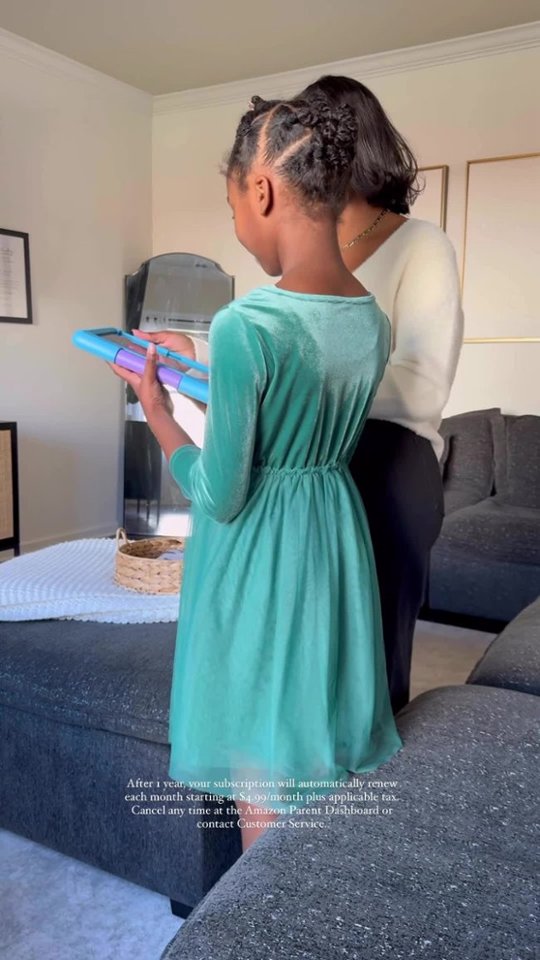
Your Amazon Kids+ Subscription will renew automatically using the card put on file when the account was setup. You are able to Cancel or Modify the Subscription at any time from your account or the Parental Dashboard on the Fire HD 10 Kids Tablet.
Have a Great Day!