Main Content

Questions & Answers

$199.99
Page Showing 61-64 of 64 questions
  • QuestionWhen is this product scheduled to be released?

    Asked by Nikki.

    • Answer Hi Nikki! This generation of Fire HD 10 is set to release on October 18th, 2023. This new generation updates the front facing camera from 2MP to 5MP for clearer video calling, and features 25% faster performance than the previous generation. Additionally, it's compatible with the Made For Amazon Stylus Pen! I hope that helps, have a great rest of your day!

      Answered by Amazon Devices Customer Support

  • QuestionCan you get YouTube kids on this tablet?

    Asked by Jo.

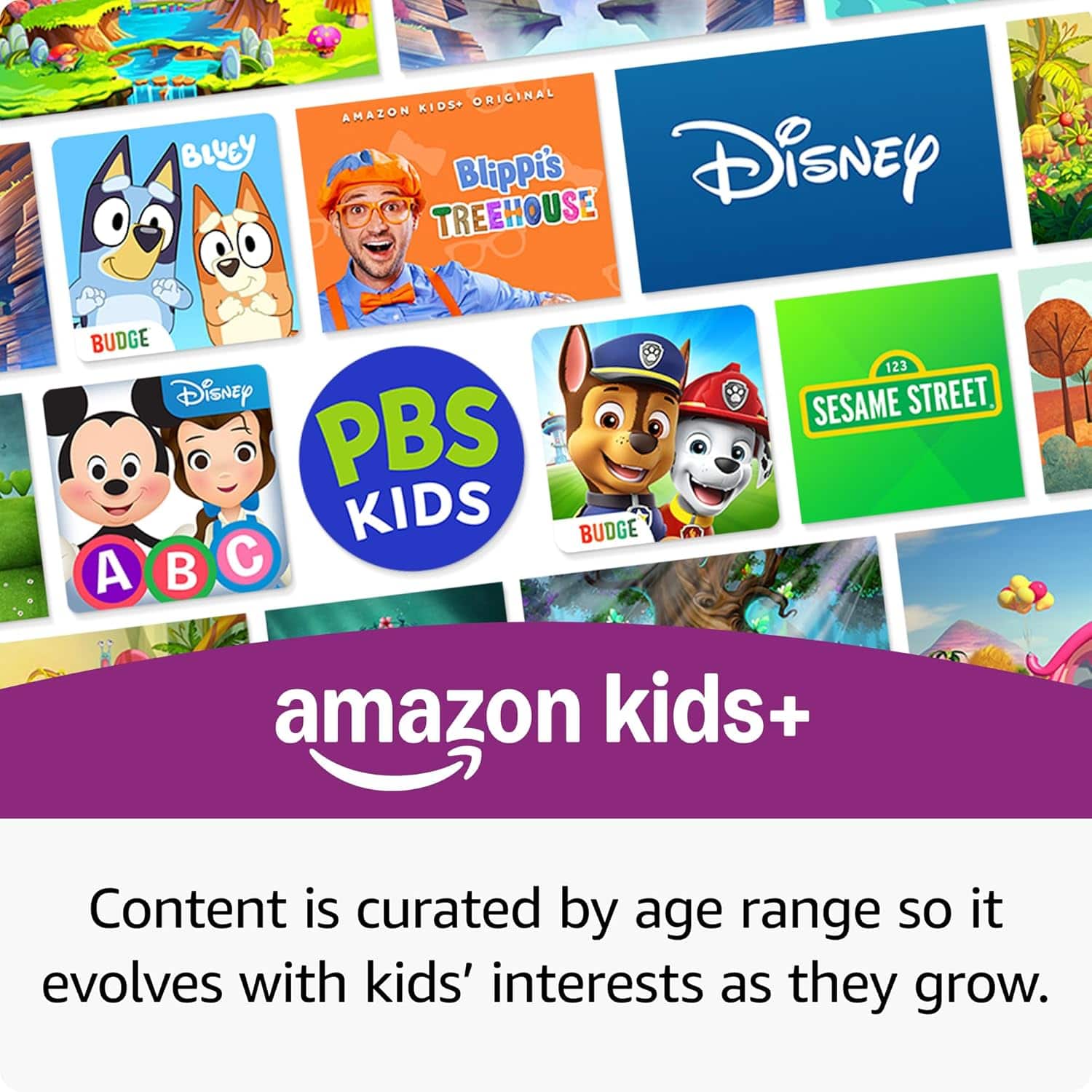
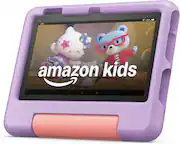
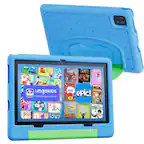
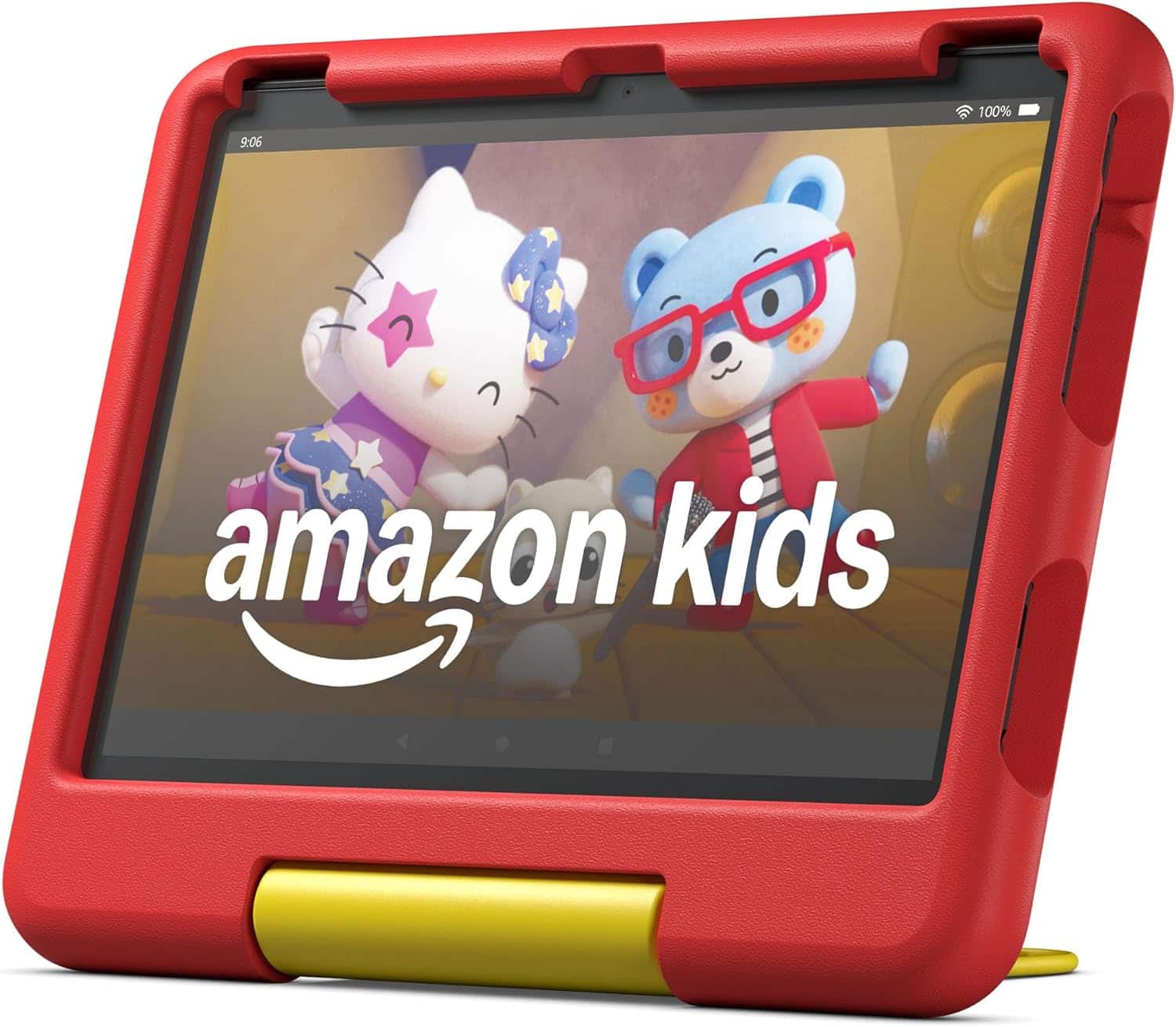
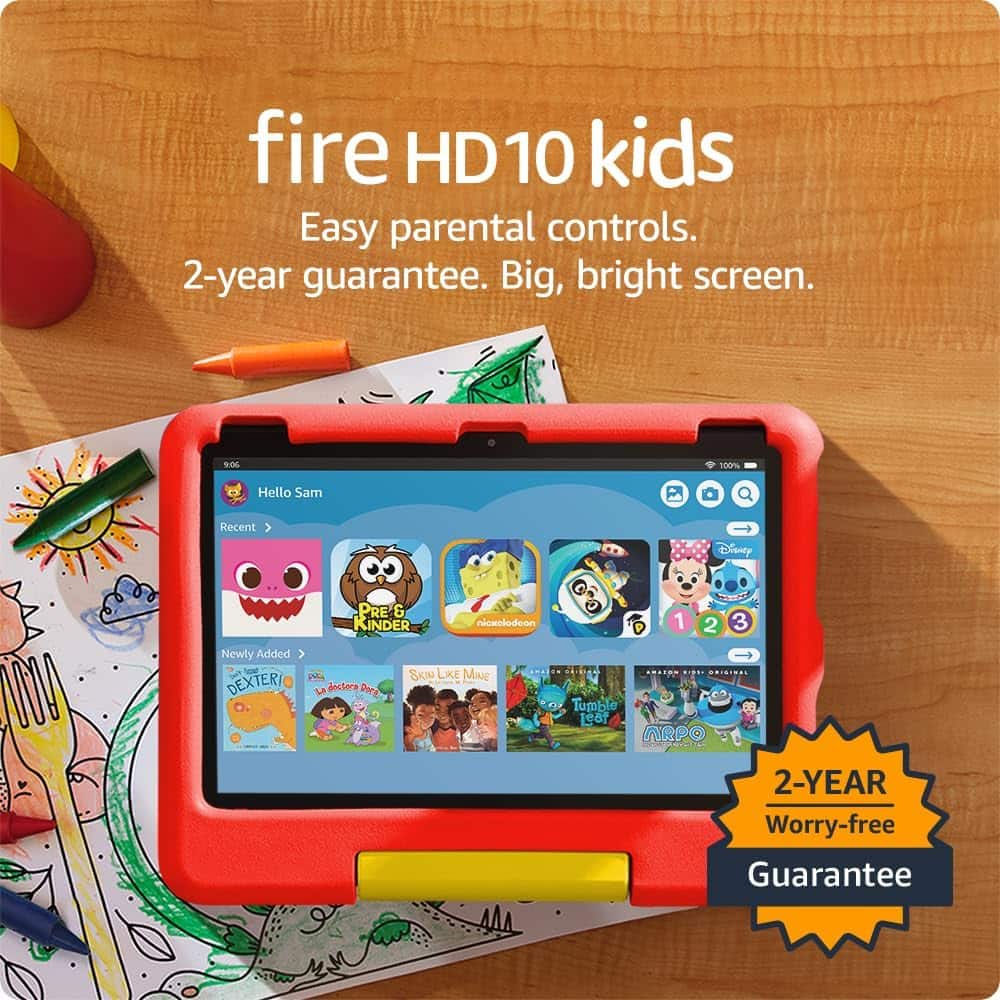
    • Answer Hi Jo! You can access YouTube Kids on the Fire HD 10 Kids via the built-in Silk browser. The Fire HD 10 Kids tablet also comes with a free trial of Amazon Kids+ which features tons of curated kids movies, games, and more all as part of the subscription. You can even expand the amount of storage available on the device, perfect for taking movies on the go, by up to 1TB via the micro SD card slot. I hope that helps, have a great rest of your day!
      Answered by Amazon Devices Customer Support

  • QuestionI want to purchase protection plan for 10.1 tablet (Blue) was told in store I could purchase it online and now everyone I speak to is saying I'm not able to purchase protection plan online and only in store.

    Asked by Anonymous.

    • Answer I was done the same way, its easiest to go to the store

      Answered by ChristopherF

  • QuestionAm I able to download YouTube kids on this tablet? I have been unable to so far. Also what happens once the Amazon kid’s subscription is over? Will I still have any use of the tablet at all?

    Asked by Chichi.

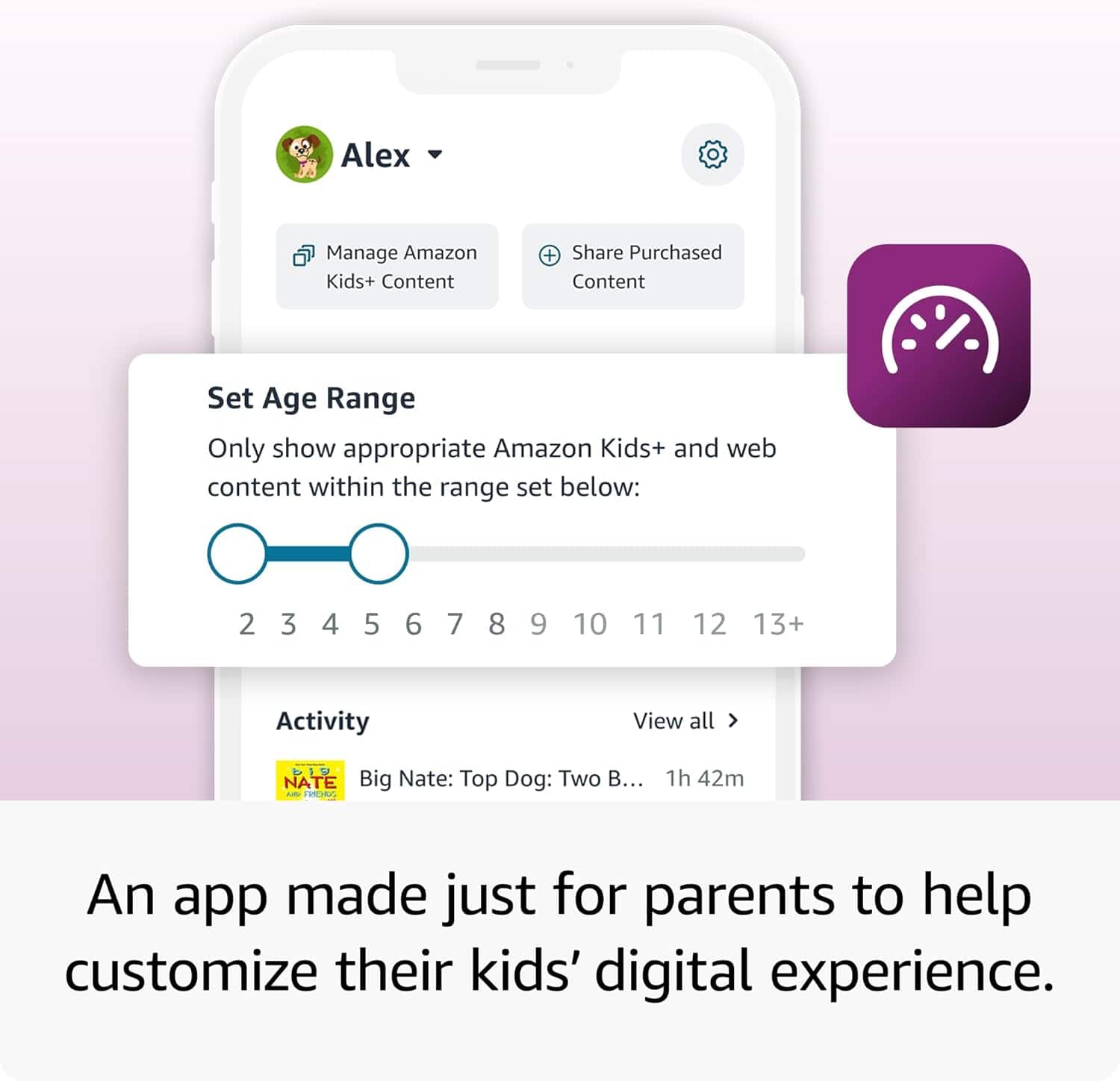
    • Answer Hello Chichi, The Amazon Kid's Subscription will automatically renew on the card which was put in to activate the subscription. You can change the card, or even cancel the subscription if you would like from your own personal Amazon Account on a computer or mobile device. YouTube Kids is also available on the Amazon Store. If you are having issues downloading it, it may be a setting on the parental controls that doesn't allow for applications to be downloaded. I have attached the steps on how to access the Parent Dashboard bellow: To add content to your Child Profile on a Fire Tablet, follow these steps: 1. Go to the Parent Dashboard 2. Navigate to the child profile you wish to manage and select Settings. 3. Select Add content. 4. Select the desired content category using the tabs above the list of content. 5. Add or remove content by toggling the switch next to them. Have a great day!

      Answered by Amazon Devices Customer Support