A:AnswerHi nosey! The Kindle Paperwhite has Bluetooth built-in, so you can connect a speaker, earbuds, any kind of Bluetooth device really in order to listen to your Audible content! Audible content will show up in your library just like any other books, and you'll be prompted to connect to a Bluetooth audio device when you go to open one. I hope that helps, have a great rest of your day!
A:AnswerHi Internet! While the Kindle Paperwhite is designed primarily for reading, it does have what is referred to as an experimental web browser built in as well. The web browser allows for basic access to the internet, and is very handy for when you are connecting to WiFi while travelling and need to sign into a portal to access the network. If you're looking for a more traditional web experience on a tablet, I would suggest checking out the Fire Tablet line. I hope that helps, have a great rest of your day!
A:AnswerHello HJ, thank you for your question about the Amazon Kindle Paperwhite (16GB) 2022 edition. This device does not offer replaceable batteries but does have a battery life of up to 10 weeks and convenient charging through a USB-C cable.
A:AnswerHi Bri! Currently BestBuy is offering a free 4 month trial of Amazon Music along with this device, but it doesn't seem they have a special Kindle Unlimited promotion available at the moment. Having said that, when I've helped set up friends and families Kindles in the past they've typically been offered a free trial while setting it up. Many local libraries also offer eBooks that can be delivered directly to your Kindle Paperwhite, just check in with them and they should be able to provide information on how their process works. Hope that helps, have a great rest of your day!
A:AnswerHi Chris!
Inside the Kindle Paperwhite box you will find the device itself, a USB-C Charging Cable, and the Quick Start Guide for set up! Other accessories are sold separately.
Hope that helps!
A:AnswerHi Nonnie! Yes, you can listen to Audible on your Kindle using bluetooth headphones. Here's how: You can pair a Bluetooth device via Settings in a Bluetooth-enabled Kindle. Here's how:
Note: You need to turn the Wi-Fi on and complete the over-the-air update in order to pair a Bluetooth device.
Put the Bluetooth device into pairing mode.
Tap the Quick Actions button Quick actions button on the toolbar.
Tap All Settings.
Make sure Bluetooth is set to On.
Tap Bluetooth Devices.
Tap on the device you want to pair.
Tap Connect.
Connect to Bluetooth
The Bluetooth device shows as connected.
Device connected
You can also connect a Bluetooth device right from the Audible player screen by tapping on Bluetooth not connected and following the prompts.
Now that your Bluetooth device is connected, you can listen to your audiobooks! Enjoy!
A:AnswerHello Dana, the Kindle Paperwhite is waterproof. It has been tested to withstand immersion in 2 meters of fresh water for 60 minutes.
Have a great day!
A:AnswerHello Taryn, hope this message finds you well. Audible is compatible with Kindle Paperwhite but Amazon music is not. Here's how to link Audible to your kindle: You can only merge your accounts through the Audible desktop site.
Select Account details.
Select Merge now at the top of the screen.
Enter your Audible password, Amazon information, and select a payment method.
Select Finish.
A:AnswerHello Thebonbz1y,
Thank you for your question.
On average, you can store about 250 books per 1gb on your Kindle. So for 8gb, around 2000 books.
Have a great day!
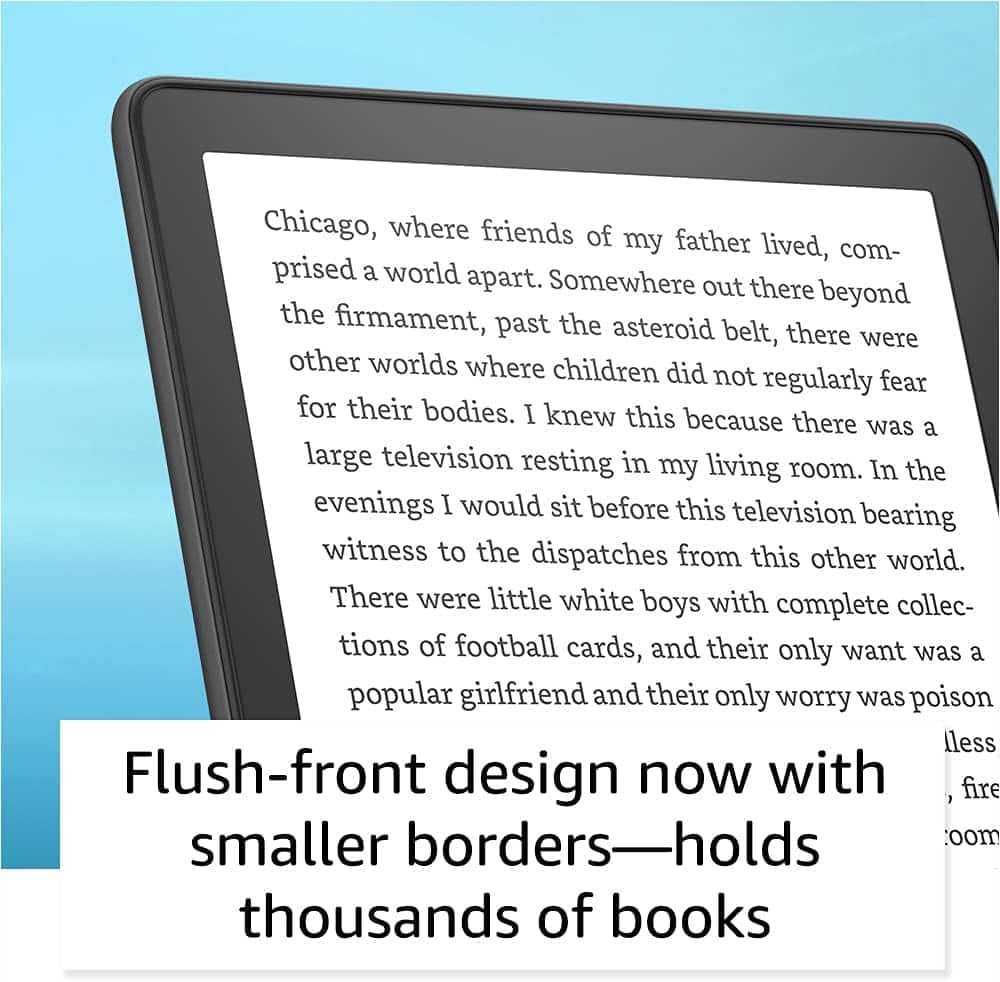
A:AnswerHello! While you cant add memory to this Kindle, rest assured it will hold thousands of books. Here are some other options for you: Kindle Unlimited is a service that allows you to read as much as you want, choosing from over 3 million titles, thousands of audiobooks, and magazine subscriptions. Explore new authors, books, and genres from mysteries and romance to sci-fi and more. You can read on any device. The Kindle is compatible with a number of different eBook formats and does work with a number of different library book services such as Libby. In most cases, you will be able to take out the digital copy of a book using your library's eBook service and then there would be a "Send to Kindle" option for it. At that point you would be able to send it to your Kindle for the allotted time that you have it taken out for. Your best course of action to take to ensure that your library offers that service is to consult your local library's librarian. They would be best able to tell you what you would need to do and if they have that service available. Thanks so much for your question, and I hope you have a great day!
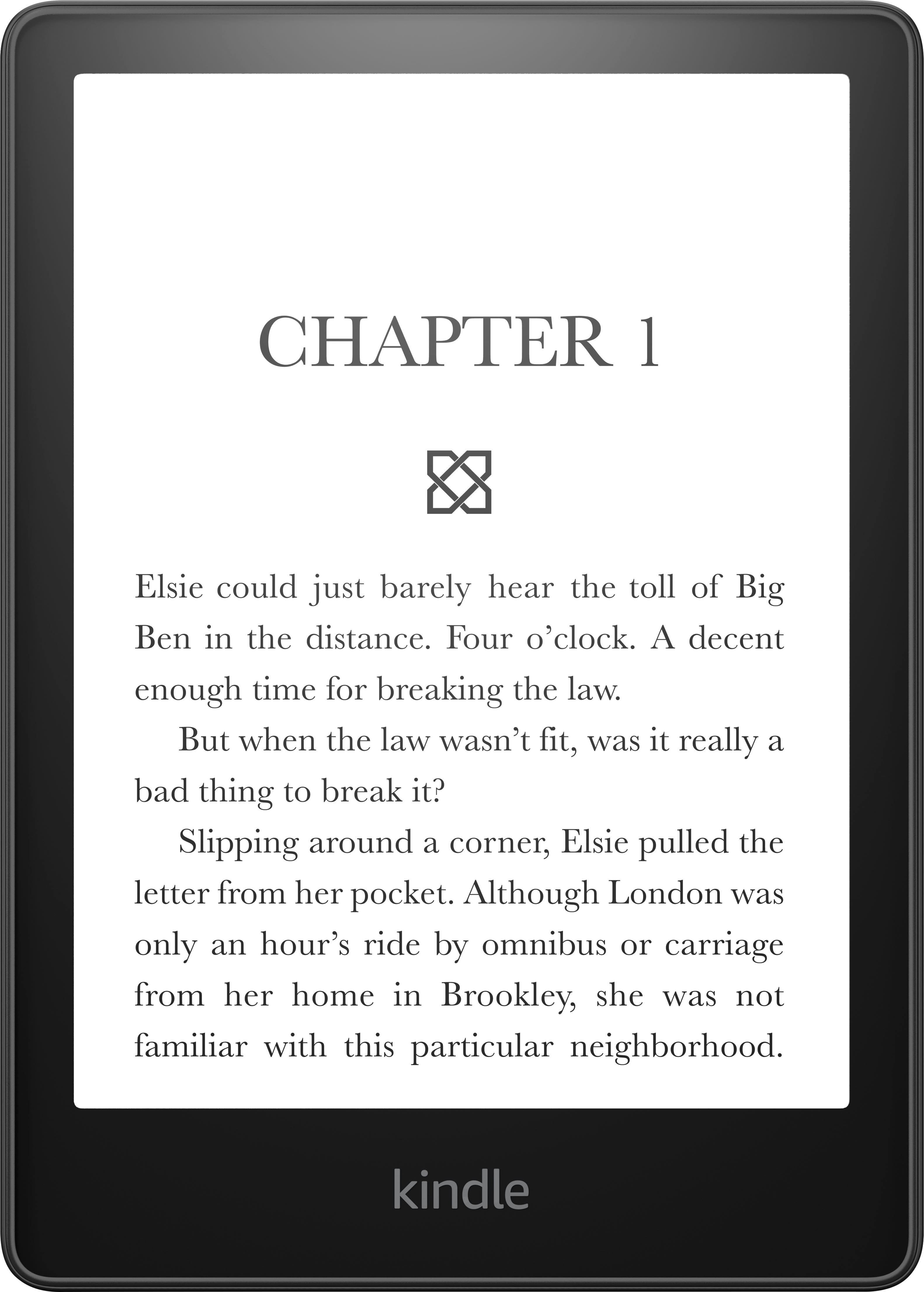
A:AnswerThis device model is B09TMN58KL. Amazon website indicates this model contains the lock-screen ads.
Device model B0B9YSHFJR is the ad-free model.