A:Answer I can suggest many options:
- Look into the screen time menu in System Preferences and try to see what program could be eating up the most battery. Maybe you aren't quitting out of an app correctly which is causing the app to keep draining your battery.
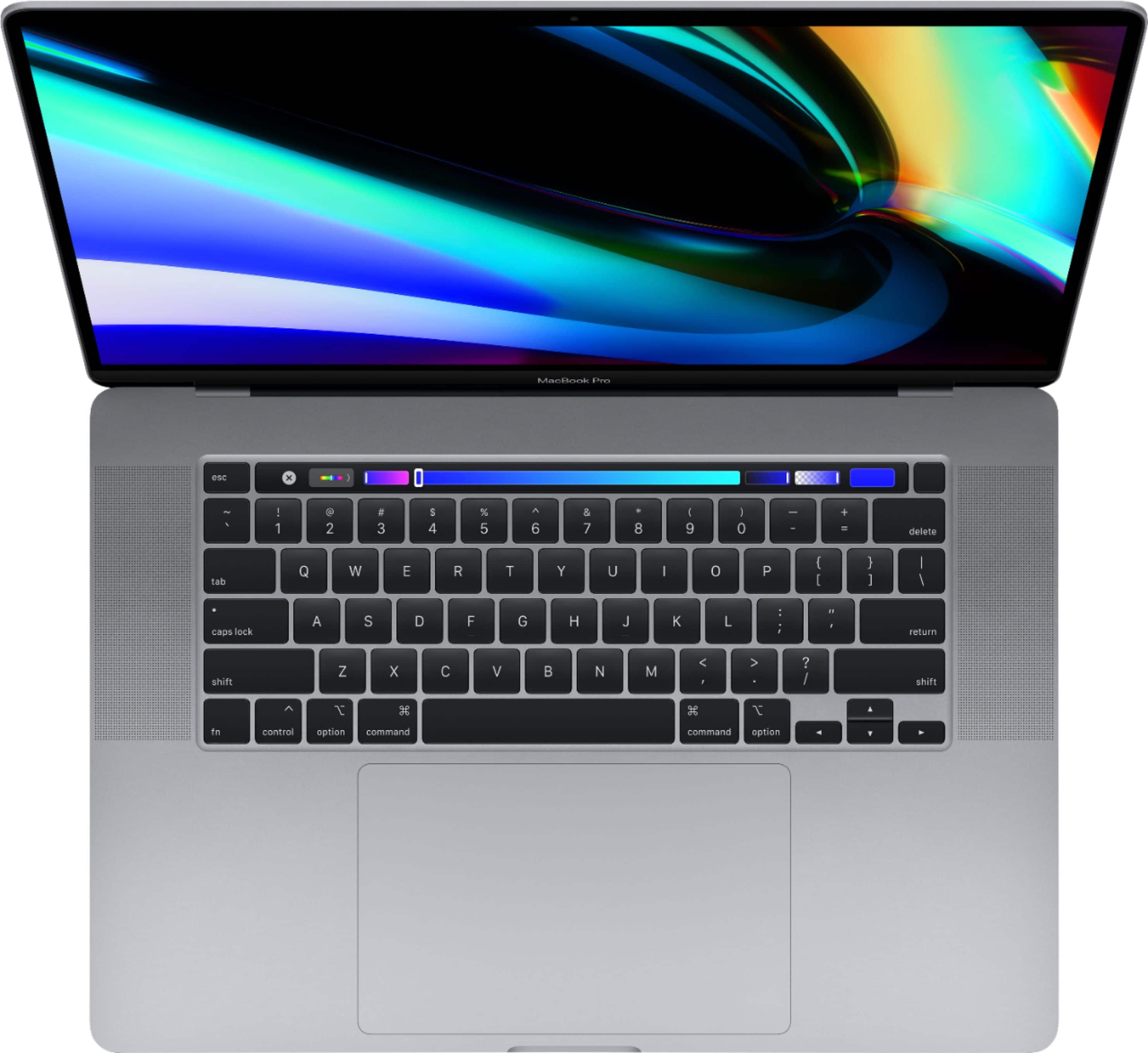
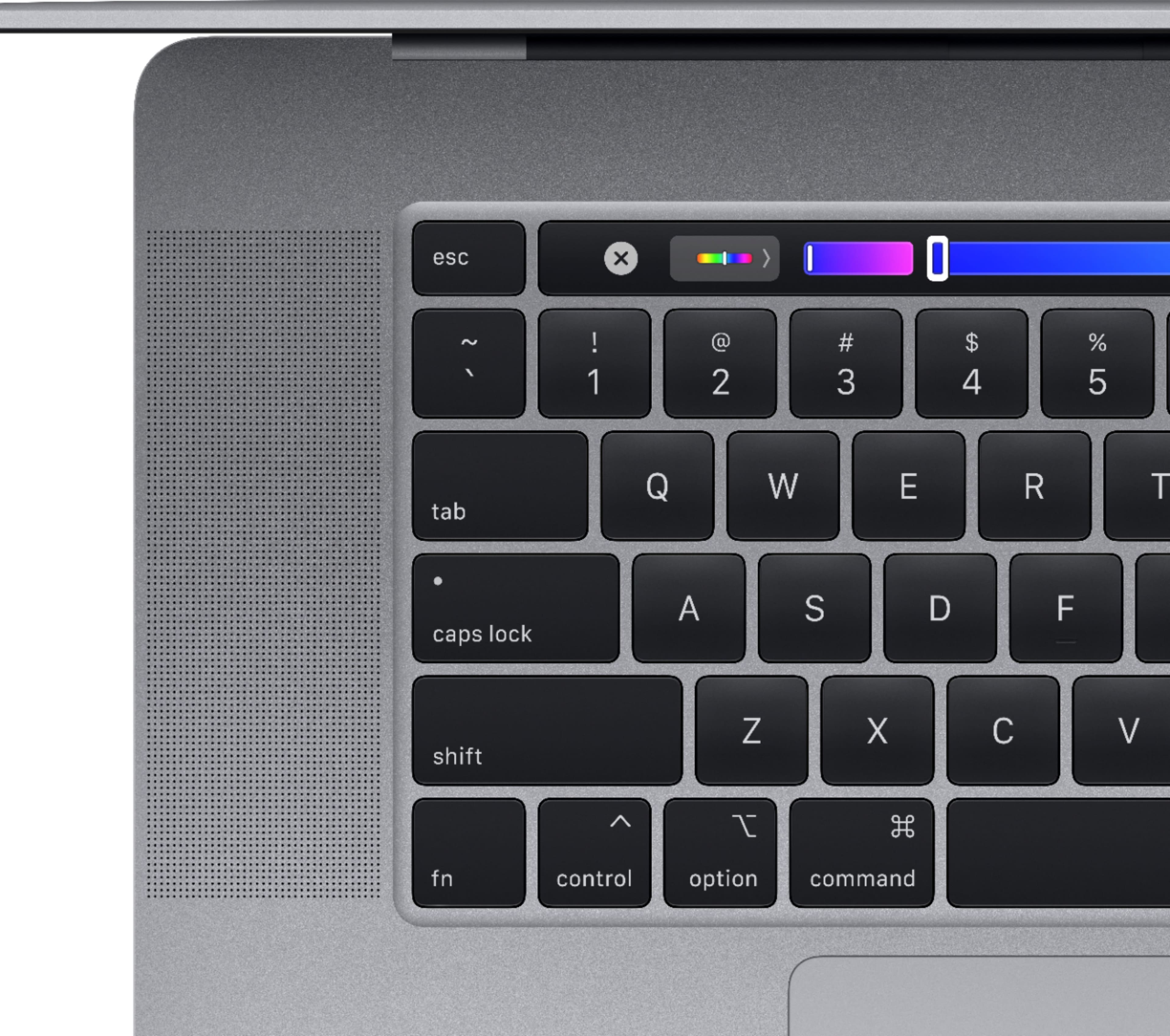
- Adjust your brightness and consider putting it onto Auto Brightness mode. You can also adjust the luminosity of your keyboard. Maybe your keyboard's lights are on all day long. I recommend using them when you are in a situation of poor lighting and can't see the keys very well, only.
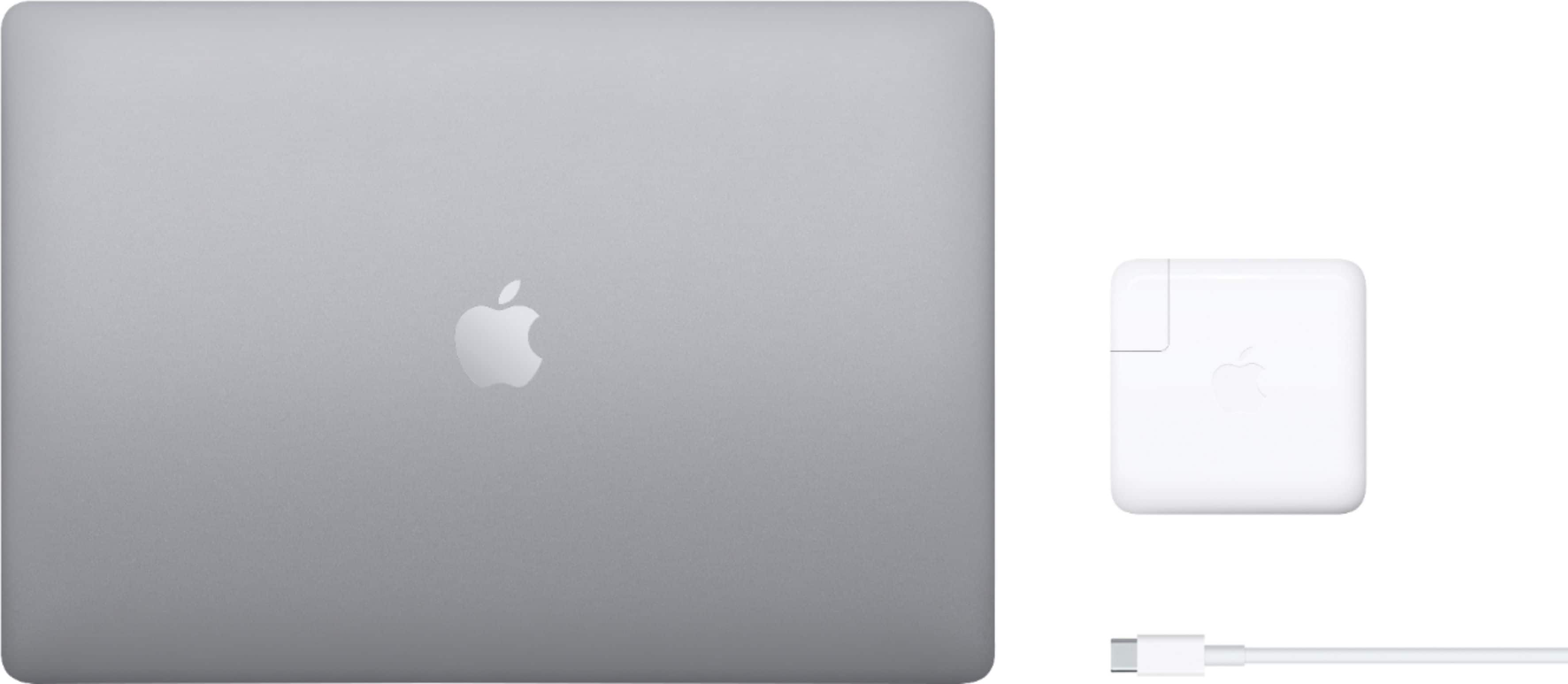
- Try closing every app and force quitting the ones that won't quit. Ignore Finder because THAT WILL ALWAYS BE OPEN. Then, shut down your laptop. At this point, your laptop should be able to just focus on charging and charge quickly. Mine charges very quickly with the cable and adapter that came in the box.
- Maybe you have like 5 things plugged into your outlet which could be slowing down the adapter's charging speed. With my Apple products, I always use the included cables and always plug them straight into the outlet.
- I honestly don't know what you are doing wrong so I don't know what to recommend...