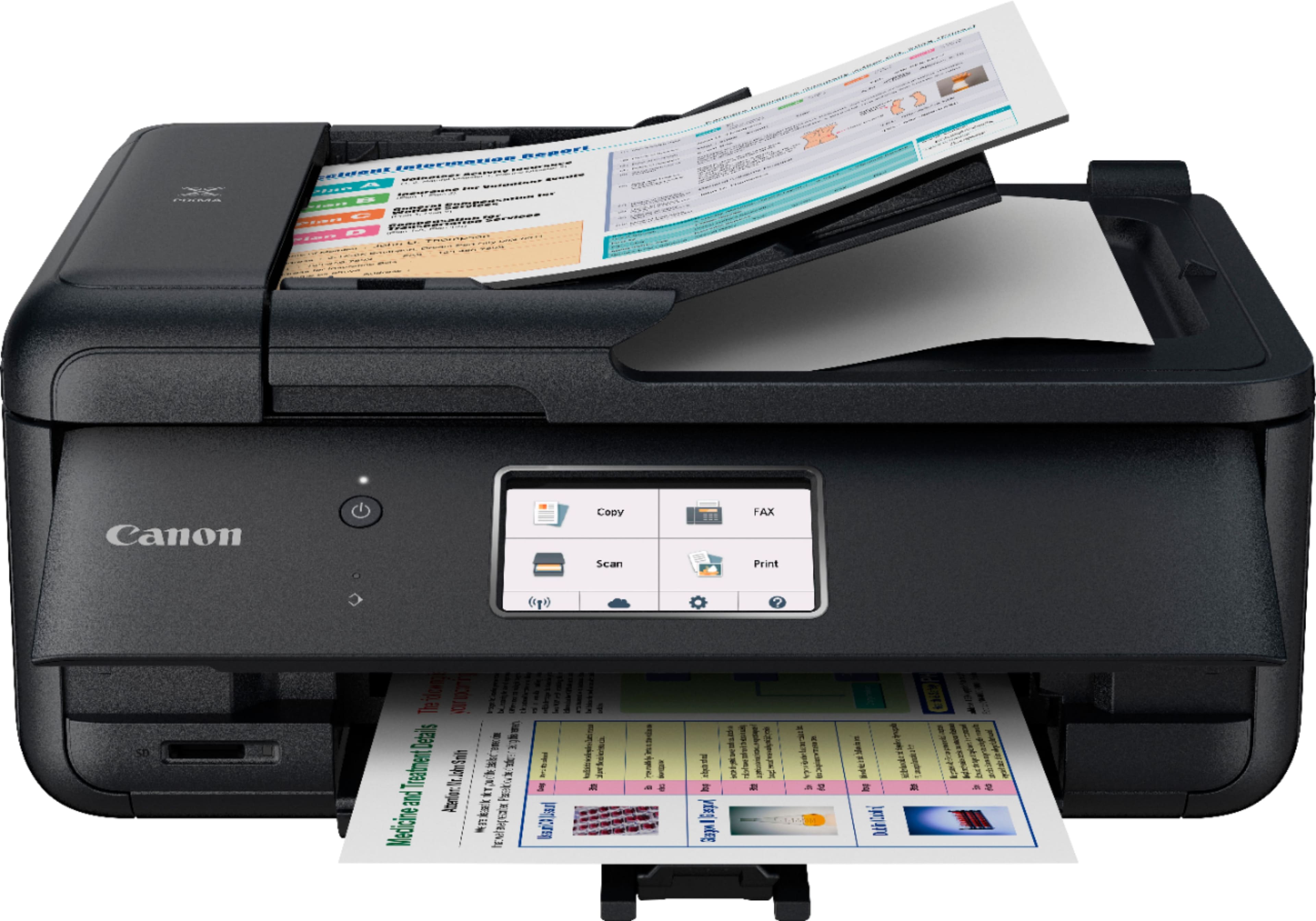
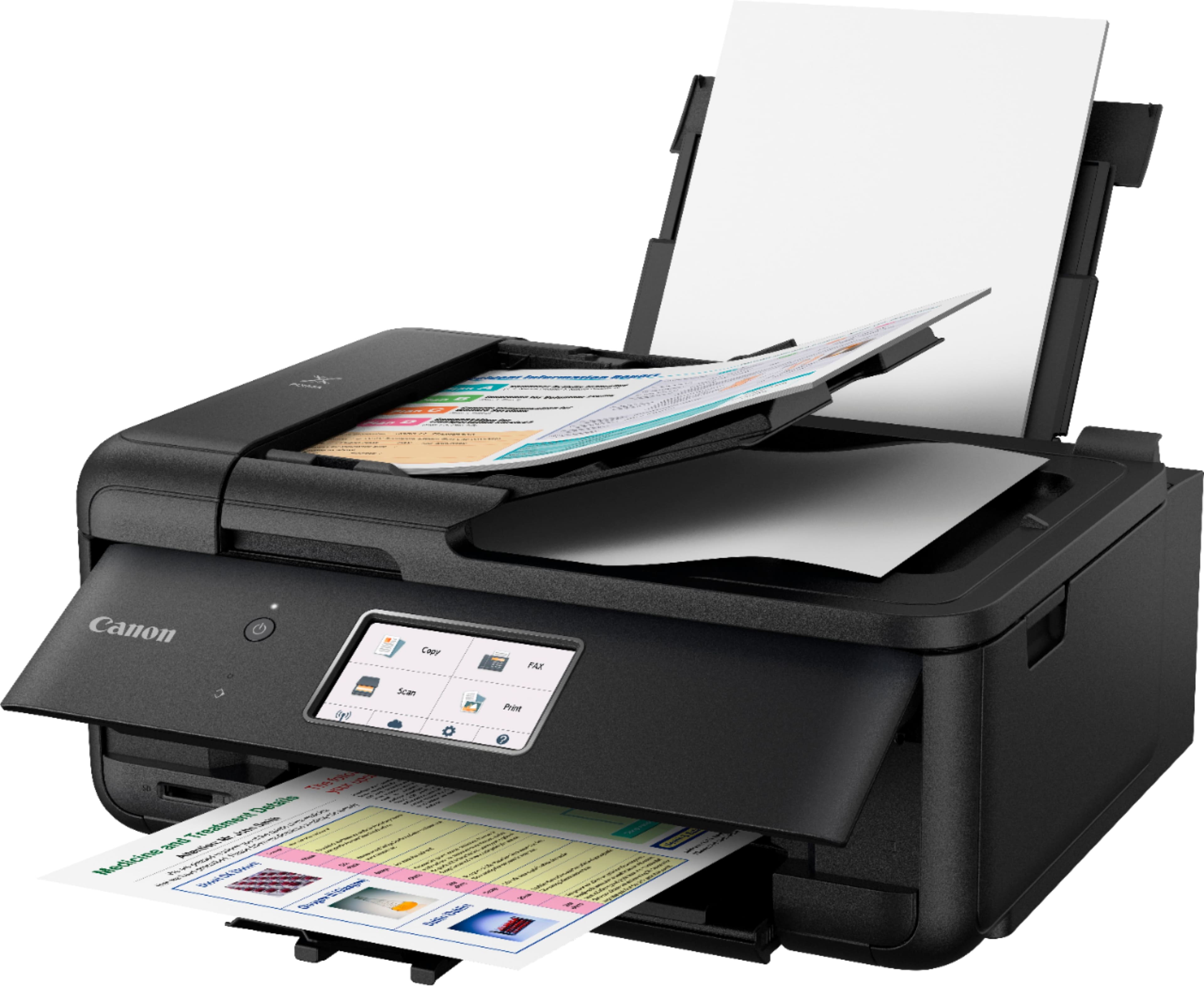
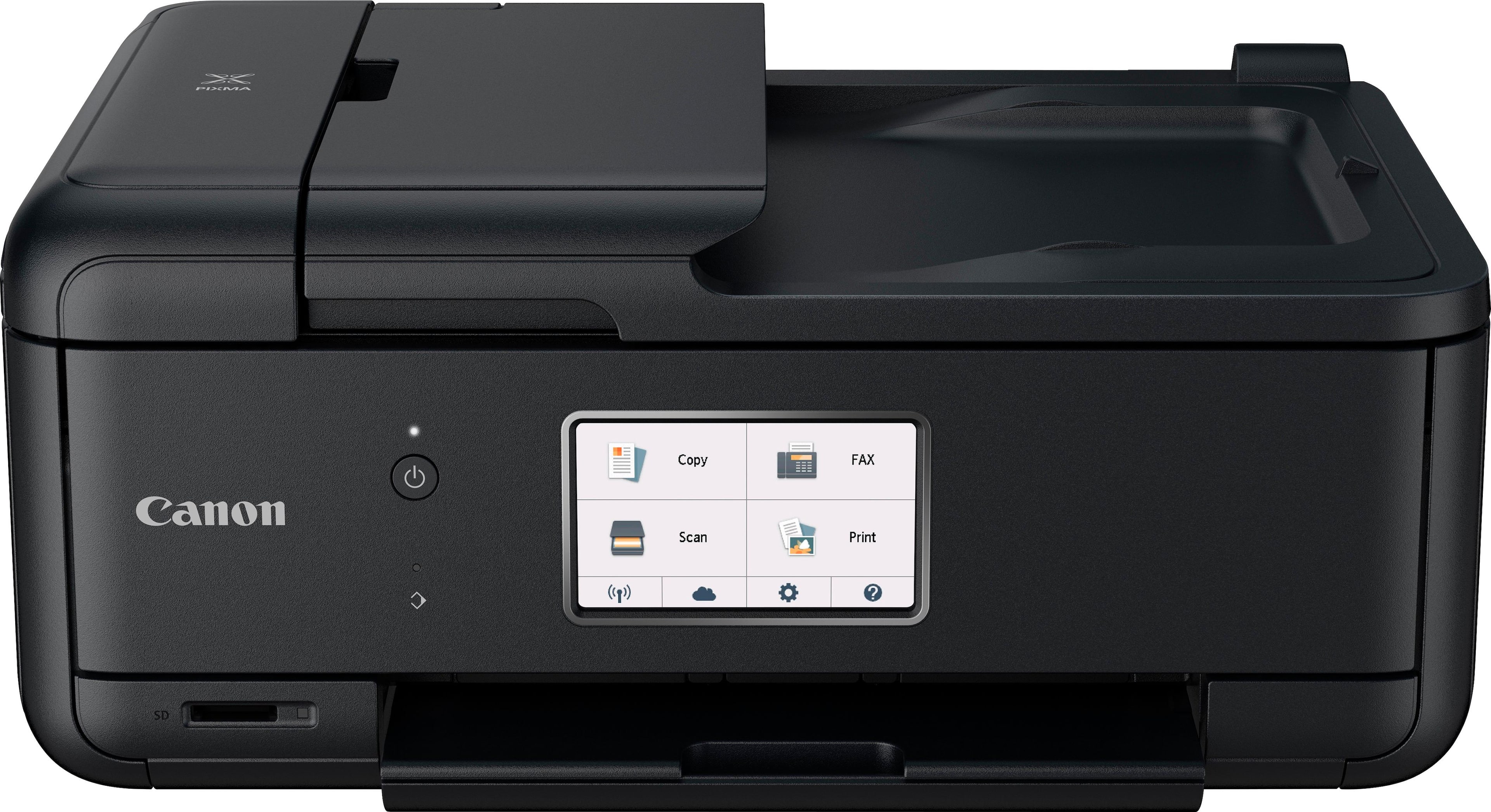
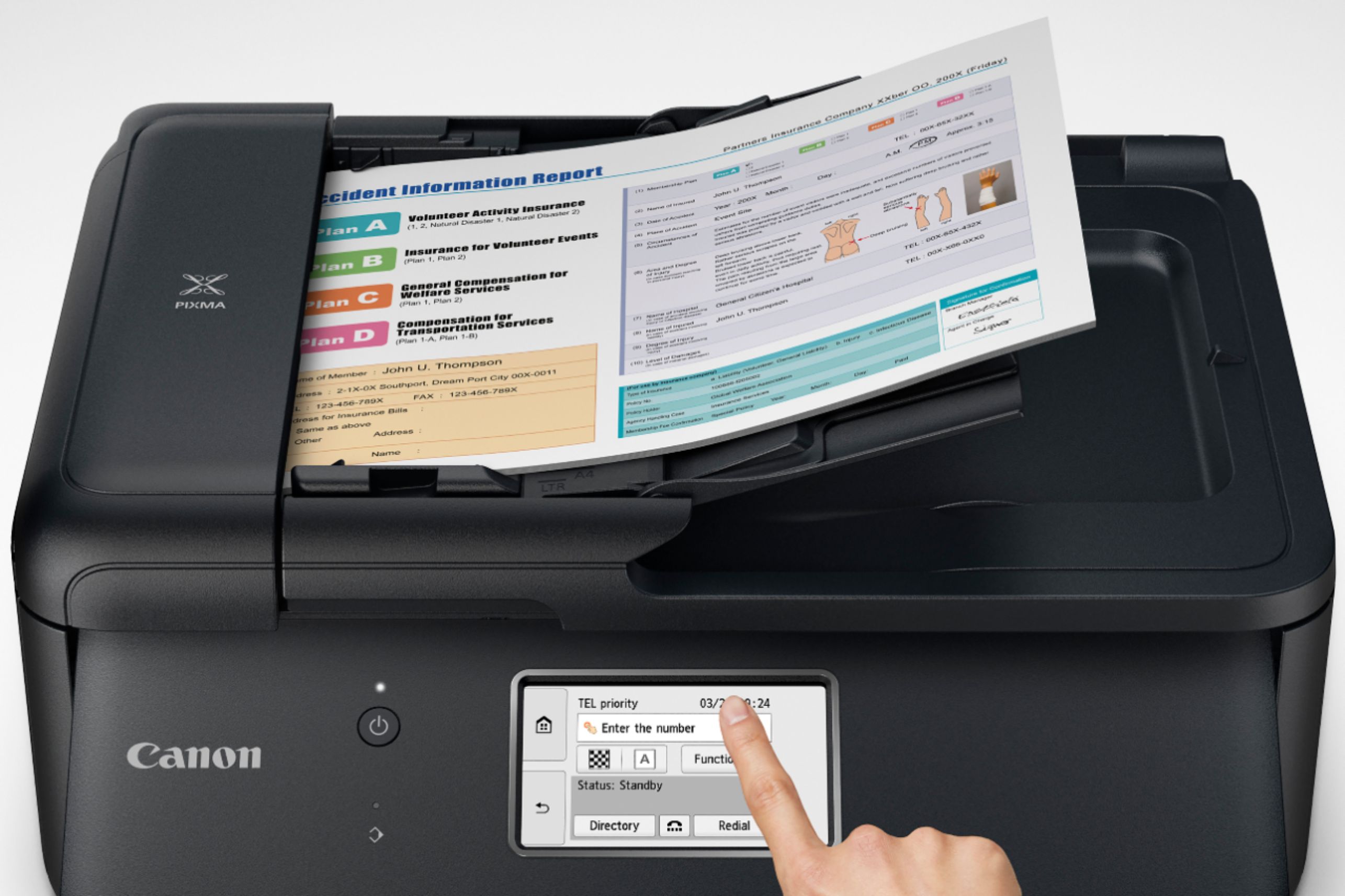
A:AnswerYou will have to manually place the paper on the scanner bed. Scan the first side and when prompted to continue or exit, turn the document over on the scanner bed and click [Scan] again. Click [Exit] when finished. The resulting scan will be on two pages.
A:AnswerHello, I’m not sure what you mean by back to back, but if it’s what I believe then yes. It can print various documents or a single document with many pages. And yes, it is an AirPrint Printer
A:AnswerYou may use this wireless printer with your iPad, iPhone, etc. I cannot comment on whether you can use vinyl sheets.
You can use your iPad with any wireless printer-easily.
A:AnswerIt should be able to since it can connect via WiFi or direct usb. However if you need to connect via usb it does not include the wire and you will need to purchase separate