A:AnswerIf you mean League of Legends, I don’t think it will matter what settings because it will run perfectly! My old iMac was able to run League so I’m pretty sure the Cyperpower PC can run it as well!
A:Answerits a pretty straight forward process https://www.youtube.com/watch?v=nyDxrTHDjXQ
although im almost %100 sure this mother board supports amd cross fire so you have the option of adding a second gpu as long as its the same chip set.
adding a second can up prformance and be a little cheaper than going up a generation in gpu. this comes with a 2bg ddr5 rx 560 you can get a 4gb ddr5 rx560 for around $170 but going to to the rx 570 cost around $300 to $400
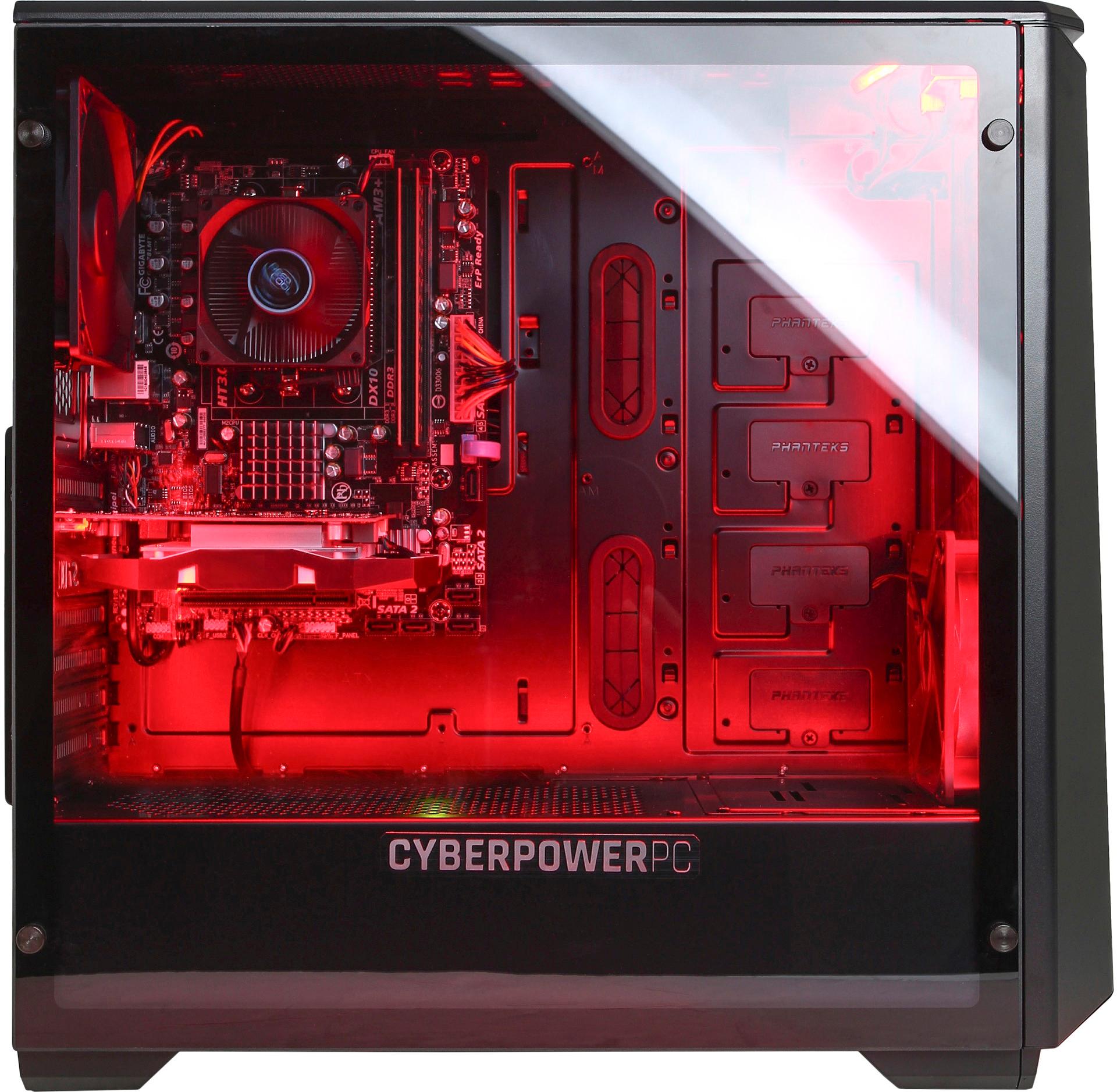
A:AnswerThe computer case dimensions are 18.3 in x 8.3 in x 18.5 in (height x width x depth). Please feel free to call us if you have any other questions at 800.707.0393.
A:AnswerYes you can play Arc on medium settings. I just tried it . I had all my setting on high . I did turn blur off. Was in full screen 1920x1080 all worked good. Have not tried those settings for pvp yet. But the rain did not slow anything down. Hope that helps.
A:AnswerYes! The one that I purchased is very flimsy. I had to use a chord tie to prop the power chord up bc if you bump it just a little bit the computer will turn off! But other than the power supply the computer is great.
A:AnswerMy screws had been put in slanted and getting them out then opening the panel to check everything was connected was a pain. It took a bit of effort but it finally opened with the help of a second person holding the tower while I pulled on the panel to keep it steady. I hope that helps?
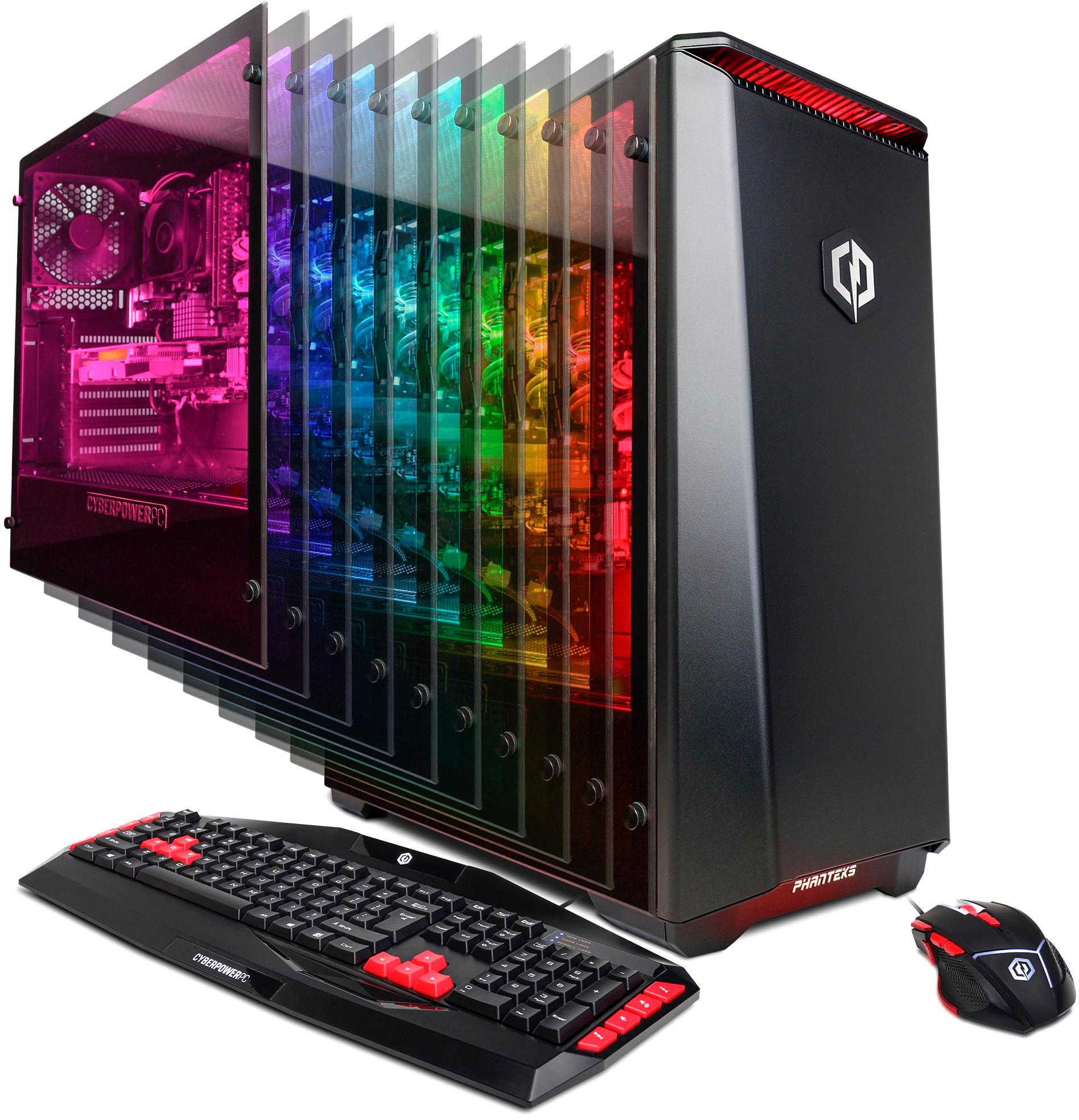
A:AnswerOn most models they have a tempered glass panel. Unscrew all 4 finger screws and gently remove the glass. If you need to access the hard drive etc then you can remove the other panel by removing the two screws and sliding the panel towards the back of the computer case.
A:AnswerThe PCs sold through Best Buy do not show up on our website. This model is still current. Please feel free to call us if you have any other questions at 800.707.0393.
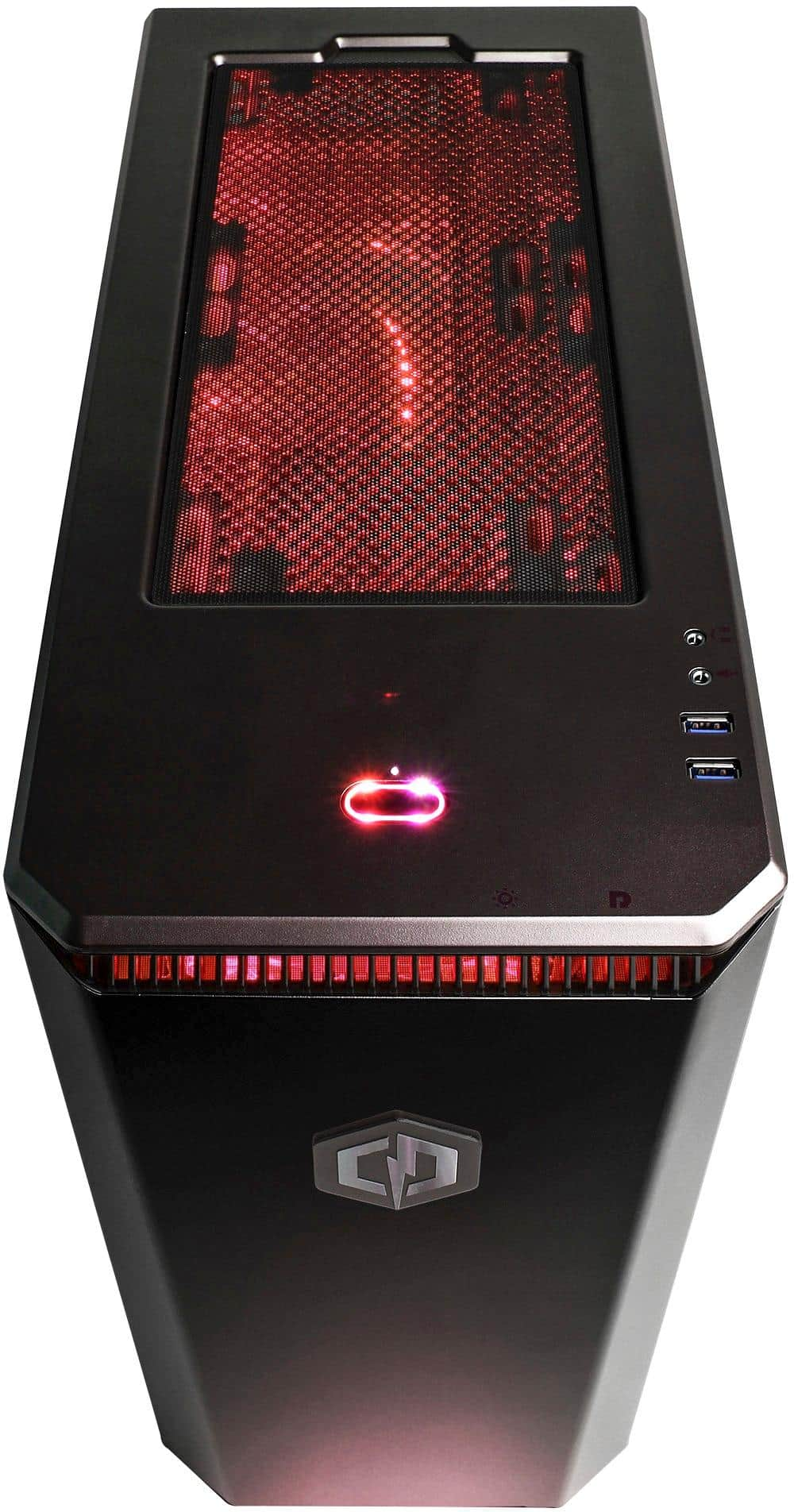
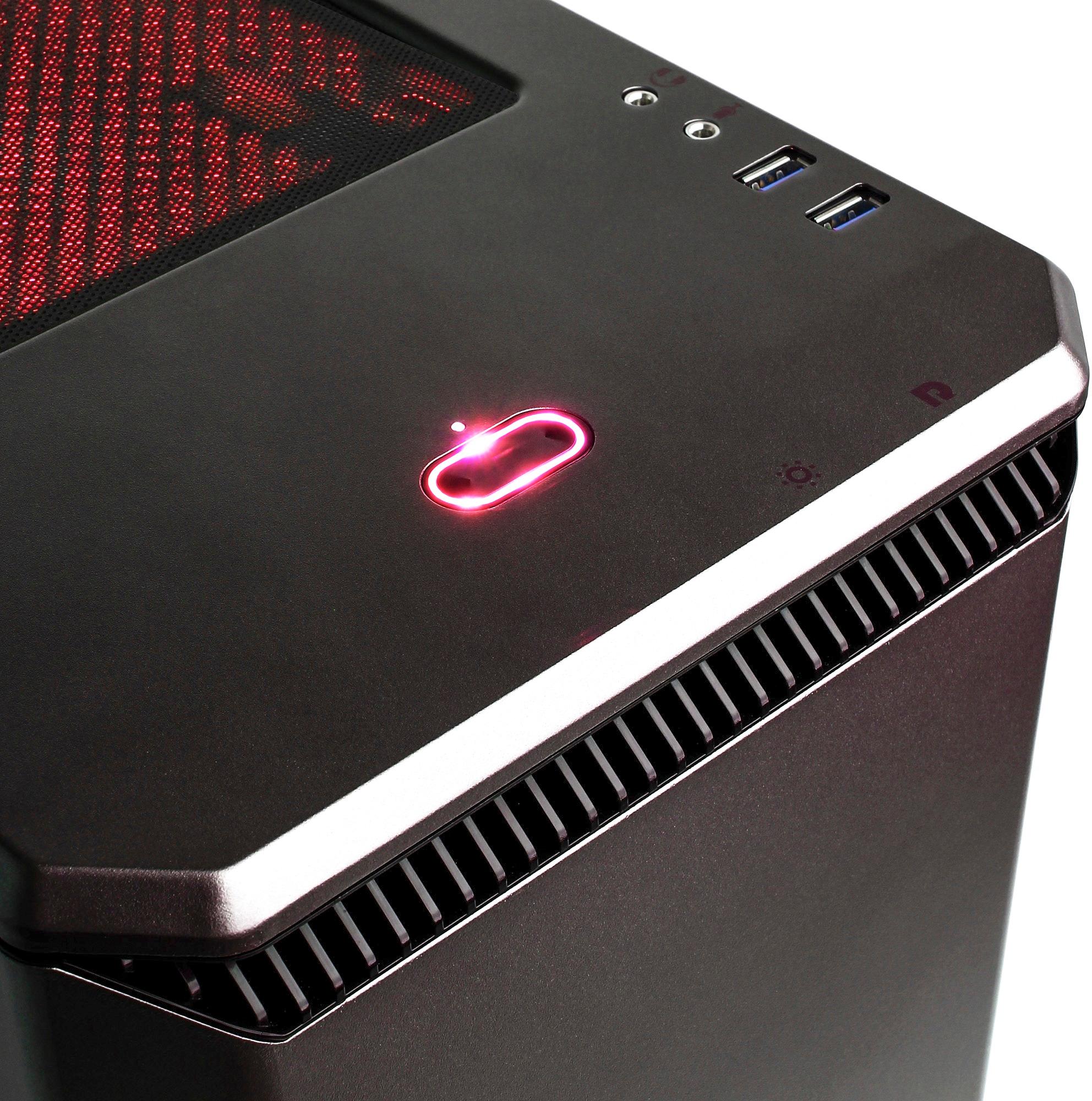
A:AnswerJust press the light button, located on the top right of the tower. Button is actually just under the "light" button. Was pretty easy to do. I hope this helps. Good luck!
A:AnswerYes! Really well too! Rainbow siege you can play on high graphics with no problem, h1z1 will still work in 60fps if you play on medium graphics.