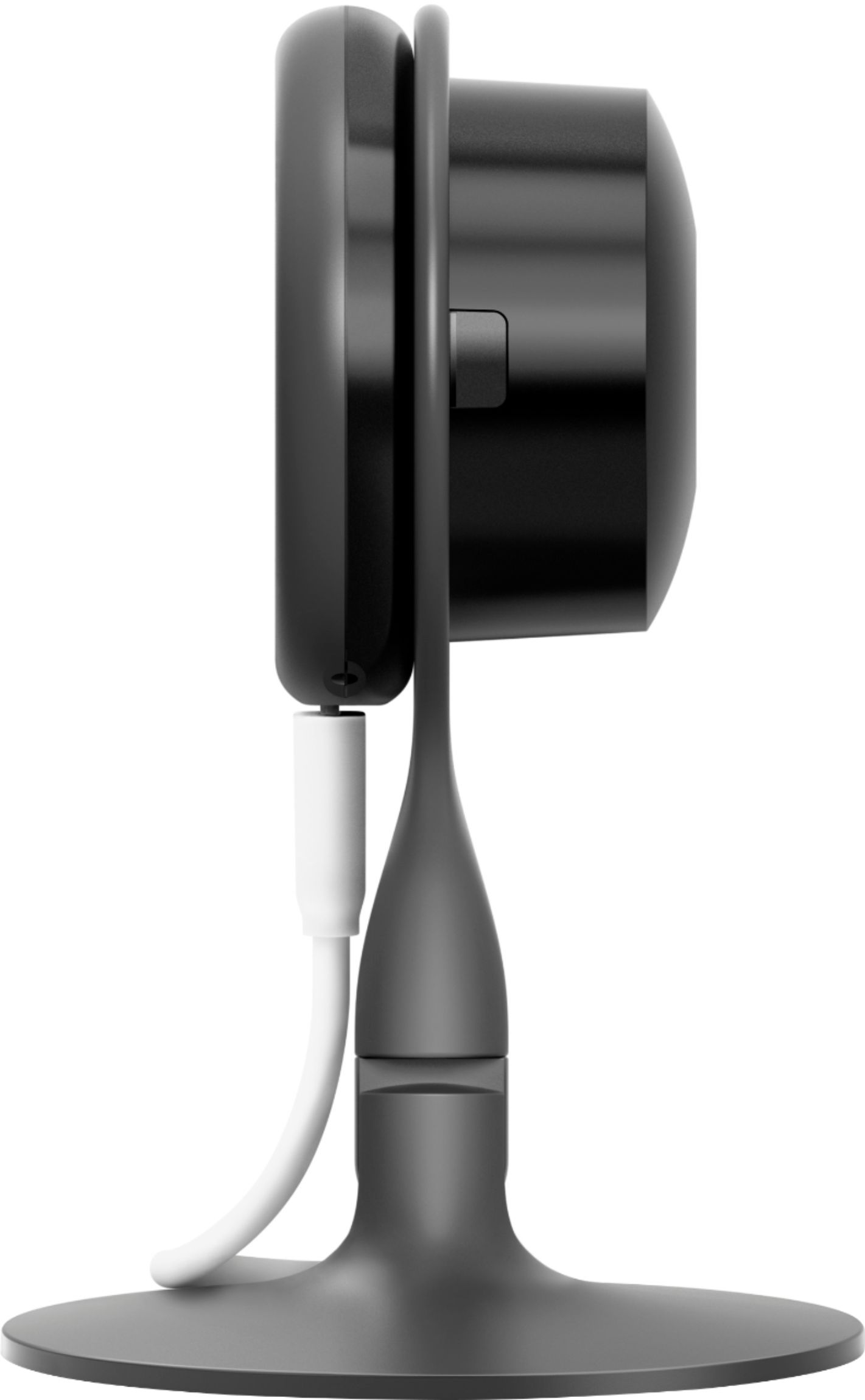
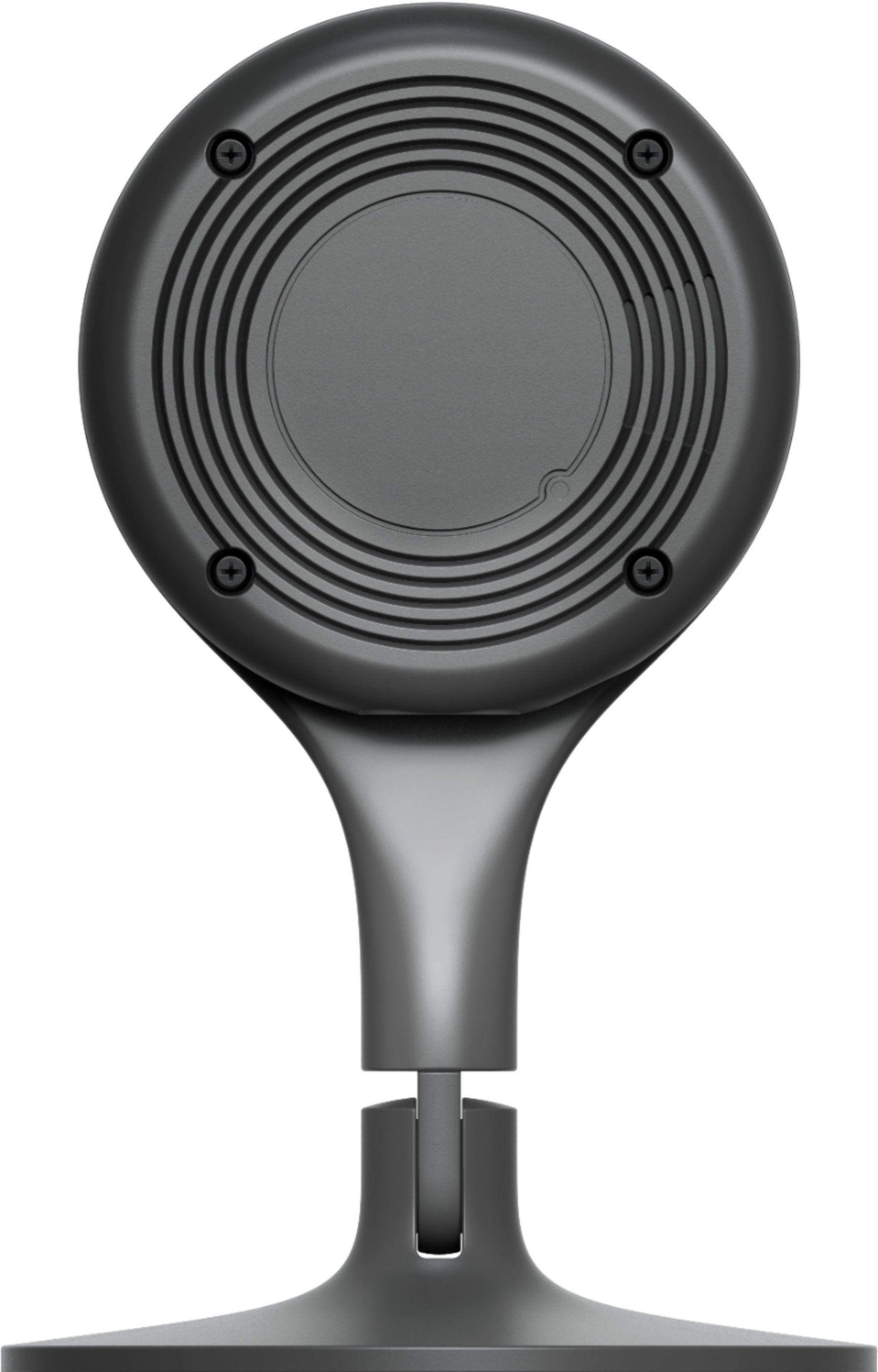
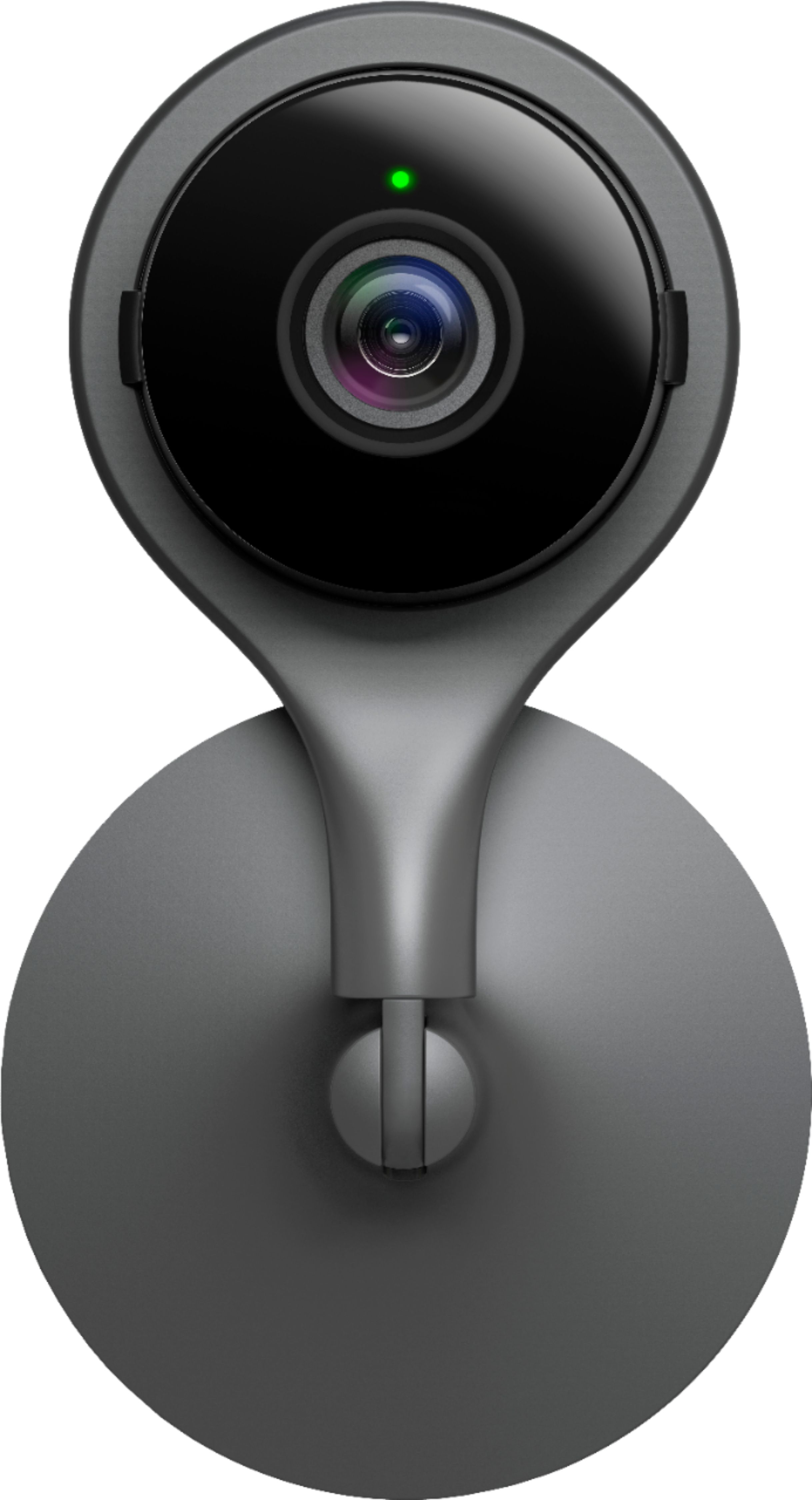
A:AnswerIf you mean Dropcam Pro, there is no factory reset button on Dropcam. To reset the camera, remove it from the account. If there is a Nest Aware subscription, do not cancel the subscription if you plan to reconnect the camera to the account.
Removing the Camera
- Select the camera to reset in the app.
- Tap Settings. (take a screenshot of your settings or write them down for later)
- Scroll to the bottom of the screen and tap Remove Camera.
- Confirm the selection when prompted.
- You will get a removal confirmation email from Nest.
A:AnswerYes, you need an internet conection to set up the camera to your Nest App to stream videos, to manage camera settings and to get notifications and alerts.
A:AnswerIn my experience with this model, you need to be at the camera to scan the QR code to do an WiFi setup. I setup twp cameras recently: an indoor and an outdoor.
A:AnswerYes. You need Wi-Fi connection to set up your Nest Cam Indoor. Check this link to see how to connect your camera to the Nest app and install it: https://support.google.com/googlenest/answer/9293657
A:AnswerYes. Nest Cam Indoor won't turn off unless you unplug it from the power source. Learn more about Nest camera here: https://support.google.com/googlenest/answer/9232352
A:AnswerThey would work you would use google home app instead of the nest home app. As the Nest App only works with Google Nest Cameras. There are many other cameras that work with google home through the Google App.
A:AnswerSeems to trigger by sound or motion and does pause recording if detects nothing. Haven’t checked for option to override as its very generous in the above. Easy to scroll around to view footage so not sure what else you need.
A:AnswerThe Nest Cam Indoor is a separate device from your Nest Doorbell. If you are already subscribed to the new Nest Aware subscription, you can add additional devices (e.g. Nest Cam Indoor) to the same, existing home structure and the subscription will apply too.
A:AnswerYes, you get up to 10 days of continuous (24/7) video recording but you may need to subscribe to the Nest Aware Plus ($12/month, $120/year) to get this feature. You can find more details on Nest Aware subscription here: https://support.google.com/googlenest/answer/9546397