A:AnswerSi, pero tendrias que haberlo comprado desbloqueado de fabrica, si lo compraste con una compañía no podran usarlo en otro pais amenos que en ese pais exista la misma compañía.
A:AnswerDe hecho si lo compras y lo quieres conectar a tu compañia puedes hacerlo en línea, o incluso, por comprar con una compañía te das un descuento adicional, tendrias que preguntar más información en bb
A:AnswerPower down the phone (you can force this by holding power button until it does.)
Press and hold the volume down button. Press the power button (while still holding the volume down button) When the phone vibrates, release the power button, then release the volume down button.
You will enter Fastboot mode. Use the volume keys to select recovery mode. Select that mode by pressing and releasing the power button.
When the dead android shows up with "No command", Press and hold the power button and, while holding the power button, press volume up. The release both. This will take you to the Android Recovery Menu.
Use the volume commands to select "Factory Reset" option. Select it with the power button. Follow the prompts from there, I'll not take my Pixel 8 any further down that route. You will end up with an empty recovered phone.
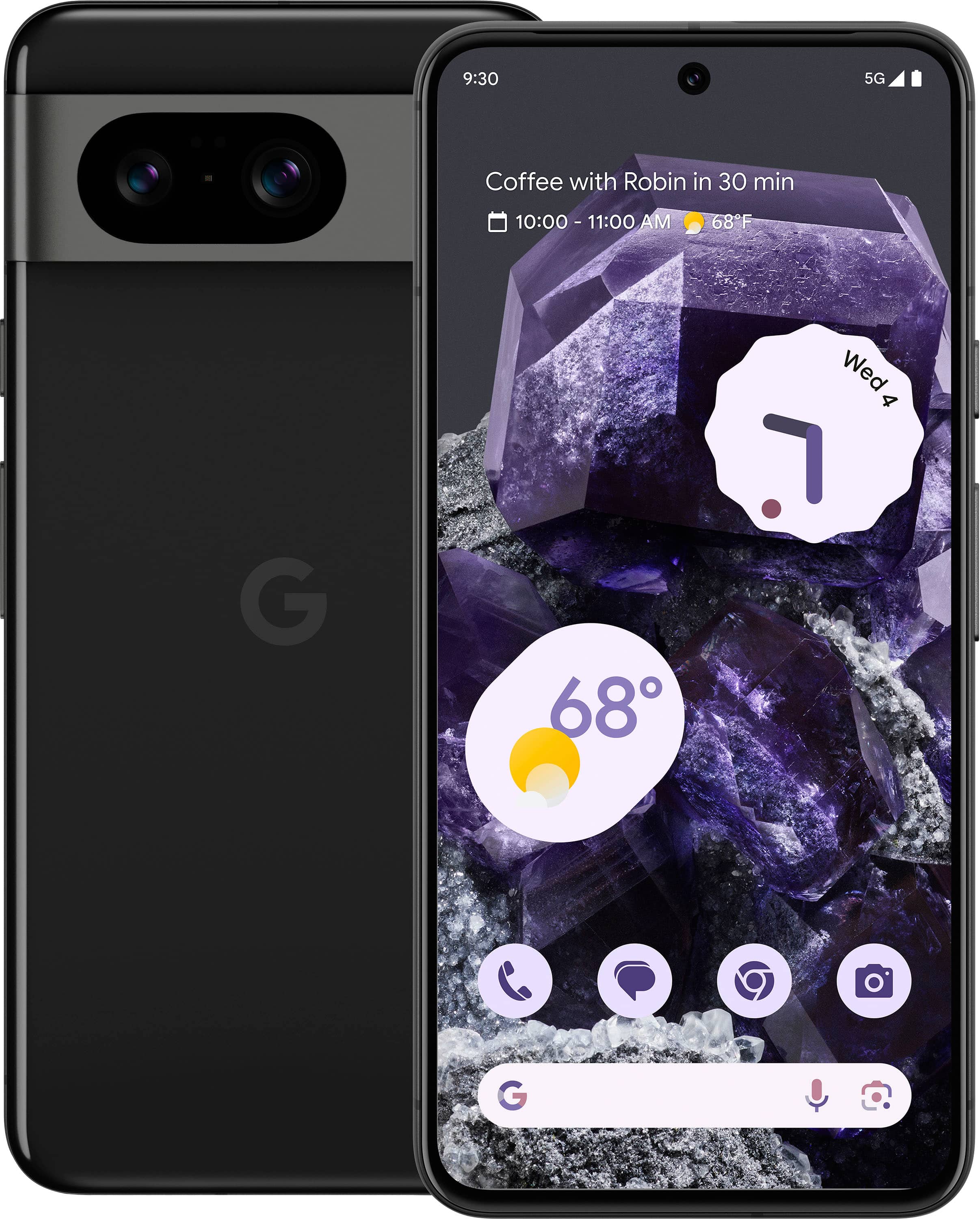
A:AnswerMy Pixel 8 works on the Cricket network. I used the tech support chat function on the Cricket website. Gave the support tech the IMEI of the new phone, moved the SIM card from the old phone to the new and it was up & running.
A:AnswerThe specifics of a Buy One, Get One (BOGO) deal can vary depending on the retailer’s policies. Generally, it should be possible to get two different colors if the deal does not specify that both devices must be the same color. However, availability may depend on the stock levels of the desired colors at the time of purchase.
A:Answerhttps://developers.google.com/android/images
Read this, follow it closely to flash the device to make it stock again with an unlocked bootloader. (if its allowed already, as you cant get in the phone)
If its unable to be unlocked still, then you can attempt to update it to the newest firmware, via sideloading the OTA to fix/update software.
( https://developers.google.com/android/ota ),
*An OTA wont wipe the phone data or remove the pin but you can wipe the phone via recovery manually.
*The first method wipes all data.
I hope this helps~