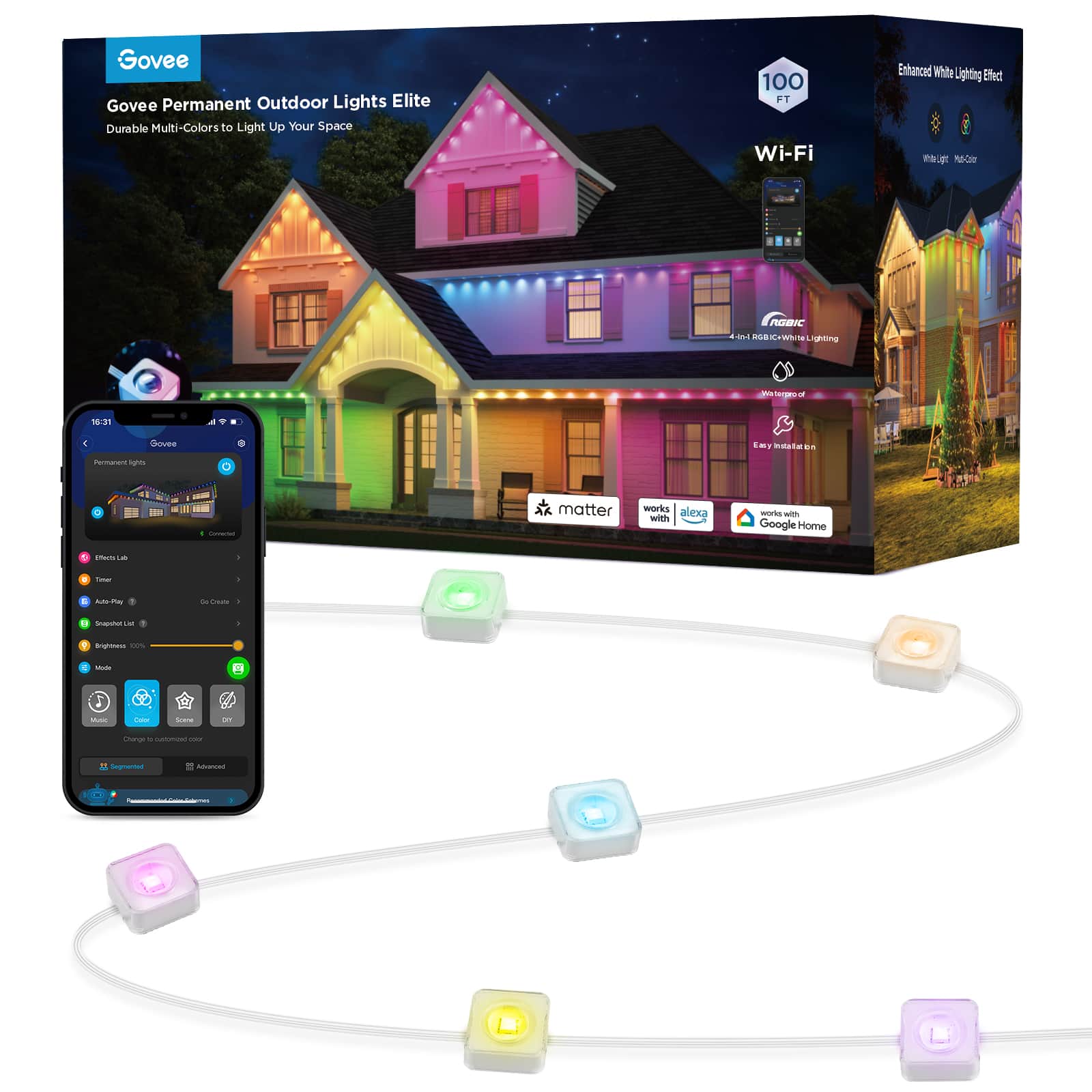
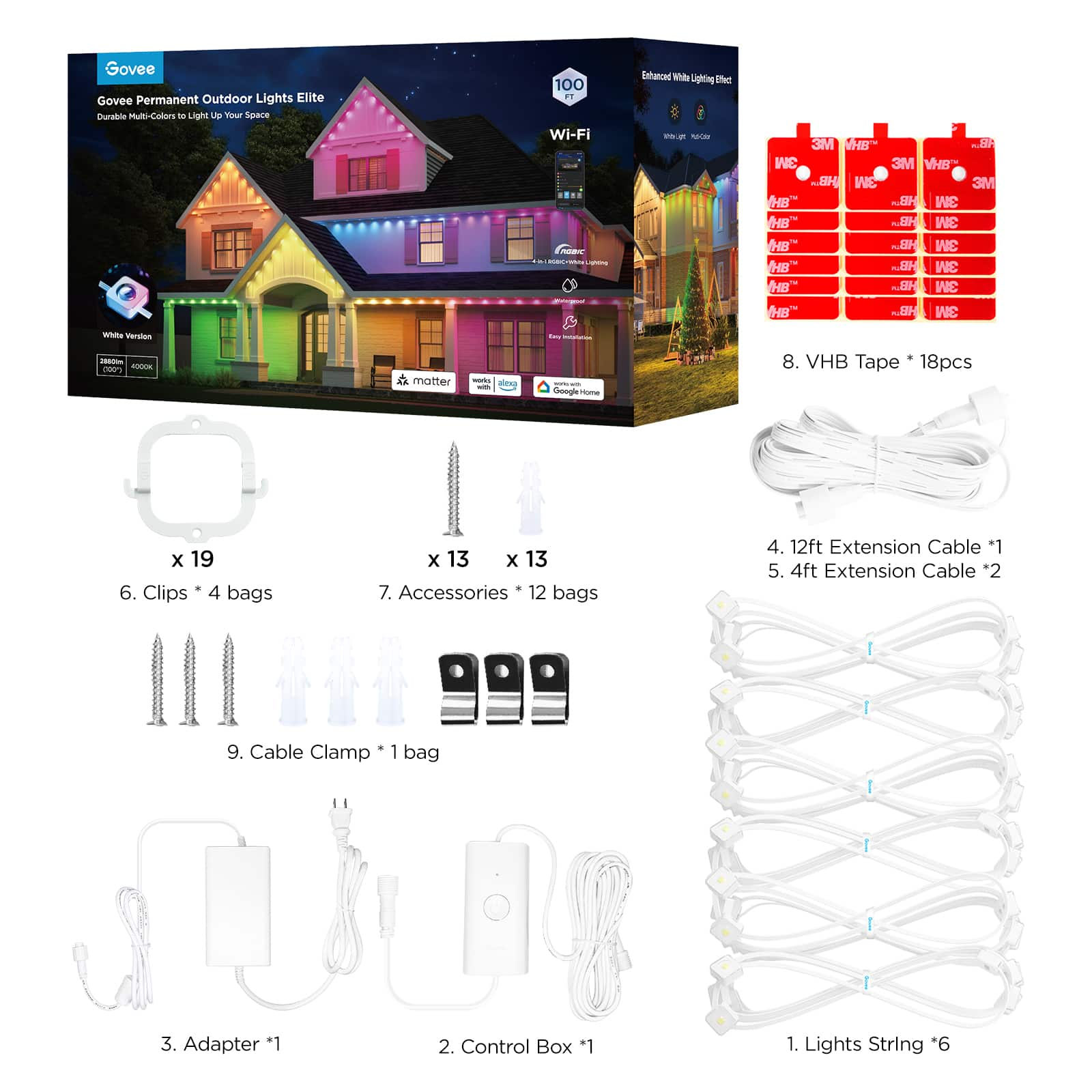
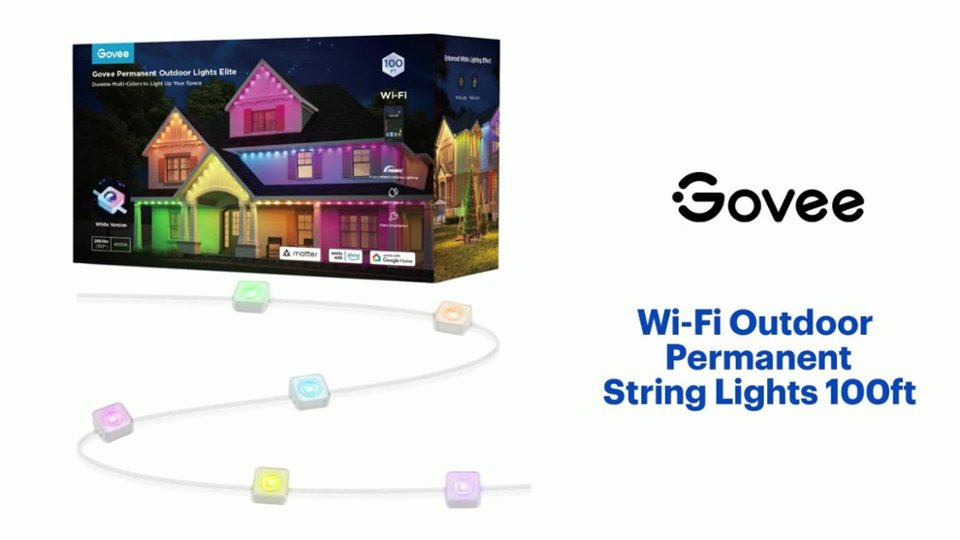
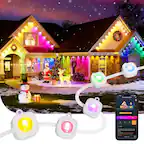
A:Answerjust started to play with the app but there is the ability to control the lights individually. additionally there are extensions that come with the kit that dont have lights to bridge gaps.
i dont know how that works with using the other settings in the app. but you can download the govee app and try it out before you buy a kit.
A:Answerin the app you can string together 9 segments which comes out to 108 lights. I dont know how much power that pulls since the power brick is only rated for 72 watts.
A:AnswerThank you for your question.The light comes with the scheduling functionality you mentioned. You can customize the schedule according to your preferences.
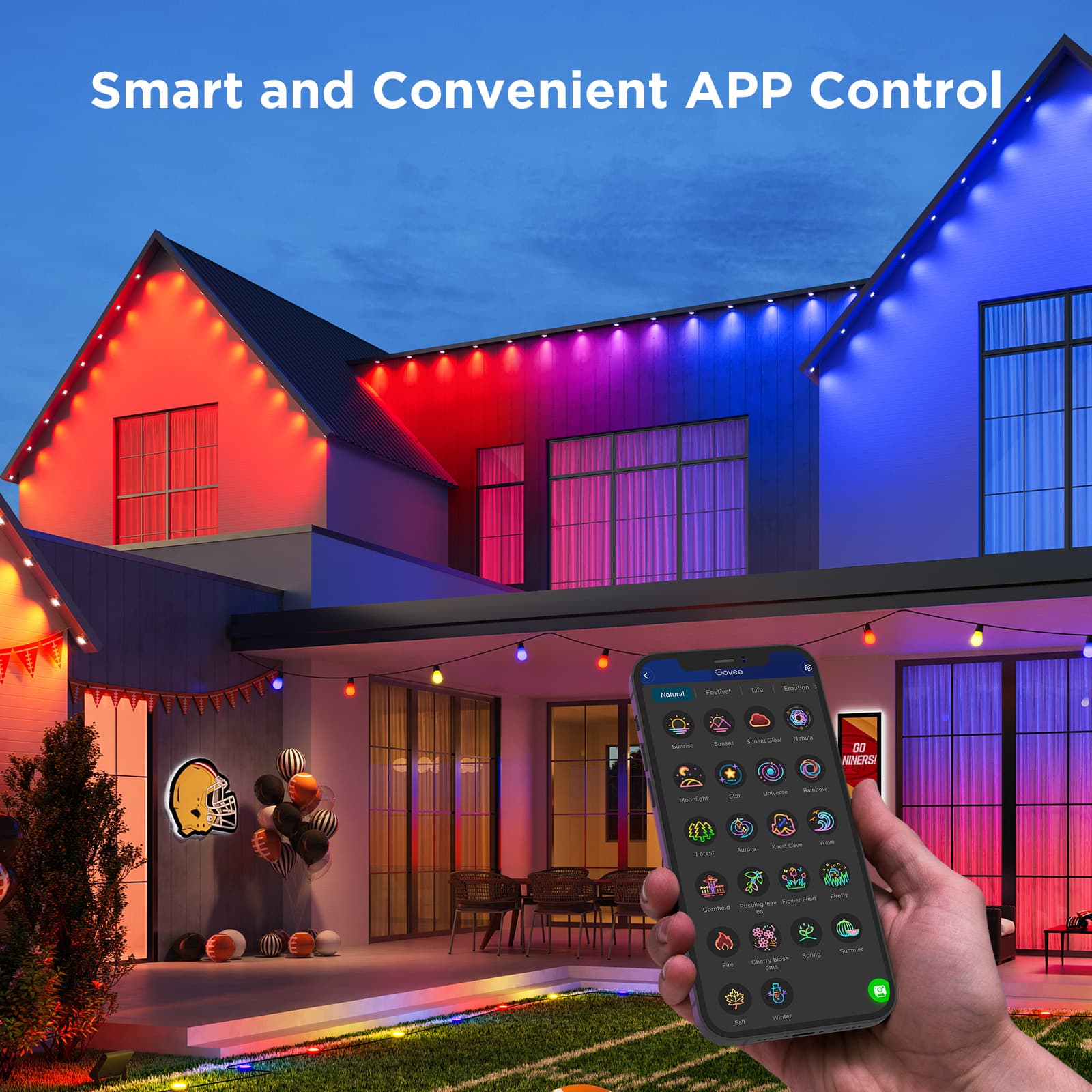
A:AnswerHello, thank you for your message.With Govee Home app, you can DIY the color of the light, you can program then with combination of the choosing color you want.
A:AnswerI do not have these yet. From my understanding and research the answer is no. The power supply from 1 set can handle 100' plus 1-2 more strands before you will not have enough power to controls the set. If you need that much length you are better off getting the pro set and adding on for 200' or getting and running 2 of these sets separately.
A:Answertheres VHB tape on the back that sticks to the house. there are also plastic brackets that can be screwed in. those are recommended for anything that isnt horizontal surface. i put one every 3 on the horizontal and on everyone for the eves as cheap insurance so i dont have to go up there again since this is a permanent install.