A:AnswerThe tv on an average show at 20 volume is louder than necessary in my opinion. If you would like to have the sound feeling like it’s around you, get a sound bar but we are more than happy with the sound. I haven’t brought it up past 17.
A:AnswerHi Hisense Customer, Thank you for your interest in the Hisense 65QD5N. This unit has 4 HDMI 2.0 ports. If you have any further questions or concerns, please give us a call at 1-888-935-8880 or email us at Service@Hisense-usa.com. Thanks again, Harley with the Hisense Support Team.
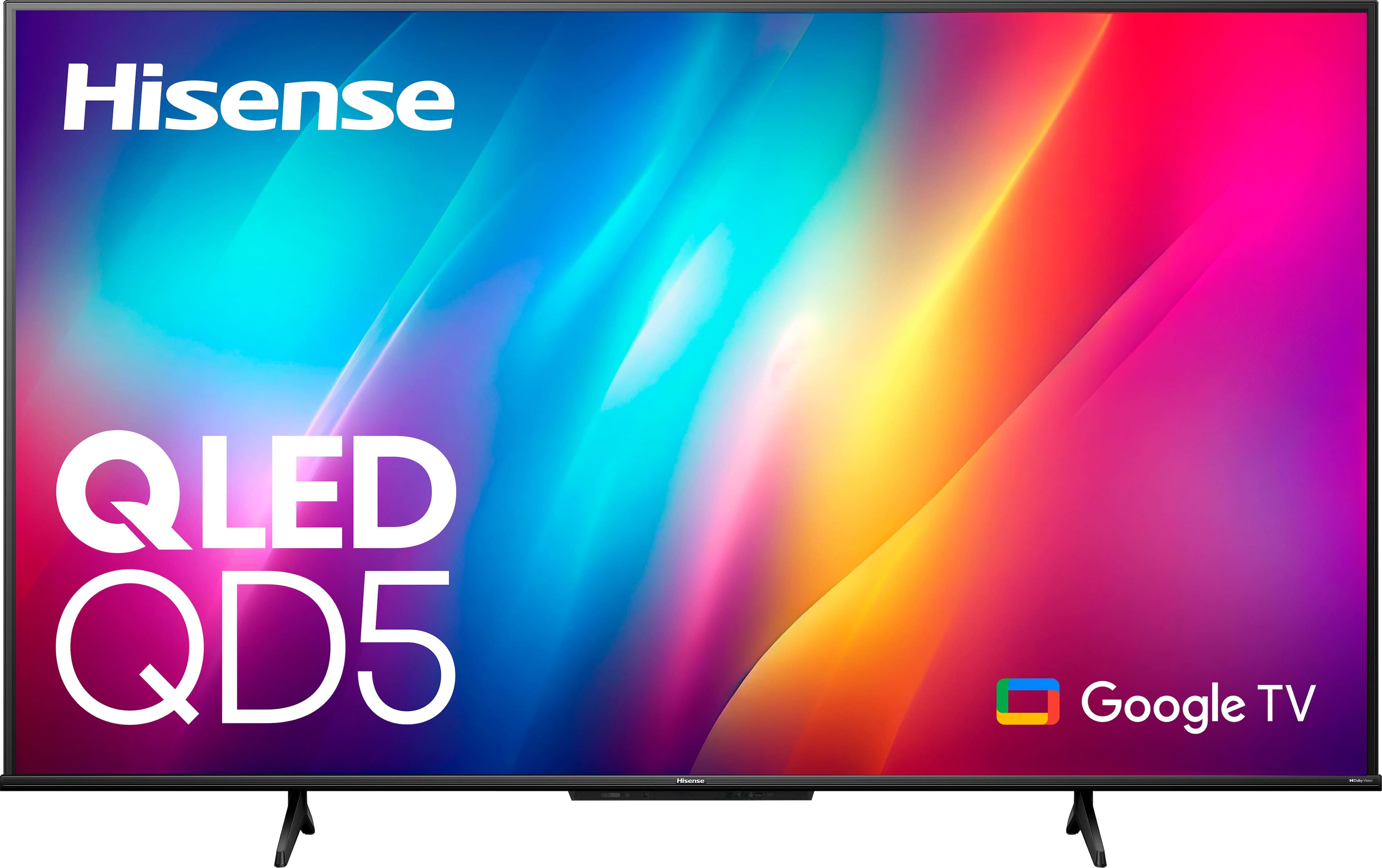
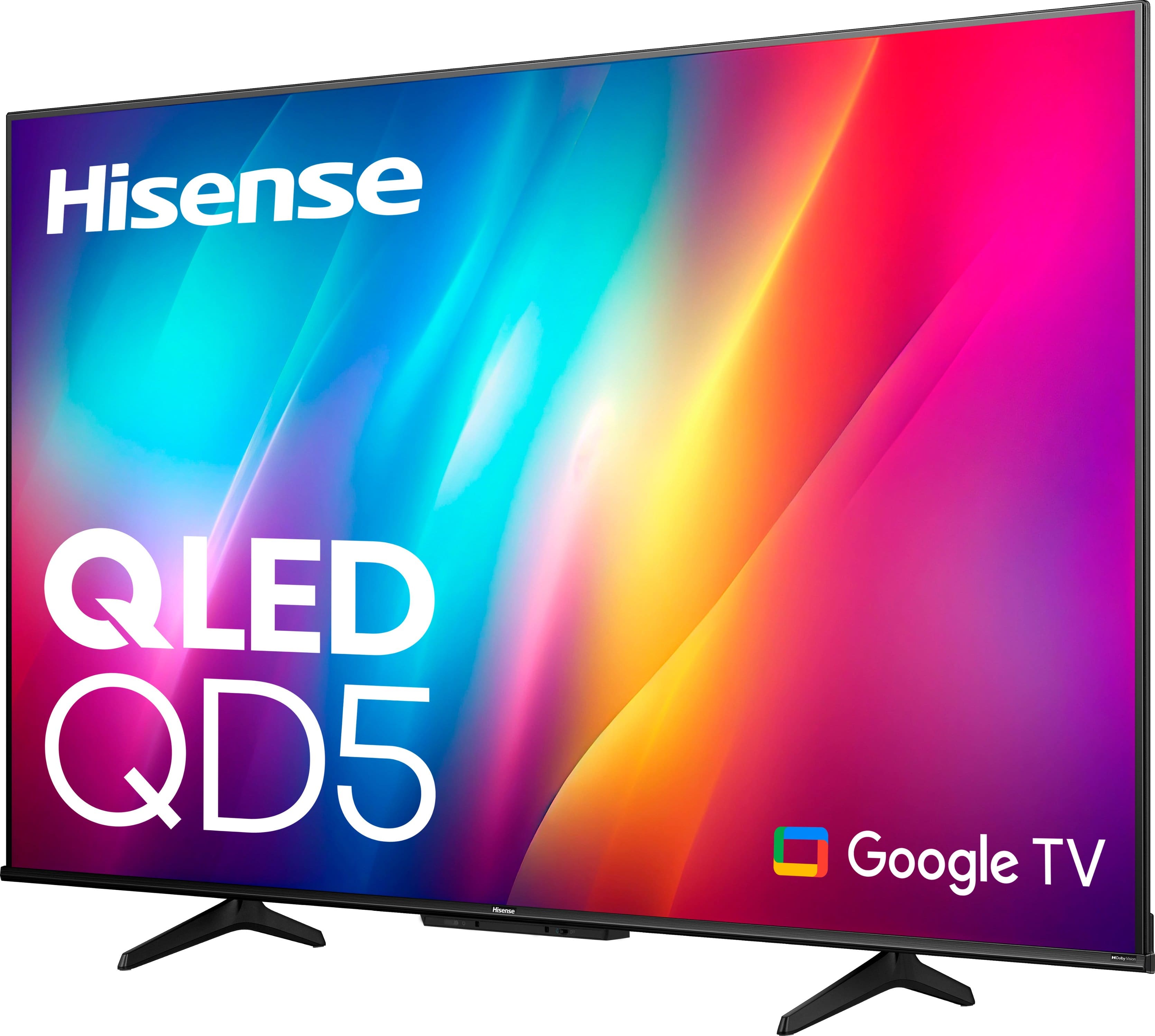
A:AnswerHi JBrig324, Thank you for your interest in the Hisense 65QD5N. This TV supports HDMI and has 4 HDMI ports. If you have any further questions or concerns, please give us a call at 1-888-935-8880 or email us at Service@Hisense-usa.com. Thanks again, Harley with the Hisense Support Team.
A:AnswerI bought one from Walmart. It’s made by Onn. Tv can be pulled out from wall and turned right or left. Also tilts. It came with hardware and spacers to accommodate many tv sets
A:AnswerHi Hisense Customer, Thank you for your interest in the Hisense 50A75N. The recommended wall mount is the VESA standard (300x400/M6). If you have any further questions or concerns, please give us a call at 1-888-935-8880 or email us at Service@Hisense-usa.com. Thanks again, Harley with the Hisense Support Team.

A:AnswerHi Hisense Customer, thank you for your interest in the Hisense 65QD5N. This TV comes with 2GB of RAM and 16GB of ROM. If you have any further questions or concerns, please give us a call at 1-888-935-8880 or email us at Service@Hisense-usa.com. Thanks again, Harley with the Hisense Support Team.

A:AnswerHi Hisense Customer, Thank you for your interest in the Hisense 65QD5N. To adjust the picture size of the unit, you would need to select the gear icon on your remote and select Settings > Display & Sound > Screen > Picture Size. If you have any further questions or concerns, please give us a call at 1-888-935-8880 or email us at Service@Hisense-usa.com. Thanks again, Harley with the Hisense Support Team.

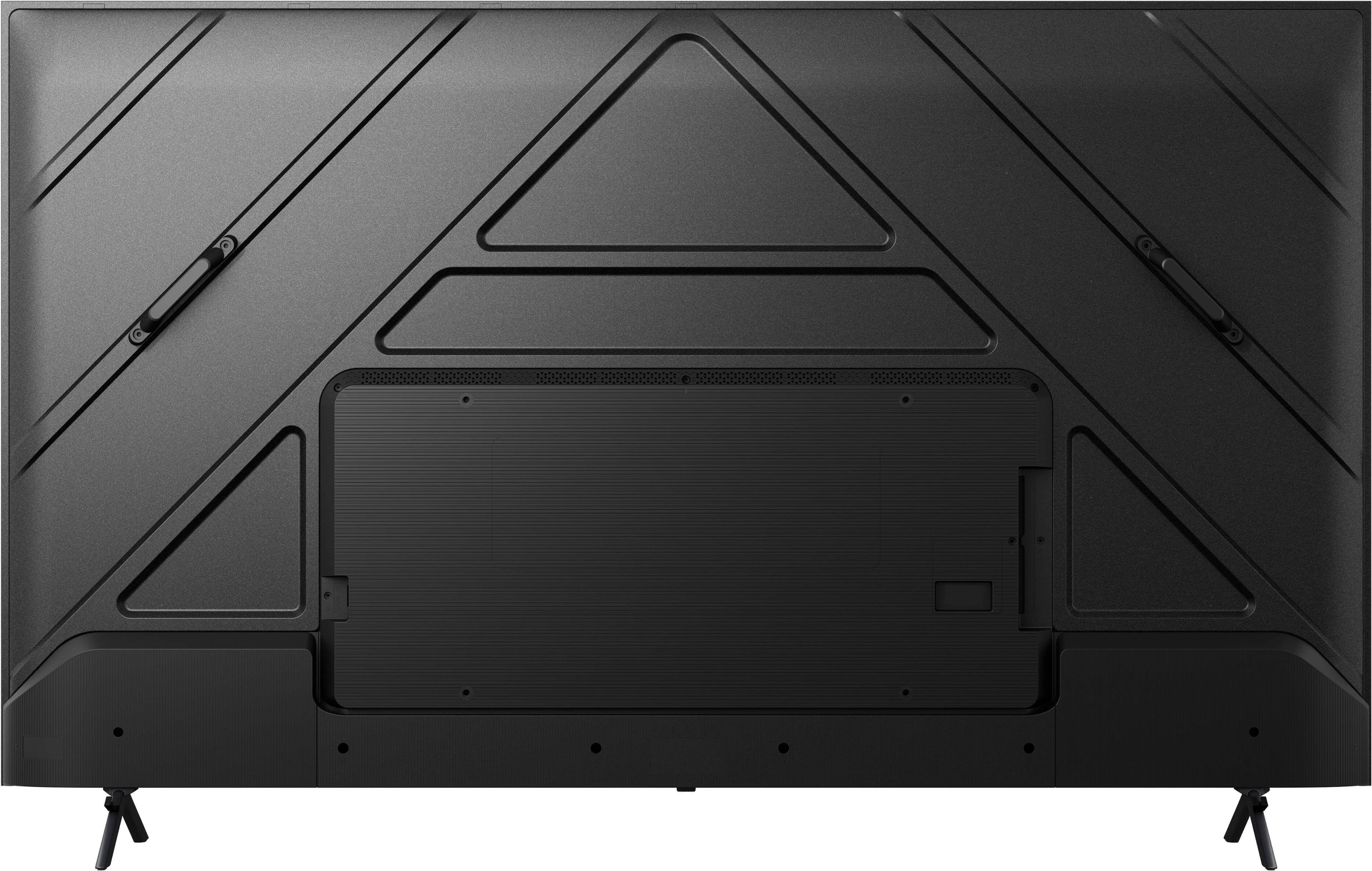
A:AnswerHi Hisense Customer, Thank you for your interest in the Hisense 65QD5N. This model has a reset button at the back of the unit. If you have any further questions or concerns, please give us a call at 1-888-935-8880 or email us at Service@Hisense-usa.com. Thanks again, Harley with the Hisense Support Team.