A:AnswerHello. Thanks for your question. We recommend reaching out to the HP Instant Ink customer service team at 1-855-785-2777 for further assistance.
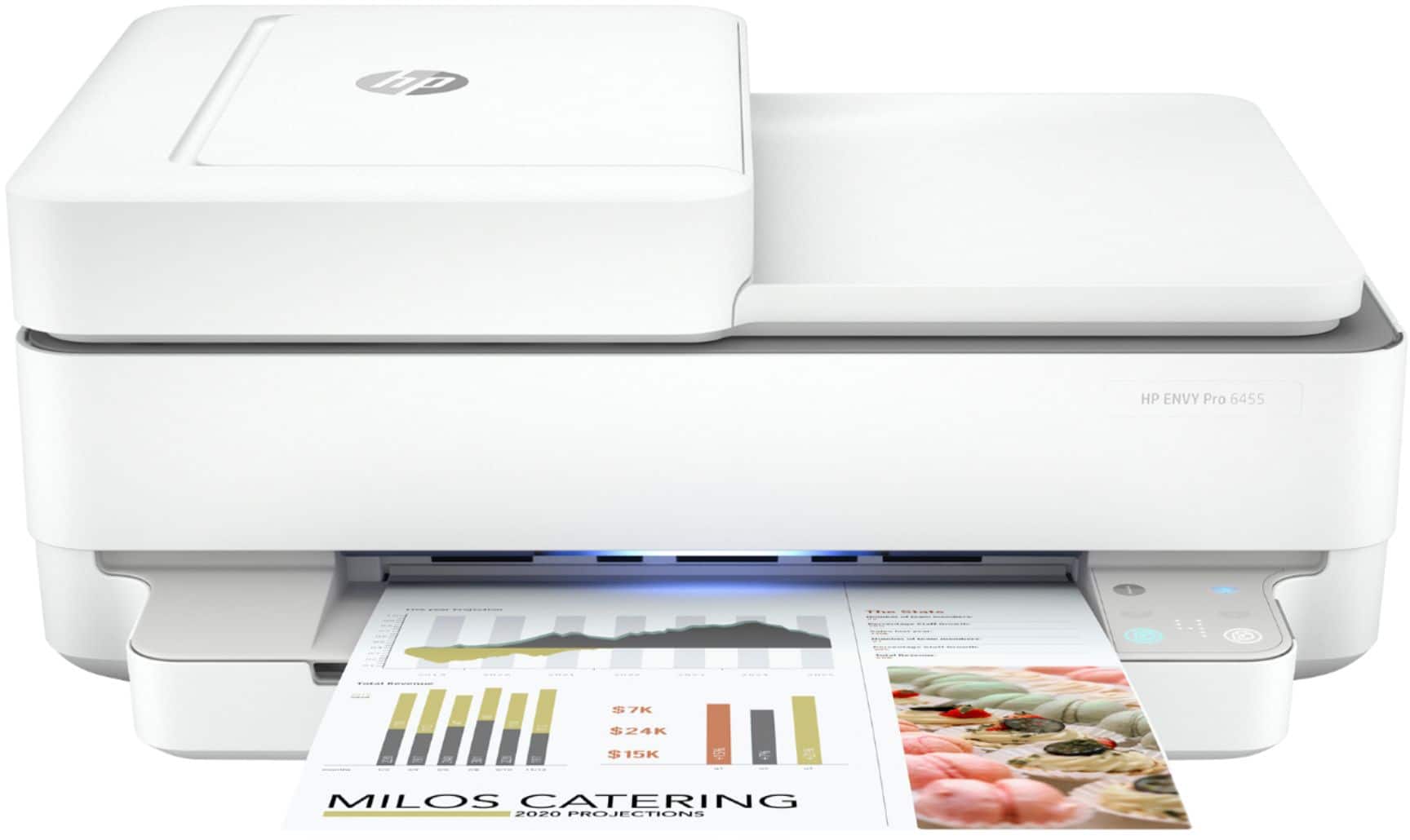
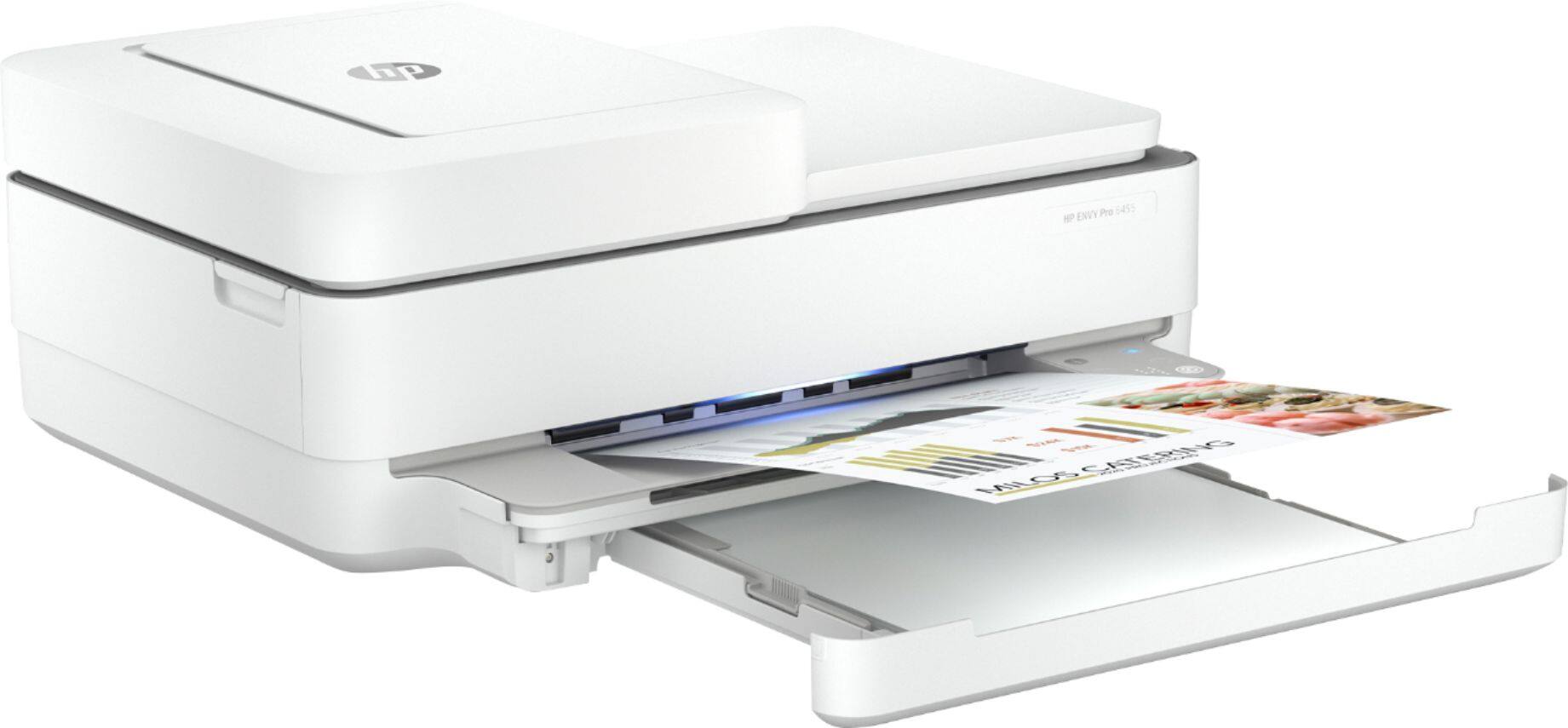
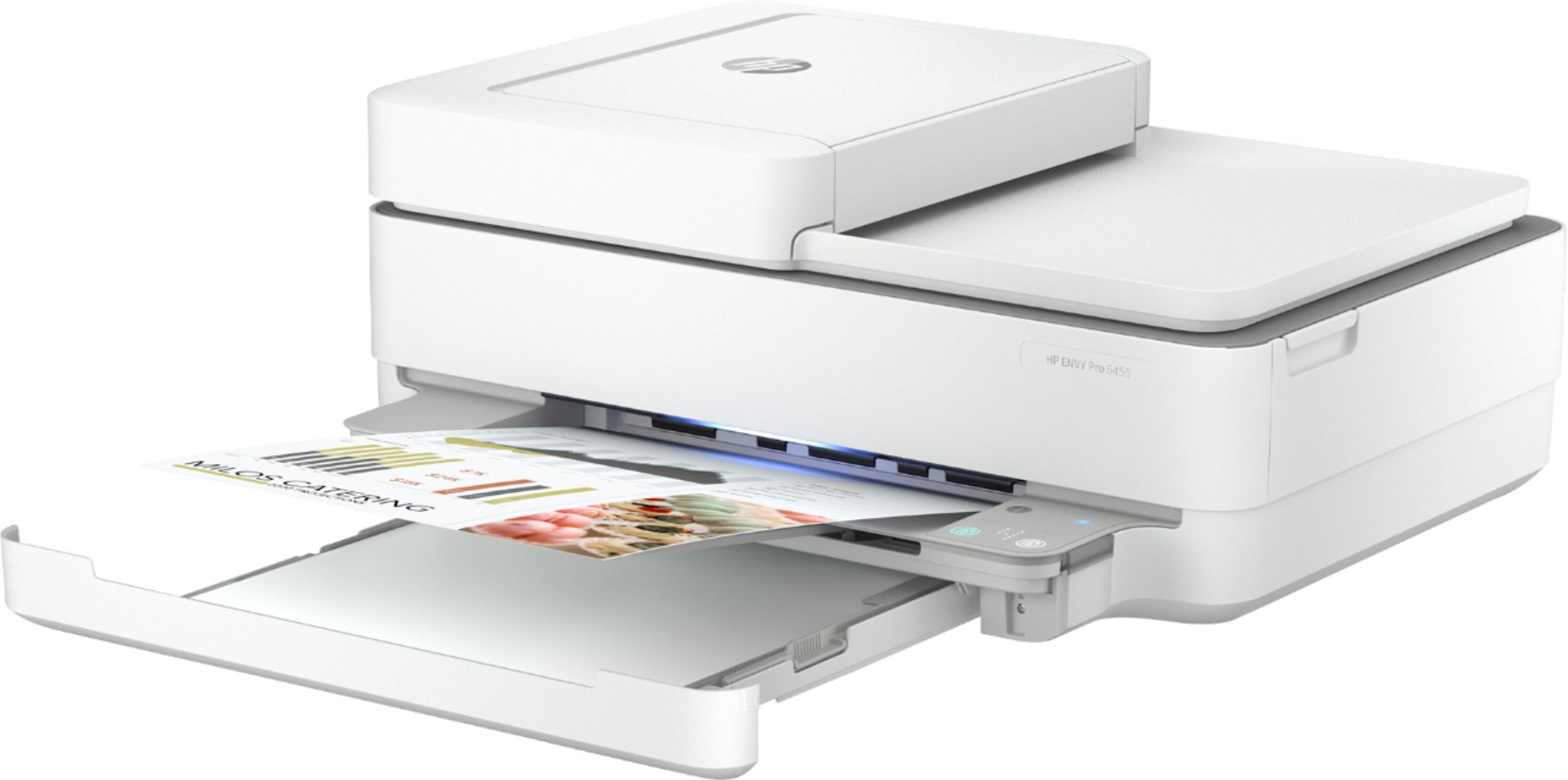
A:AnswerThe following are the media weights supported: Letter: 16 to 24 lb; HP envelopes: 20 to 24 lb; HP cards: up to 53 lb; HP 4 x 6 inch photo paper: up to 80 lb. There is no rear paper feed on this Envy Pro 6455 printer.

A:AnswerYes, the Envy 6455e printer is compatible with the following Mac operating systems: MacOS Sierra v10.12 (previously OS X), macOS High Sierra v10.13, macOS Mojave v10.14, macOS Catalina v10.15.
A:AnswerHello. Thanks for your question. You can use this printer with your Lenovo that has Windows 8.1. You would just need to download the correct printer drivers for your laptop by visiting https://123.hp.com/setup
A:AnswerI don't know. Suggest you talk to someone at the store where you bought it. If that's not possible, ask your question on Google and see what come up.
A:AnswerThe user manual for this printer says E4 is a paper jam error. Here is a link to the user guide. http://h10032.www1.hp.com/ctg/Manual/c06584213.pdf
A:AnswerThank you for the question. The easiest way to scan if your document exceeds 35 pages, is to add pages to the feeder as it empties. Some third-party software can merge several PDFs (PDF Converter, Adobe, Foxit, etc.).
A:AnswerHello, the HP Envy 6455e will work with all main operating systems such as Windows, Apple, Android. Enjoy your new printer! Thank you for being an HP customer!