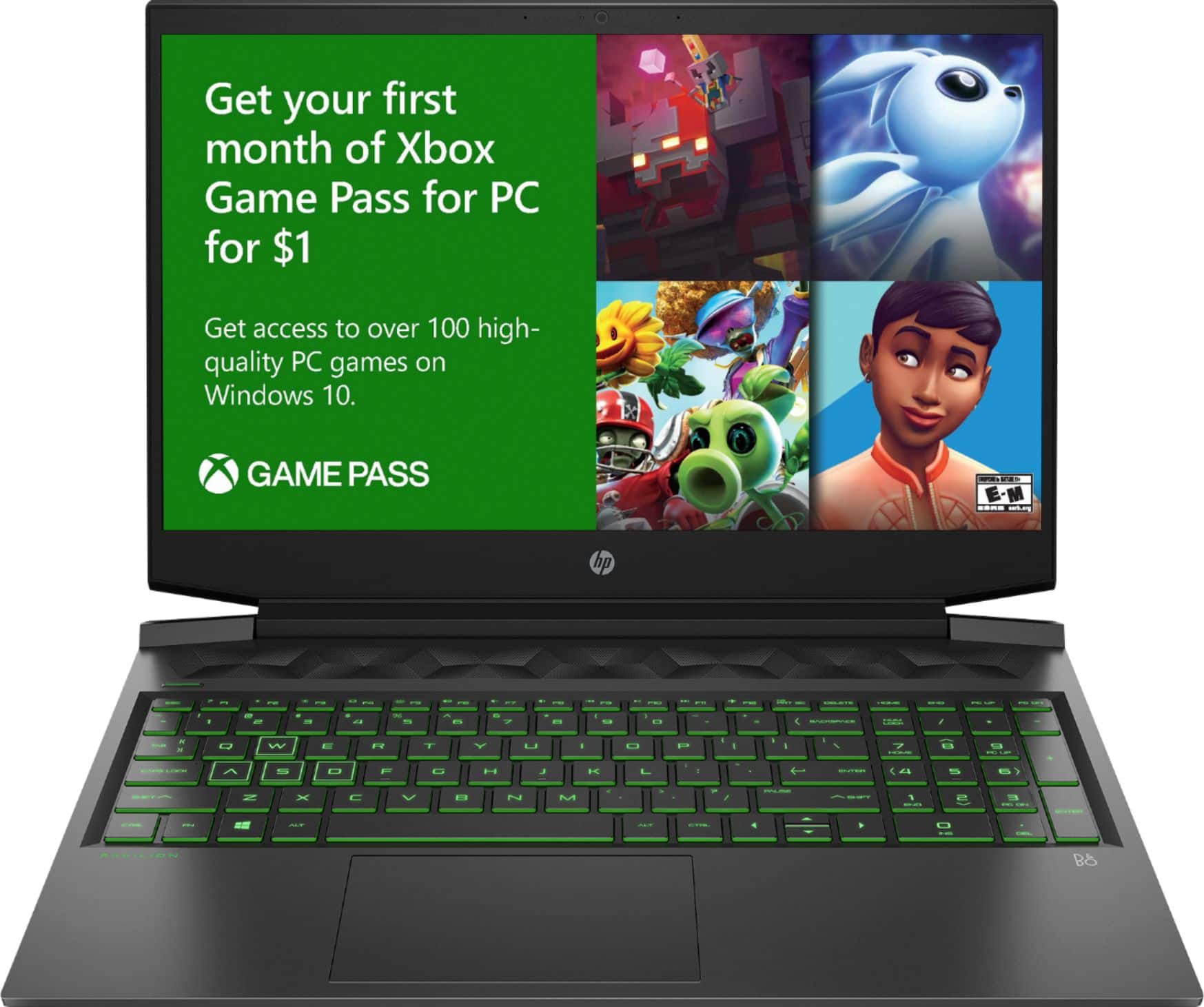
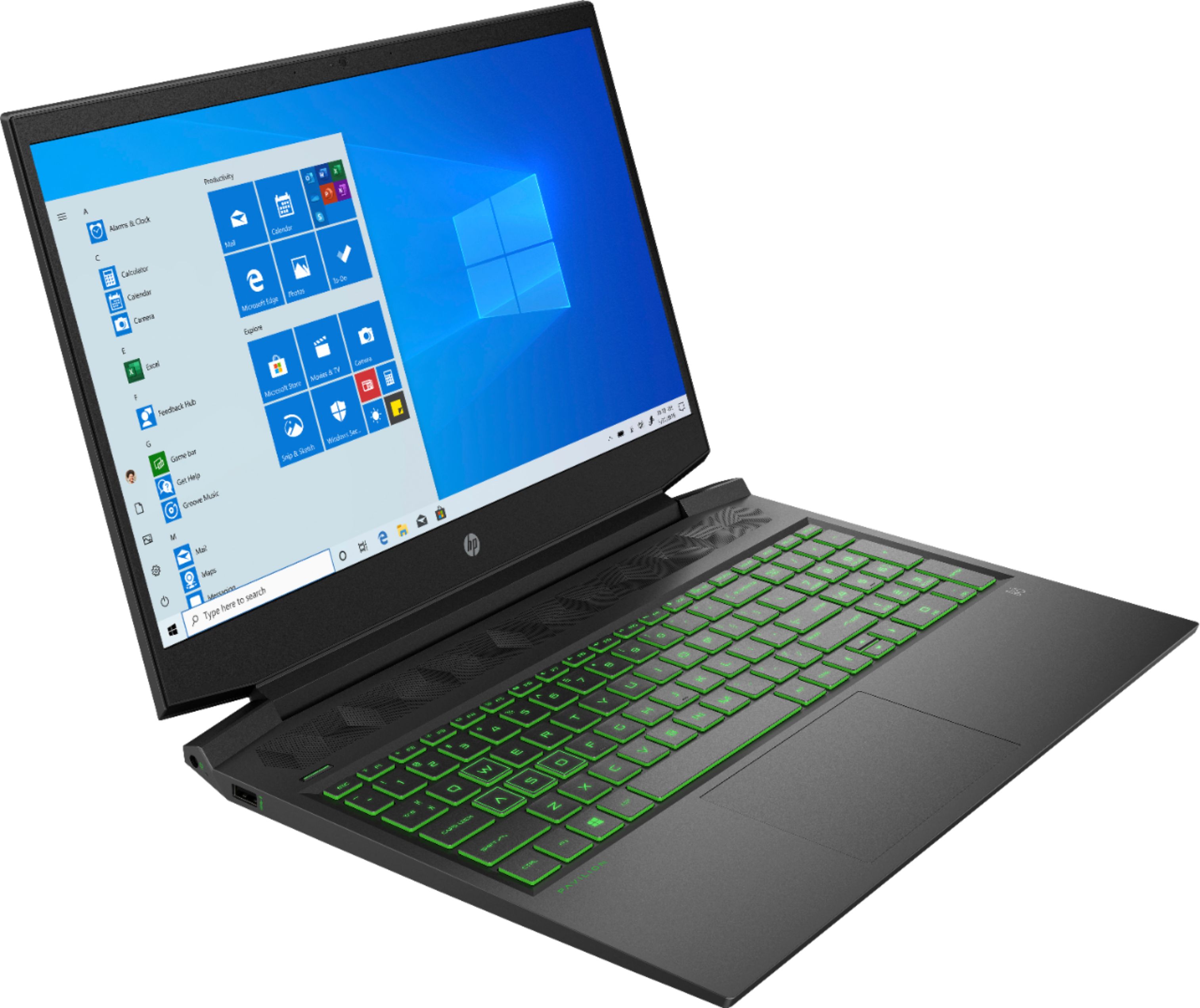
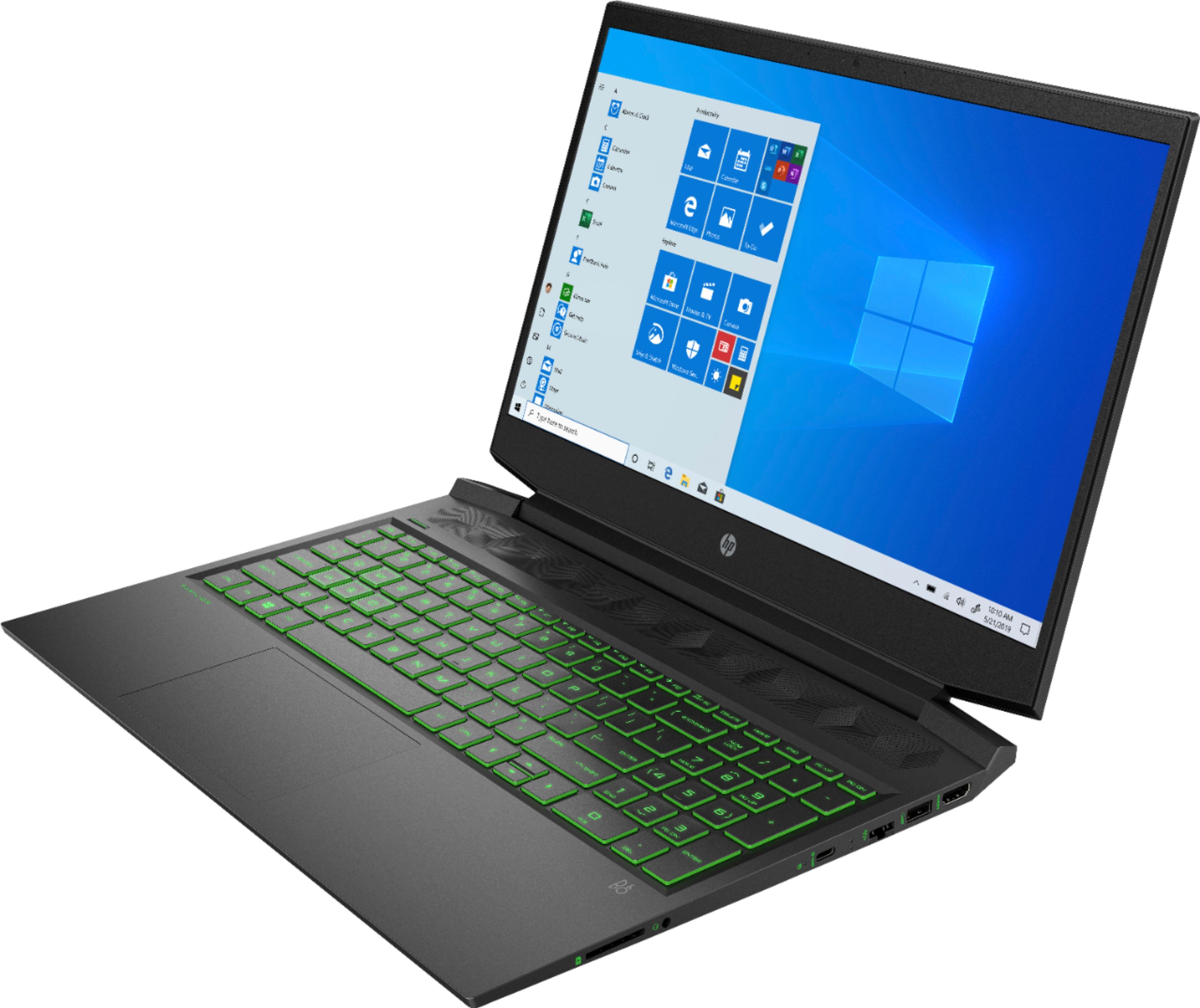
A:AnswerThese machines are considered non-upgradeable and it would be recommended that any upgrades be done by a certified expert. If you are curious about upgrading this machine, you can contact HP Support or Geek Squad. If Geek Squad does the upgrades, it does not void the warranty of the machine, but HP will not cover the new parts.
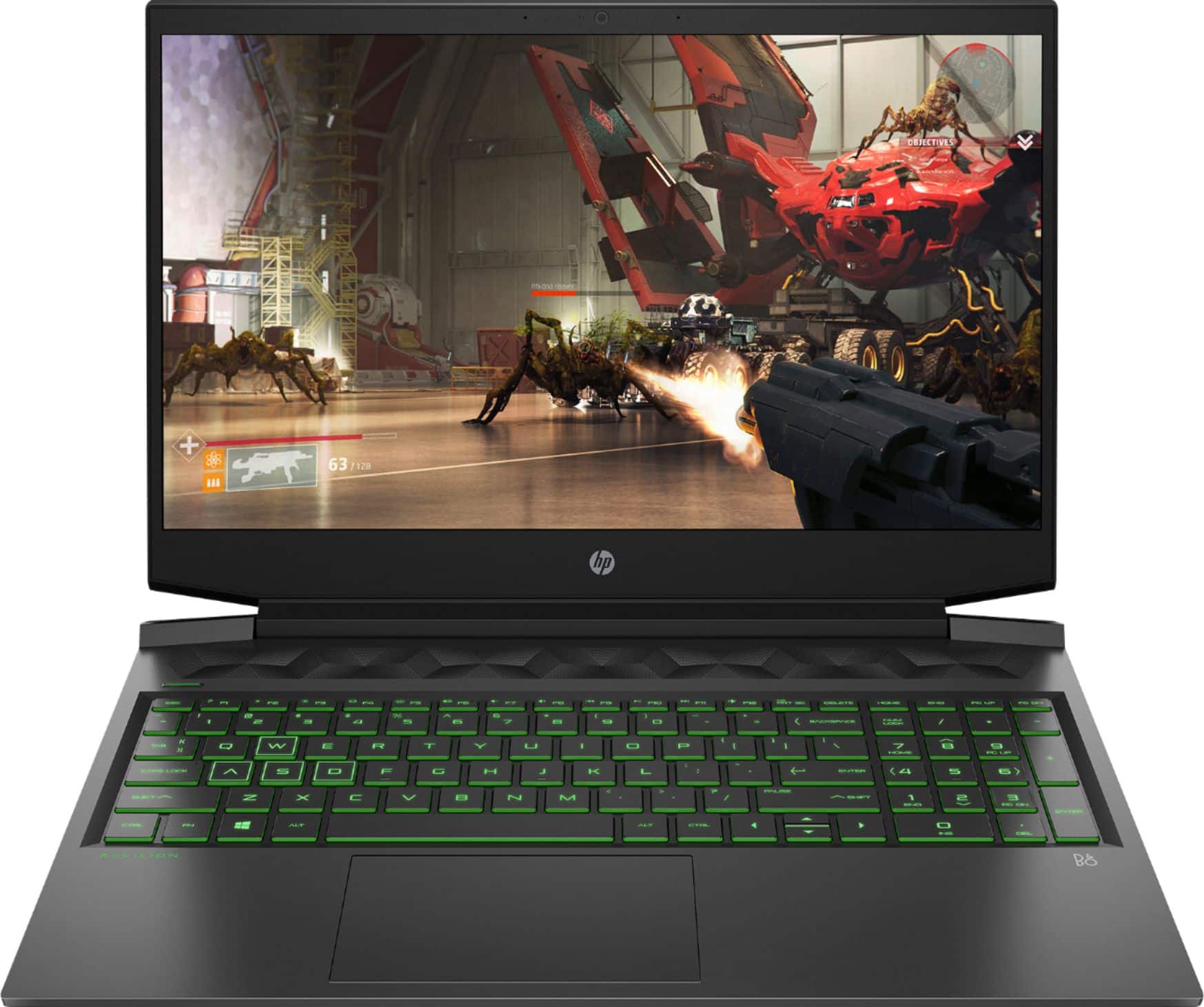
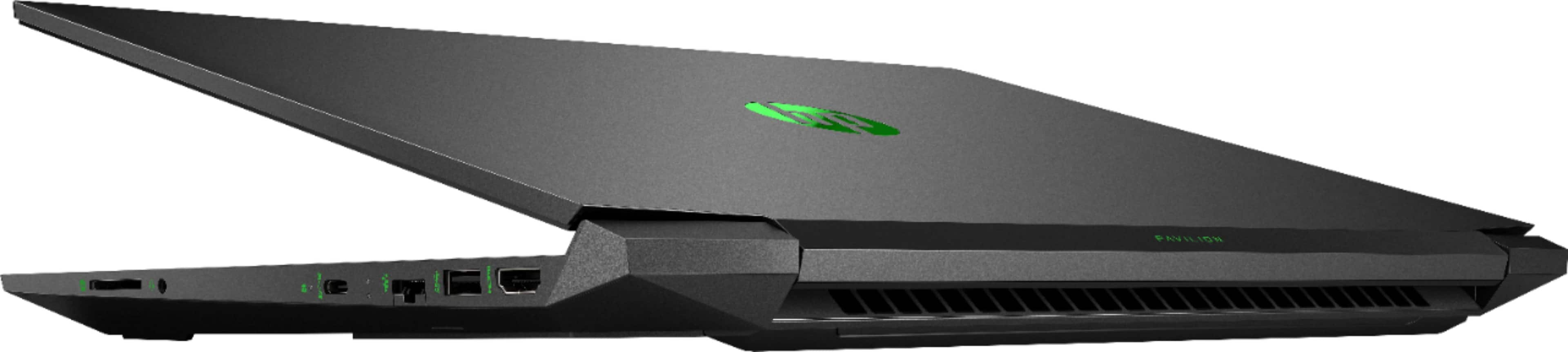
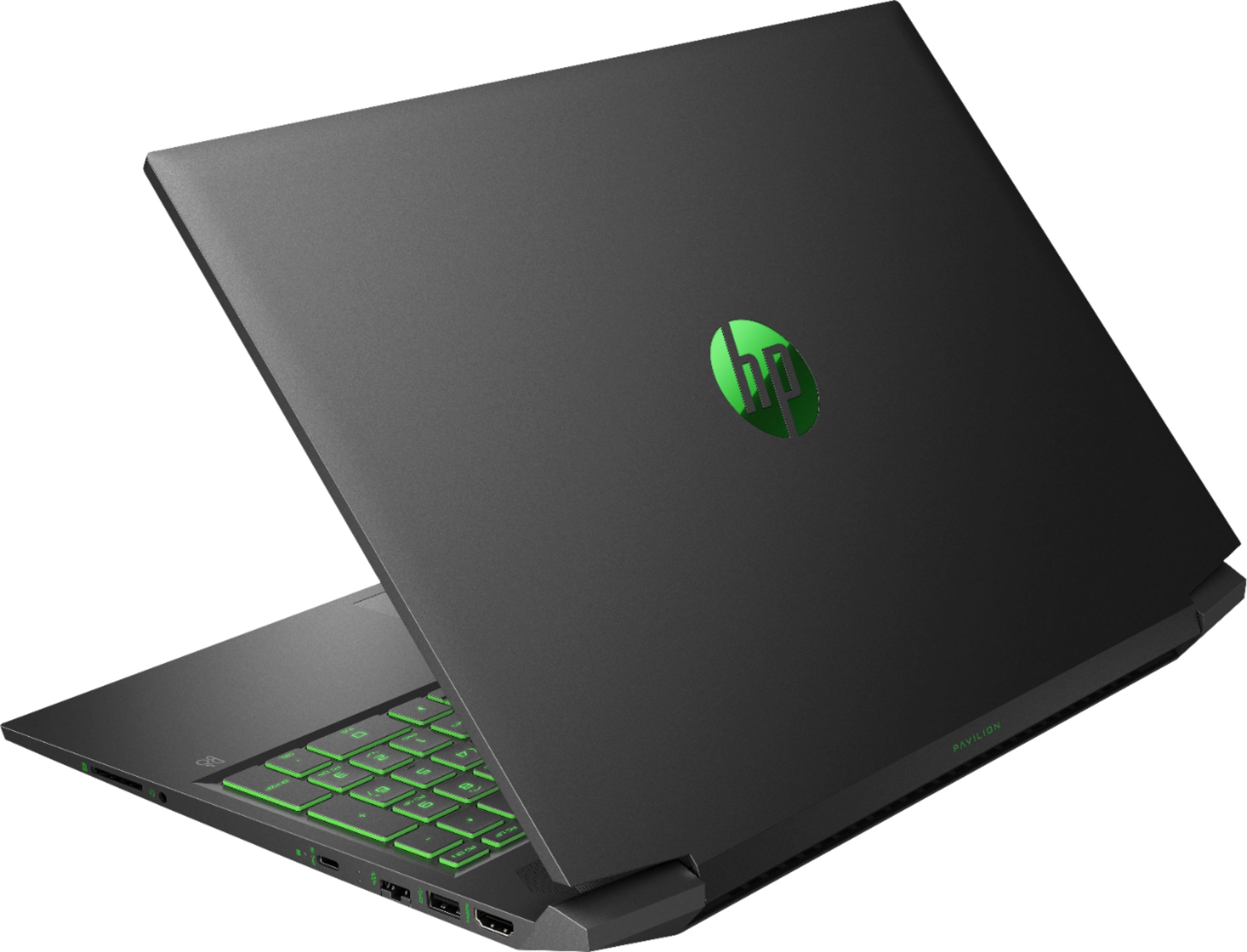
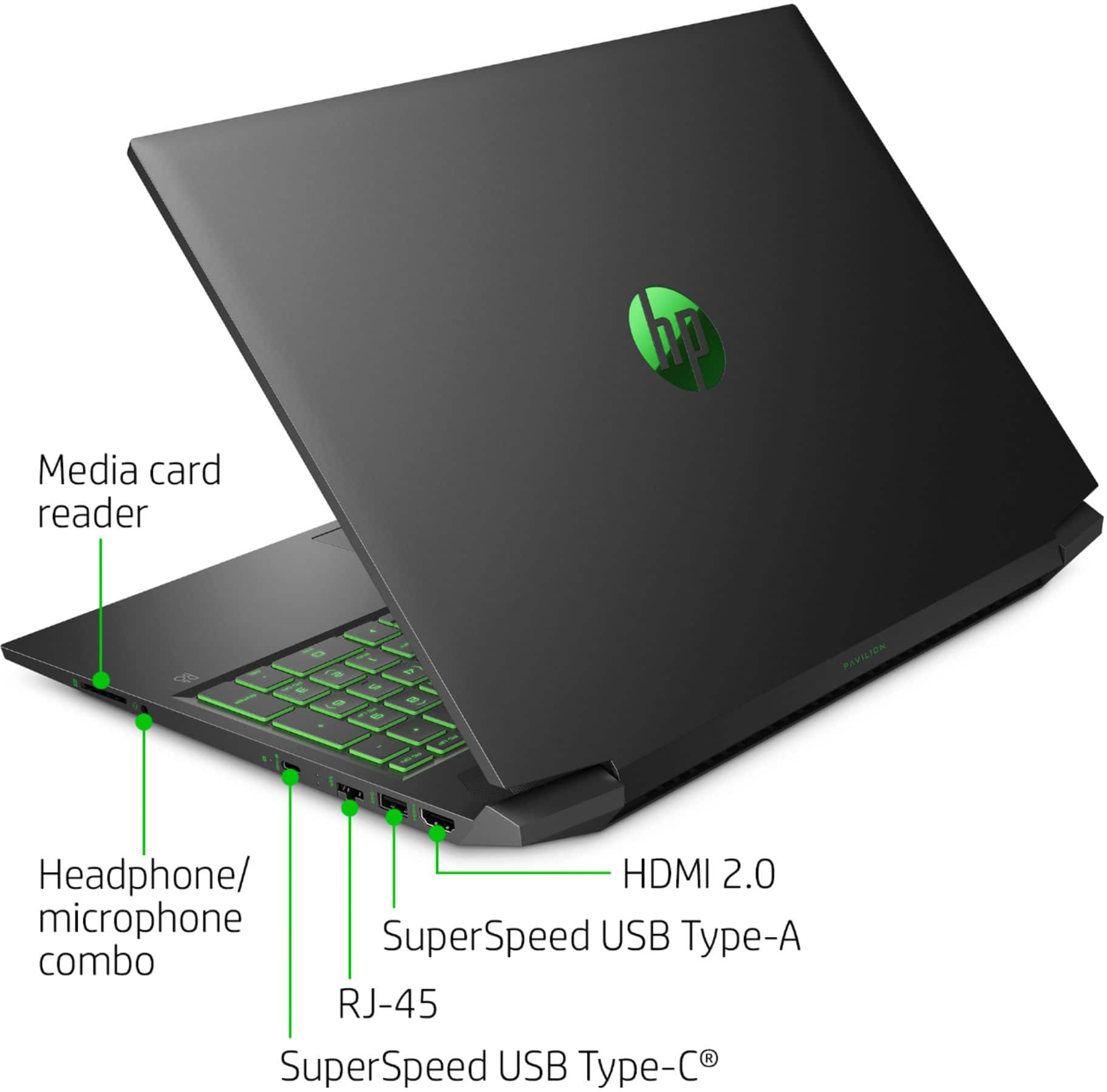
A:AnswerUnfortunately, it requires a DisplayPort video output, and this computer has an HDMI output. The specs for the VR unit specifically say that HDMI is not supported.
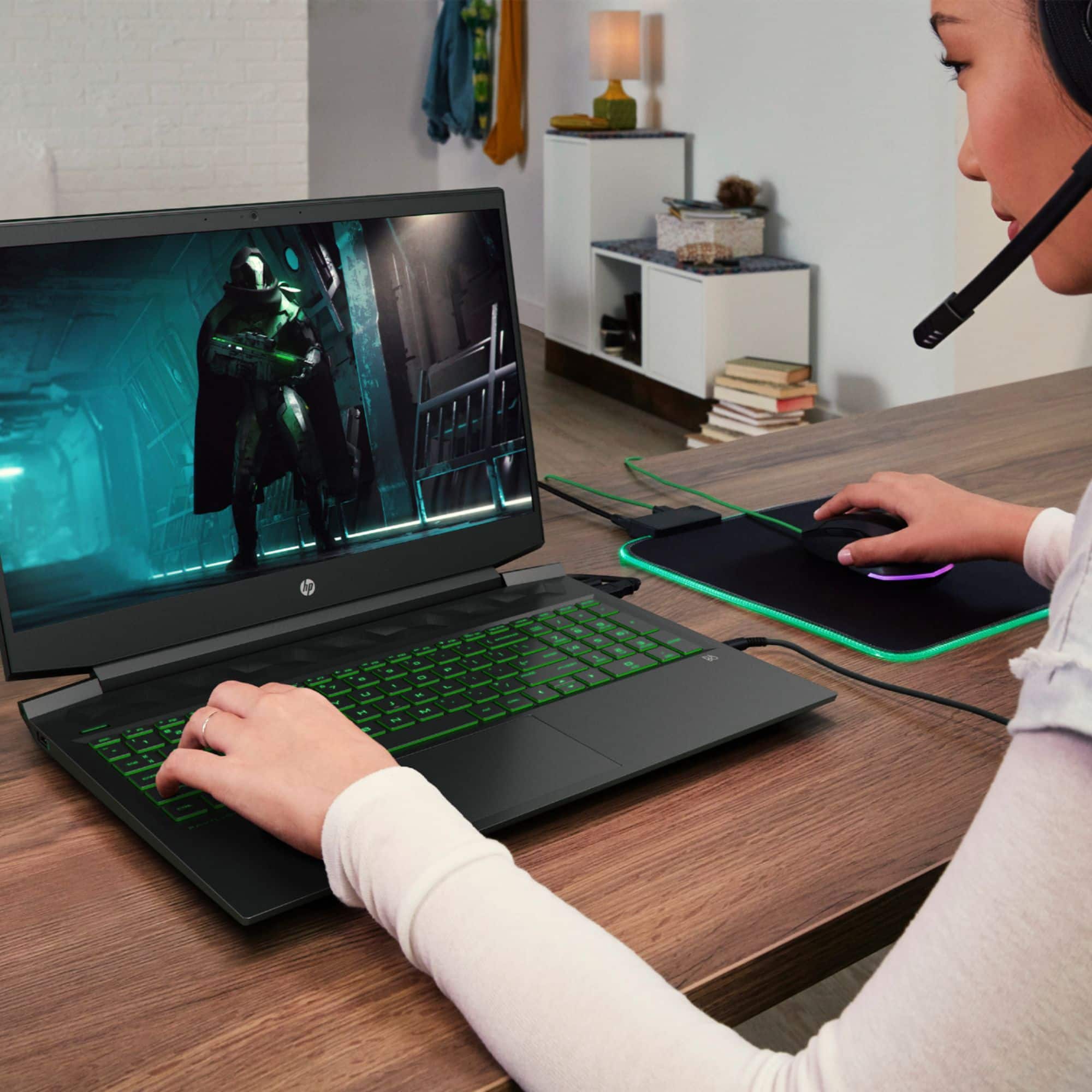
A:AnswerHi! We have the HP Omen gaming accessories. Here is a link to them:
https://www.bestbuy.com/site/searchpage.jsp?st=hp+gaming+accessories&_dyncharset=UTF-8&_dynSessConf=&id=pcat17071&type=page&sc=Global&cp=1&nrp=&sp=&qp=&list=n&af=true&iht=y&usc=All+Categories&ks=960&keys=keys
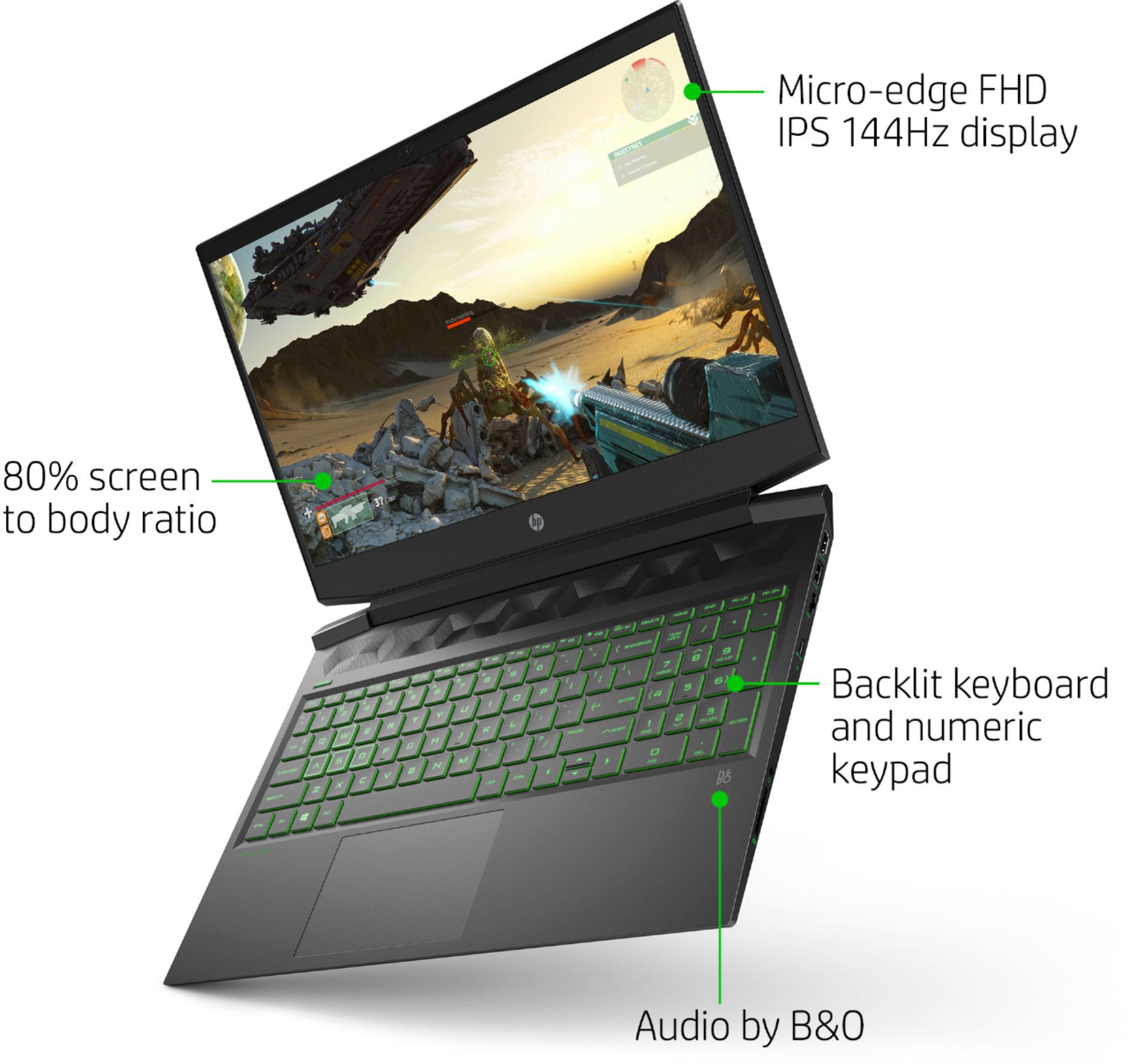
A:AnswerThe keyboard light turns off after 30 seconds of no use. Unfortunately there is no option to change this. I just bought this yesterday and discovered this issue today. My previous laptop supported always on. There is a fair chance this will cause me to return the laptop as I use it in a dimly lit room due to my wife's light sensitivity and I can't see the keyboard at all during the evening. I know I can just touch the touch pad to active the light but it is a pain when I'm just looking for a certain key or getting my fingers on the right keys to start typing.